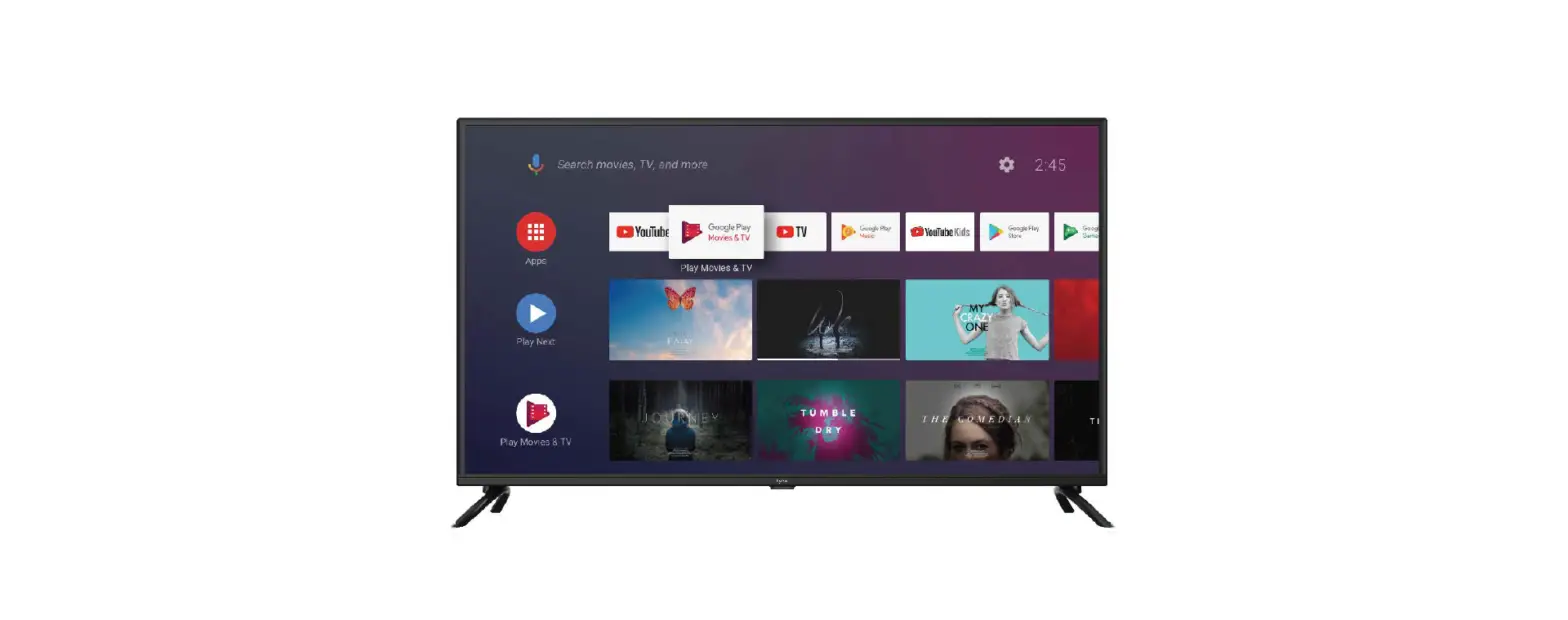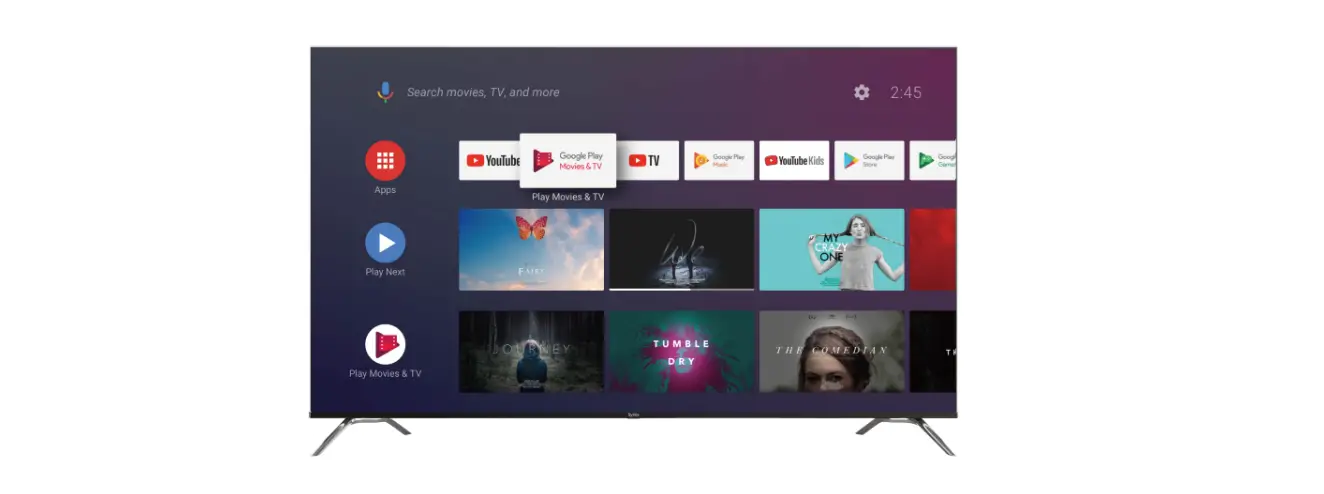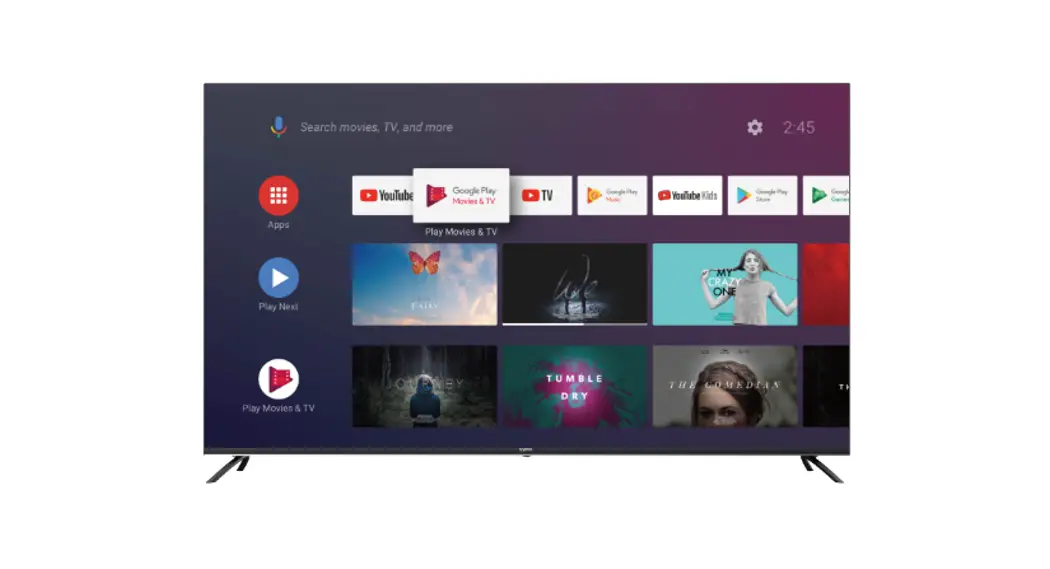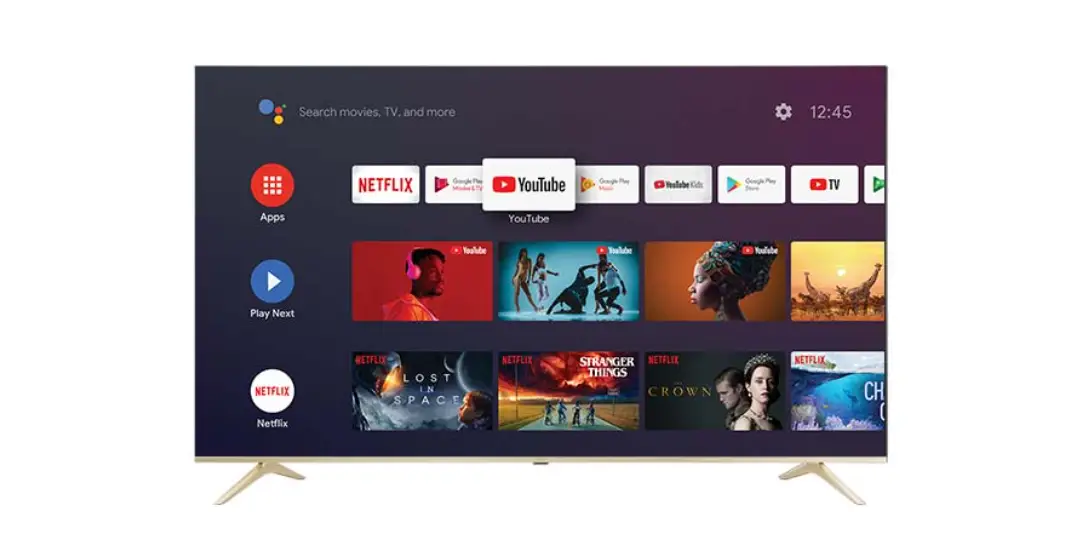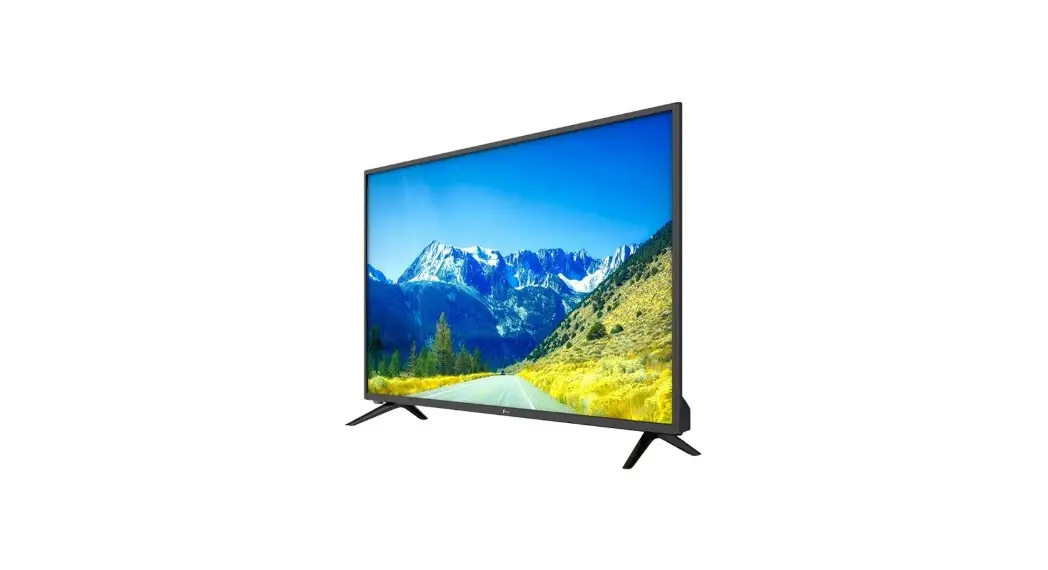

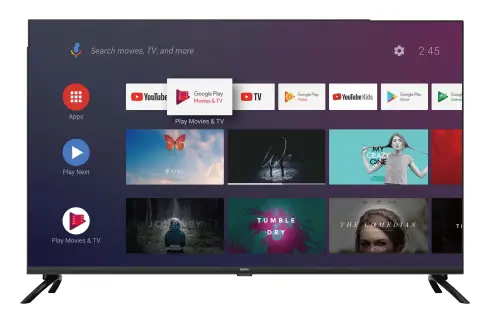
Syinix 43A1S 43 Inch Smart Android TV
Packaging Included
The items below should be included in the box: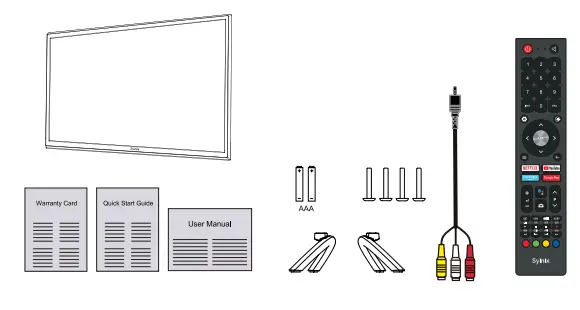
- 1x 43″ TV Set
- 2x Base Stands
- 4x Screws ( M4 x 20)
- 1x Remote Control
- 2x AAA Batteries
- 1x Mini AV Cable
- 1x Warranty Card
- 1x Quick Start Guide
- 1x User Manual
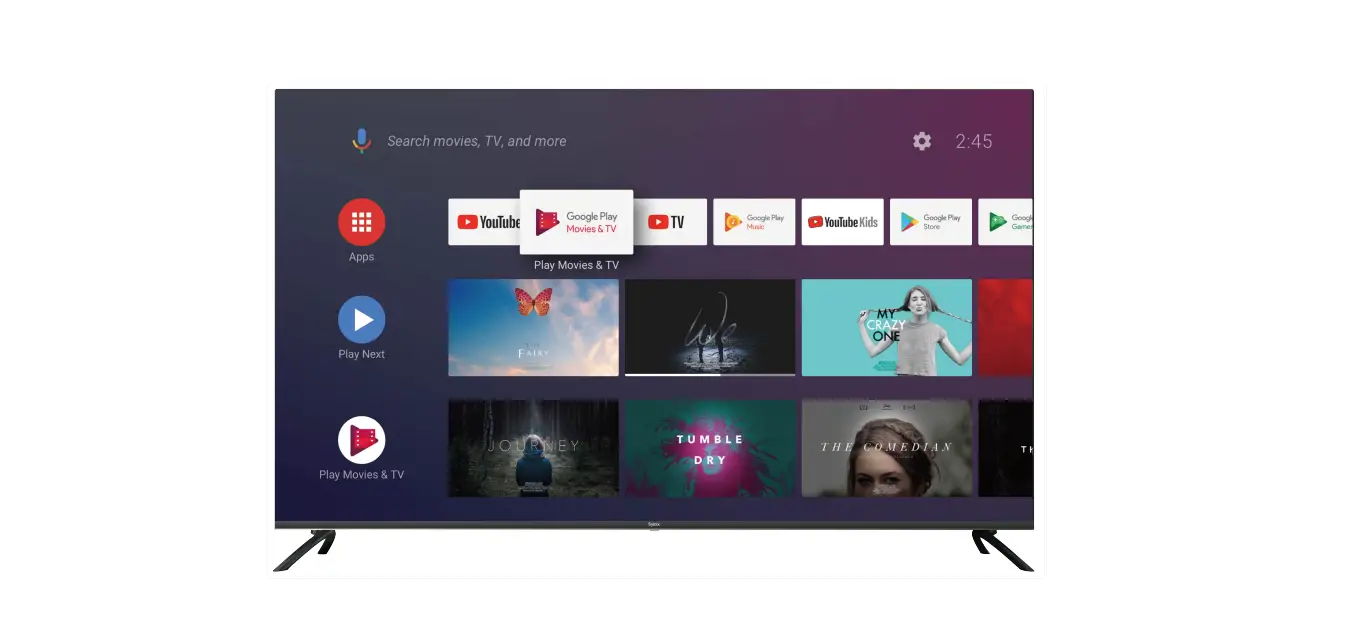
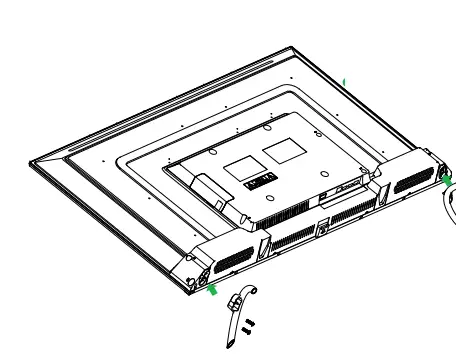
Installing The Stands
- Place the TV face-down on a flat and soft surface. Take care of the Screen from any damage or Scratches.
- Fix the left base stand with 2 pcs screws provided.
- Fix the right base stand with 2 pcs screws provided.

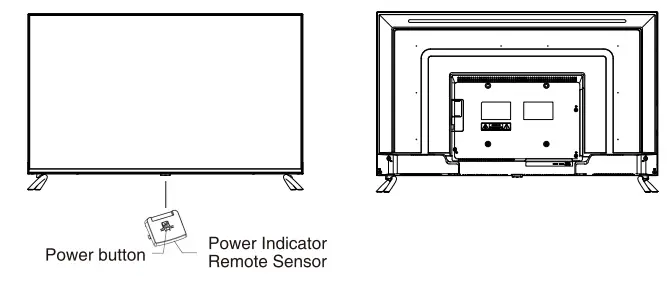
Front And Back Views 
Connecting To Your TV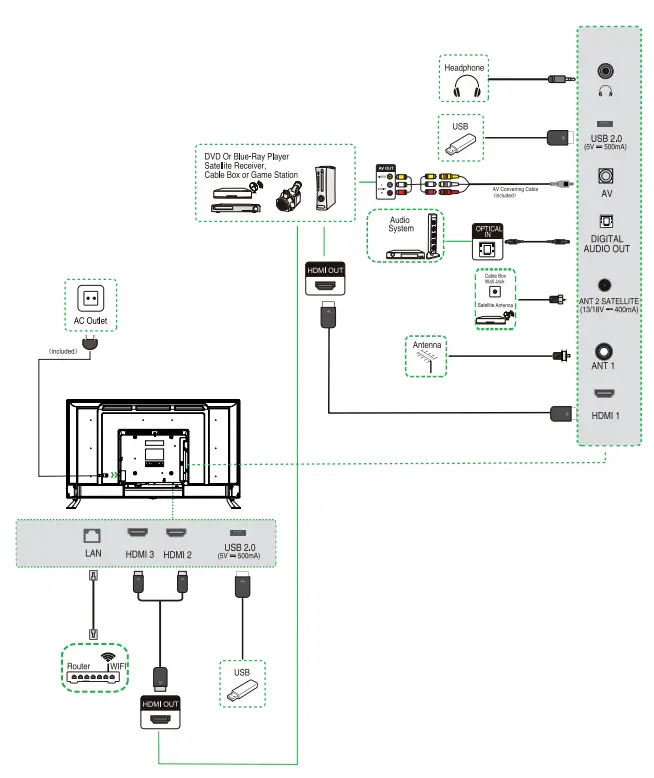
Remote Control
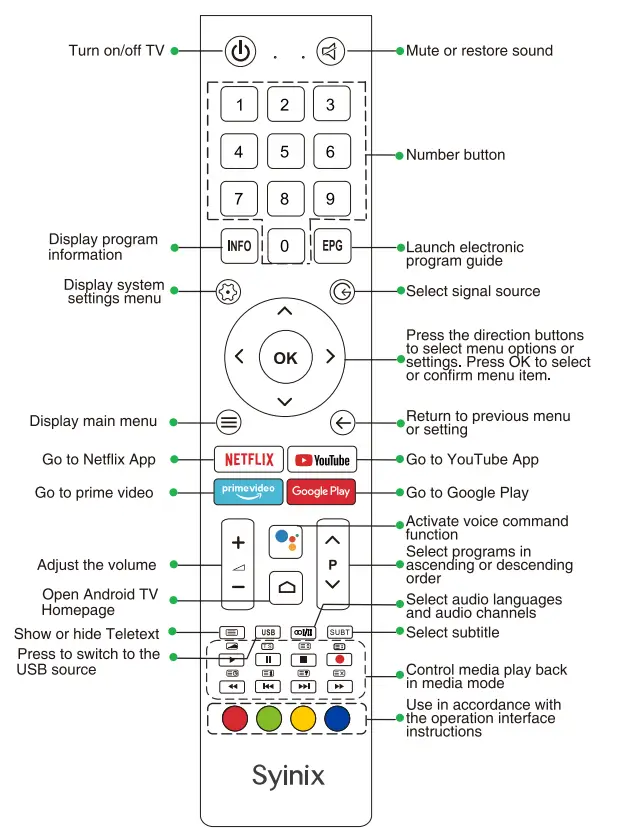
Remote Control Set Up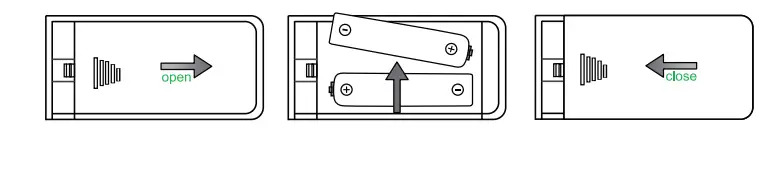
- Remove the battery compartment cover.
- Insert 2xAAA batteries with correct polarity (+/-) as indicated.
- Replace the cover.