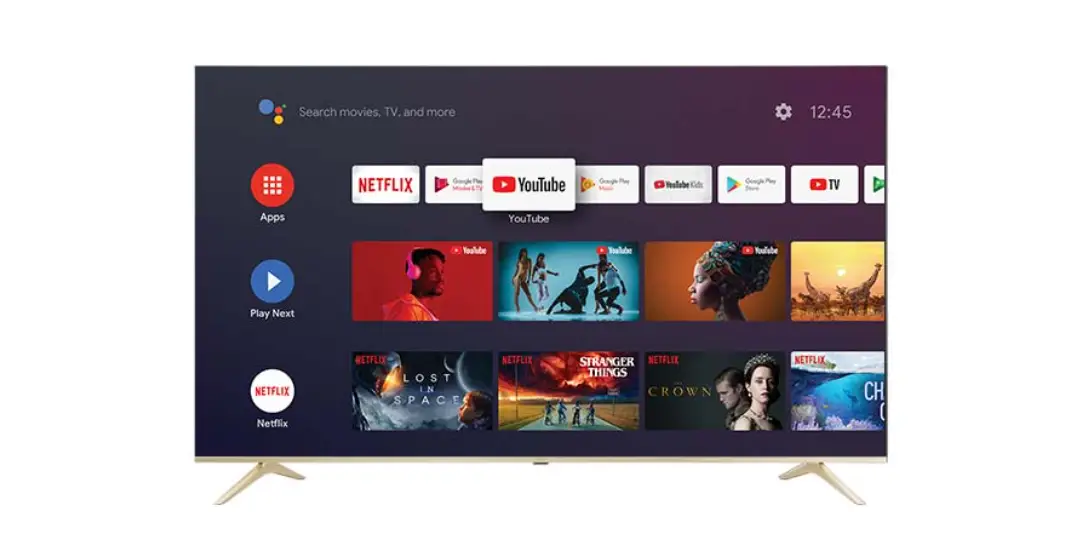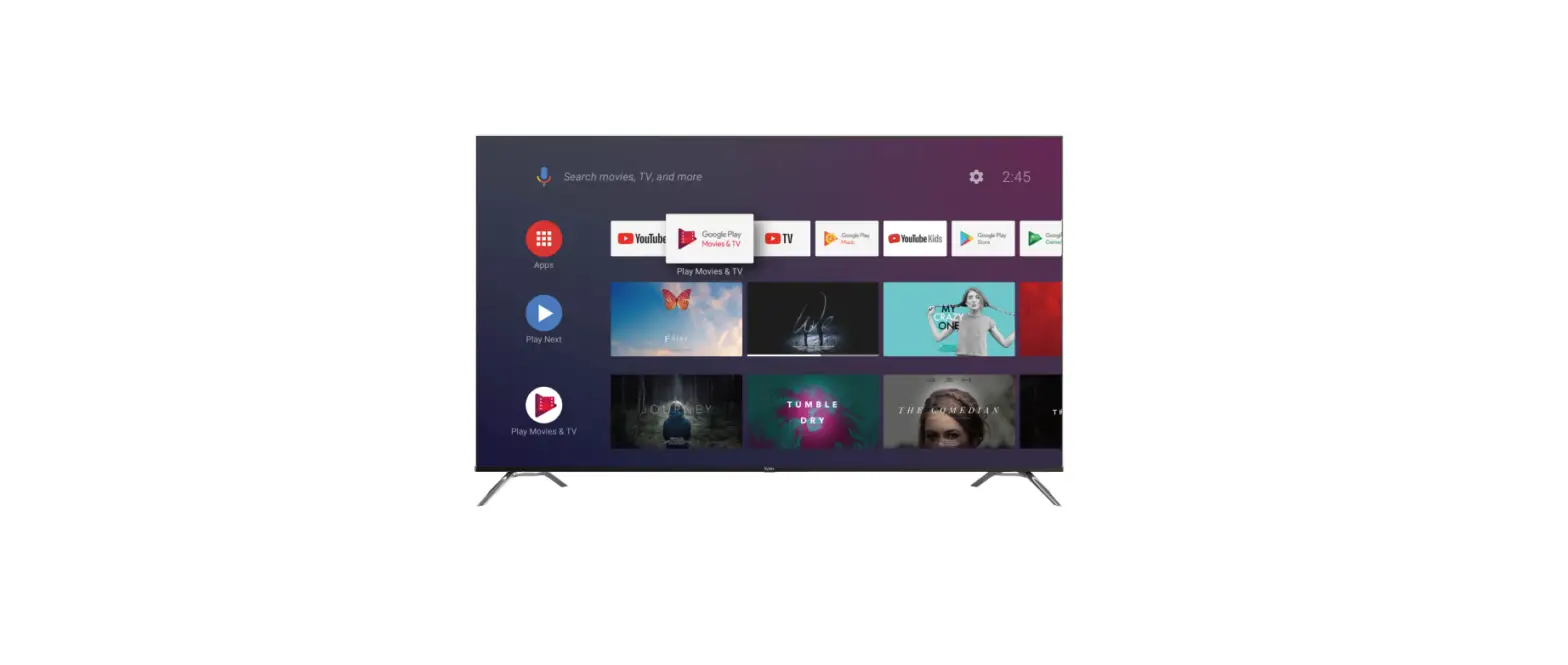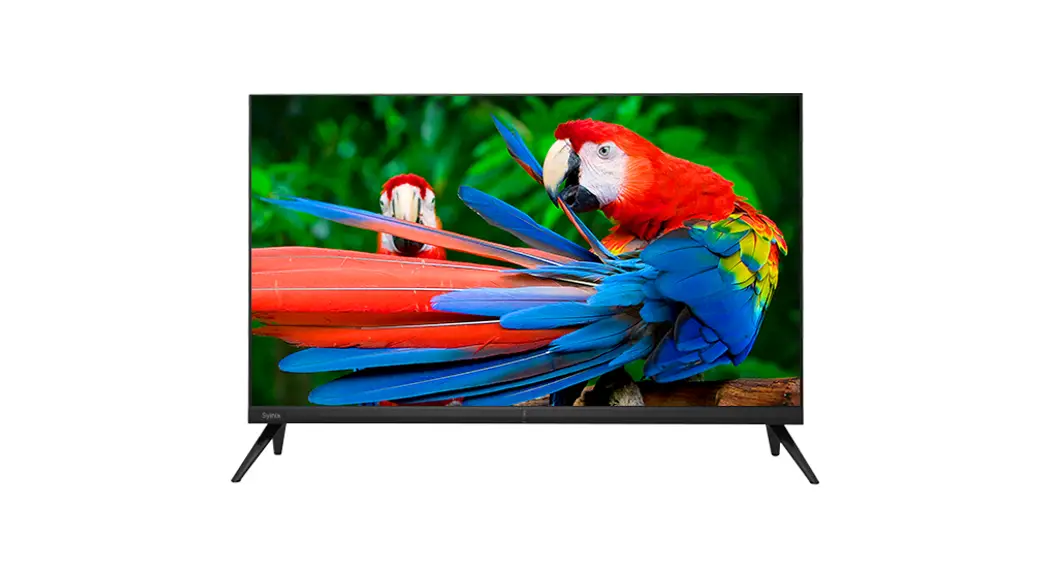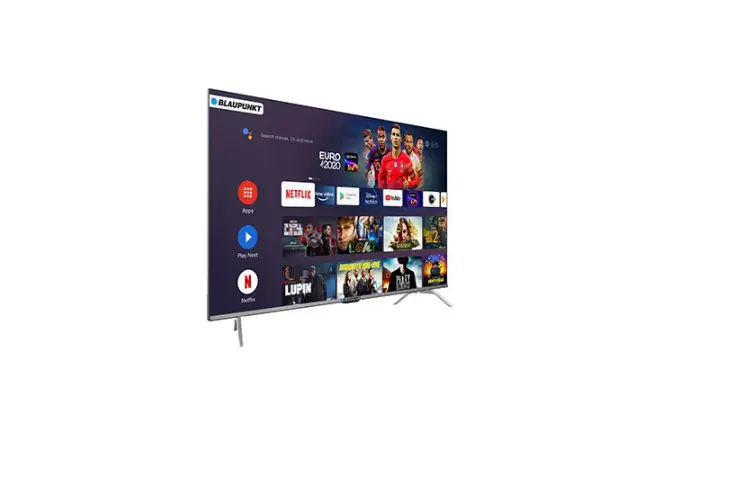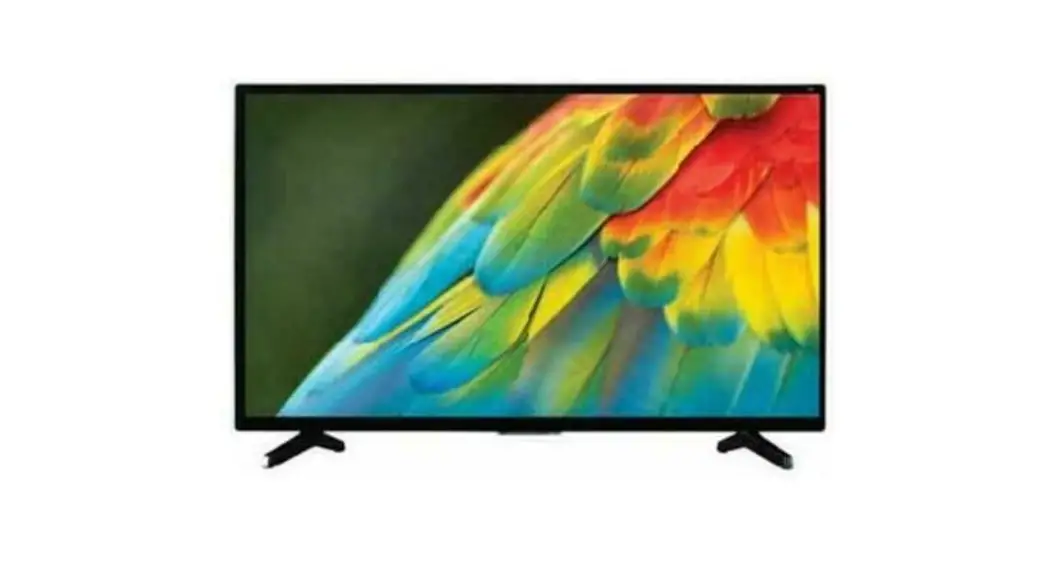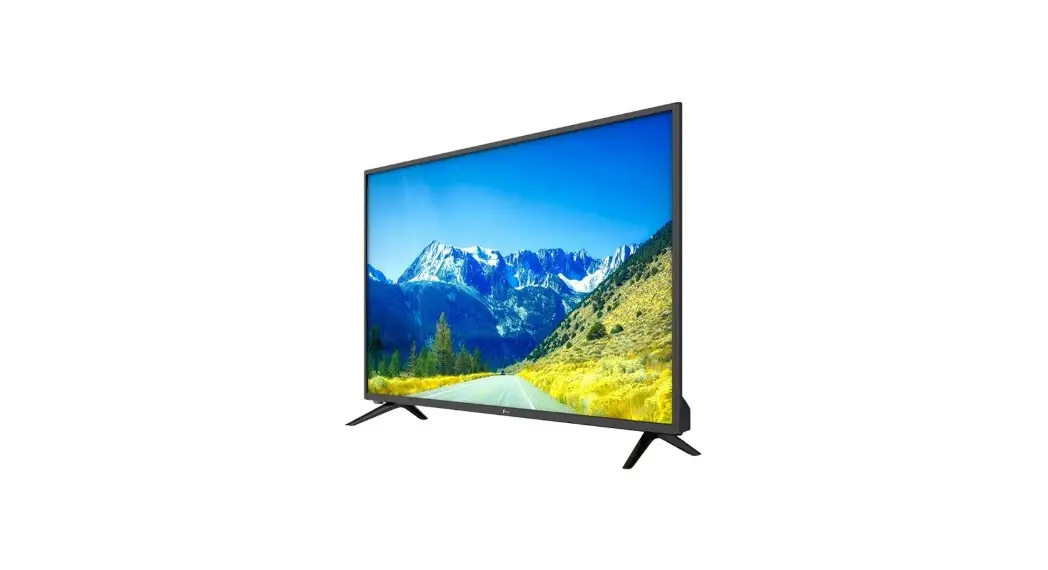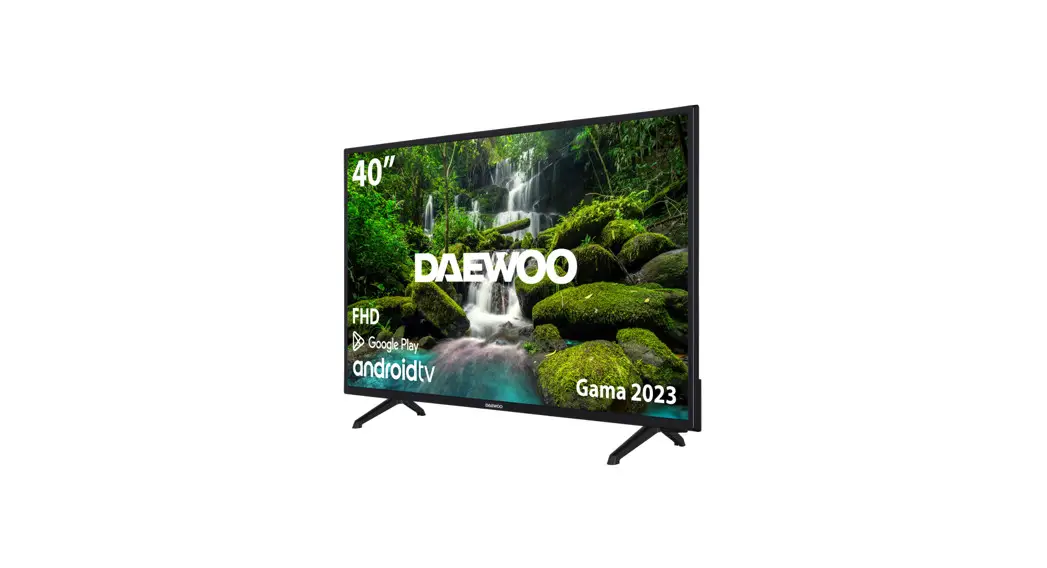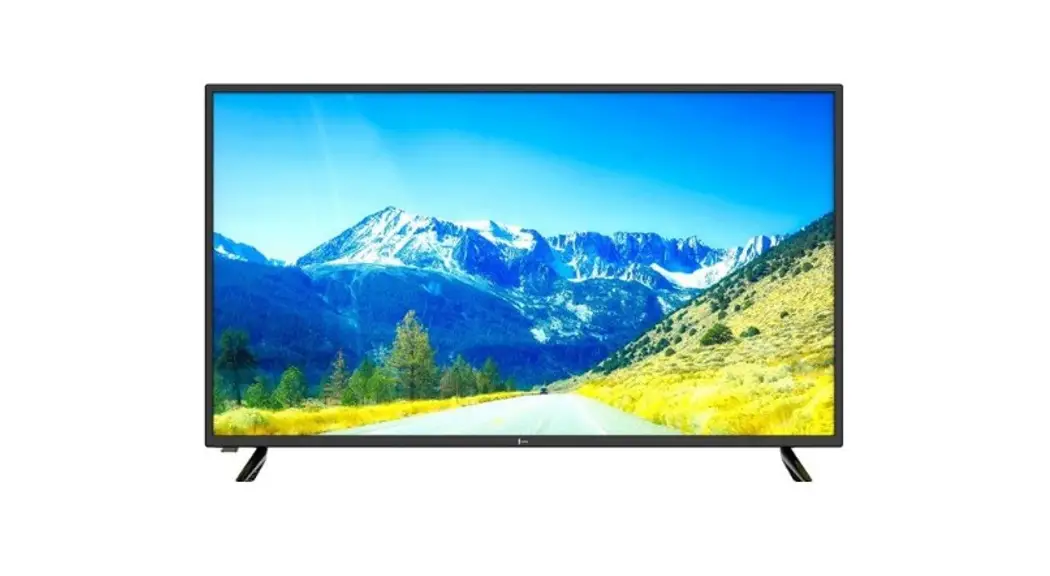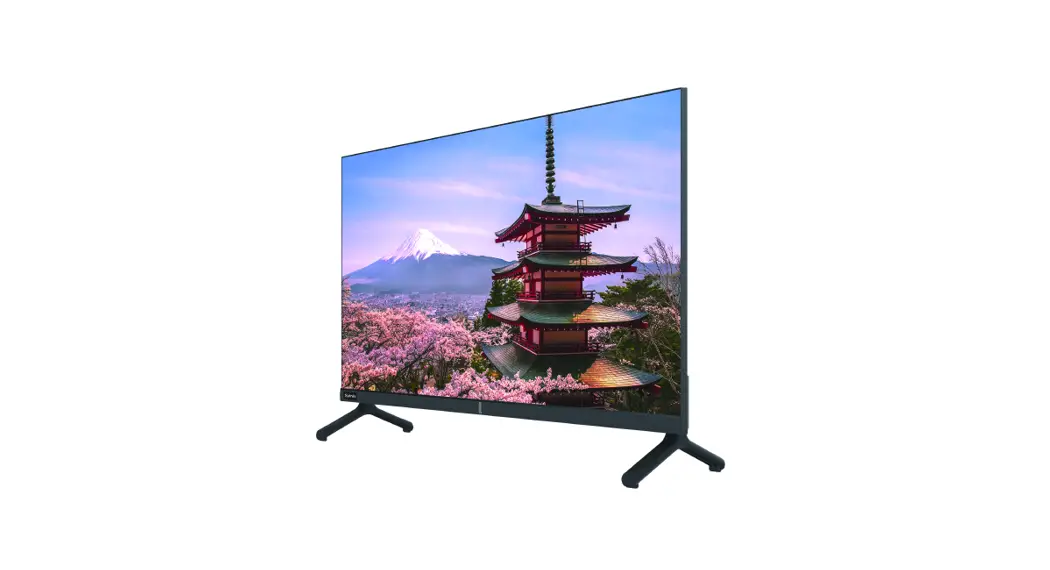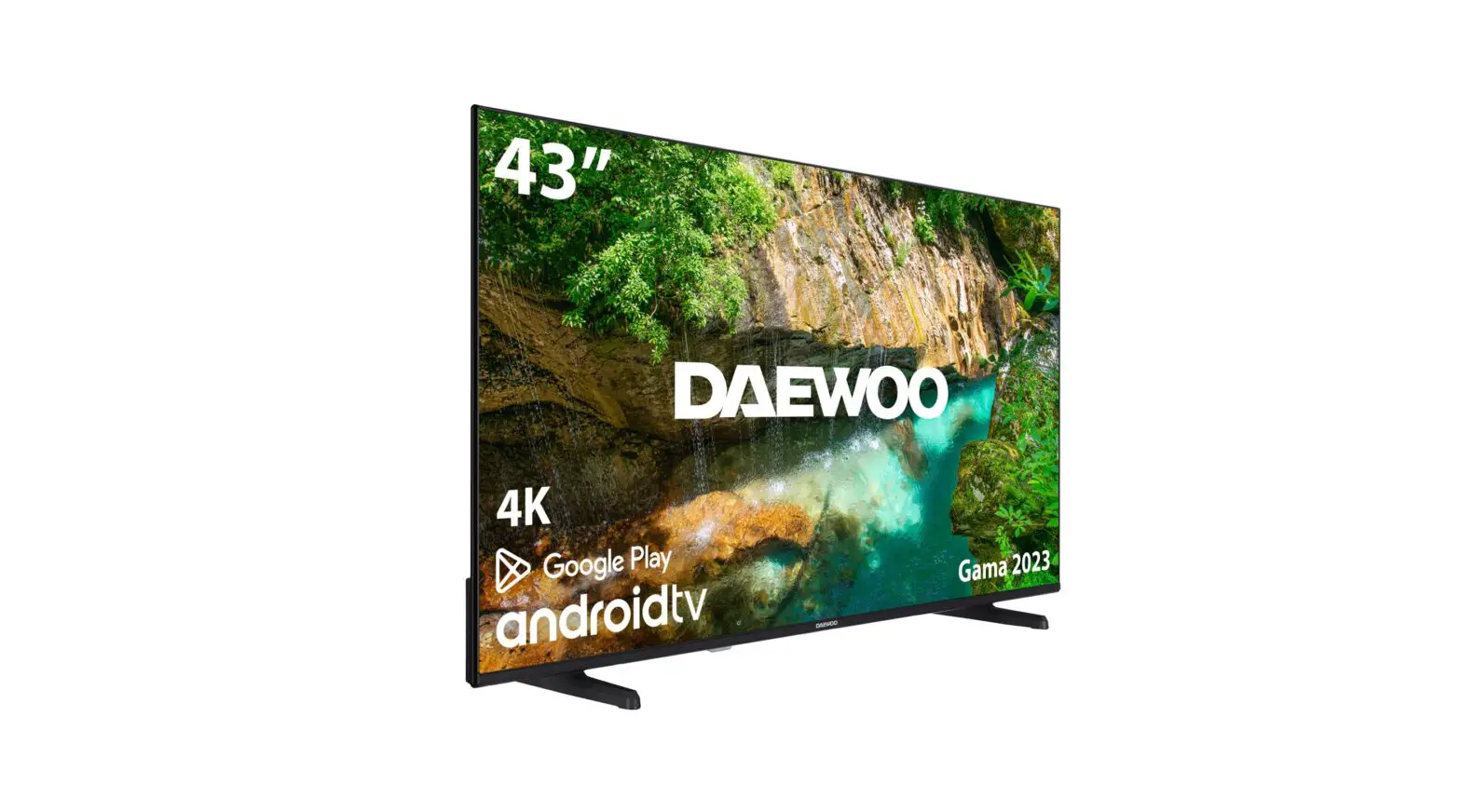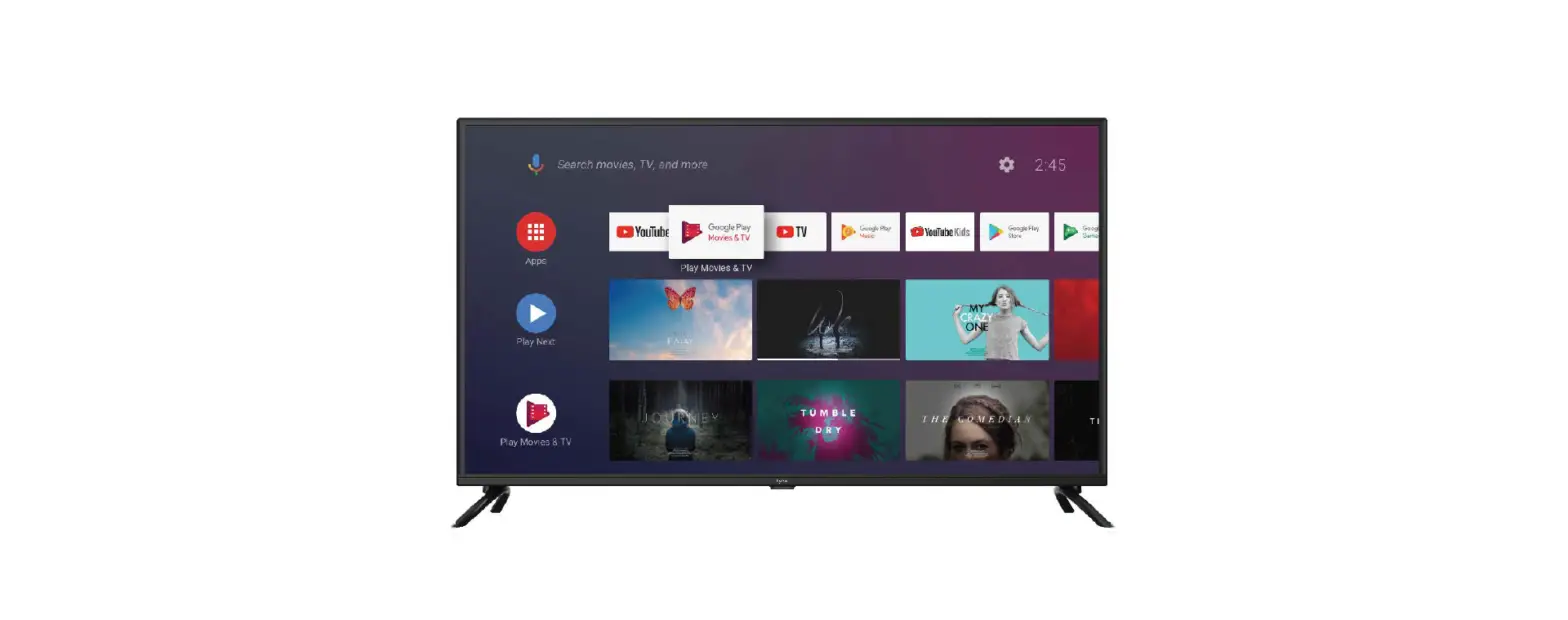
 Syinix 43A1S-L Android TV
 Syinix 43A1S-L Android TV
Packaging including
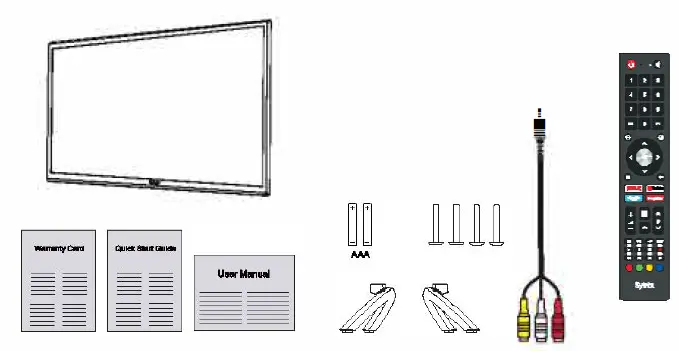
The items below should be included in the box:
- 1 x42″ TV Set
- 2 x Base Stands
- 4x Screws C M4x 20)
- 1 x Remote Control
- 2 x AAA Batteries
- 1 x Mini AV Cable
- 1 x Warranty Card
- 1 x Quick Start Guide
- 1 x User Manual

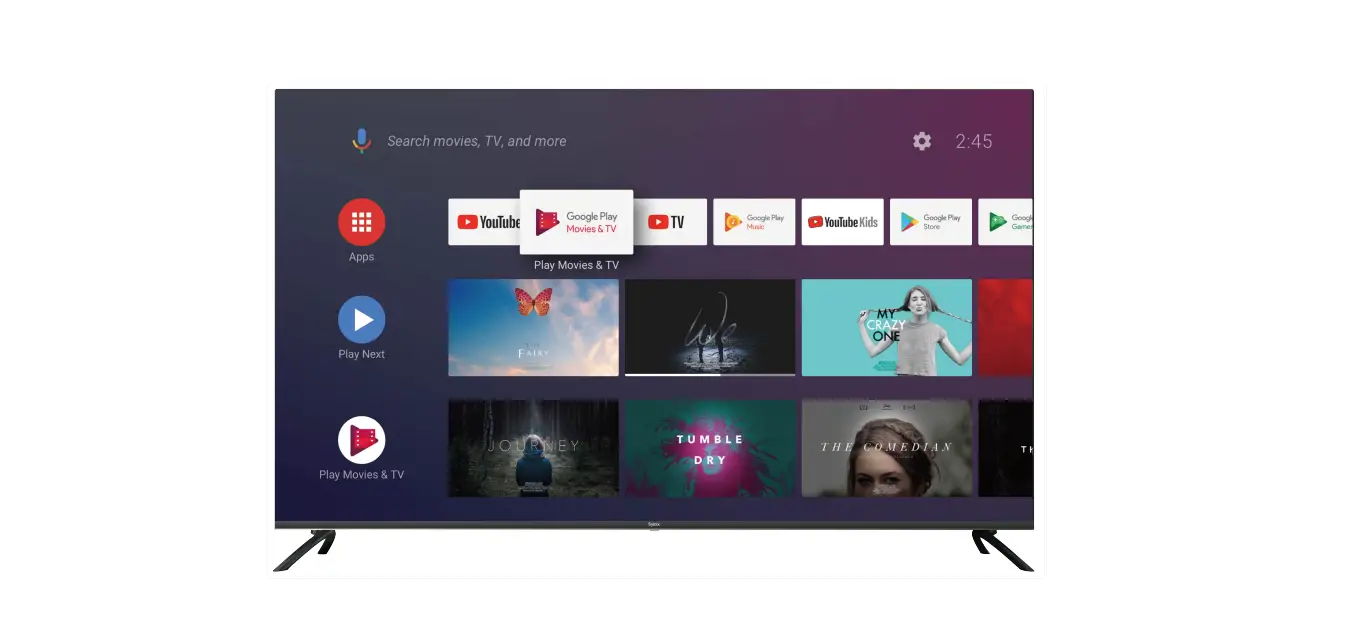
Installing the Stands
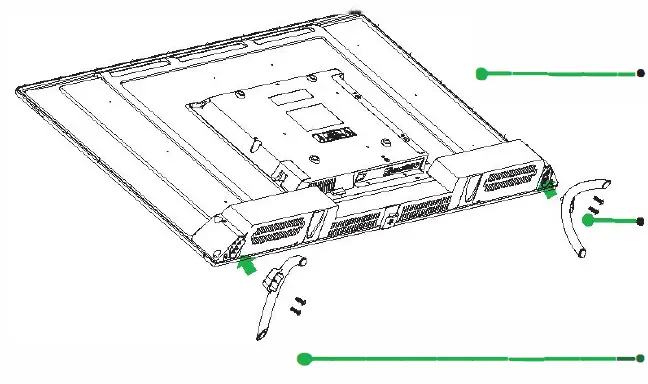
- Place the TV face-down on a flat and soft surface. Take care of the screen from any damage or scratches.
- Fix the left base stand with 2 pcs screws provided.
- Fix the right base stand with 2 pcs screws provided.

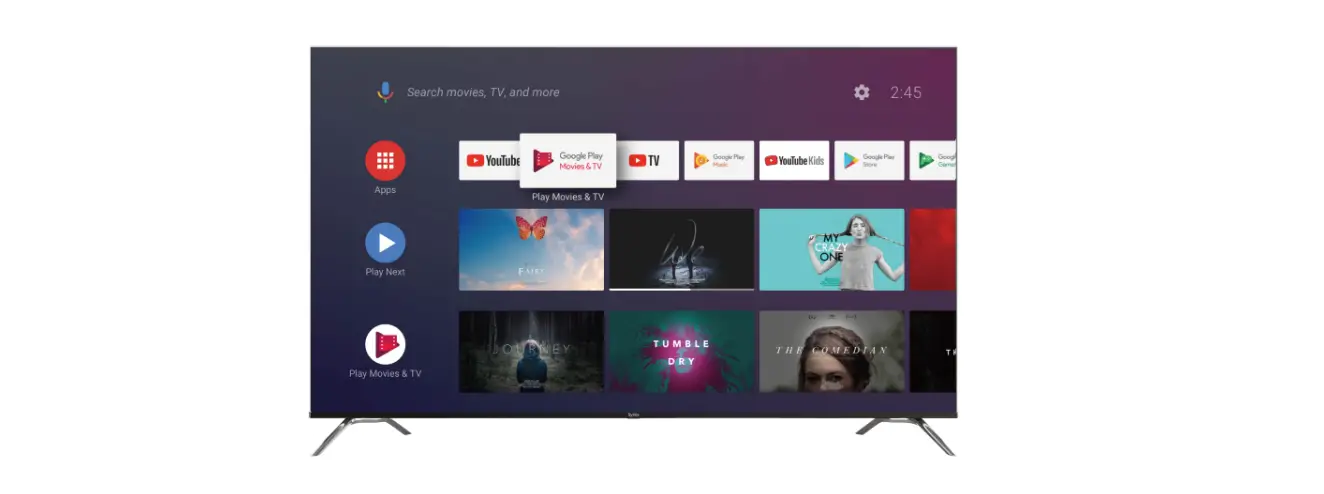
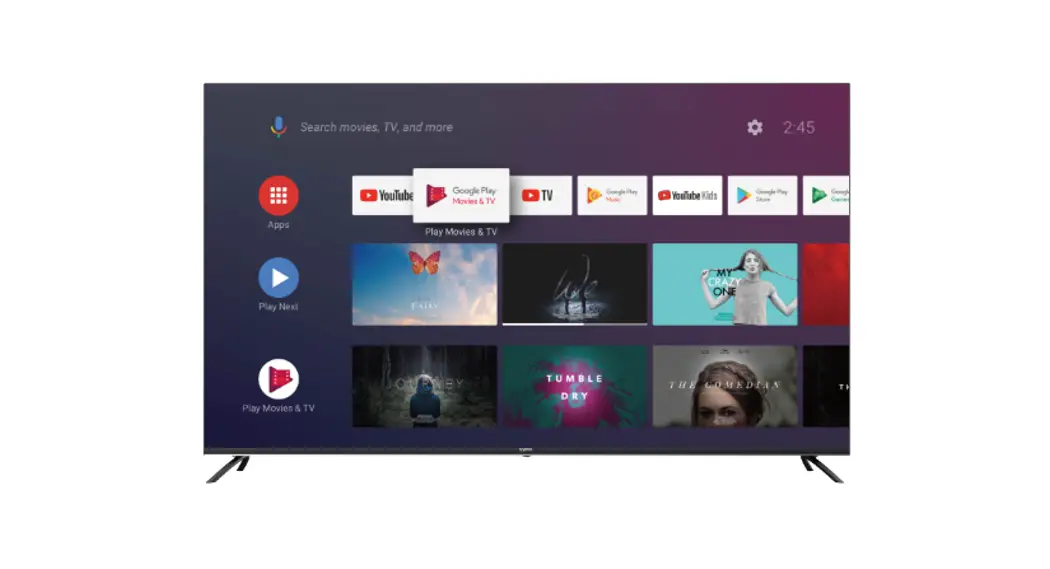
Front&Back Views
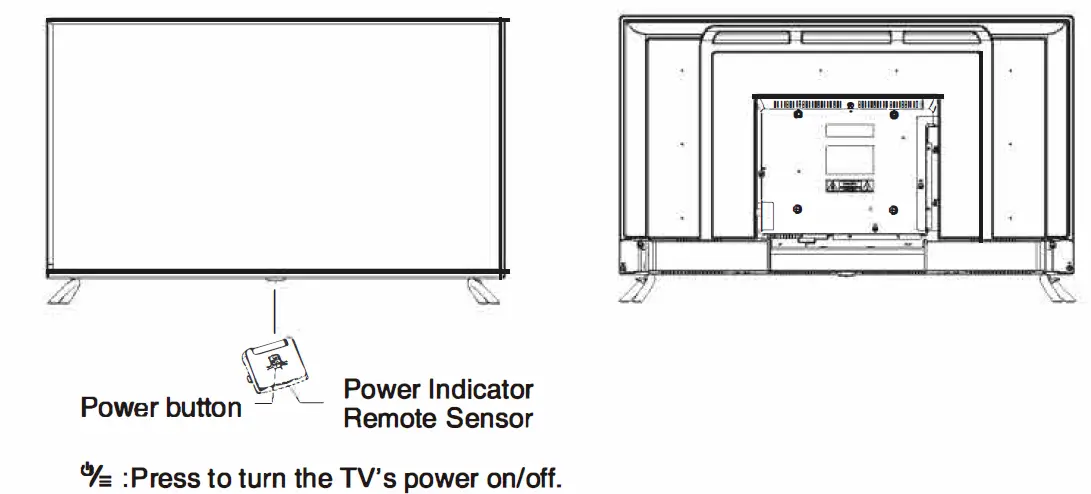
Connecting to your TV
Connect the power cable to the TV, then plug the power cord to the AC outlet. 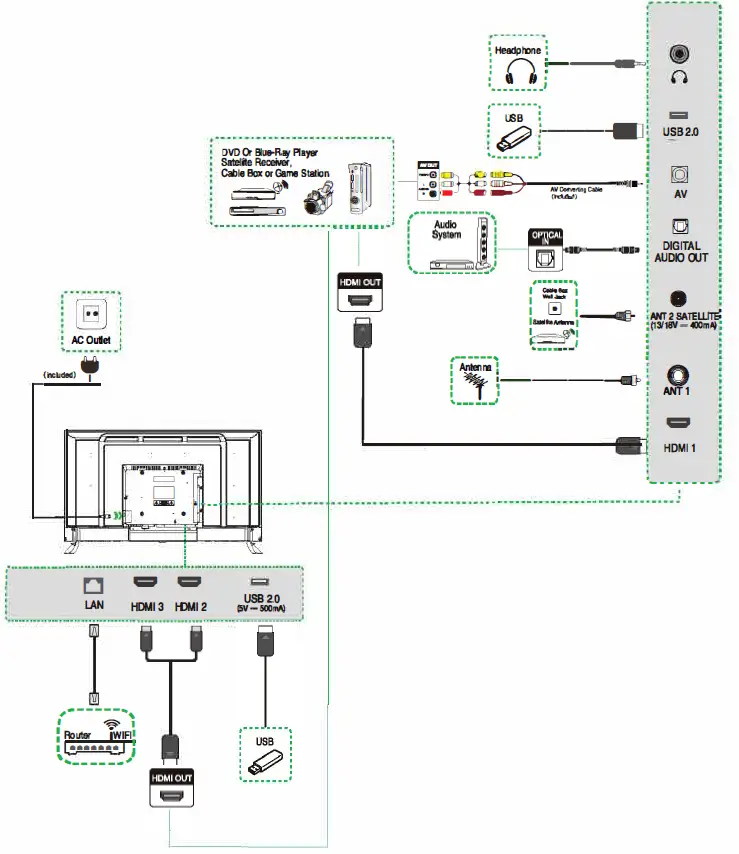
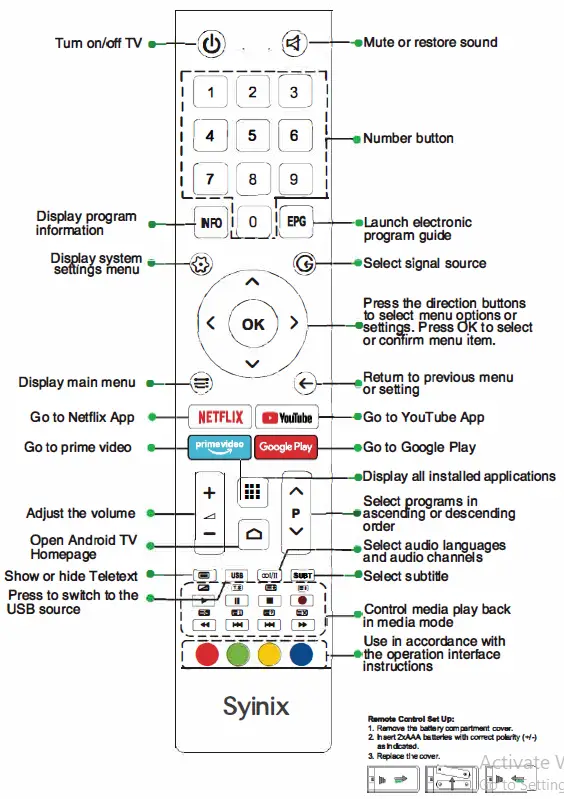
Remote Control