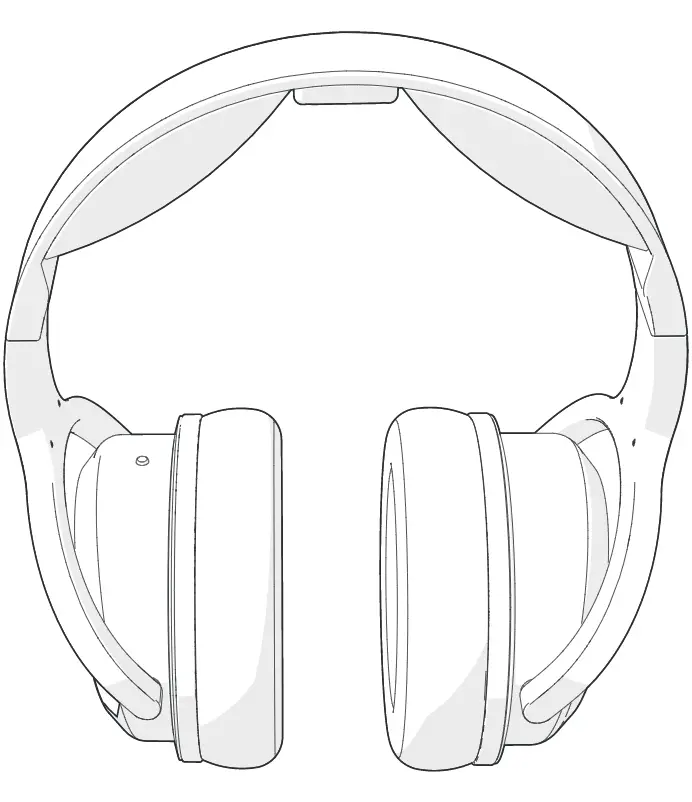
HPBT2160BK On-Ear Headphones
User Manual
Preface
Thank you for purchasing the Nedis HPBT2160BK.
This document is the user manual and contains all the information for correct, efficient and safe use of the product.
This user manual is addressed to the end user. Read this information carefully before installing or using the product.
Always store this information with the product for use in the future.
Product description
Intended use
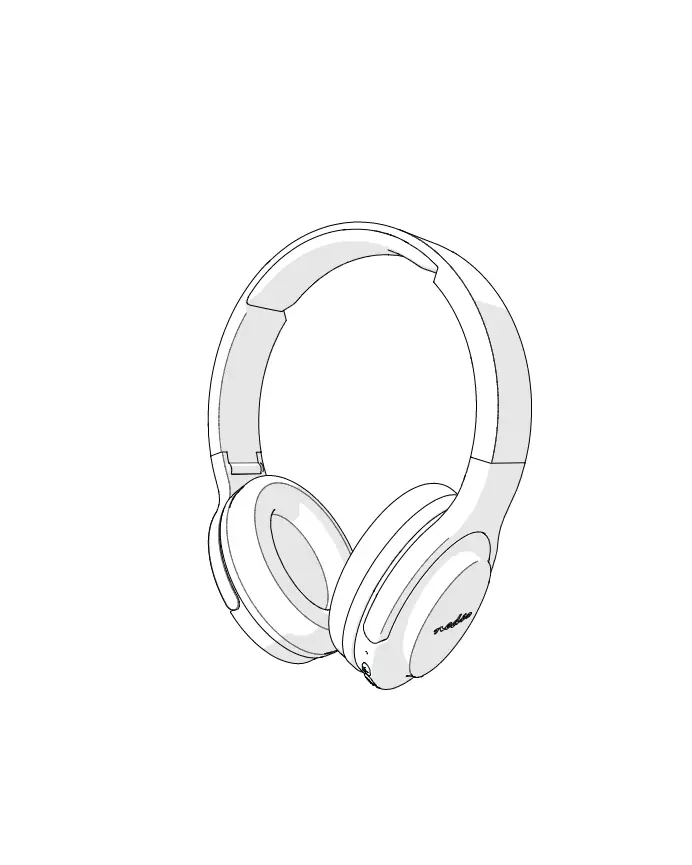
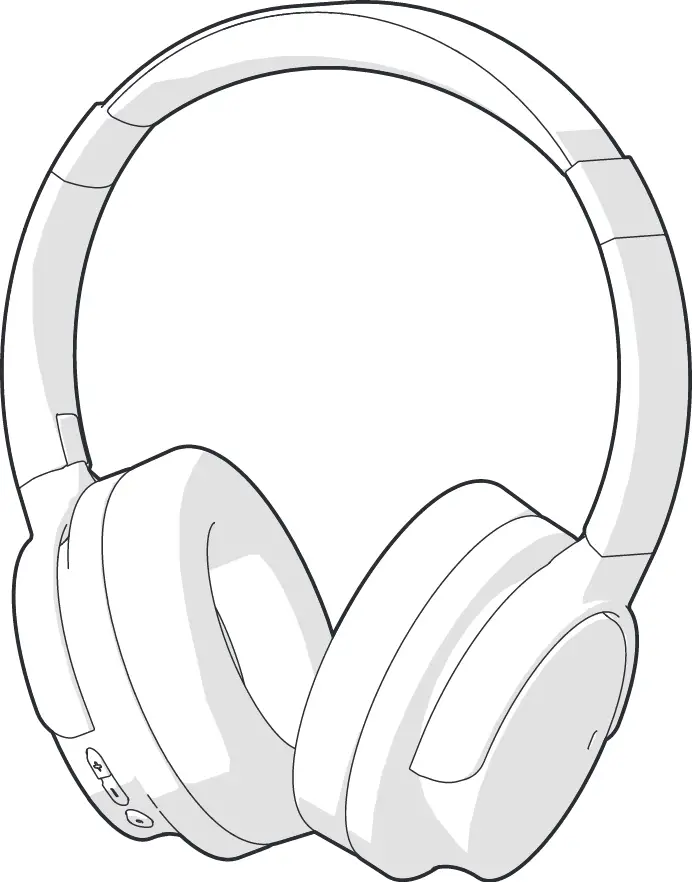
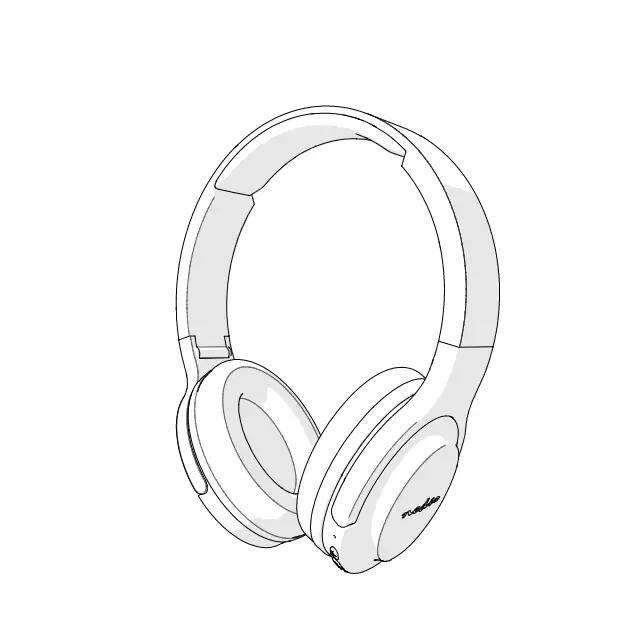
The Nedis HPBT2160BK are Bluetooth headphones with Noise Cancelling.
The product can be paired with any Bluetooth enabled audio/video device.
The ear cups can be folded for easy storage.
Any modification of the product may have consequences for safety, warranty and proper functioning.
Specifications
Product | On-Ear headphones |
Article number | HPBT2160BK |
Power input | 5 VDC ; 0.5 A |
Bluetooth® version | 5.0 |
Bluetooth frequency range | 2402 – 2480 MHz |
Frequency response | 20 – 20,000 Hz |
Max. radio transmit power | 4 dBm |
Impedance | 32 Ω |
Sensitivity | 99 ± 3 dB |
Driver size | 40 mm |
Battery type | Lithium-polymer, 3.7 V / 250 mAh |
Charging time | Up to 3 hours |
Play time | Up to 12 hours |
Standby time | 250 hours |
Built-in microphone | Yes |
Noise reduction performance | Up to 23 dB |
Voice control | Siri, Google Assistant |
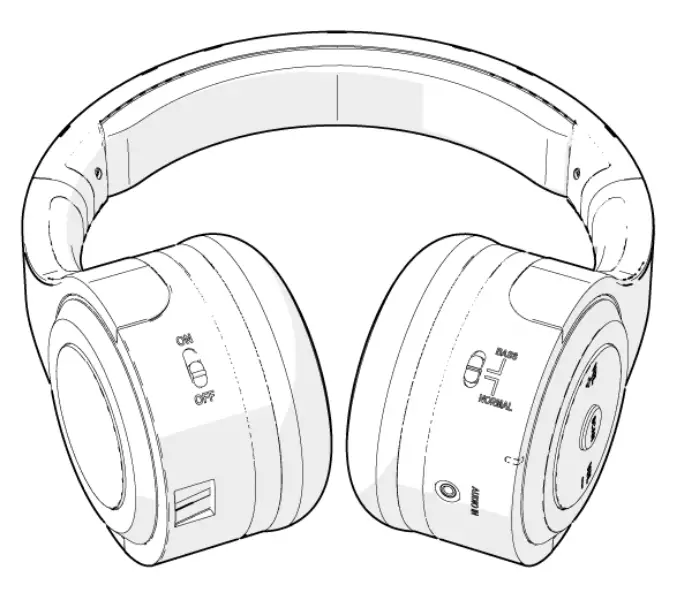
Main parts (image A)
 |
A |
1. Micro USB charging port |
2. Charging indicator LED |
3. Built-in microphone |
4. On/off / play / pause button |
5. 3.5 mm input |
6. Status indicator LED |
7. Noise Cancelling button |
8. Previous song / Volume down button |
9. Next song / Volume up button |
10. USB power cable |
10. 3.5 mm audio jack |
Safety instructions
WARNING
- To prevent possible hearing damage, do not listen at high volume levels for long periods.
- Using headphones with both ears covered while participating in traffic is discouraged and may be illegal in some areas.
- Ensure you have fully read and understood the instructions in this document before you install or use the product. Keep this document for future reference.
- Only use the product as described in this document.
- Do not use the product if a part is damaged or defective. Replace a damaged or defective product immediately.
- Do not drop the product and avoid bumping.
- This product may only be serviced by a qualified technician for maintenance to reduce the risk of electric shock.
- Disconnect the product from the power source and other equipment if problems occur.
- Do not expose the product to water or moisture.
- Do not use any charger other than that specifcally provided for use with the product.
Safety symbols on the product
Icon | Description |
 | Electronic equipment needs to bear the CE mark in order to be marketed in the EU. CE marking shows that a product is assessed before being placed on the market and that it meets EU safety, health and environmental protection requirements. CE marking is also sometimes accepted as a means of compliance with type-approval requirements; for example, electronic components that require type-approval and also CE marking for electromagnetic compatibility (EMC) or low-voltage equipment. |
 | Indication to explain that the product needs to be collected separately when disposed. Do not throw in the trash bin. |
Installation
- Check the contents of the package
- Check that all parts are present and that no damage is visible on the parts. If parts are missing or damaged, contact the Nedis B.V. service desk via the website: www.nedis.com.
Use
Using the product
- Due to the wide variety of products with a Bluetooth connection we cannot guaranty that all devices will be recognized or all operating options can function.
Charging the product
1. Plug the USB power cable A10 into the micro USB charging port A1.
2. Plug the other end of A10 into a computer or power adapter.
Switching on the product
- Press and hold the on/off / play / pause button A4 for 3 seconds.
- Pairing the headphones to a Bluetooth audio source
1. Switch on the product to activate pairing mode.
- The status indicator LED A6 blinks red and blue to indicate pairing mode is active.
2. Enable Bluetooth on the device you want to pair the headphones with.
3. Select “HPBT2160BK” from the list of available Bluetooth devices on your device.
- When paired, A6 lights up blue.
If the headphones have been paired with another device before, make sure that device is switched off.
If the headphones lose connection to the Bluetooth source, they will automatically reconnect when back in range and switched on.
Controlling the music
- Press A4 to play or pause the music.
- Press the next song / volume up button A9 to skip to the next song.
- Press the previous song / volume down button A8 to go back to the start of the song. Press again to go to the previous song.
Using Noise Cancelling
- Press and hold the noise cancelling button A7 for 1 second to toggle Noice Cancelling on or off.
- A6 lights up green when Noise Cancelling is enabled.
Controlling the volume
- Press and hold A9 to increase the volume.
- Press and hold A8 to decrease the volume.
When the volume reaches to maximum, there is a warning tone.
Making phone calls
- To answer an incoming call, press A4.
- To reject an incoming call, press and hold A4 for 2 seconds.
- To end a call, press A4.
- To quickly redial the last called number, double press A4.
Using voice assistant
- Double press A4 to activate the voice assistant on your mobile phone (Siri or Google assistant).
Switching off the headphones
Press and hold A4 for 3 seconds to switch off the headphones.
Maintenance
- Clean the product regularly with a soft, clean, dry cloth. Avoid abrasives that can damage the surface.
- Do not use aggressive chemical cleaning agents such as ammonia, acid or acetone when cleaning the product.
Warranty
Any changes and/or modifications to the product will void the warranty. We accept no liability for damage caused by improper use of the product.
Disclaimer
Designs and specifications are subject to change without notice. All logos, brands and product names are trademarks or registered trademarks of their respective owners and are hereby recognized as such.
Disposal
 | This symbol indicates that this product should not be thrown away with other household waste throughout the EU. To prevent possible harm to the environment or human health by uncontrolled waste disposal, you are responsible for recycling it so that it can promote the sustainable reuse of raw materials. To return your used product, you can use the regular return and collection systems or contact the store where the product was purchased. They can recycle this product for the environment. |
Declaration of Conformity
We, Nedis B.V. declare as manufacturer that the product HPBT2160BK from our brand Nedis®, produced in China, has been tested according to all relevant CE standards and regulations and that all tests have been passed successfully. This includes, but is not limited to the RED 2014/53/EU regulation.
The complete Declaration of Conformity (and the safety datasheet if applicable) can be found and downloaded via webshop.nedis.com/HPBT2160BK#support
For additional information regarding the compliance, contact the customer service:
Web: www.nedis.com
E-mail: [email protected]
Phone: +31 (0)73-5991055 (during office hours)
Nedis B.V., de Tweeling 28
5215 MC ’s-Hertogenbosch, the Netherlands