nedis HPWD2071BK In-Ear Headphones User Guide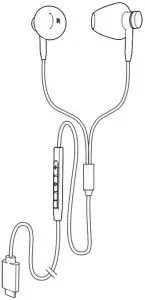
Quick start guide
In-ear headphones
 For more information see the extended manual online: ned.is/hpwd2071bk
Intended use
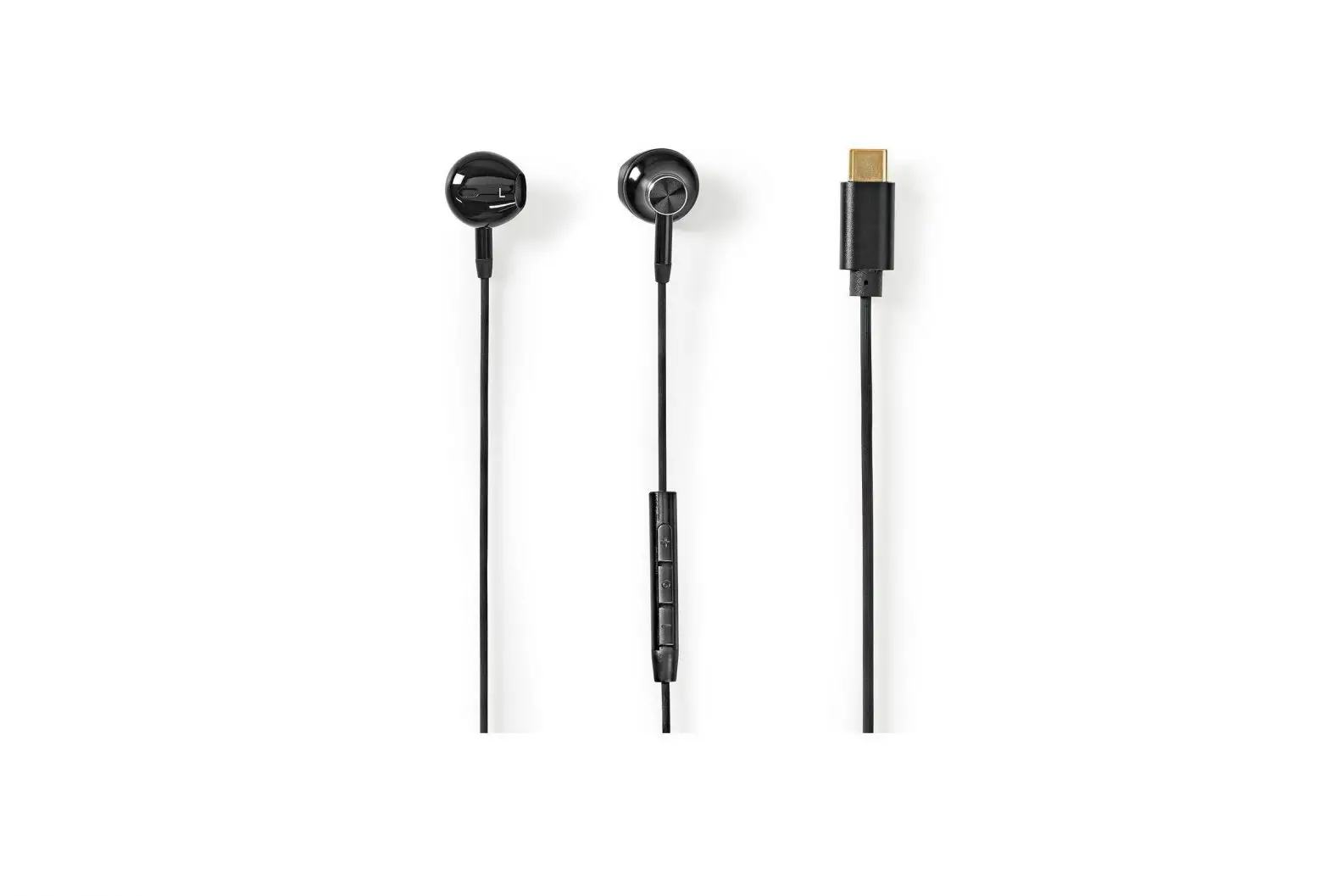
The HPWD2071BK is a pair of wired in-ear headphones.
It can connect to your audio source with the USB type-C cable.
Safety instructions
 WARNING
- To prevent possible hearing damage, do not listen at high volume levels for long periods.
- Only use the product as described in this manual.
- Do not expose the product to water or moisture.
Main parts (image A)
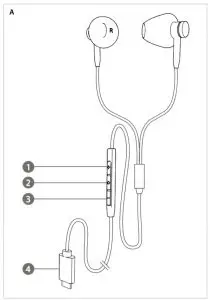
- Volume+ button
- Function key
- Volume- button
- USB Type-C connector.
Use
Press and hold A for 2 to 3 seconds to activate the voice assistant on your mobile phone (Siri or Google Assistant).
Controlling the volume
- Raise the volume on the earphones with the Volume+ button A
 .
. - Lower the volume on the earphones with the Volume- button A
 .
.
Controlling the music
- Press A to play or pause music.
- Double press A to skip to the next song.
Making phone calls
- To answer an incoming call, press A .
- To reject an incoming call, press and hold A for 2 seconds.
- To end a call, press A .
- To cancel an outgoing phone call, press A.
 .
.Specifications
| Product | Wired in-ear headphones |
| Article number | HPWD2071BK |
| Frequency response | 20 Hz – 20 KHz |
| Driver size | 14 mm |
| Impedance | 32 Ω |
| Connection | USB Type-C |
| Cable length | 1.2 m |

 Smart solutions for your daily needs | Nedis