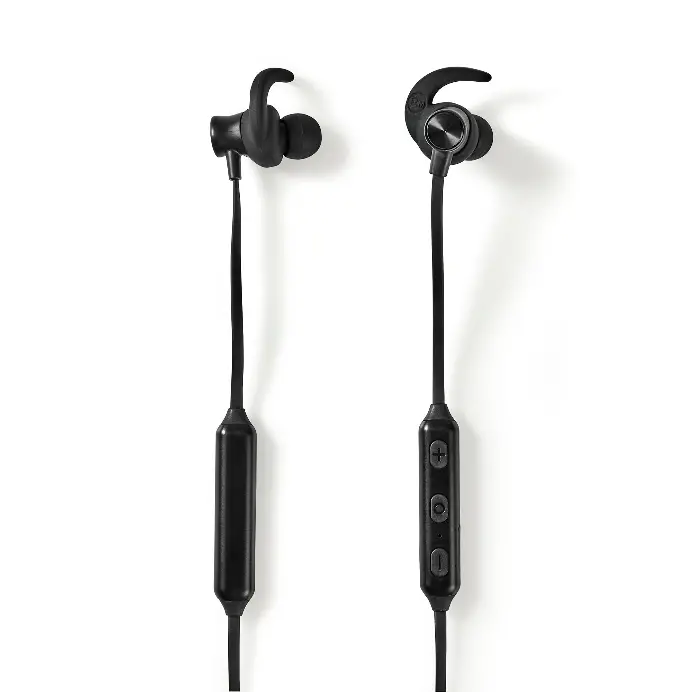
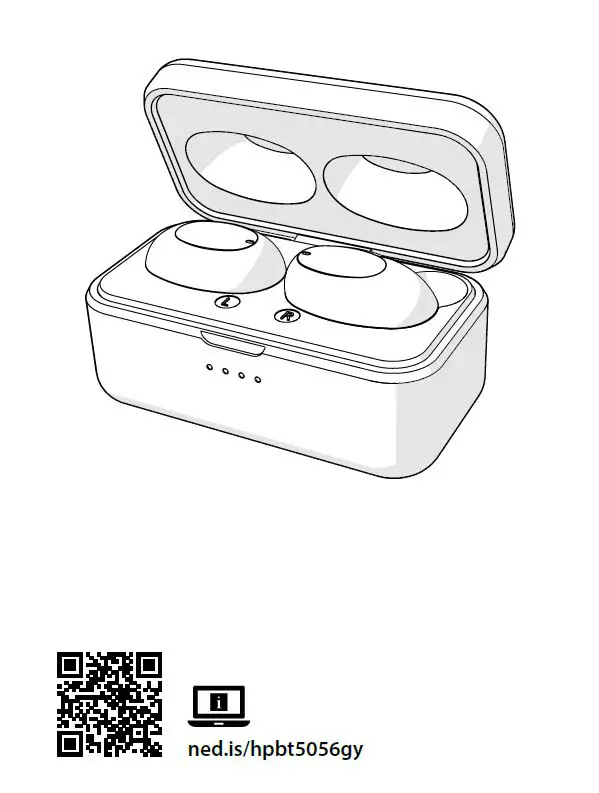
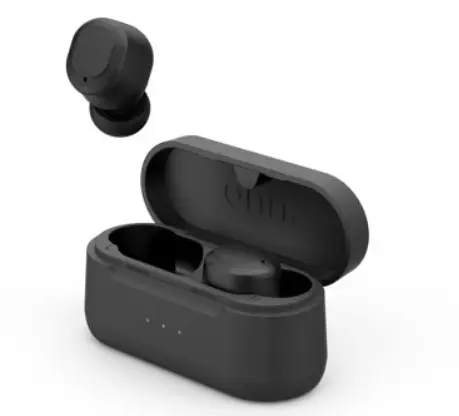
HPBT6050BK Fully Wireless Earphones
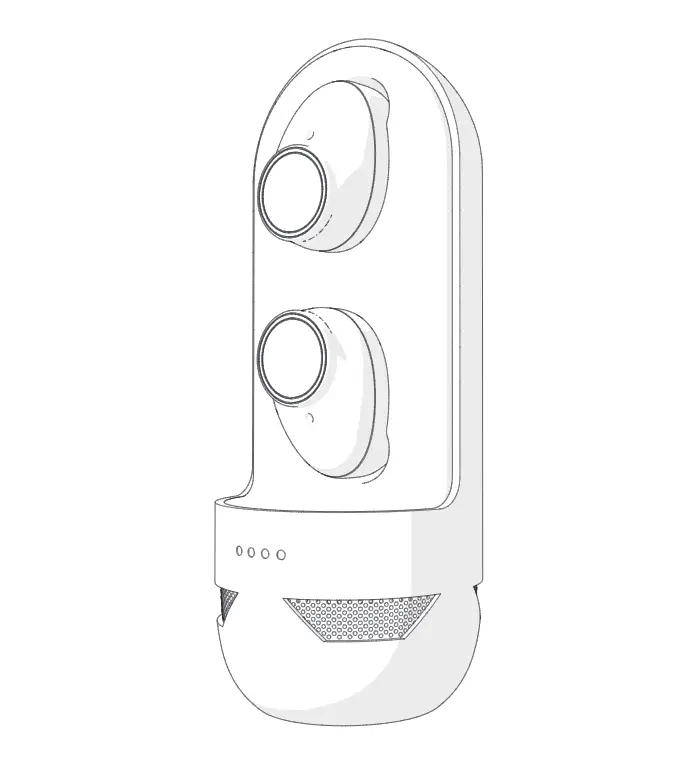
User Manual
Preface
Thank you for purchasing the Nedis HPBT6050BK.
This document is the user manual and contains all the information for correct, efficient and safe use of the product.
This user manual is addressed to the end user. Read this information carefully before installing or using the product.
Always store this information with the product for use in the future.
Product description
Intended use
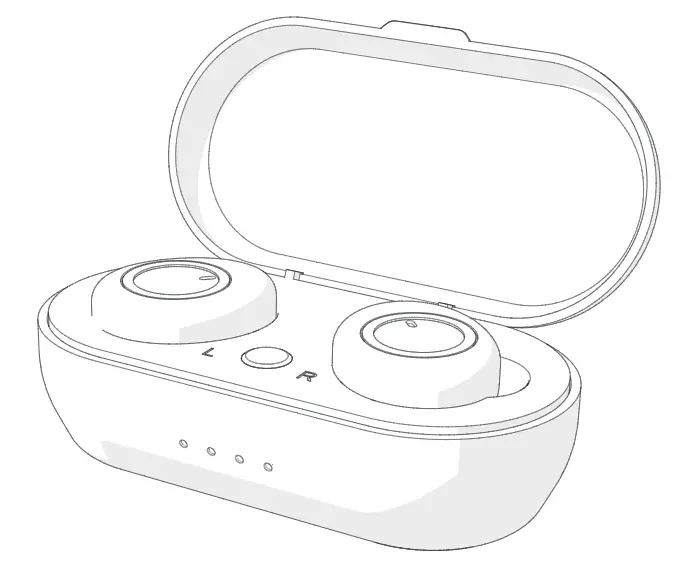
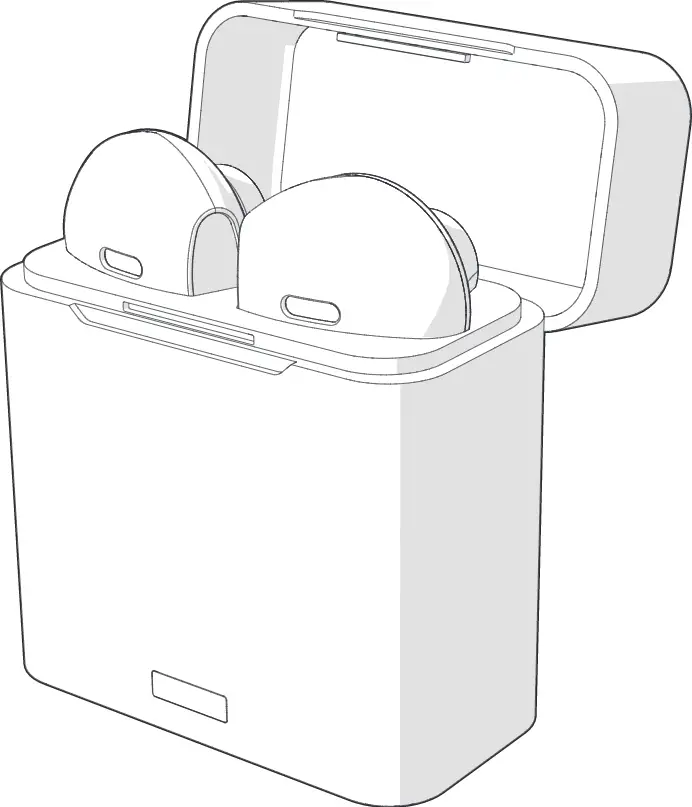
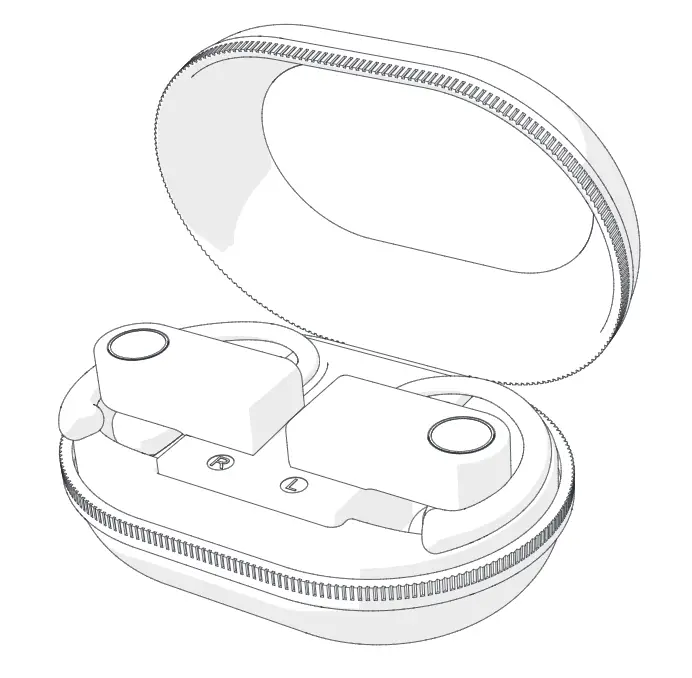
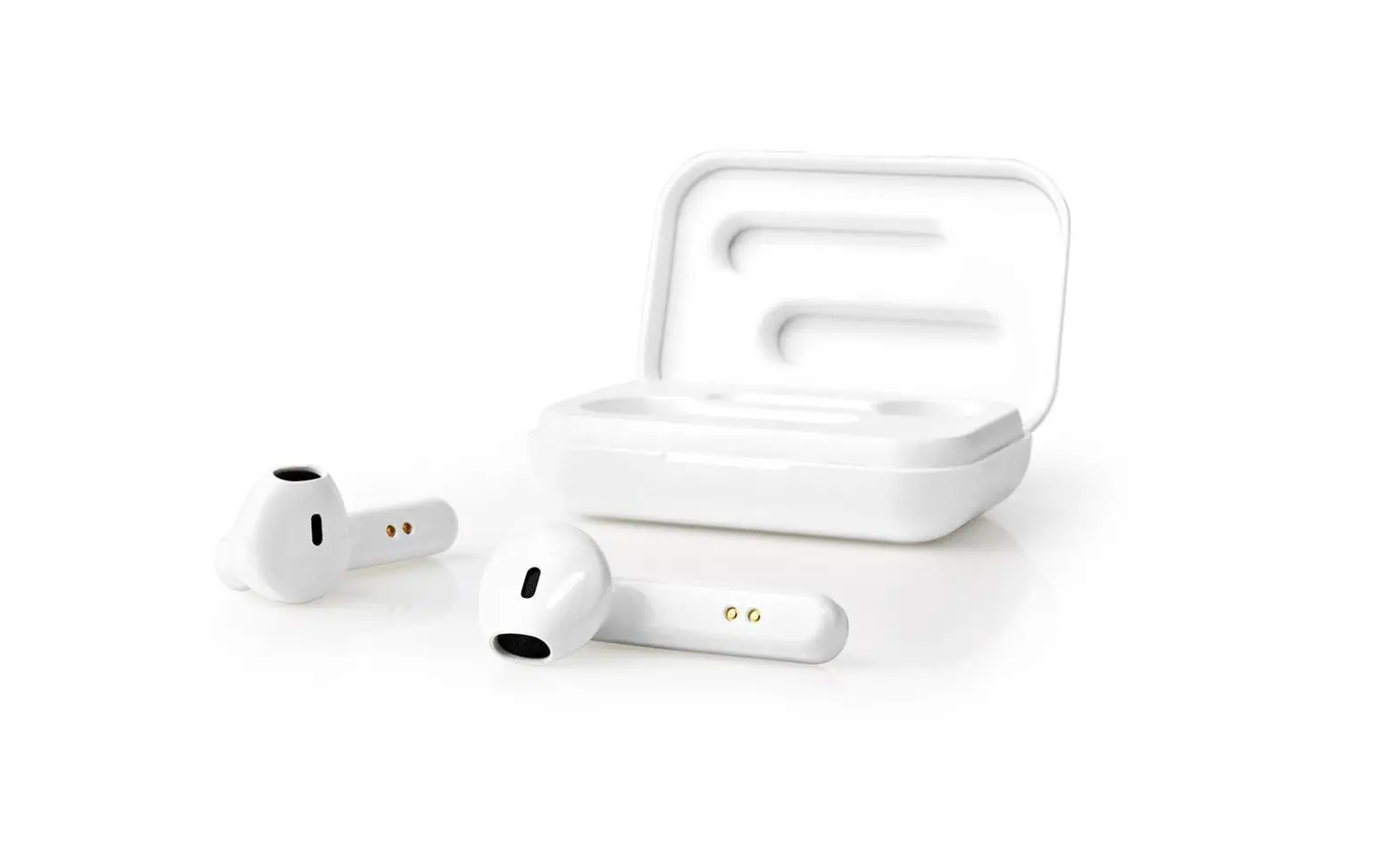
The Nedis HPBT6050BK is a pair of fully wireless earphones.
The product can be paired with any Bluetooth enabled audio/video device.
Earphones can be charged up to 3 times in the charging case.
The charging case also functions as a portable speaker.
Any modification of the product may have consequences for safety, warranty and proper functioning.
Specifications
Product | Fully Wireless Earphones |
Article number | HPBT6050BK |
Power input | 5 VDC ; 1.0 A |
Bluetooth® version | 5.0 |
Bluetooth® frequency range | 2402 – 2480 MHz |
Frequency response | 20 Hz – 20 KHz |
Max. radio transmit power | 3 dBm |
Impedance | 16 Ω |
Sensitivity | 90 ± 3 dB |
Driver size | 6 mm |
Voice control | Siri, Google Assistant |
Battery type | Lithium-Polymer (earphones) Lithium-Polymer (charging case) |
Charging time | Up to 2 hours |
Case recharges | Up to 4 times |
Battery capacity earphones | 2 x 50 mAh |
Battery capacity charging case | 500 mAh |
Play time | Up to 4 hours |
Waterproof | Yes |
Touch control | Yes |
Main parts (image A)
 |
A |
1. Status indicator LED |
2. Left earphone touch control / Microphone |
3. Lid |
4. Right earphone touch control / Microphone |
5. Earphone charging indicator LED |
6. USB-C port |
7. USB-C cable |
8. Left earphone slot |
9. Right earphone slot |
10. Case charging indicator LED |
11. Speaker |
12. 3 Pairs of ear tips (S/M/L) |
Safety instructions
WARNING
- Only use the product as described in this manual.
- Do not use the product if a part is damaged or defective. Replace a damaged or defective product immediately.
- Do not expose the product to direct sunlight, naked flames or heat.
- Do not expose the product to water or moisture.
- Do not drop the product and avoid bumping.
- Do not open the product.
- Keep the product out of reach from children.
- This product is not a toy. Never allow children or pets to play with this product.
- Using earphones with both ears covered while participating in traffic is discouraged and may be illegal in some areas.
- Listening on high volume for a long time will damage your hearing.
- Some wireless devices may interfere with implantable medical devices and other medical equipment, such as pacemakers, cochlear implants and hearing aids. Consult the manufacturer of your medical equipment for more information.
- Do not use the product at locations where the use of wireless devices is prohibited due to potential interference with other electronic devices, which may cause safety hazards.
- This product is equipped with a non-removable internal battery. Do not attempt to replace the battery yourself.
- Do not short circuit.
- Do not repair the product. If damaged, it must be properly disposed of.
- Only use the product as described in this manual.
Safety symbols on the product
Icon | Description |
 | Electronic equipment needs to bear the CE mark in order to be marketed in the EU. CE marking shows that a product is assessed before being placed on the market and that it meets EU safety, health and environmental protection requirements. CE marking is also sometimes accepted as a means of compliance with type-approval requirements; for example, electronic components that require type-approval and also CE marking for electromagnetic compatibility (EMC) or low-voltage equipment. |
 | Indication to explain that the product needs to be collected separately when disposed. Do not throw in the trash bin. |
Installation
- Check the contents of the package
- Check that all parts are present and that no damage is visible on the parts. If parts are missing or damaged, contact the Nedis B.V. service desk via the website: www.nedis.com.
Pairing the earphones to a Bluetooth audio source
1. Rotate the lid A3 to open the charging case. The earphones switch on automatically.
- Tap and hold both earphone touch controls A2, A3 for 1.5 seconds to manually switch on the earphones.
2. The status indicator LED A1 starts blinking to indicate pairing mode is active.
3. Enable Bluetooth on the device you want to pair the earphones with.
4. Select “HPBT6050BK” from the list of available Bluetooth devices on your device.
Charging the product (image B)
 |
B |
1. Plug he USB-C cable A7 into the USB-C port A6 of the charging case.
2. Plug the other end of A7 into a computer or power adapter.
3. Plug the power adapter into a power outlet.
4. The Earphone charging indicator LED A5 blinks.
5. A5 lights up blue when the earphones are fully charged.
- The earphones and the charging case can charge simultaneously.
6. The charging indicator LEDs A9 indicate the charging progress of the battery.
7. Place the earphones into the respective slots A8, A9 and close the lid A8 to charge the earphones.
Use
Switching on the product
Tap and hold A2 and A4 for 1.5 seconds to switch the product on or off.
Making phone calls
With the earphones connected to a mobile phone via Bluetooth, phone calls will automatically be redirected to the earphones.
- To answer an incoming call, tap A2 or A4.
- To reject an incoming call, tap and hold A2 or A4 for 1.5 seconds.
- To end a call, tap A2 or A4.
- To switch the call between phone and earphones, double tap A4.
Controlling the music
- Tap A2 or A4 to play or pause the music.
- Double tap A4 to increase the volume.
- Double tap A2 to decrease the volume.
- Tap and hold A4 for 1.5 seconds to skip to the next track.
- Tap and hold A2 for 1.5 seconds to skip to the previous track.
Add Siri/Google Assistant function
- Triple tap A2 or A4 for 1.5 seconds to activate Siri/Google Assistant.
- Tap A2 or A4 to end Siri/Google Assistant.
Speaker
If the earphones are switched off, or the batteries are low, you can use the speaker to play music.
The speaker stops playing when you close the lid A8.
Restore to default settings
1. Make sure that the earphones are switched off.
2. Tap and hold A2 and A4 for 8 seconds.
- This function is suggested to be used when the earphones can not connect to each other under the conditions of common use.
Maintenance
- Clean the product regularly with a soft, clean, dry cloth. Avoid abrasives that can damage the surface.
- Do not use aggressive chemical cleaning agents such as ammonia, acid or acetone when cleaning the product.
- Do not clean the inside of the product.
- Do not attempt to repair the product. If the product does not operate correctly, replace it with a new product.
Warranty
Any changes and/or modifications to the product will void the warranty. We accept no liability for damage caused by improper use of the product.
Disclaimer
Designs and specifications are subject to change without notice. All logos, brands and product names are trademarks or registered trademarks of their respective owners and are hereby recognized as such.
Disposal
 | This symbol indicates that this product should not be thrown away with other household waste throughout the EU. To prevent possible harm to the environment or human health by uncontrolled waste disposal, you are responsible for recycling it so that it can promote the sustainable reuse of raw materials. To return your used product, you can use the regular return and collection systems or contact the store where the product was purchased. They can recycle this product for the environment. |
Declaration of Conformity
We, Nedis B.V. declare as manufacturer that the product HPBT3050BK from our brand Nedis®, produced in China, has been tested according to all relevant CE standards and regulations and that all tests have been passed successfully. This includes, but is not limited to the RED 2014/53/EU regulation.
The complete Declaration of Conformity (and the safety datasheet if applicable) can be found and downloaded via webshop.nedis.com/hpbt3050bk#support
For additional information regarding the compliance, contact the customer service:
Web: www.nedis.com
E-mail: [email protected]
Phone: +31 (0)73-5991055 (during office hours)
Nedis B.V., de Tweeling 28
5215 MC ’s-Hertogenbosch, the Netherlands