Nedis Fully Wireless Earphones
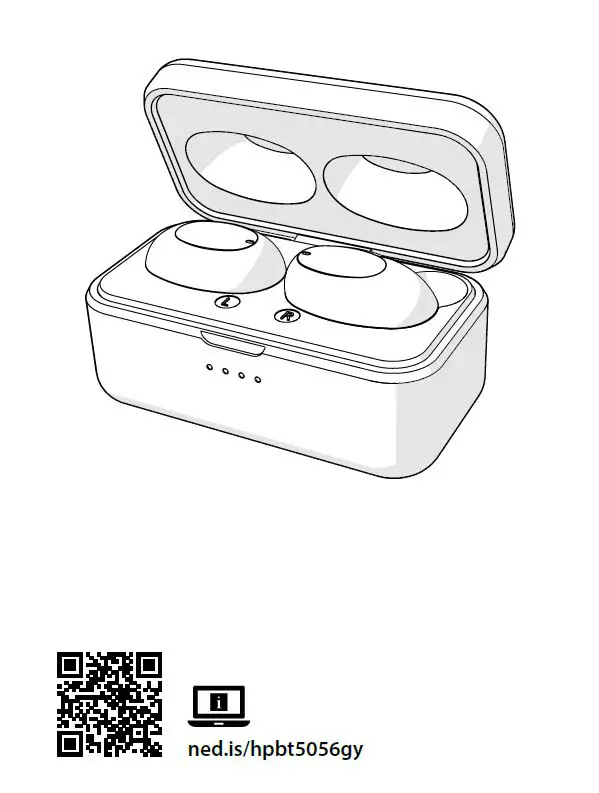
Fully Wireless Earphones
 For more information see the extended manual online: ned.is/hpbt5056gy
Intended use
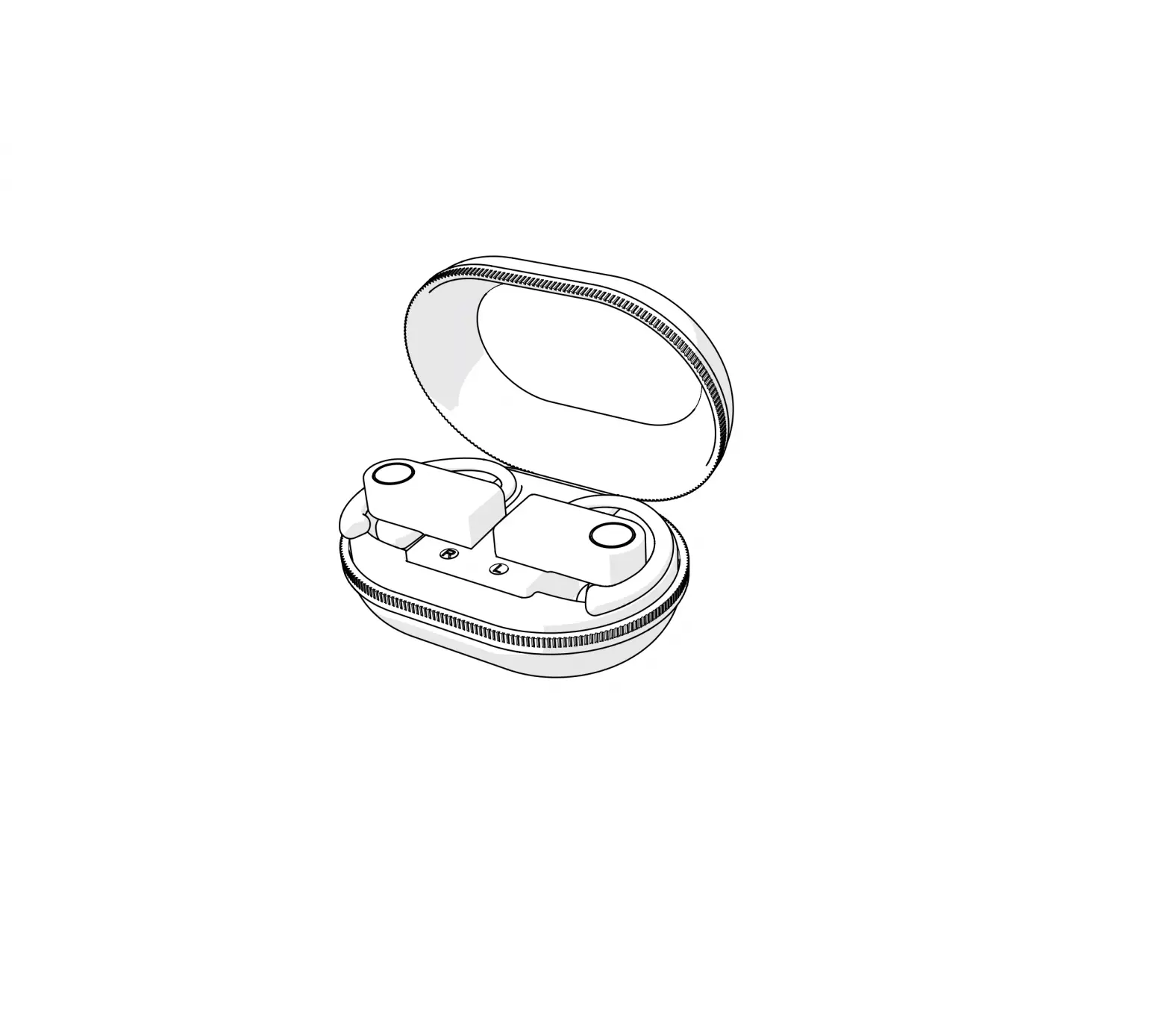
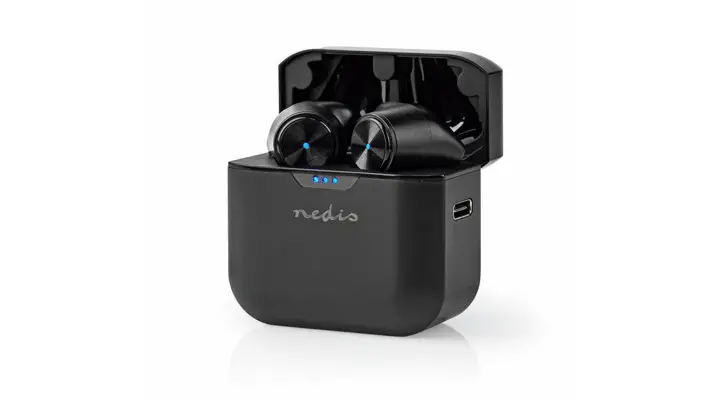
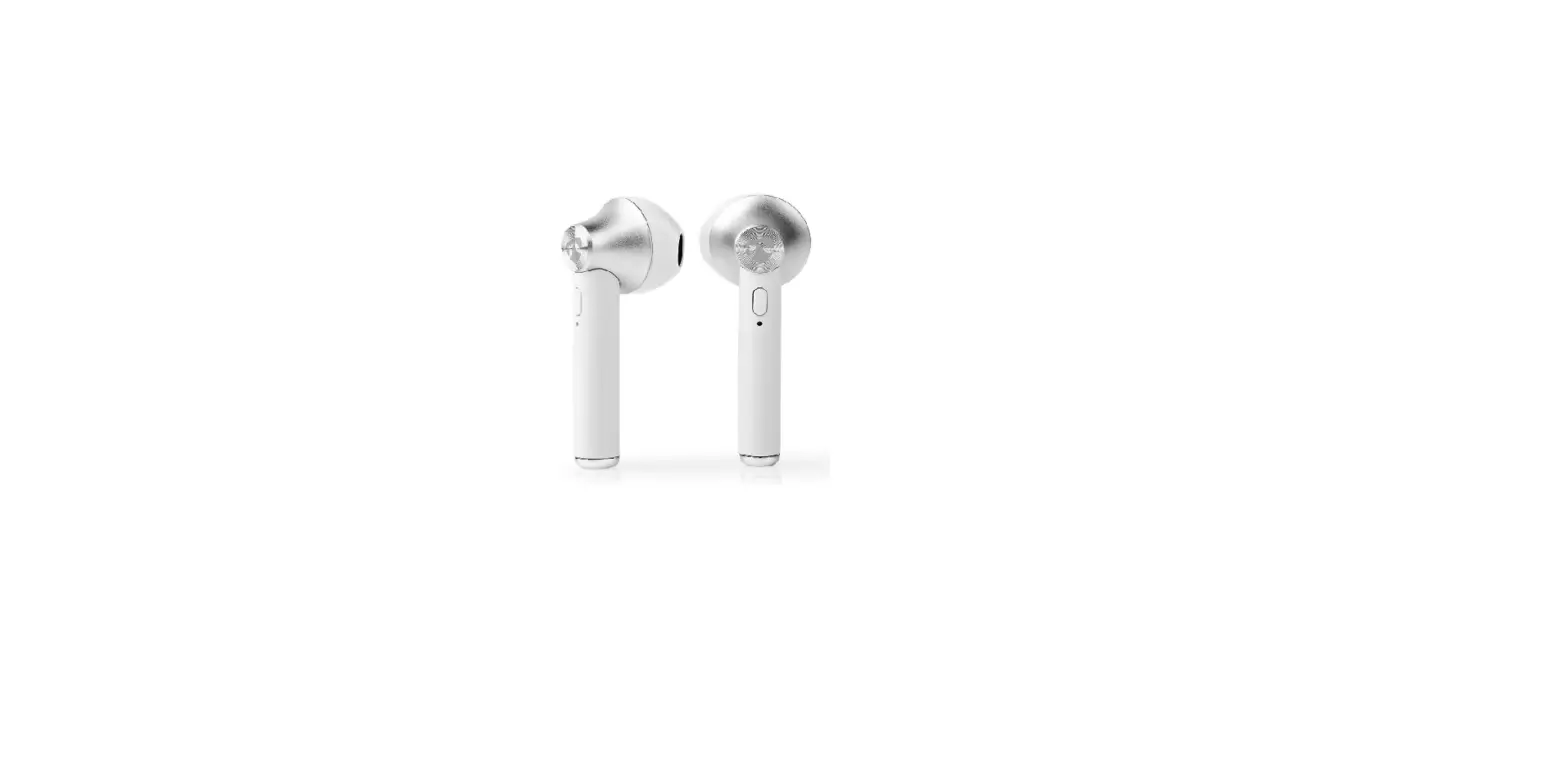
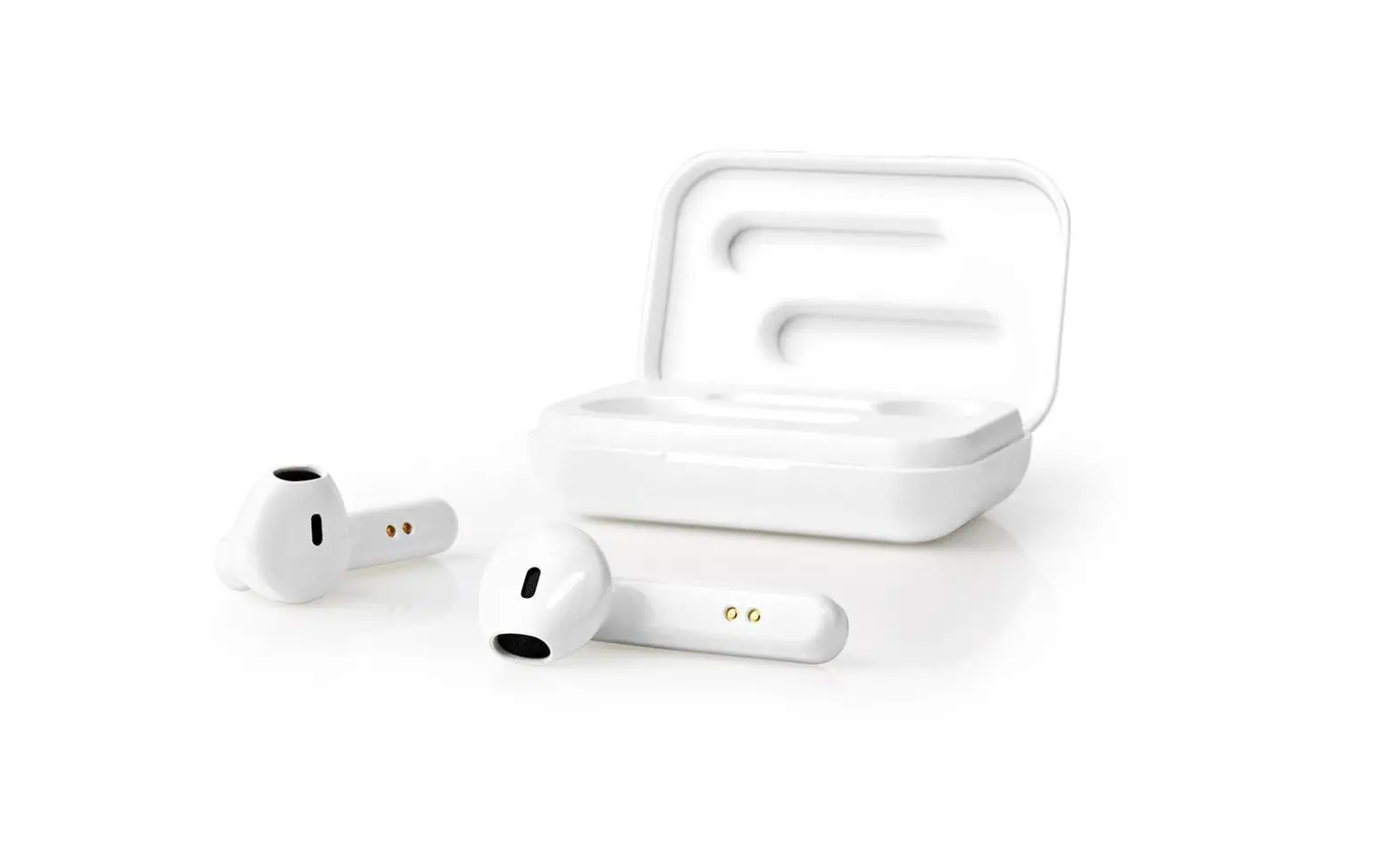
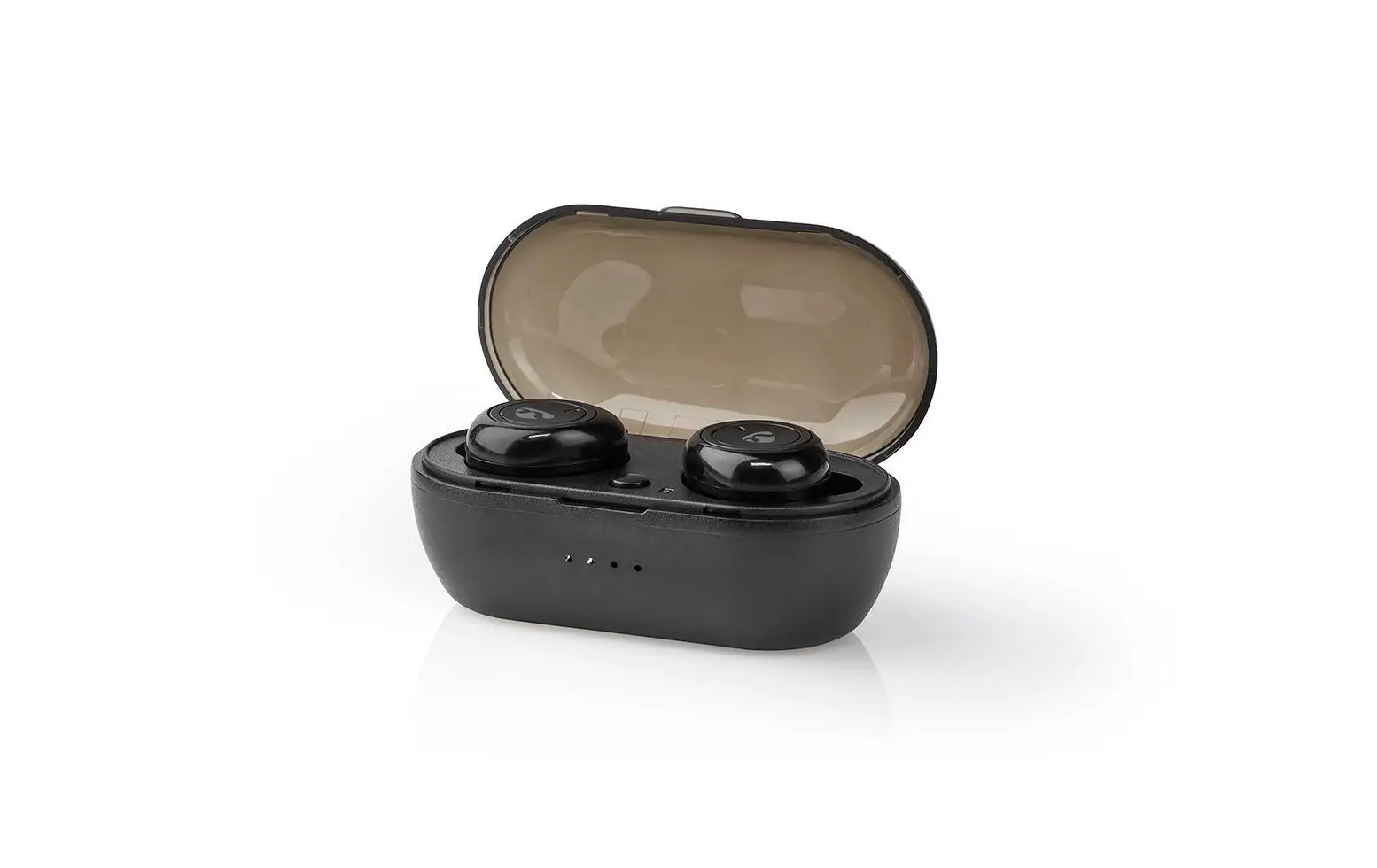
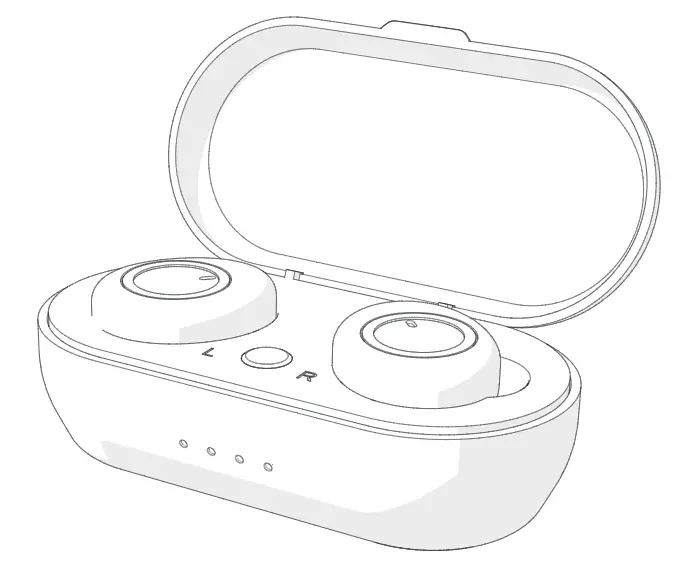
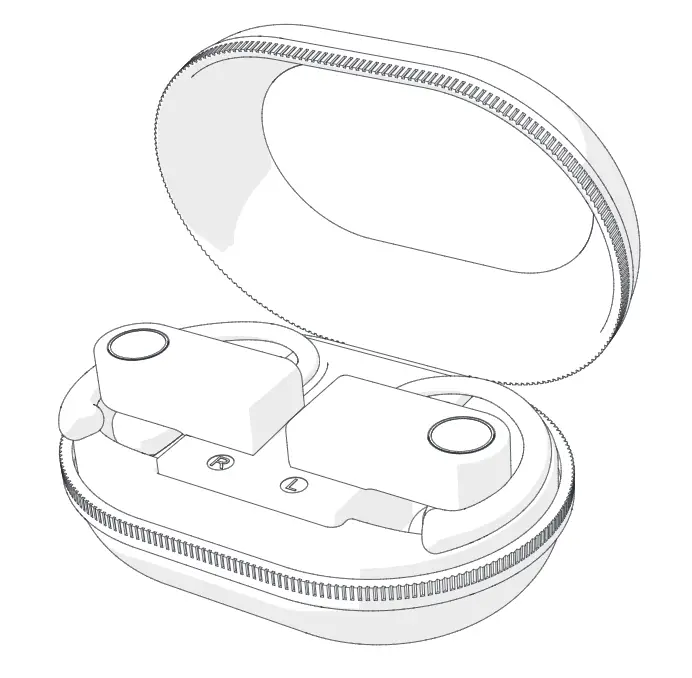
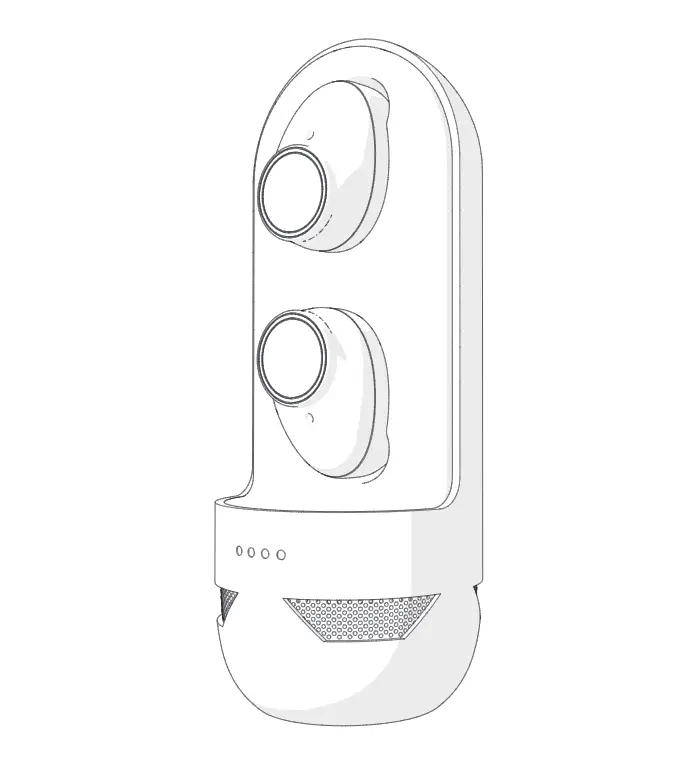
The Nedis HPBT5056GY is a pair of fully wireless earphones. The product can be paired with any Bluetooth-enabled audio/ video device.
The earphones can be charged up to 4 times in the fully charged case.
Any modification of the product may have consequences for safety, warranty, and proper functioning.
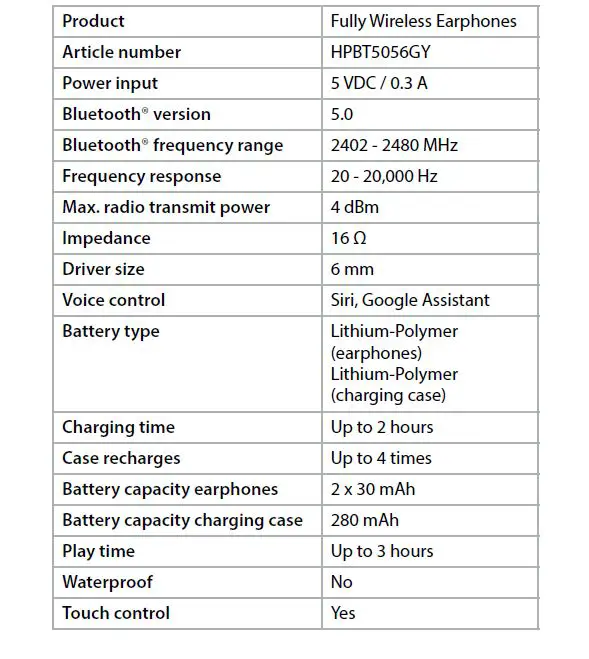
Specifications
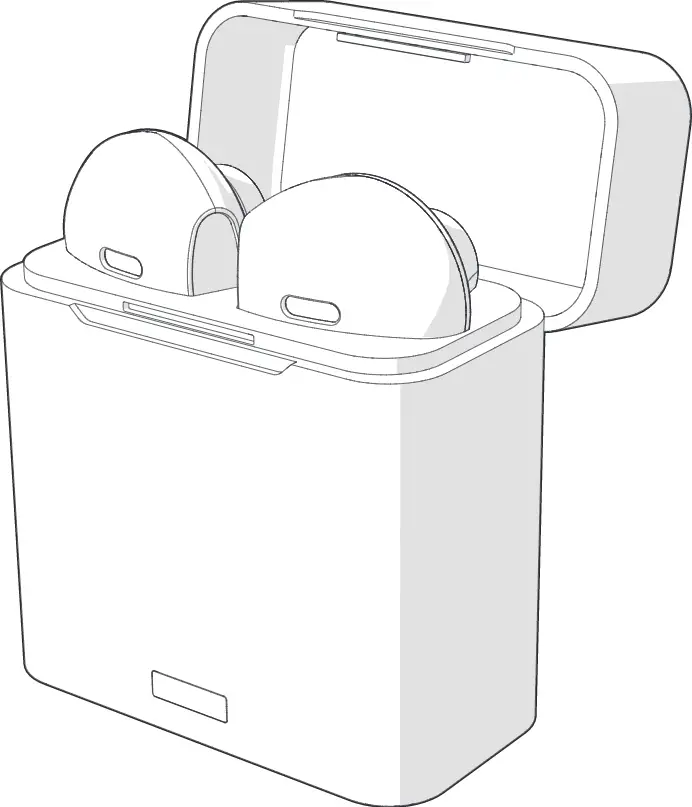
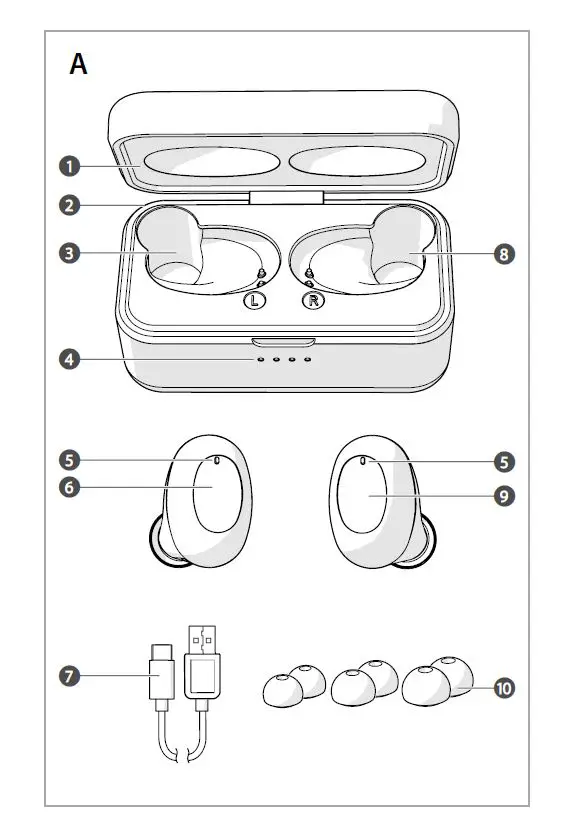
Main parts (image A)
- Lid
- USB-C port
- Left earphone slot
- Charging indicator LED
- Status indicator LED
- Left earphone touch control
- USB-C cable
- Right earphone slot
- Right earphone touch control
- 3 pairs of ear tips (S/M/L)
Safety instructions
 WARNING
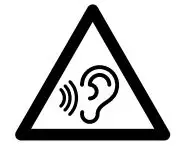 To prevent possible hearing damage, do not listen to high volume levels for long periods.
- Only use the product as described in this document.
- Do not use the product if a part is damaged or defective. Replace a damaged or defective product immediately.
- Do not expose the product to direct sunlight, naked flames, or heat.
- Do not expose the product to water or moisture.
- Do not drop the product and avoid bumping.
- Do not open the product.
- Keep the product out of reach from children.
- This product is not a toy. Never allow children or pets to play with this product.
- Using earphones with both ears covered while participating in traffic is discouraged and may be illegal in some areas.
- Charge the battery for at least 2 hours when you use it for the first time.
- Only use the provided USB charging cable.
- Some wireless devices may interfere with implantable medical devices and other medical equipment, such as pacemakers, cochlear implants, and hearing aids. Consult the manufacturer of your medical equipment for more information.
- Do not use the product at locations where the use of wireless devices is prohibited due to potential interference with other electronic devices, which may cause safety hazards.
- Disconnect the product from the power source and other equipment if problems occur.
- This product is equipped with a non-removable internal battery. Do not attempt to replace the battery yourself.
- Do not short circuit.
- Do not repair the product. If damaged, it must be properly disposed of.
Pairing the earphones to a Bluetooth audio source
1. Take the earphones out of the charging case. The earphones switch on automatically. Tap and hold both earphone touch controls
  for 2 seconds to manually switch on the earphones.
2.  blinks red and blue to indicate pairing mode is active.
3. Enable Bluetooth on the device you want to pair the earphones with.
4. Select “HPBT5056GY” from the list of available Bluetooth devices on your device.
Charging the product
1. Plug the USB-C cable  into the USB-C port
  of the charging case.
2. Plug the other end of  into a computer or power adapter.
3. Plug the power adapter into a power outlet.The charging indicator LED  indicates the charging progress of the battery.
4. Place the earphones into the respective slots  and close the lid
  to charge the earphones.The earphones and the charging case can charge simultaneously.The status indicator LED on the earphones burns red to indicate the earphones are charging.
Making phone calls
With the earphones connected to a mobile phone via Bluetooth, phone calls will automatically be redirected to the earphones.
- To answer an incoming call, tap
 or
or  .
. - To reject an incoming call, tap and hold or for 2 seconds.
- To end a call, tap or .
Controlling the music
- Tap or to play or pause the music.
- Double-tap to skip to the next track.
- Double-tap to skip to the previous track.
Add Siri/Google Assistant function
Tap and hold or  for 3 seconds to activate Siri/Google Assistant.
Declaration of Conformity
We, Nedis B.V. declare as a manufacturer that the product HPBT5056GY from our brand Nedis®, produced in China, has been tested according to all relevant CE standards and regulations and that all tests have been passed successfully. This includes, but is not limited to the RED 2014/53/EU regulation.
The complete Declaration of Conformity (and the safety datasheet if applicable) can be found and downloaded via: nedis.com/hpbt5056gy#support
For additional information regarding the compliance, contact the customer service:
Web: www.nedis.com
E-mail: [email protected]
Nedis B.V., de Tweeling 28
5215 MC ‘s-Hertogenbosch, the Netherlands
References
 Fully Wireless Earphones | Bluetooth® | Battery play time: up to 3 Hours | Press Control | Charging case | Built-in microphone | Voice control support | Black | Nedis
-
Fully Wireless Earphones | Bluetooth® | Touch Control | Charging case | Built-in microphone | Voice control support | Grey / Silver | Nedis
 Fully Wireless Earphones | Bluetooth® | Touch Control | Charging case | Built-in microphone | Voice control support | Grey / Silver | Nedis
-
Vollständig drahtlose Kopfhörer | Bluetooth® | Berührungssteuerung | Ladegehäuse | Eingebautes Mikro | Stimmkontrolle | Grau / Silber | Nedis
-
Auriculares inalámbricos totalmente | Bluetooth® | Control tactil | Estuche de carga | Micrófono incorporado | Soporte de control de voz | Gris / Plata | Nedis
-
Täysin langaton Kuulokkeet | Bluetooth® | Kosteusohjaus | Latauskotelo | Sisäänrakennettu mikrofoni | Tuki ääniohjaukselle | Harmaa / Hopea | Nedis
-
Écouteurs entièrement sans fil | Bluetooth® | Temps de lecture de la batterie: Up to 3 Hours | Control de pression | Boîtier de charge | Microphone intégré | Support de commande vocale | Noir | Nedis
-
Écouteurs entièrement sans fil | Bluetooth® | Contrôle tactile | Boîtier de charge | Microphone intégré | Support de commande vocale | Argent / Gris | Nedis
-
Maintenance – Nedis SA
-
Auricolari completamente senza fili | Bluetooth® | Tocca Controllo | Custodia di ricarica | Microfono incorporato | Supporto per il controllo vocale | Argento / Grigio | Nedis
-
Volledig Draadloze Oordopjes | Bluetooth® | Aanraakbediening | Charging case | Ingebouwde microfoon | Ondersteuning voor spraakbesturing | Grijs / Zilver | Nedis
-
Fully Wireless Earphones | Bluetooth® | Touch Control | Charging case | Built-in microphone | Voice control support | Grey / Silver | Nedis
-
Auriculares inalámbricos totalmente | Bluetooth® | Control tactil | Estuche de carga | Micrófono incorporado | Soporte de control de voz | Gris / Plata | Nedis
-
Fully Wireless Earphones | Bluetooth® | Touch Control | Charging case | Built-in microphone | Voice control support | Grey / Silver | Nedis
-
Plně bezdrátová sluchátka | Bluetooth® | Doba přehrávání na baterie: Až 3 hodiny | Ovládání stiskem | Nabíjecí pouzdro | Vestavěný mikrofon | Podpora hlasového ovládání | Černá | Nedis
-
Plně bezdrátová sluchátka | Bluetooth® | Ovládání dotykem | Nabíjecí pouzdro | Vestavěný mikrofon | Podpora hlasového ovládání | Šedá / Stříbrná | Nedis
-
Fully Wireless Earphones | Bluetooth® | Battery play time: up to 3 Hours | Press Control | Charging case | Built-in microphone | Voice control support | Black | Nedis
-
Vollständig drahtlose Kopfhörer | Bluetooth® | Batteriespielzeit: bis zu 3 Stunden | Drücken Sie Strg | Ladegehäuse | Eingebautes Mikro | Stimmkontrolle | Schwarz | Nedis
-
Auriculares inalámbricos totalmente | Bluetooth® | Tiempo de reproducción de la batería: Hasta 3 horas | Control de presión | Estuche de carga | Micrófono incorporado | Soporte de control de voz | Negro | Nedis
-
Täysin langaton Kuulokkeet | Bluetooth® | Akun toistoaika: Jopa 3 tuntia | Paino-ohjaus | Latauskotelo | Sisäänrakennettu mikrofoni | Tuki ääniohjaukselle | Musta | Nedis
-
HPBT1050BK Manuals / Datasheets / Instructions - manualsee.com
-
Auricolari completamente senza fili | Bluetooth® | Tempo di riproduzione della batteria: Fino a 3 ore | Premi Control | Custodia di ricarica | Microfono incorporato | Supporto per il controllo vocale | Nero | Nedis
-
Nedis | Your wholesaler of consumer electronics
-
Nedis | Su mayorista de confianza en electronica de consumo | Nedis
-
Nedis | Your wholesaler of consumer electronics
-
Nedis | Your wholesaler of consumer electronics
 Fully Wireless Earphones | Bluetooth® | Battery play time: up to 3 Hours | Press Control | Charging case | Built-in microphone | Voice control support | Black | Nedis
 Fully Wireless Earphones | Bluetooth® | Touch Control | Charging case | Built-in microphone | Voice control support | Grey / Silver | Nedis
 Vollständig drahtlose Kopfhörer | Bluetooth® | Berührungssteuerung | Ladegehäuse | Eingebautes Mikro | Stimmkontrolle | Grau / Silber | Nedis
 Auriculares inalámbricos totalmente | Bluetooth® | Control tactil | Estuche de carga | Micrófono incorporado | Soporte de control de voz | Gris / Plata | Nedis
 Täysin langaton Kuulokkeet | Bluetooth® | Kosteusohjaus | Latauskotelo | Sisäänrakennettu mikrofoni | Tuki ääniohjaukselle | Harmaa / Hopea | Nedis
 Écouteurs entièrement sans fil | Bluetooth® | Temps de lecture de la batterie: Up to 3 Hours | Control de pression | Boîtier de charge | Microphone intégré | Support de commande vocale | Noir | Nedis
 Maintenance – Nedis SA
 Auricolari completamente senza fili | Bluetooth® | Tocca Controllo | Custodia di ricarica | Microfono incorporato | Supporto per il controllo vocale | Argento / Grigio | Nedis
 Volledig Draadloze Oordopjes | Bluetooth® | Aanraakbediening | Charging case | Ingebouwde microfoon | Ondersteuning voor spraakbesturing | Grijs / Zilver | Nedis
 Fully Wireless Earphones | Bluetooth® | Touch Control | Charging case | Built-in microphone | Voice control support | Grey / Silver | Nedis
 Auriculares inalámbricos totalmente | Bluetooth® | Control tactil | Estuche de carga | Micrófono incorporado | Soporte de control de voz | Gris / Plata | Nedis
 Fully Wireless Earphones | Bluetooth® | Touch Control | Charging case | Built-in microphone | Voice control support | Grey / Silver | Nedis
 Plně bezdrátová sluchátka | Bluetooth® | Doba přehrávání na baterie: Až 3 hodiny | Ovládání stiskem | Nabíjecí pouzdro | Vestavěný mikrofon | Podpora hlasového ovládání | Černá | Nedis
 Fully Wireless Earphones | Bluetooth® | Battery play time: up to 3 Hours | Press Control | Charging case | Built-in microphone | Voice control support | Black | Nedis
 Vollständig drahtlose Kopfhörer | Bluetooth® | Batteriespielzeit: bis zu 3 Stunden | Drücken Sie Strg | Ladegehäuse | Eingebautes Mikro | Stimmkontrolle | Schwarz | Nedis
 Auriculares inalámbricos totalmente | Bluetooth® | Tiempo de reproducción de la batería: Hasta 3 horas | Control de presión | Estuche de carga | Micrófono incorporado | Soporte de control de voz | Negro | Nedis
 Täysin langaton Kuulokkeet | Bluetooth® | Akun toistoaika: Jopa 3 tuntia | Paino-ohjaus | Latauskotelo | Sisäänrakennettu mikrofoni | Tuki ääniohjaukselle | Musta | Nedis
 HPBT1050BK Manuals / Datasheets / Instructions - manualsee.com
 Auricolari completamente senza fili | Bluetooth® | Tempo di riproduzione della batteria: Fino a 3 ore | Premi Control | Custodia di ricarica | Microfono incorporato | Supporto per il controllo vocale | Nero | Nedis
 Nedis | Your wholesaler of consumer electronics
 Nedis | Su mayorista de confianza en electronica de consumo | Nedis
 Nedis | Your wholesaler of consumer electronics
 Nedis | Your wholesaler of consumer electronics