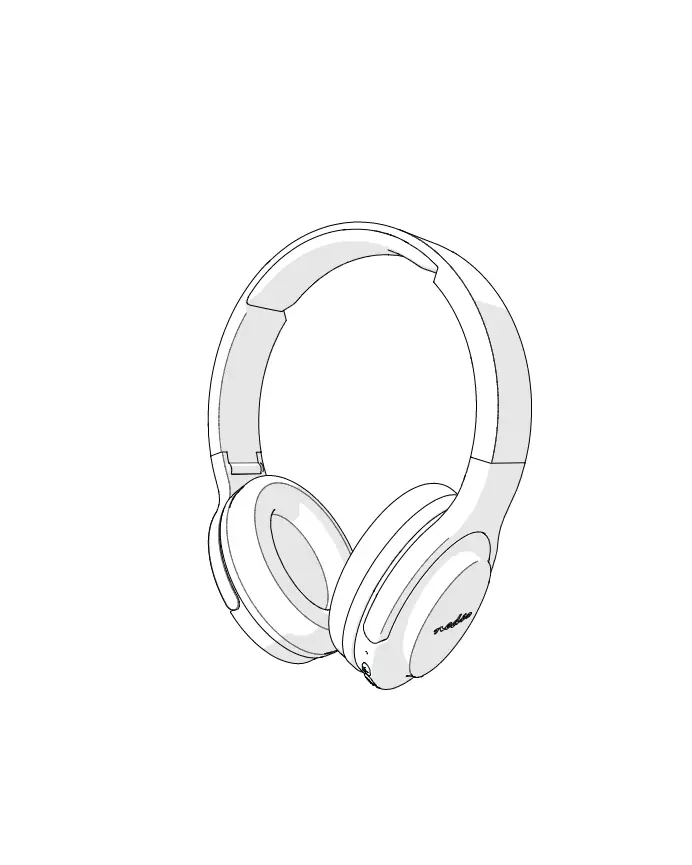
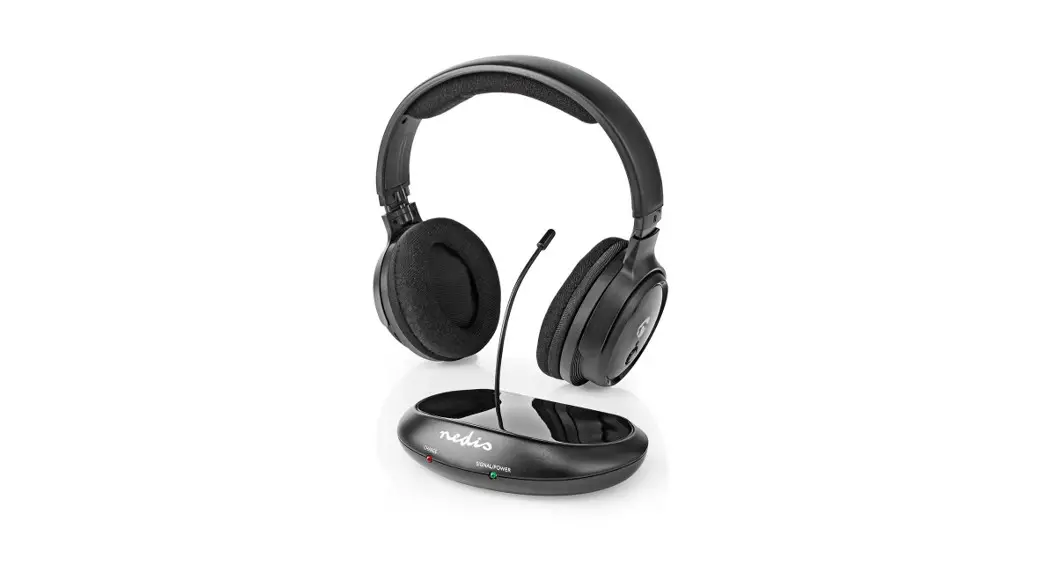
HPWD4000WT On-ear Headphones
User Manual
Preface
Thank you for purchasing the Nedis HPWD4000WT.
This document is the user manual and contains all the information for correct, efficient and safe use of the product.
This user manual is addressed to the end user. Read this information carefully before installing or using the product.
Always store this information with the product for use in the future.
Product description
Intended use
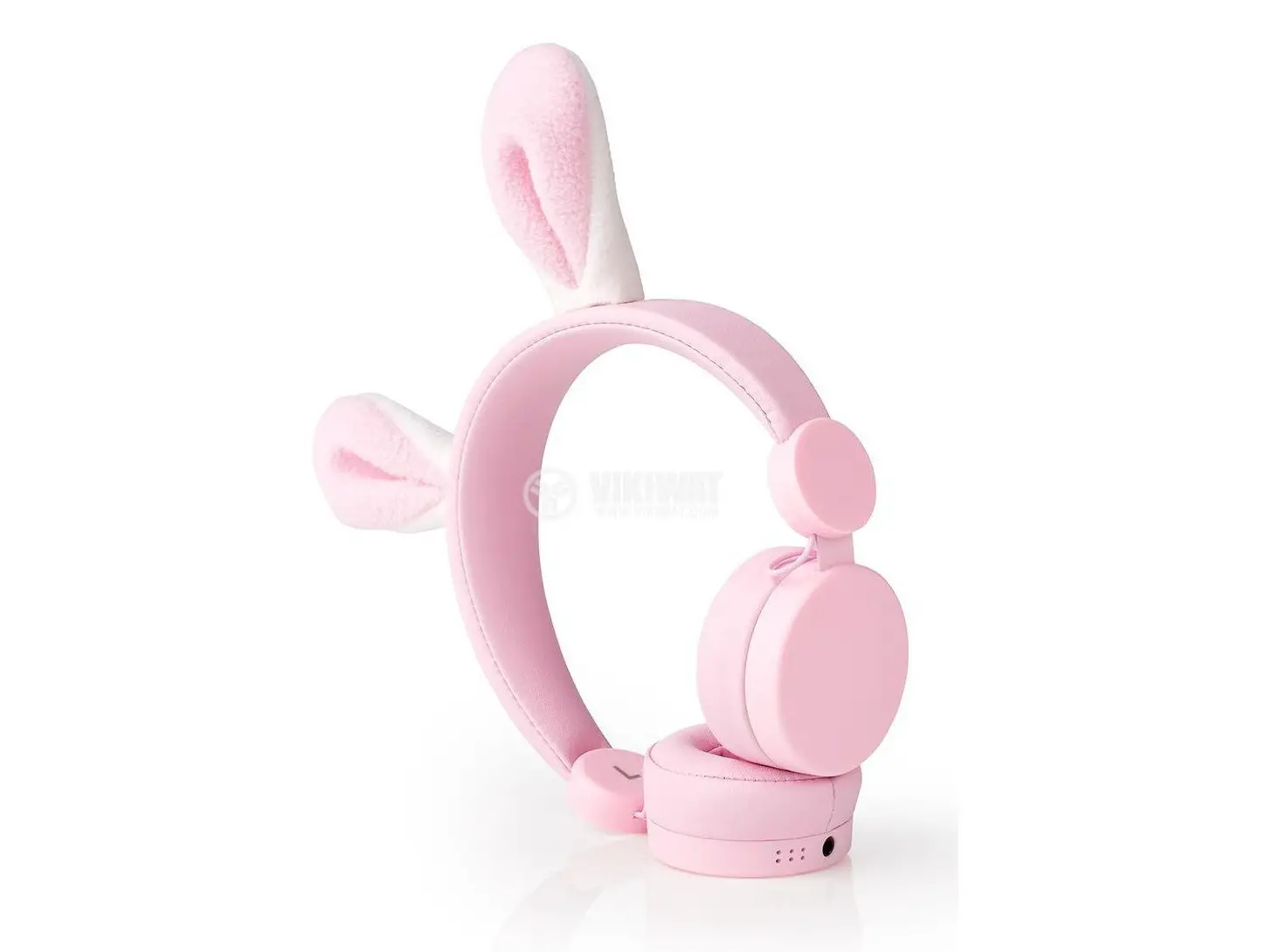
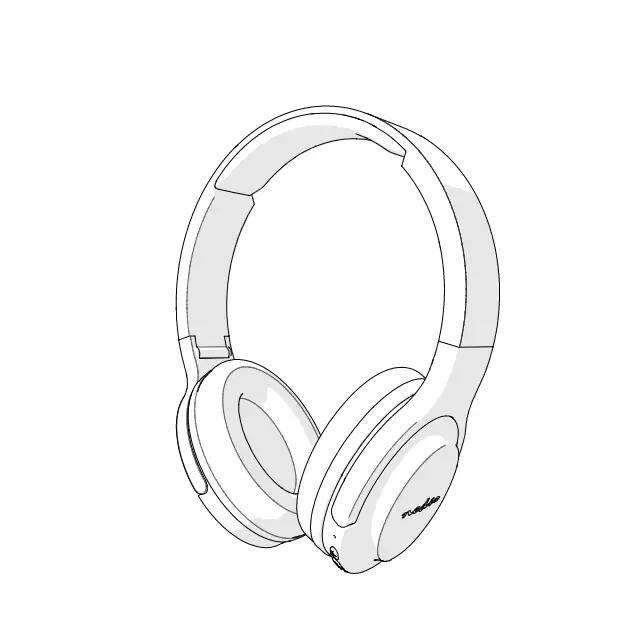
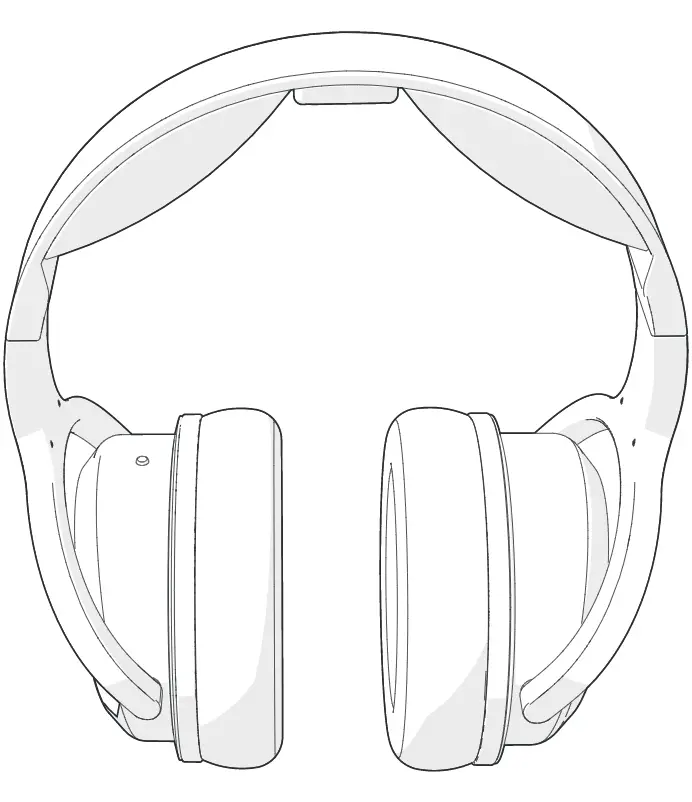
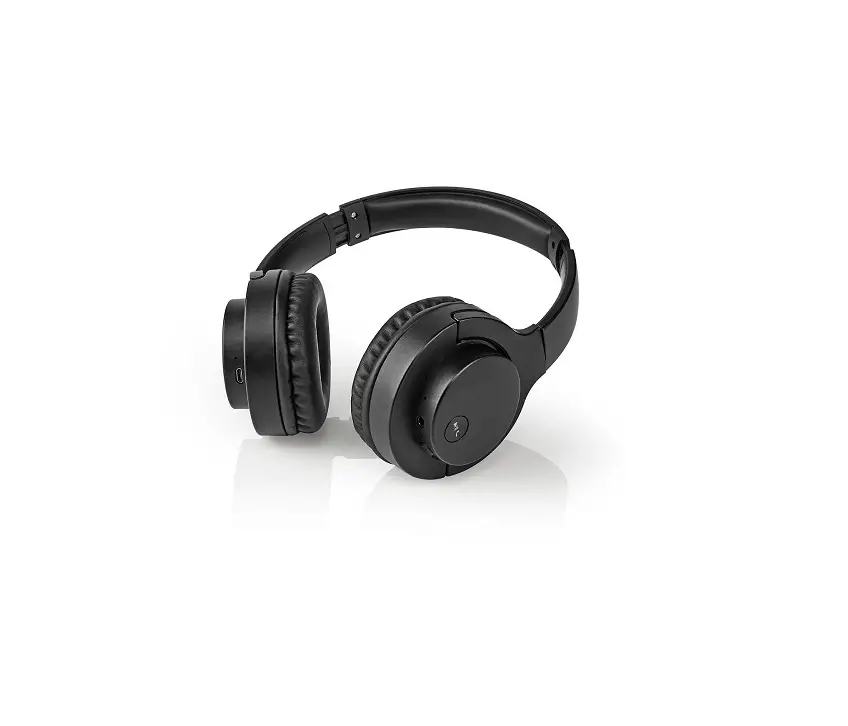
The HPWD4000WT is a pair of wired On-Ear headphones.
It can connect to your audio source with the provided 3.5 mm audio cable.
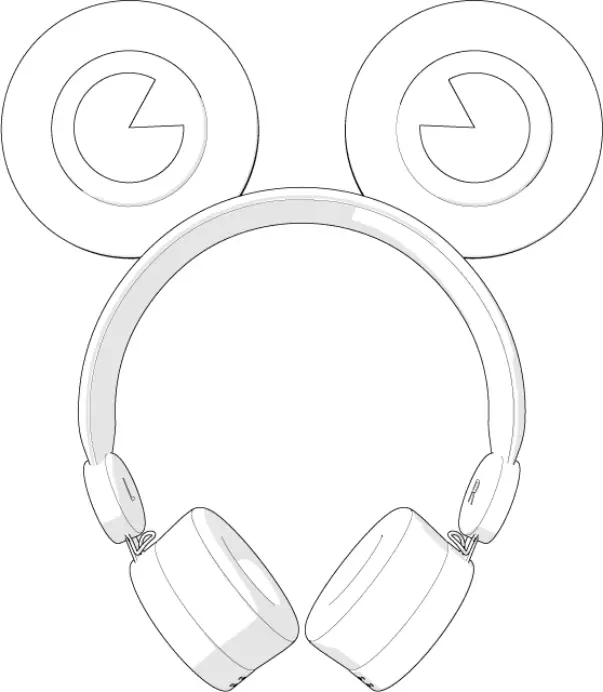
It has two magnetic ears that can be attached to the headband for cosmetic purposes.
Specifications
Product | Wired on-ear headphones |
Article number | HPWD4000WT |
Frequency response | 20 Hz – 20 KHz |
Sensitivity | 85 dB ± 3 dB |
Sound level limiter | 85 dB |
Driver unit | Ø 40 mm |
Impedance | 32 Ω |
Cable | 3.5 mm audio cable |
Cable length | 1.2 m |
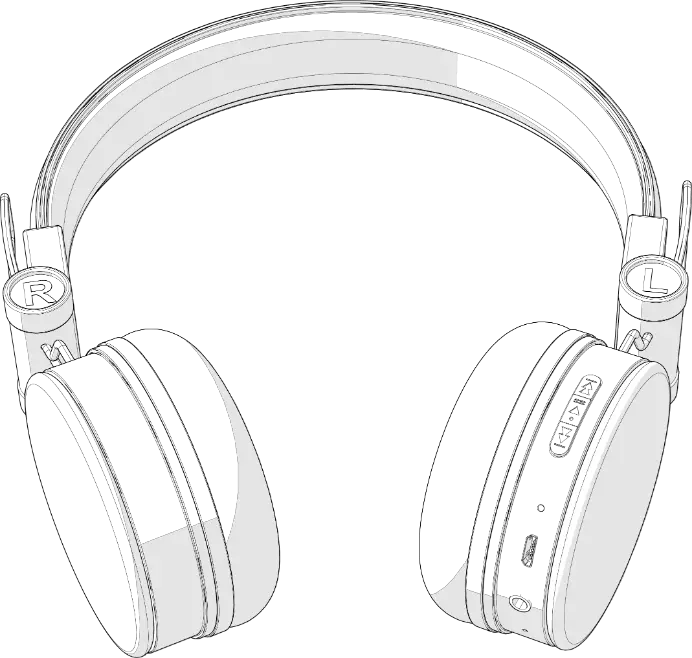
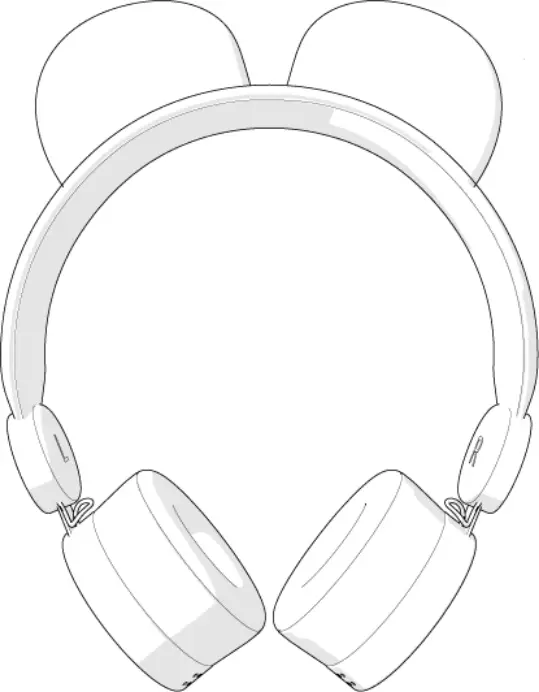
Parts list (Image A)
 | |
A | |
1. 2x detachable magnetic ear | |
2. Headphones | |
3. 3.5 mm input | |
4. 3.5 mm audio cable |
Safety instructions
WARNING
- To prevent possible hearing damage, do not listen at high volume levels for long periods.
- Only use the product as described in this manual.
- Do not expose the product to water or moisture.
Installation
- Check the contents of the package
- Check that all parts from the parts list are present and that no damage is visible on the parts. If parts are missing or damaged, contact the Nedis B.V. service desk via the website: www.nedis.com.
Connecting the headphones
1. Plug the provided audio cable 4 into the audio source.
2. Plug the other side of the audio cable into 3.
Maintenance
- Clean the product regularly with a soft, clean, dry cloth. Avoid abrasives that can damage the surface.
- Do not use aggressive chemical cleaning agents such as ammonia, acid or acetone when cleaning the product.
Troubleshooting
Problem | Possible cause | Solution |
No sound is coming from the headphones. | The headphones are not connected to the audio source. | Follow the instructions in chapter “Connecting the headphones”. |
The audio source volume is too low/muted. | Raise the volume on the audio source. | |
Audio cable is damaged. | Replace the audio cable. | |
3.5 mm input is defective. | Try the other 3.5 mm input. |
Warranty
Any changes and/or modifications to the product will void the warranty. We accept no liability for damage caused by improper use of the product.
Disclaimer
Designs and specifications are subject to change without notice. All logos, brands and product names are trademarks or registered trademarks of their respective owners and are hereby recognized as such.
Disposal
 | This symbol indicates that this product should not be thrown away with other household waste throughout the EU. To prevent possible harm to the environment or human health by uncontrolled waste disposal, you are responsible for recycling it so that it can promote the sustainable reuse of raw materials. To return your used product, you can use the regular return and collection systems or contact the store where the product was purchased. They can recycle this product for the environment. |