

 Seitron Smart
Temperature under control
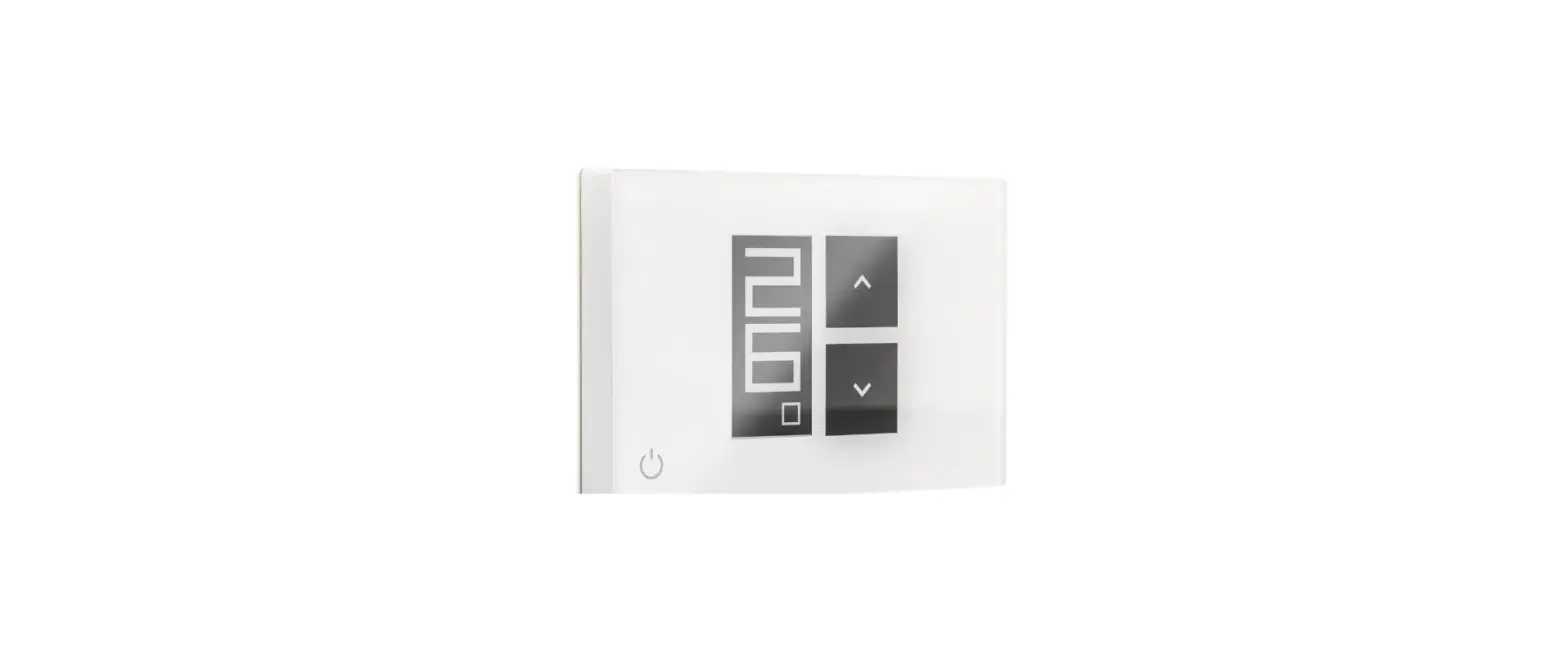
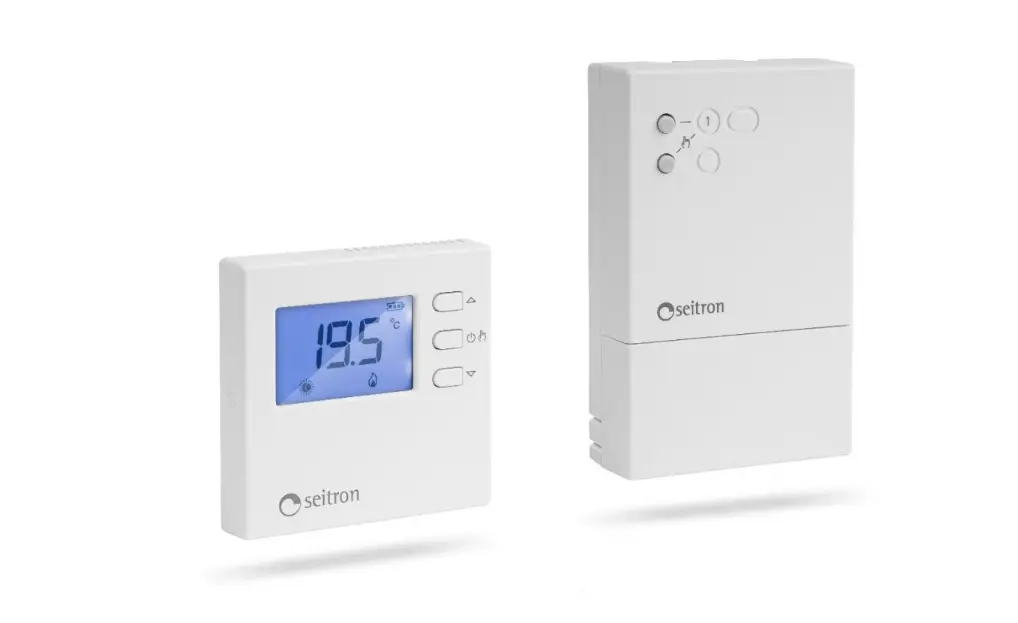
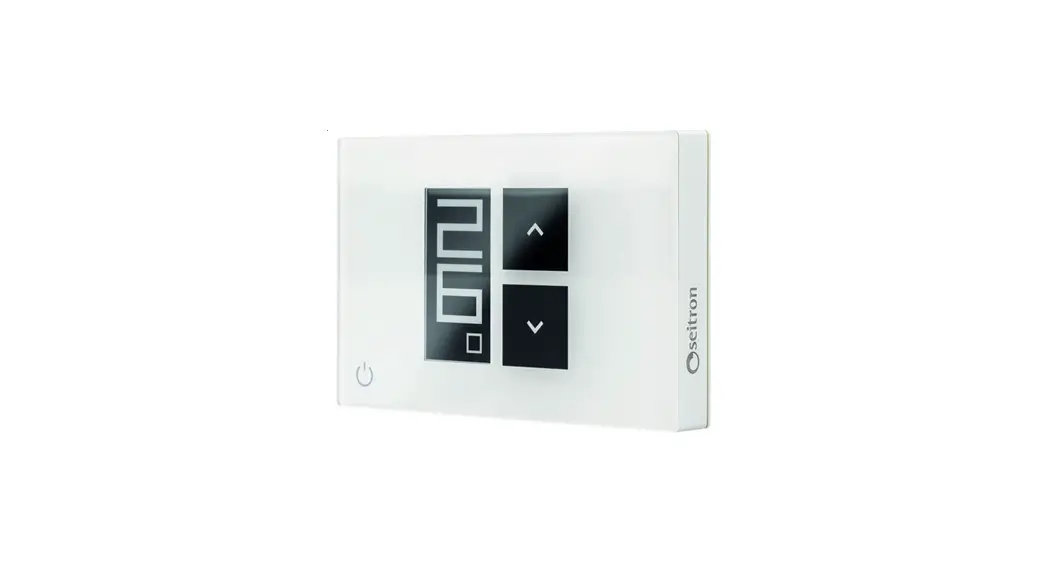
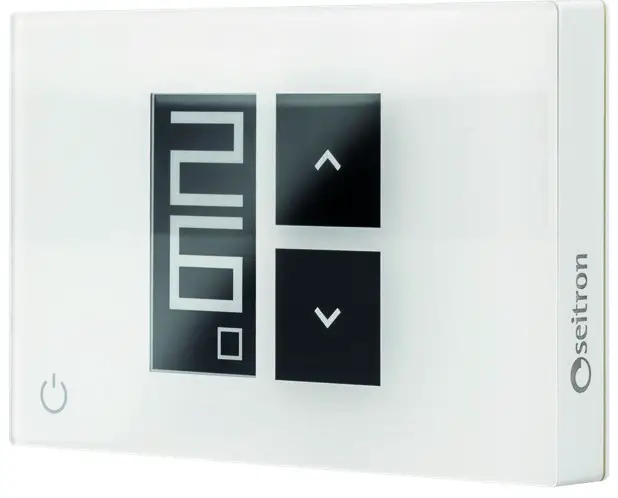
039790 WiFi WiTime Wall Programmable Thermostat
 |  |  |
| https://play.google.com/store/apps/details?id=com.SE.AASW18&hl=it |
Android and iOS Smartphone App
 https://seitron.com/en/programmable-thermostat-wifi-wi-time-wall.html
 CONTACT US [email protected]
 TALK WITH US +39 0424 567842
 | Short pressure: cycles between operating modes Hourly Program, Manual, Manual Temporary, Antifreeze/OFF. Long pressure (5 s): changes the display mode (Minimal or Full) |
 | Temperature increase |
 | Temperature decrease |
 | Pressed simultaneously (10 s): enters the Parameter Menu of the programmable thermostat |
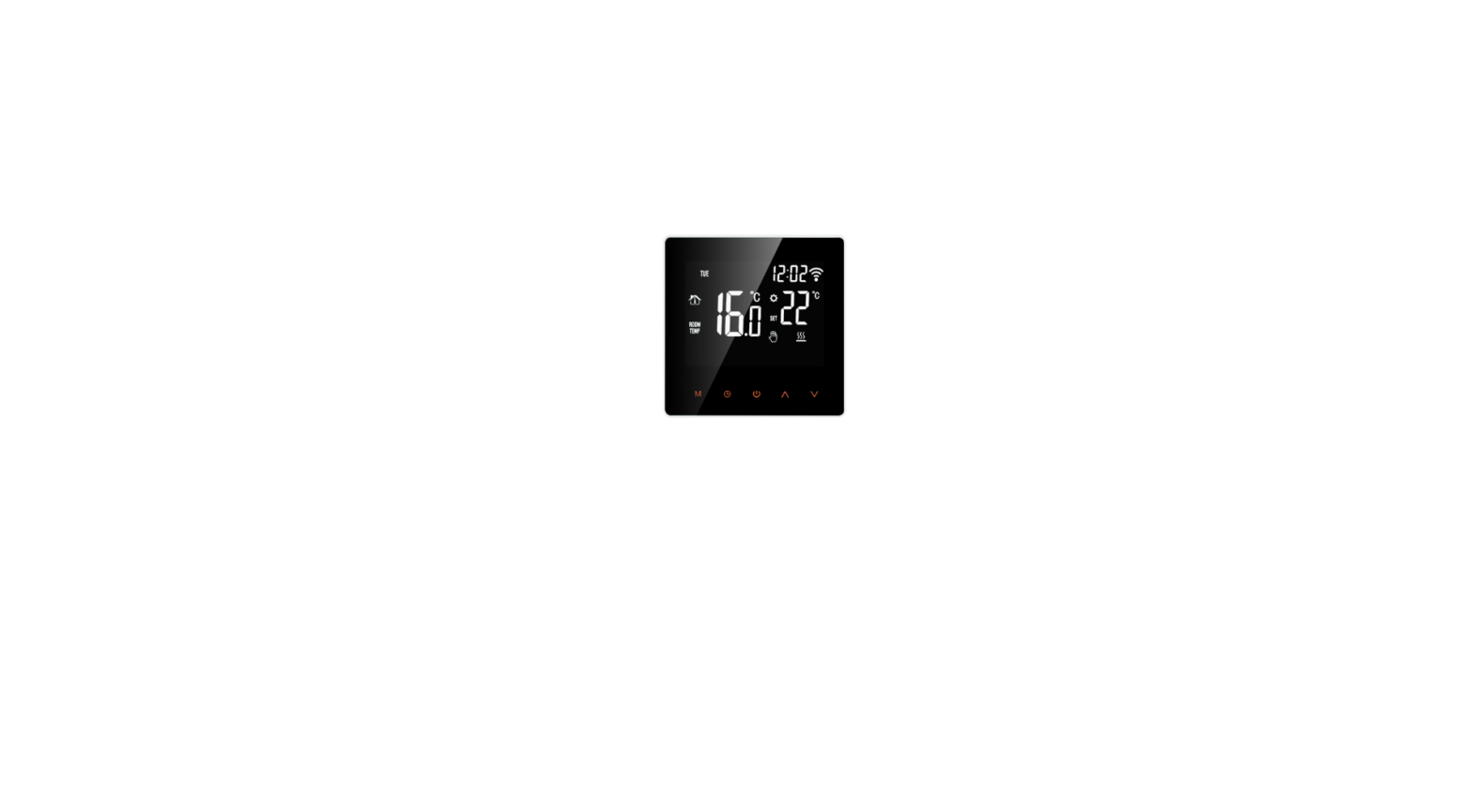
Display icons
 | Device in configuration mode: waiting for pairing |  | Temperature regulation Comfort mode |
 | Wi-Fi connected |  | Permanent Manual Mode |
 | Heating mode On |  | Temporary Manual Mode (until 24) |
 | Cooling mode On |  | Program mode |
 | Temperature regulation Economy mode |  | Antifrost mode |
WARNING!
- Before making any connections, make sure the mains power is disconnected.
- Device installation and electrical connections must be carried out by qualified personnel and must comply with current normative standards.
INSTALLATION
- Cut off mains power.

If a programmable thermostat is already present and it needs to be REPLACED, go to Point 2.
If it is a NEW installation skip to Point 3. - Unhook the old programmable thermostat from the wall and take a picture of the wirings: the power wires are usually blue and brown, the boiler control ones are usually black or gray.
 Once the wires are located, unplug them and remove the old programmable thermostat.
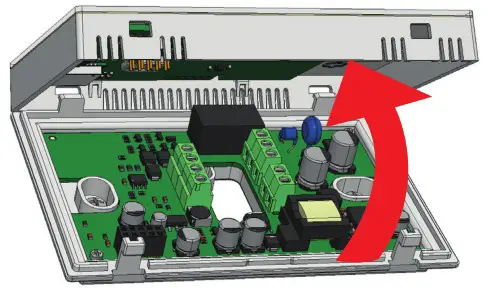
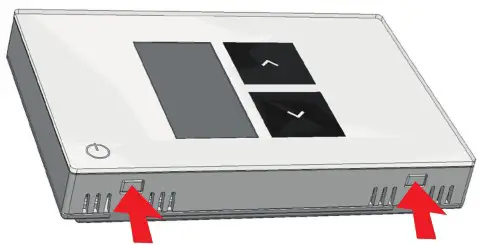
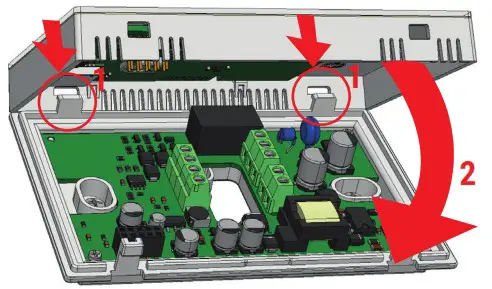
- Unhook and remove the front cover of the WiTime wall, from its plastic base underneath, applying pressure on the 2 clips located on the bottom side of the programmable thermostat and lifting the cover towards the upper side.


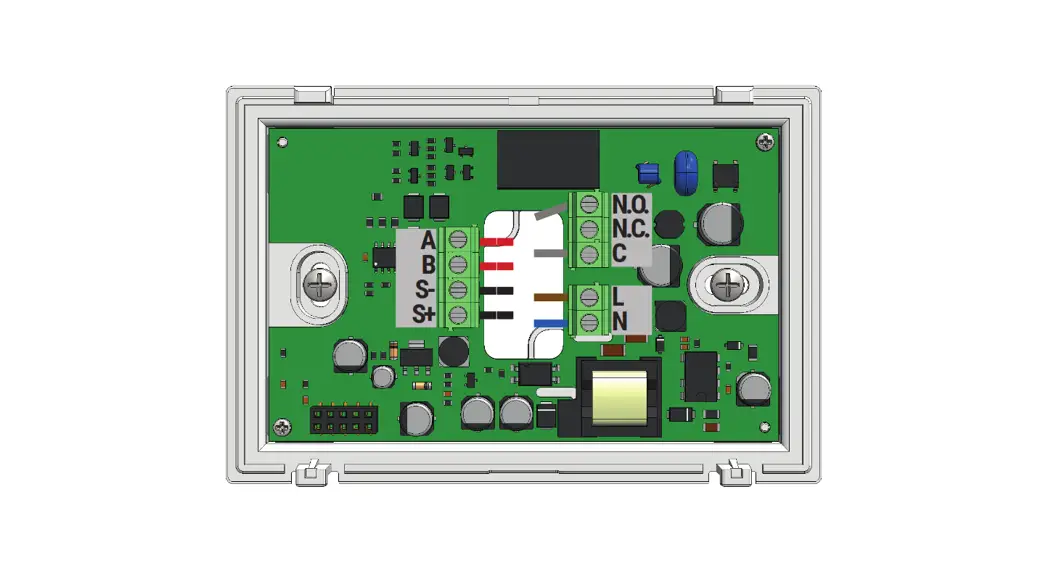
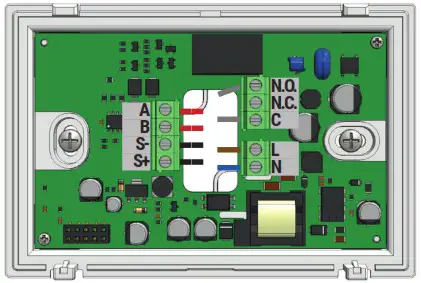
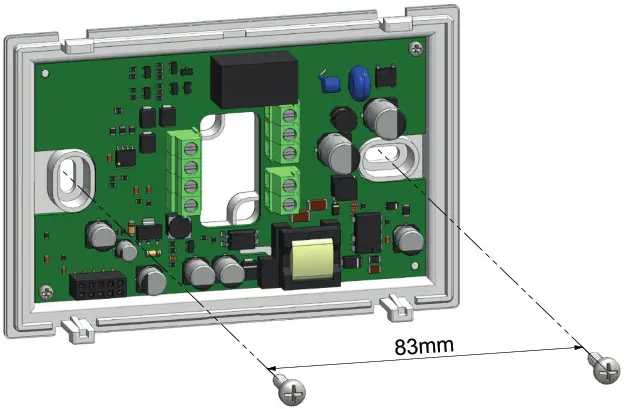
- Connect the wires, passing them through the rectangular opening, as shown on the example of the boiler wiring:
C: Common to Boiler
NO: Normally open to Boiler
L: Live (Usually brown)
N: Neutral (Usually blue)
A B: Rete Modbus (Optional)
S- S+: Remote room temperature sensor (Optional)
For more wiring options, see the complete instruction manual
- Insert and fix the Wi-Time wall programmable thermostat to the wall using the provided screws.

- Place back the cover by first hooking it to the upper side of the plastic base (1) and then locking it to the lower side clips (2).

- Power up the programmable thermostat.
- The display shows the icon “
 ” and the text ‘ PAIRING ‘ for about 2 minutes.
 - Download the Seitron Smart App.
- Start the App, register the new user and login and complete the Wi-time wall configuration.
Then pair the Wi-Time wall to the App. - The display shows the icon “
 ” for a few seconds showing that the device is connected to the Wi-Fi network and paired to the App.

 Once the wires are located, unplug them and remove the old programmable thermostat.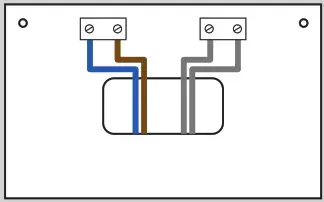
TECHNICAL FEATURES
Type: Wall mounted programmable thermostat
Display: ePaper 2,13”
Power supply: 85..264 Vac 50..60 Hz
Power absorption: less than 2 W
Relay contacts ratings: max 3 A 250 Vac SPDT
Wi-Fi: 802.11 b/g/n
Modbus® RTU
Temperature adjustment range: +5.0..+40.0 °C
Operation mode heating/cooling
Weekly or manual programming
No-frost function
Settable Boost via App only (30-60-90 minutes)
Predisposition for a remote temperature sensor
Clock with buffer battery set via web
Protection rating: IP 30
Software class: A
Size: 120x80x24 mm
Thermoregulation class: V
WARRANTY
In the view of a constant development of their products, the manufacturer reserves the right for changing technical data and features without prior notice. The consumer is guaranteed against any lack of conformity according to the European Directive 2019/771/EU as well as to the manufacturer’s document about the warranty policy. The full text of warranty is available on request from the seller.
WIST03190ASE 039790 110722
 Seitron: sistemi di termoregolazione, sicurezza e gas