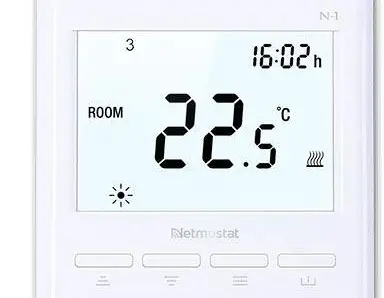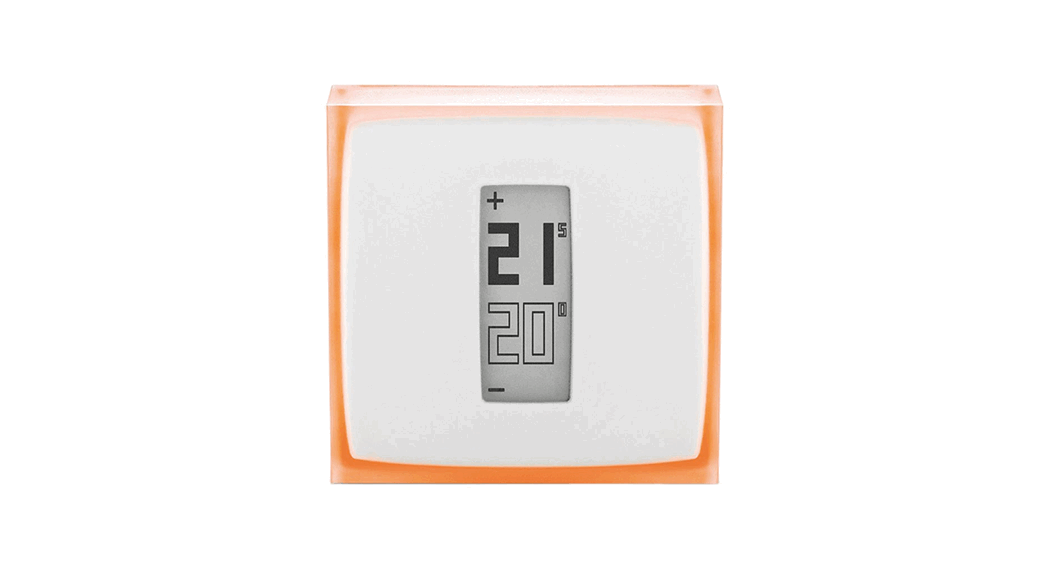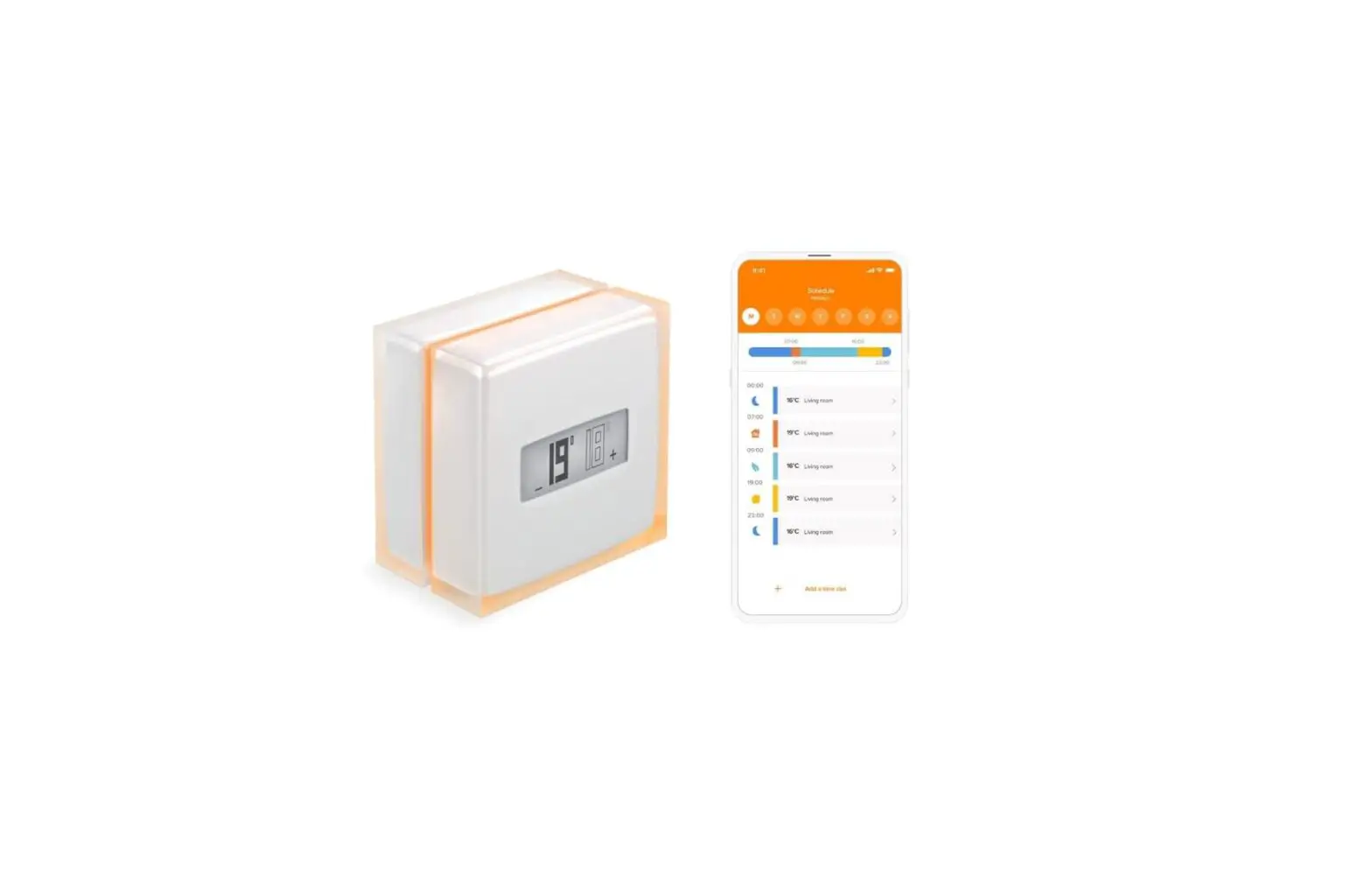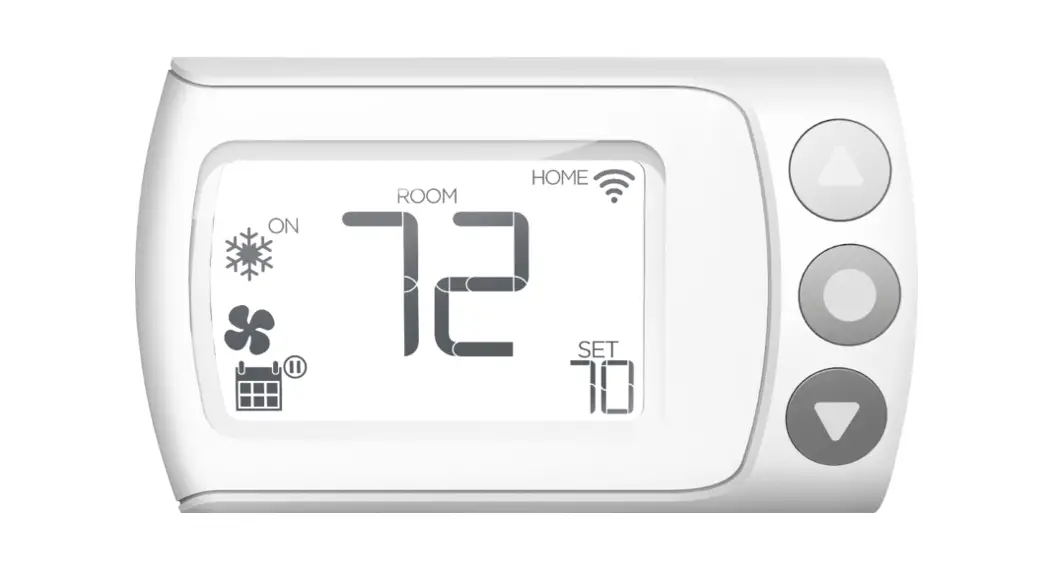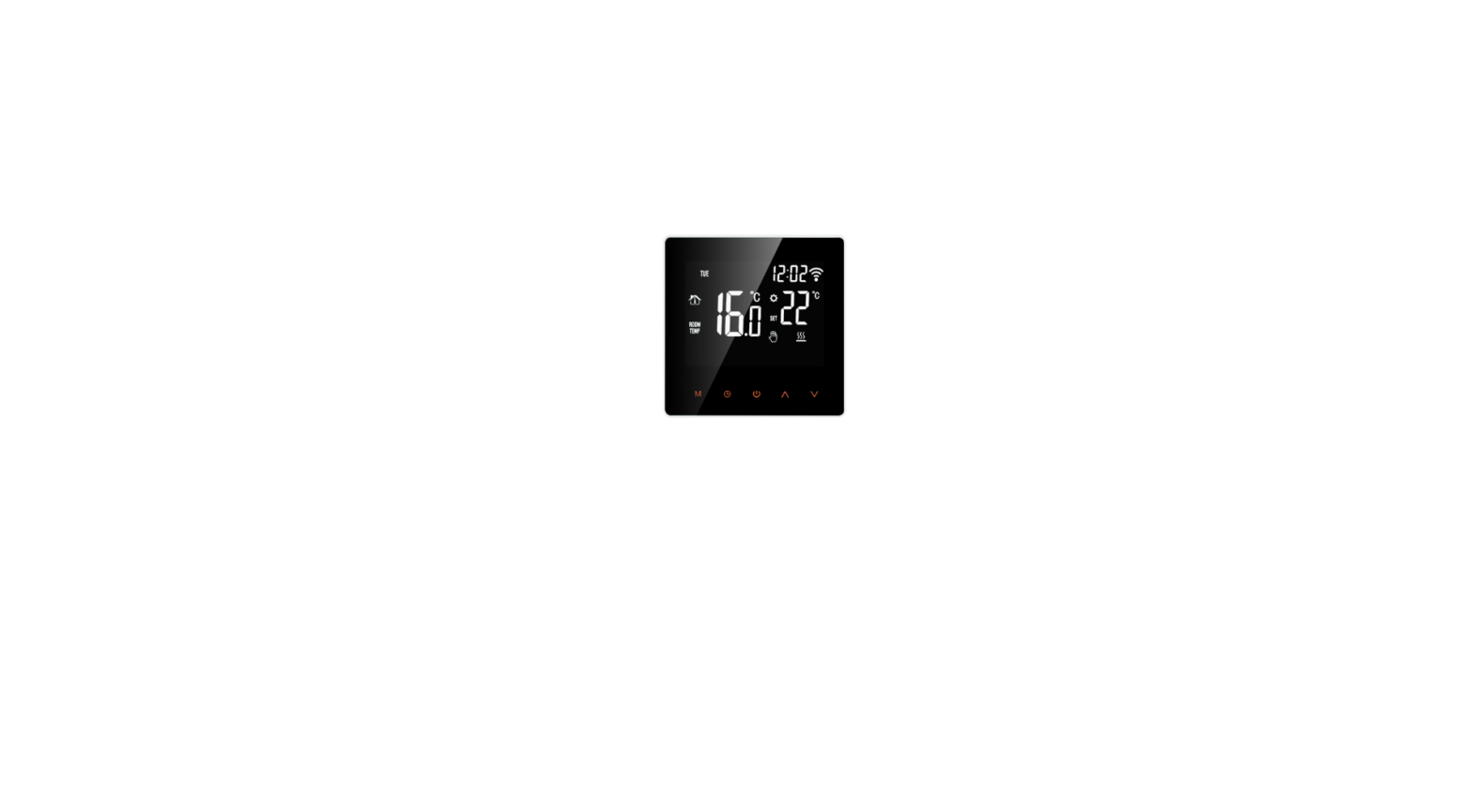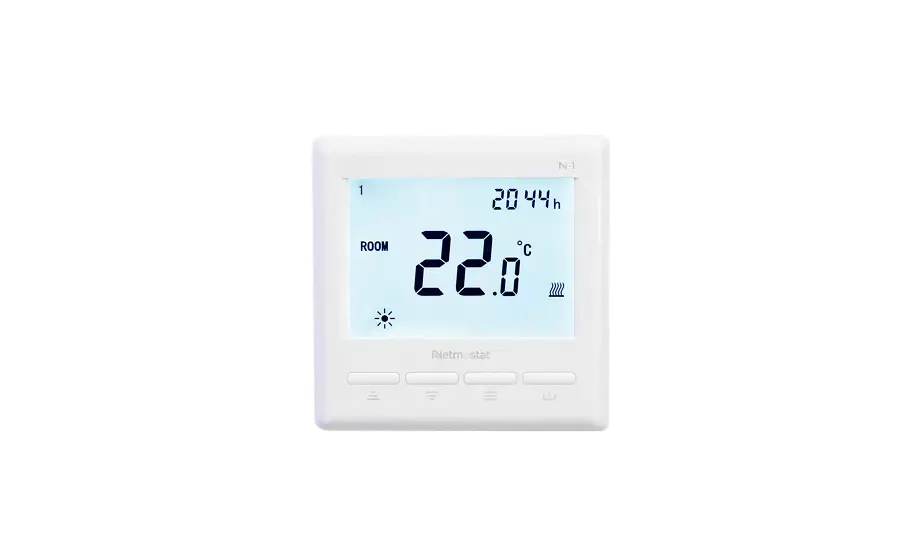

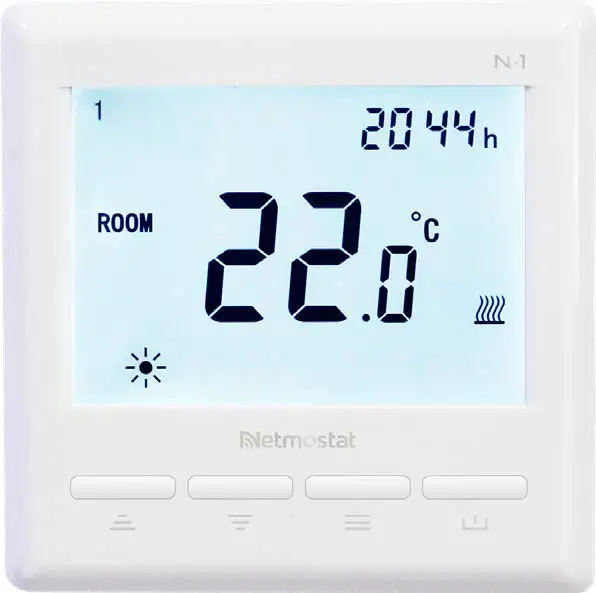
Netmostat N-1 Smart Wifi Programmable Thermostat
Overview
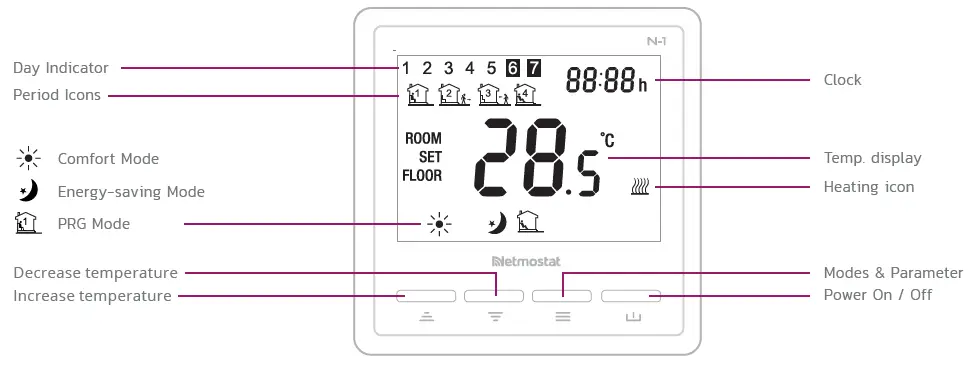
WIFI CONNECTION
Please scan the QR code for detailed instructions or visit netmostat.com/connection
SETTING COMFORT MODE AND ENERGY-SAVING MODE
Switch between modes using the  button.
- Choosing the Comfort Mode
 you may assign temp
  or
or  buttons.
 - By choosing the Energy-saving Mode
 you may assess temperature using or buttons.
 you may assign temp
  you may assess temperature using
 CLOCK & PRG SETTING
PRG function allows you to set different temperatures throughout the day. For example, you may want the home warm in the morning, cooler when you leave your home for the day, and then warmer in the evening when you return home. The thermostat offers 7 days programming option, four different temperature levels for each day. Default comfort levels are pre-programmed; still you can change them easily with the following method:
Long press button for 5 seconds,
- press and to adjust the clock (min-hour-weekday), each press
 will go into the next time setting
 - after clock adjustment, press to change daily. By pressing and you can set the desired time and temperature of each period. (Weekday- period- time- temp.) Each press of a button will go into the next item setting.
DEFAULT VALUES
| Period | Wake up | Leave Home | Return Home | Sleep | ||||
| Time | Temp. | Time | Temp. | Time | Temp. | Time | Temp. | |
| 1-5 (Mon.-Fri.) | 7:00 | 22°C | 8:30 | 19°C | 17:00 | 22°C | 22:00 | 19°C |
| 6 (Sat.) | 8:00 | 22°C | 8:30 | 22°C | 17:00 | 22°C | 22:00 | 19°C |
| 7 (Sun.) | 8:00 | 22°C | 8:30 | 22°C | 17:00 | 22°C | 22:00 | 19°C |
KEY-LOCK FUNCTION
In order to avoid unauthorized access (hotels, public areas, child rooms) you can activate the key lock function from parameter settings page 12. To unlock your device long press the and
and buttons for ~5 seconds.
PARAMETER SETTINGS
Under power-off mode, to access or modify parameter settings, please long press and buttons simultaneously for ~8 seconds until the MENU appear showing 01 which is menu 1. Each press of the button will go to the next MENU.
| Menu | Description | Range | Default |
| 01 | Temp. Offset | -8°C ~ 8°C | 0 |
| 02 | Set Point Max. | 5°C ~ 80°C | 35°C |
| 03 | Set Point Min. | 5°C ~ 80°C | 5°C |
| 04 | Sensor Select | ROOM FLOOR ROOM + FLOOR | |
| 05 | Frost Protection Temp. | 5°C ~15°C | 5°C |
| 06 | Surface Temp. Display | Read Only | |
| 07 | High Temp. Protection | 20°C ~ 80°C | 32°C |
| 11 | Reset | rE (Yes) | |
| 12 | Key lock | 0 – off, 1 – on | 0 |
| 14 | OWD function ON/OFF select | OF – off, ON – on | OF |
| 15 | OWD Detect Time Select | 2 ~ 30 mins | 15 mins |
| 16 | OWD Drop temp. select (within detect time) | 2 / 3 / 4°C | 2°C |
| 17 | OWD Delay time select (Return to previous working status) | 10 ~ 60 mins | 30 mins |
| 18 | The temp. diff to exit high protection mode | 1°C ~ 3°C | 1°C |
| 19 | External sensor temp. offset | -8°C ~ 8°C | 0 |
| 20 | Energy optimization | 1: electric radiator 3: ceiling heating 2: heating panel 4: floor heating | 1 |
| 21 | WI-FI communication ID number | Read Only | |
| 22 | App notification: high temp. alarm | 0 – off, 1 – on | 0 |
| 23 | Software version | Read Only |
MOUNTING
Electrical box recessed into the wall (65×55 mm) horizontal screw locations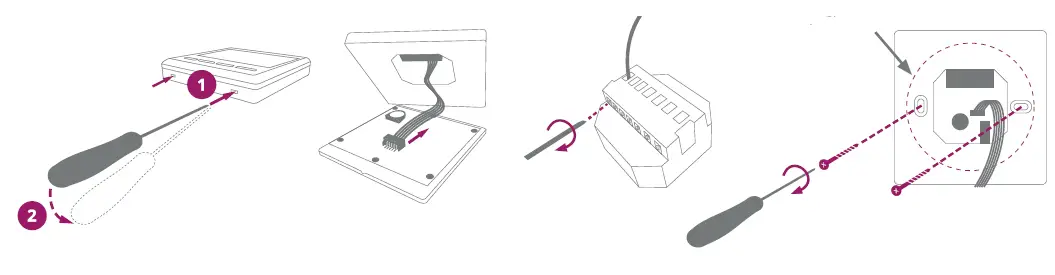
WIRING DIAGRAM
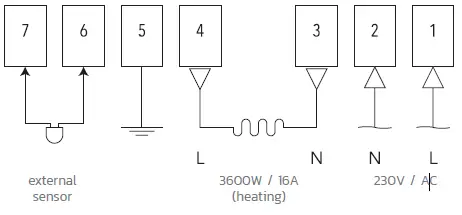
SPECIFICATION
- Operating voltage: 230V AC, 50/60 Hz
- Capacity: 3600W/16A
- Standby consumption: 0.5W
- Display: LCD White backlight
- External Sensor: NTC 10kΩ @ 25°C
- IP protection rating: IP 30
- Housing: White ABS to UL94-5 fire standard
- Temperature settings: 5°C–80°C, 0.5°C
- Accuracy: ± 0.5°C
- PRG options: 7 days, four cycles each day
- Housing dimensions: 86 mm × 86 mm × 15 mm
- Relay inst. dimensions: Ø 65 mm diameter, standard