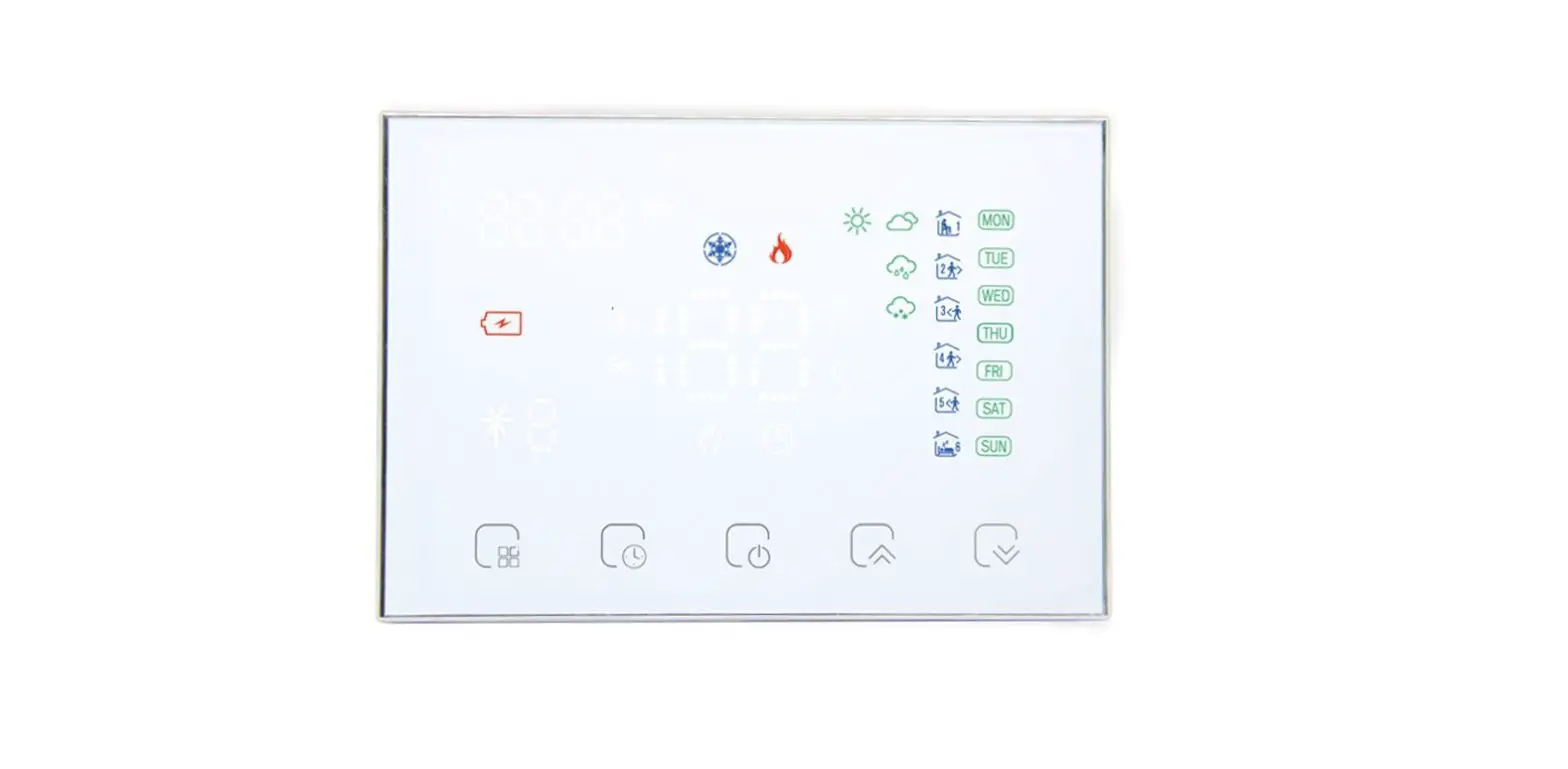
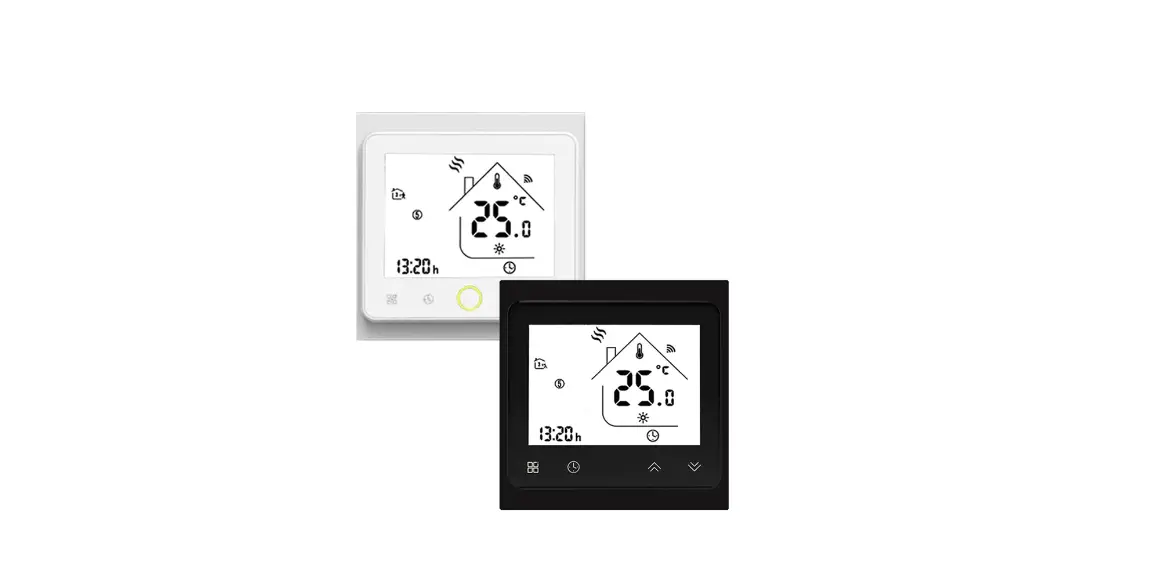
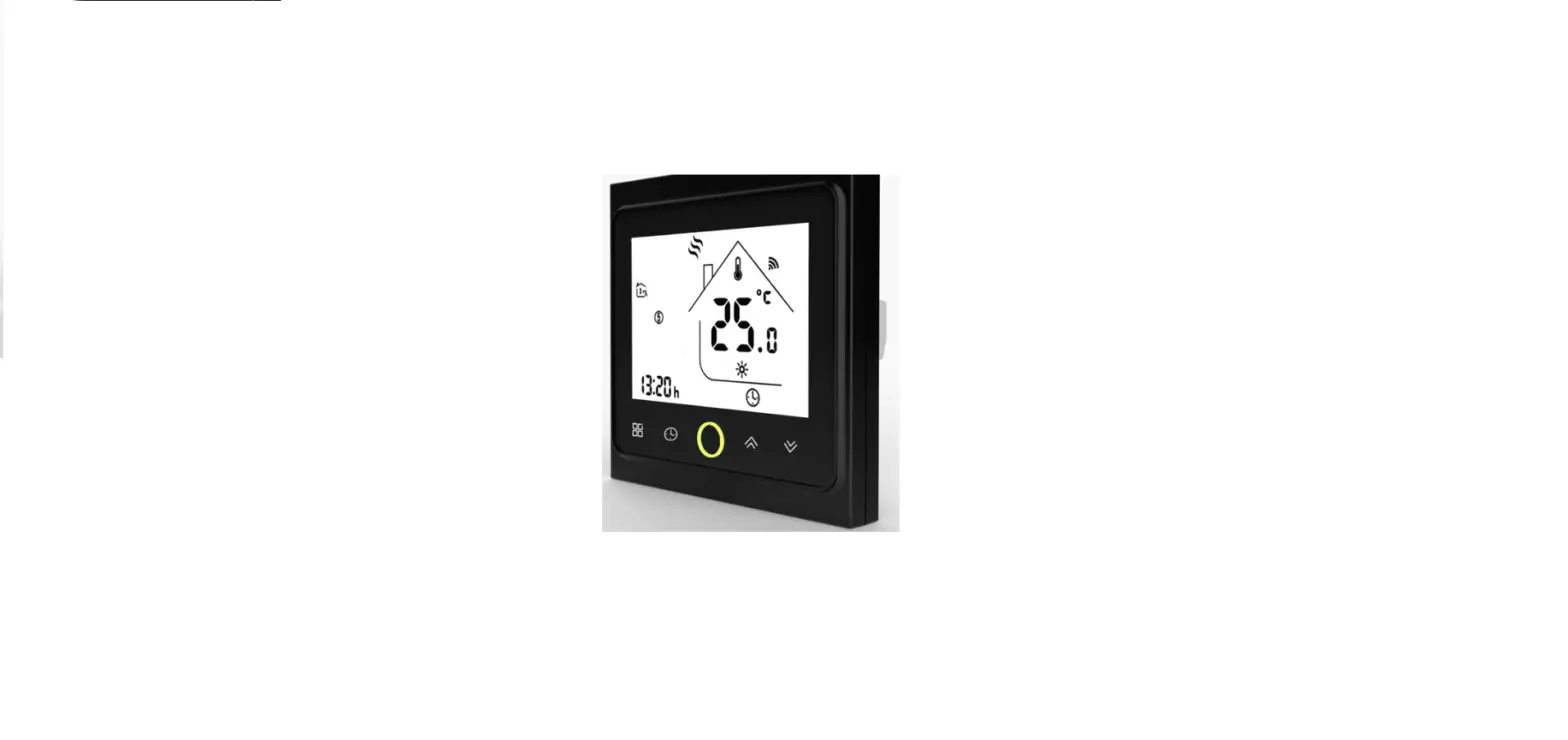
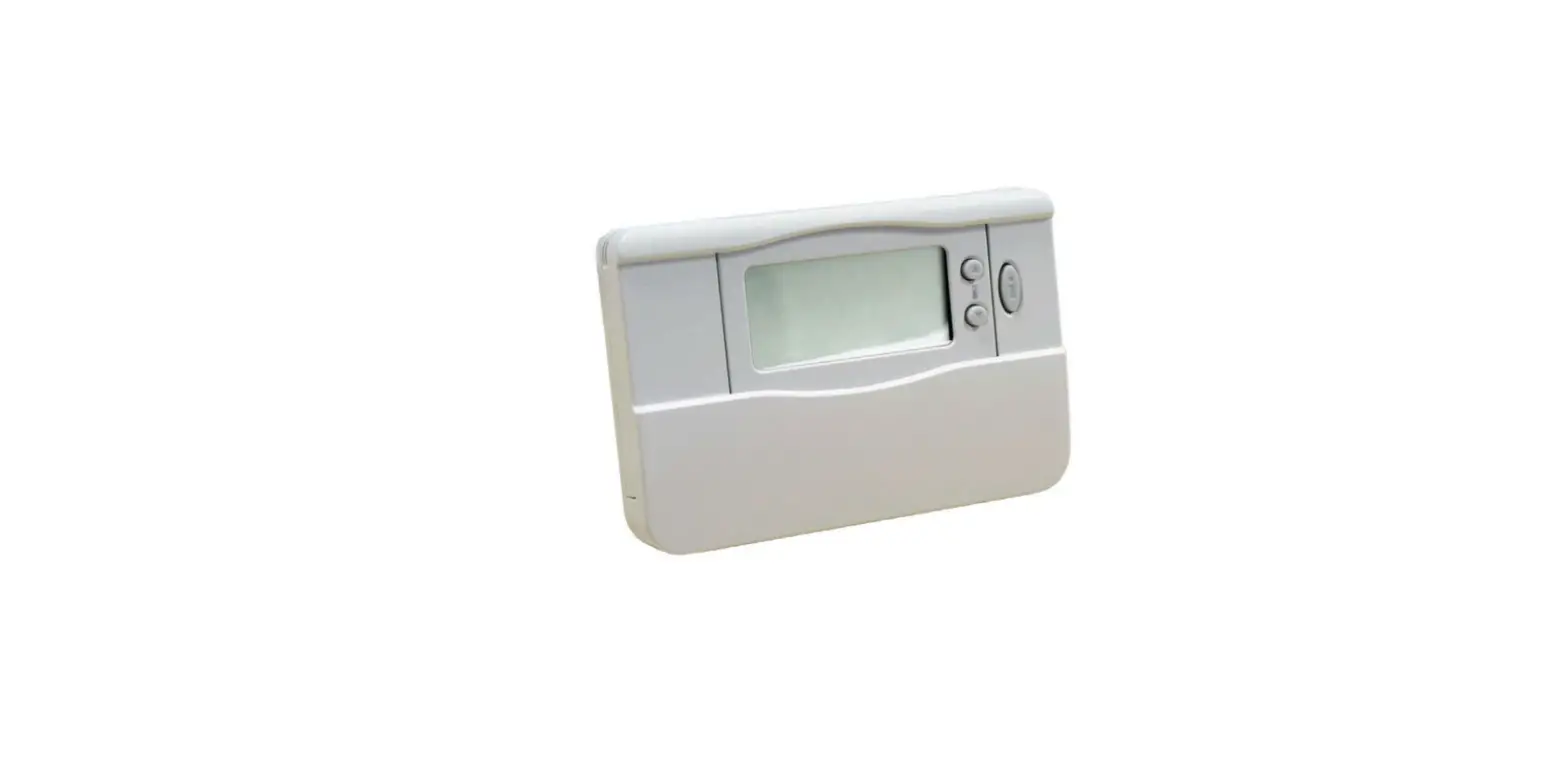
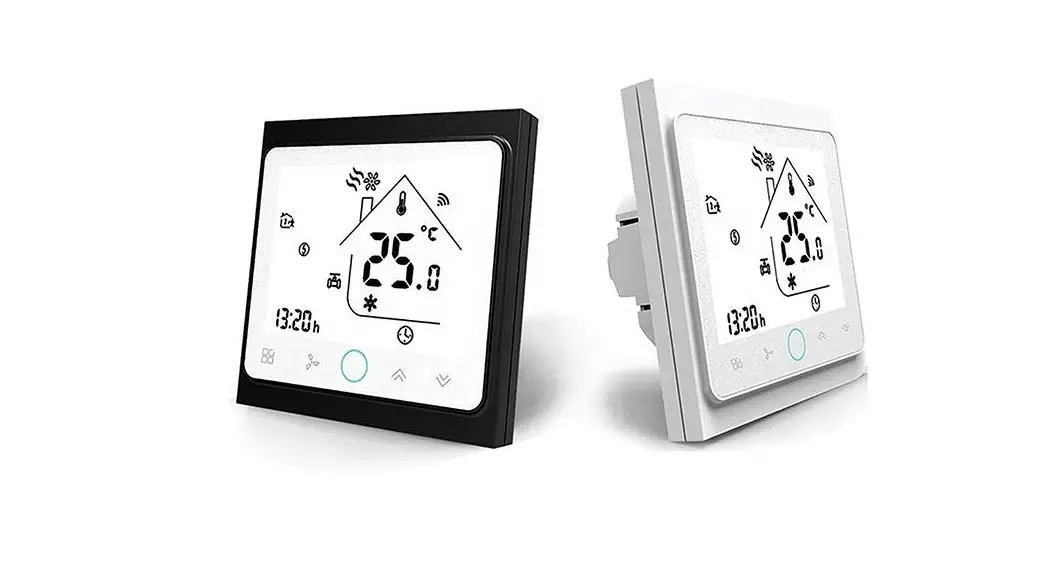
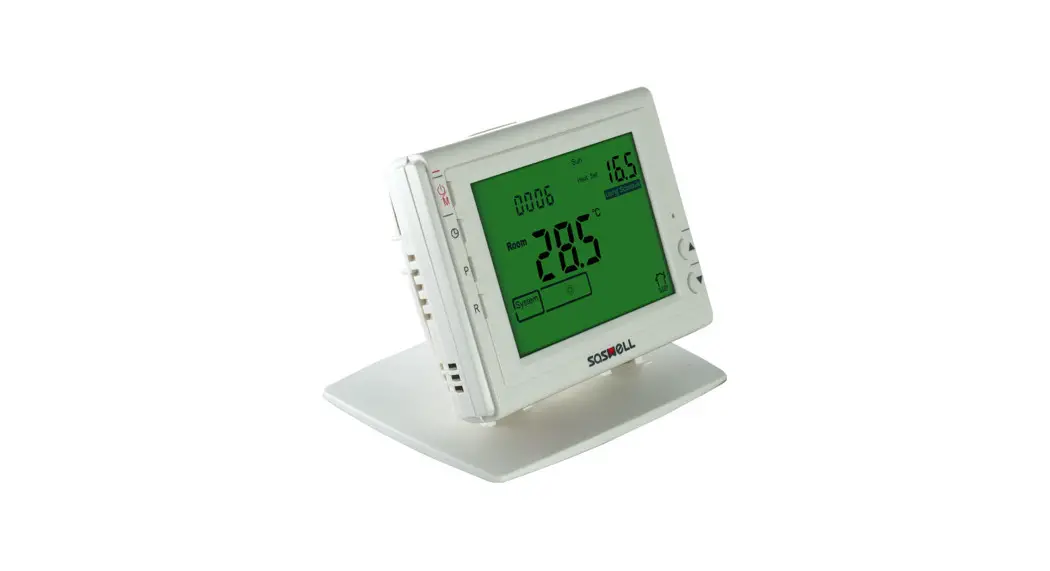
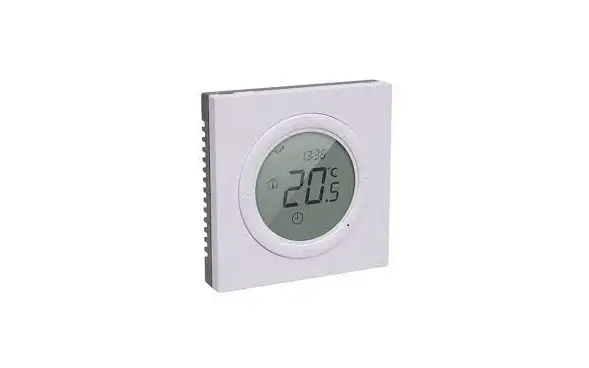
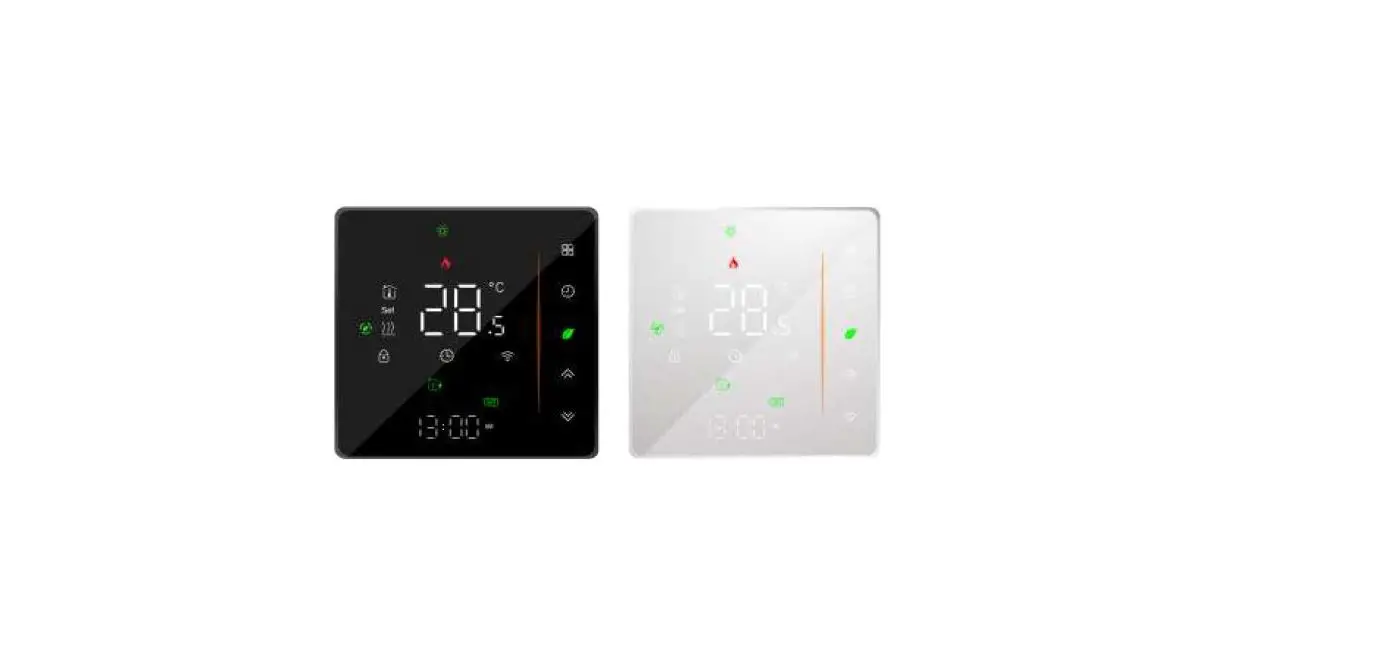
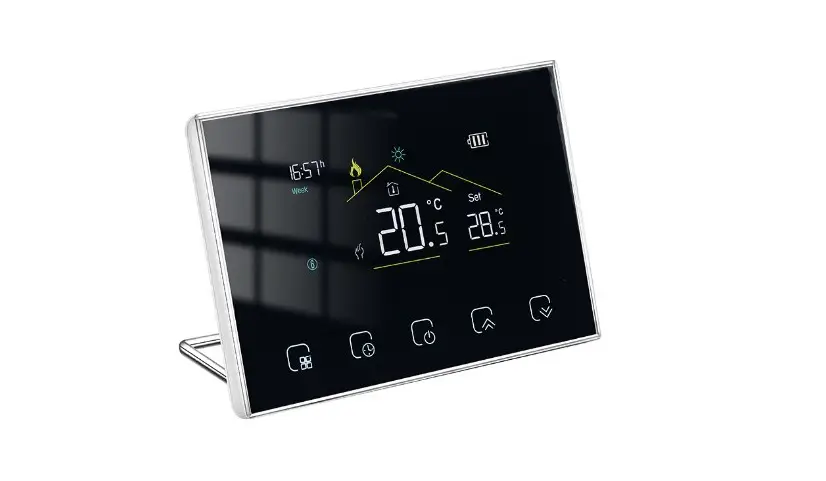
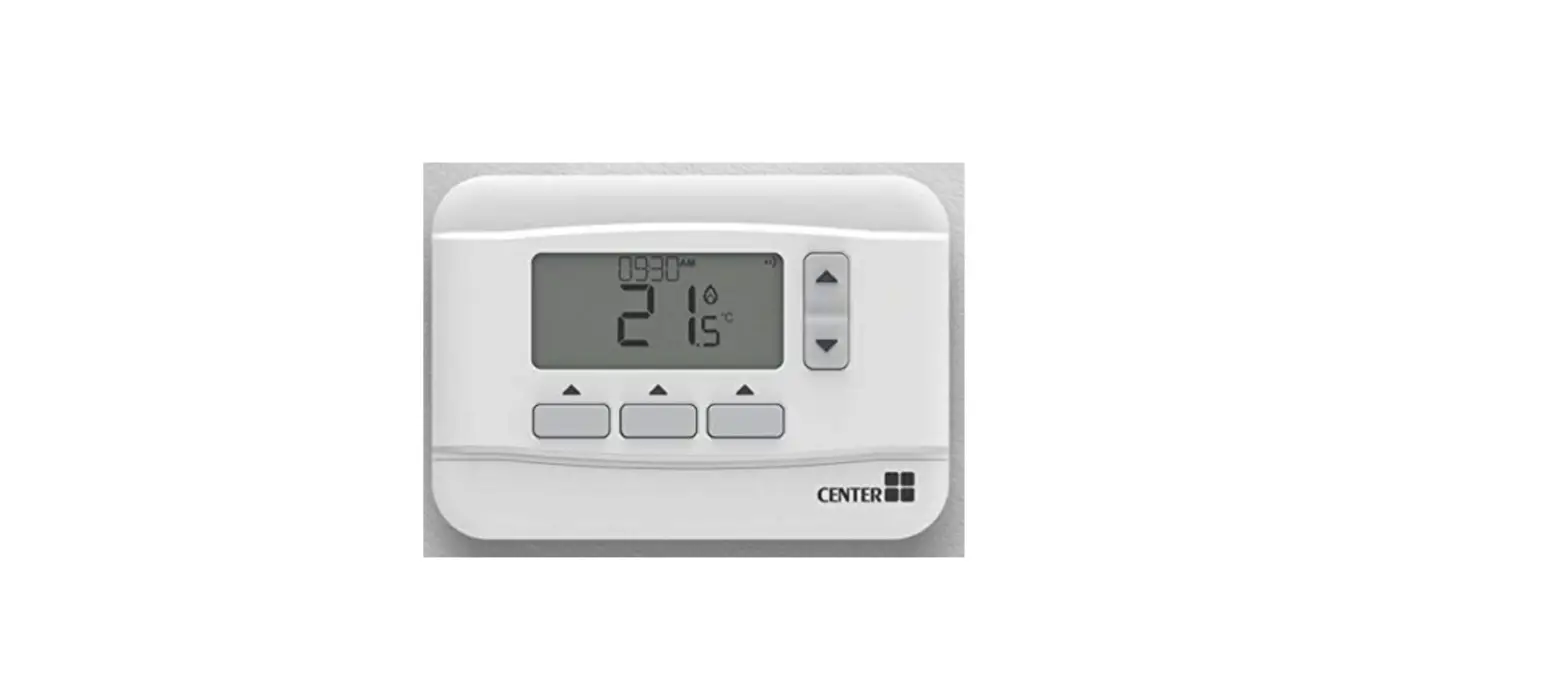
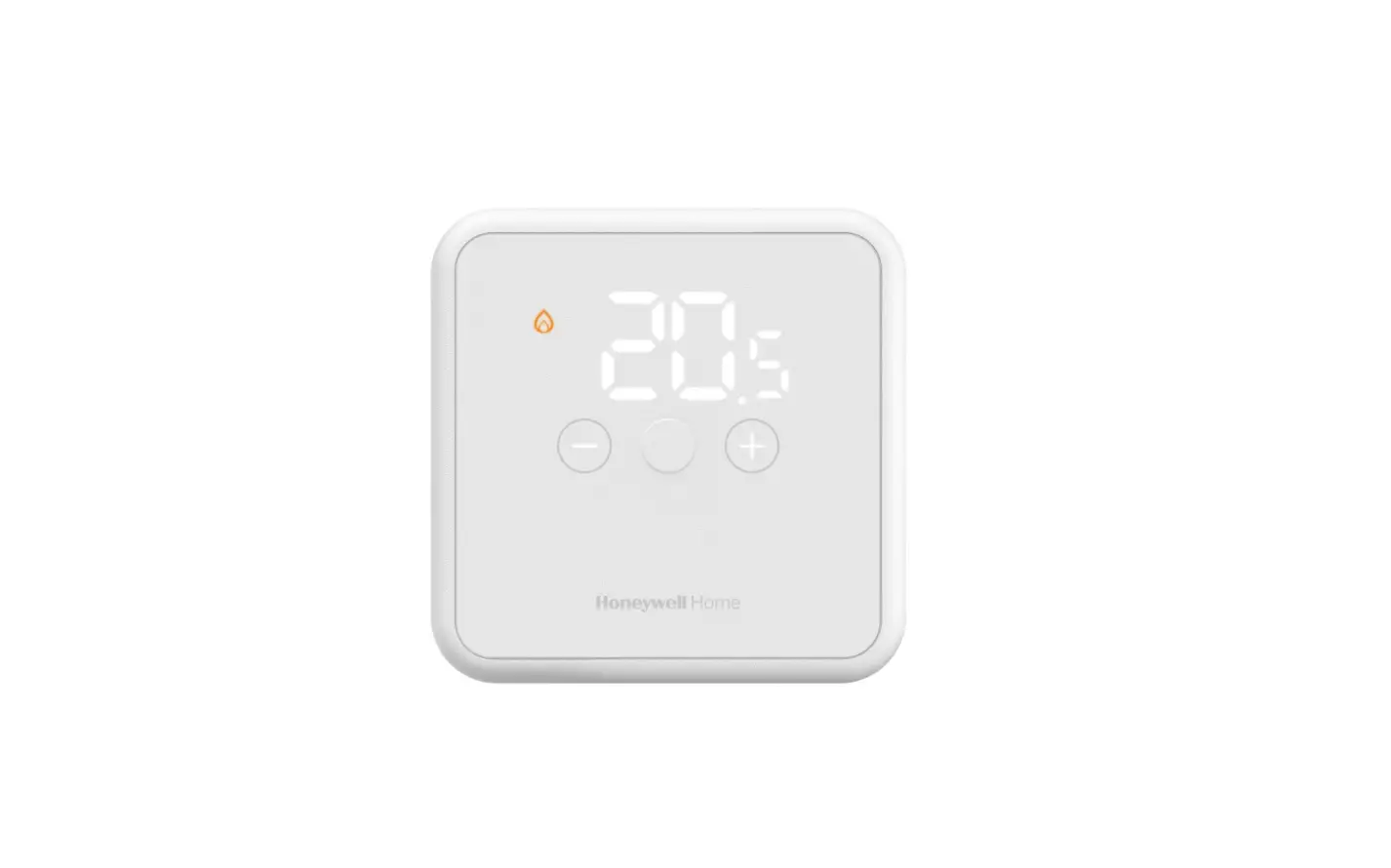
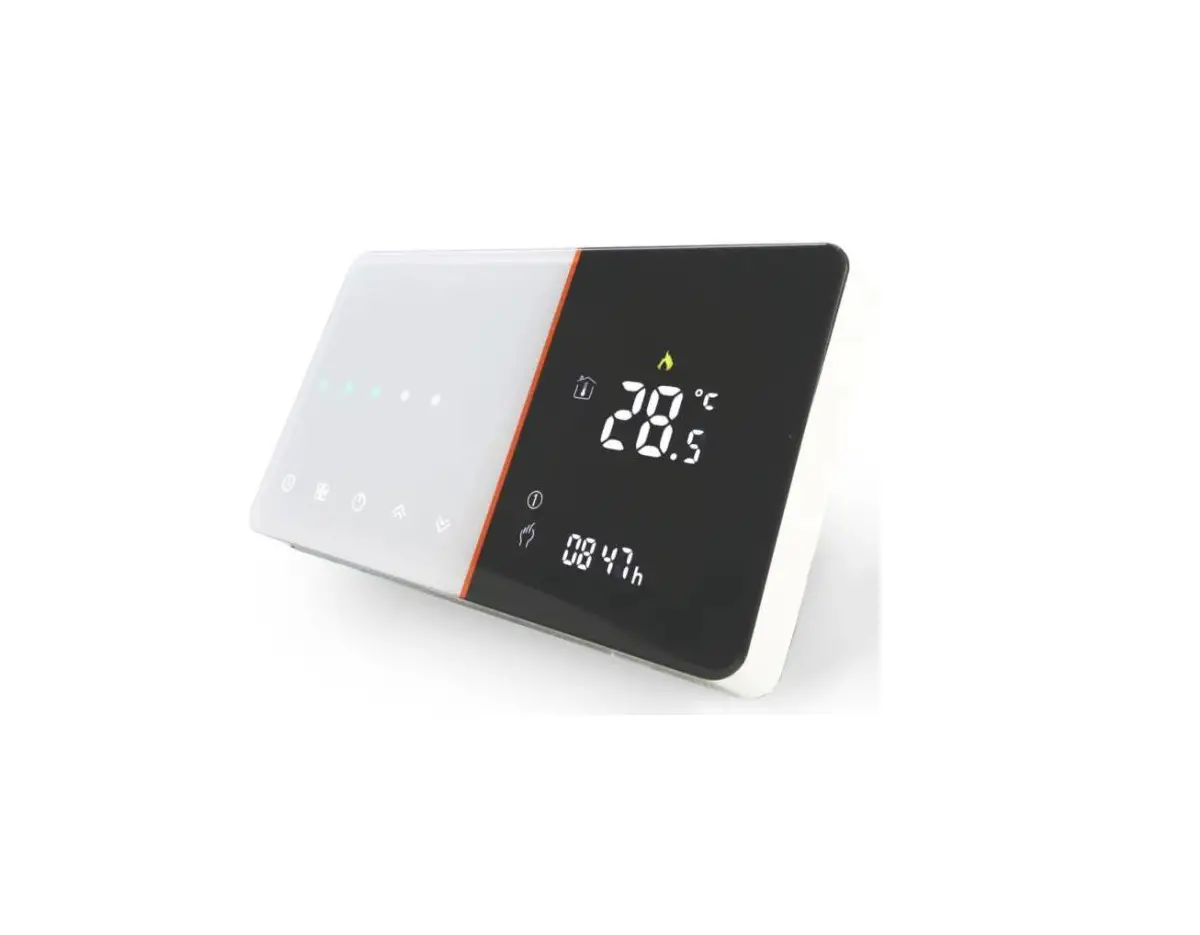
 BHT-1000 Series Thermostat
User Guide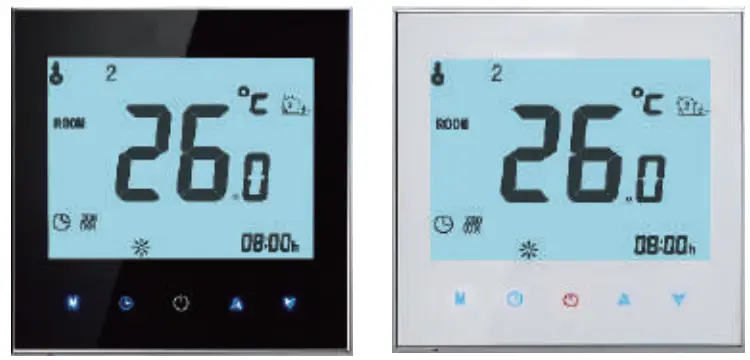
For Water Heating/Boiler/Electric Heating
WIFI Type
Welcome,
Thank you for your purchase.
Your new thermostat will provide uniform and comfortable temperature control throughout every room in your property. We bring together technology, craftsmanship, and the highest quality materials to provide you with a safe, reliable product combined with sleek, contemporary design. Please read this installation/programming manual for comprehensive instructions on installing and operating your thermostat. Please also ensure a suitably qualified person installs your thermostat and complies with all local regulations.
In the box you will find
| Thermostat | 1pc | Screws 2pc |
| User Guide | 1pc | Floor Sensor (2.5m) 1pc |
| QC Passed | 1pc | (Floor sensor is Optional) |
ABOUT YOUR THERMOSTATS
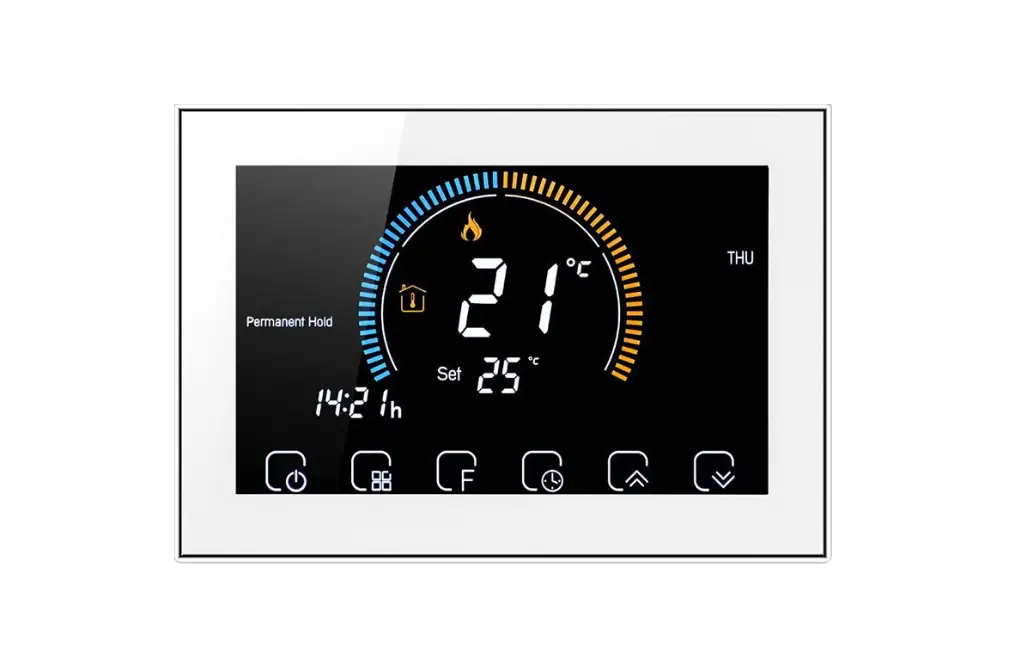
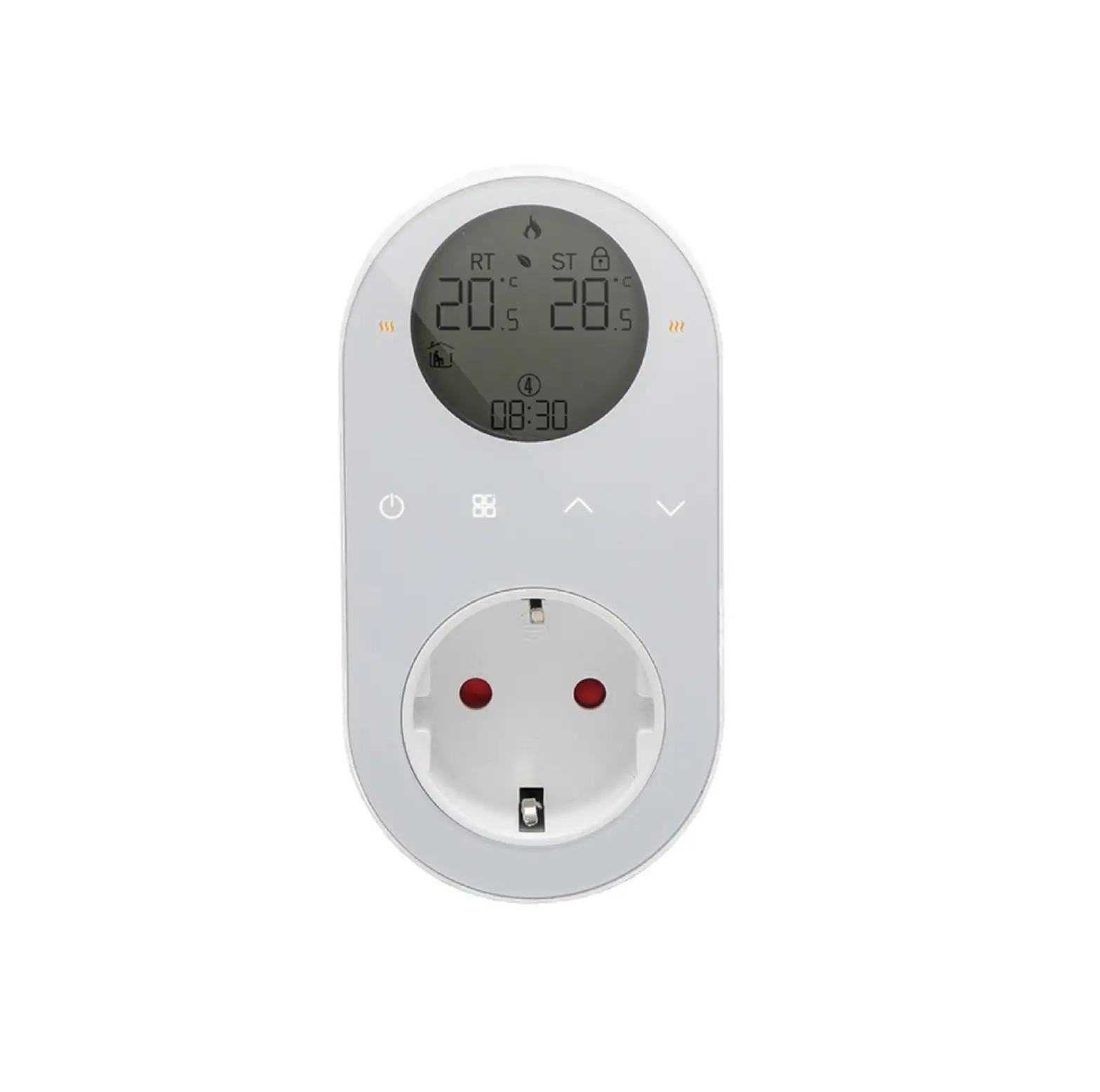
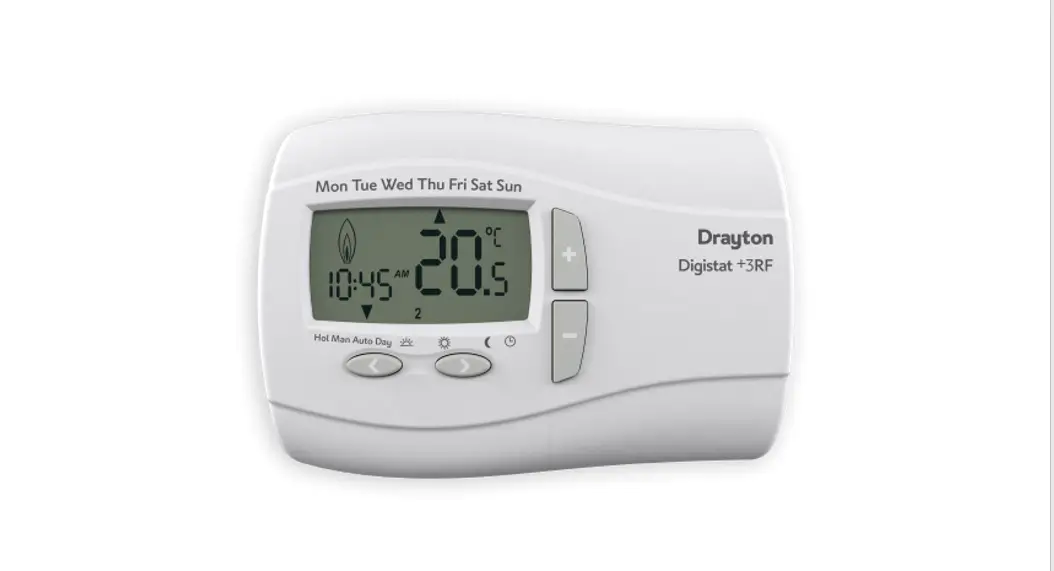
The BHT-1000 range has been developed to control electric underfloor, water heating, or water/gas boiler systems. These units are designed for use in commercial, industrial, civil, and domestic properties
MODEL DEFINITION
GA: Water heating,
3A GB: Electric floor Heating, 16A
GC: Water/Gas Boiler, 3A
L: Backlight
P: Weekly Programmable
N: Modbus Communication
B: BACnet Communication
W: Wifi
S2: Both internal sensor and floor external sensor
For example EIHT-1000 GCLP
FEATURES
On Appearance
- A white or Blue backlight will show you a nice world.
- 65.9*48.6 mm display area helps to protect your eyes.
- Glass or Acrylic Lens is for your selection.
- Touch buttons to make a simple operation.
- Amazing Silver Frame opens your modern life.
- The visible thickness above the wall is only 13 mm.
- Interlock to connect gives you easy installation.
- 86mm hidden box and European 60mm round box is suitable.
- White, black or gold housing creates your colorful life.
On Functionality
- Powerful functions are available such as Modbus/WIFI etc,
- 0.5°C Accuracy keeps the temperature within the level you set.
- Data memory when power is off.
- 5+2 six periods programmable maximize comfort and economy.
- Creat thermostat group to Centralized control
- Integrated with Amazon Echo, Google Home, Tmall Genie
- All setting languages synchronize your time zone, address, and language.
- No limit to adding rooms and supporting Smart Scene.
DIMENSION
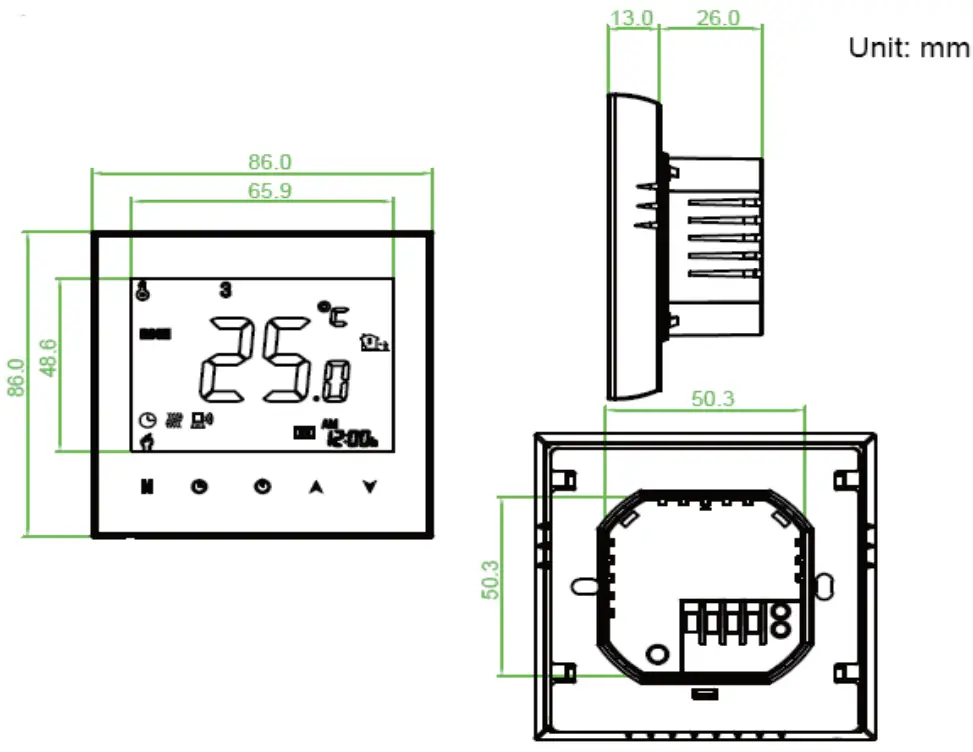
TECHNICAL DATA
Power Supply: 95 — 240 VAC, 50 — 60HZ
Current Load : 3A ( water heating/water boiler/gas boiler) 16A (electric heating)
Sensor: NTC3950, 10K
Accuracy: ±0.5 C
Set Temp. Range: 5 -35C
Dispaly Temp. Range: 5 — 99 C
Ambient Temp.: 0 — 45 C
Ambient Humidity: 5 — 95 % RH (Non Condensing)
Storage Temp.: -5 — 45 C
Power Consumption: <1.5W
Timing Error: < 1%
Shell Material: PC +ABS ( Fireproof)
Installation Box: 86 * 86mm Square or European 60mm Round Box
Wire Terminals: Wire 2 x 1.5 mm2 or 1 x 2.5 mm2
Protection Class: IP 20
Buttons: Capactive Touch Buttons
BEFORE WIRING AND INSTALLING
- Read these instructions carefully. Failure to follow them could damage the product or cause a hazardous condition.
- Check the ratings given in the instructions and on the product to make sure the product is suitable for your application.
- Installer must be a trained, experienced service technician.
- After installation is complete, check out product operation as provided in these instructions.
 CAUTION Electrical Shock or Equipment Damage Hazard. Can shock individuals or short equipment circuitry. Disconnect power supply before installation.
WIRING
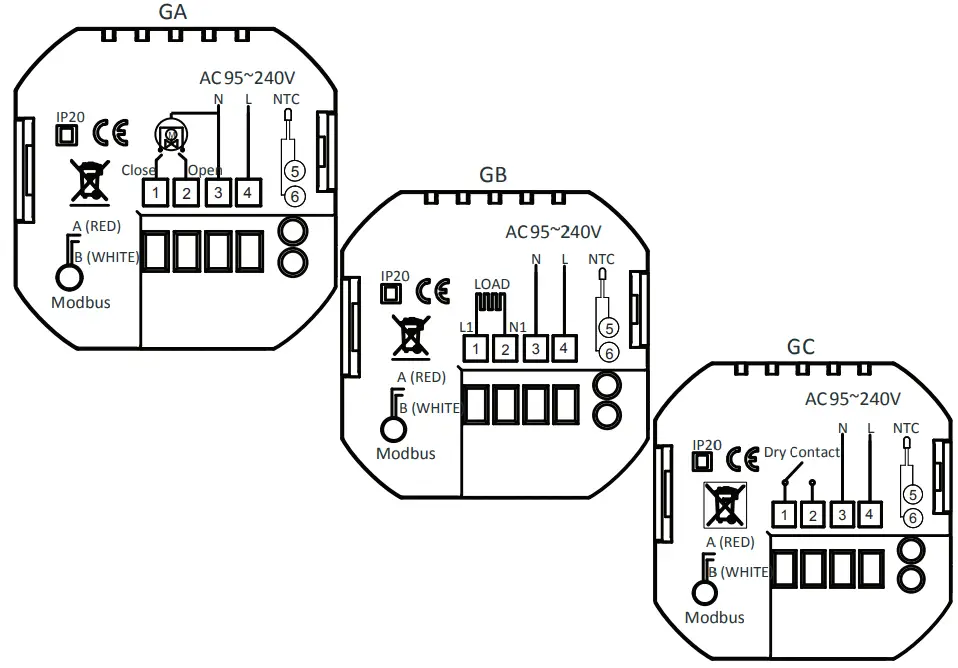
Note: GA is for water heating; GB is for electric heating; GC is for water/gas boiler; NTC and Modbus is optional.
INSTALLATION
Your thermostat is suitable for installation within a standard 86mm pattress box or European 60mm pattress box. Step 1. Keep power off. See Fig 1. Step 2. Remove the mounting Plate by rotating the LCD part. See Fig 2.
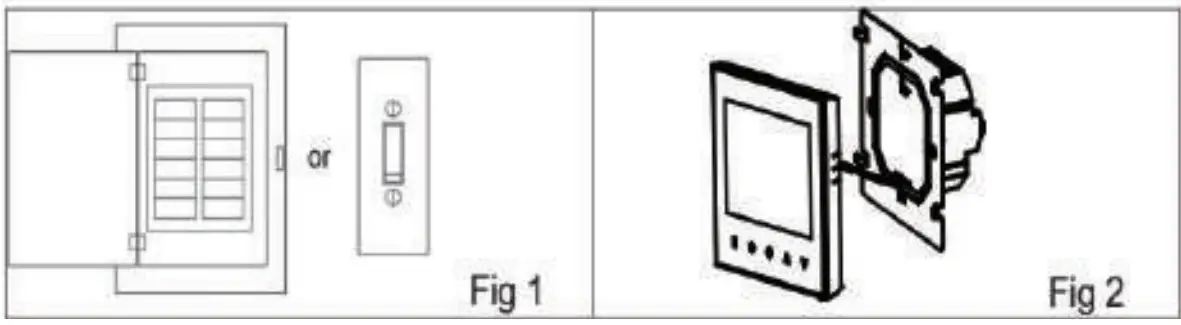
Step 3. Connect power supply, load into the appropriate terminals. (see “Wiring your thermostat” for details and Fig 3). Step 4. Fix the mounting plate into the wall with screws in the box. See Fig 4.
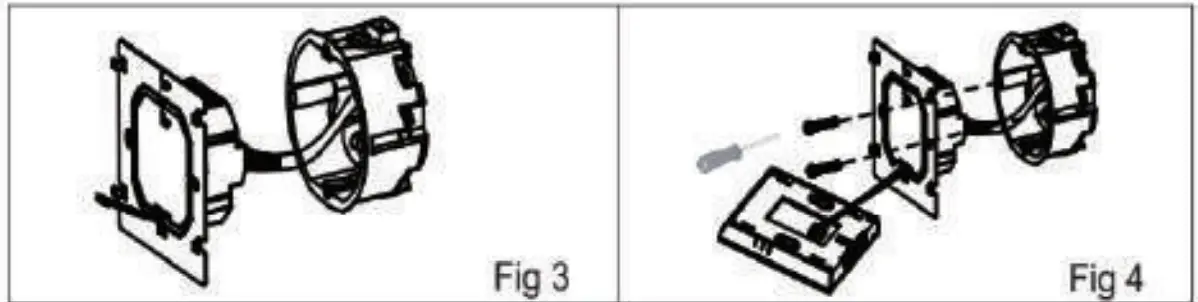
Step 5. Fasten body of thermostat and the mounting plate through rotating. See Fig S.
Stap 6. Installation complete. see fig 6.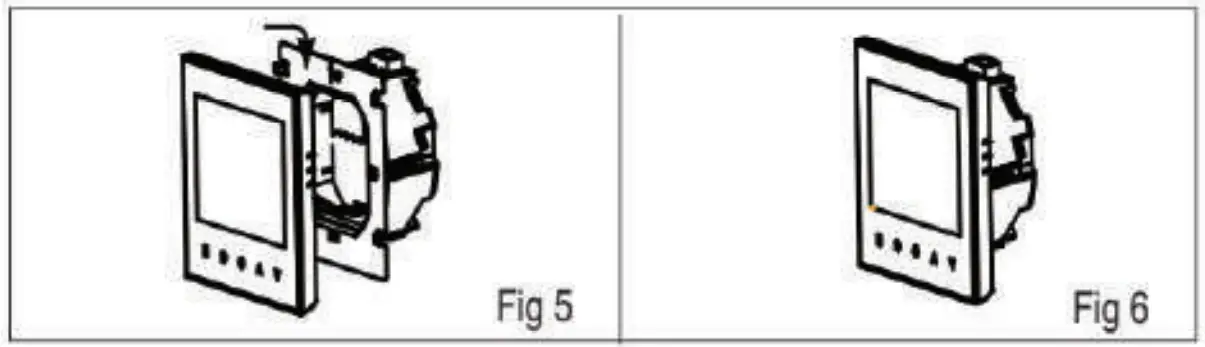
HOME SCREEN QUICK REFERENCE
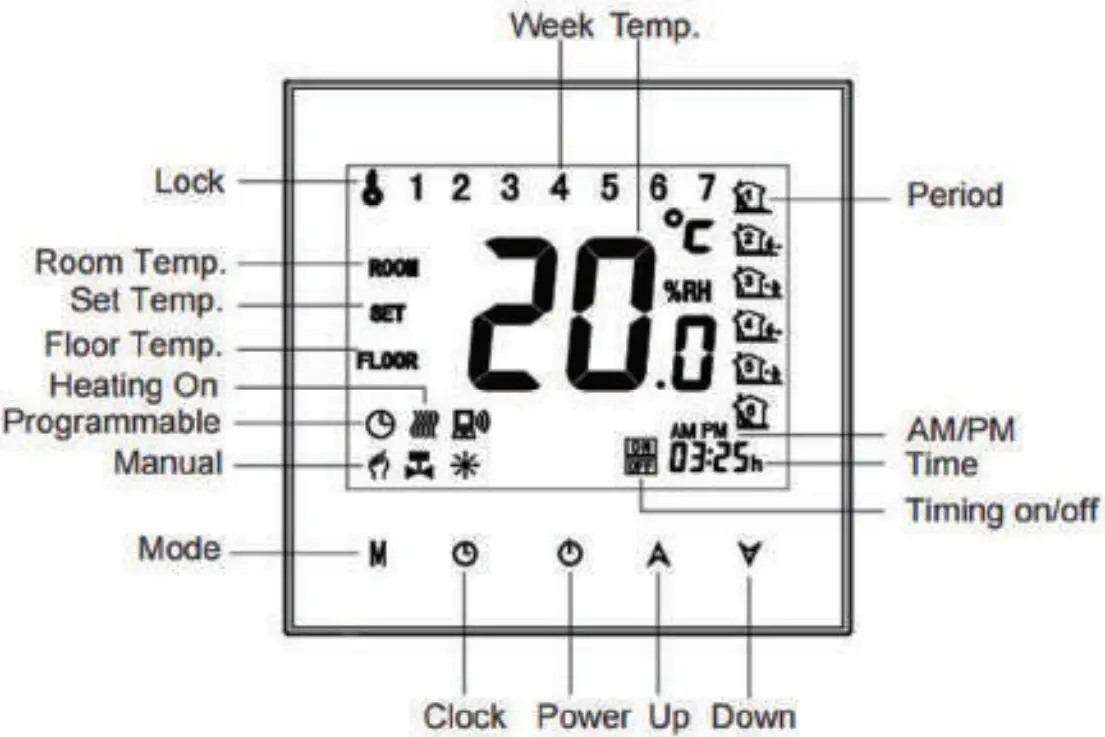
OPERATION
During Power On
- Power On/off: Press
 to turn the thermostat on/off.
 - Manual & Programmable
Touch M (mode) to change between manual mode and programme . mode. In manual mode, will show in the bottom left of the screen In programmable mode, the period icon will show in the right side.
 - Setting Temperature
In the mode of programmable, set temperature, time could not be adjusted. If the user want to change, please go to manual mode or programmable mode. In the mode of manual, press
 to set the desired temperature.
 - Adjusting/Setting the Clock
Touch the icon to set minute, hour and weekday (1 = Monday, 2 = Tuesday etc.) by using the arrows. Press once more to confirm and exit.
 - Locking your Thermostat Press and hold the for 5 seconds to lock/unlock your thermostat In item 3 of high senior options, you can select full lock or half lock.
- Adjusting/setting the Program Schedules When Wi-Fi connection is made, your thermostat will automatically accept the program schedule made via the APP on your device (see below for detailed instructions) To set the program schedules through your thermostat (NOT via your smartphone/tablet) simply follow the instructions as below:
Please note: Setting the programme schedule through your thermostat can only be carried out if there is no Wi-Fi connection between your thermostat and smartphone/tablet. Touch M to change between manual mode and programme mode. In manual mode,will show in the bottom left of the screen. In programme mode, touch the icon for 4  Elmesintil the weekday schedule settings appear (1 2 3 4 5 will show along the top of the screen). Use the and arrows to adjust the on time. Press the icon and use the and arrows to set the time (1st period). Press the icon and use the A and V arrows to set the temp. Repeat this process for periods 2, 3, 4, 5 and 6. Press the icon once more to enter the Saturday schedule settings (6 will show along the top of the screen). Repeat the above process to set the period and temp. and Sunday schedule. Press once more to confirm and exit.
Default settings for program schedule
 will show in the bottom left of the screen In programmable mode, the period icon will show in the right side.
 Elmesintil the weekday schedule settings appear (1 2 3 4 5 will show along the top of the screen). Use the
 | Time display | WEEKDAY (MONDAY— FRIDAY) (1 2 3 4 5 shows on screen) | WEEKEND (SATURDAY) (6 shows on screen) | WEEKEND (SUNDAY) (7 shows on screen) | |||
| TIME | TEMPERATURE | TIME | TEMPERATURE | TIME | TEMPERATURE | |
| Period 1 | 6:00 | 20°C | 6:00 | 20°C | 6:00 | 20°C |
| Period 2 | 8:00 | 15°C | 8:00 | 20 C | 8:00 | 20°C |
| Period 3 | 11:30 | 15 C | 11:30 | 20 C | 11:30 | 20°C |
| Period 4 | 13:30 | 151 C | 13:30 | 201 C | 13:30 | 20 C |
| Period 5(1+2) | 17:00 | 22°C | 17:00 | 201C | 17:00 | 20″C |
| Period 6(3+4) | 22:00 | 15°C | 22:00 | 151C | 22:00 | 15 C |
A separate schedule may be set for weekdays (Mon — Fri) and for weekends (Sat or Sun).
7. Checking the Temperature of Floor Sensor Press and hold the  arrow for 5 seconds to display the temp. of floor sensor.
During Power Off
Setting the Functions and Options
When power is off, press and hold M and  at the same time for 5 sec. in order to reach system function. Then press M to scroll through the available functions, and use the
 and arrows to change the available options. All settings are confirmed automatically.
| Code | Function | Setting and options | Default |
| 1 | Temperature compensation | -9 to + 9 C (for internal sensor) | -1 |
| 2 | Deadzone Temperature | 1 — 5 C | 1 |
| 3 | Button locking | 00: All buttons are locked except power button. 01: All buttons are locked. | 1 |
| 4 | Sensor types | In: Only Internal Sensor (to control the temp.) Ou: Only external sensor (to control the temp.) AL Internal/ External Sensor (Internal senso control the temp., external sensor to limit the,’ to temp.) | AL |
| 5 | Min. Set Temp. | 5-15 C | 5 |
| 6 | Max. Set Temp. | 15-45 C | 35 |
| 7 | Display Mode | 00: Display both set temp. and room temp. 01: Display set temp. only | 0 |
| 8 | Low temperature protection setting. | 0-10 C | 0 |
| 9 | High temperature protection setting. | 25-70 C | 45 |
| A | Economy Mode | 00: Non-energy saving Mode 01: Energy saving mode | 0 |
| B | Economy Temp. | 0-30 C | 20 |
ABOUT WIFI
WI-FI CONNECTION
Before using your Wi-Fi thermostat for the first time,you must configure the Wi-Fi signal and settings through your smartphone or tablet ,This will allow communication between your connecteddevices
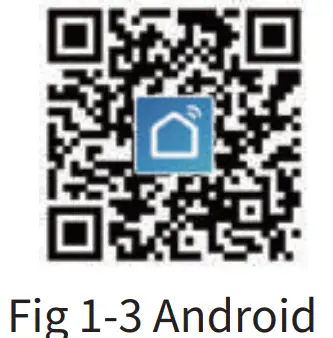
Step 1 Downlosd your APP(Fig1-1)
 |  |  |
| http://app.yimusmart.com/smartlife | http://app.yimusmart.com/smartlife |
Search for “Smartlife” in Apple Store or Google Play or use a browser to scan the QR code above (Figure 1-2), and complete account registration and installation according to the guidancof the APP.
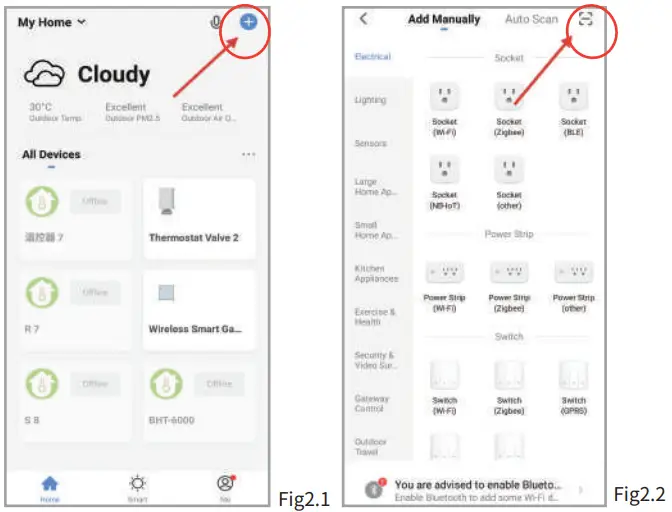
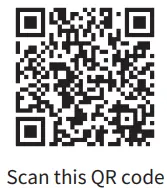
Step 2. Connect the thermostat Check the tutorial below to
Method 1: Scan the QR code to configure the network guide (Fig 2.1-Fig 2.3)
 | 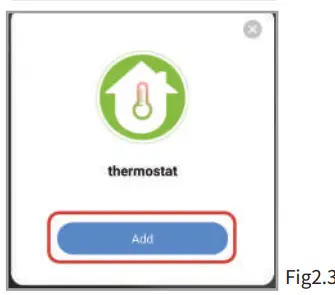 |
| https://smartapp.tuya.com/s/p?p=N8bUqOZ8HBQjU0K0&v=1.0 |
Method 2: Ordinary distribution network guidance (Fig. 2. 1&Fig. 2.3.1)
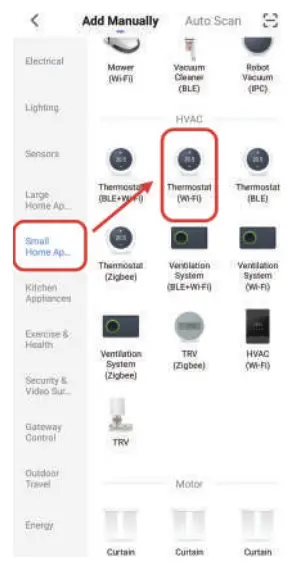 | 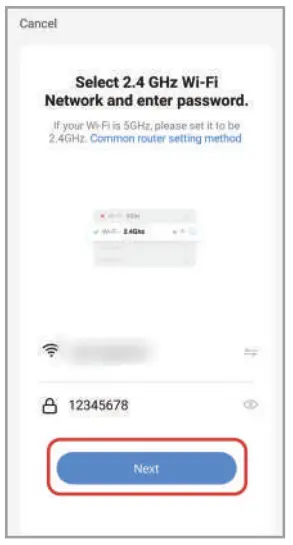 |
Network distribution mode:
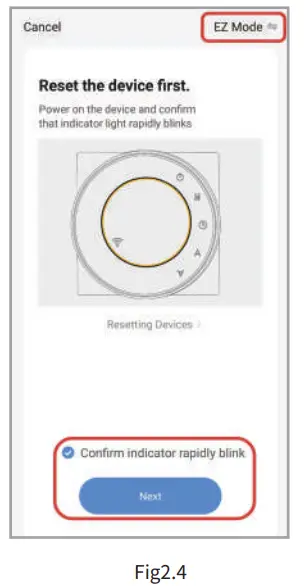
1、 EZ Mode
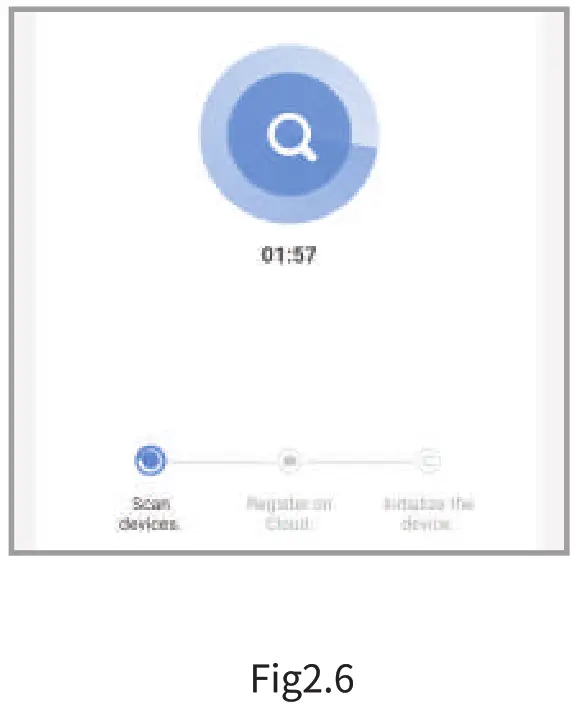
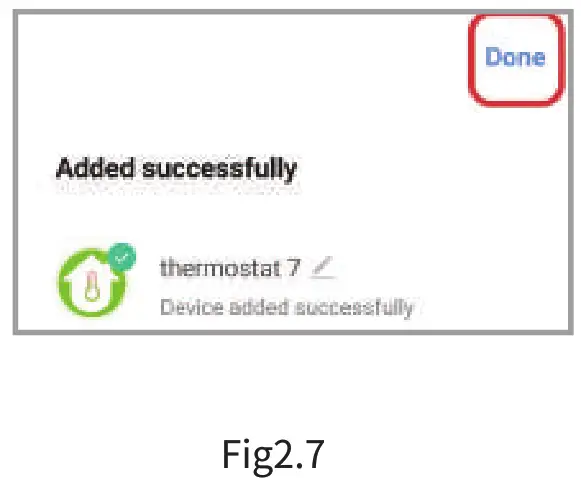
When the thermostat is off, press and hold the ” “until the thermostat screen flashes quickly and displays the ”  ” icon, and then operate according to the
following figure (Fig 2.4-Fig 2.7).
 | |
 |  |
2、AP Mode
When the thermostat is off, press and hold the ” ” until the thermostat screen flashes slowly and the ”  ” icon is displayed (if the ” ” icon appears, continue to press the ” ” until the thermostat screen Flashes slowly and displays the “ ” icon), and then operate according to the following figure (Fig 2.8-Fig 2.14).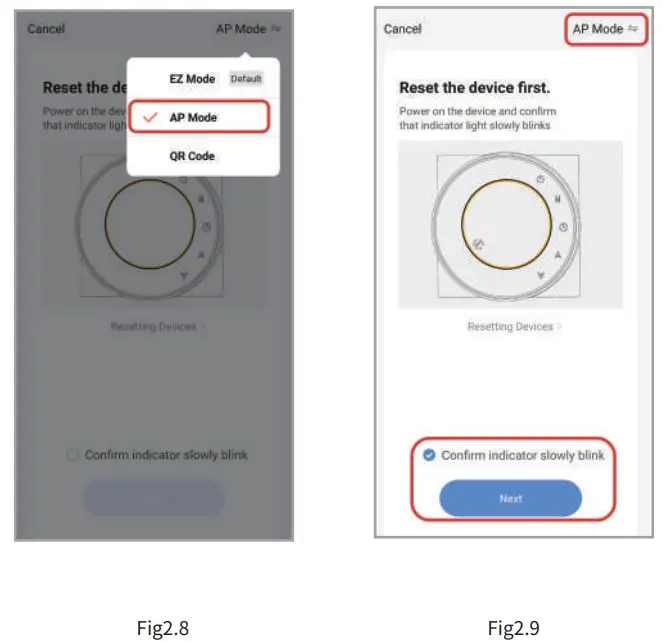
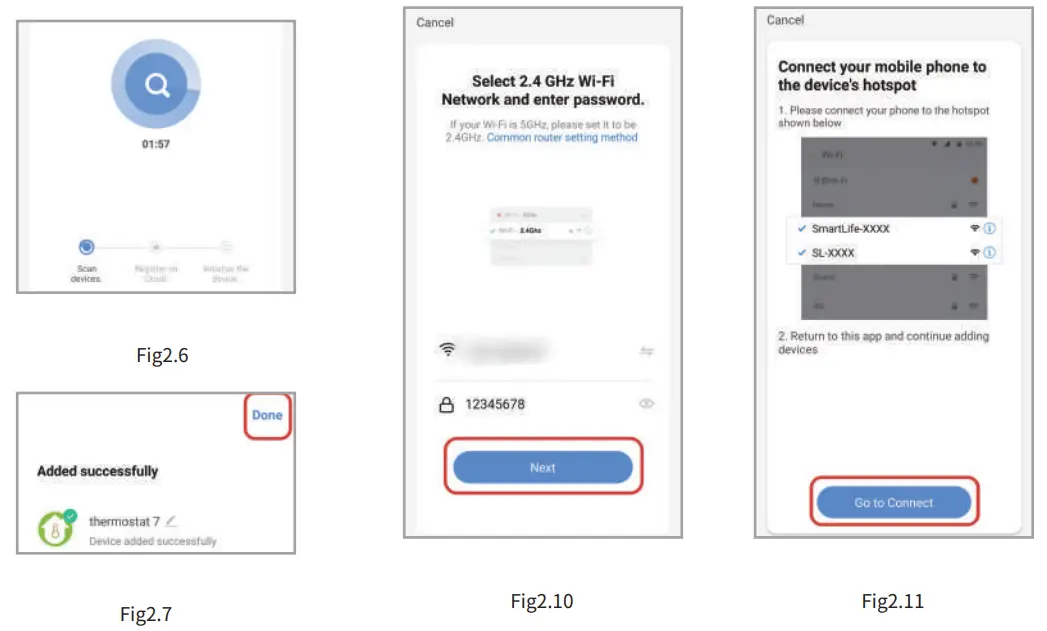
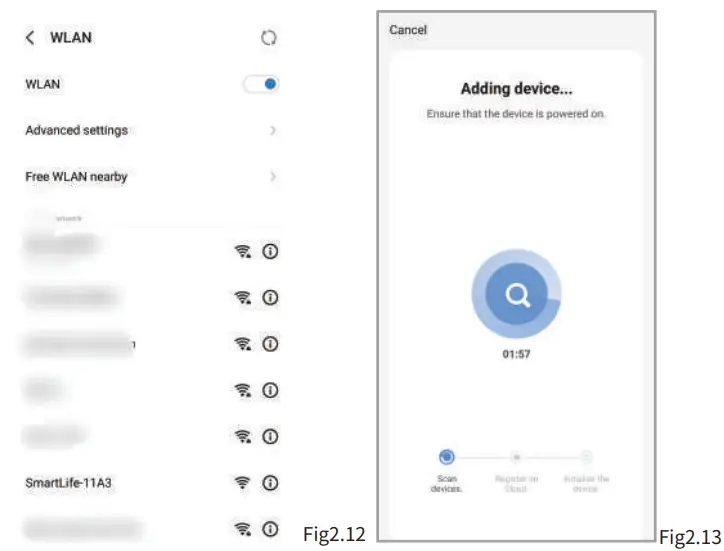
After connecting to this hotspot, return to the “smartlife” APP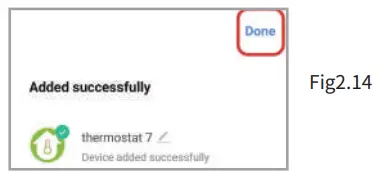
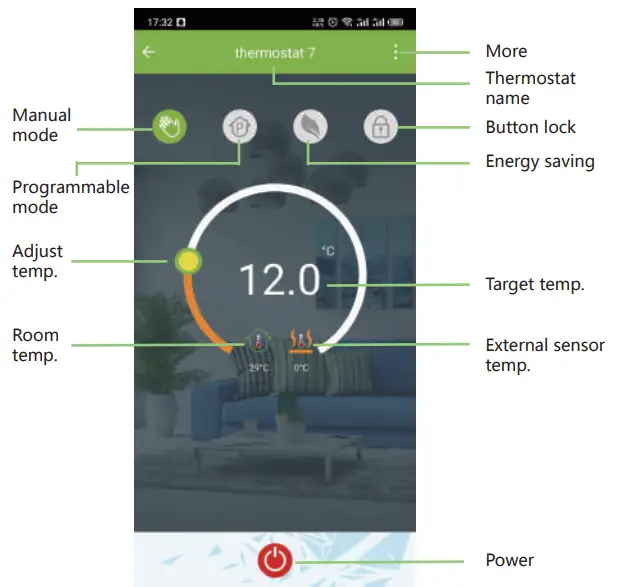
APP operation interface description (heating thermostat))
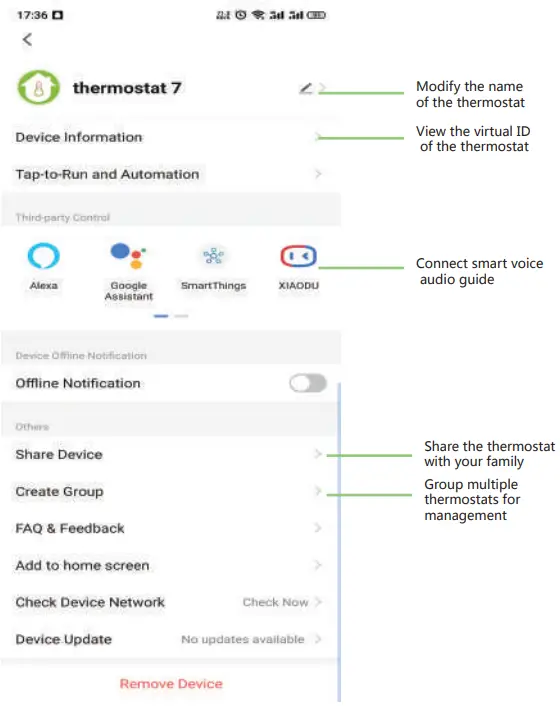
More settings
SIMPLE EXCEPTION HANDLING
| No. | Phenomenons | Handling |
| 1 | Power is on but without display. | * Check if the terminals between LCD panel and Power Unit Box is loosen. |
| 2 | Without output but display works. | * Use a new LCD panel or new Power Unit Box to replace the old one. |
| 3 | Room Temp. Is a little different from the actual | • Do temperature calibration in item 1 of high . senior options |
SERVICE
Your thermostat carries an 24 months warranty from date of purchase. Service outwith the warranty period may incur a charge. More detail please contact with us directly.