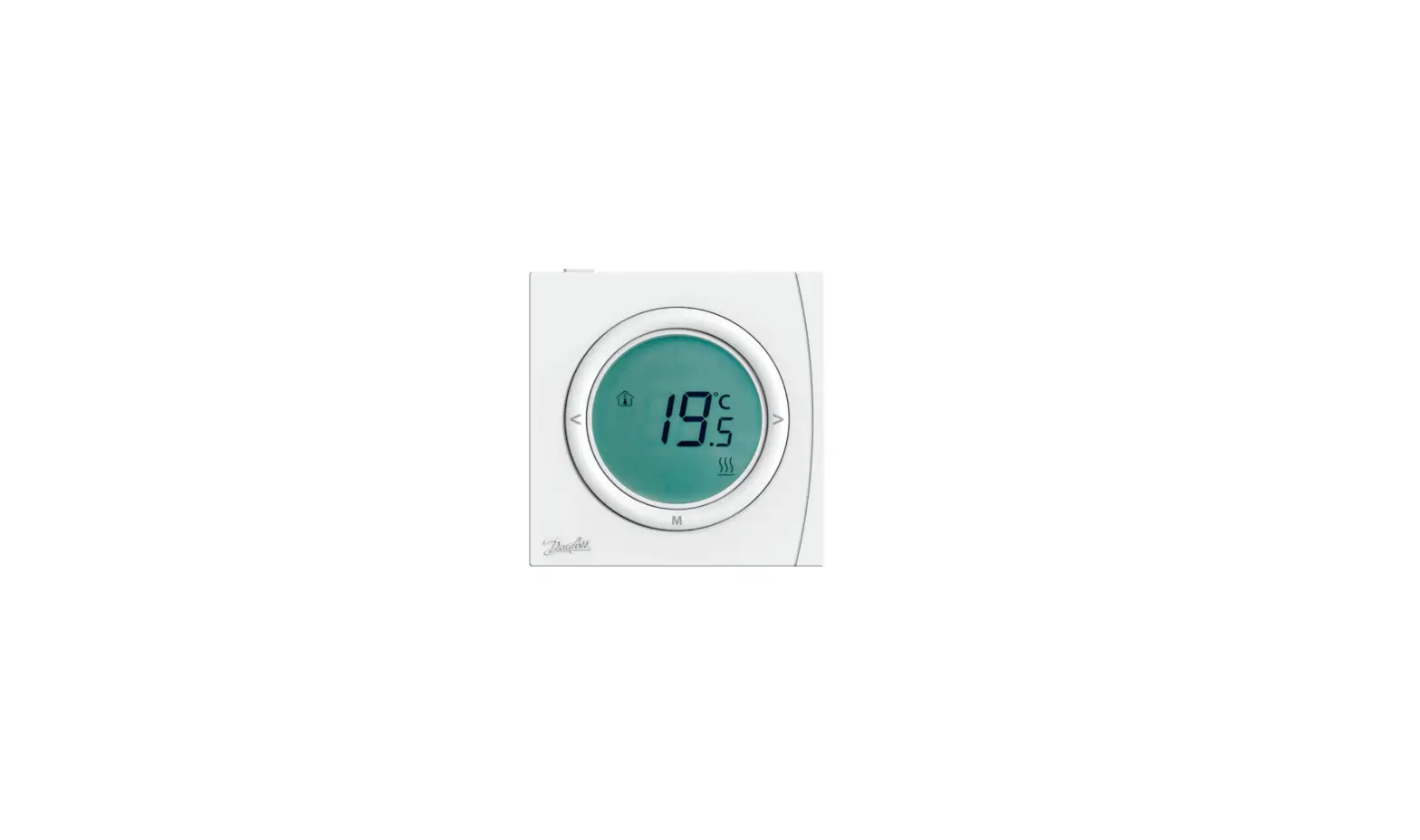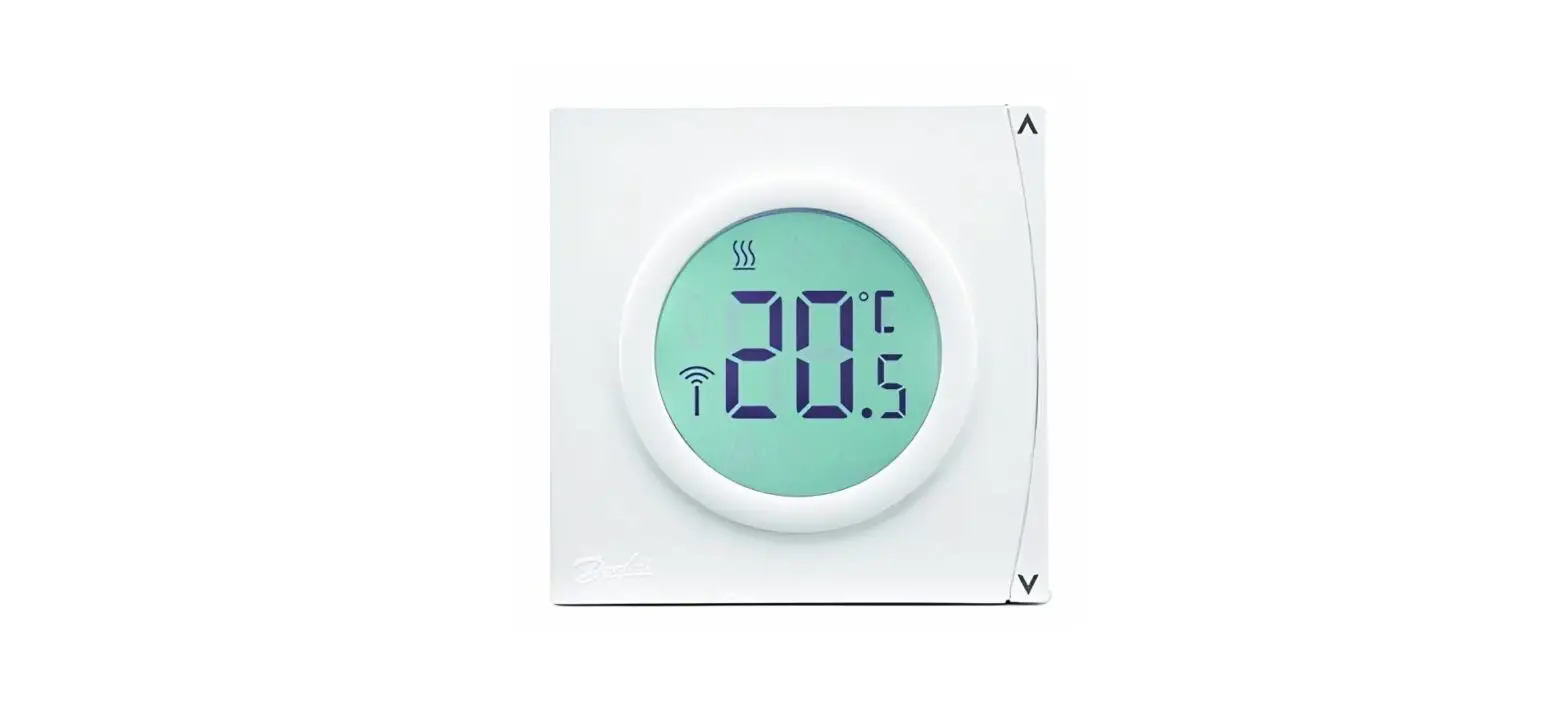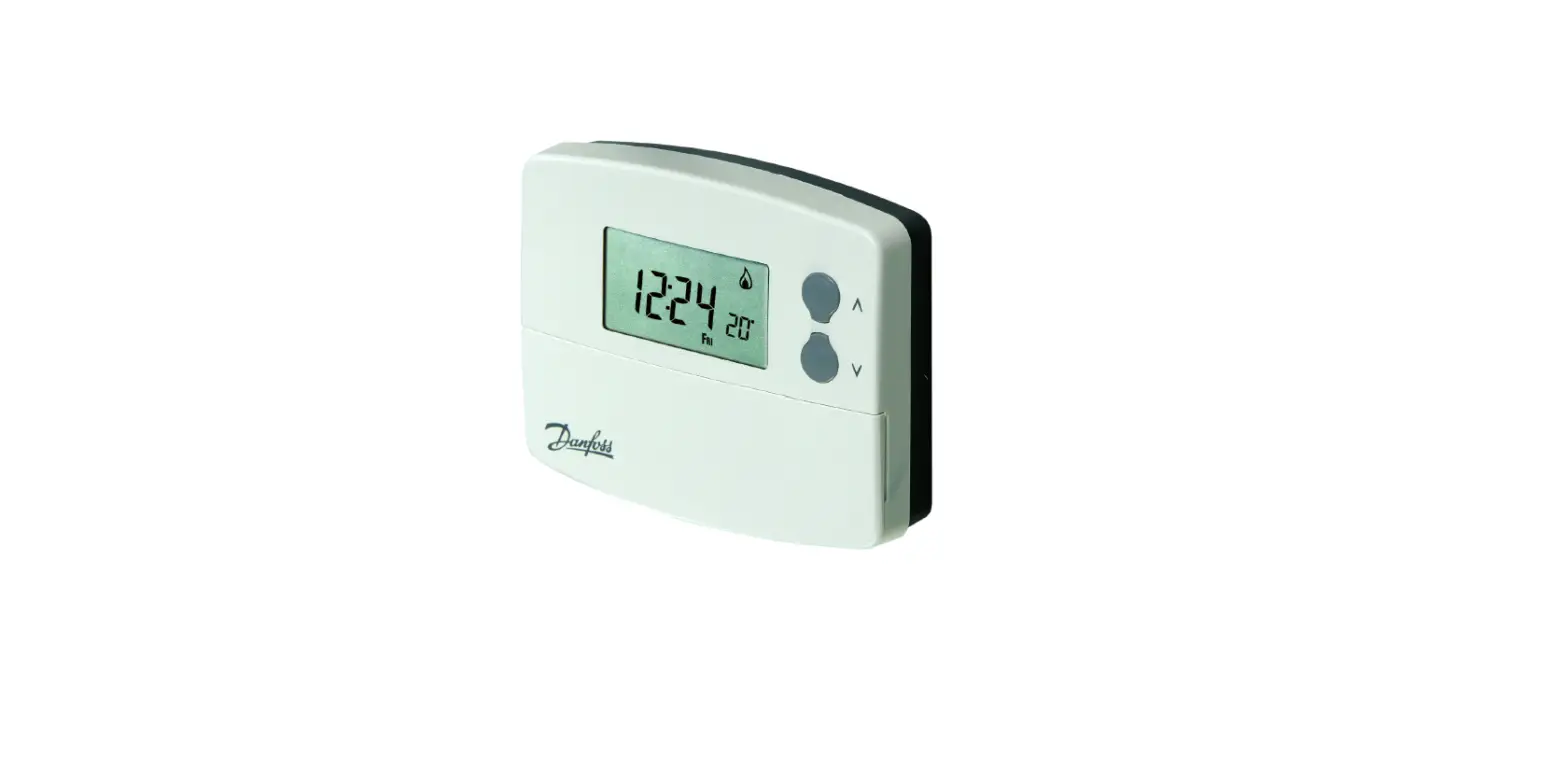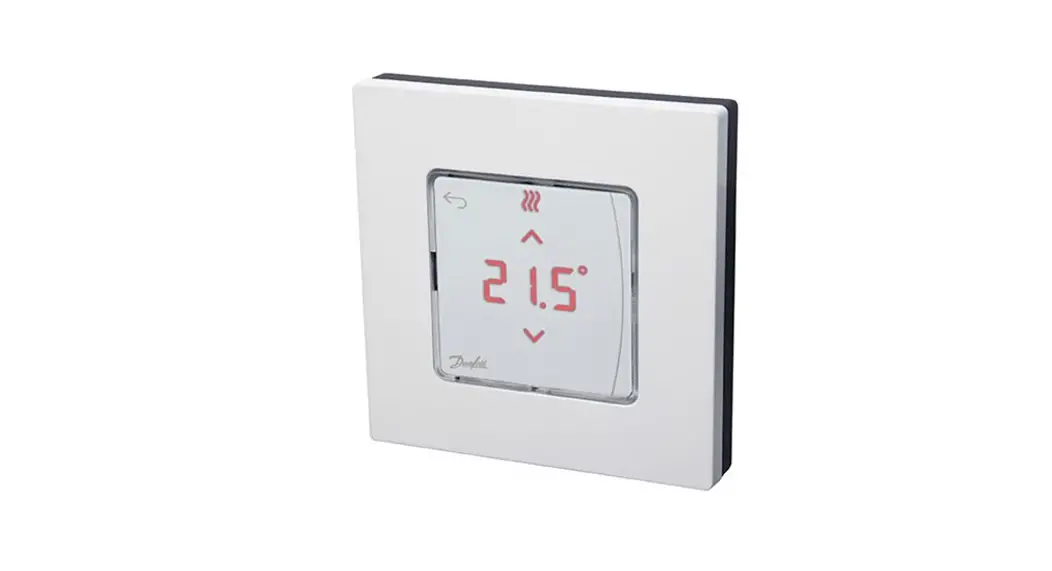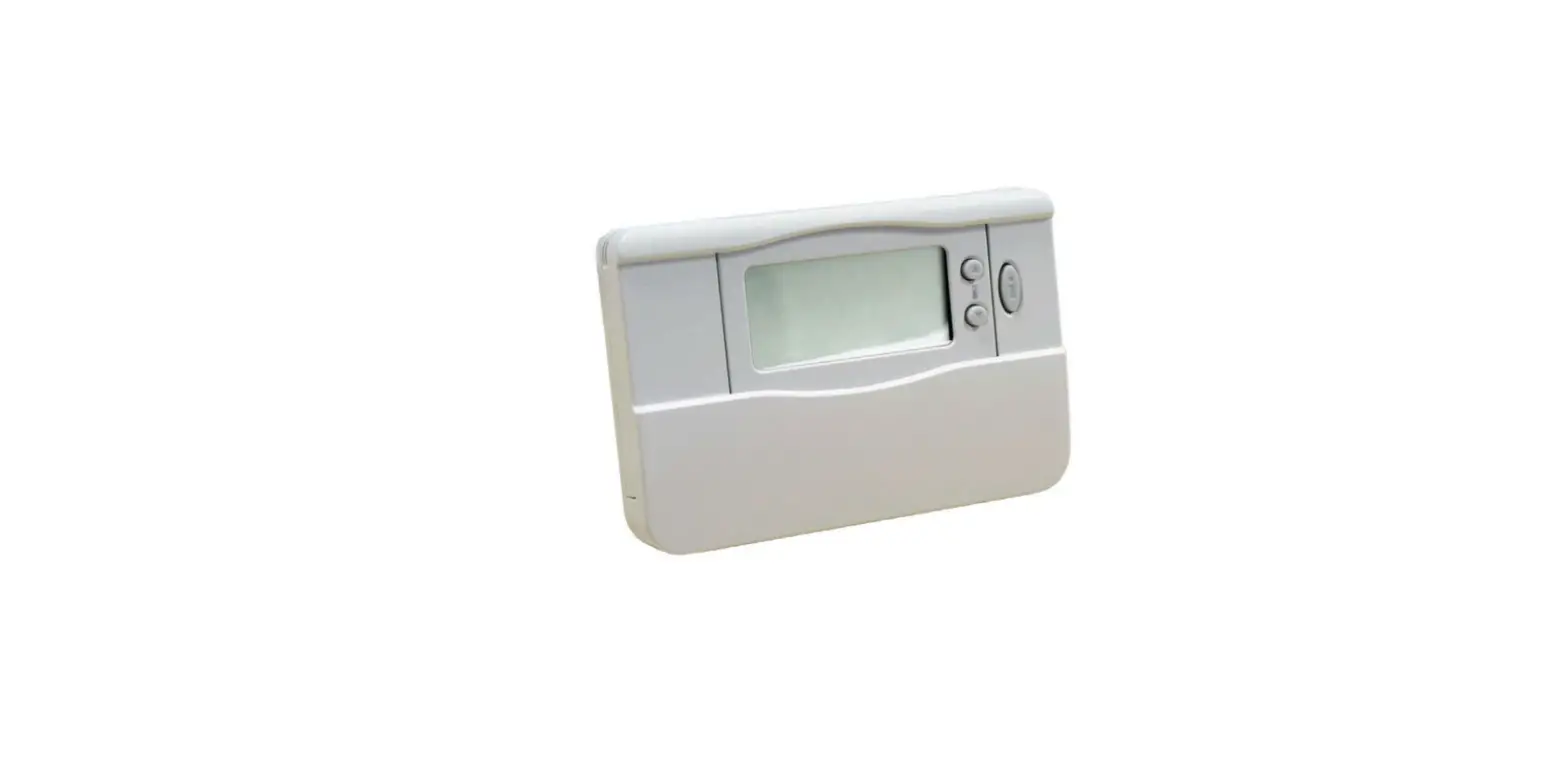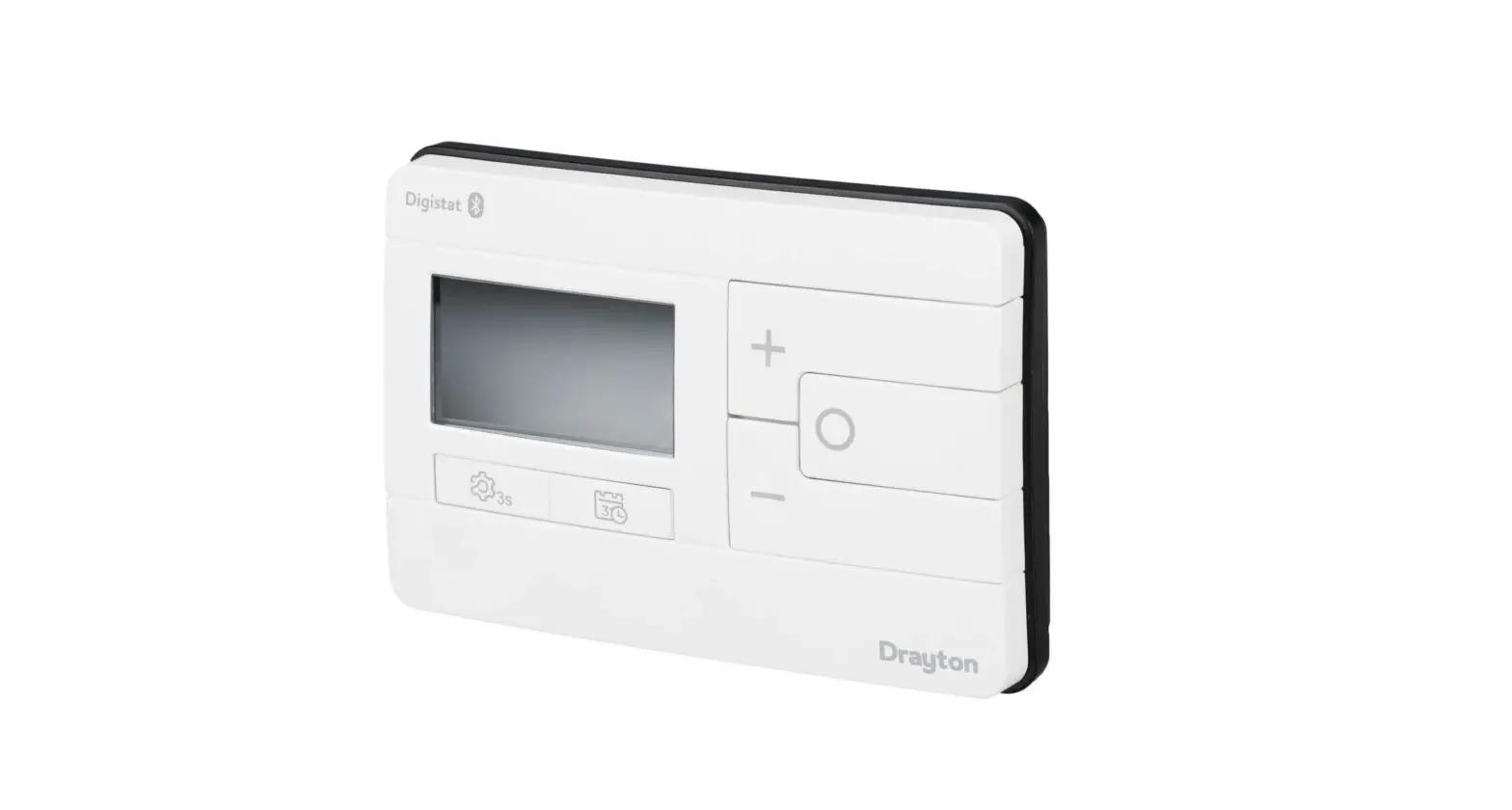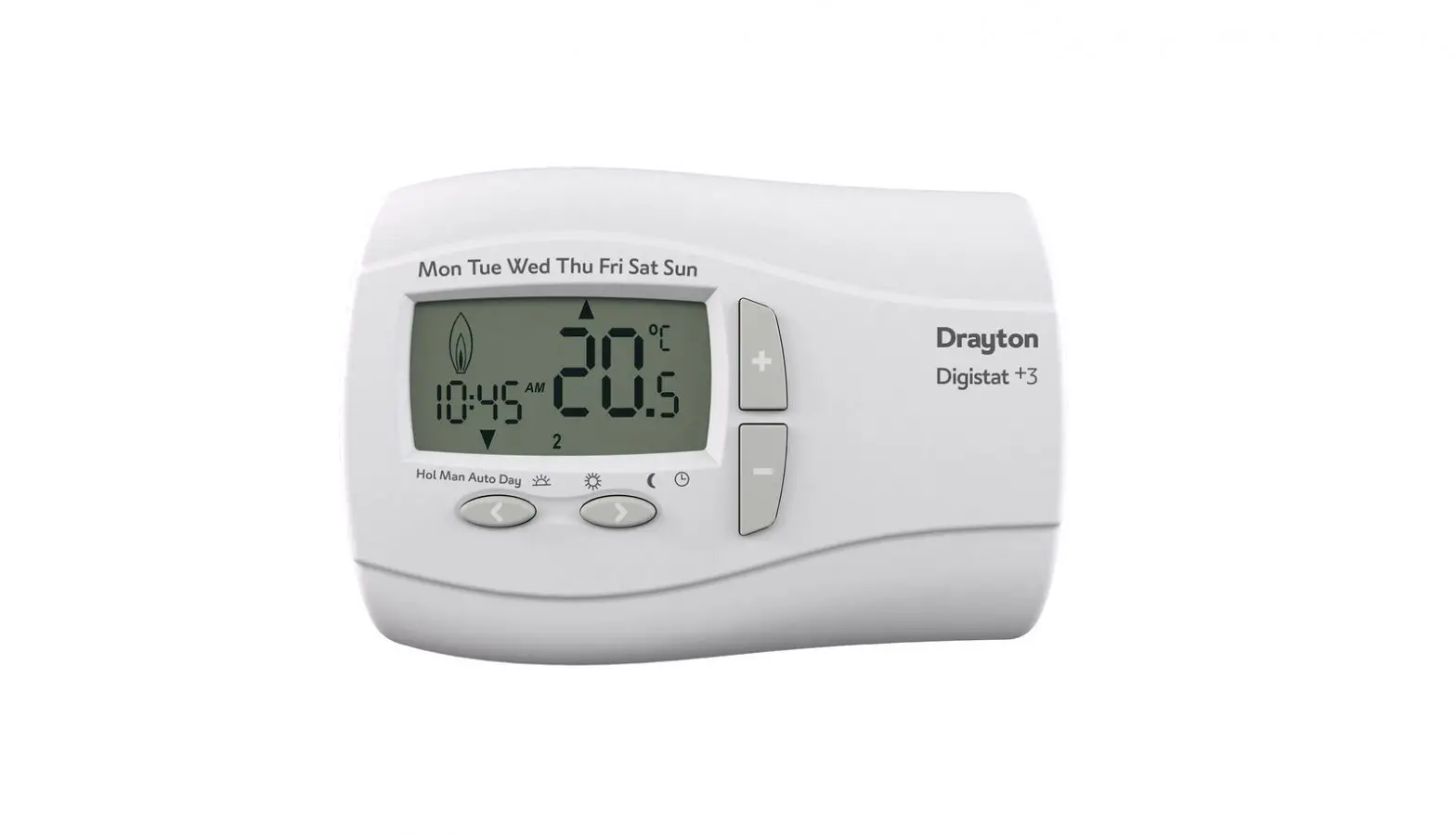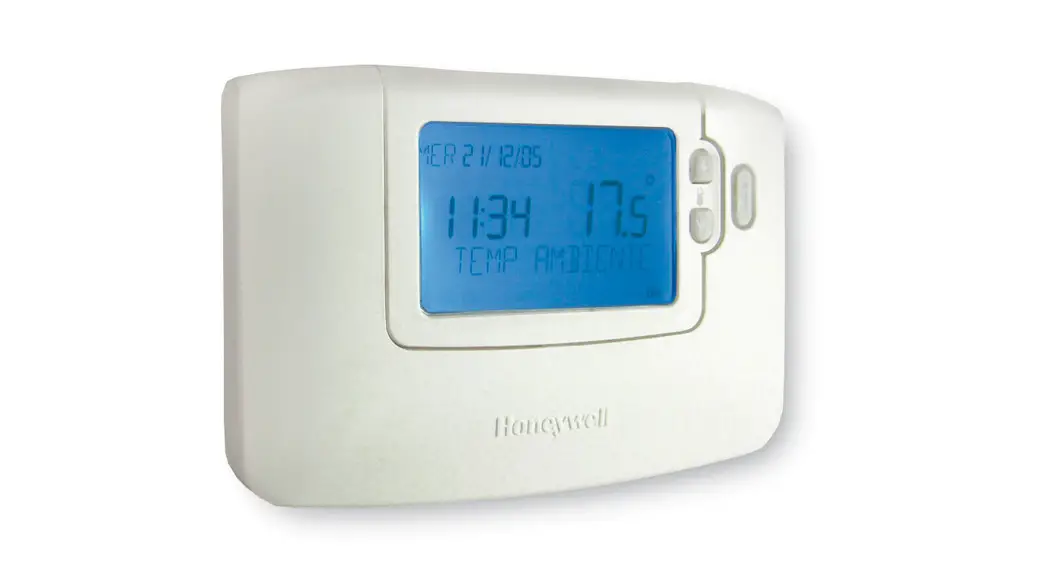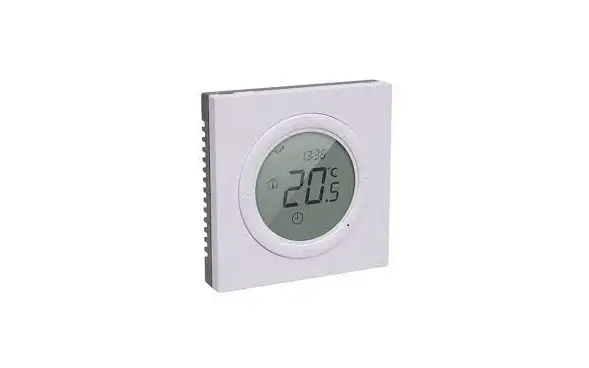
Danfoss TP5001 Programmable Room Thermostat User Guide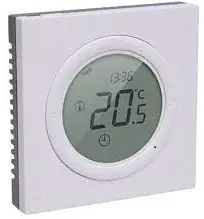
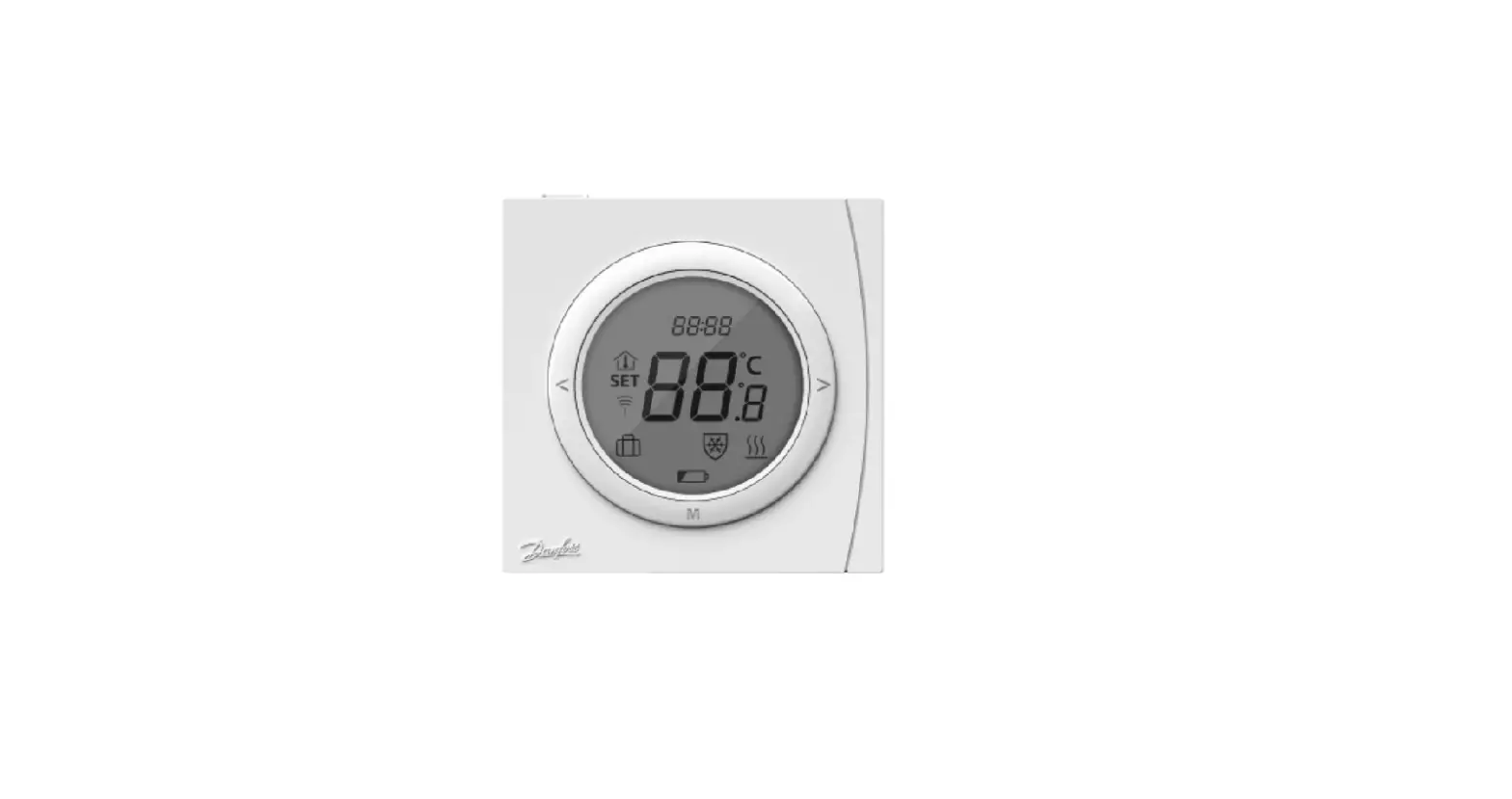
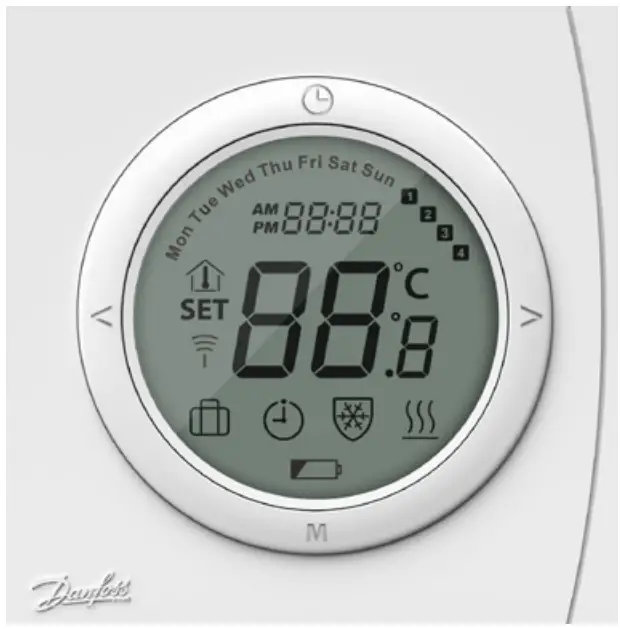
LCD Overview
| Symbols | Function description | Symbols | Function description | |
| Mon – Sun | Current set day |  | Heating active | |
| 1 2 3 4 | Current on/off period |  | Frost protect active | |
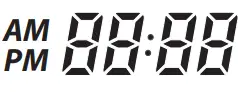 | Current set time / parameter number in setup |  | Schedule mode | |
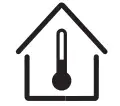 | Room temperature |  | Away mode | |
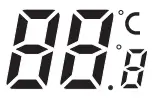 | Temperature indication |  | RF Status (TP5001RF only) | |
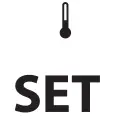 | Set temperature |  | Battery low indicator (TP5001B & TP5001RF only) |
| Symbols | Function description |
 | Power on/of |
 | Timer and program operation |
| M | Mode change / option setting |
 | Mode change / option setting |
Power ON/OFF
Turn the thermostat ON or OFF (standby) by pressing .
Setting the Temperature
- Press < or > at any time to change the desired temperature value. SET is shown in the display.
- When releasing < or >, the display returns to showing the actual temperature.
- The adjustment step is 0.5 °C.
Select Away Mode
- Press M to enter Away mode and
 will be displayed.
 - Away mode temperature can be set in parameter settings, P07.
- Press M again to exit Away mode.
 will be displayed.
Set Date & Time
- Press
 ; Year digit Flashes. Press < or > buttons to adjust year.
 - Press again ; Month digit flashes. Press < or > buttons to adjust month.
- Press again ; Day digit flashes. Press < or > buttons to adjust day of the month.
- Press again; Hour digit flashes. Press < or > buttons to adjust hour.
- Pres again: ; Minute digit flashes. Press < or > buttons to adjust minute.
- Press to exit , automatic exit after 20 seconds, any changes are retained.
Frost Protection Temperature
- You can switch the thermostat OFF (Standby) by alternately pressing . In OFF (Standby) mode, the thermostat is set to a Frost Protection temperature setting and will switch On only if the measured temperature falls below this temperature (5 °C by default).
- The frost protect icon and current temperature will be displayed.
Advanced Programmable Timer
The Advanced Programmable Timer mode enables the setting of a timer-controlled program for automatic comfort temperature, and an energy-saving lower setback temperature if standard room comfort temperature is not required.
Example below for 5/2 day setup, 4 Temperature settings.
The function consists of 2 programs:
P1 with 4 events in 5 days (Mon. Tue. Wed. Thu. Fri.) P2 with 4 events in 2 days (Sat. Sun.)
| P1: Press for 3 secs to display Mo. Tu. We. Th. Fr. P1, Event 1:
| P2: Sa. Su. are now shown in the display. P2, Event 1:
|
f schedule working mode is set to 24hr, only P1 program will be available, see parameter P01. Mo. to Su. will be set together with the same times and temperatures.
The thermostat will continue the 4-event program based on the present time and day.
To set and change the room temperature temporarily:
- Press < or > at any time to change the desired temperature value. SET is shown in the display.
- When releasing the < or >, the display returns to showing the actual temperature. This temperature change is only temporary and will be maintained only until the next programmed setting!
A default program provides timer control if the customer does not create own programs:
| Days | Event 1 | Event 2 | Event 3 | Event 4 | ||||
| Start time | Temp. | Start time | Temp. | Start time | Temp. | Start time | Temp. | |
| Mo. – Fr. | 6:30 | 20° C | 8:30 | 15° C | 16:30 | 20° C | 22:30 | 15° C |
| Sa. – Su. | 7:30 | 20° C | 9:30 | 15° C | 16:30 | 20° C | 22:30 | 15° C |
24hr mode default program same as Mo. – Fr. above.
Set Control Parameters
- • Press M button for 6 seconds to enter the parameter setting mode. Press M for parameter selection and set the parameter range via < or >. Complete all adjustments.
- To exit press , which is available for this purpose (automatic exit after 20 seconds with no operation).
The digits indicate the set value as follows:
| No. | Parameter settings | Settings range | Default |
| P01 | Working mode |
| 02 |
| P02 | Heat control mode |
| 01 |
| P03 | Heat control start-up mode |
| 01 |
| P04 | Temperature limit high | Between low (P05) and 35° C | 35° C |
| P05 | Temperature limit low | Between 5° C and high (P04) | 5° C |
| P06 | Frost protect temperature | Between 5° C and 15° C | 5° C |
| P07 | Away mode temperature | Between low (P05) and high (P04) | 18° C |
| P08 | Timer display | 01: 24hr02: 12hr | 24hr |
| P09 | Service due setup | Installer setting only | |
| P10 | RF Pairing (TP5001RF only) | 00: RF pairing mode off 01: RF pairing mode on | 00 |
| P11 | Auto daylight saving | 01: On02: Off | 01 |
Error Messages
| E1 | Sensor failure |
| EE | EEPROM failure |
| Lo | Measured temperature below 0 °C |
| Hi | Measured temperature above 50 °C |
| E3 | RF Pairing failed |
| E4 | RF Signal lost |
| E6 | Real Time Clock (RTC) faliure |
Danfoss Limited XA
Climate Solutions danfoss.uk 0330 8086 888 [email protected] Danfoss Ltd., Building 4, Uxbridge Business Park, Sanderson Road, UB8 1 DH, Uxbridge, Buckinghamshire, UK.
Any information, including, but not limited to information on selection of product, its application or use, product design, weight, dimensions, capacity or any other technical data in product manuals, catalogues descriptions, advertisements, etc. and whether made available in writing, orally, electronically, online or via download, shall be considered informative, and is only binding if and to the extent, explicit reference is made in a quotation or order confirmation. Danfoss cannot accept any responsibility for possible errors in catalogues, brochures, videos and other material. Danfoss reserves the right to alter its products without notice. This also applies to products ordered but not delivered provided that such alterations can be made without changes to form, fit or function of the product.
All trademarks in this material are property of Danfoss A/S or Danfoss group companies. Danfoss and the Danfoss logo are trademarks of Danfoss A/S. All rights reserved.

 Engineering Tomorrow | Danfoss
 Engineering Tomorrow | Danfoss