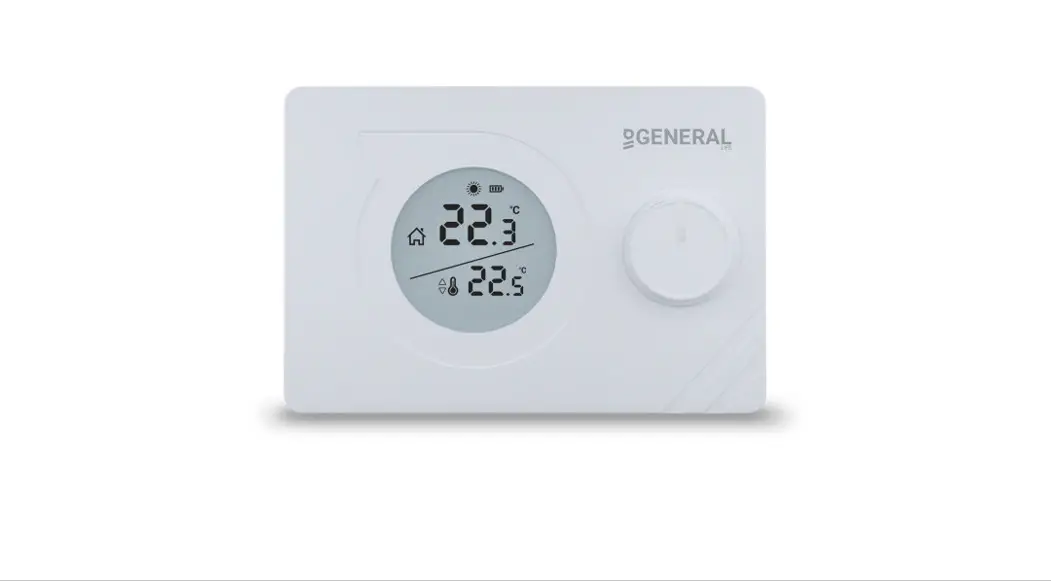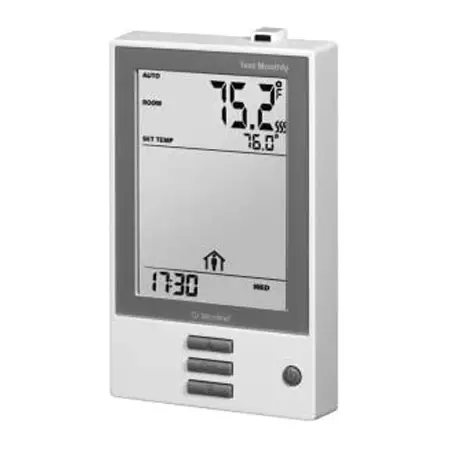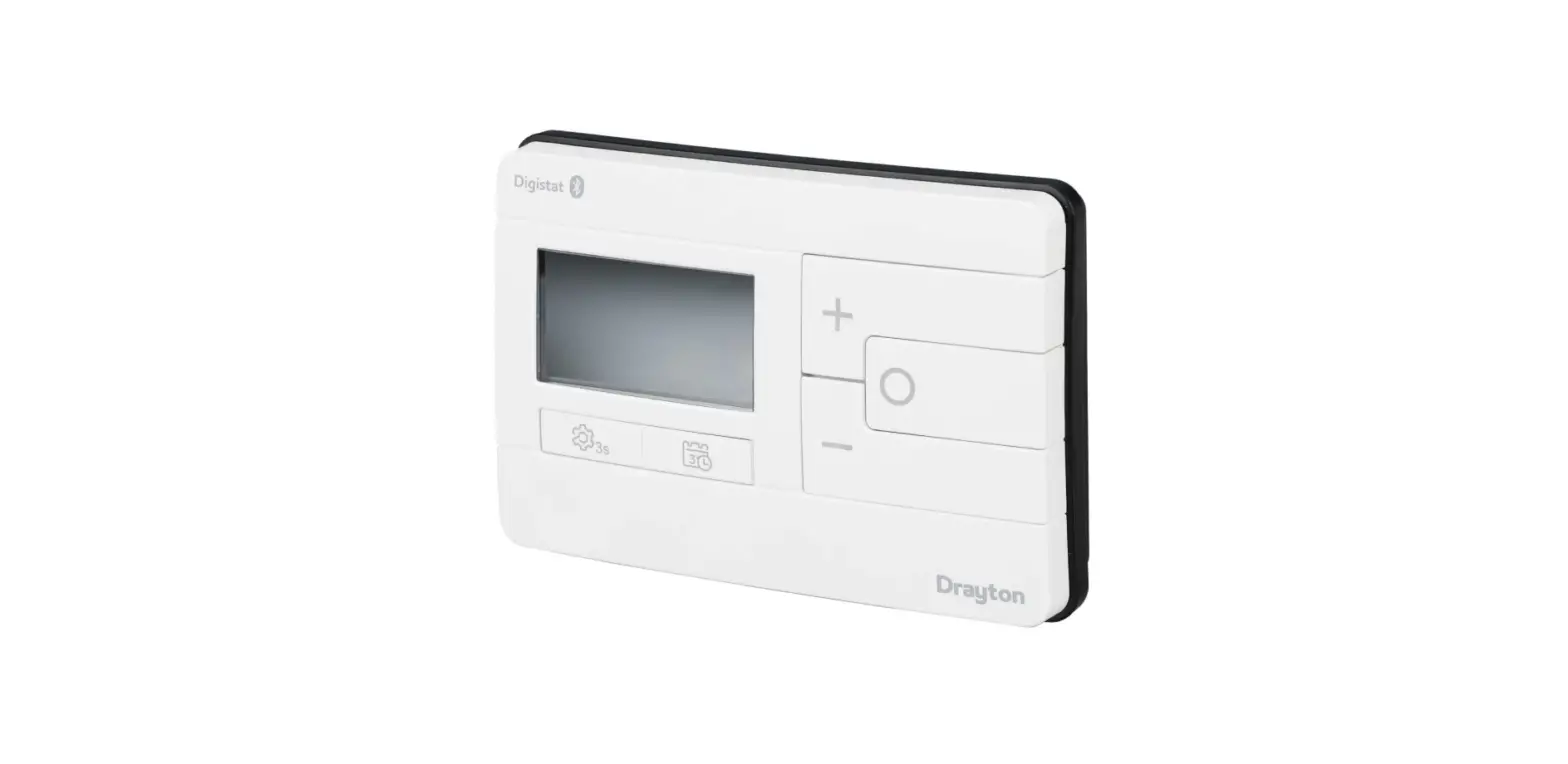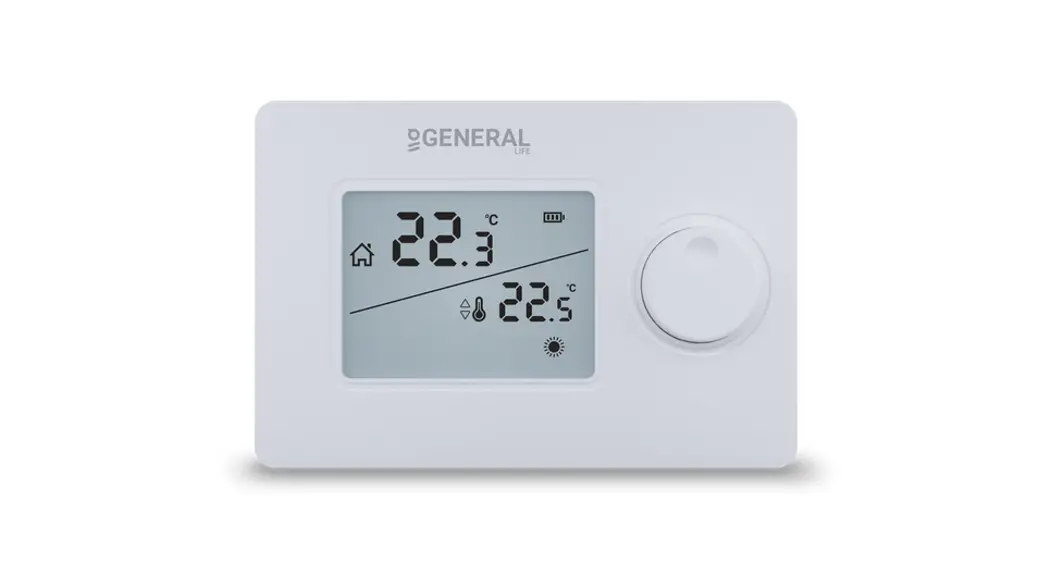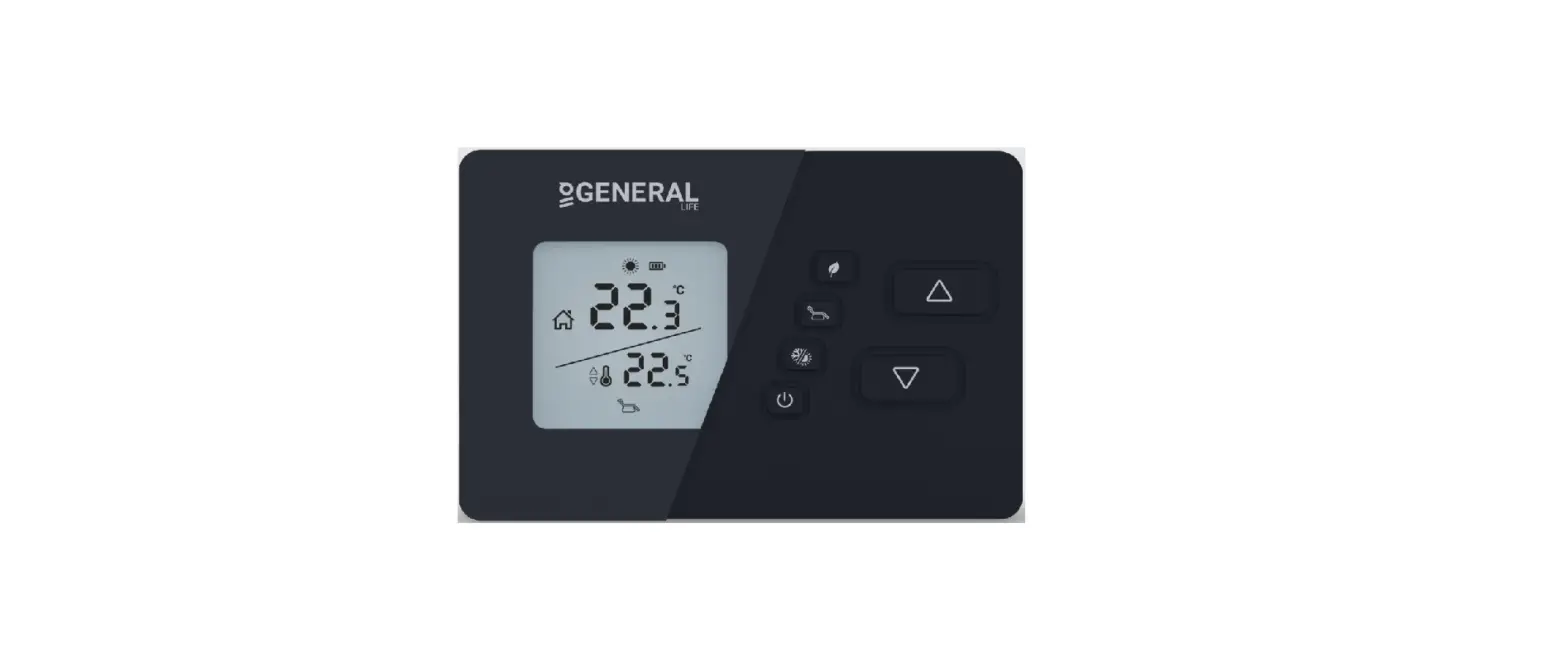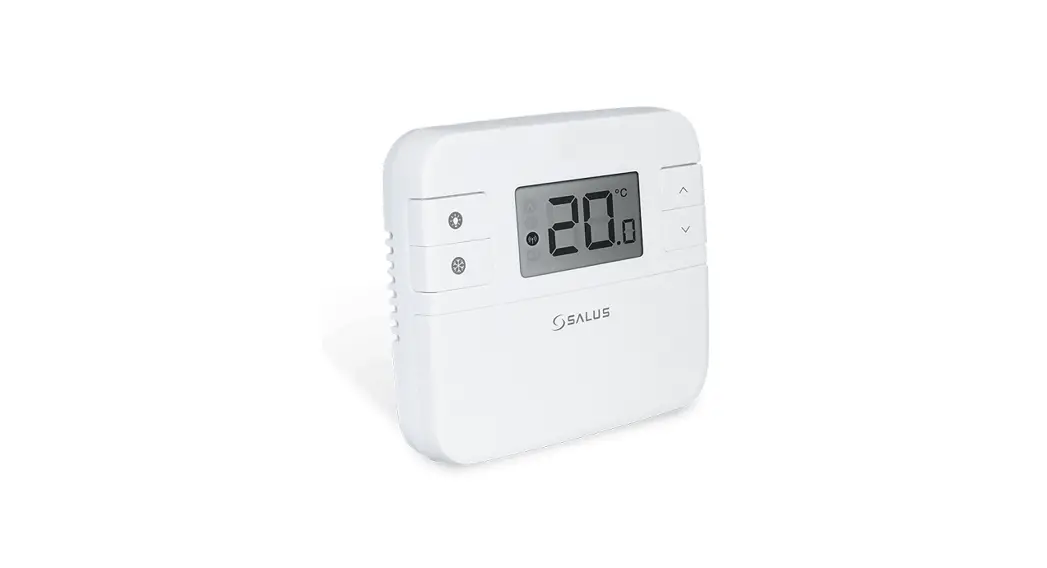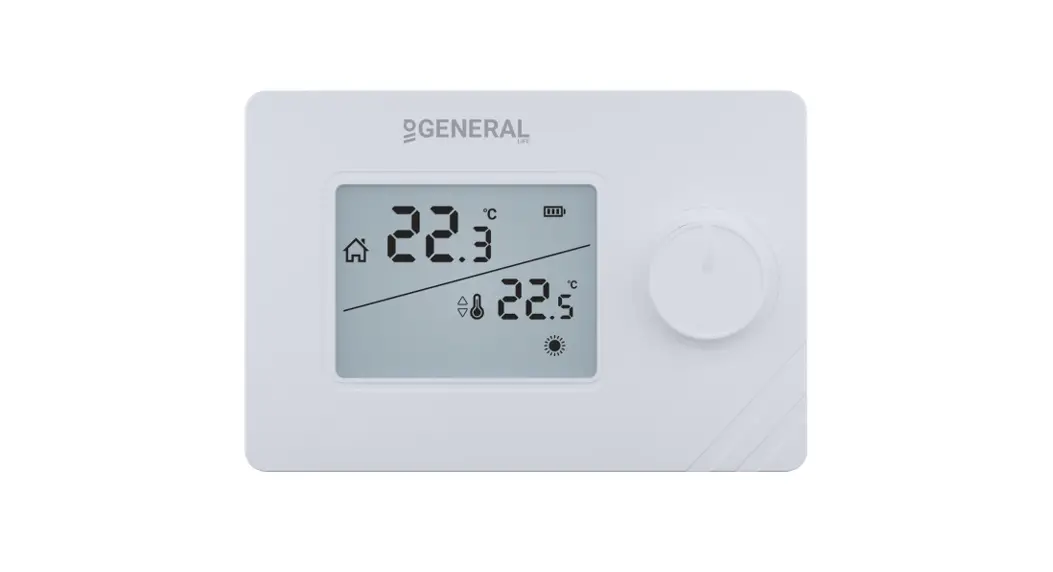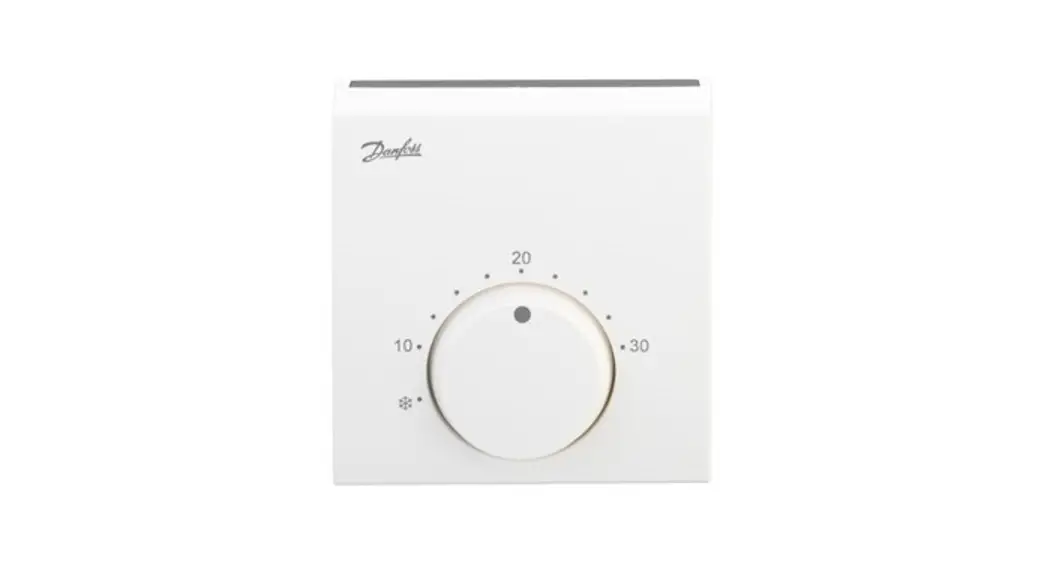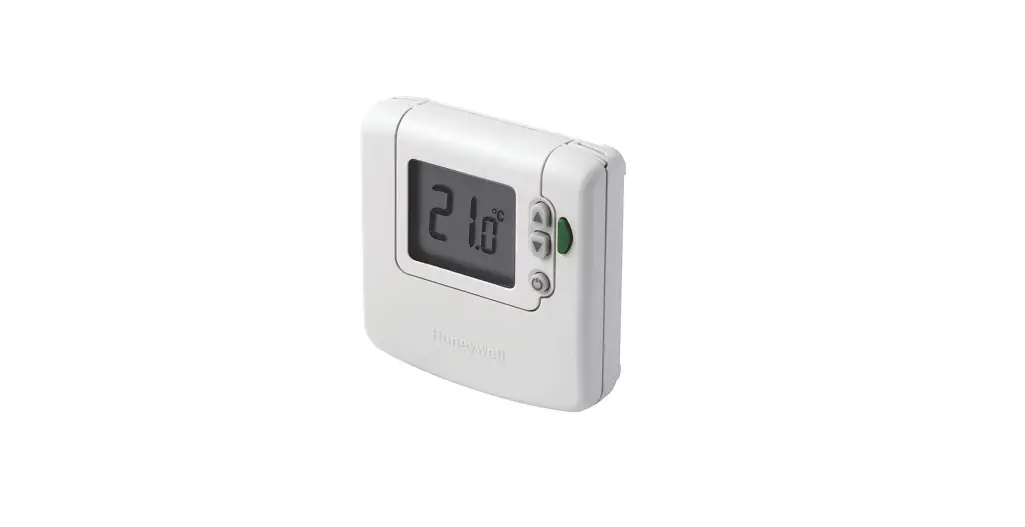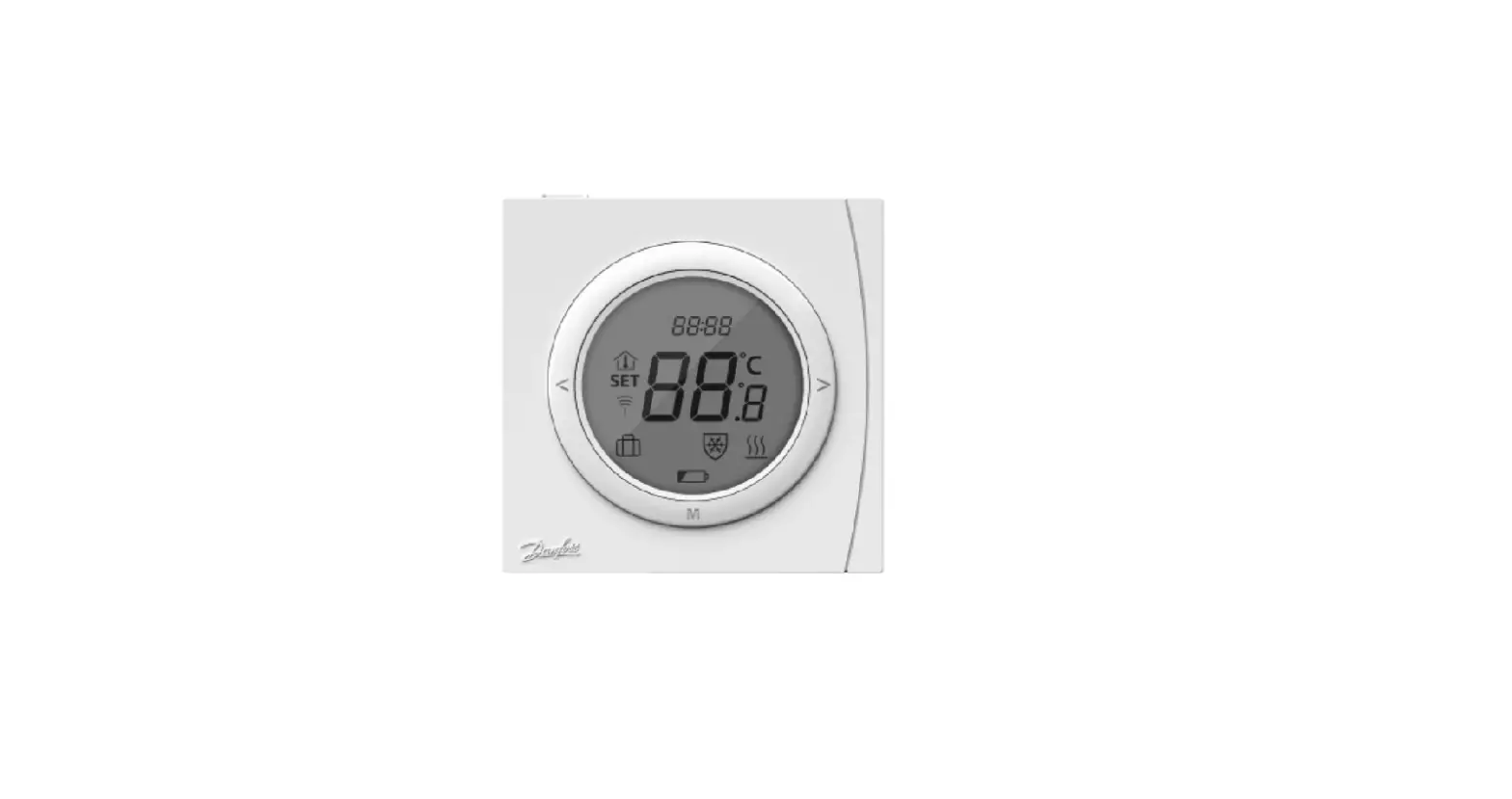

Danfoss RET2001 Digital Room Thermostat
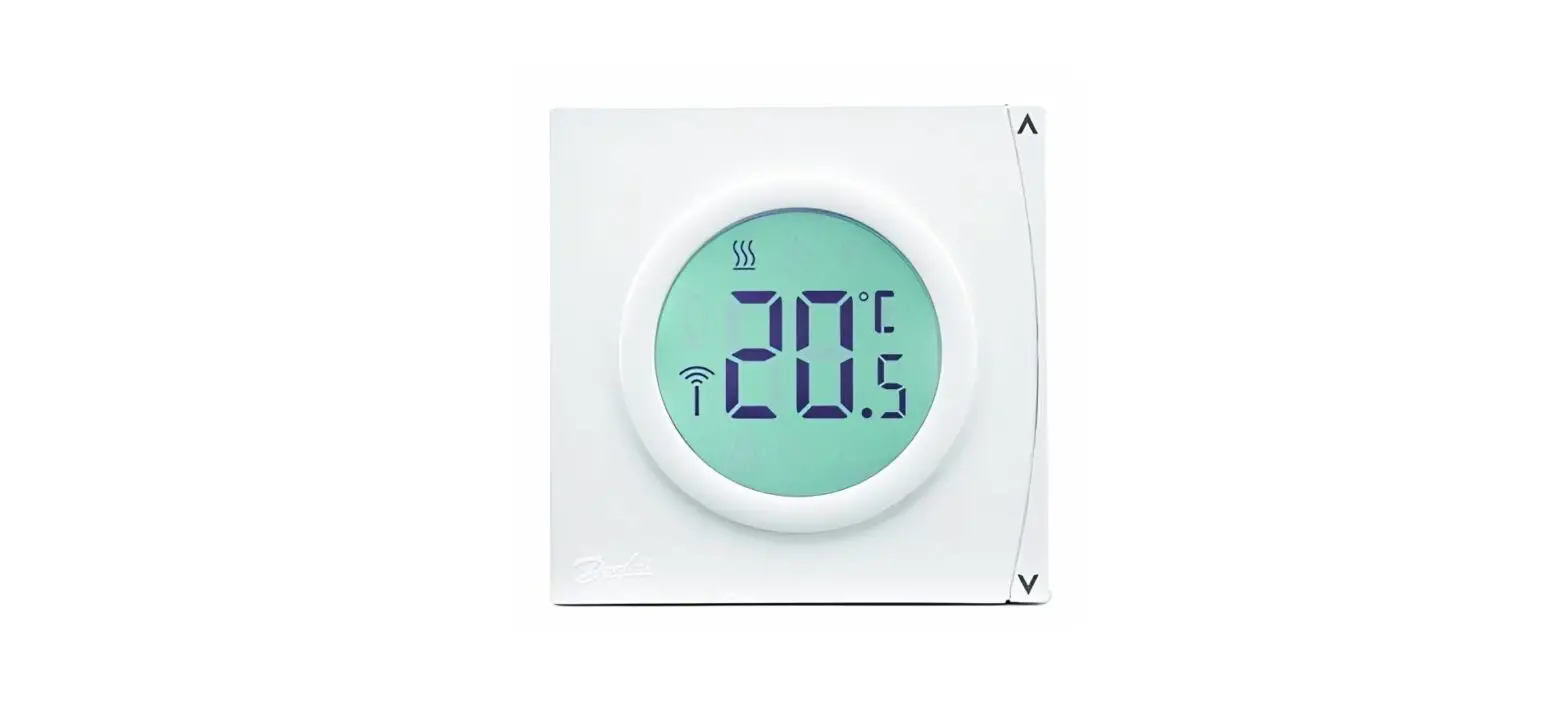
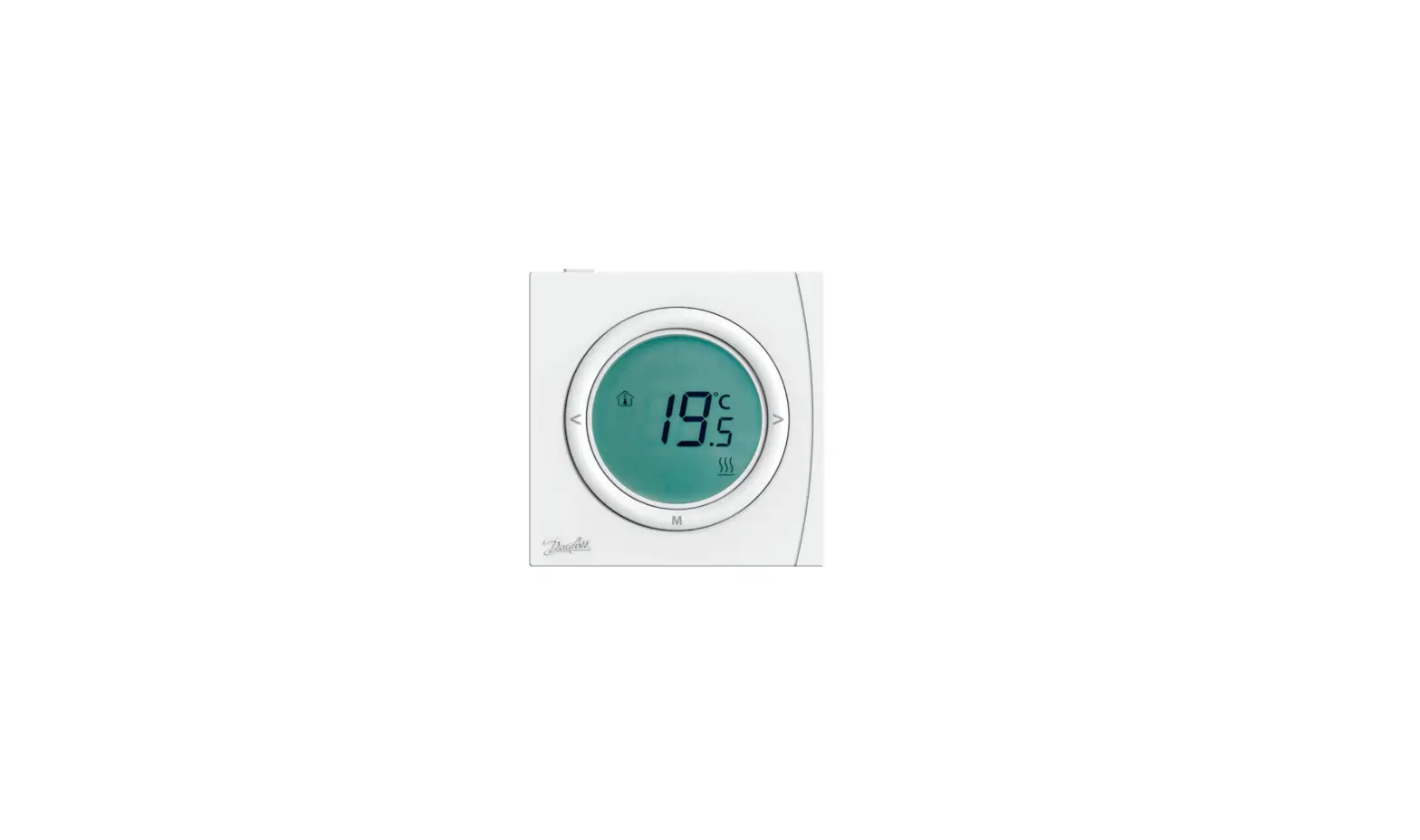
The Danfoss RET2001 is a digital room thermostat that controls the heating in your home by keeping it at the temperature you have set. It switches off the heat when the temperature reaches a set point and switches it on when it falls below. The heating will not come on if the room temperature is above the room thermostat set temperature.
Product Setting the Temperature
To set the temperature:
- Press the up or down arrow buttons at any time to change the desired temperature value. SET is shown in the display.
- When releasing the up or down arrow buttons, the display returns to showing the actual temperature.
Holiday Mode
Holiday Mode selects the Holiday comfort temperature typically when the home is unoccupied. To enter into Holiday mode:
- Press the M button and “Holiday” will be displayed.
- The Holiday mode temperature can be set in User settings, option 07.
- Press M again to exit Holiday mode.
Product Frost Protection Temperature and Reset
To activate Frost Protection Temperature and Reset:
- Press and hold the Frost Protection button until the frost protect icon and current temperature are displayed.
- If button is pressed continuously for 10 seconds, then the thermostat will be reset.
Product User Settings
To access User Settings:
- Press and hold the M button for 6 seconds to enter the parameter setting mode.
- Press M for parameter selection and set the parameter range via the up or down arrow buttons. Complete all adjustments.
- To exit press the upper part of the setting ring, or it will automatically exit after 20 seconds when no button is pressed.
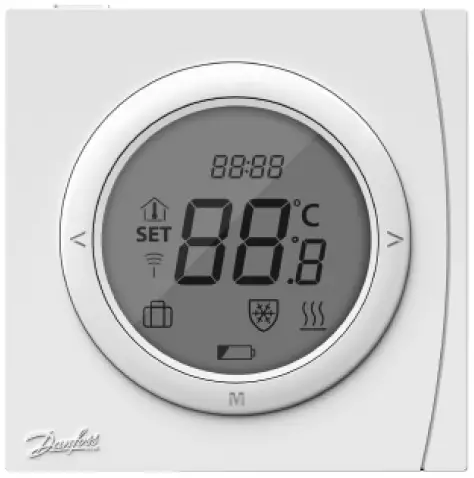
The following are the symbols and their function descriptions:
| Parameter number in setup | SET | Power on/off |
| Holiday mode | Set temperature | M – Mode change / option setting |
| Room temperature | Heating active | Temperature / option setting selectors |
| RF Status (RET2001RF only) | Frost protect active | Battery low indicator (RET2001B and RET2001RF) |
The RET2001 thermostat has two heat control modes: On/off load compensation and On/off standard. The default setting is On/off load compensation. The RF pairing mode can be turned on or off in User Settings.
Introduction
Fitting room thermostats to control room temperatures can be the simplest way to save energy and increase comfort. Room thermostats control the temperature at which your heating system operates, and in doing so helps save energy by cutting down on wasteful overheating. Fitting room thermostats also cuts down on heating costs because by turning down the setting by just 1 °C you can cut the heating fuel bill by up to 10 %. Reducing wasteful overheating also helps the environment by reducing harmful emissions.
What is a room thermostat?
The thermostat controls the heating in your home by keeping it at the temperature you have set. Room thermostats switch off the heat when the temperature reaches a set point, and switch it on when it falls below. The heating will not come on if the room temperature is above the room thermostat’s set temperature. Remember that turning the thermostat up will not heat the room any faster. The higher the thermostat setting the more gas you will use.
Setting
Setting the Temperature
- Press
 at any time to change the desired temperature value. SET is shown in the display.
 - When releasing the the display returns to showing the actual temperature.
Holiday Mode
Holiday Mode selects the Holiday comfort temperature typically when the home is unoccupied.
- Press M to enter into Holiday mode and
 will be displayed.
 - Holiday mode temperature can be set in User settings, option 07.
- Press M again to exit Holiday mode.
RET2001 Thermostat
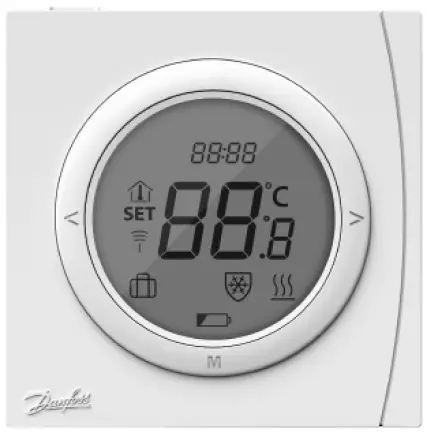
| Symbols | Function description | Symbols | Function description |
 | Parameter number in setup | | Holiday mode |
 | Room temperature |  | RF Status (RET2001RF only) |
 | Temperature indication |  | Battery low indicator (RET2001B and RET2001RF) |
| SET | Set temperature |  | Power on/off |
 | Heating active | M | Mode change/option setting |
 | Frost protect active |  | Temperature/option setting selectors |

Frost Protection Temperature and Reset
- You can switch the thermostat OFF (Standby) by alternately pressing. In OFF (Standby) mode the thermostat is set to a Frost Protection temperature setting and will switch On only if the measured temperature falls below this temperature (5 °C by default).
- The frost protect icon and current temperature will be display.
- At this point if button is pressed for 10 seconds Continuously then the thermostat will be reset.
User Settings
- Press M button for 6 seconds to enter the parameter setting mode. Press M for parameter selection and set the parameter range via . Complete all adjustments.
- To exit press upper part of setting ring, or it will automatically exit after 20 seconds when no button is pressed.
| No. | Parameter settings | Settings range | Default |
| 02 | Heat control mode | 01: On/off load compensation 02: On/off standard | 01 |
| 04 | Temperature limit high | Between low (05) and 35 °C | 35 °C |
| 05 | Temperature limit low | Between 5 °C and high (04) | 5 °C |
| 06 | Frost protect temperature | Between 5 °C and 15 °C | 5 °C |
| 07 | Holiday mode temperature | Between low (05) and high (04) | 18 °C |
| 10 | RF Pairing (RET2001RF only) | 00: RF pairing mode off 01: RF pairing mode on | 00 |
Danfoss A/S
- Heating Segment
- danfoss.com
- +45 7488 2222
- E-mail: [email protected]
Danfoss can accept no responsibility for possible errors in catalogues, brochures and other printed material. Danfoss reserves the right to alter its products without notice. This also applies to products already on order provided that such alterations can be made without subsequential changes being necessary in specifications already agreed. All trademarks in this material are property of the respective companies. Danfoss and the Danfoss logotype are trademarks of Danfoss A/S. All rights reserved.
© Danfoss
 Engineering Tomorrow | Danfoss
 Engineering Tomorrow | Danfoss