 HEATIT WIFI
Quick Guide
01.10.21 Ver 2021-A


Read the full manual at: manuals.heatit.com
INTRODUCTION
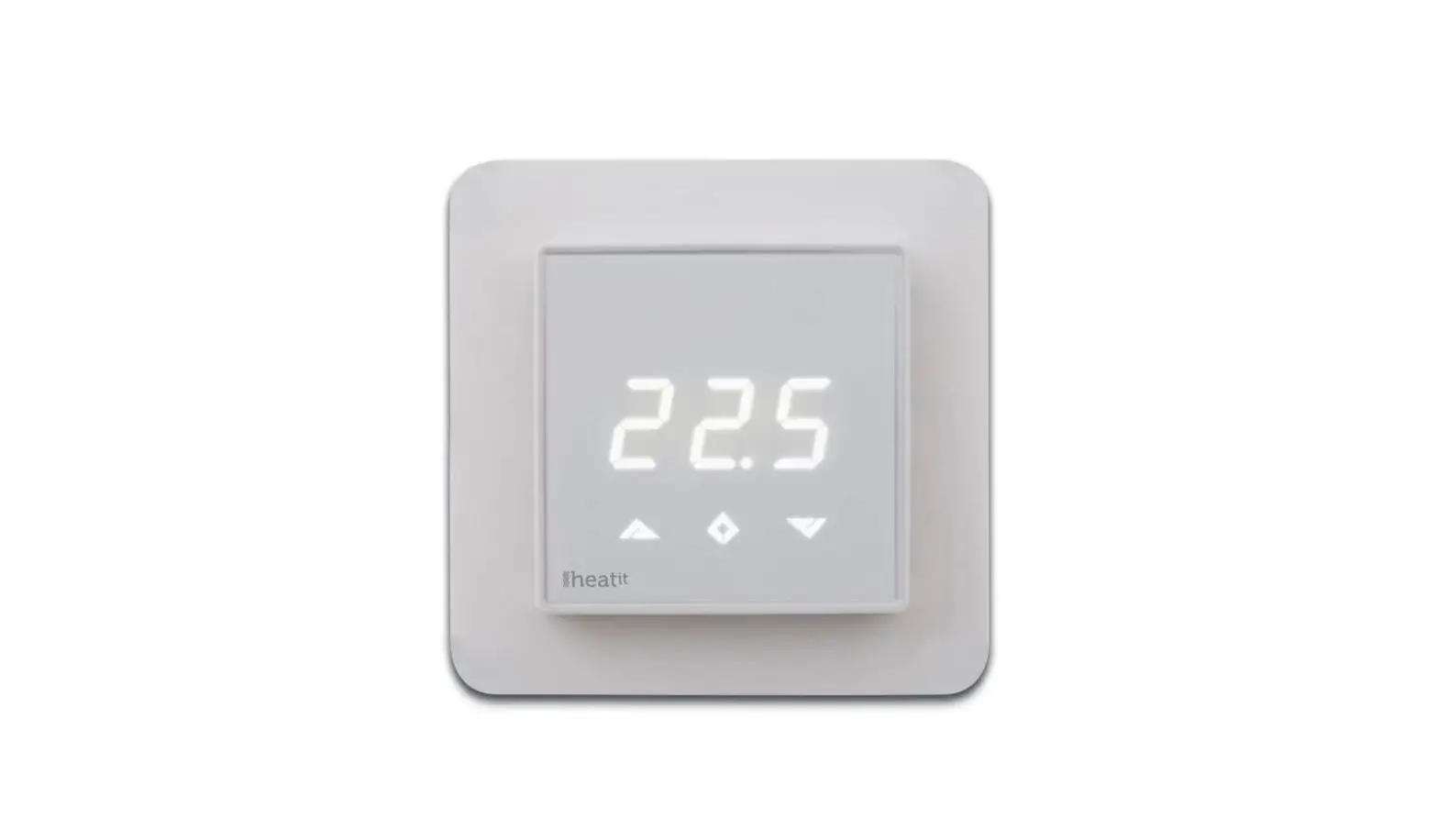
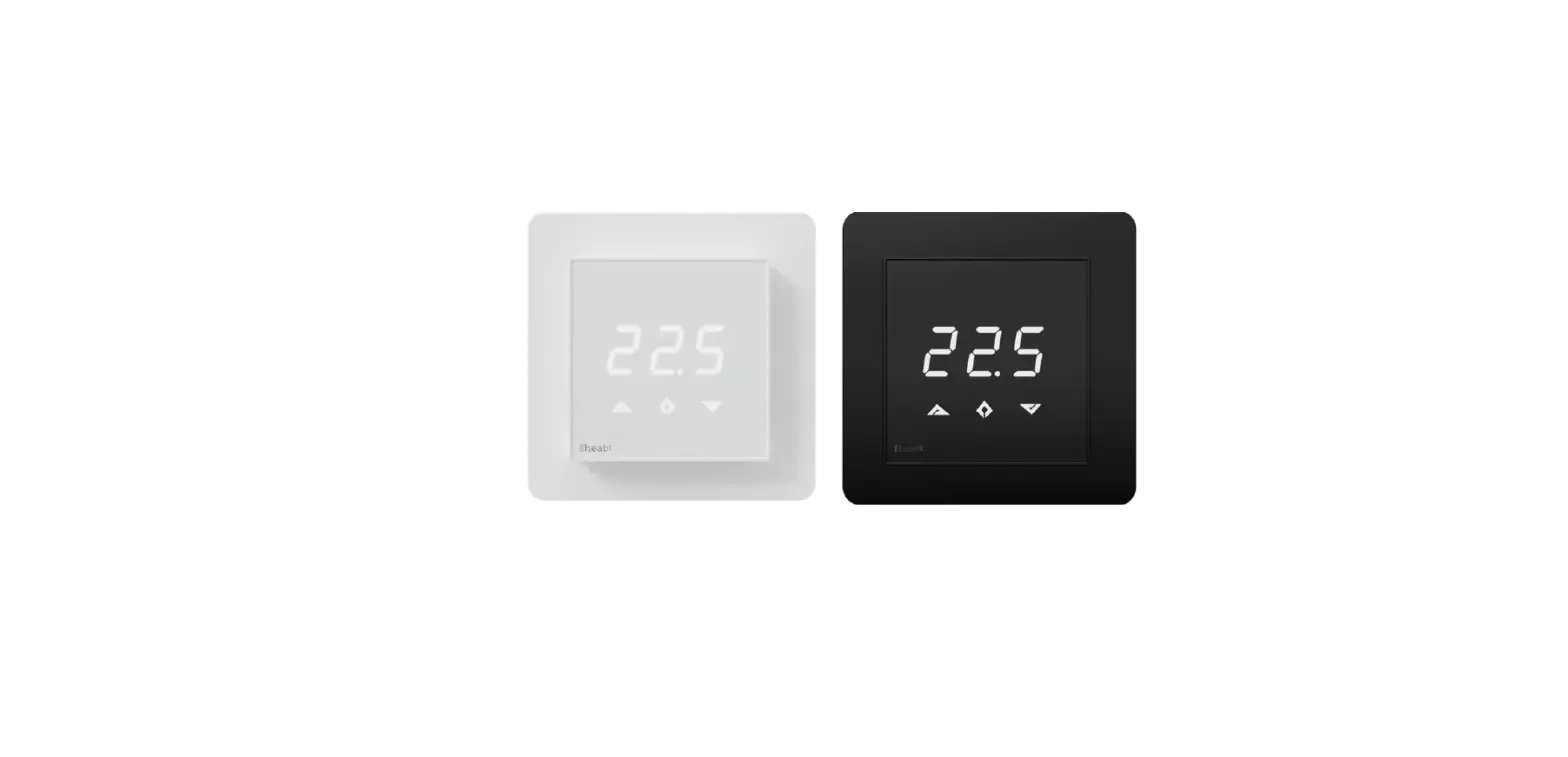
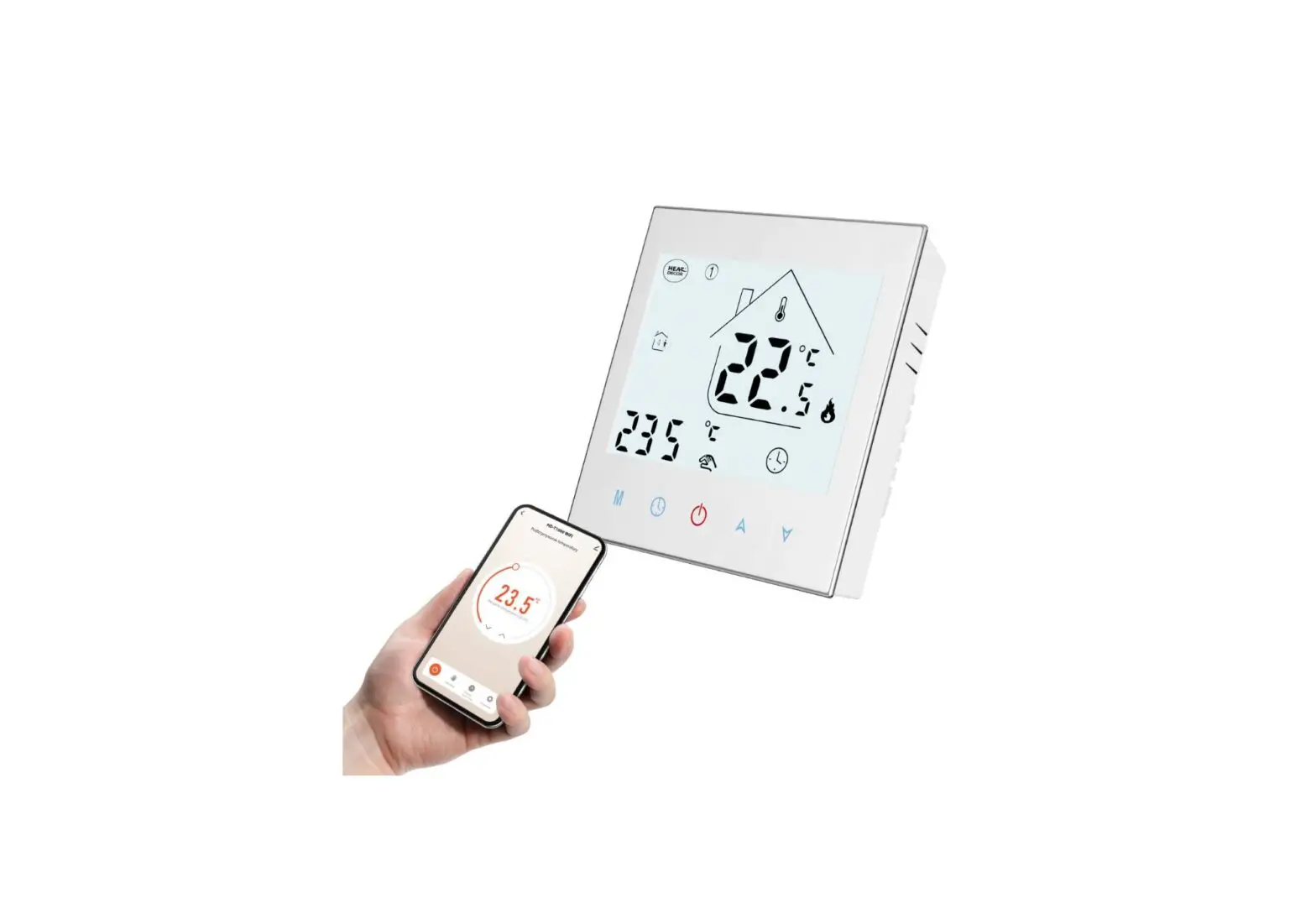
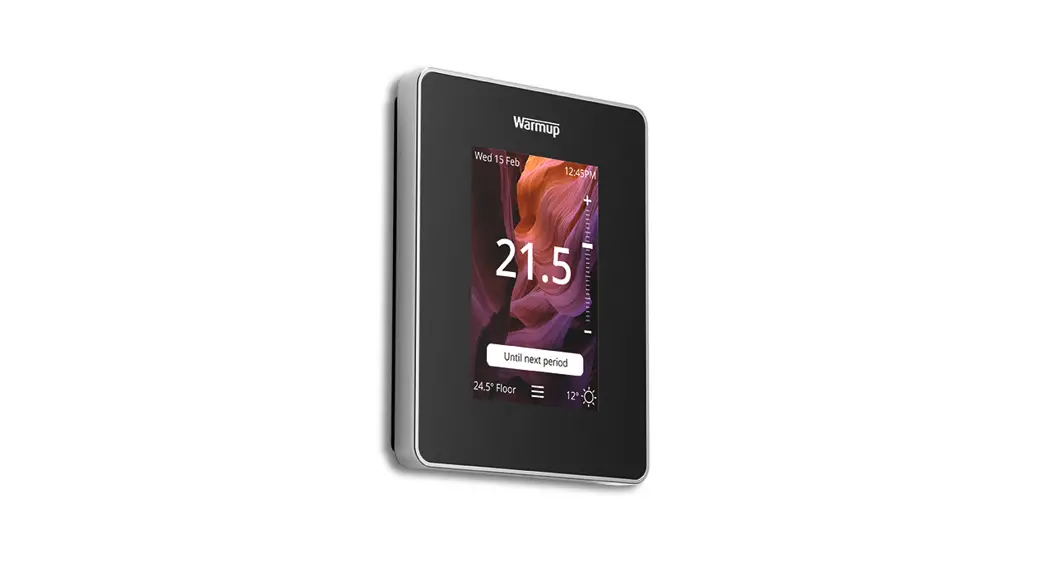
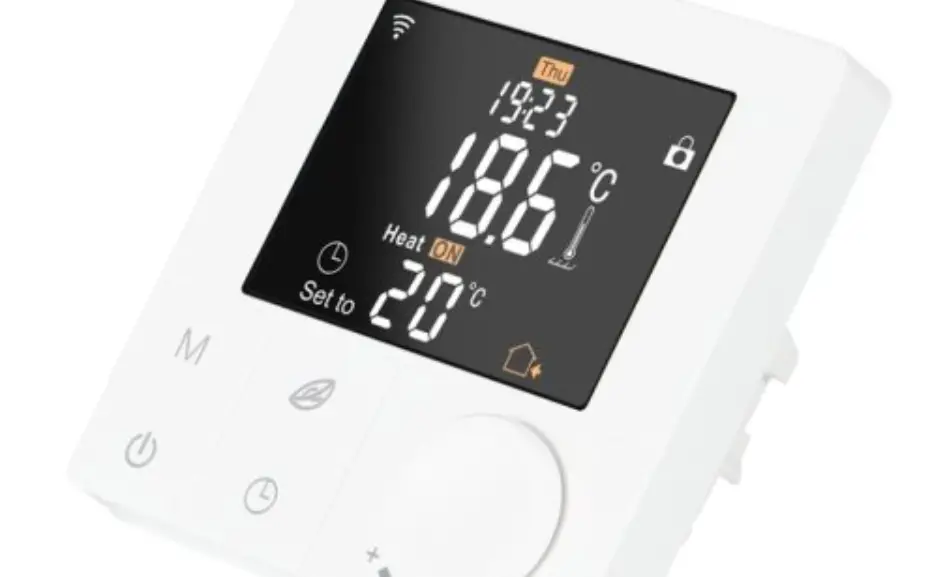
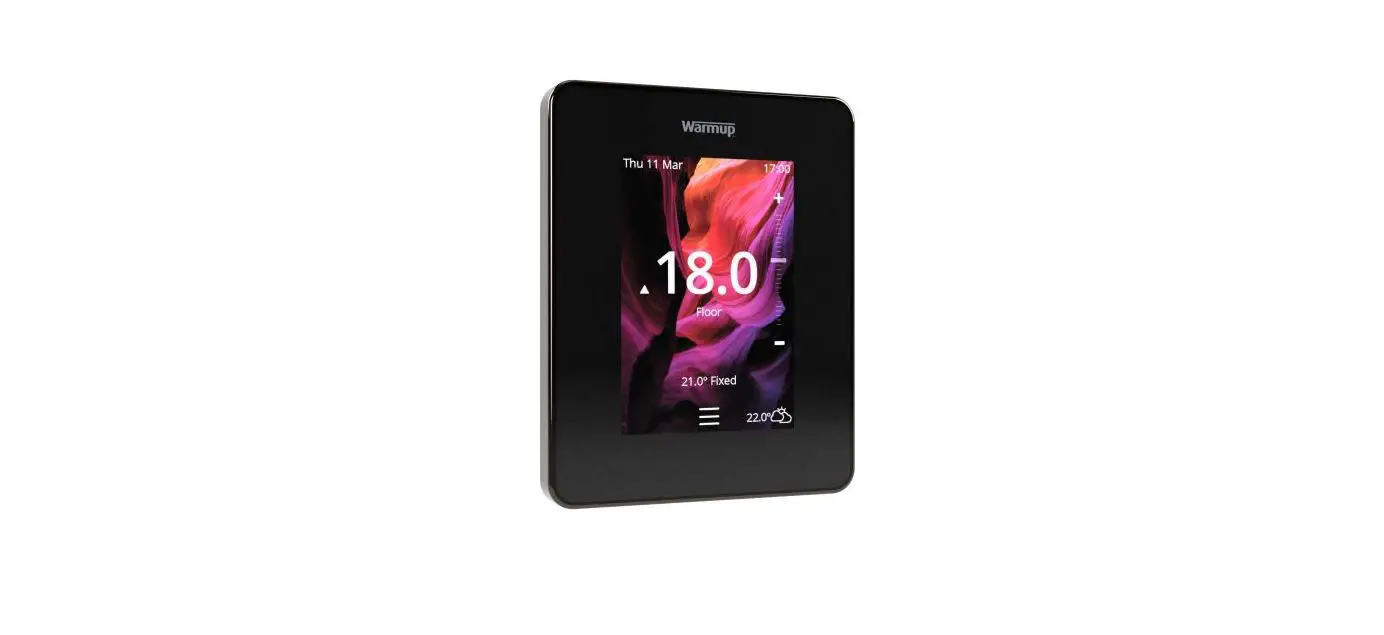
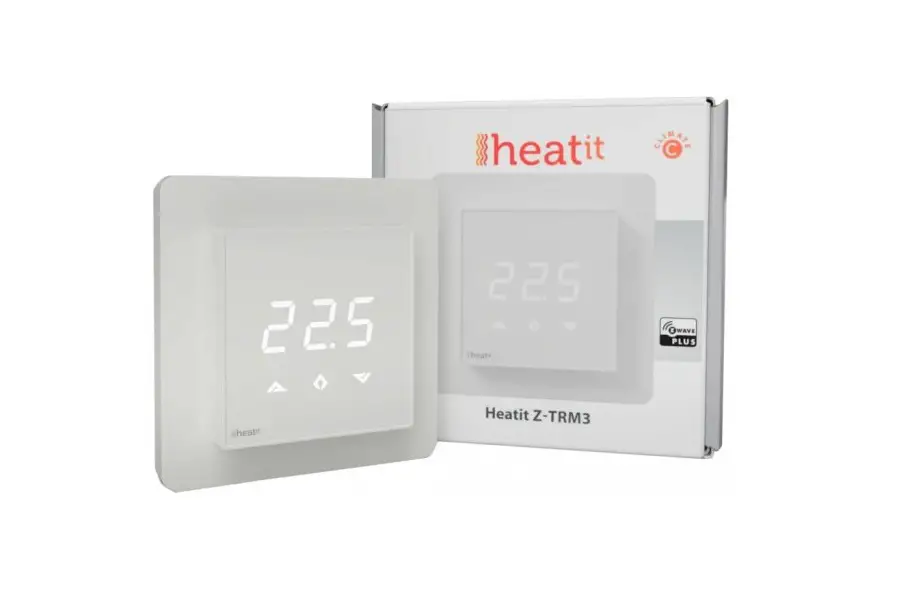
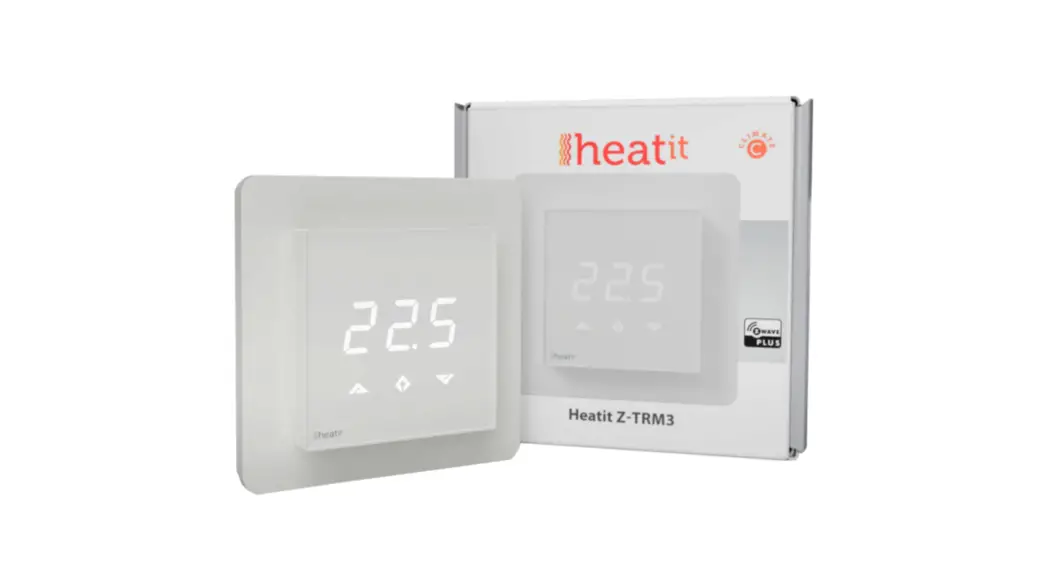
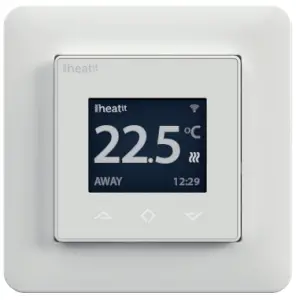
Heatit WiFi thermostat is an electronic thermostat for electrical underfloor heating. The thermostat has a simple user interface and can be easily programmed via capacitive buttons. The color screen displays an accessible user interface. The thermostat has a built-in WiFi chip that allows you to control it from a user-friendly app. The “Heat WiFi” app is available on Google Play and in the App Store. Works with Amazon Alexa and Google Home (pending). If you are installing multiple thermostats in the same house, you may copy the settings from one thermostat to the next. This simplifies installation.
Heat WiFi thermostat 16A is equipped with a single-pole switch and fits into most common frames (e.g. System 55, Elko RS16, Schneider Exxact). The thermostat can withstand a load of max 16A/3600W at 230VAC. We recommend a contactor for loads above 13A. The thermostat may be connected to an external sensor.
The thermostat is designed for electrical heating.
INSTALLATION
Installation must be done by a qualified electrician in accordance with national building codes. Before installation, disconnect the power to the device from the mains. During the installation of the device, power to the device must be disconnected AT ALL TIMES!
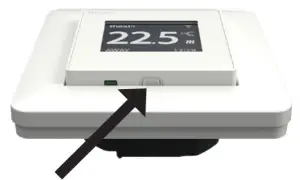 Release the front cover by pressing a screwdriver (e.g) into the ejector latch at the bottom of the thermostat. Be careful not to damage the thermostat.
Connect the wires to the thermostat terminals:
| L | Power connection (Live) 230VAC |
| LOAD (N) | Heating Cable connection (Neutral) |
| LOAD (L) | Heating Cable connection (Live) |
| N | Power connection (Neutral) 230VAC |
| PILOT | Pilot Wire (if applicable) 230VAC |
| SENSOR | Floor temp sensor, NTC type |
Next, position the thermostat and fasten it onto the wall mounting box using 2-4 screws. Open the frame holder spring, position the frame and reattach the spring. Then attach the front, making sure the connectors between the front and back are correctly placed. Press the front carefully until it snaps into place.
STARTUP
After connecting the power to the thermostat for the first time or after performing a factory reset, the startup wizard will prompt the following questions:
| Language | Set language |
| Set timezone | Timezone compared to GMT |
| Daylight saving | Daylight saving in use Y/N |
| Date & time | Set current date & time |
| Thermostat use | Heating or Cooling |
| Heating system | Floor (Slow), Floor (Fast), Other (Fast) |
| Floor-type | Concrete or wooden |
| Floor temp limit | 5°C – 40°C (concrete) or 5°C – 27°C (wood) |
| Choice of sensor | Room/Floor |
| Gradual Heating | ON or OFF – used with new concrete floors to limit temperature rise time. Only in-floor sensor mode. |
WIFI CONNECTIONS
Start the “Connect to cloud” process from the WiFi settings menu. Launch “Add thermostat” in the app on your phone. The thermostat will show two 3-digit PIN codes. Enter these into your phone application. Next, enter your WiFi password in your app. When the “Add thermostat” process is finished, the thermostat will reboot. Subsequently, you will be able to control your thermostat WiFi settings through the app on your phone.
For further information on installing, setting up, and using your Heatit WiFi thermostat, see the complete manual on manuals.heatit.com.
TECHNICAL DATA
| Protocol | WiFi 2.4GHz 802,11bgn |
| Display | 1.8” TFT, 128×160 resolution |
| Rated voltage | 230VAC 50Hz |
| Max load | 3600W (resistive loads only) Recommends contactor for loads higher than 13A |
| Max current | 16A |
| Power consumption | <2W |
| Ambient temperature | 2°C to 30°C |
| Temperature range | 5°C to 40°C |
| Hysteresis | 0.2°C to 2°C (0.5°C standards) |
| Compatible with NTC | |
| sensors with value | 6.8, 10, 12, 15, 22, 33, 47, 100 kΩ @ 25°C |
| IP Code | IP 21 |
| Approvals | EN 60730-1:2016, EN 60730-2-9:2019, ETSI EN 300 328 V2.2.2, RoHS 2011/65/EU, LVD 2014/35/EU Approved for use in bathrooms. |
PHONE APPLICATIONS
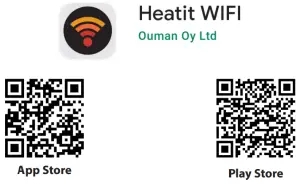
https://play.google.com/store/apps/details?id=com.thermofloor.heatitwifi
https://itunes.apple.com/us/app/heatit-wifi/id1568098480
Heat Controls AB can not be held liable for typographical errors, other errors or omittances in our information. Product specifications may change without further notice. All electrical installations must be carried out by a licensed electrician. The product must be installed in accordance with national building codes and our installers manual.
Heatit Controls AB l Läkarvägen 4, 454 31 BRASTAD, SWEDEN
Phone: +47 61 18 77 77 l [email protected] – www.heatit.com