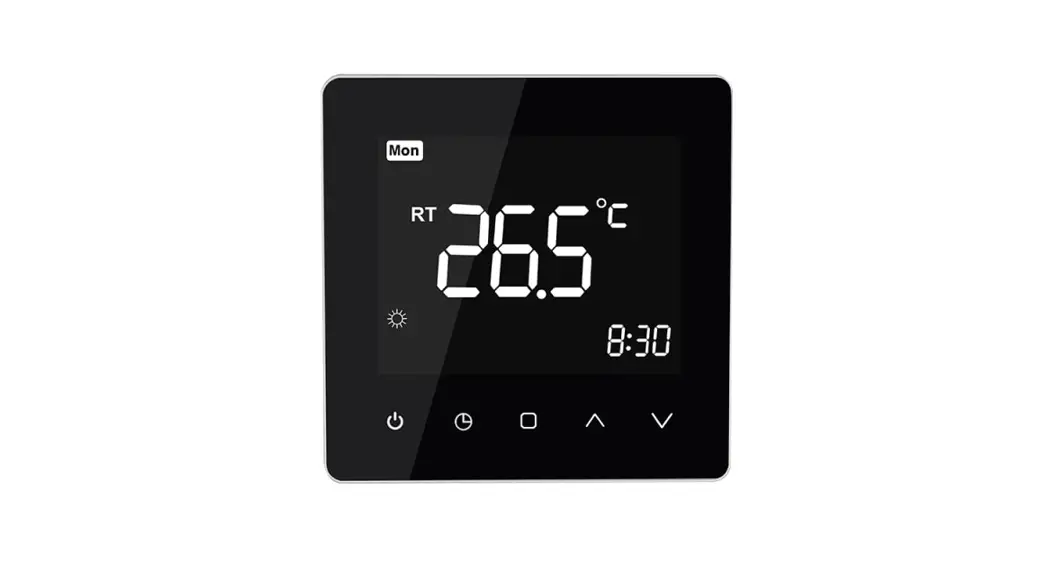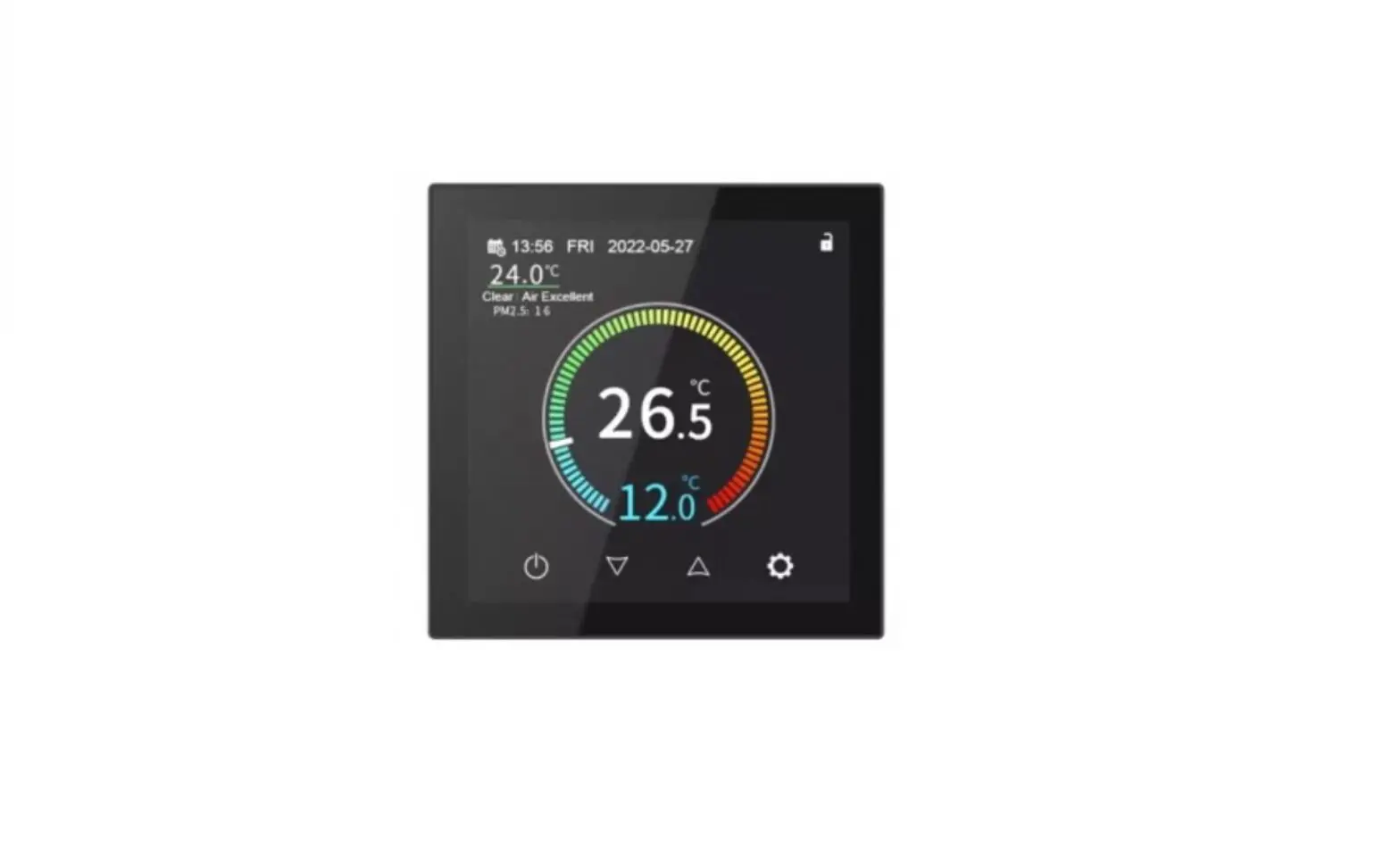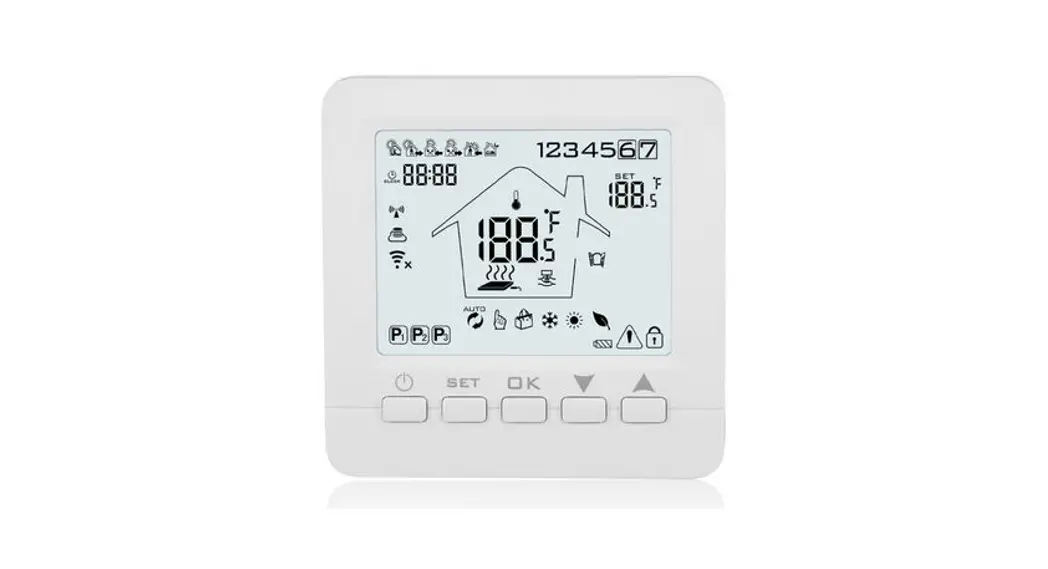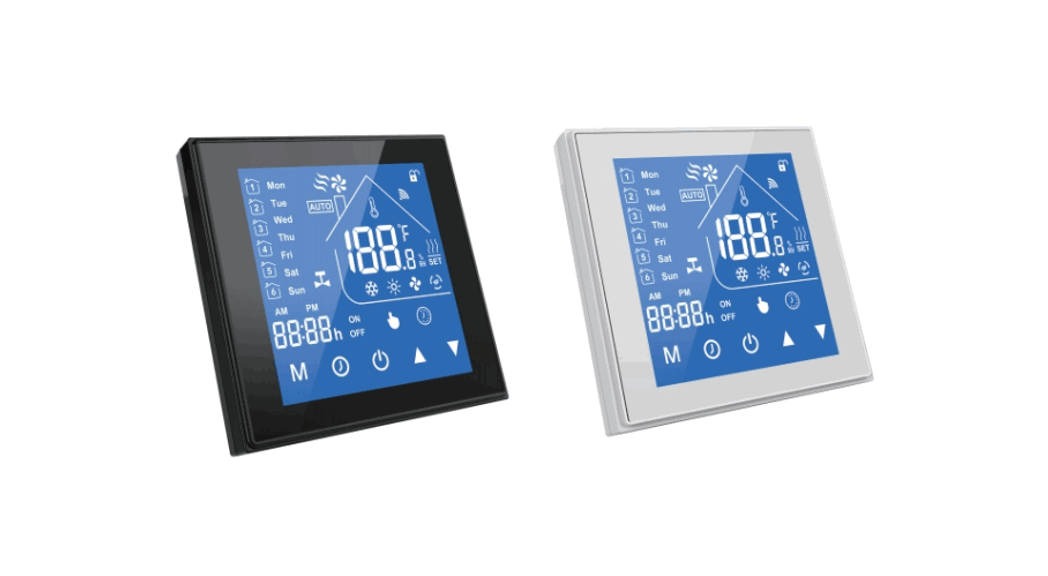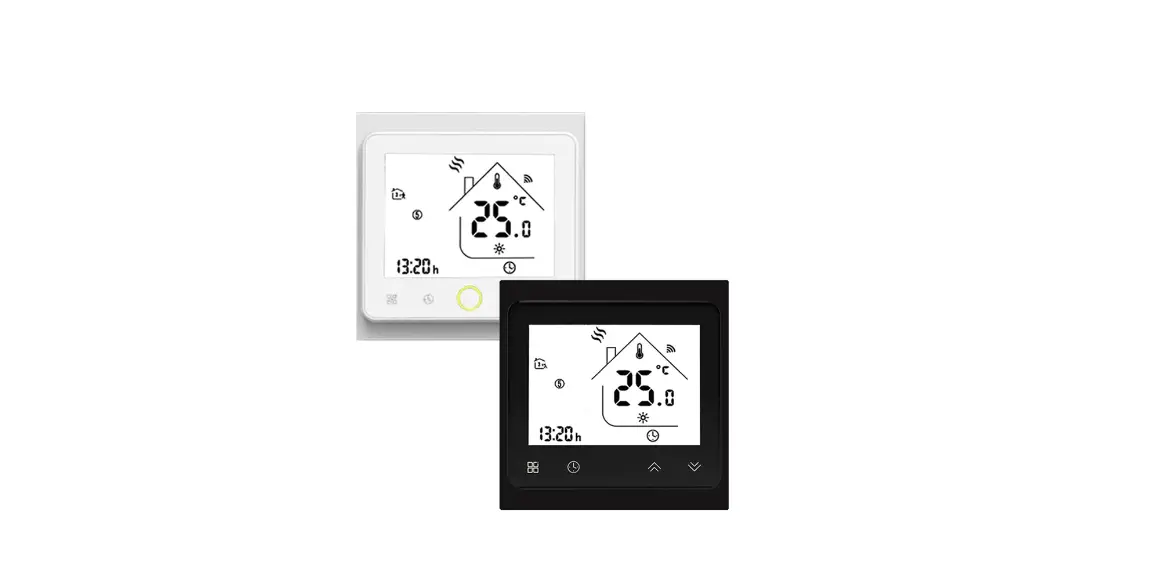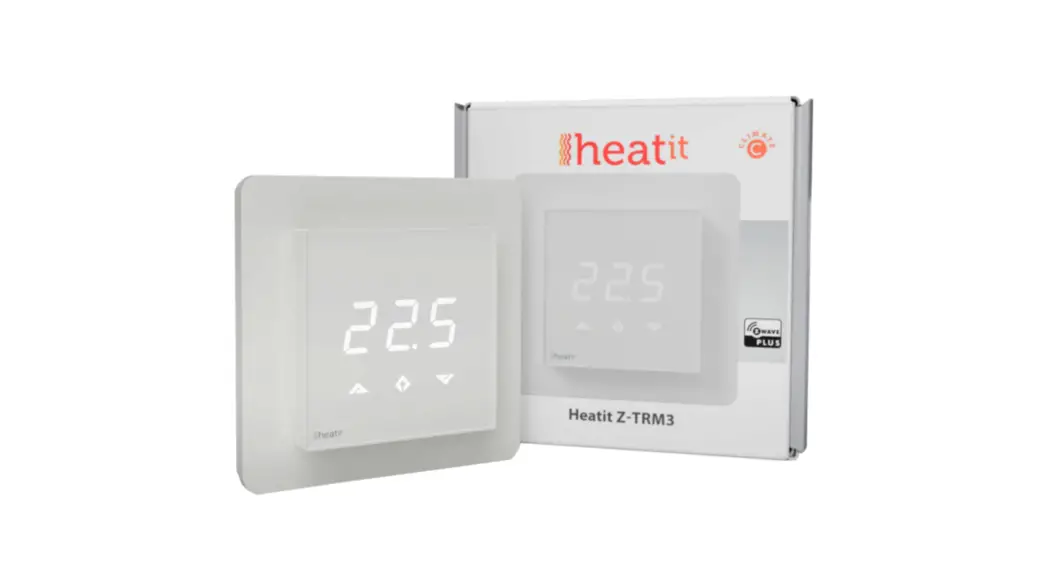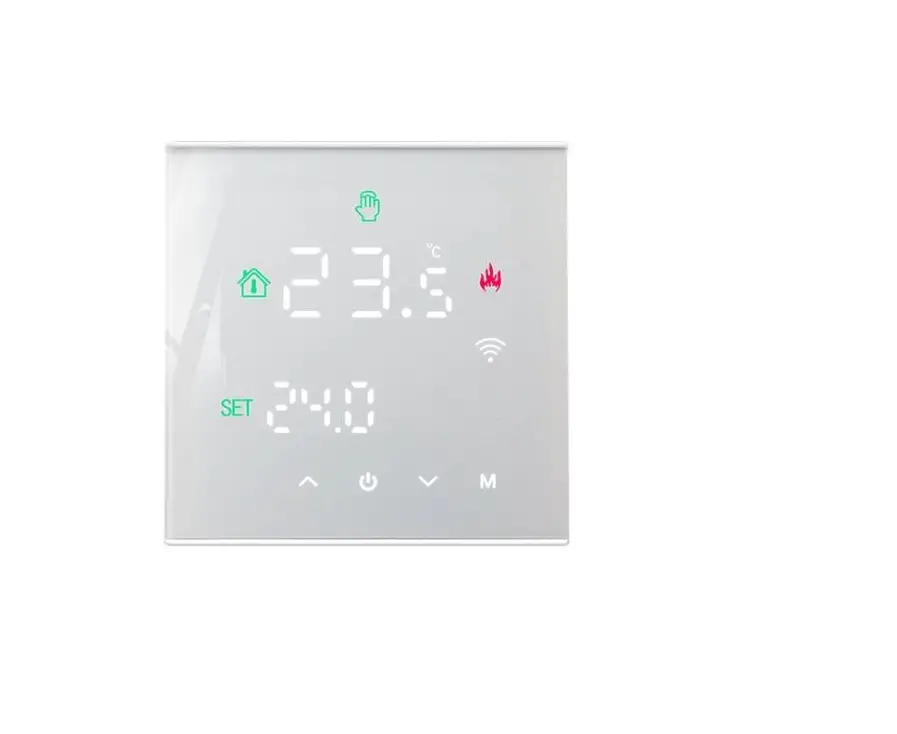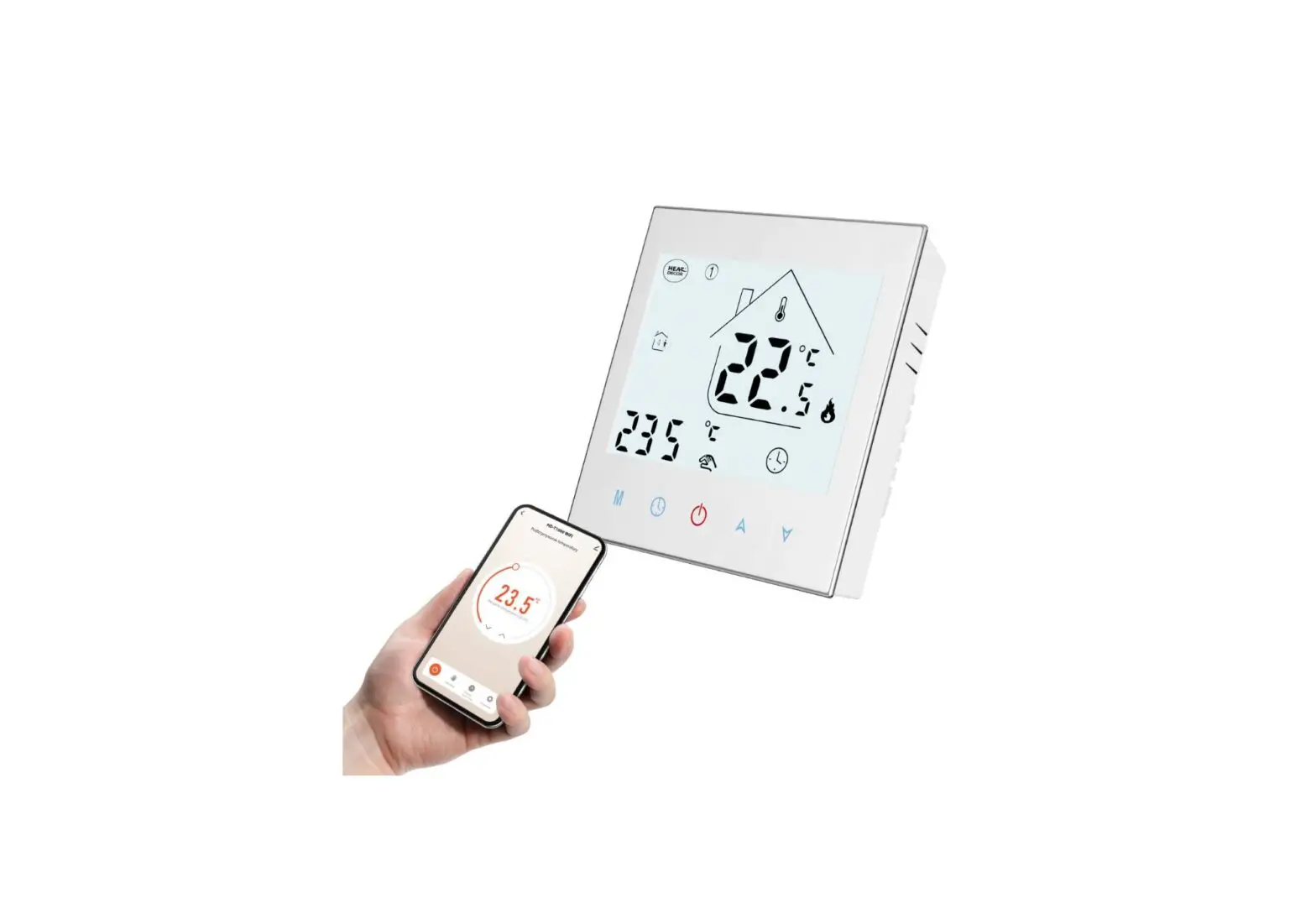

HEAT DECOR HD-T1000 WIFI Thermostat
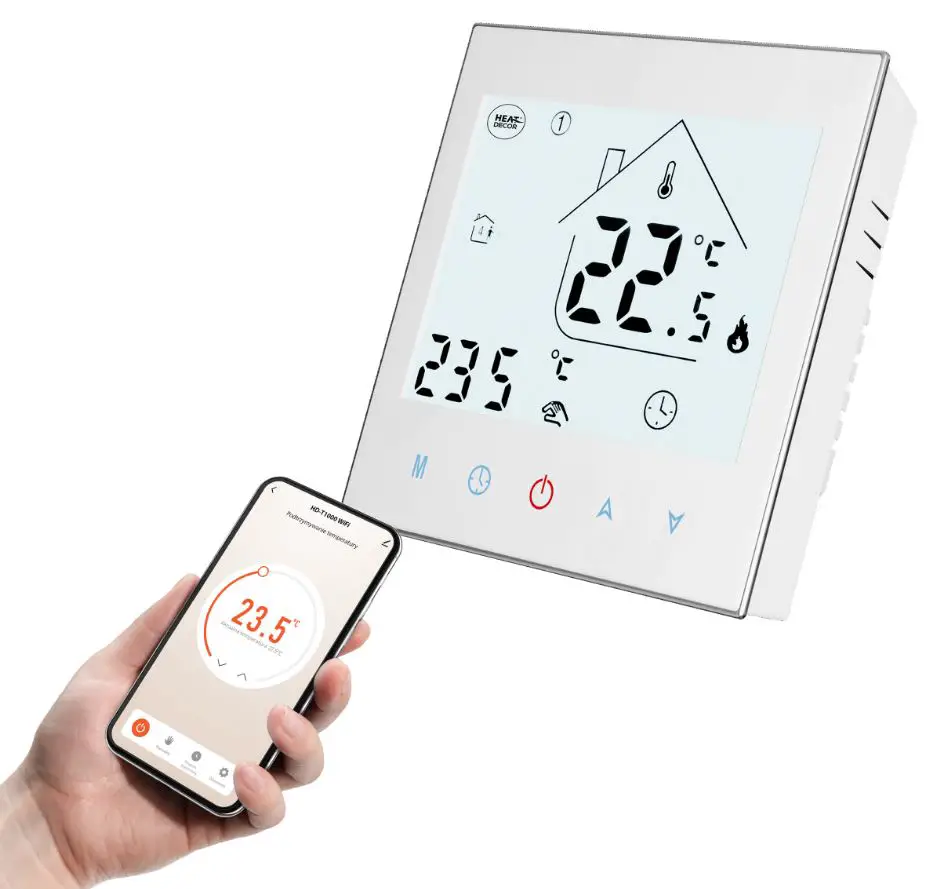
HD-T1000 WIFI Thermostat
The HD-T1000 Series Intelligent Heating Temperature Controller is designed with a weekly programming function that allows for setting six period times and corresponding temperature settings per day. This thermostat also provides the option for manual control or temporary control mode of operation. With the unique far-way control function, the operation is simple, energy-saving, and environmentally friendly. This thermostat is suitable for controlling electric heating equipment and water system heating electric dr ive valve control.
Product Parameters
- Voltage: 220VAC50/60HZ
- Power Consumption:
- Default Temperature Deviation:
- Accuracy:
- Sensor:
Product Usage Instructions
- Install the thermostat on the wall in the desired location.
- Connect the thermostat to the electric heating equipment or water system heating electric drive valve.
- Set the weekly programming function by selecting six period times and corresponding temperature settings per day.
- Choose between manual control or temporary control mode of operation.
- Use the unique far-way control function to operate the thermostat remotely.
- Enjoy energy-saving and environmentally friendly heating control.
HD-T1000 WIFI THERMOSTAT
HD T 10 00 Series Intelligent Heating Temperature Controller with weekly programming function, it can be set six period times & the corresponding setting temperature per day. You also can choose manual control or temporary control mode of operation. With t he unique far way control function, simple operation, energy saving and environmental protection, this thermostat can be suitable for electric heating equipment control and water system heating electric drive valve control.
Parameter
- Voltage : 220VAC 50/6 0HZ
- Power consumption : <1W
- Default temp. deviation : 1 0.5~10 adjustable
- Accuracy : ±1
- Sensor : NTC
- Current : Imax 16 A
- Control range : 5C 45C
- Limitation setting : 20~60c
- Environmental temp : – 5 50C
- IP Grade : IP20
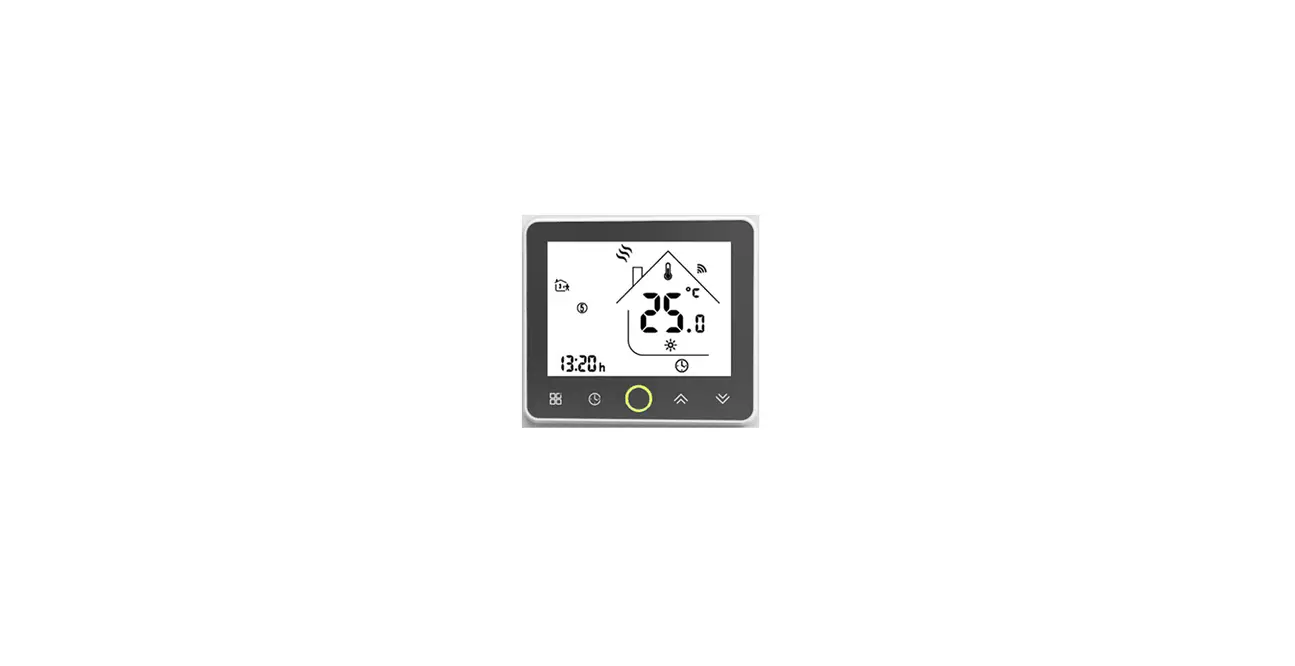
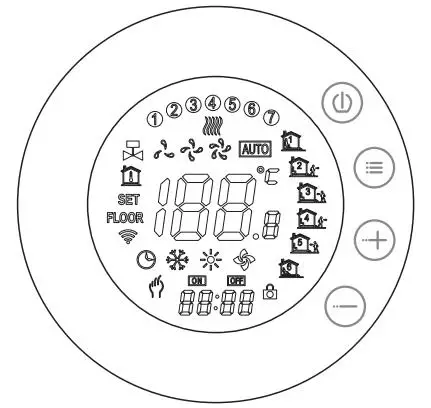
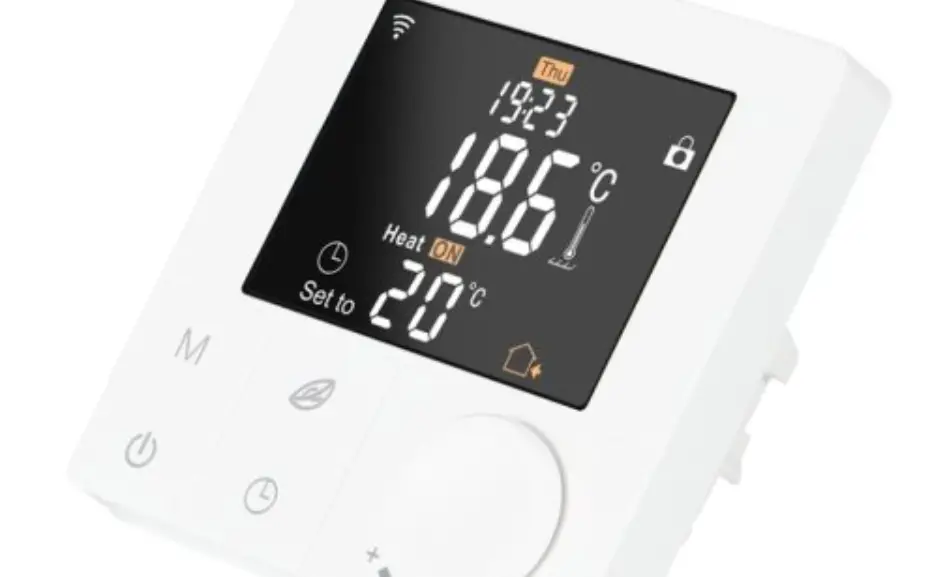
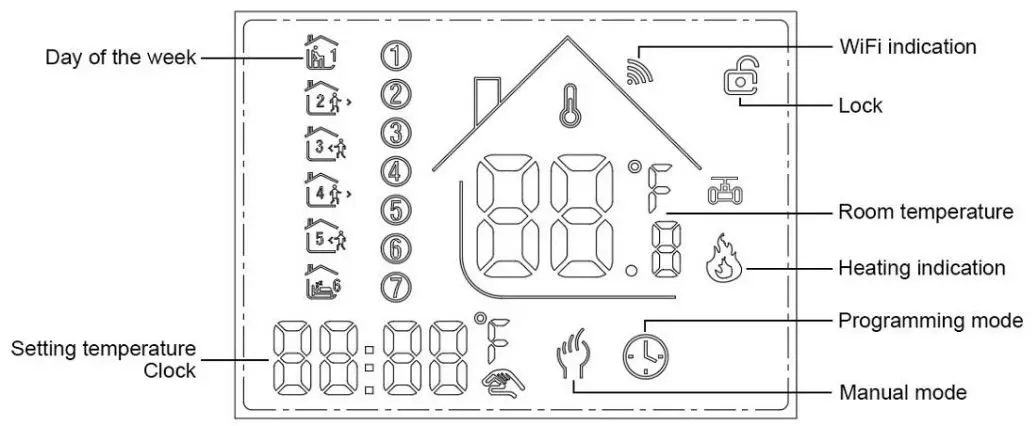
Panel display
Function
 :Manual mode: Control the device by manual。
 :Program mode: It can be controlled automatically by the set time& temperatures (with six different time & related temperature),see below:
、 simultaneous display:For temporary control mode, press“
 ”or“
”or“ ” will change to this mode, the device will comes out of the temporarily current period time control, and come into the control of the manual mode, which also will automatically return to the programming mode when the next period time comes.
 :Lock, Press the key“”&“”together for more than 5 seconds, the device locked, and press them for another 5 seconds, it will unlock again.
 :Heating : Means for heating now.。
 :Antifreezing,(See the details of advance setting 5), start the antifreezing function.
Button Functions
 : Power, ON/OFF by short press.
M : Mode, Short press for manual model& programmable mode change. : Clock, Short press for time setting.:minute setting→ hour setting→ week setting. Press“”for next parameter setting, the twinkled data means to be set, press“”or“ ”to setting and 10 seconds can be recorded after everything to be recorded.: Up, for increase the related parameters or adjust working mode.: Down, do decrease the related parameters or adjust the working mode.
Weekly Program: Under Power on mode, press“” and “” for 5 seconds enter weekly programmable setting mode, press“”or“”for data change, then press “ M ”to enter next setting with the related sequenceas below:
Time(Period 1) →Temperature(Period 1) Monday to Friday →…→Time(Period 6) → Temperature(Period 6) Sunday
HD-T1000 WIFI THERMOSTAT
( see below attachment, each previous Period setting time can’t exceed the next Period time) 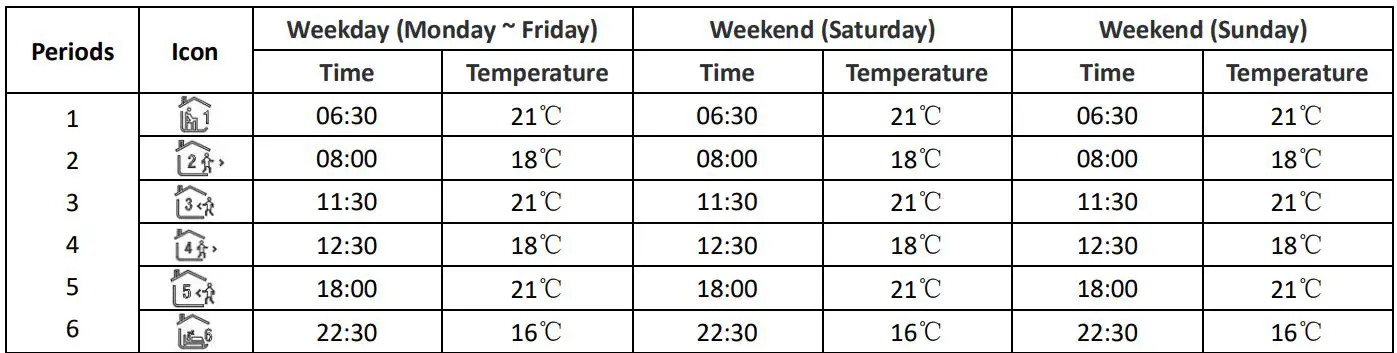
Advanced setting
Under Power off status, press“ ”&“” simultaneously for 5 seconds for coming into the advance setting mode, the screen will display all the elated No. & value, then press“ ”or“” to adjust, press“ M ”to enter next setting, All parameters will be kept in record after press “” when all settings completed.
| Code | Option | Default parameters | Details |
| 1Adj | Room Temperature Calibration | -2 | -9℃~+9℃ |
|
2Sen |
Sensor type |
In | I n:internal sensor(to control and protect the temperature) OU:external sensor(to control and protect the temperature) AL : internal/external sensor ( internal sensor is for room temperature controlling, external sensor is for temperature protection) |
| 3Lit | High Temperature Protection | 50.0 | 5~60℃ |
| 4dif | Switching Deviation | 1 | 1~5℃ |
| 5Ltp | Low Temperature Protection | Off | On:Function turned on Off:Function turned off |
| 6Hit | Max. Set Temp. | 45 | 35~95℃ |
| 7OEN | Open window detect function (OWD) | OFF | On:Function turned on Off:Function turned off |
| 8Otl | OWD Detect Time | 15 | Range:2~30min |
| 9Otp | OWD Drop temp. select (Within detect time) | 2 | Range:2~4℃ |
| 0Pdt | OWD Delay time select (Recover to previous working status) | 30 | Range:10~60min |
| AFAC | Factory Reset | – | when show“-”and keep press “M” for 5 seconds until show“- – -”, it means return to the restore factory reset |
Installation
- Release the front cover by inserting a screwdriver into bottom crack.
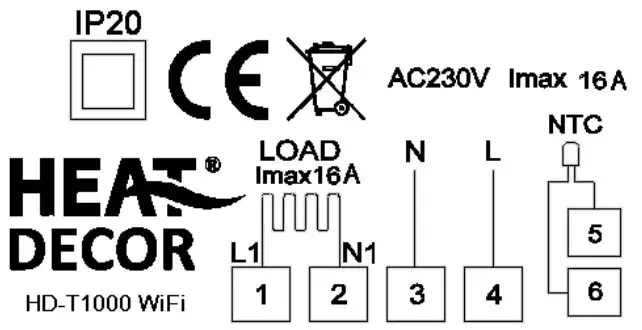
- Connect wires as the diagram, then tighten the screw.
- Mounted the backing plate in the wall socket by screwdriver.
- Connect the back power & front plate with insert the Conductive pin in to the socket, then match th the slot and press slightly to make them matched well.
Connecting Diagram
WIFI connection & operation
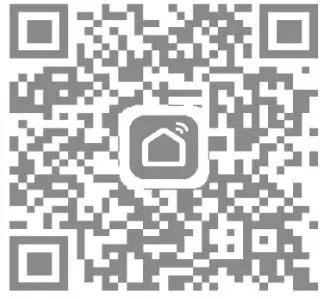
- Scan above QR Code or sourcing the Apps “Smart Life” O r “TuyaSmart” at A pp S tore.

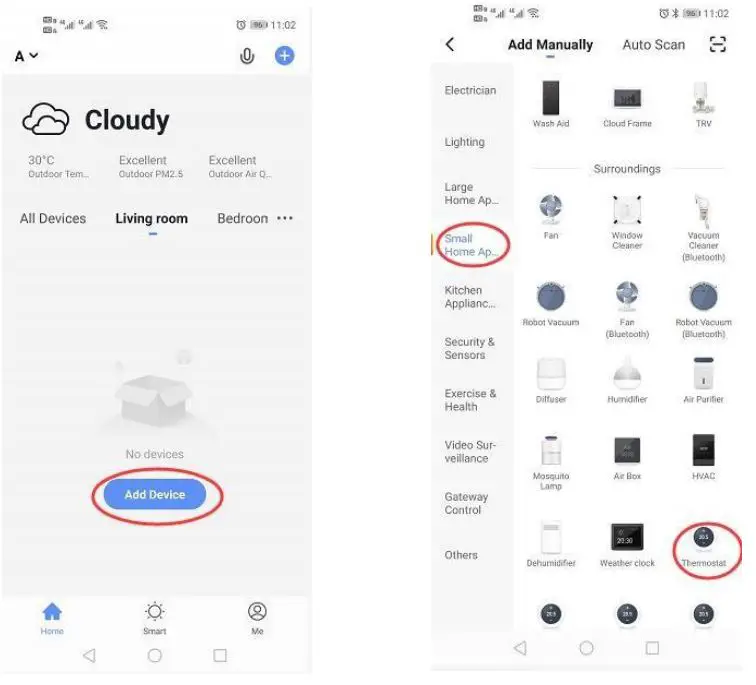
- Account registration first , click “+” in the upper right corner of the main interface to add device.
- Please select “Thermostat” in “Small Home Application”

- Long press thermostat button

 key, until
  icon shown on L C D and flashing , then c lick “Confirm indicator rapidly blink”
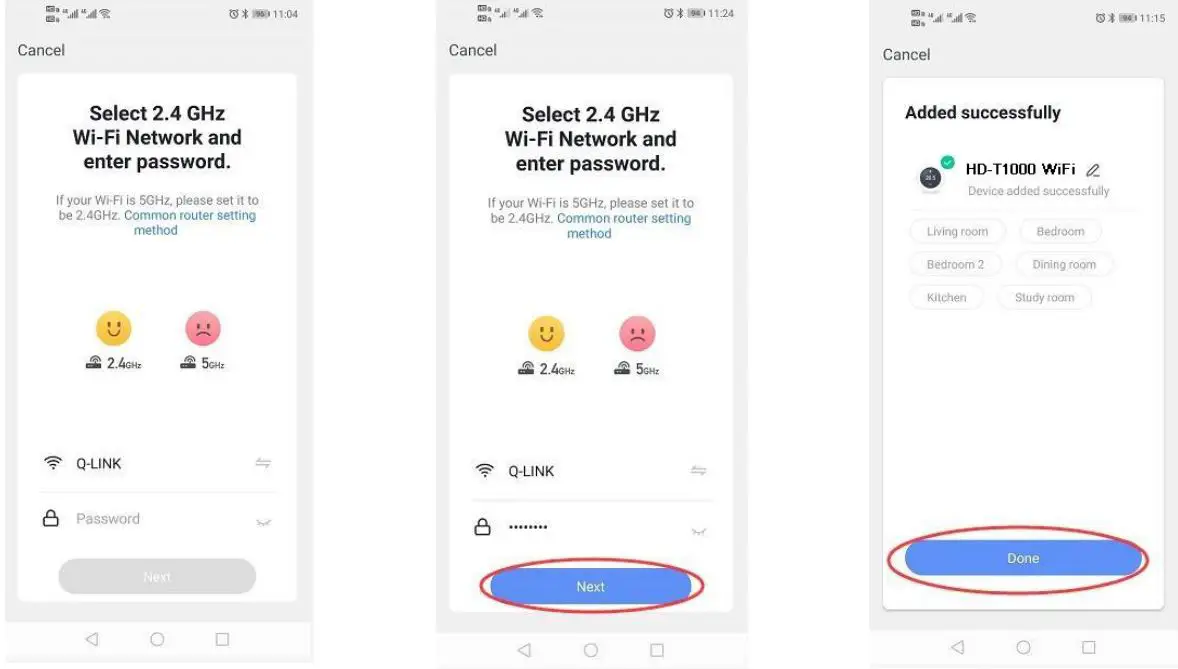
 - Enter Wi Fi password and click “Confirm”, then click “Continue” to pair the devices
- Waiting a few second s till the device added successfully, click “Completed” to device main interface

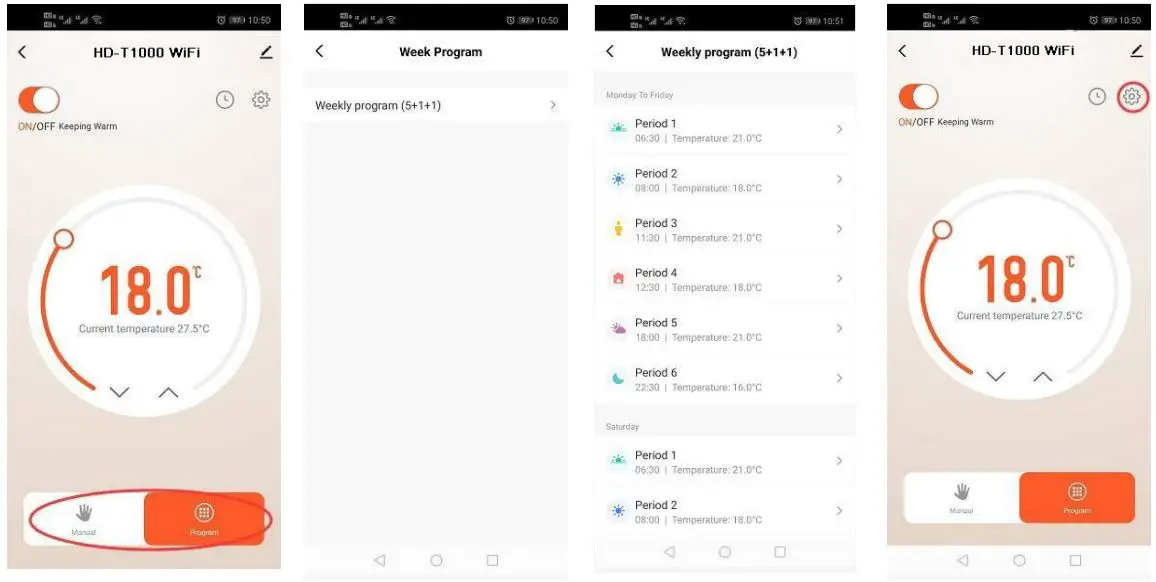
- Click “Program” for more weekly program setting
- Click “Week Program” to enter program settings
- Set time and temperature
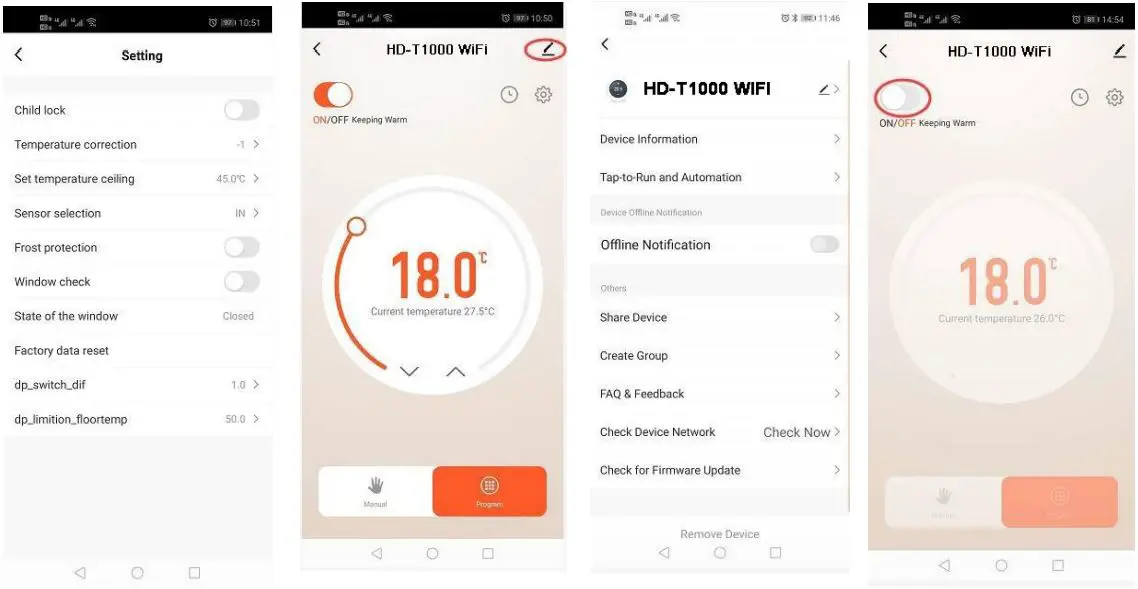
- Click “Setting icon’’ for more settings

- Users could change any one of them as they want
- Click on the top right corner to get device information
- Device name can be changed here
- Click “ON/OFF” to turn on off device

 key, until
  icon shown on L C D and flashing , then c lick “Confirm indicator rapidly blink”