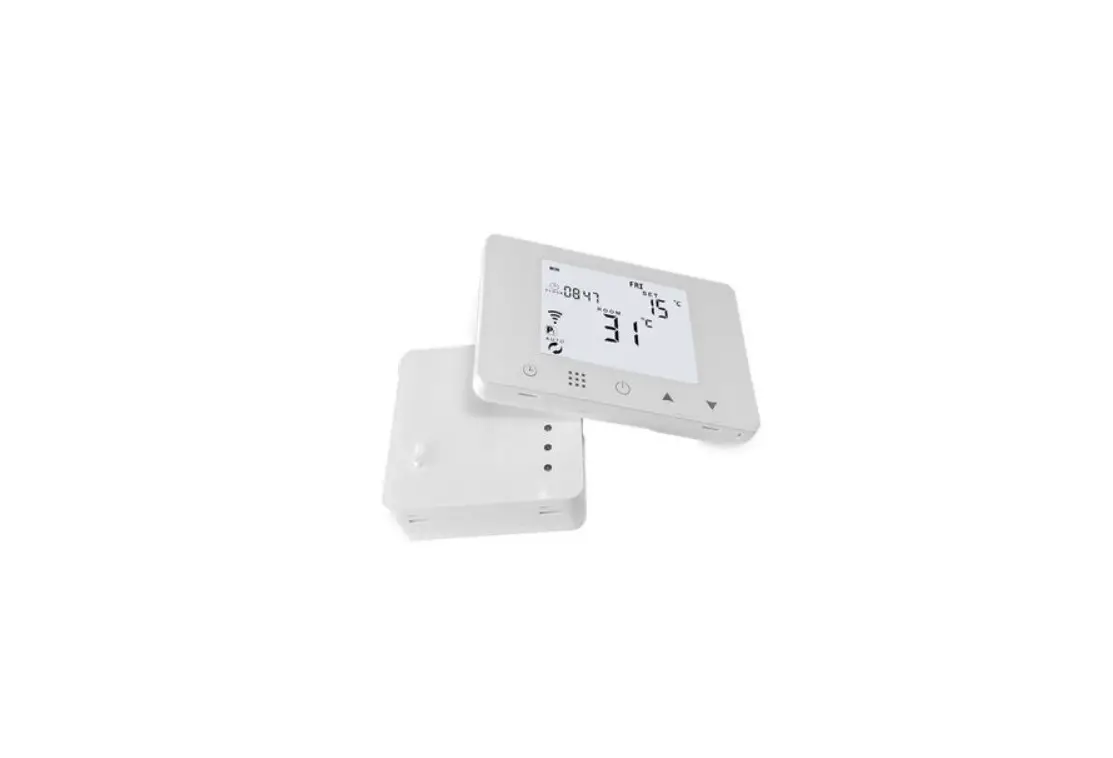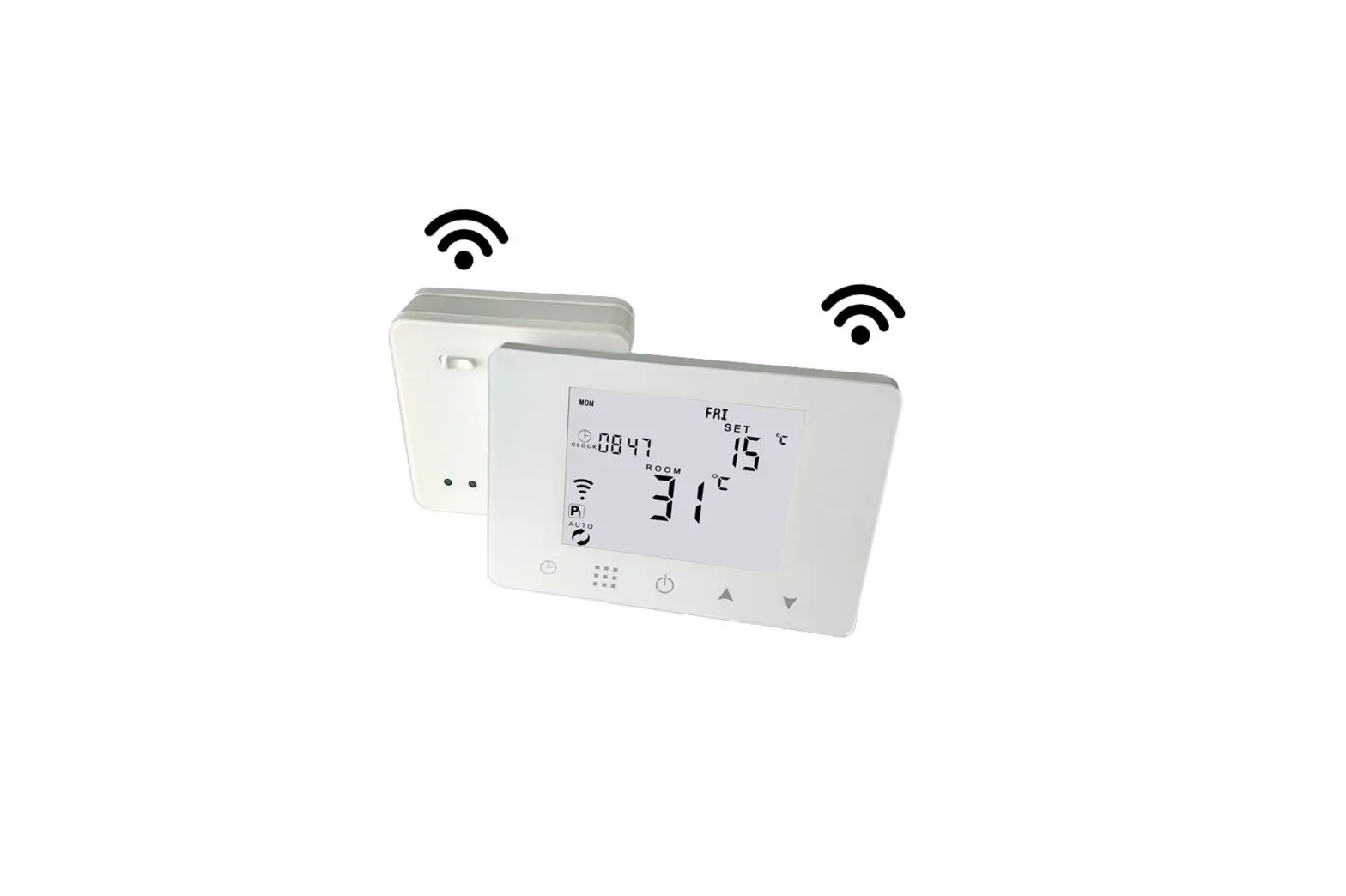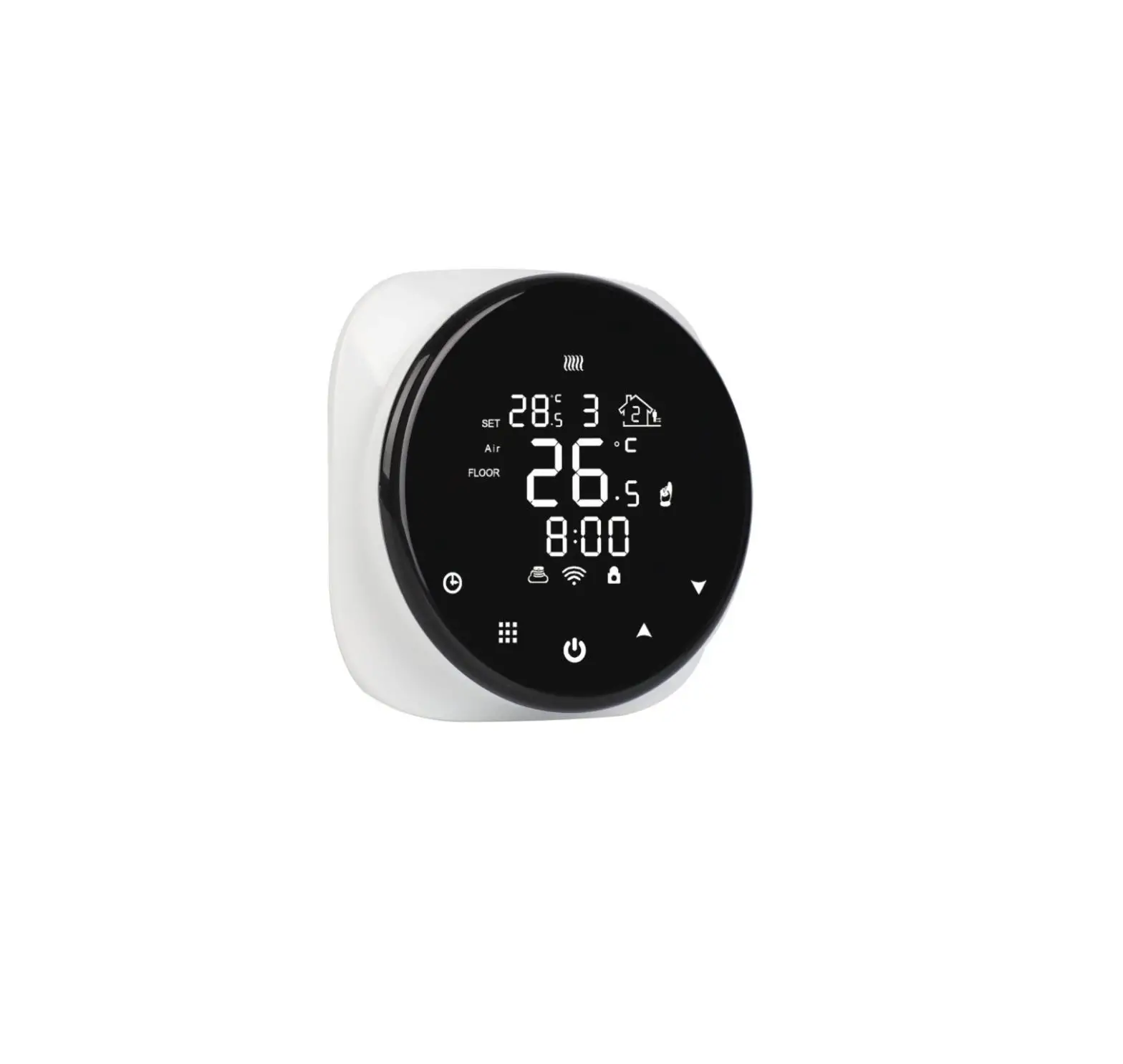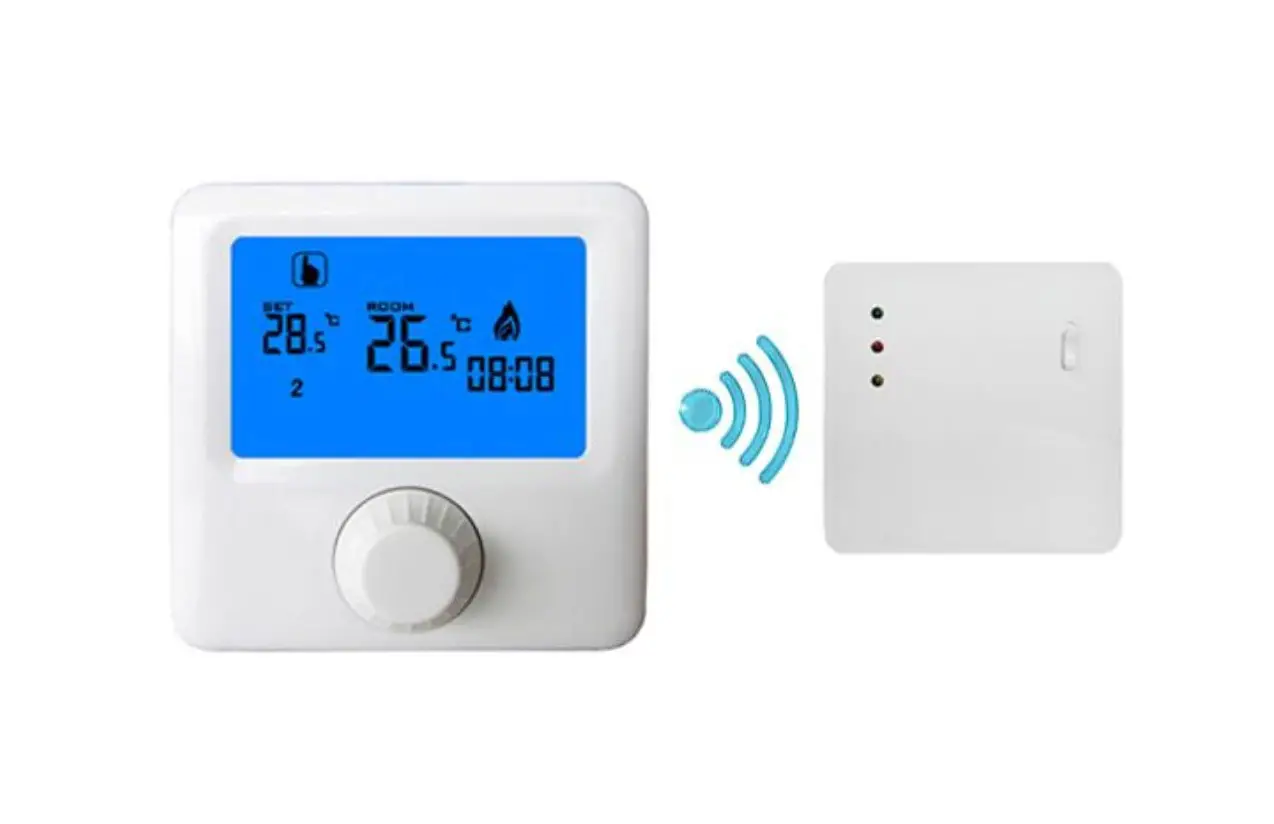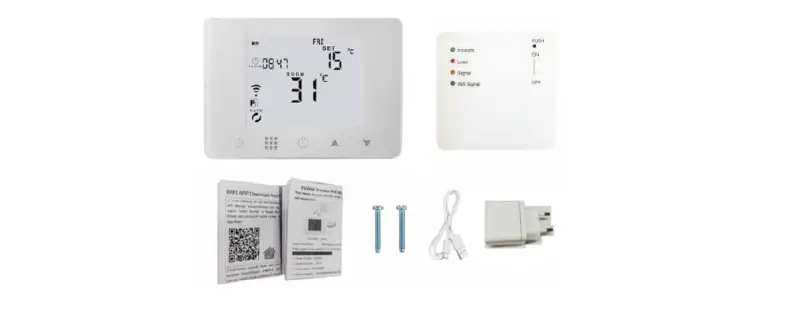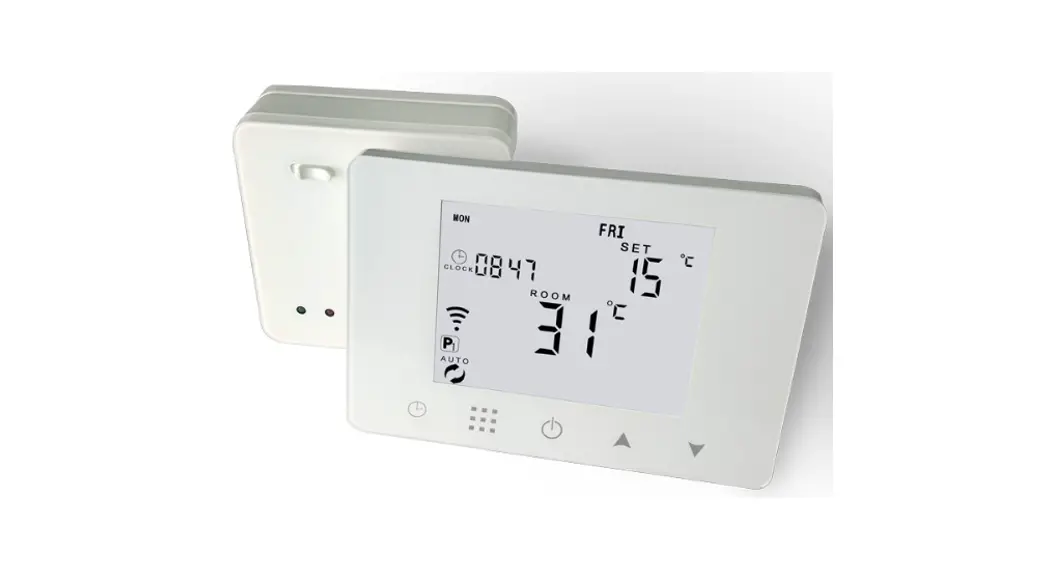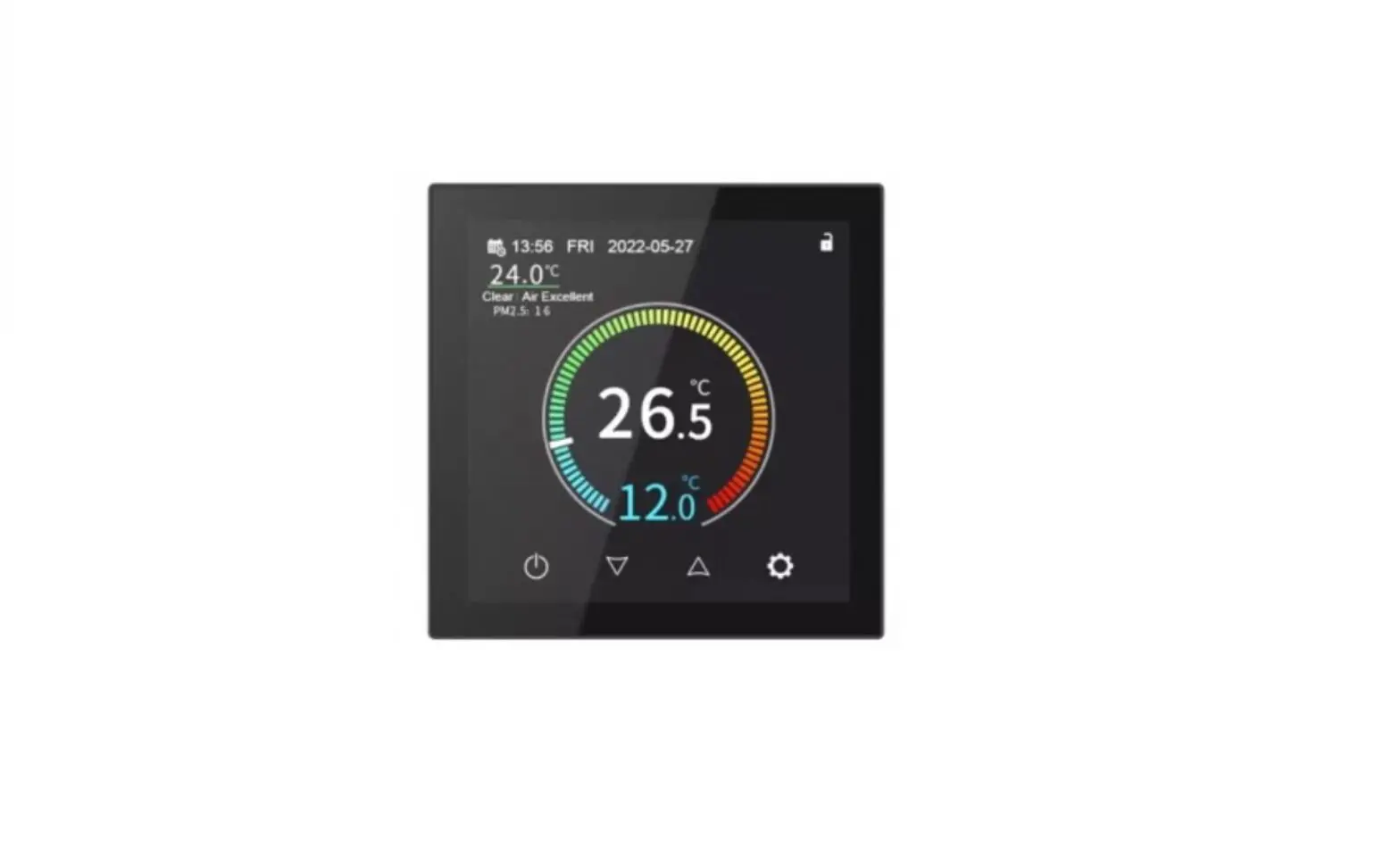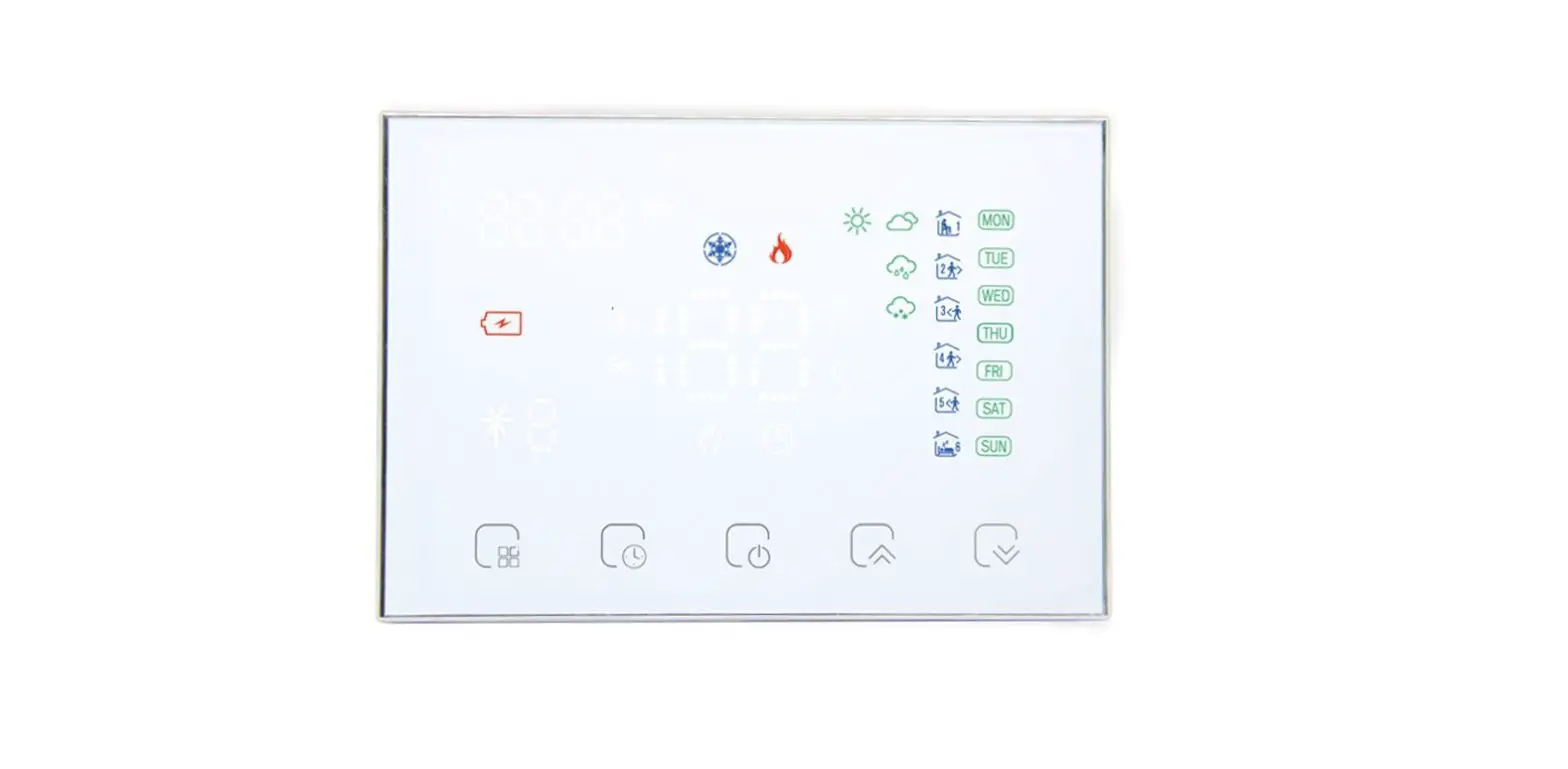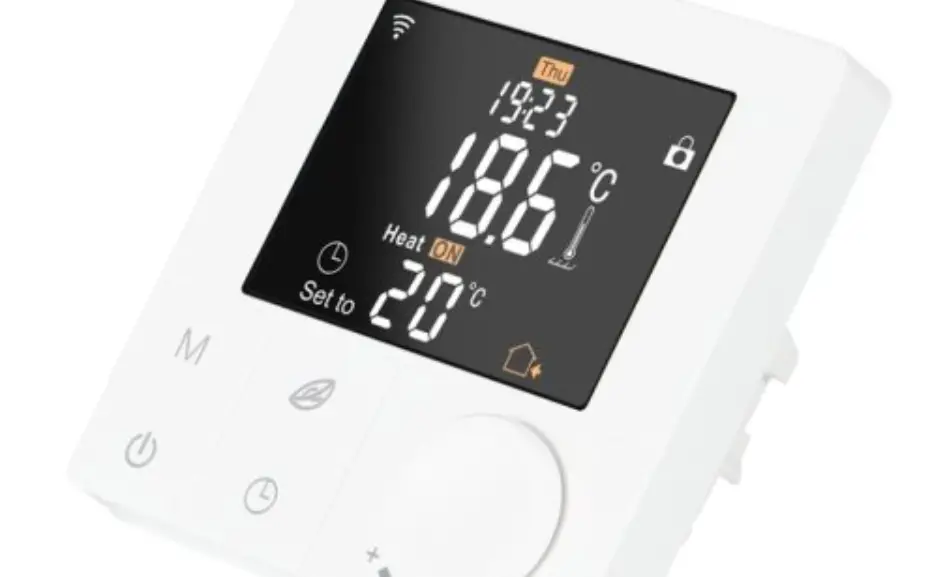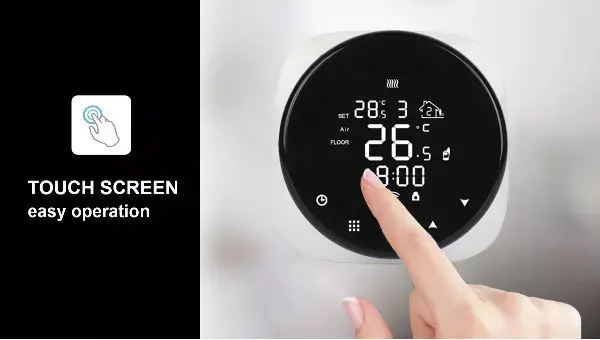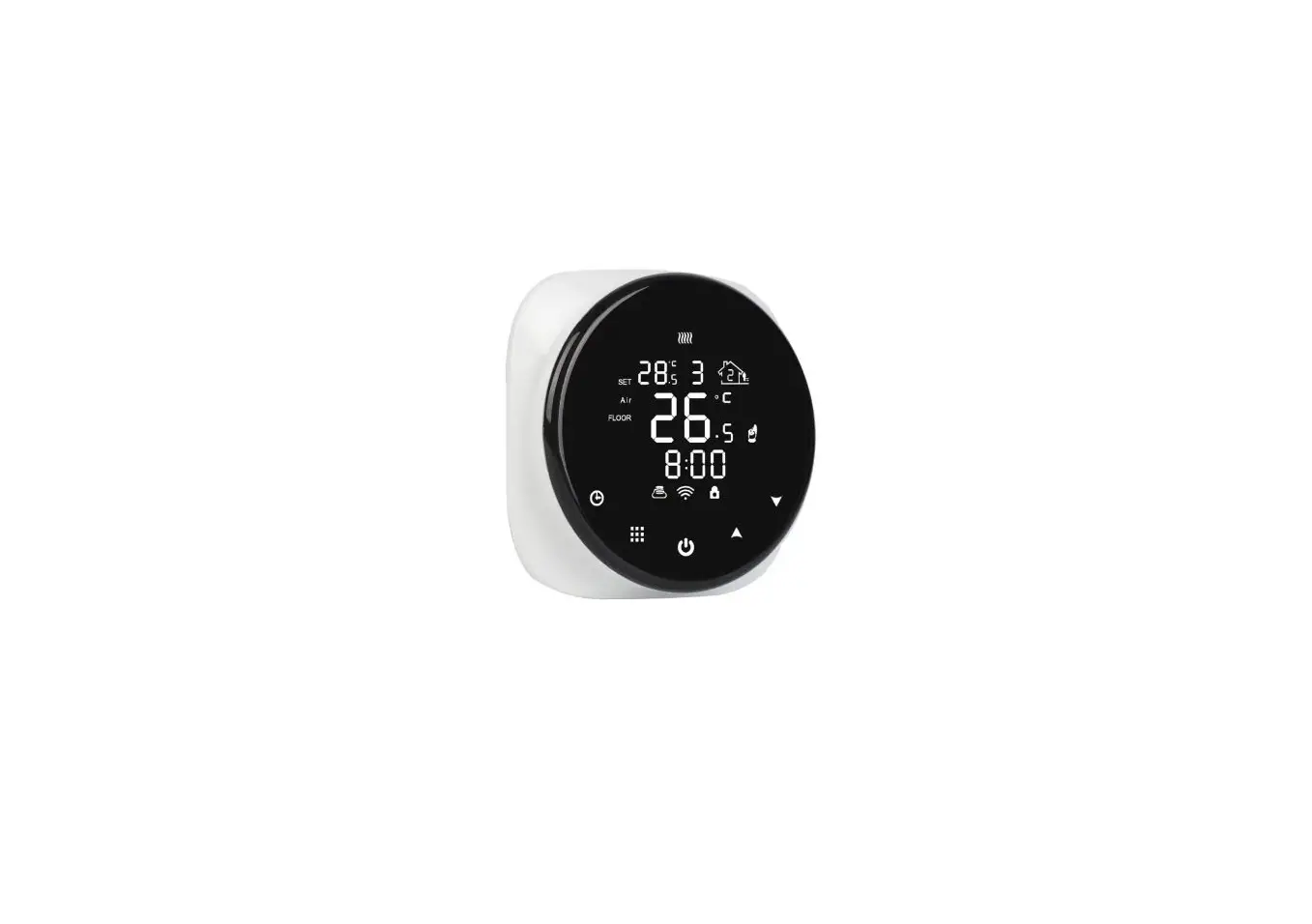
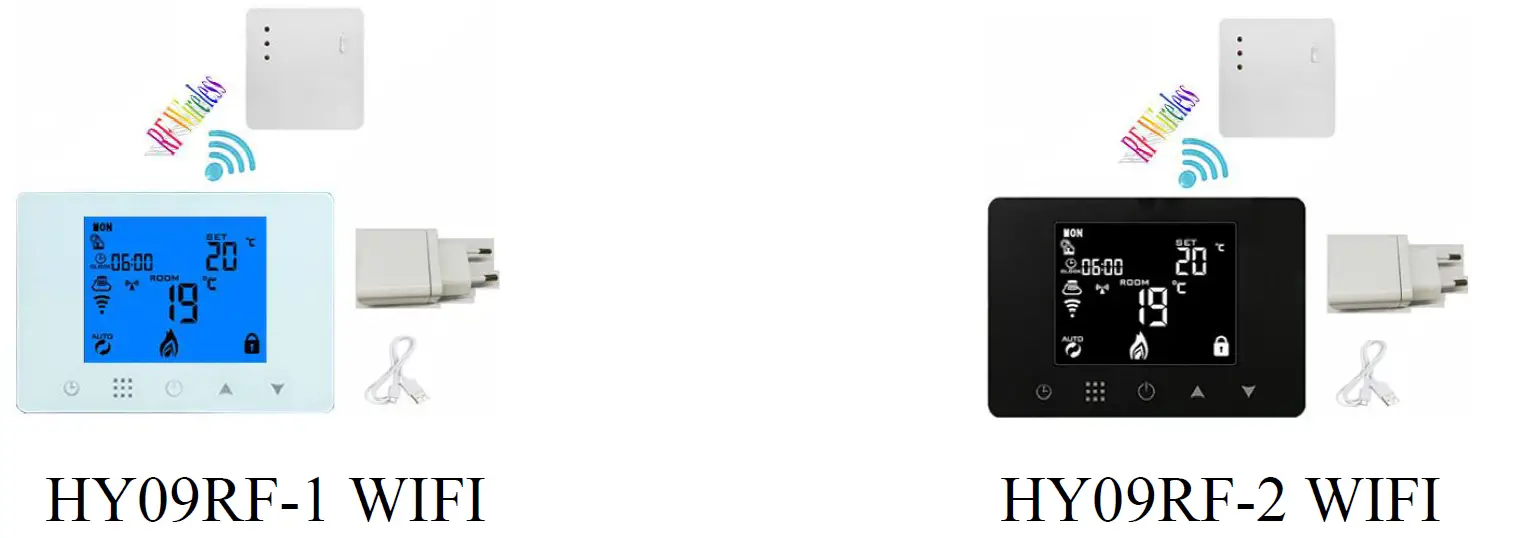
GLOBAL HY09RF WIFI Wireless Thermostat
Scan below QR or download “Smart RM” app from Google play and app store.

Technical Data
- Power: Receiver:230Vac 50/60HZ
- Transmitter: USB power supply/4*AAA Batteries
- Range of temperature display: 0~40°C
Pls remove batteries when USB power is working.
- Display accuracy: 0.5°C
- Probe sensor: NTC(10k)1%
- Contact capacity: 5A/250V(WW);16A/250V(WE)
- Working environment temperature: 0~70°C
- Range of temperature adjustment: 5~35°C
- Insulating condition: Normal environment
- Running program: Set per 1 week as a cycle
- Installation: Wall mounted or on battery seat
- Size(mm):130*90*25
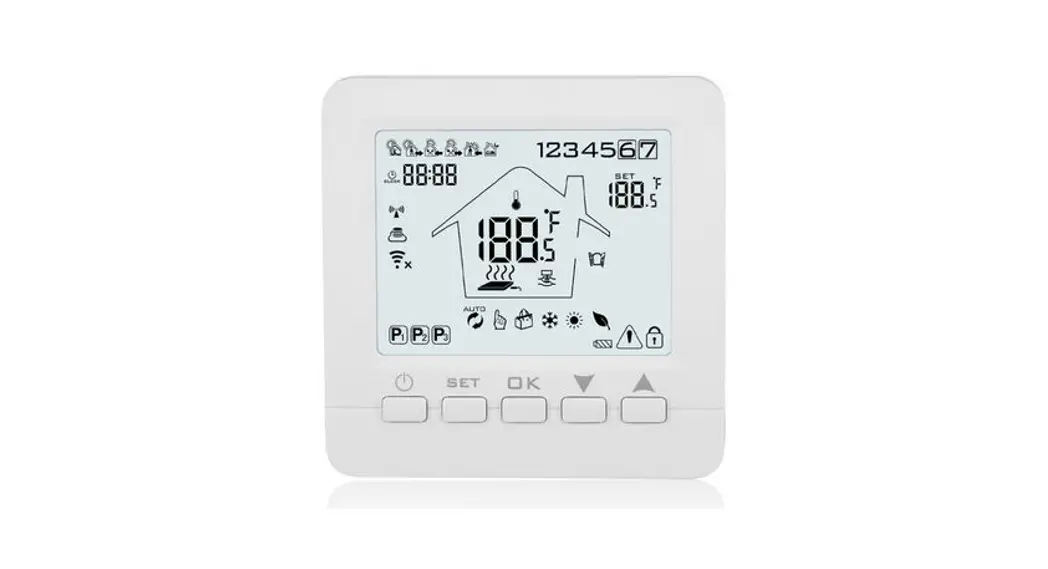
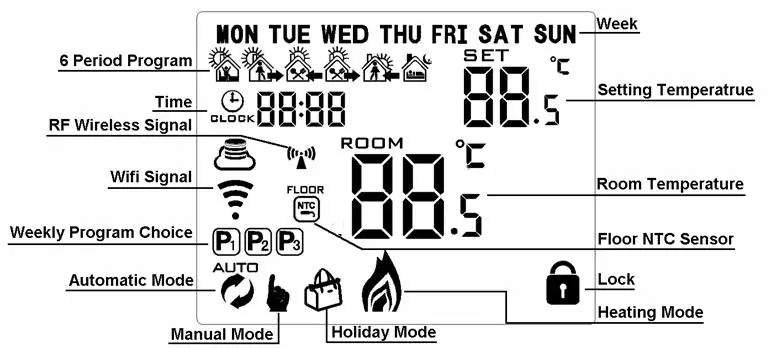
Home Screen
Quick Operation
| NO | Description | |
| A | Turn ON/OFF | |
| B |
| 1 Short press to switch automatic mode and manual mode 2 Power on state, long press for 3-5 seconds to do programmable setting 3 Power off state, long press for 3-5 seconds to do advanced setting |
| C |
| 1 Confirm key 2 Short press it to set time 3 Holiday mode setting. |
| B | 1 Decrease key 2 Long press to lock /unlock | |
| D |
| 1 Increase key 2 Auto mode state, press, to enter into temporary manual mode 3 Long press to check external sensor temperature (only used for the receiver with external sensor) |
Time Setting
Power on state, press button to set minute. Second press power to set hour. Third press power to set week.
Programmable Mode Setting
6 times period setting: 5+2 days(factory default),6+1 days, 7 days
Long press “button ” 3-5 seconds to do Programmable Mode Setting . Short press “button ” to switch and confirm. Press “ button” and “button” to adjust value.
Power on state, long press “button ” 3-5 seconds to enter into first time period then set hour. press “ button” and “button ” to adjust hour, short press “button ” to confirm then set minutes, press “button ” and “ button” to adjust minutes, press “button ” to confirm then enter into temperature setting, press “button ” and “button ” to adjust value. Pls follow the steps of first time period to set second time period, thirdly time period ……
After finish setting , stand for about 10 seconds ,it will save setting then exit .
Advanced Setting
Power off state, long press for 3-5 seconds to do advanced setting. Short press “ ” to switch and confirm. Press “ ” and “ ” to adjust options.
After finish setting , stand for about 5 seconds ,it will save setting then exit .
| NO | Description | Range | Default |
| A1 | Temperature Calibration | -9-+9℃ | 0.5℃ |
| A2 | Switching Differential of Built in Sensor | 0.5-2.5℃ | 1℃ |
| A3 | Switching Differential of External Sensor | 1-9℃ | 2℃ |
| A4 | Children Lock | 0:half lock 1:full lock | 0 |
| A5 | Max temp of External Sensor | 1. 35℃-70℃ 2. When setting temp is lower than 35℃, screen displays【—】, cancel highest temp protection | — |
| A6 | Min temp of External sensor (anti-freeze protection) | 1. 1-10℃ 2. When setting temp is higher than 10℃, screen display【—】, cancel anti freeze protection | 5℃ |
| A7 | Max Temp Setting | 1-10℃ | 5℃ |
| A8 | Min Temp Setting | 20-70℃ | 35℃ |
| A9 | Descaling function | 0:Close descaling function 1:Open descaling function(Function works for 3 minutes every no-operating 100 hours) | 0 |
| AA | Power off Memory | 0:Stay last state 1: Electricity turn off 2: Electricity turn on | 0 |
| AB | Weekly Programmable Function | P1: 5+2 days P2: 6+1 days P3: 7 days | P1 |
| AC | Factory defaults | Display A o, long press until show the whole screen |
Setting IP code
Power off state, long press for 3-5 seconds to do advanced setting. Short press “ ” to switch and confirm. Press “ ” and “ ” to adjust options.
After finish setting , standing for 5 seconds ,it will save setting then exit .
Considering battery usage, RF data updates every 20 minutes. If shorten interval, pls use USB power and remove batteries. Follow B05, B06 operation.
| NO | Setting Options | Data Setting Function | Factory Default |
| B1 | IP code low setting | 00-FF | 00 |
| B2 | IP code high setting | 01-FF | 01 |
| B3 | IP matching code | Display”55” means IP match successfully. (When receiver is power-on, press thermostat successively) | 00 |
|
B4 |
Sensor state | N1:single built-in sensor N3:both built-in sensor and external sensor. (when receiver with external sensor, this option is automatically recognized and cannot be changed) |
N1 |
| B05 | Minute interval of RF transmission | 1: 1-30 minutes 2:0 B06 | 20 min. |
| B06 | Second interval of RF transmission | 3-30 seconds | 30 s |
Receiver Indicator Light
Power-on light : green light
Load light/fault light : red light
A、When no fault: normally on when load output, light off when no load output
B、When fault: blinking
- IP fault (IP:FFFF) : Light blinks 2 times every 2s
- No wifi signal within 1h: Light blinks 3 times every 2s
- External sensor fault: Light blinks 4 times every 2s
Sensor fault : Display “E1” or “E2” . Thermostat stop heating until the fault is eliminated.
RF matching light: orange light
(B3 IP matching code) When receiver is power-on, orange light is normally on within 10s. And light off when finish matching. When receiver is power-off, orange light is blinking within 10s.
Wifi matching light: blue light
When power on state, long press receiver button“push” to match wifi. Normally on is EZ mode. Blinking is AP mode. Successive blinking is matching.
Wiring Diagram
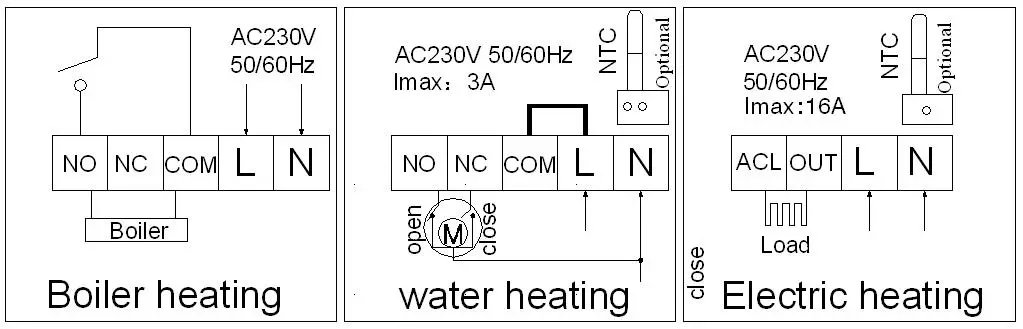
RISK OF ELECTRICAL SHOCK
Please arrange professional technician to install the product according to drawings and instructions.
Disconnect power supply before making any connection. Contact with components carrying hazardous voltage can cause electrical shock.