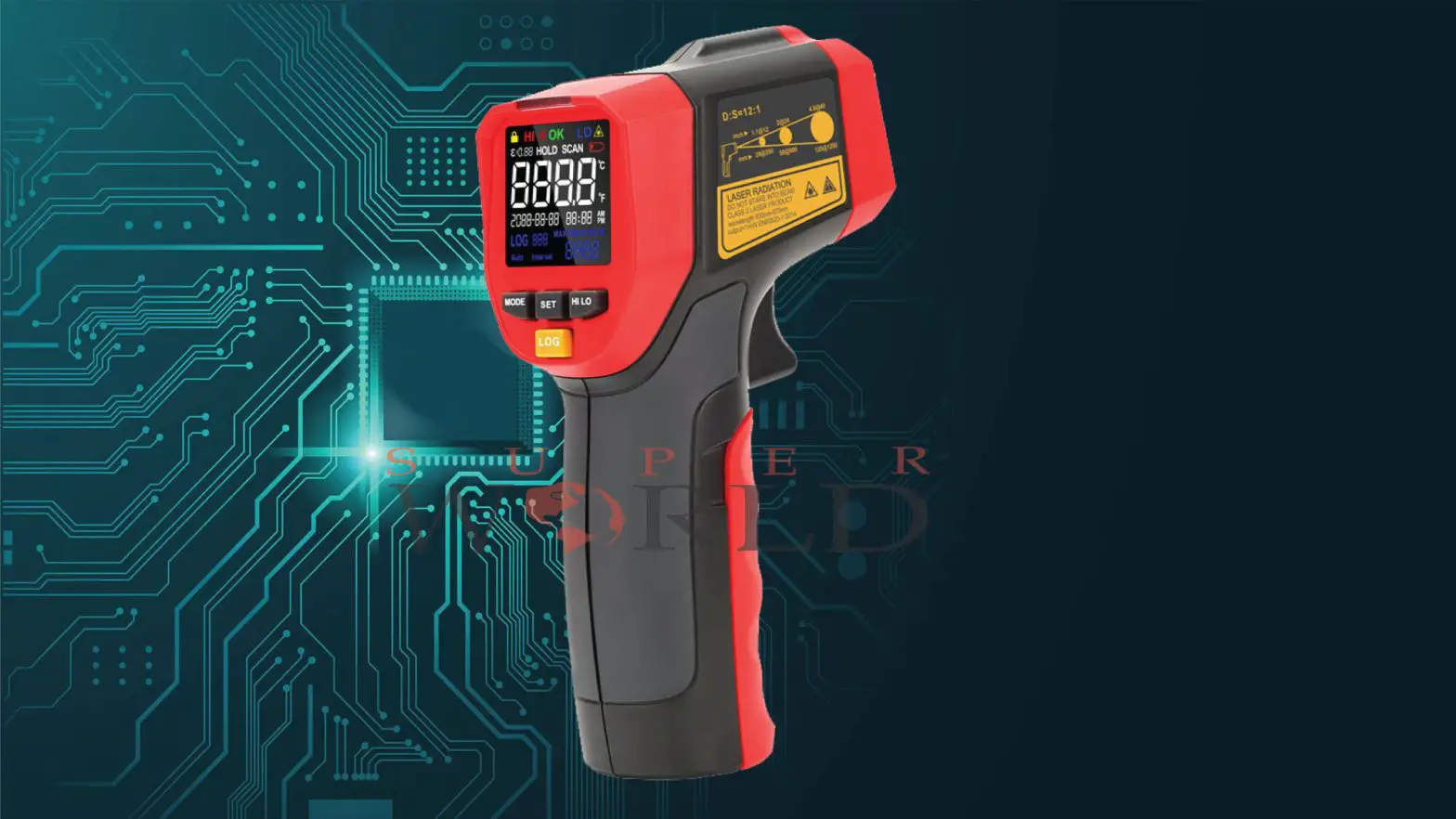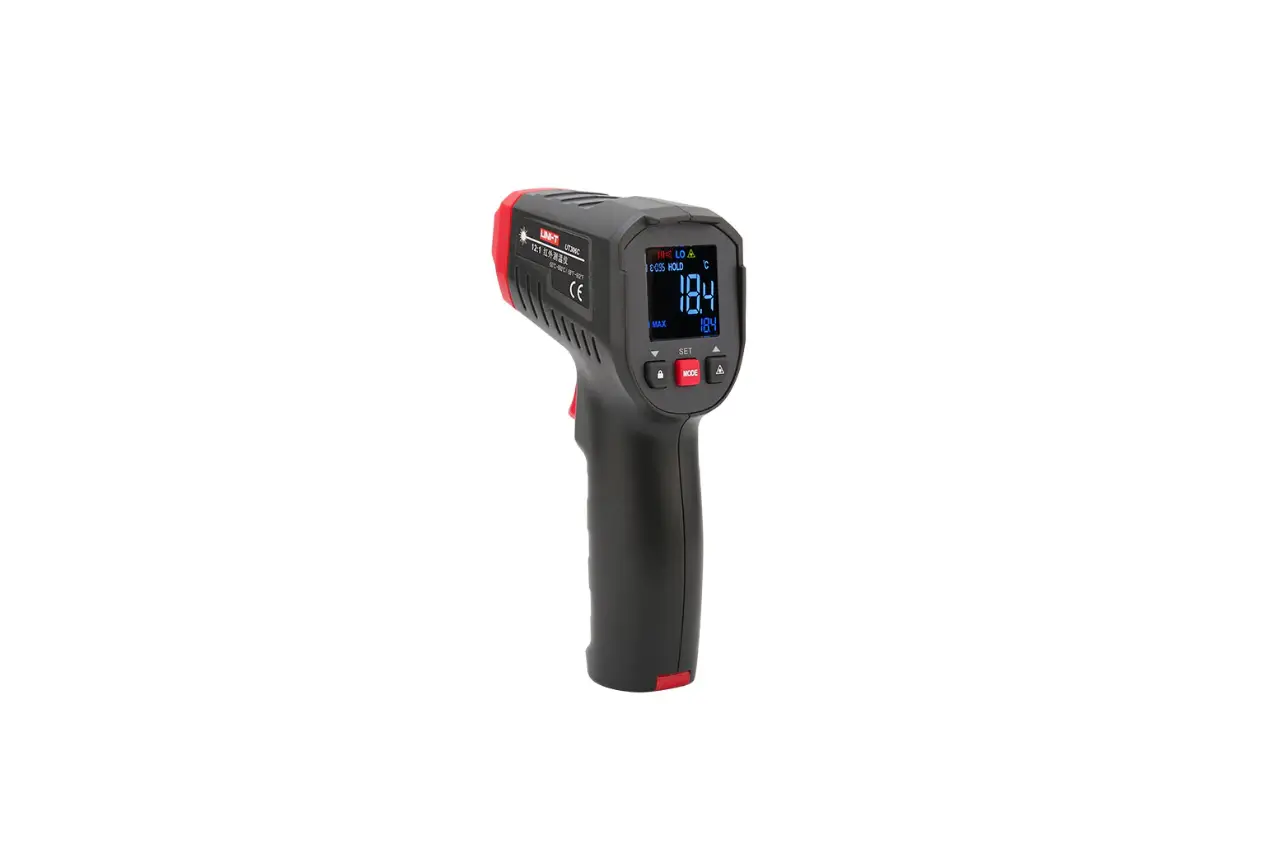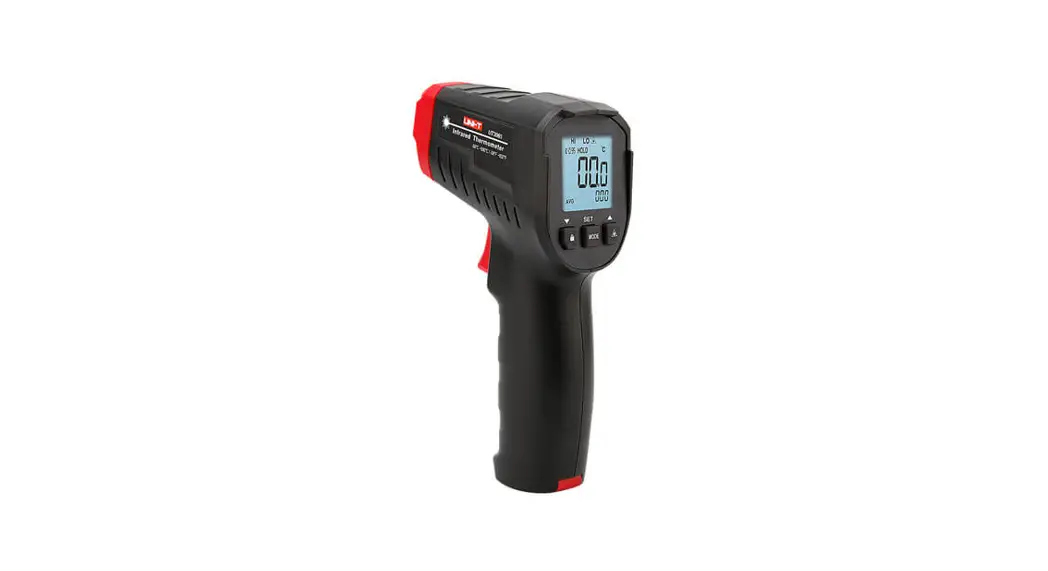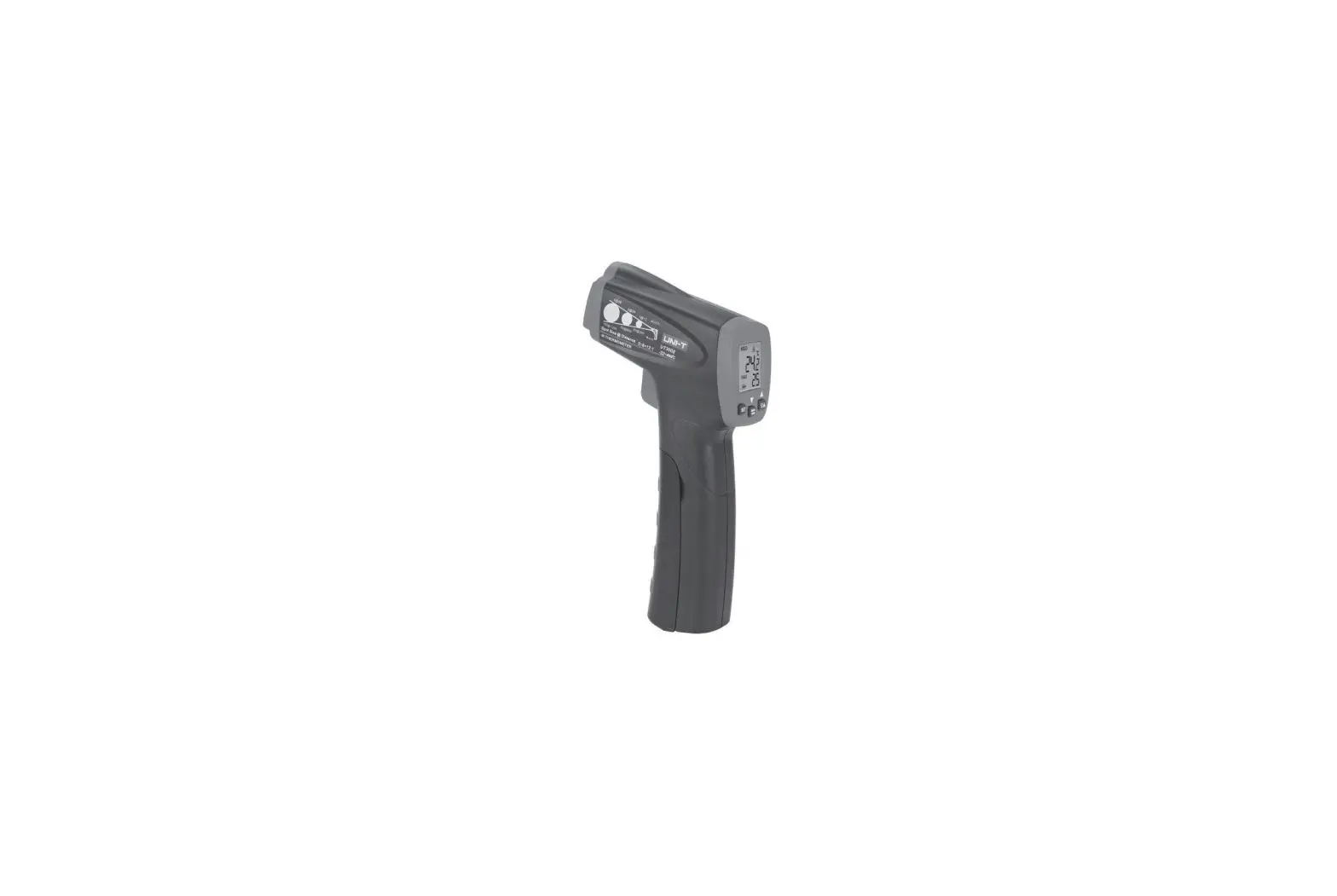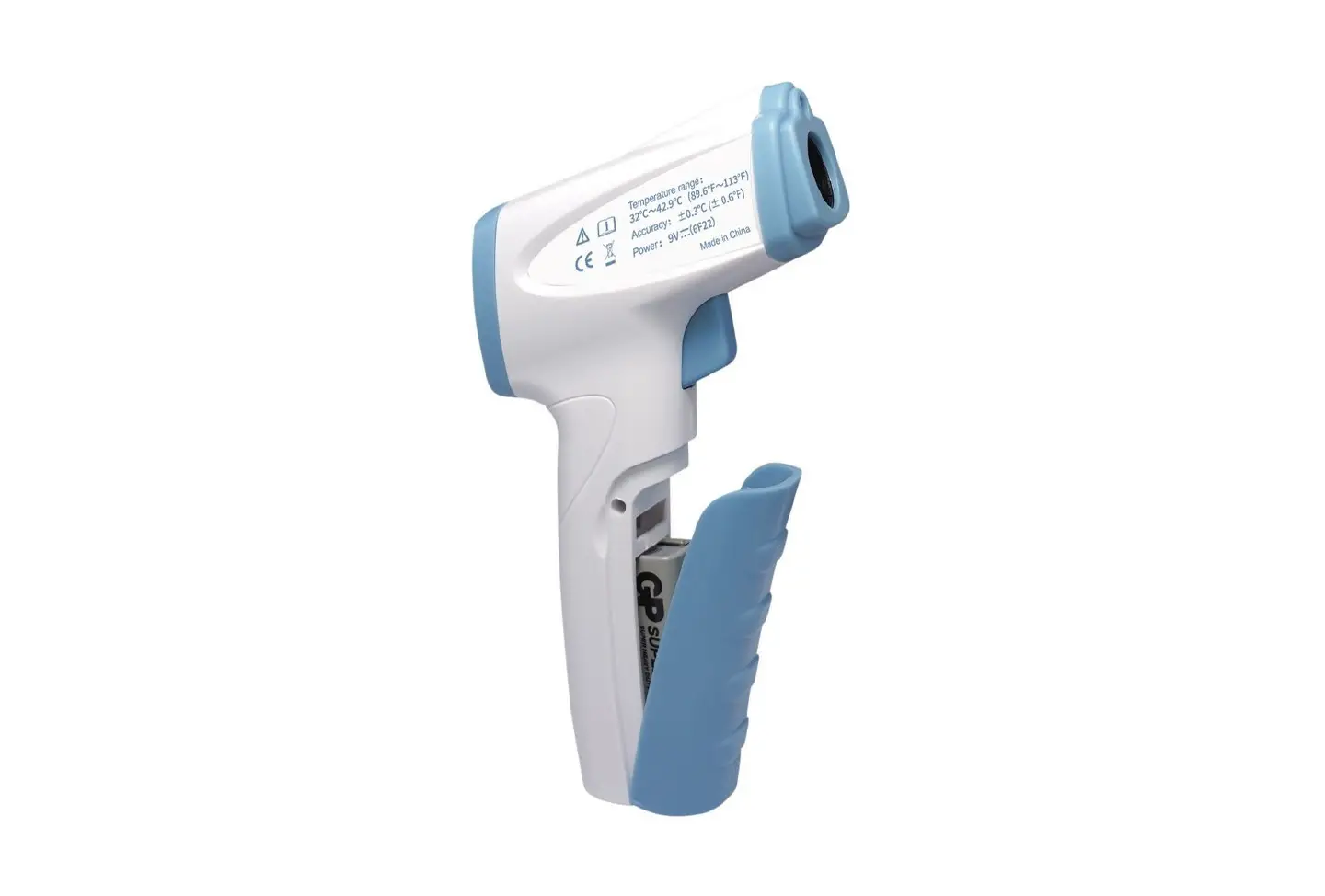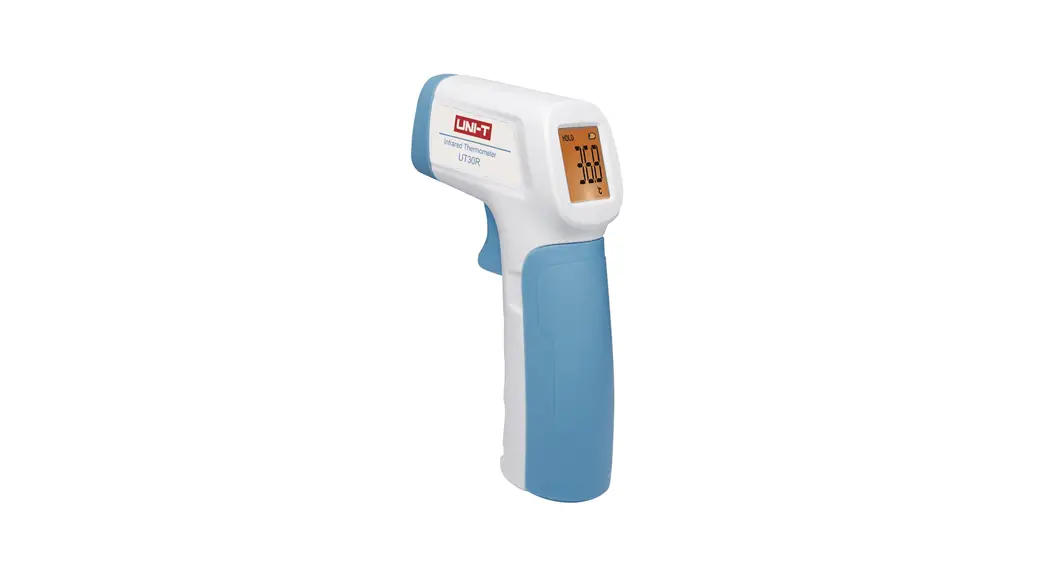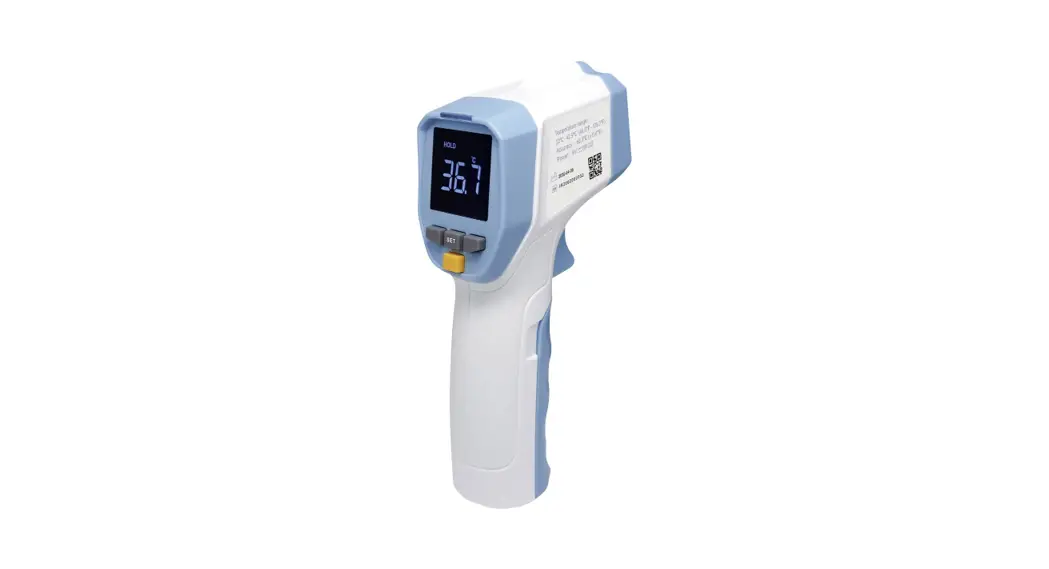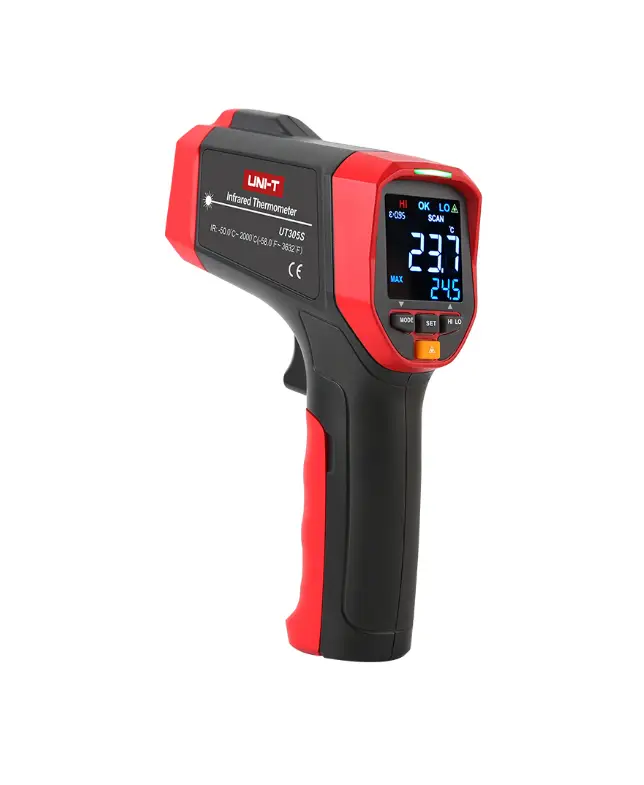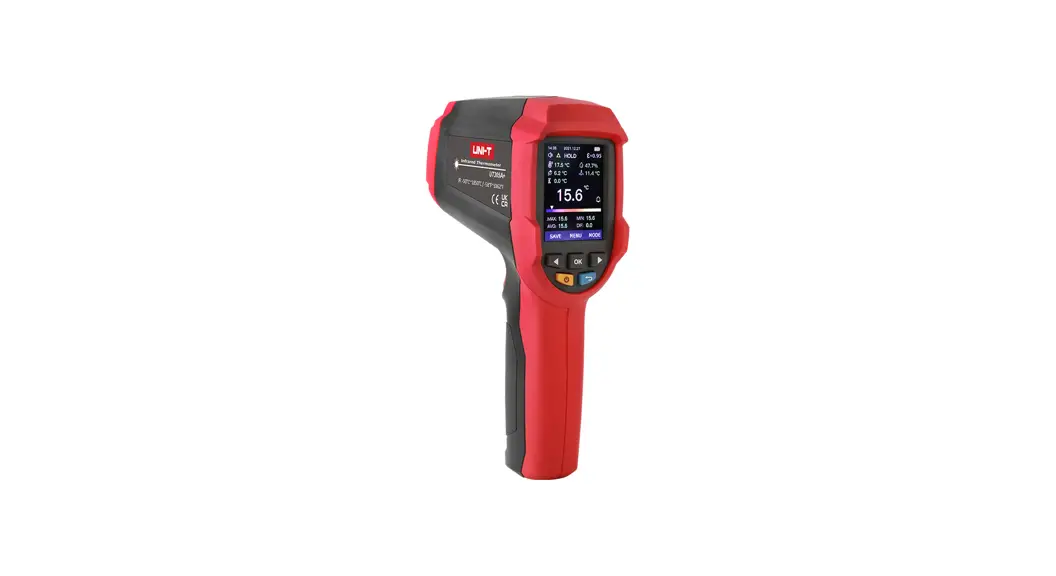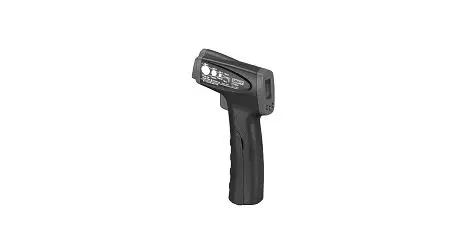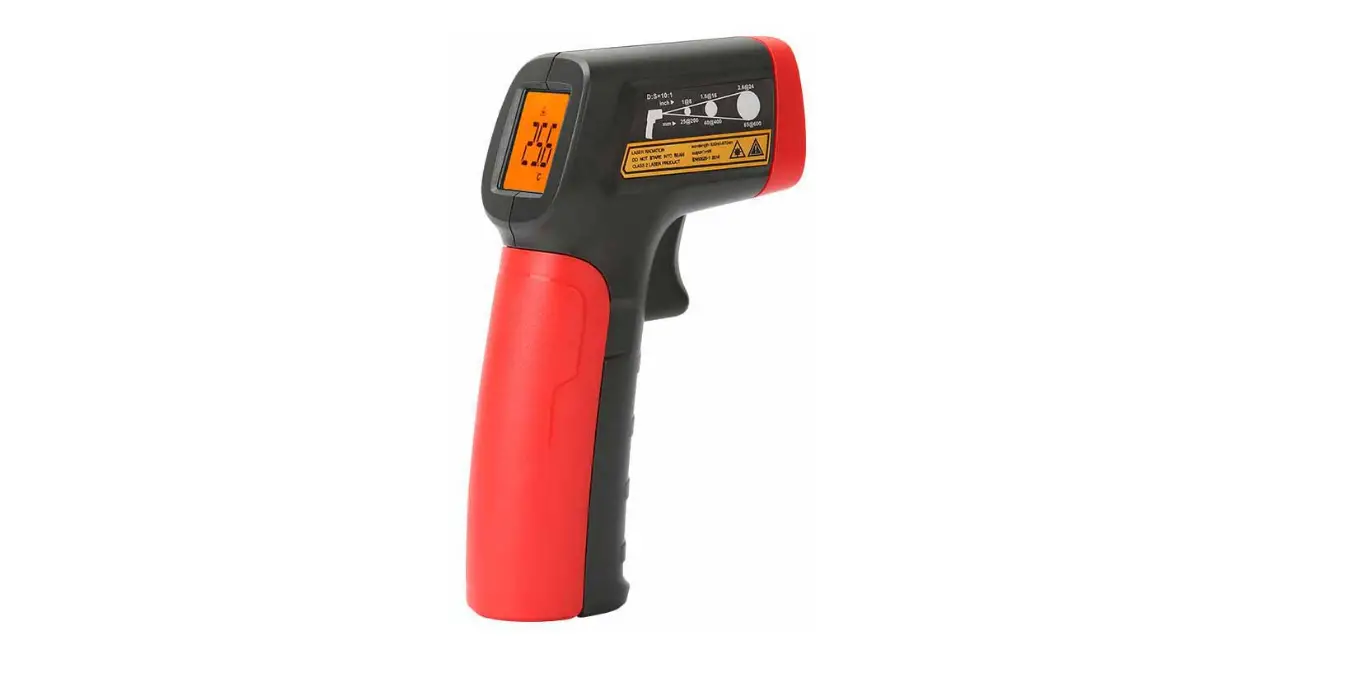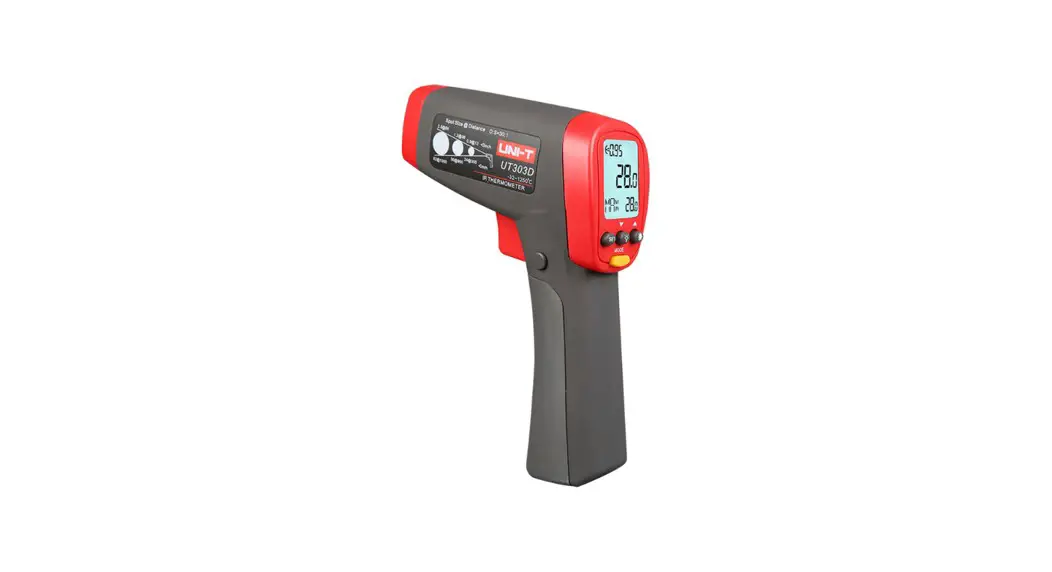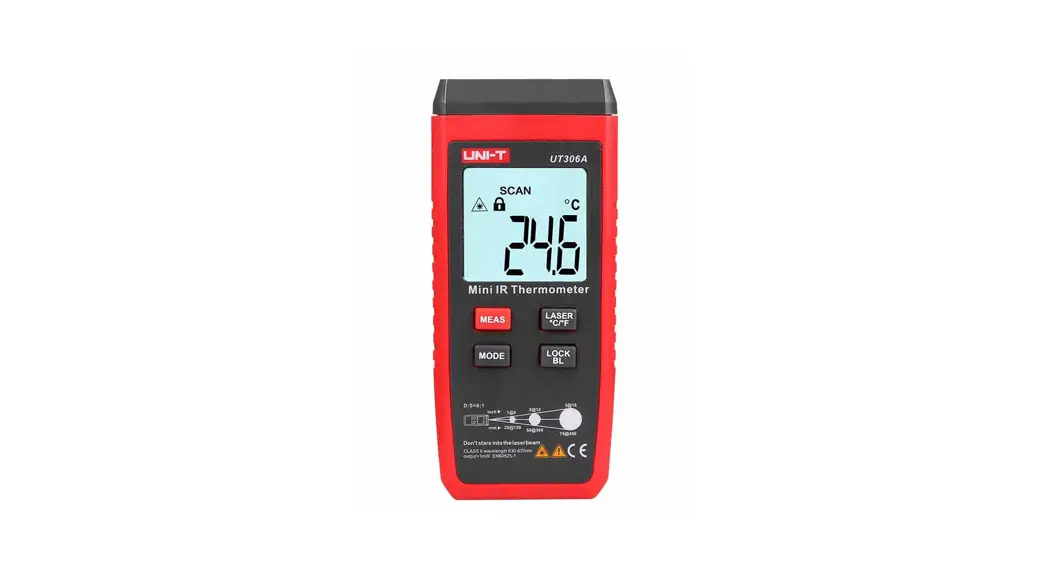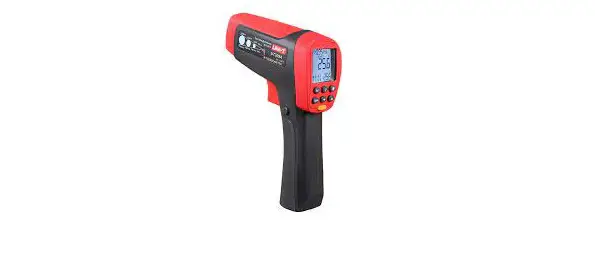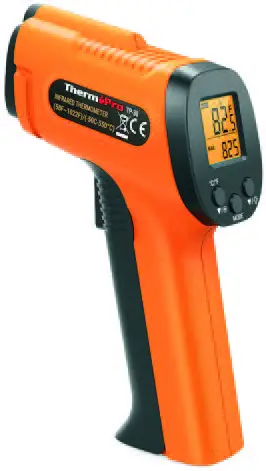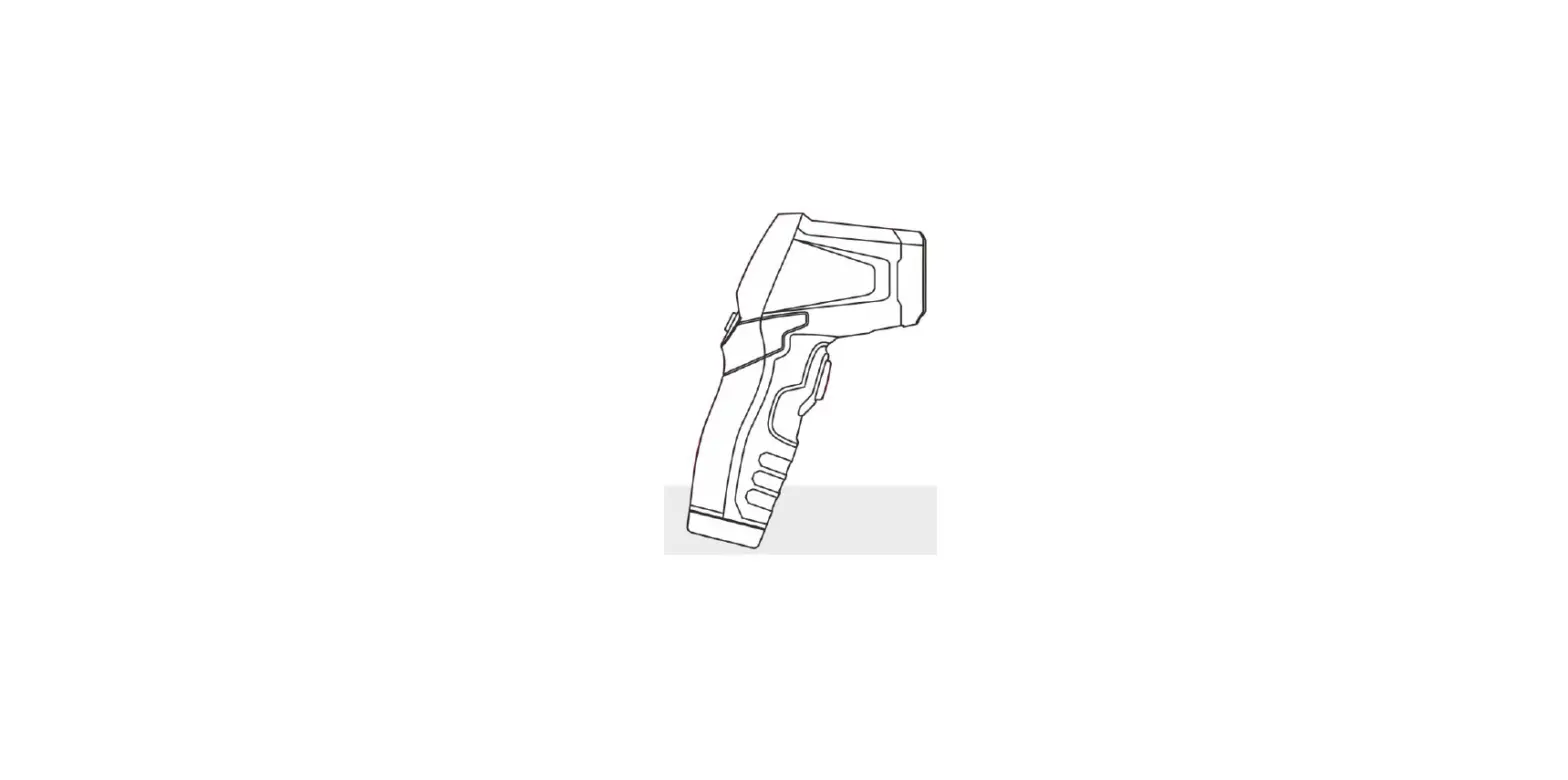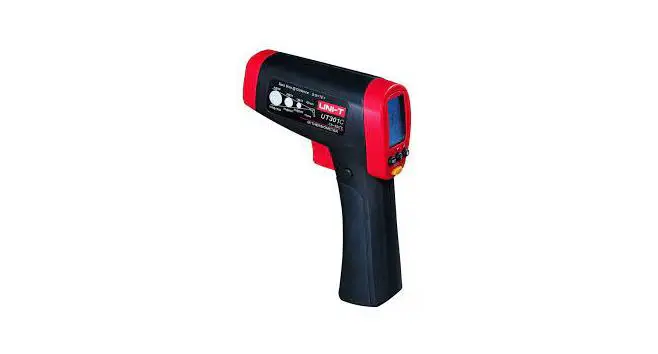

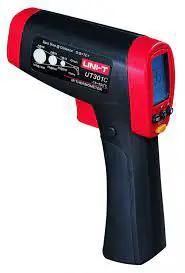
UNI-T UT301C Plus Ring Laser Infrared Thermometer
Preface
Thank you for purchasing the new infrared thermometer. In order to use this product safely and correctly, please read this manual thoroughly, especially the Safety Instructions part.
After reading this manual, it is recommended to keep the manual at an easily accessible place, preferably close to the device, for future reference.
Limited Warranty and Liability
Uni-Trend guarantees that the product is free from any defect in material and workmanship within one year from the purchase date. This warranty does not apply to damages caused by accident, negligence, misuse, modification, contamination or improper handling. The dealer shall not be entitled to give any other warranty on behalf of Uni-Trend. If you need warranty service within the warranty period, please contact your seller directly.
Uni-Trend will not be responsible for any special, indirect, incidental or subsequent damage or loss caused by using this device. As some countries or regions do not allow limitations on implied warranties and incidental or subsequent damages, the above limitation of liability may not apply to you.
Introduction
The UT301C+/UT302C+/UT303C+ ring laser infrared them1ometer can quickly and accurately determine the surface temperature by measuring the infrared energy radiated from the target surface. It is suitable for non-contact surface temperature measurement. Ring laser indication is unique to Uni-Trend, which can indicate the target area under test more accurately and intuitively.
The UT301 D+/UT302D+/UT303D+ is a dual laser infrared thermometer.
The D:S ratios are:
UT301 C+/UT301D+: 12: 1
UT302C+/UT302D+: 20: 1
UT303C+/UT303D+: 30: 1
Safety Instructions
Warning:
To prevent eye damage or personal injury, please read the following safety instructions before using the them1ometer:
- Please do not irradiate people or animals with laser directly or indirectly.
- Please do not look at the laser directly or through other optical tools (telescope, microscope, etc.).
Precautions:
- Do not look directly at the laser emitter.
- Do not disassemble or modify the them1ometer or laser.
- To ensure the safety and accuracy of the thermometer, it should only be repaired by a qualified professional using the original replacement parts.
- If the battery symbol on the LCD display is flashing, please replace the battery immediately to prevent inaccurate measurement.
- Inspect the case before using them,ometer. Do not use the them,ometer if it appears damaged. Look for cracks or missing plastic.
- Please refer to the emissivity information for the actual temperature. Highly reflective objects or transparent materials can cause the measured temperature value to be lower than the actual temperature.
- When measuring high-temperature surfaces, please be aware not to touch them.
- Do not use the thermometer in an environment close to flammable or explosive substances.
- Using the thermometer around steam, dust, or environments with large temperature fluctuations may lead to inaccurate temperature measurement.
- To ensure measurement accuracy, please place the thermometer in the measurement environment for 30 minutes before using.
- Avoid keeping the thermometer near a high-temperature environment for long periods.
Technical Specifications
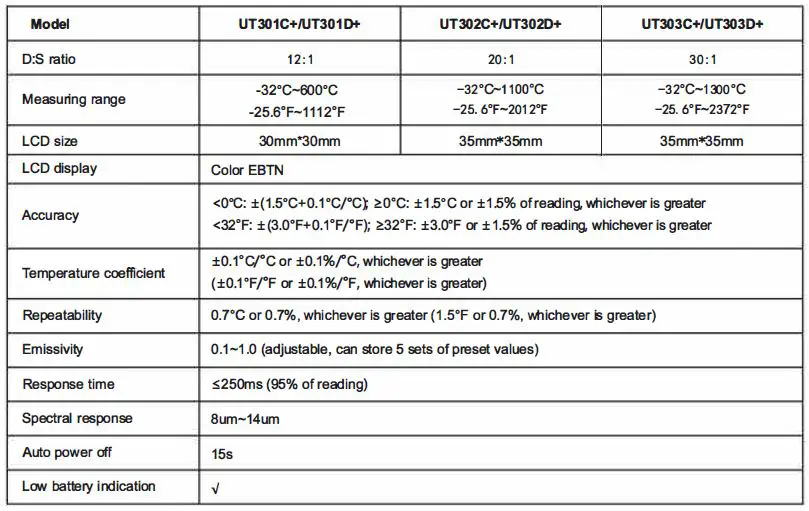
| High/Low temperature LED alarm High/Low temperature audible alarm | ,J
,J | ||
| Data hold | ,J
,J
,J ✓ 99 sets
Interval from 1 minute to 4 days; up to 99 times
Ring/Dual laser, UT302C+/UT303C+: Ring laser, wavelength 630nm-670nm, wavelength output power 1mWSPS3mW, class 3R laser 630nm-670nm, UT302D+/UT303D+: Dual laser, wavelength 630nm-670nm, output power <1mW, output power <1mW, class 2 laser dass 2 laser
o·c-so·c (32°F-122°F) -20·c-so·c (-4°F-140°F) <90%RH (non-condensing) 1m 9V alkaline battery (1604A) ;,8 hours (continuous temperature measurement) Red and grey | ||
| Unit conversion (“C/°F) | |||
| MAX/MIN/AVG/DIF mode | |||
| Lock measurement | |||
| Data storage | |||
| Scheduled measurement | |||
| Laser | |||
| Operating temperature | |||
| Storage temperature | |||
| Operating humidity | |||
| Drop test | |||
| Battery type | |||
| Battery life | |||
| Product color | |||
| Product net weight
Product size | 204g
161.5mm•90mmx48mm | 310g
179mmx126.5mm•53mm | 310g
179mmx126.5mm•53mm |
NOTE: In some places with strong electromagnetic interference, the product measurement result may change by up to ± 1 o•c or 20% of the measured value (taking whichever is greater)_ If this change occurs, please leave such a place to let the product recover.
Safety Standards:
CE certification: EN61326-1:2013
Laser safety standard: EN60825-1 :2014
Reference Standard:
JJG 856-2015
Product Features
- Ring laser indication, which can indicate the target area under test more accurately and intuitively (UT301 C+/UT302C+/UT303C+ only)
- Dual laser indication (UT301 D+/UT302D+/UT303D+ only)
- Bright color EBTN display
- MAX/MIN/AVG/DIF value reading
- 5 sets of highAow temperature alam, preset values and 5 sets of emissivity preset values can be stored for users to set up quickly.
- With lri-color (red, green and blue) LED and buzzer alam, functions
- Lock measurement, for processes that require temperature monitoring
- 99 sets of data logging with date and time
- Scheduled measurement, for occasions where timing temperature monitoring is required
- Tripod mounting hole
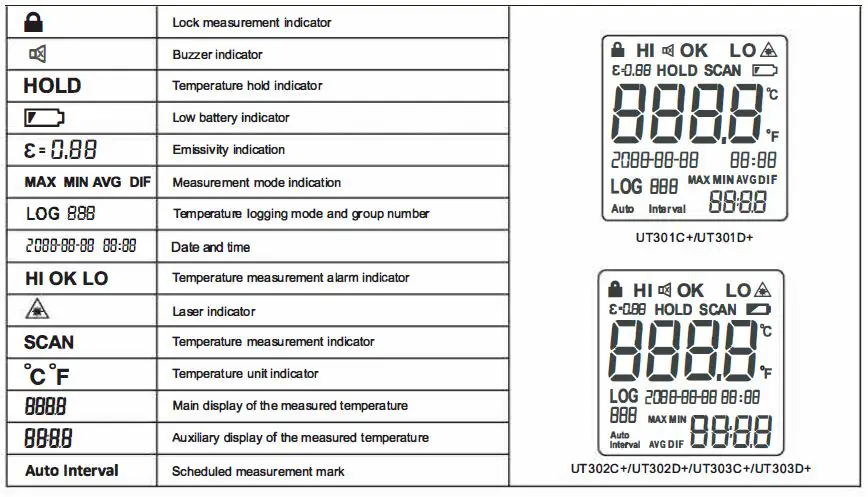
LCD Description
External Structure
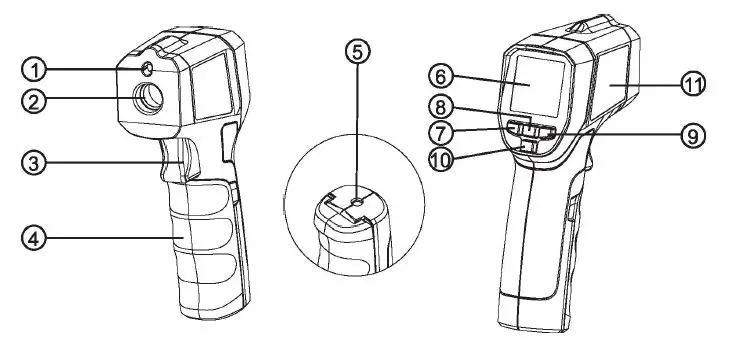
- Laser
- Infrared sensor
- Trigger
- Battery cover
- Tripod mounting hole
- LCD
- MODE button
- SET button
- HI/LO button
- LOG button
- Laser warning label
Operating Instructions
Viewing the Last Measured Value
In the off state, short press (less than 0.5s) the trigger to turn on the thermometer and the measurement data held before last shutdown will be displayed. Toggle to view the MAX/MIN/AVG/DIF value by short pressing the MODE button.
Auto Power Off
In the HOLD mode, if there is no operation for 15s, the thermometer will automatically power off and store the currently held
measurement.
Manual Measurement
- Pull and hold the trigger after aiming at the target. The SCAN icon will be flashing indicating that the target object temperature is being measured. The measurement result will be updated on the LCD.
- Release the trigger, the SCAN icon disappears, and the HOLD icon appears, indicating that the measurement has been stopped and the last measured value is held.
Lock Measurement
- In the HOLD interface, press the SET button for 3s to enter the lock measurement setting interface, and turn on/off the lock measurement by pressing the .t.. or T button. When the lock measurement is turned on, short press the LOG button to perform the timing setting “00:00” for the lock measurement. At this time, the selected lime position flashes, and the time value can be adjusted by pressing the .t.. or T button. Set the timing to “00:00” to turn off liming function .

- When the lock measurement is turned on, short press the trigger to enable it. The
 icon will appear on the them,ometer screen and the SCAN icon will flash. The thermometer will continuously measure the target temperature.
 - Pull the trigger again, the and SCAN icons disappear, and the HOLD icon appears. The thermometer stops the measurement and holds the last measured value.
- After setting the lock measurement time (1 minute to 5 hours), the measurement starts after the activation of the lock function. When the set time is reached, the thermometer will automatically power off and store the last measured value. Short press (less than 0.5s) the trigger to turn on the them1ometer to view the measured value (NOTE: The measured value will be cleared by long press).
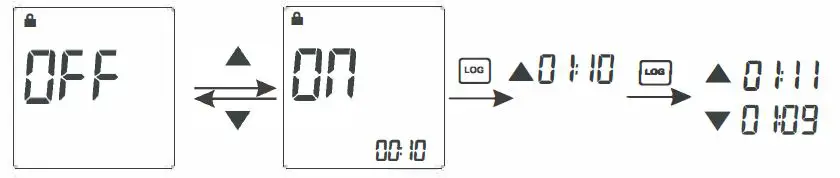
 icon will appear on the them,ometer screen and the SCAN icon will flash. The thermometer will continuously measure the target temperature.
NOTE: During measurement, it is best to ensure that the measured target diameter is twice the spot size (S) of the thermometer, and then detennine the test distance (D) according to the D:S diagram (refer to D:S part). For example, if you use the UT301C+ to measure the temperature of an object with a diameter of about 4″ (10cm), then according to the above, the spot size (S) of the thermometer should be about 2″ (5cm) for highest accuracy, and according to the D:S diagram, the measured distance (D) is about 24″ (60 cm).
Measurement Mode with Data Storage Function
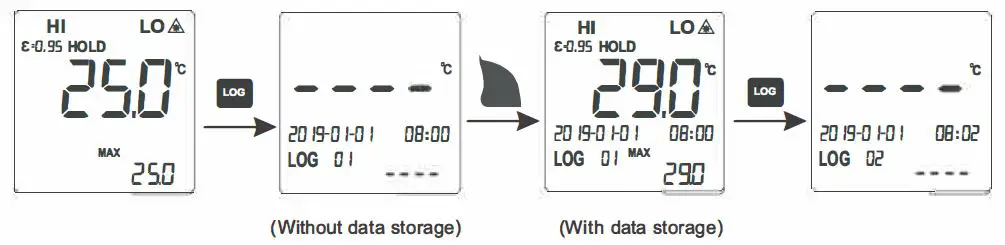
- Enter the measurement mode with data storage function:
In the HOLD interface, short press the LOG button to enter the measurement mode with data storage function. The screen will display the LOG icon and the log group number.
- Store data:
In the measurement mode with data storage function, first select the storage location from “01-99” by pressing the A or T button. If the selected location has stored data, the temperature value and storage time will be displayed; if there is no data, “—” will be displayed. After selecting the location, pull the trigger for measurement. After completing the measurement, short press the LOG button. The screen will flash three times to indicate the success of the data storage and automatically switch to the next location. - Query storage data:
In the measurement mode with data storage function, press the .t.. or T button to query the storage data and storage time corresponding to the location. If there is no data, “–” will be displayed. - Delete all storage data:
In the measurement mode with data storage function, long press the LOG button until the log group number is switched to “01” after 1 Os flashing of the screen. - Exit the measurement mode with data storage function:
In the measurement mode with data storage function, press the LOG button for 3s until the screen starts to flash to exit.
Scheduled Measurement
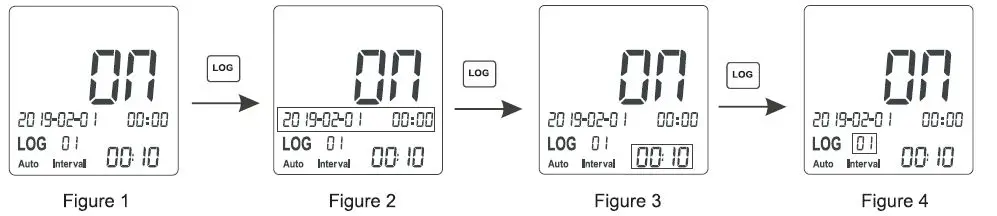
- In the HOLD interface, press the SET button for 3s to enter the lock measurement setting interface, then short press the SET button once to enter the scheduled measurement setting interface, and turn on/off the scheduled measurement by pressing the
up or down button (see Figure 1 ). - After turning on the scheduled measurement, follow the steps below to set its parameters:
a) Short press the LOG button to select “Year -Month -Day -Hour -Minute” in tum to set the start time of the scheduled measurement. At this time, the selected setting position flashes, and the value can be adjusted by pressing the • or T button (see Figure 2).
NOTE: The start time cannot be set less than the current system time, otherwise the scheduled measurement will not be executed.
b) After setting the start time, short press the LOG button to select “Hour – Minute” in tum to set the interval lime of the scheduled measurement (see Figure 3).
c) After setting the interval lime, short press the LOG button to set times (01-99) of the scheduled measurement in turn (see Figure 4). d) After setting the parameters, press the SET button or pull the trigger lo return lo the HOLD interface. The Auto Interval icon will flash.When the start time of the scheduled measurement is reached, the them1ometer will automatically start temperature measurement and store the current time and measured value. Each time the interval time is reached, the them1ometer will automatically measure and store the current data, until the last interval.
 - In the HOLD interface, press the LOG button for 3s to enter the scheduled measurement log value query mode. The screen will display the Auto Interval icon, the LOG icon and the log group number. In this mode, press the .up or down button to query the measured temperature value corresponding to the scheduled time, press the LOG button for 1 Os to delete all storage values of the scheduled measurement, and short press the LOG button or pull the trigger to exit.
 d) After setting the parameters, press the SET button or pull the trigger lo return lo the HOLD interface. The Auto Interval icon will flash.When the start time of the scheduled measurement is reached, the them1ometer will automatically start temperature measurement and store the current time and measured value. Each time the interval time is reached, the them1ometer will automatically measure and store the current data, until the last interval.
System Time Setting
In the HOLD interface, press the SET button for 3s to enter the lock measurement setting interface, and short press the SET button twice lo enter the system lime setting interface. Short press the LOG button to select “Year -Month -Day -Hour -Minute” in tum and set the corresponding parameters. At this lime, the selected setting position flashes, and the value can be adjusted by pressing the .A. or T button. Add or subtract 1 each time by short press, and add or subtract 1 constantly by long press. Short press the SET button or pull the trigger to exit the system time setting.
NOTE: System time needs to be reset after battery replacement or power failure.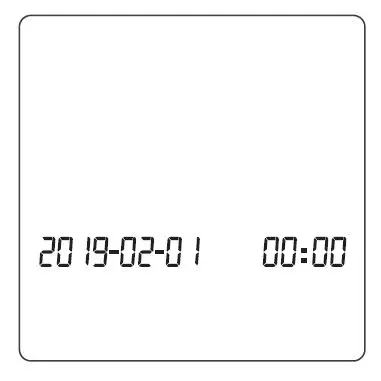
Short press the MODE button to switch the “MAX – MIN –>AVG–> DIF” measurement mode in turn and the temperature value of the corresponding mode will be shown in the auxiliary display area (as shown below). 
High/Low-Temperature Alarm On/Off
Short press the HI/LO button to turn the high/low limit alarm function on and off in sequence.
When HI limit alarm function is turned on and the measured temperature value is higher than the set high alarm limit, the red LED and HI indicator flash. If the audible alarm function has been turned on, the buzzer will beep.
When LO limit alarm function is turned on and the measured temperature value is lower than the set low alam, limit, the blue LED and LO indicator flash. If the audible alarm function has been turned on, the buzzer will beep.
When HI/LO limit alarm function is turned on and the measured temperature value is within the high and low alarm limit range, the green LED lights up and the OK indicator is displayed, indicating that the measured temperature is normal.
Function Setting
In setting mode, pull the trigger, short press the SET button continuously or wail for 1 Os to exit.
- High/Low Alarm Limit Setting
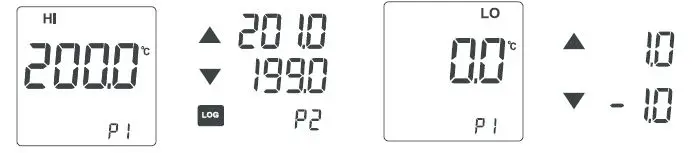
In the HOLD interface, short press the SET button once/twice to enter the high/low alarm limit setting interface. Short press the LOG button to quickly select the preset high/low alam, limit value (P1-P5). If there is no desired value among the preset values, select any value closest to the highnow alarm limit, and adjust it by pressing the • or T button. Add or subtract 1 each time by short press, and add or subtract 1 constantly by long press.
- Emissivity Setting
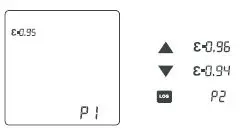
In the HOLD interface, short press the SET button until the emissivity setting interface is displayed. Short press the LOG button to quickly select the preset emissivity value (P1-P5). If no desired value among the preset values, select any value closest to the emissivity, and adjust ii by pressing the • or T button. Add or subtract 0.01 each time by short press, and add or subtract 0.01 constantly by long press.
- Temperature Unit Setting
In the HOLD interface, short press the SET button until the temperature unit setting interface is displayed, and switch between ‘C and ‘F by pressing the .up. or down button. - Audible Alarm Setting
In the HOLD interface, short press the SET button until the audible alarm setting interface is displayed, and turn on/off the audible alarm by pressing the .up. or down button. - Laser Indication Function Setting
In the HOLD interface, short press the SET button until the laser indication function setting interface is displayed, and turn on/off the laser indication function by pressing the up or down button. When it is turned on, the laser indicator & will be displayed on the LCD, and the laser will accurately indicate the position you are measuring during temperature measurement.
NOTE: Please follow the laser precautions when the laser is turned on to avoid damage to human or animal eyes.
D:S (Distance and Spot Size)
As the distance (D) from the target being measured to the them,ometer increases, the spot size (S) on the measured area becomes larger. The relationship between the distance and the spot size is as shown below. 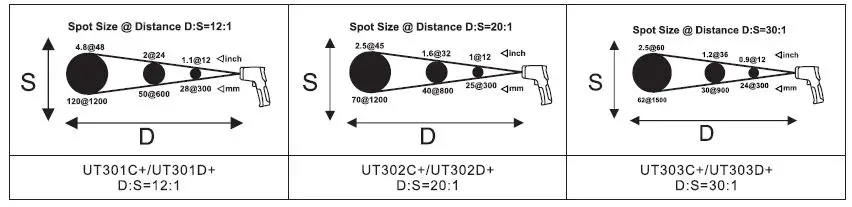
Field of View
Make sure that the measured target is larger than the spot size. The smaller the target, the closer the test distance should be (please refer to D:S for the spot size at different distances). To obtain the optimum measurement result, it is recommended that the target being measured is 2 times larger than the spot size.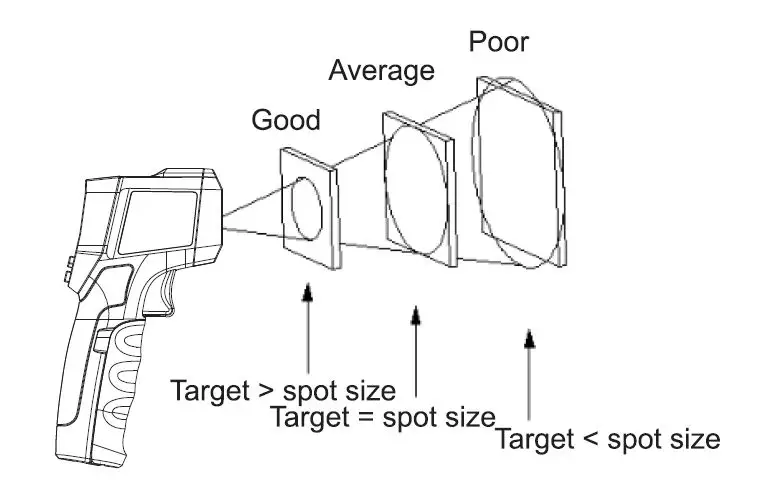
Emissivity
Emissivity is a symbol of the energy radiation of a material. The emissivity of most organic materials and coated or oxidized surfaces is about 0.95. To measure the temperature of a bright metal surface, cover the surface to be tested with masking tape or matt black paint with a high emissivity setting (if ii is possible), wait for a period of time, and measure the temperature of the tape or black paint surface when ii reaches the same temperature on the surface of the object covered below. The total emissivity of some metals and non-metals are listed in the following table.
| Metal | |
| Aluminum Oxidization | 0.2-0.4 |
| A3003Alloy | |
| Oxidization | 0.3 |
| Rough | 0.1-0.3 |
| Brass | |
| Burnishing | 0.3 |
| Oxidization | 0.5 |
| Copper | |
| Oxidization | 0.4-0.8 |
| Electric Terminal Board | 0.6 |
| Hastelloy Alloy | 0.3-0.8 |
| lnconel | |
| Oxidization | 0.7-0.95 |
| Sand-Blasting Electro Burnishing | 0.3-0.6 0.15 |
| Iron | |
| Oxidization | 0.5-0.9 |
| Rusting | 0.5-0.7 |
| Iron (Casting) | |
| Oxidizaiton | 0.6-0.95 |
| Non-Oxidization Casting | 0.2 0.2-0.3 |
| Iron (Forging) Passivation | 09 |
| Lead | |
| Rough | 0.4 |
| Oxidization | 0.2-0.6 |
| Molybdenum Oxidization | 0.2-0.6 |
| Nickel Oxidization | 0.2-0.5 |
| Platinum Black | 0.9 |
| Steel Cold Rolling Steel Plate Rubbing Steel Plate Burni shing | 0.7-0.9 0.4-0.6 0.1 |
| Zinc Oxidization | 0.1 |
| Non-Metal | |
| Asbestos | 0.95 |
| Asphalt Basalt | 0.95 0.7 |
| Carbon | |
| Non-Oxidization | 0 .8-0 .9 |
| Graphite Silicon Carbide | 0.7-0.8 0.9 |
| Ceramics | 0.95 |
| Clay | 0.95 |
| Concrete | 0.95 |
| Cloth | 0.9 |
| Glass | |
| Convex Glass | 0.76-0.8 |
| Smooth Glass Lead-Boron Glass | 0.92-0.94 0.78-0.82 |
| Plates | 0.96 |
| Plaster | 0.8-0.95 |
| Ice | 0.98 |
| Limestone | 0.98 |
| Paper | 0.95 |
| Plastics | 0.95 |
| Water | 0.93 |
| Soil | 0.9-0.98 |
| Wood | 0.9-0.95 |
Maintenance
Clean
Use clean compressed air to blow away falling particles. Use wet cotton swab to carefully wipe lens surface. Use wet sponge or soft cloth to clean product exterior. Do not rinse the them1ometer or immerse it in water.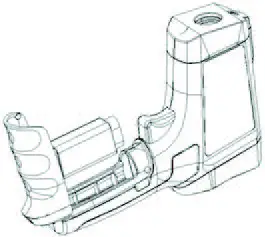
Battery Replacement
Install or replace a 9V alkaline battery (1604A) as follows:
- Open the battery cover.
- Insert the battery and pay attention to the polarity.
- Close the battery cover.
Troubleshooting
| Symptom | Problem | Action |
| OL appears during measurement | Measured value is greater than the maximumrange | Stop measuring |
| •OL appears during measurement | Measured value is less than the minimumrange | Stop measuring |
|
Err appears at booting | Exceeding the minimum or maximum operating ambient temperature | Place the thermometer in a 0°C~50°C (32°F~122°F) environment and it can be recovered after 30 minutes |
| Battery indicator flashes | Low battery | Replace the battery |
| Laser fails to work / Weak laser | Low battery | Replace the battery |
| The measurement is inaccurate | Emissivity mismatching, measured distance is too far, measured target diameter is less than 20mm, etc. | Please refer to the instructions for field of view, D:S, etc. |
UNI-,:
UNI-TREND TECHNDLDGV (CHINA) CD.1 LTD.
No.6, Gong Ye Bei 1st Road,
Songshan Lake National High-Tech Industrial
Development Zone, Dongguan City,
Guangdong Province, China
Tel: (86-769) 8572 3888
www.uni-trend.com
Made in China