
P/N:110401106696X DATE:2018.06.26 REV.1
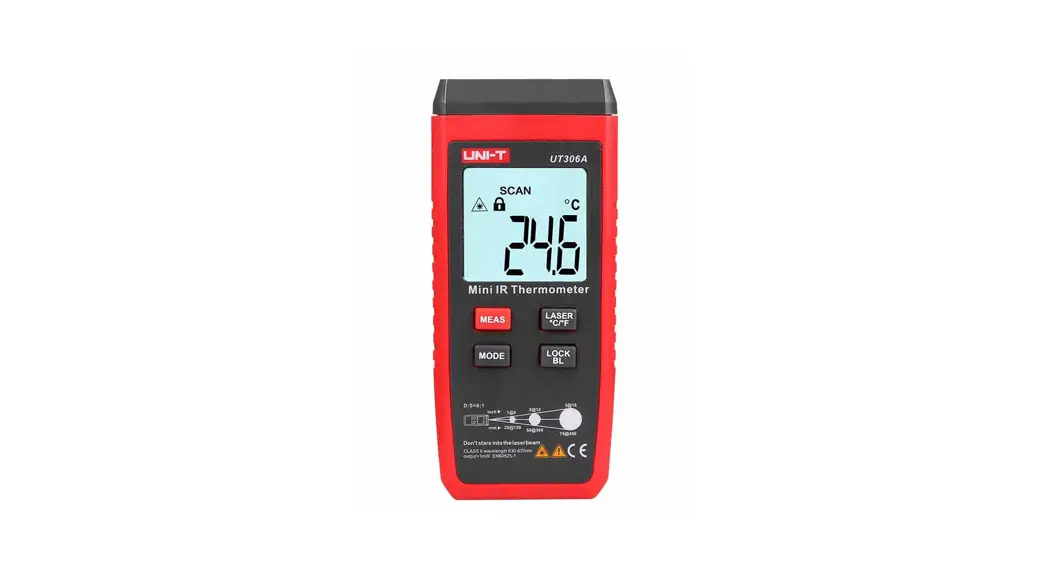
UT306A
Mini Infrared Thermometer User Manual
Introduction
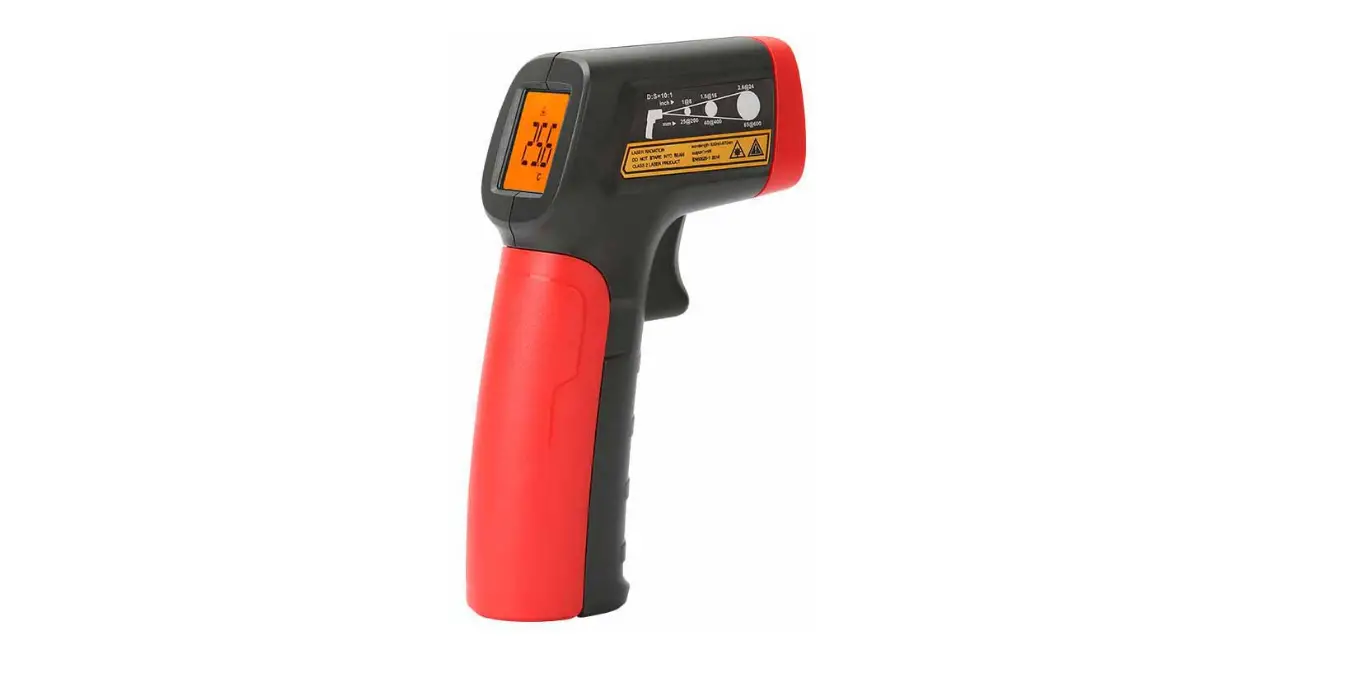
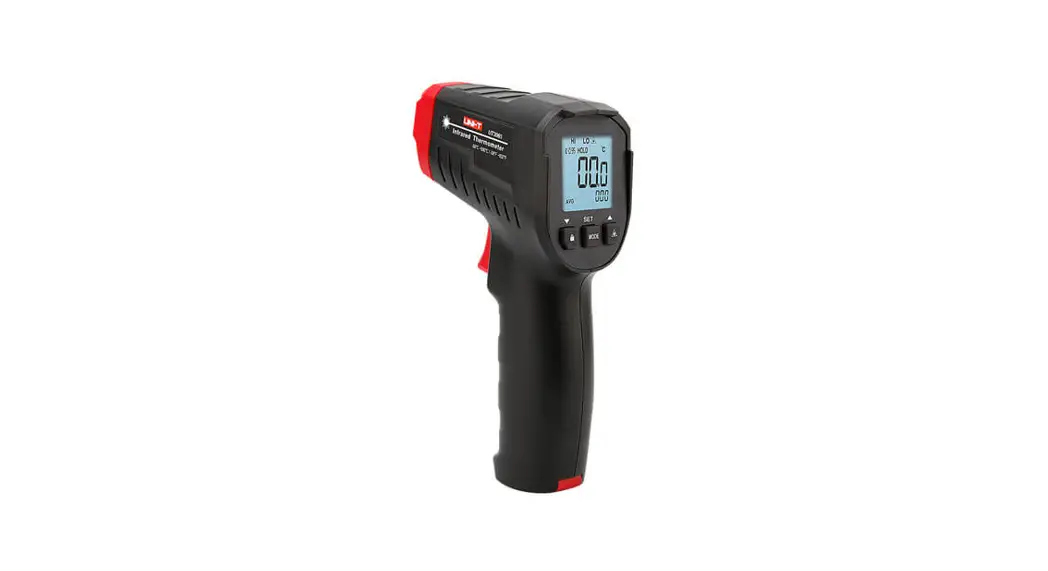
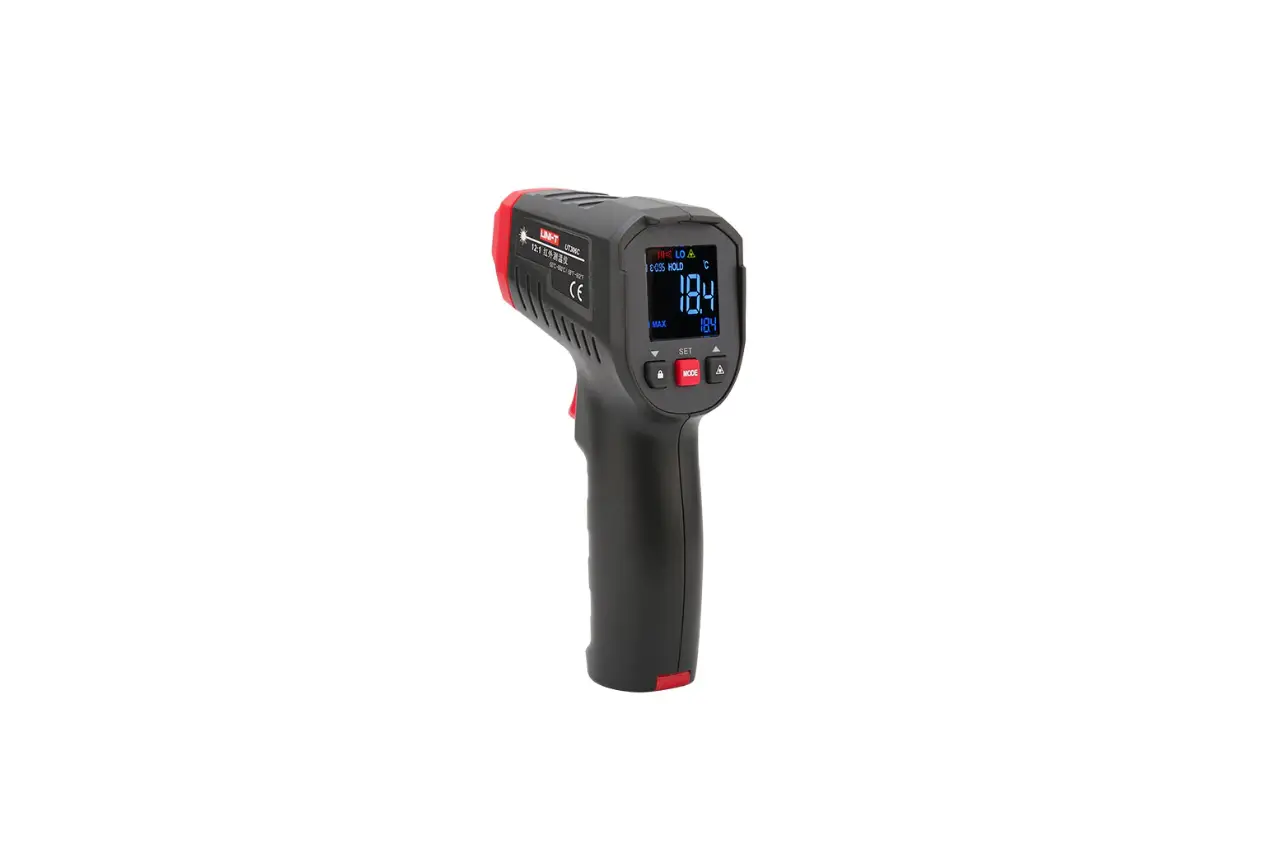
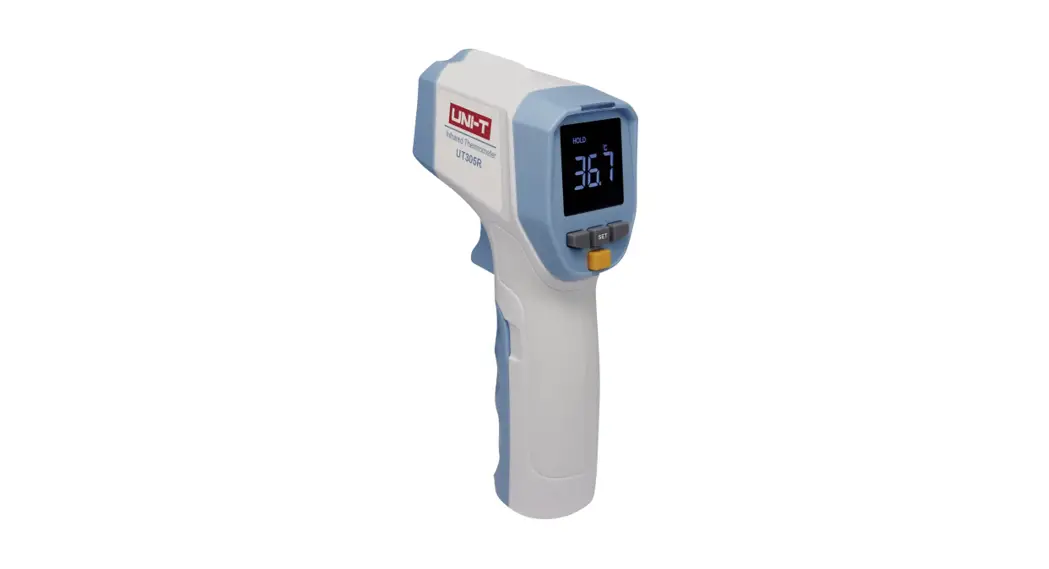
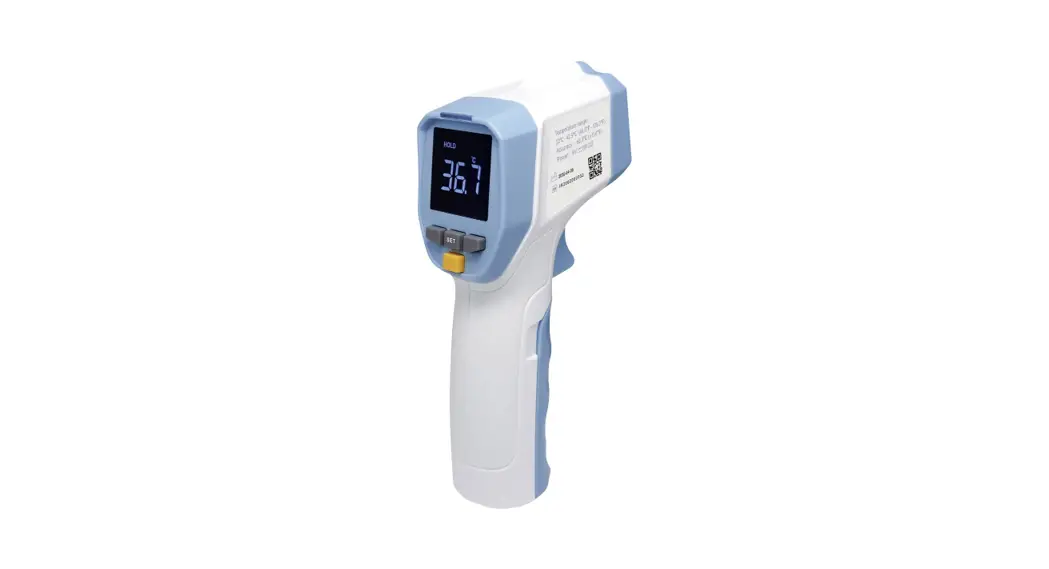
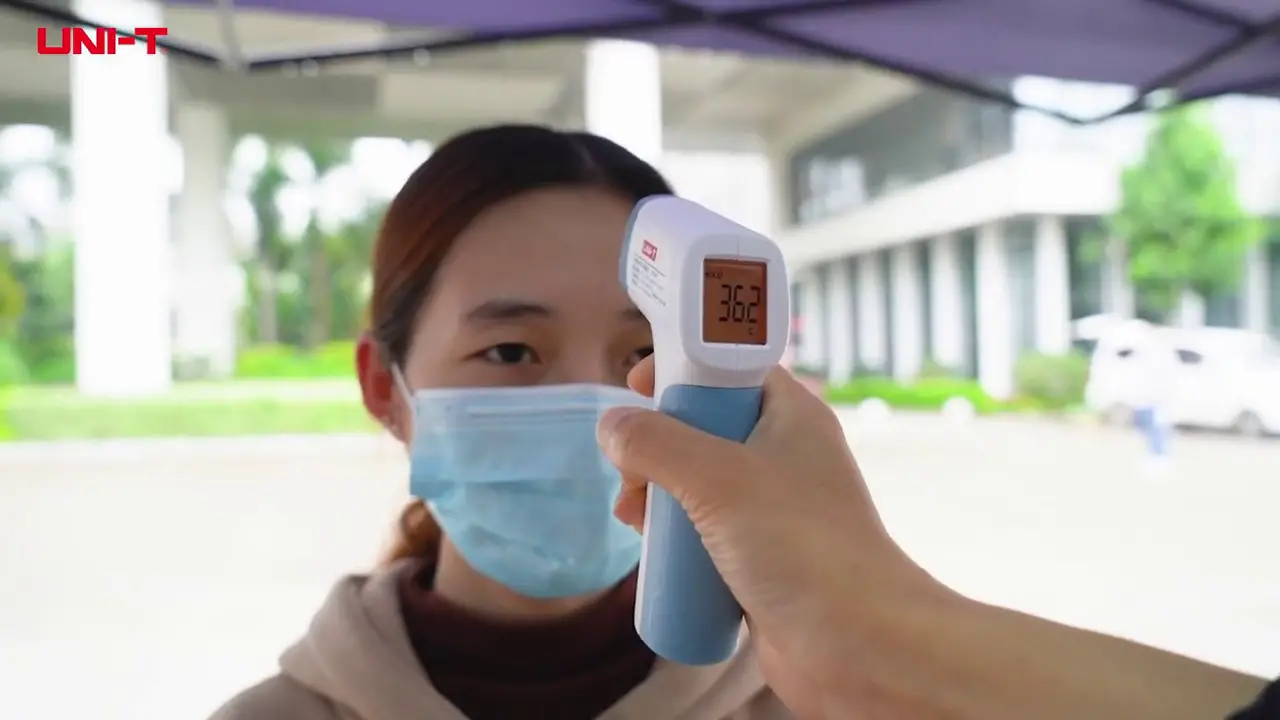
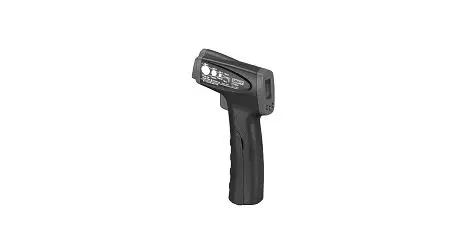
UT306A is a mini infrared thermometer, that is able to determine the temperature of an object by measuring the radiated infrared energy from its surface.
Safety information
Warnings:
To avoid injury and damage, please read the following information before use.
- Do not point laser directly at persons or animals or indirectly off reflective surfaces.
- Do not look directly into the laser with optical tools (for example, telescopes, microscopes). Optical tools can focus the laser and be dangerous to the eyes.
- If a low power indicator flashes on the screen, please replace the battery.
- Before using the product, please check it, if damaged, the surface cracks or the lack of plastic parts, do not use
- See emissivity information for actual temperature. Reflective objects result in lower than actual temperature measurements. These objects pose a burn hazard.
- Do not use the device if explosive gas, steam, moist surrounding.
- To ensure accuracy, place the device in the current environment for over 30 mins.
- Avoid staying beside objects with high temperatures for a long time.
Specifications
| Range | -35 t- 300 t (-31 F- 572F) |
| Accuracy Calibrated ambient temperature: 21°C-25 C(70 F- 77F) | ..?-0 t:±2.0 °C or ±2%of reading,whichever greater <0 t:±(2.0 t+0.1 t/ t) .-32 F:±4.0F or ±2%of reading,whichever greater <32 F:±(4.0F+0.1FPF) |
| Temperature coefficient | 0.1 t/t(0.1F/F) or ±0.1% of reading per degree,whichever greater |
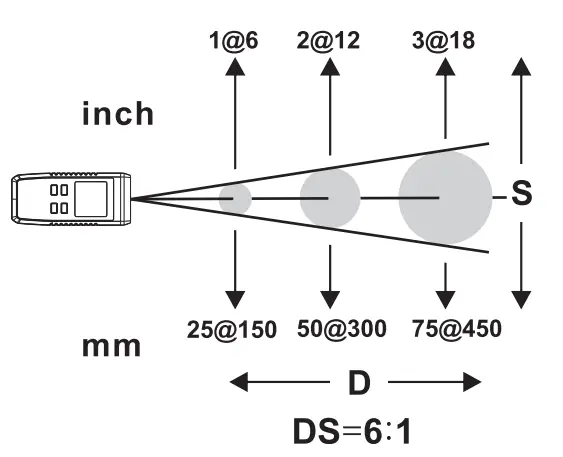
| Optical resolution | 6:1(calculated when energy is 90%) |
| Emissivity | 0.95 |
| Response time | 250ms(95% of reading) |
| Spectral response | 8um – 14um |
| Display resolution | 0.1 t(0.1 F) |
| Repeatability | ±1.0 t(2.0 F) or ±0.1% of reading,whichever greater |
| Laser | IEC60825-1:2014 CLASS II, A=630nm-670nm, <1mW |
| Battery type | AAA 1.5V*3 |
| Battery life | ?:-20H(Work continuously with laser&backlight on) |
| Dimension | 120mm*53mm*28mm |
| Weight | 120g |
| Working temperature | 0 °C- 50 t (32 F-104 F) |
| Storage temperature | -20°C- 60 t (-4 F-140 F) |
| Working humidity | <Rh90% (non-condensation) |
| Working altitude | —–.2000 meters |
| Storage altitude | 12000m |
| Drop test | 1 m |
Safety standard
CE: EN61326-1: 2013 EN61326-2-2: 2013
Laser safety standard: EN60825-1: 2014
Product description
Structure
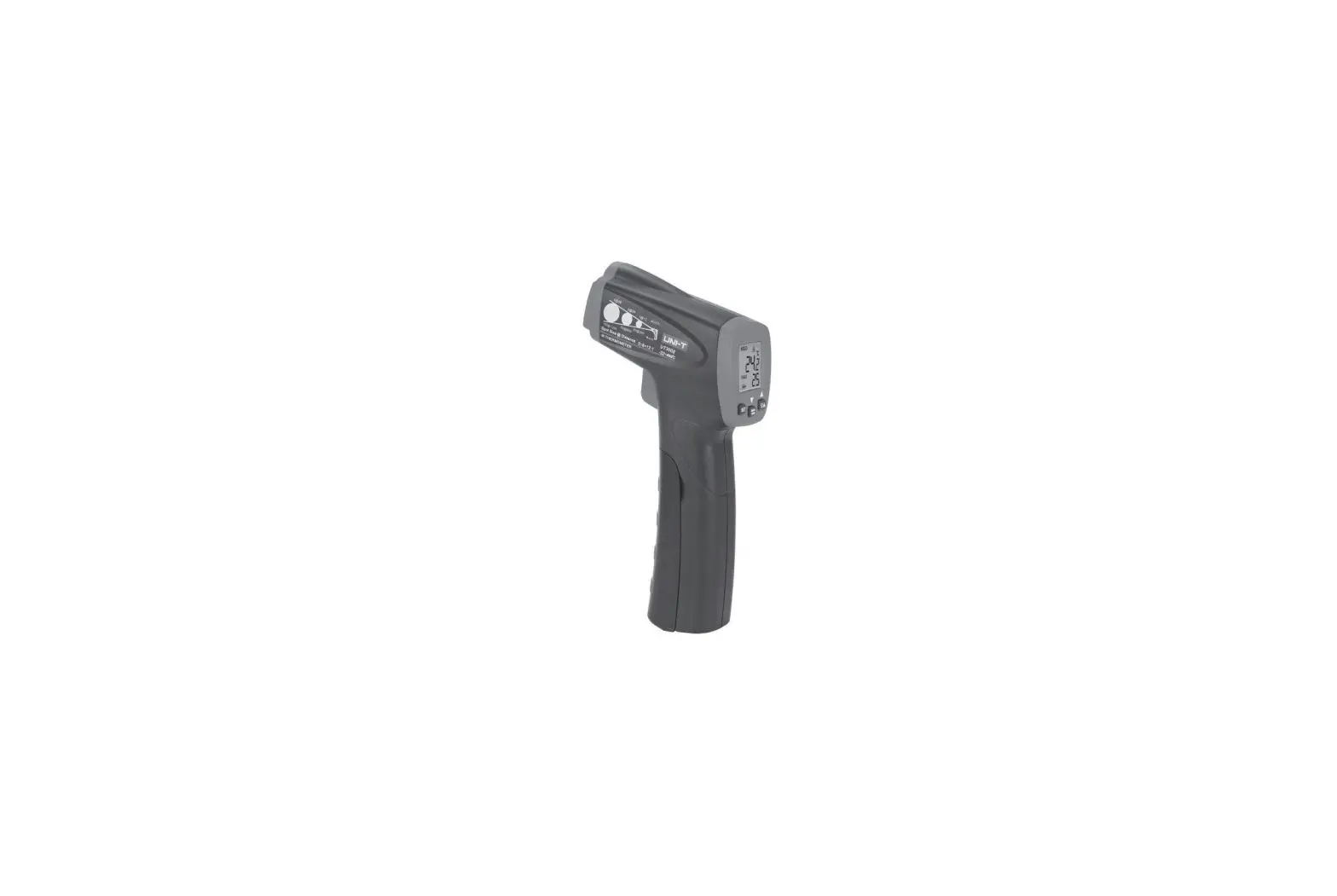
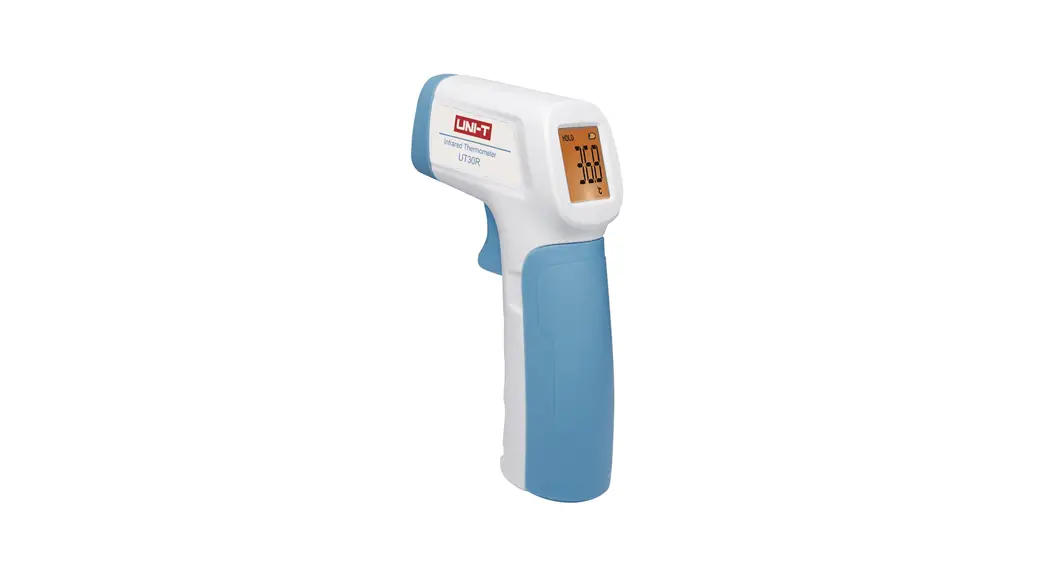
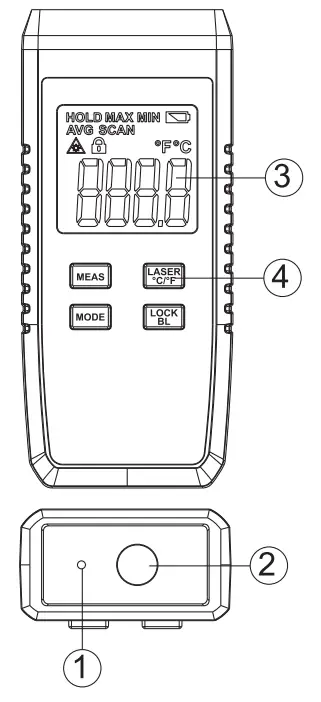
- Laser emission spot
- The infrared signal receiving terminal
- Display screen
- Buttons
Features
- Laser aiming
- Backlight
- Auto measurement
- MAX/MIN/AVG temperature measurement
- Selectable temperature units
- Low power indication
- Data hold
- Auto power off
- Auto recording
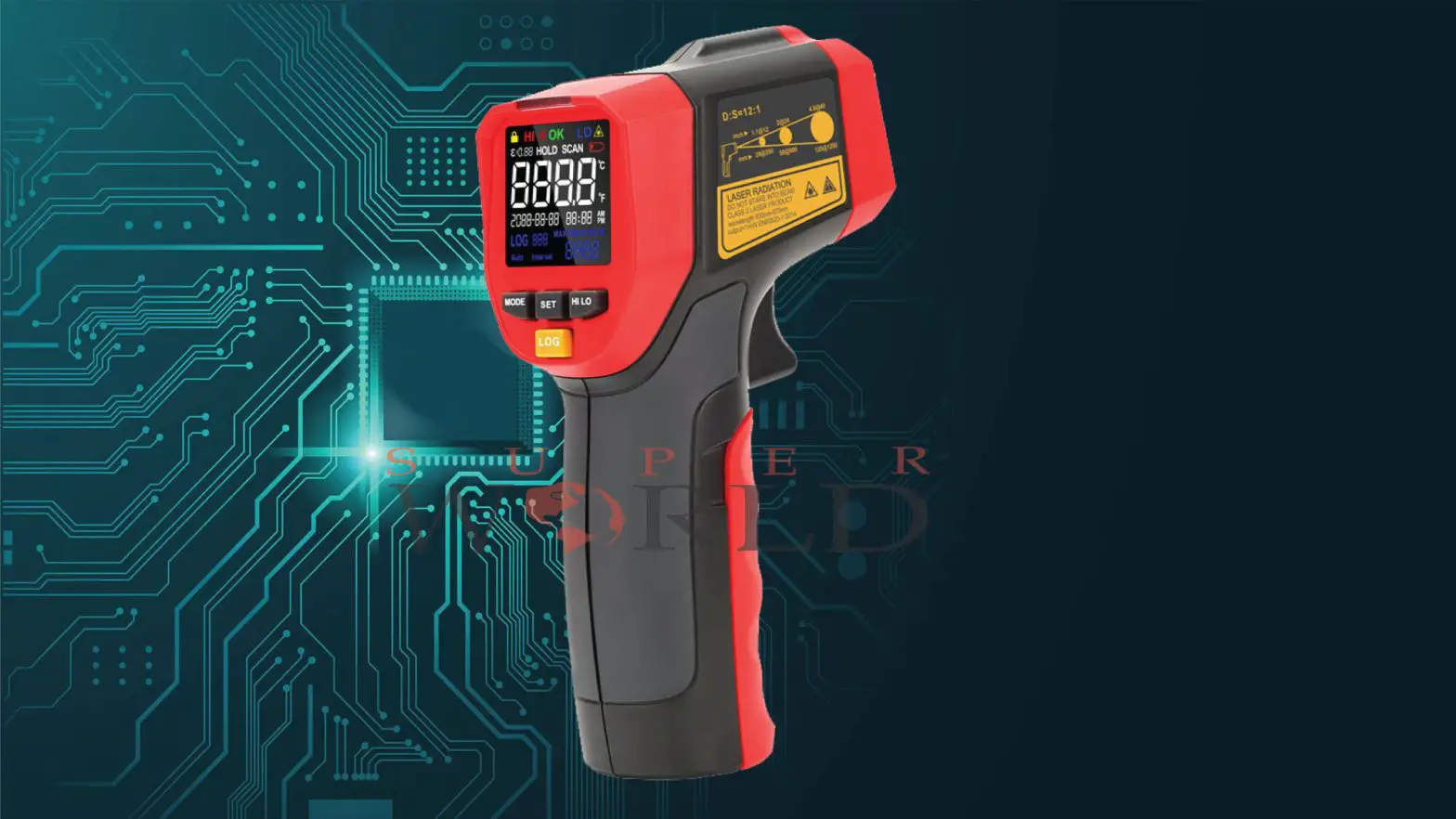
Buttons
 : Power ON&Measurement
 : Laser ON/OFF or Temperature unit switch
 : Select MAX/MIN/AVG or real-time measurement
 : Measurement lock or backlight ON/OFF
SYMBOLS
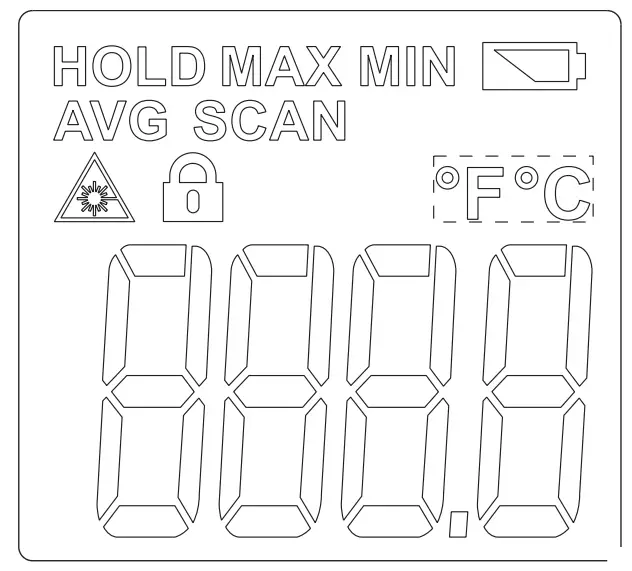
| HOLD | Data hold |
| MAX | Maximum value |
| MIN | Minimum value |
 | Low power |
| AVG | Average value |
| SCAN | Scan measurement |
 | Laser ON |
 | Auto measurement |
| ºFºC | Temperature unit |
 | Reading |
Operation instructions
Power on
Short press I to switch on the device and record from the last shutdown is displayed.
Temperature measurement
Press I and hold thermometer start scanning, SCAN symbol flashes on the screen. Laser is for aiming object being measured. Release button to stop measurement. HOLD symbol appears while SCAN symbol disappears and the laser is off. The result is displayed on the screen.
Auto Measurement
After turning on the device, short press the button to activate the measurement lock function. the symbol appears on the screen. The thermometer will conduct auto and continuous measurement without any operation. Short press LOCK/BL again to unlock the auto measurement. the symbol disappears and returns to HOLD mode.
Auto power off
The thermometer will automatically power off if without operation for 8 seconds.
Laser ON/OFF
Turn on the thermometer, short press to switch ON/OFF the laser. When the laser is ON, the symbol appears.
Temperature unit
Turn on the thermometer, long press to switch the temperature unit.
Backlight
Turn on the thermometer, long press to turn ON/OFF the backlight.
Measurement modes
Turn on the thermometer, short press to cycle switch between MAX, MIN, AVG, real-time measurement modes. Corresponding symbols appear to indicate the current measurement mode. MAX/MIN/AVG symbols disappear when measuring real-time temperature.
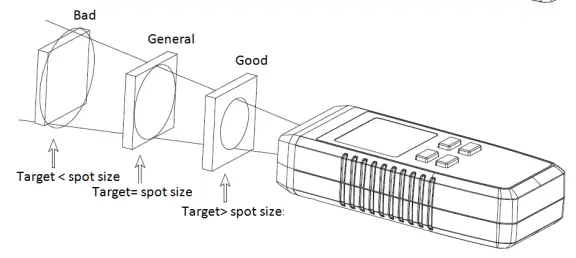
Distance and spot size
Field of view
Make sure the target is larger than the spot size.
The smaller the target the closer the measure distance. Suggest distance ≤ (15cm/6 inch).
Maintenance
Clean
- Lens cleaning: blow off loose particles using clean compressed Gently brush remaining debris away with a moist cotton cloth.
- Case cleaning: clean the case with a damp cloth and mild soap.
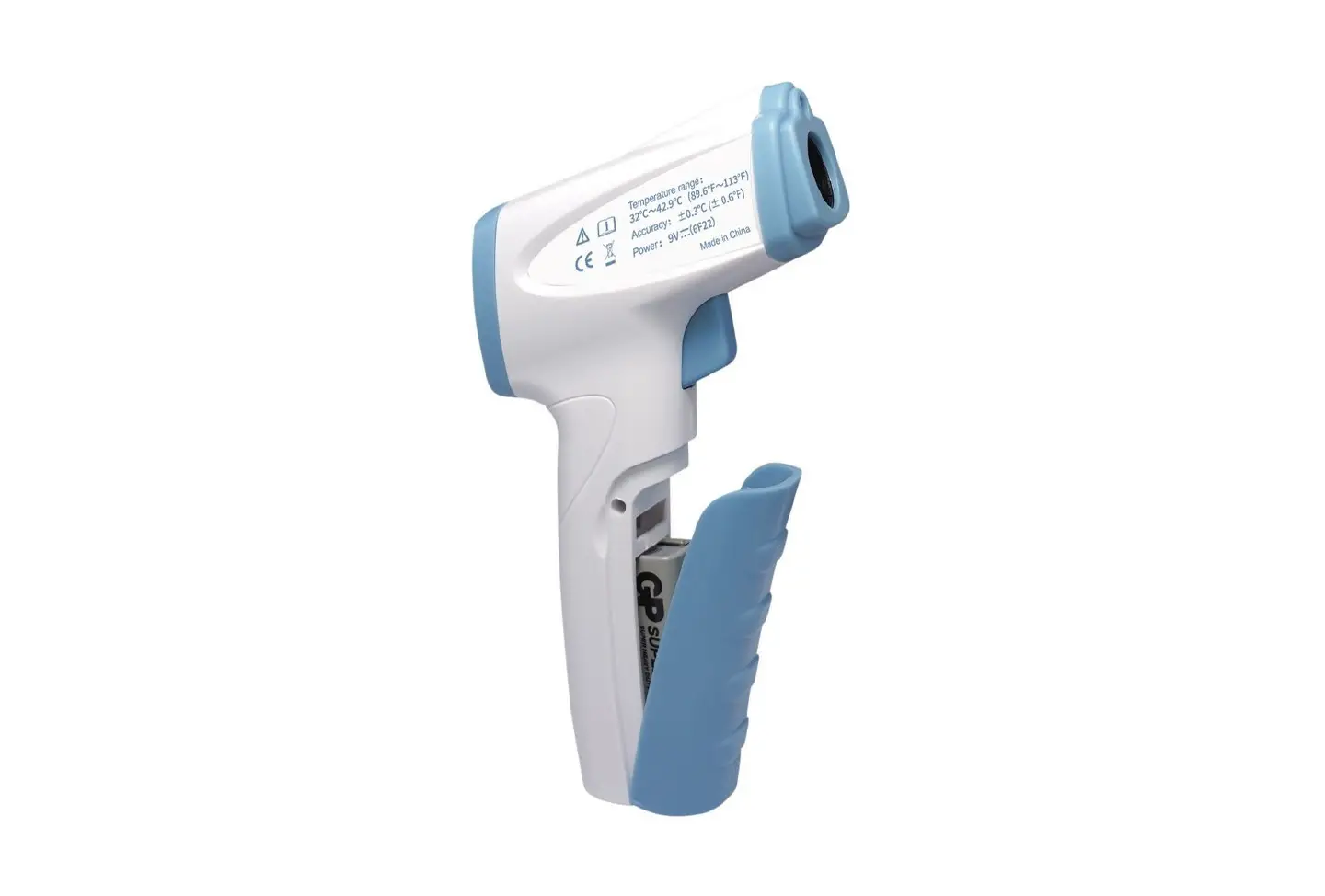
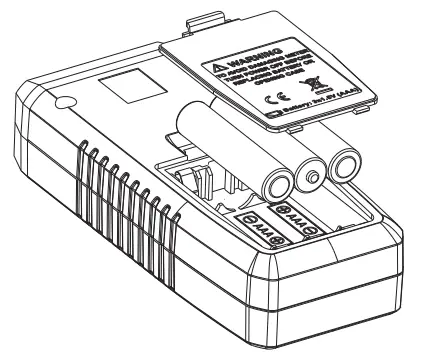
Battery replacement
Replace the battery as the below shown
UNI-T,
UNI-TREND TECHNOLOGY (CHINA) CO., LTD.
No6, Gong Ye Bei 1st Road,
Songshan Lake National High-Tech Industrial
Development Zone, Dongguan City, Guangdong Province, China
Tel: (86-769) 8572 3888 http://www.uni-trend.com