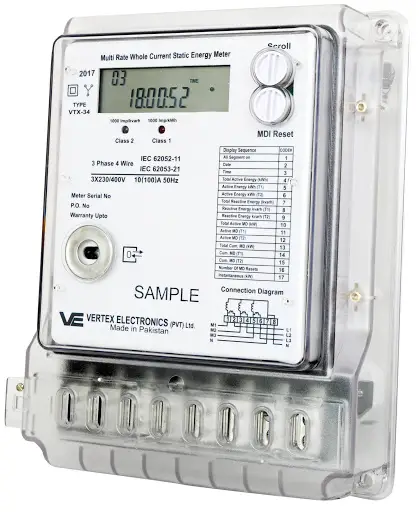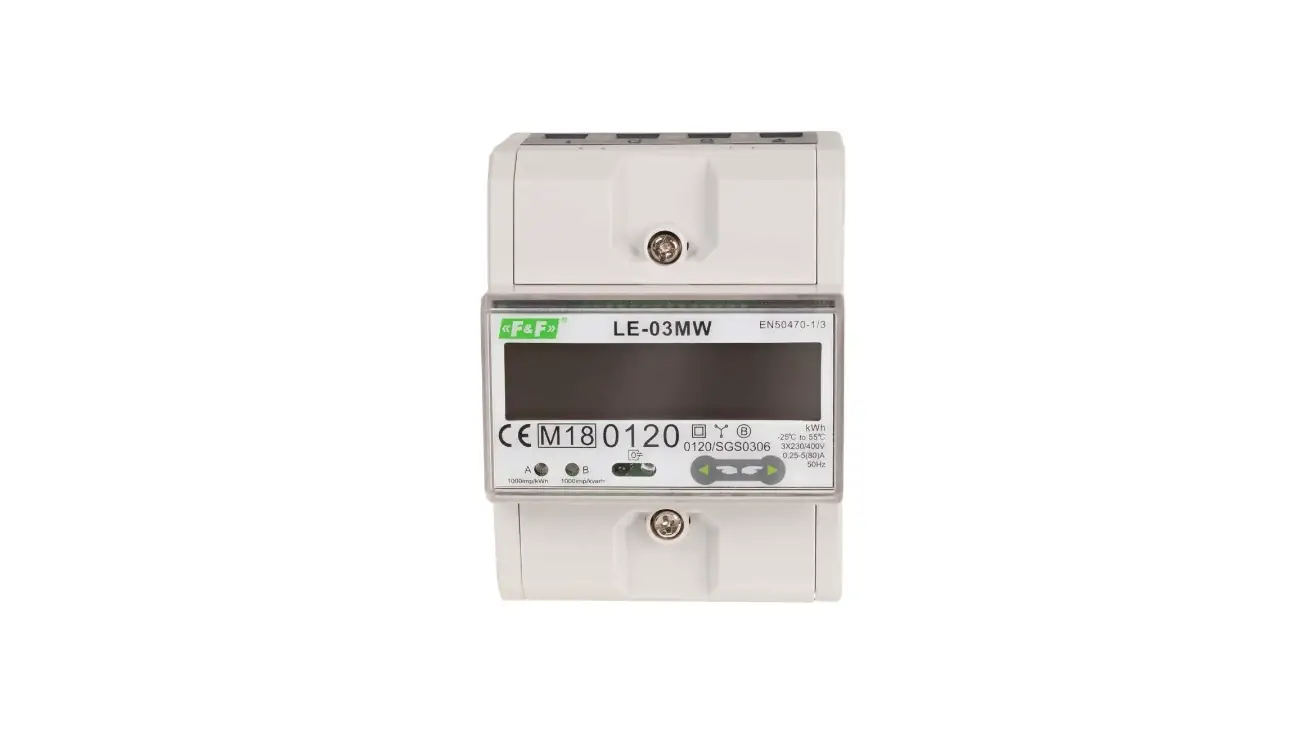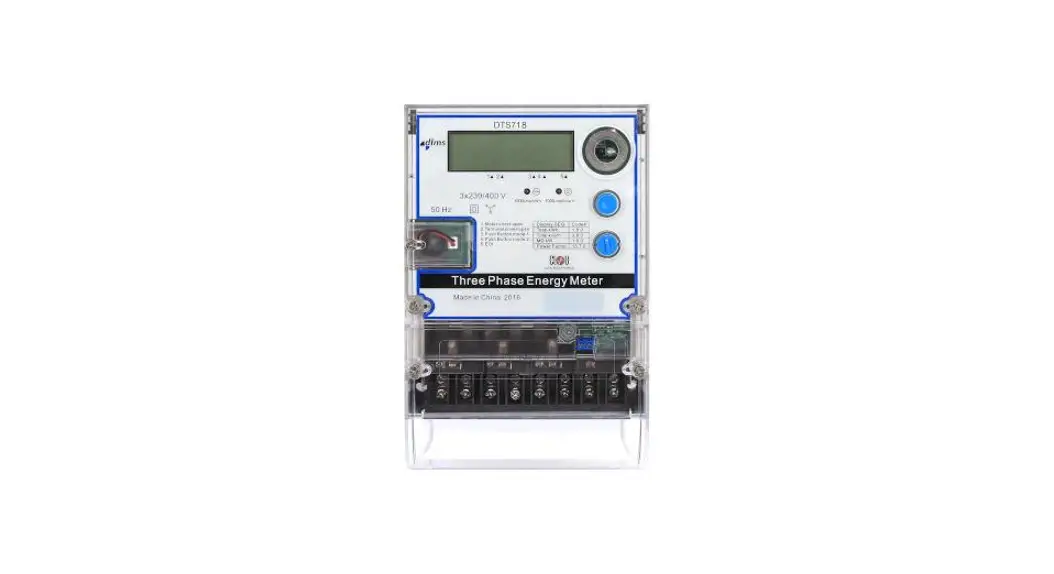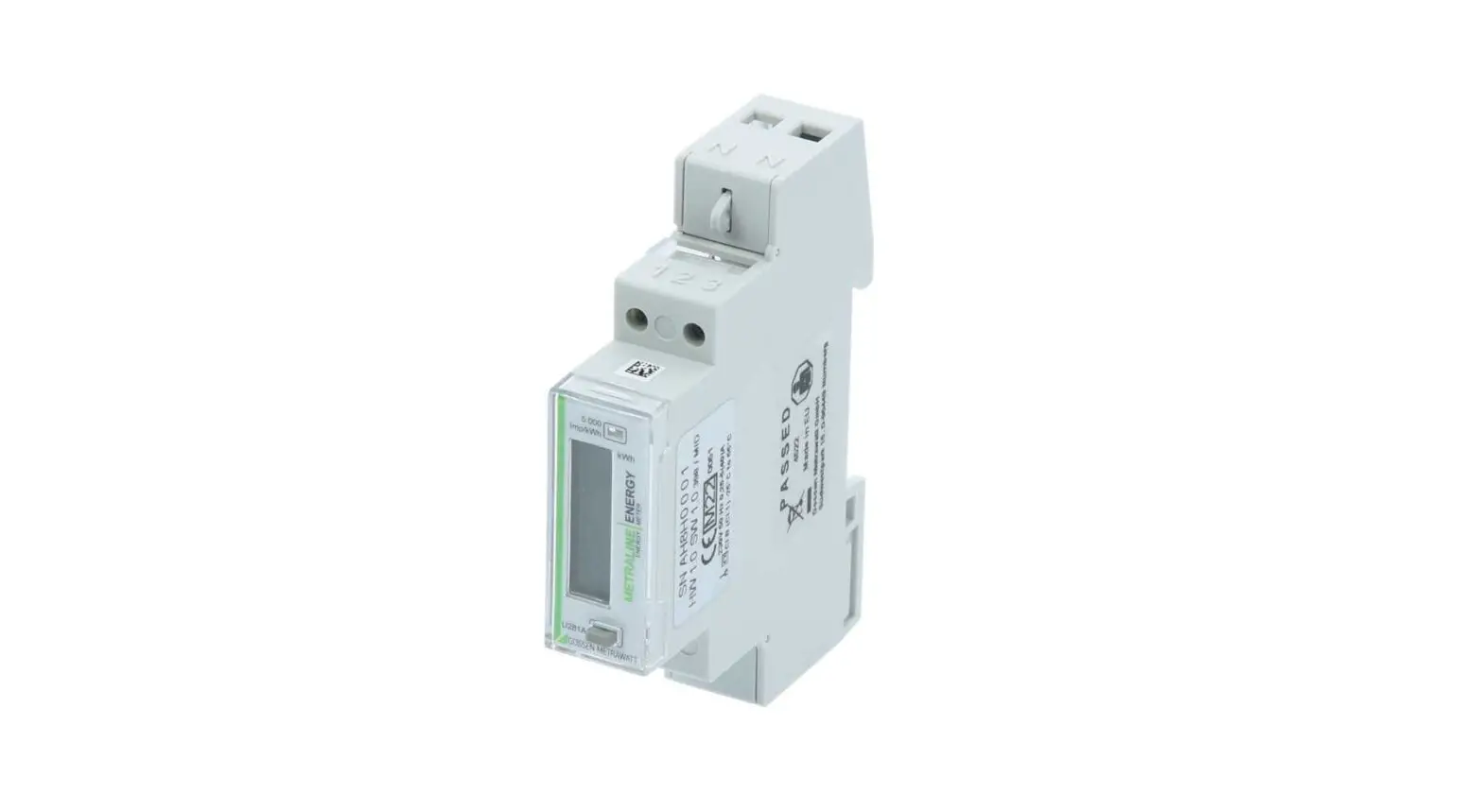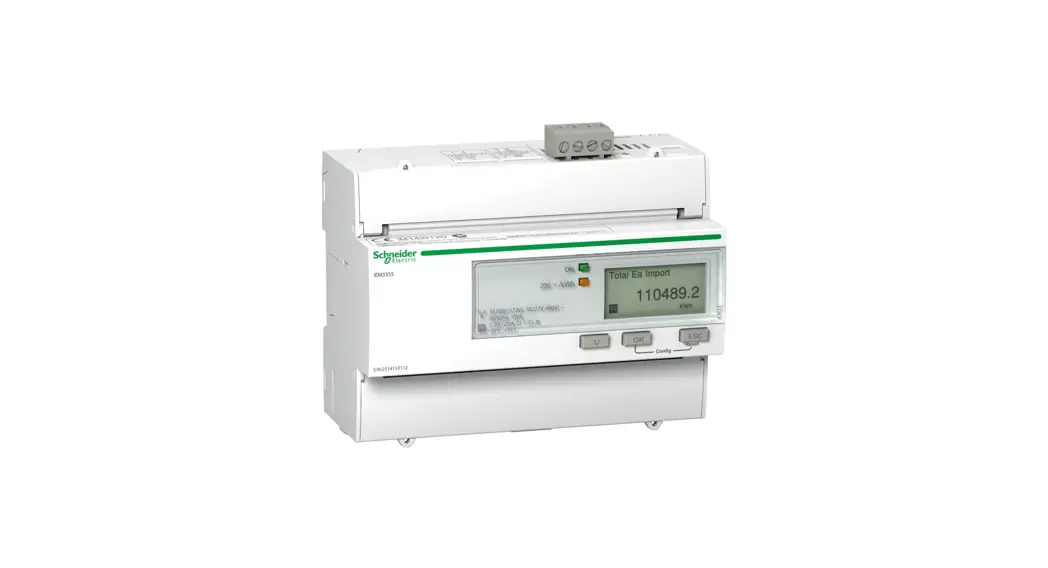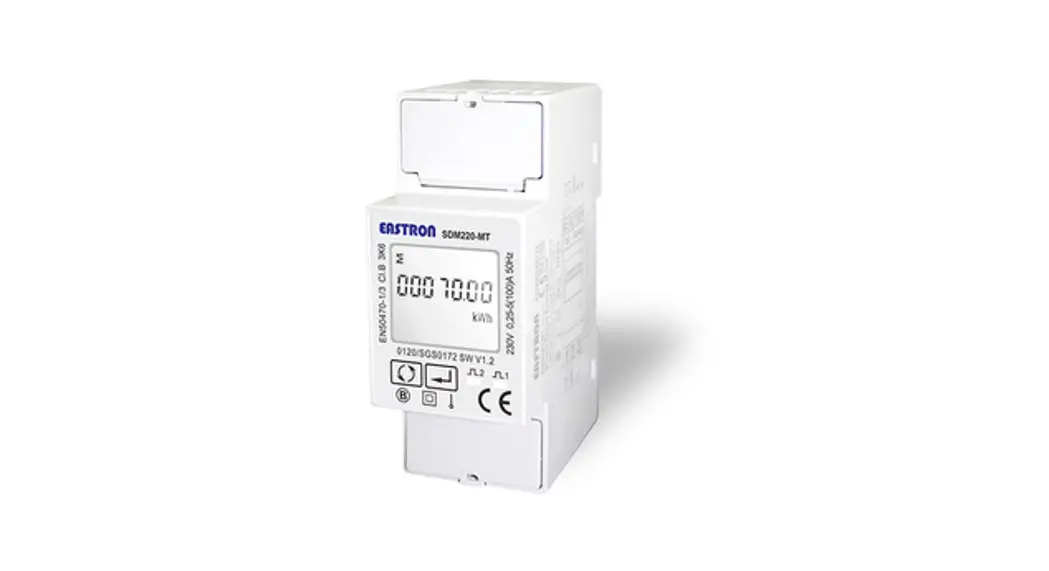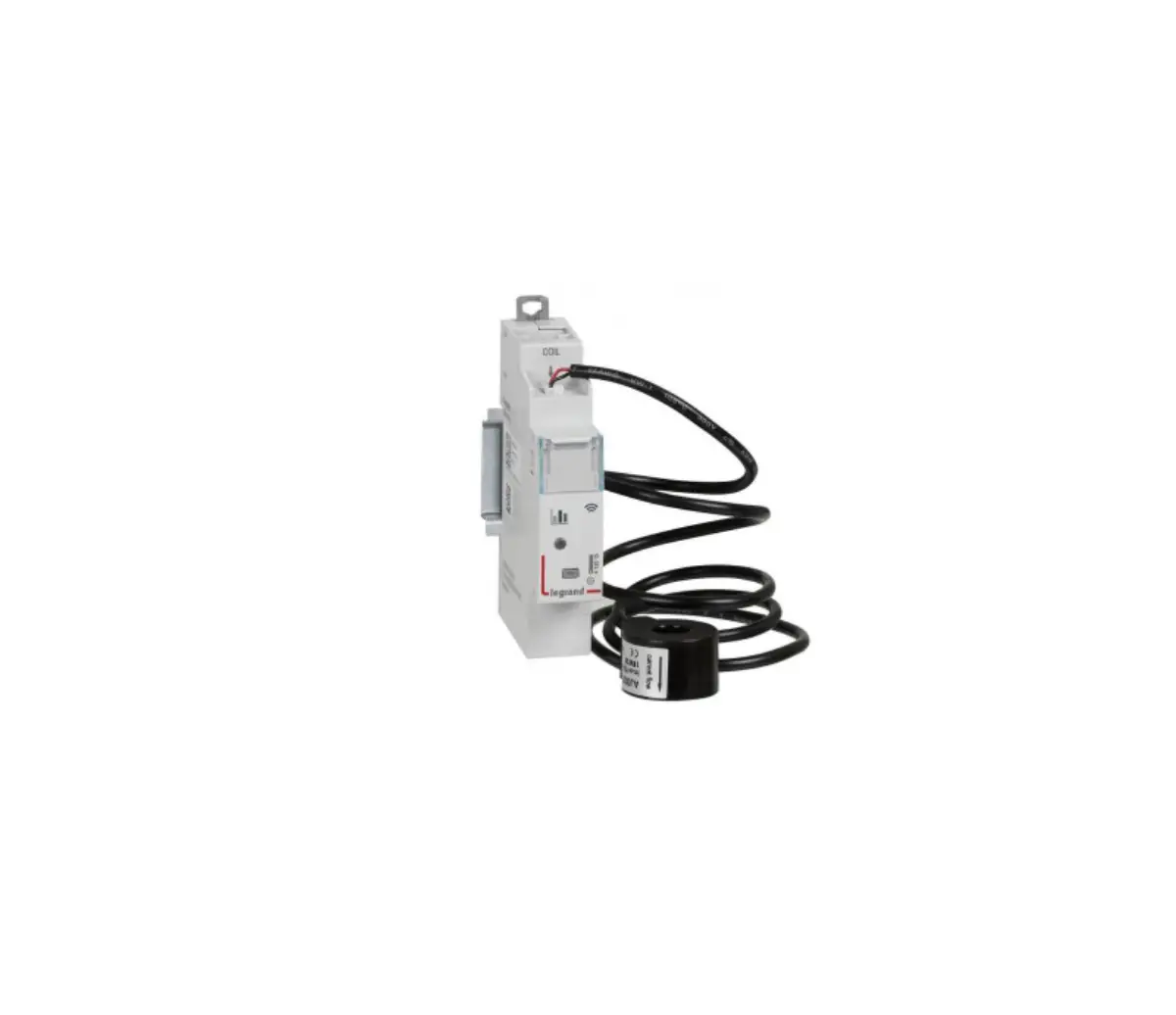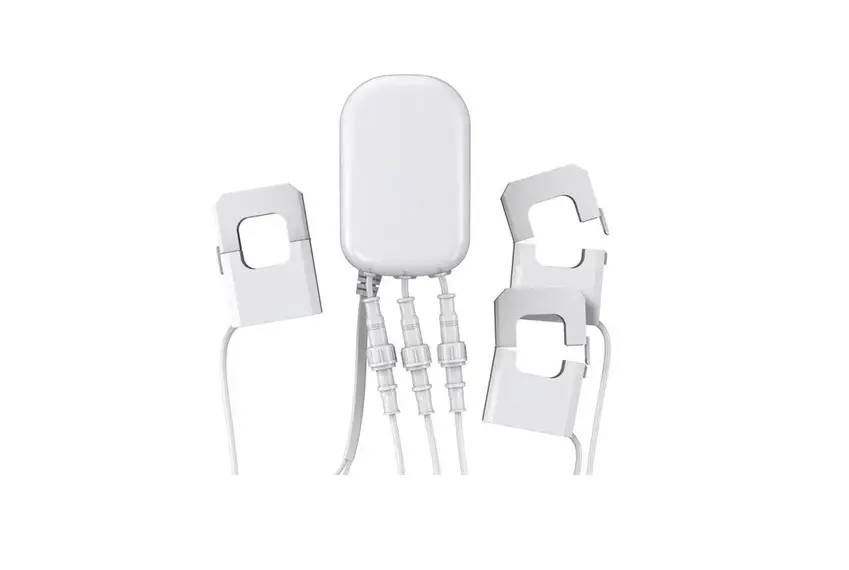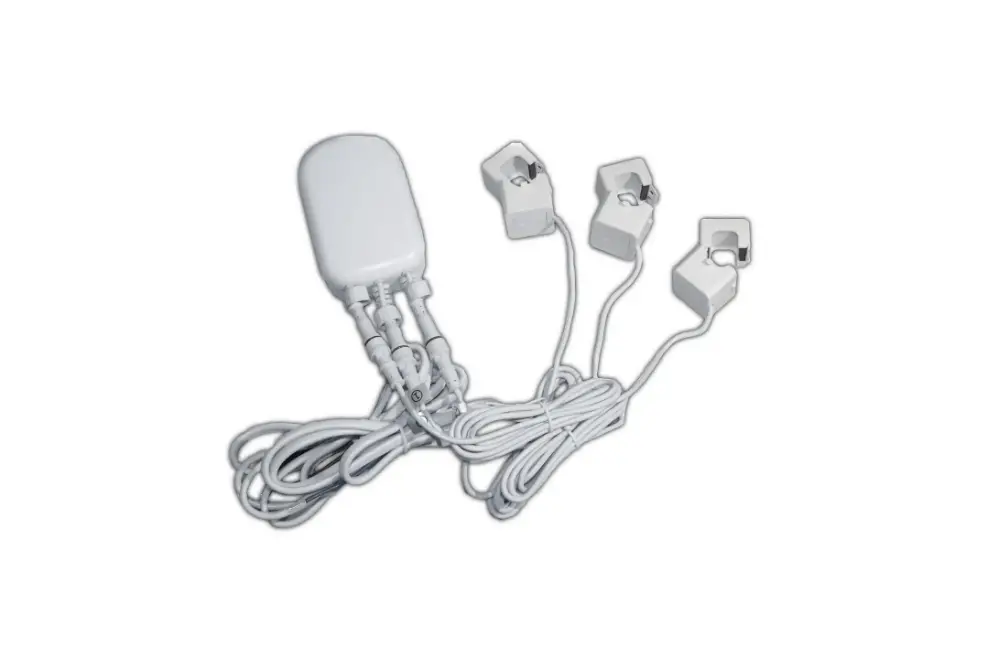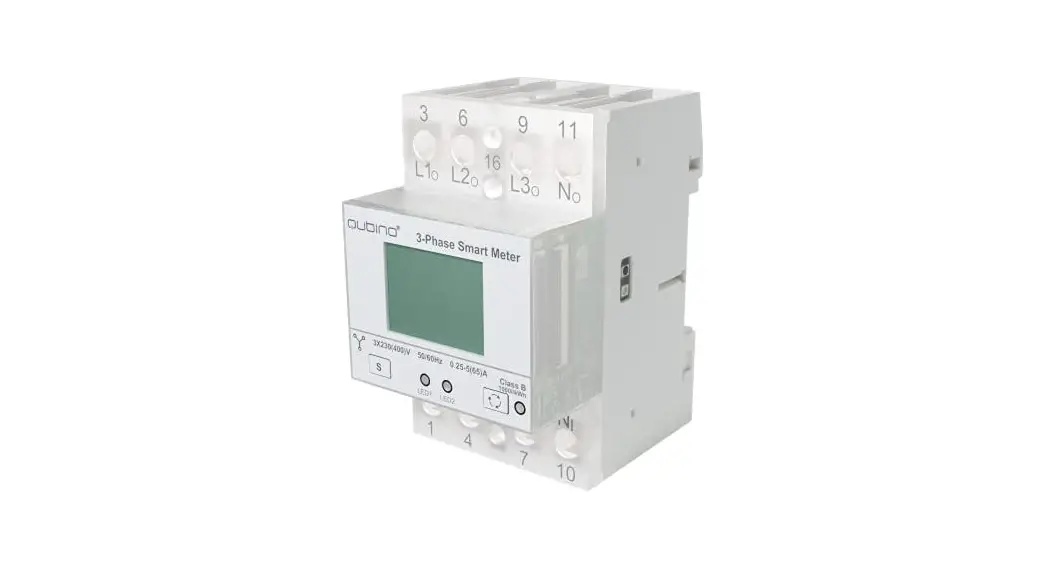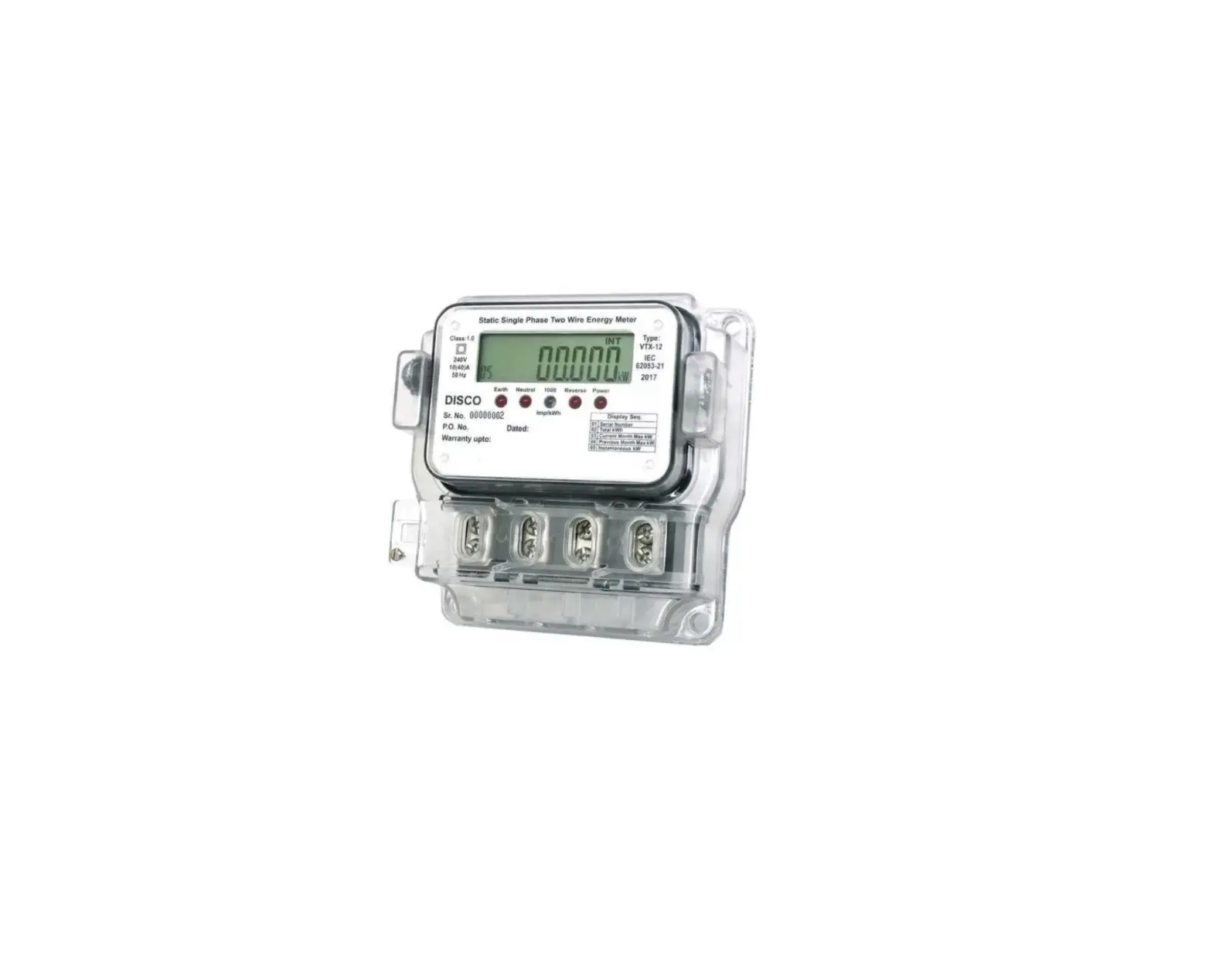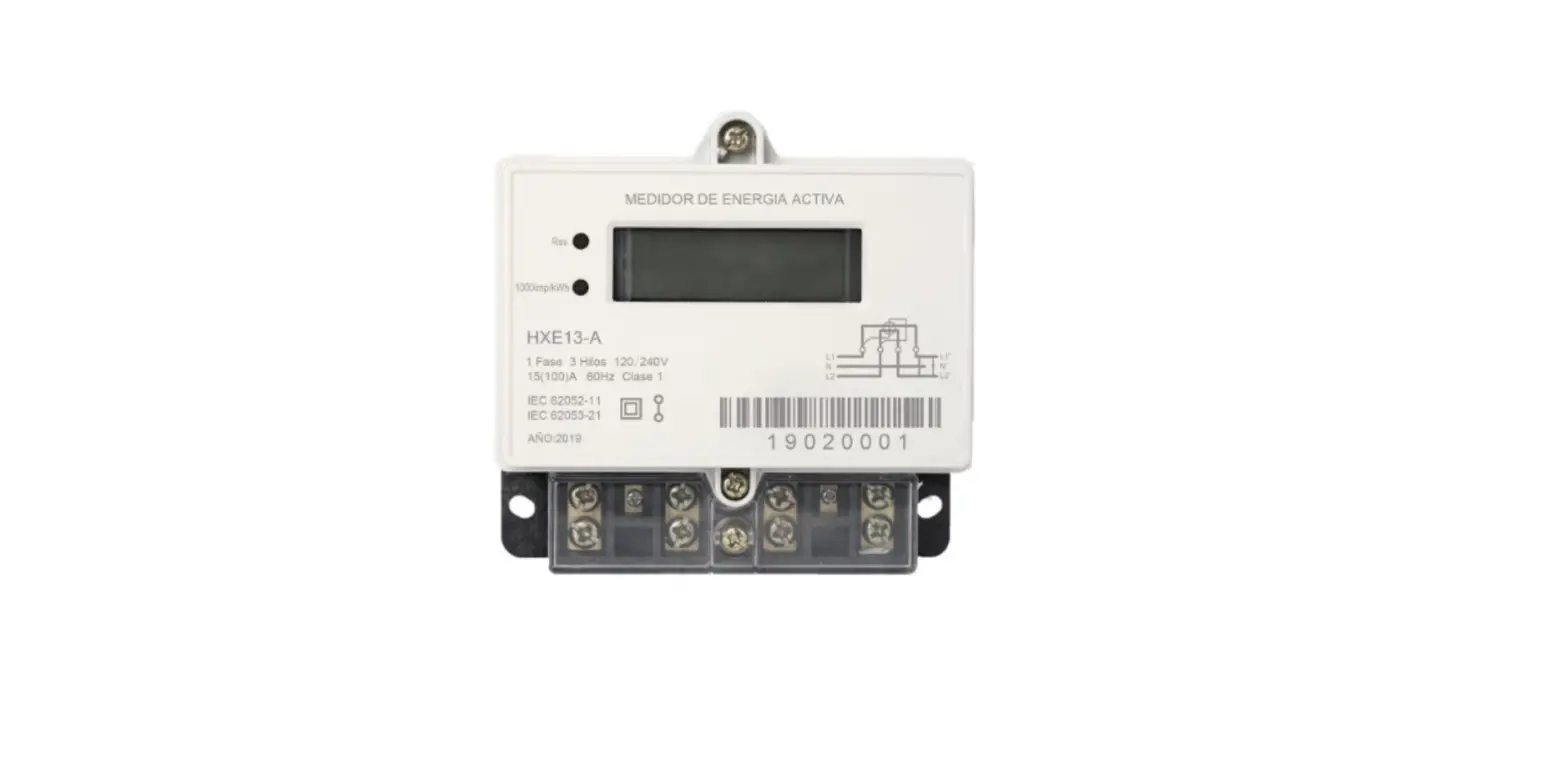

ITechene TA28 Single Phase Three Wire Static Watt Hour Energy Meter
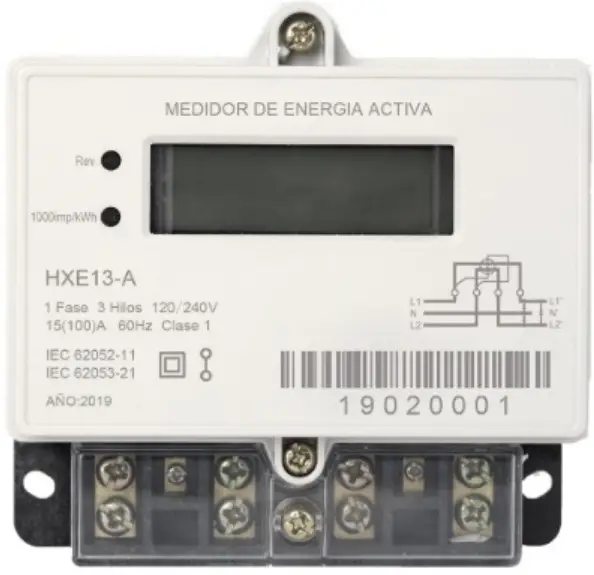
Specification
| No. | Item | Description |
| 1 | Meter Format | Single phase three wire |
| 2 | Reference voltage | 220V |
| 3 | Operating voltage | 0.8Un ~1.2Un |
| 4 | Current | 5A (basic current), 60A (maximum current) |
| 5 | Starting current | 0.004Ib |
| 6 | Reference frequency | 60Hz±2% |
| 7 | Accuracy Class | Class 1.0 |
| 8 | Clock Accuracy | ±0.5s/day @ 23℃ |
| 9 | Impulse generator energy constant | 1600imp/kWh |
| 10 | Operating temperature range | -40℃~+70℃(3K7) |
| 11 | Relative humidity | ≤95%(non-condensing) |
| 12 | Ingress Protection Rating | IP54 |
| 13 | Main character dimensions | 4.1*12(mm) |
| 14 | Energy display digits | 6+1 |
| 15 | Display mode | Scrolling display |
| 16 | Data item | OBIS |
| 17 | Communication interface | Optical (IR),Bluetooth |
| 18 | Disconnect Relay | 1P3W Two Relay |
| 19 | Terminal Hole Diameter | 9.5mm |
| 20 | Weight | Appr. 0.68kg |
| 21 | Insulation system | Protective Class II |
| 22 | Insulation level | 4KV for 1 minute |
| 23 | Impulse voltage tests | According to IEC 60060-1, impulse voltage is 6kV |
| 24 | Power consumption | Voltage circuit < 2W, 10 VA, Current circuit < 4 VA |
Appearance
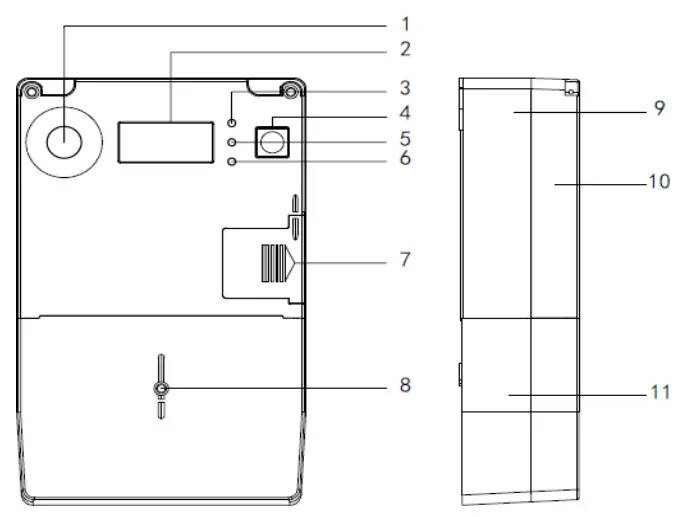
| No. | Item | No. | Item |
| 1 | Optical Port | 7 | Battery Case Cover |
| 2 | LCD | 8 | Terminal Cover Screw |
| 4 | Display Button | 9 | Meter Cover |
| 5 | Alarm LED | 10 | Meter Base |
| 6 | Active Energy LED | 11 | Terminal Cover |
Display Function
LCD Panel
The following figure shows the full-screen display.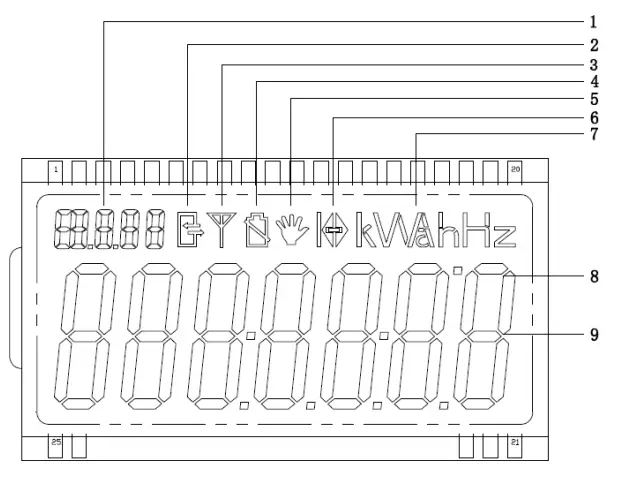
| No. | Item | Description |
| 1 | OBIS display area Tariff No. | Displays the OBIS for the current item Displays the current tariff No. |
| 2 | Communication sign | Appears when the meter communicates with other device |
| 4 | Low battery voltage sign | This will show up when the battery is under the low voltage state(<3V) |
| 5 | Sign for relay disconnection | Appears when the relay disconnection |
| 6 | Sign for energy direction | Indicates the reverse current |
| 7 | Units area | If necessary, displays the units for the current item. |
| 9 | Data display area | Displays the data for the current item |
Display Mode
- Auto-scroll display: Automatically the meter enters the auto-scroll display after power-on, OBIS code will be 15.8.0.
- Auto-scroll display time: configurable 0~99s, default is 5s.
- Button display time: display fixes for 30s, and then backs to automatic display.
- Power-off display: After power-off, the maximum display time is 30s. After that, the screen will be closed if there is no operation.
- Backlight: The backlight is lit for 5s when power is on; it can be awakened by pressing button, and it will be turned off after 10s of no operation.
Display items
- The following items are configurable automatically scrolling display and button display:
Default setting:
Display Items and Format
| OBIS | Items | Format | Example |
| 15.8.0 | Cumulative Active Energy | xxxxxx.x kWh | 000000.1 kWh |
| 1.7.0 | Total Active Power(+) | x.xxxx kW | 1.2523 kW |
| 1.6.0 | Total Active MD(+) [current month] | x.xxxx kW | 7.3000 kW |
| 1.6.0 | Total Active MD(+) occurring time [current month] | YY.MM.DD HH:MM:SS | |
| 32.7.0 | Voltage,A | XXX.XX V | 220.01V |
| 31.7.0 | Current,A | XX.XXX A | 20.210A |
LED indicators
- Indicator for active energy pulse
- Indicator for event alarm
- The pulse LEDs flash at a particular time interval, which determined by the meter constant and the actual power. The alarm LED should be on, when the tamper events occur.
Troubleshooting
| No. | Conditions | Solution |
| 1 | LCD has no display | Check whether the wire connection correct or not (refer to connection diagram printed on the terminal cover) |
| 2 | Impulse indicator doesn’t flash | 1. Check the wire connection and 2. Make sure the operation voltage and current are within specific range |
Transport and Storage
- Transportation and unpacking avoid dramatic impact.
- Inventory and custody should be in the original packaging condition. In case of stored in the bracket, stacking height should not exceed five layers.
- Store concentrator with the original container, better in the place with ambient temperature within – 40 C ~ + 70 C, relative humidity less than 85%, and should not contain corrosive gas in the air.
- The product is a solid static instrument without any user-adjustable parts. Please do not open the enclosure during usage.
FCC
Warning:
This equipment has been tested and found to comply with the limits for a Class B digital device, pursuant to part 15 of the FCC Rules. These limits are designed to provide reasonable protection against harmful interference in a residential installation. This equipment generates, uses, and can radiate radio frequency energy and, if not installed and used in accordance with the instructions, may cause harmful interference to radio communications. However, there is no guarantee that interference will not occur in a particular installation. If this equipment does cause harmful interference to radio or television reception, which can be determined by turning the equipment off and on, the user is encouraged to try to correct the interference by one or more of the following measures:
- Reorient or relocate the receiving antenna.
- Increase the separation between the equipment and receiver.
- Connect the equipment to an outlet on a circuit different from that to which the receiver is connected.
- Consult the dealer or an experienced radio/TV technician for help.
Caution: Any changes or modifications to this device not explicitly approved by manufacturer could void your authority to operate this equipment.
- This device complies with part 15 of the FCC Rules. Operation is subject to the following two conditions:
- This device may not cause harmful interference, and
- this device must accept any interference received, including interference that may cause undesired operation.
- This equipment complies with FCC radiation exposure limits set forth for an uncontrolled environment.
- This equipment should be installed and operated with minimum distance 20cm between the radiator and your body