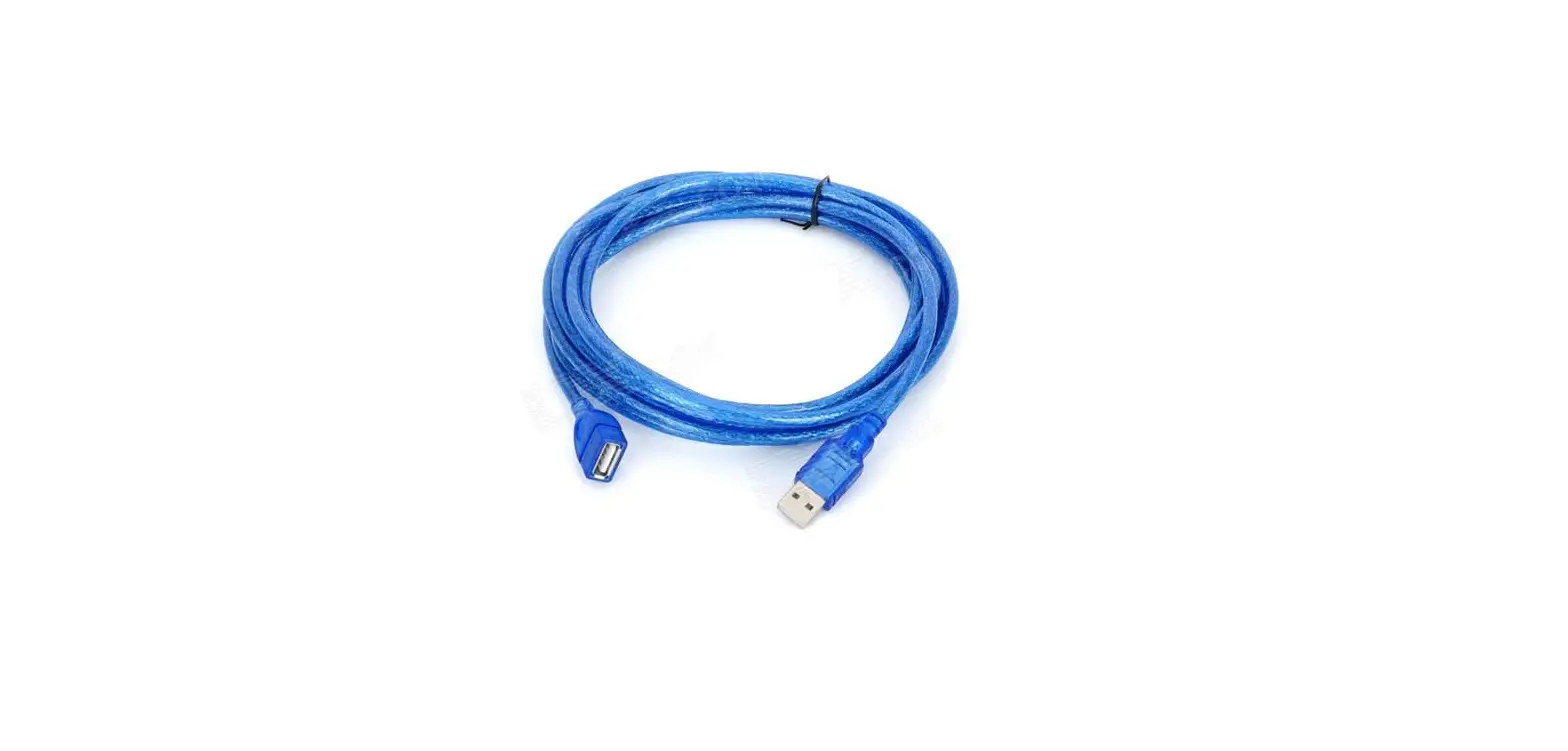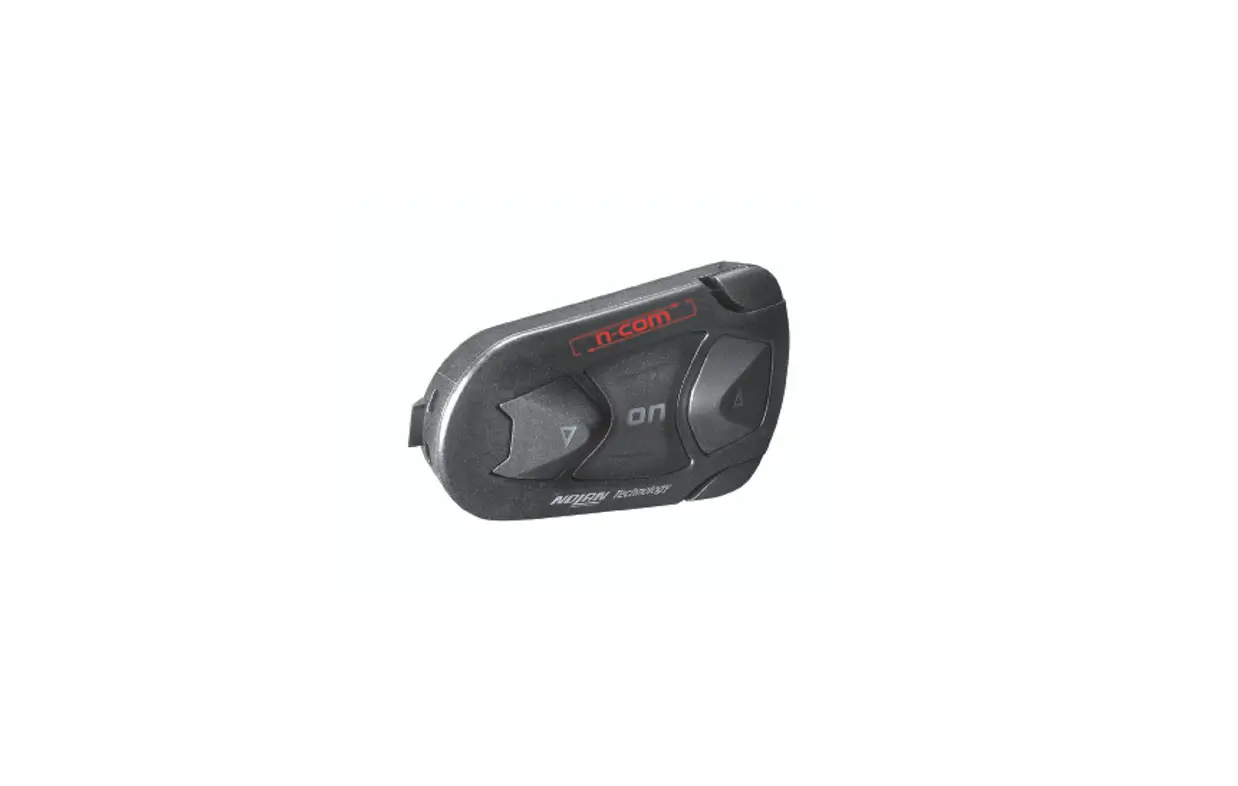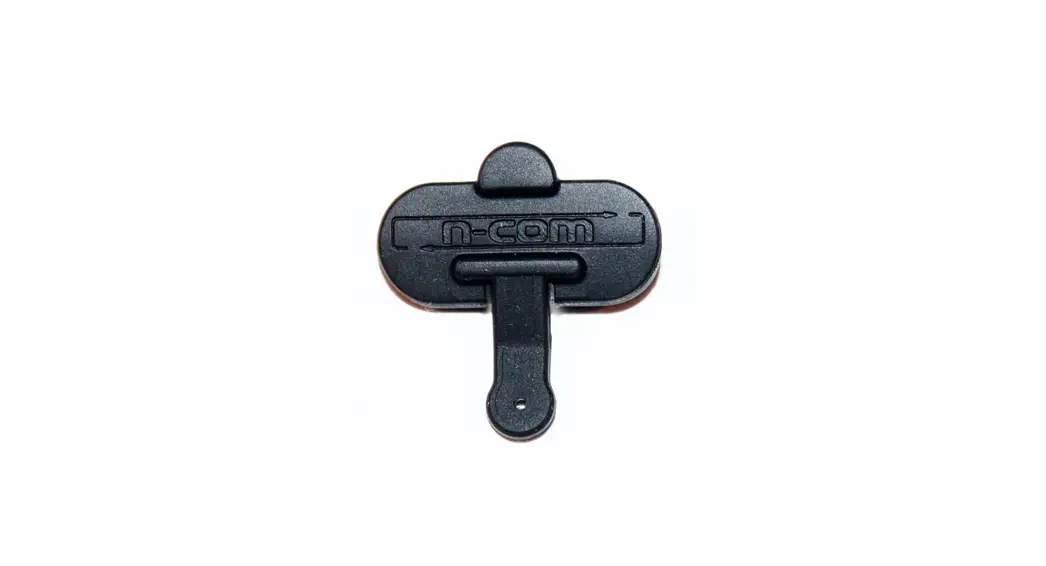

N-com Spcom00000028 Left Cable Instruction Manual

N-com Spcom00000028 Left Cable Instruction Manual

n-com-LOGO

n-com SPCOM00000028 Left Cable Instruction
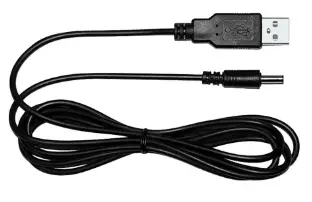
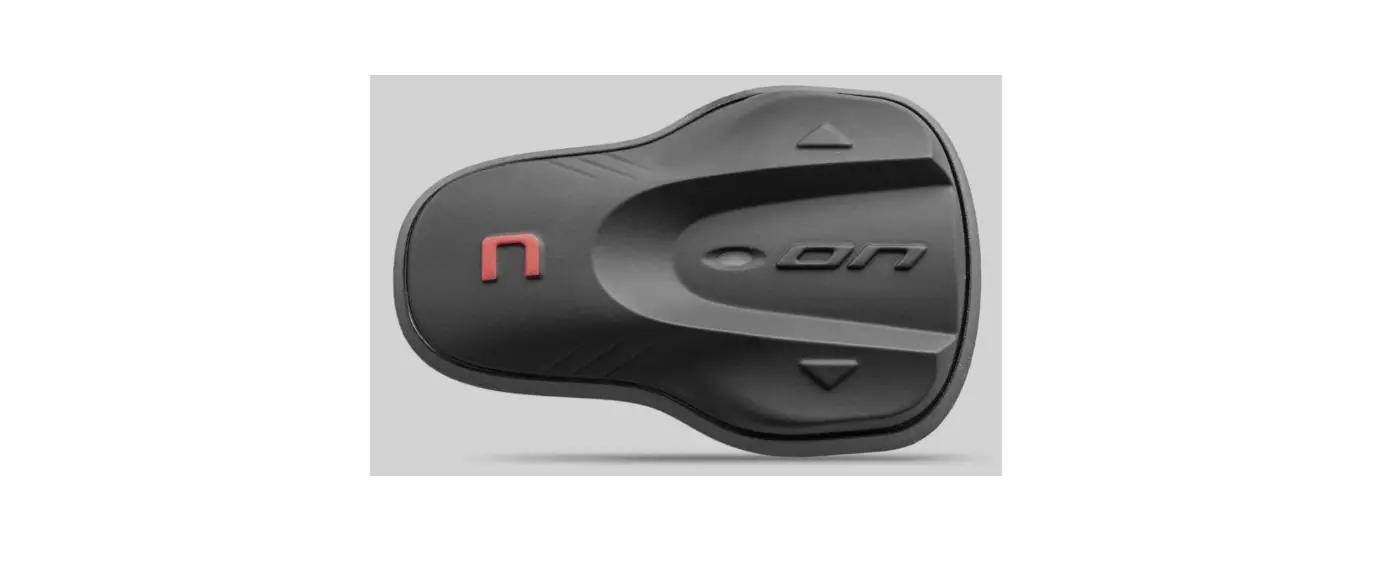
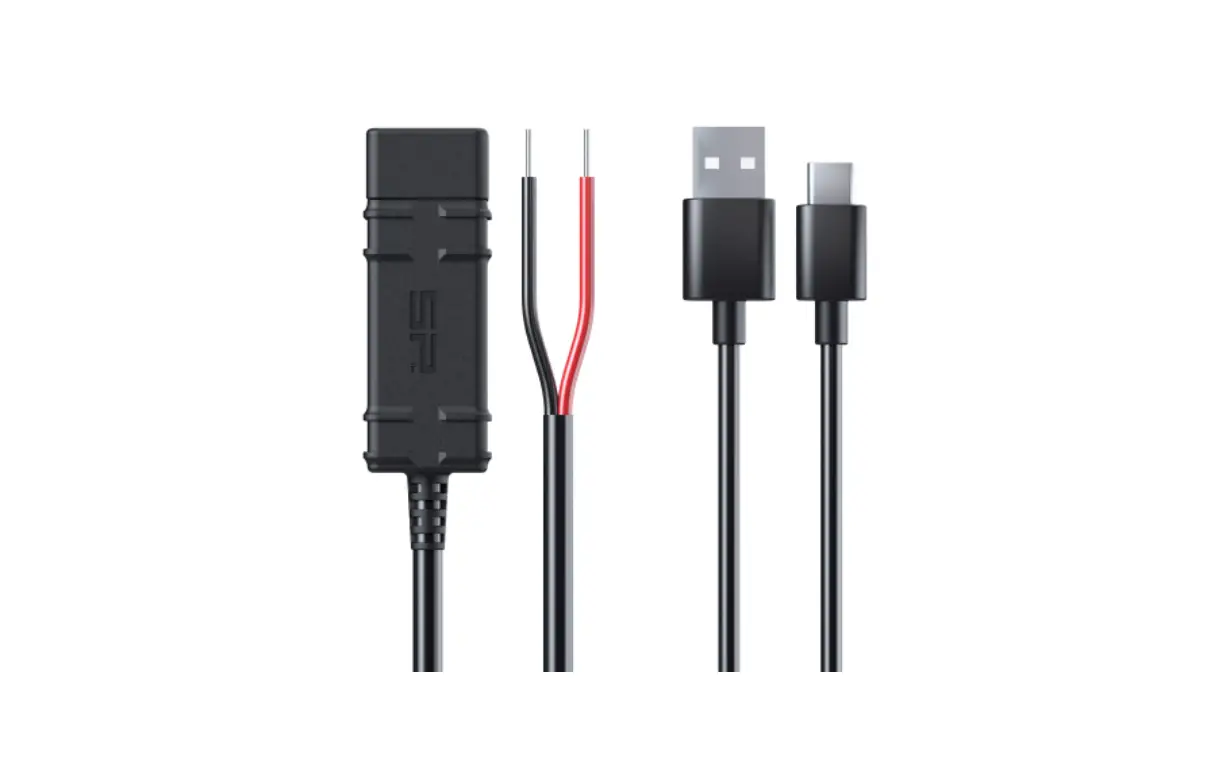
n-com-SPCOM00000028-Left-Cable-Instruction-PRODUCT

INSTRUCTIONS FOR REPLACING THE SPCOM00000028

  1. Remove the N-Com system from the helmet (see instruction booklet).n-com-SPCOM00000028-Left-Cable-Instruction-FIG-1n-com-SPCOM00000028-Left-Cable-Instruction-FIG-2
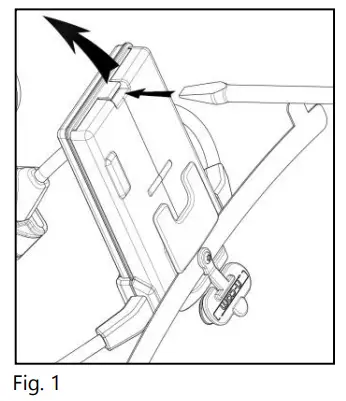
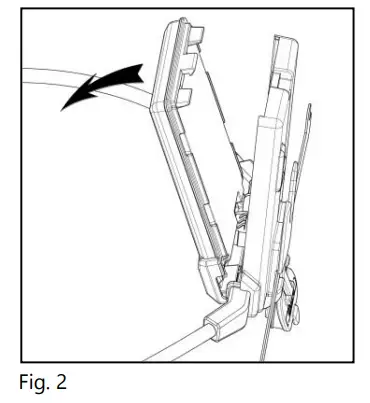
  2. Open the e-box (Fig. 1-2).n-com-SPCOM00000028-Left-Cable-Instruction-FIG-3n-com-SPCOM00000028-Left-Cable-Instruction-FIG-4
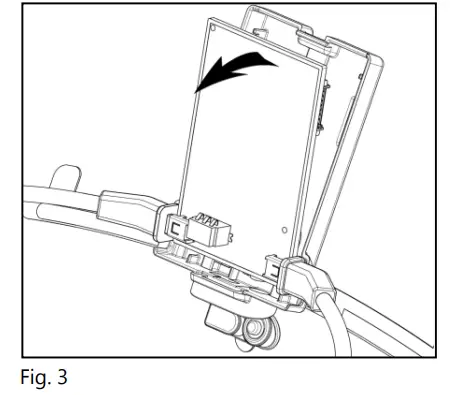
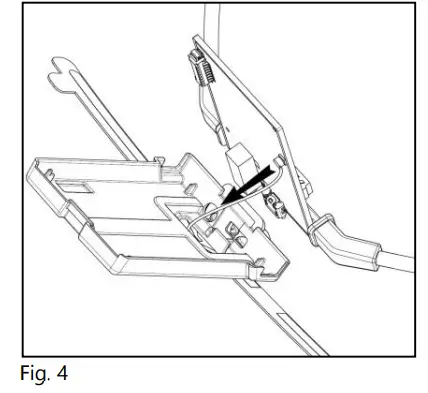
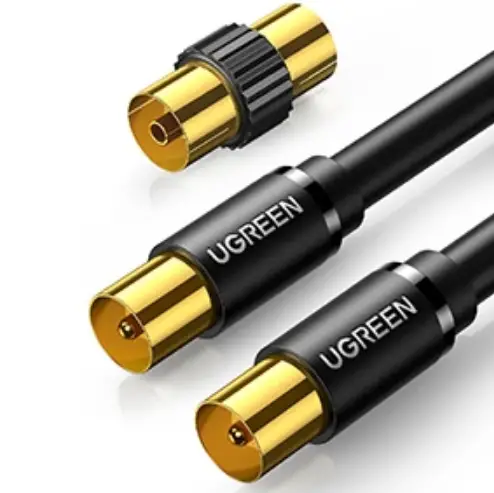
  3. If necessary, disconnect the antenna connector (Fig. 3-4).n-com-SPCOM00000028-Left-Cable-Instruction-FIG-5
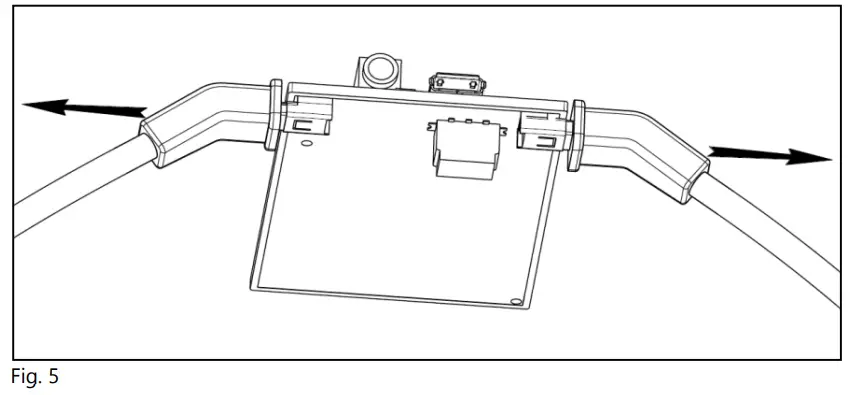
  4. Remove the wiring to be replaced and position the new wiring connector in the counterpart on the electronic card (Fig. 5).
  5. If previously removed, reconnect the antenna to the card.n-com-SPCOM00000028-Left-Cable-Instruction-FIG-6n-com-SPCOM00000028-Left-Cable-Instruction-FIG-7
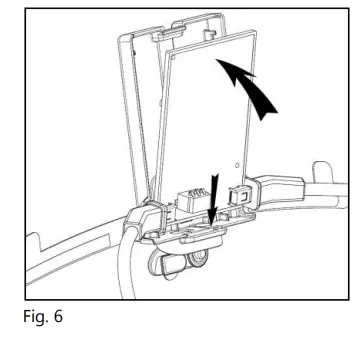
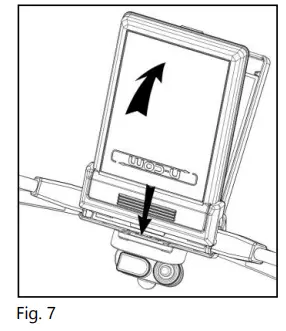
  6. Close the e-box (Fig. 6-7).
  7. Reposition the N-Com system inside the helmet (see instruction booklet).

Documents / Resouces

Download manual
Here you can download full pdf version of manual, it may contain additional safety instructions, warranty information, FCC rules, etc.


Related Manuals