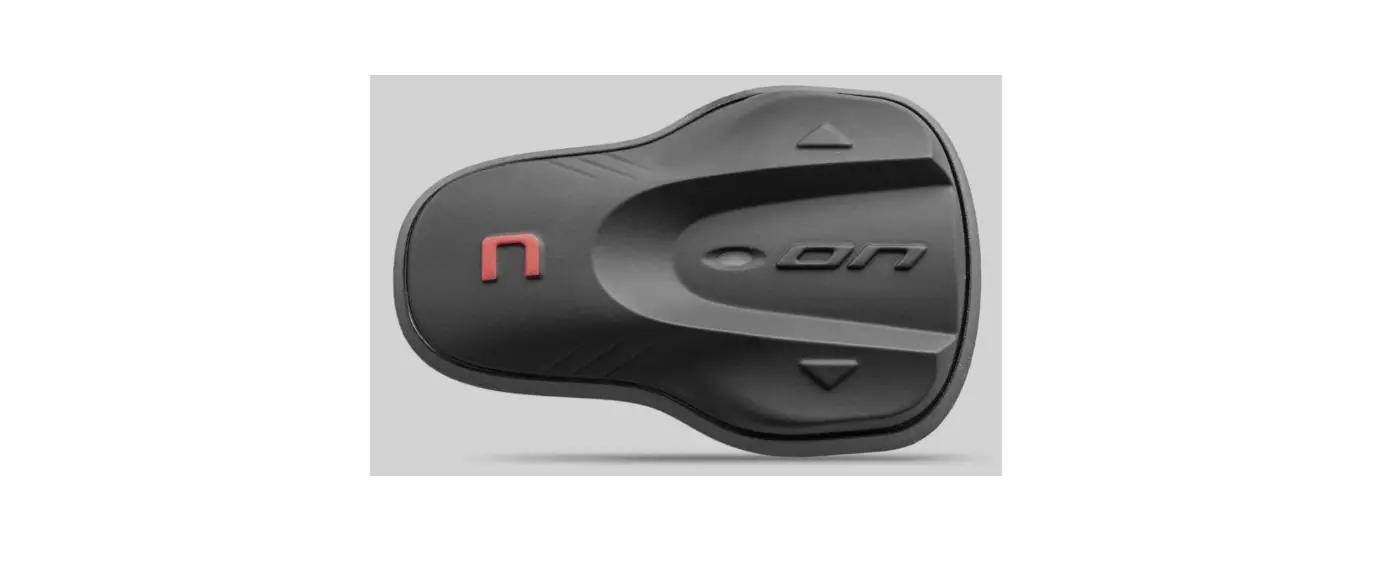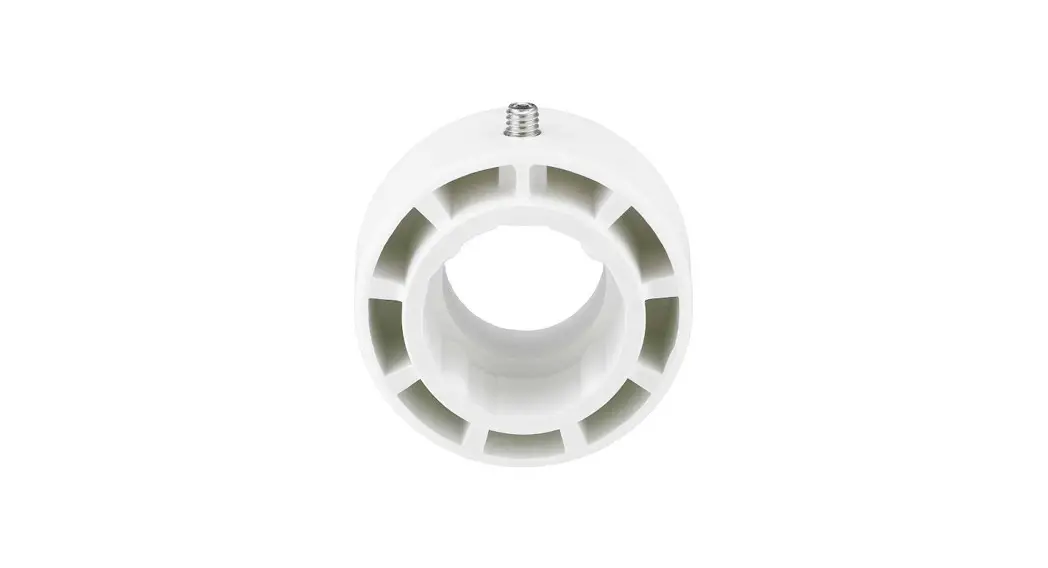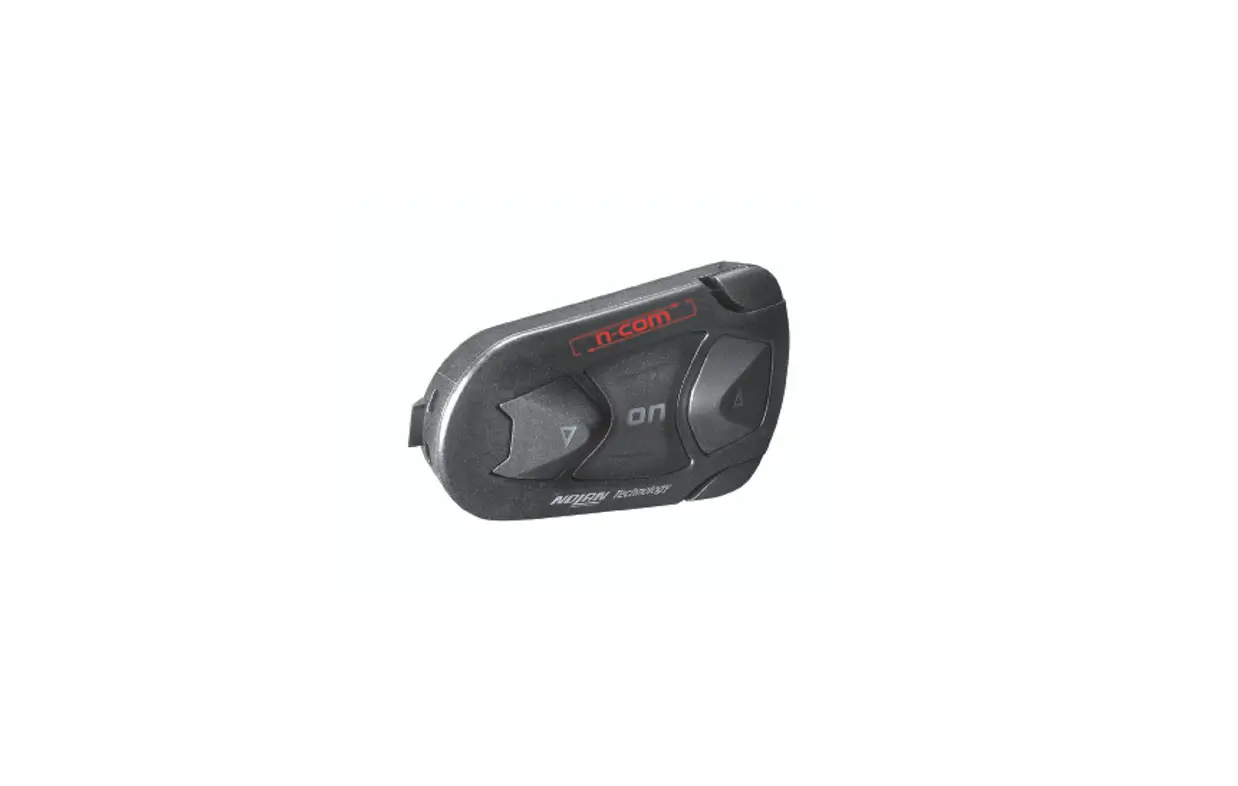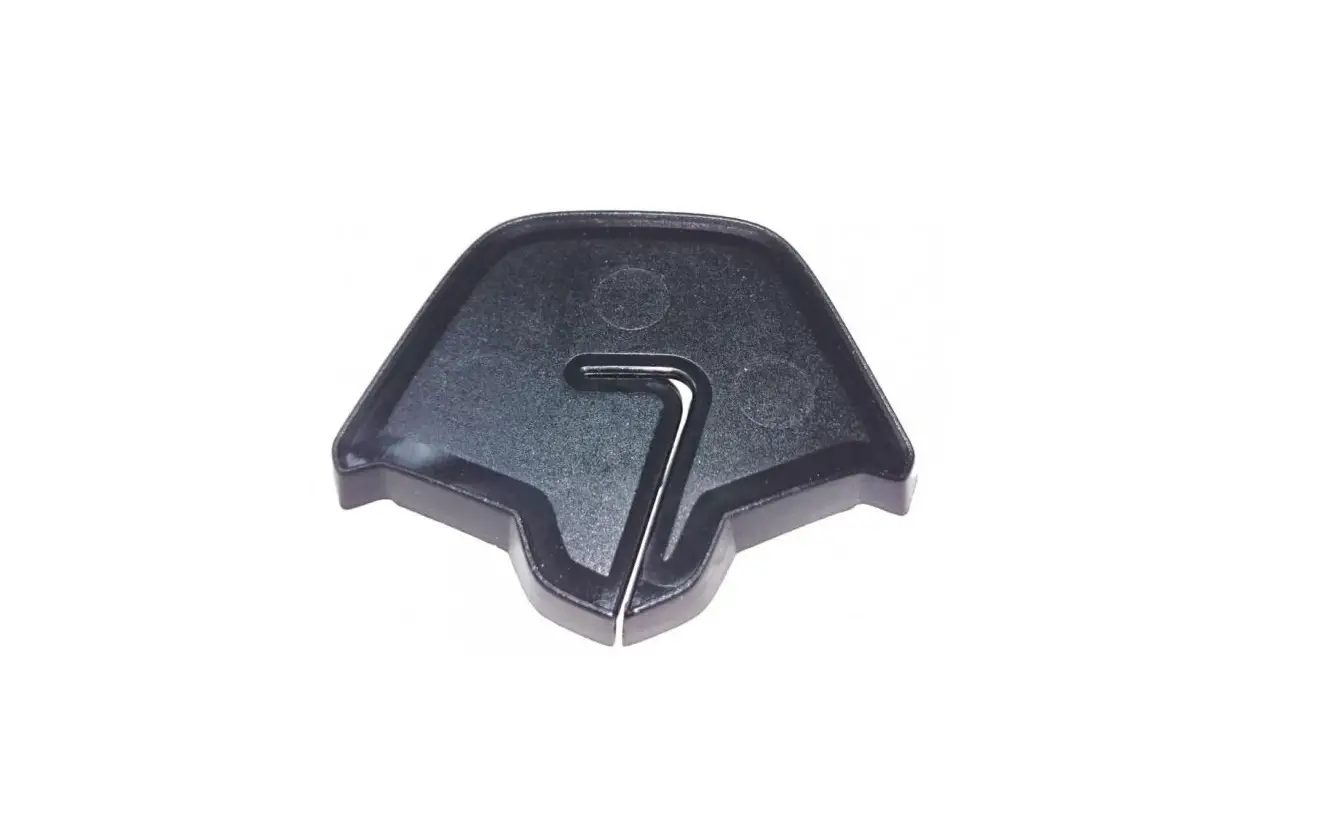

n-com SPCOM00000069 Adapter
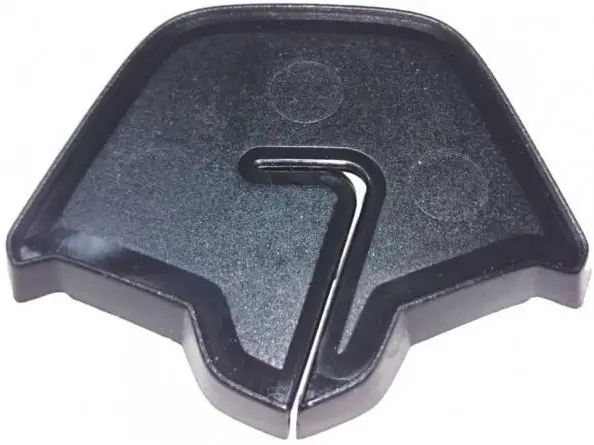
INSTRUCTIONS FOR REPLACING THE SPCOM00000069
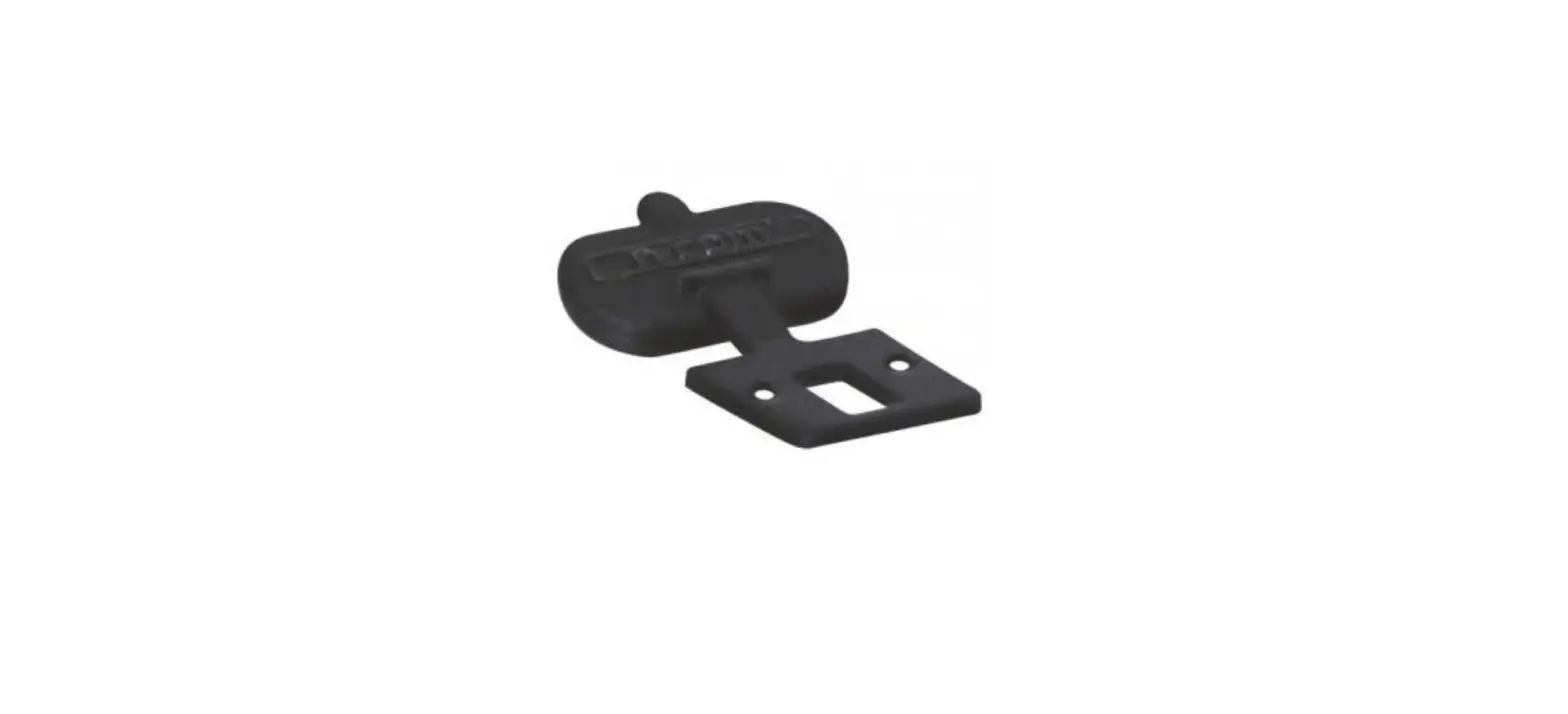
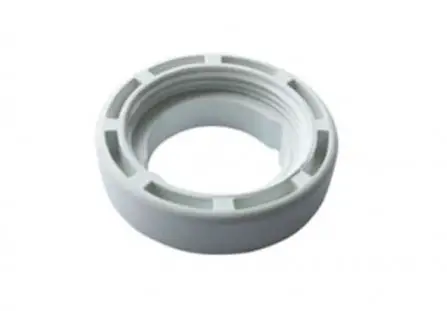
- Select the specific adapter for your helmet (the compatible helmet model is shown on the back of the support).
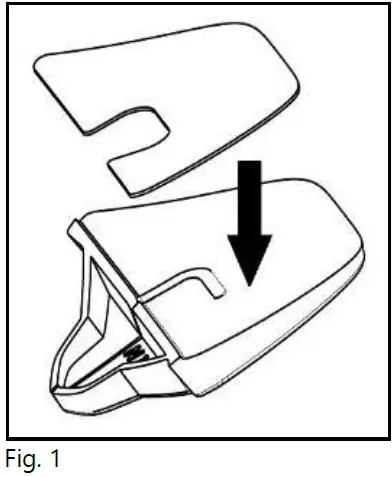
- Apply the double-sided adhesive tape supplied as standard equipment to the selected plastic adaptor (Fig. 1).

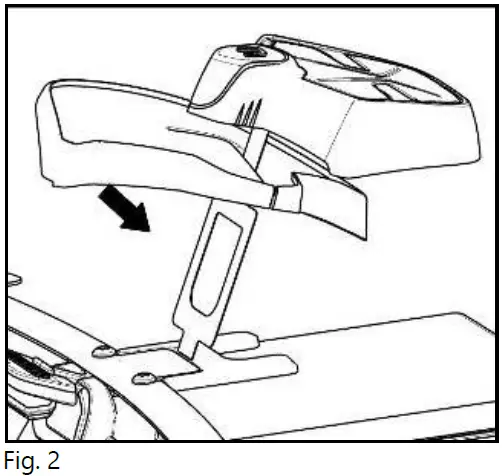
- Insert the FLEX cable of the ESS system in the hole of the selected adapter as illustrated, in the direction shown in the image (Fig. 2).

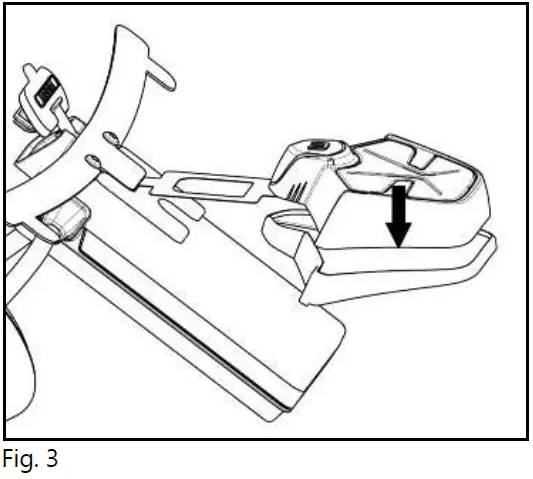
- Rotate the adapter until it is in a horizontal position like the ESS system, then press the two components together until they stick one onto the other (Fig. 3).

For more details, see the product manual instructions.