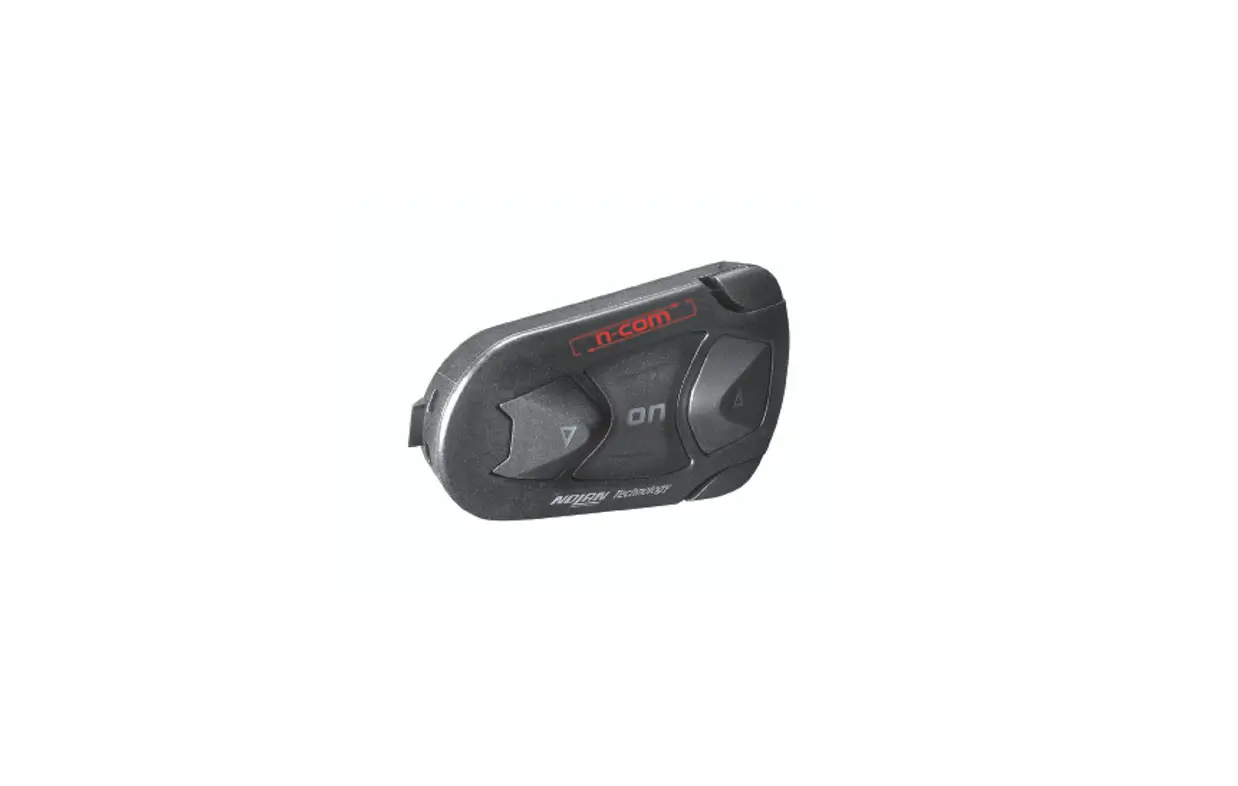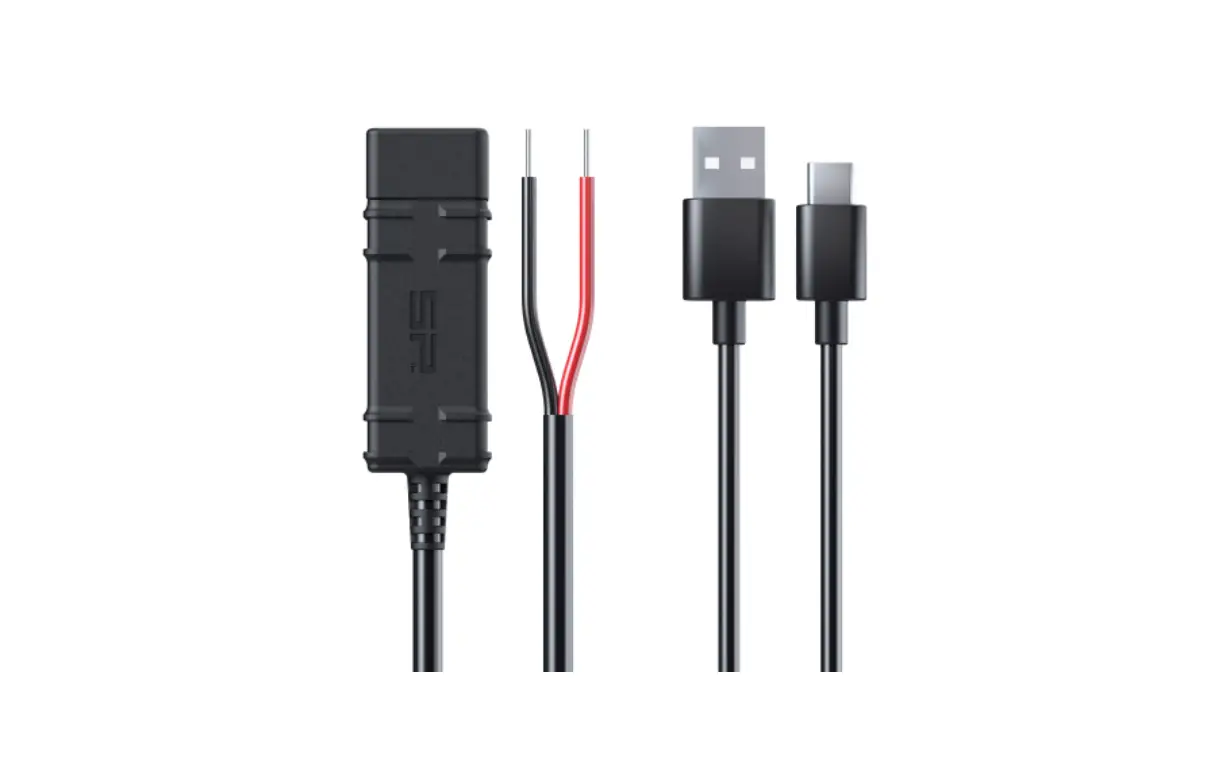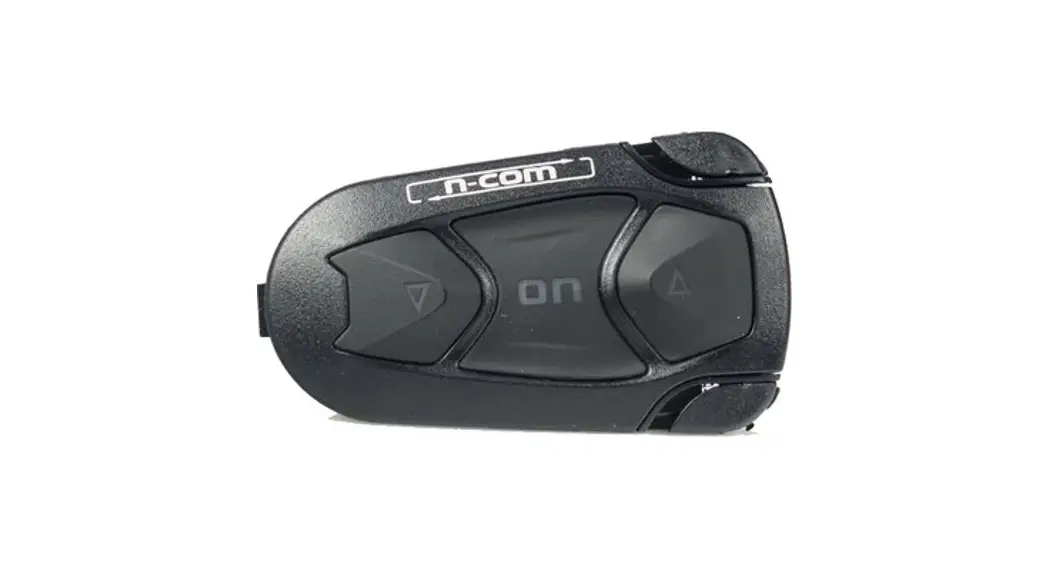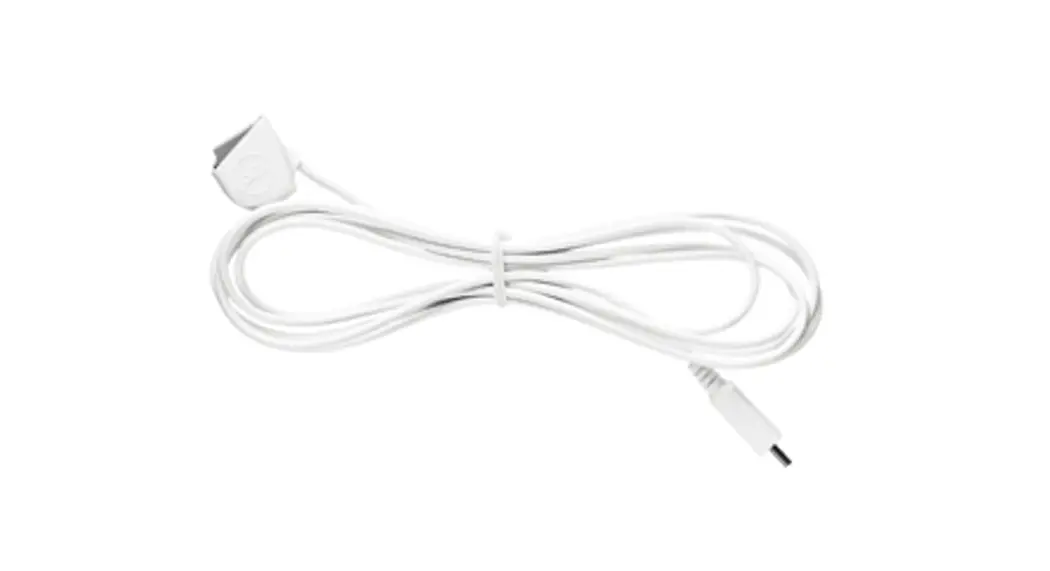

n-com SPCOM00000032 Right Cable
INSTRUCTIONS FOR REPLACING THE SPCOM00000032
- Remove the N-Com system from the helmet (see instruction booklet).
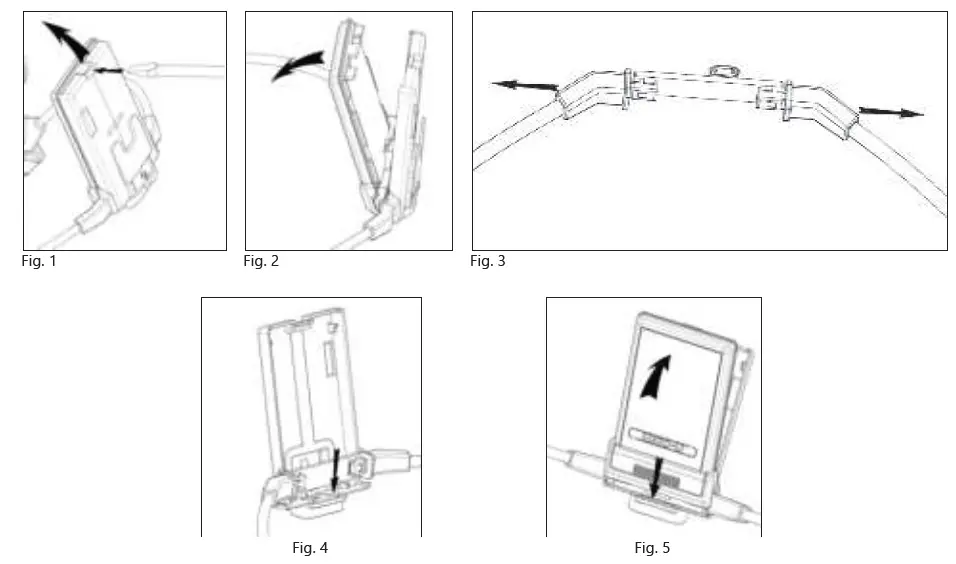
- Open the e-box (Fig. 1-2).
- GENTLY remove the electronic card from its place.
- Remove the wiring (Fig. 3).
- Replace the wiring and position the new wiring connector in the counterpart on the electronic card.
- Replace the electronic.
- Close the e-box (Fig. 4-5).
- Reposition the N-Com system inside the helmet (see instruction booklet).