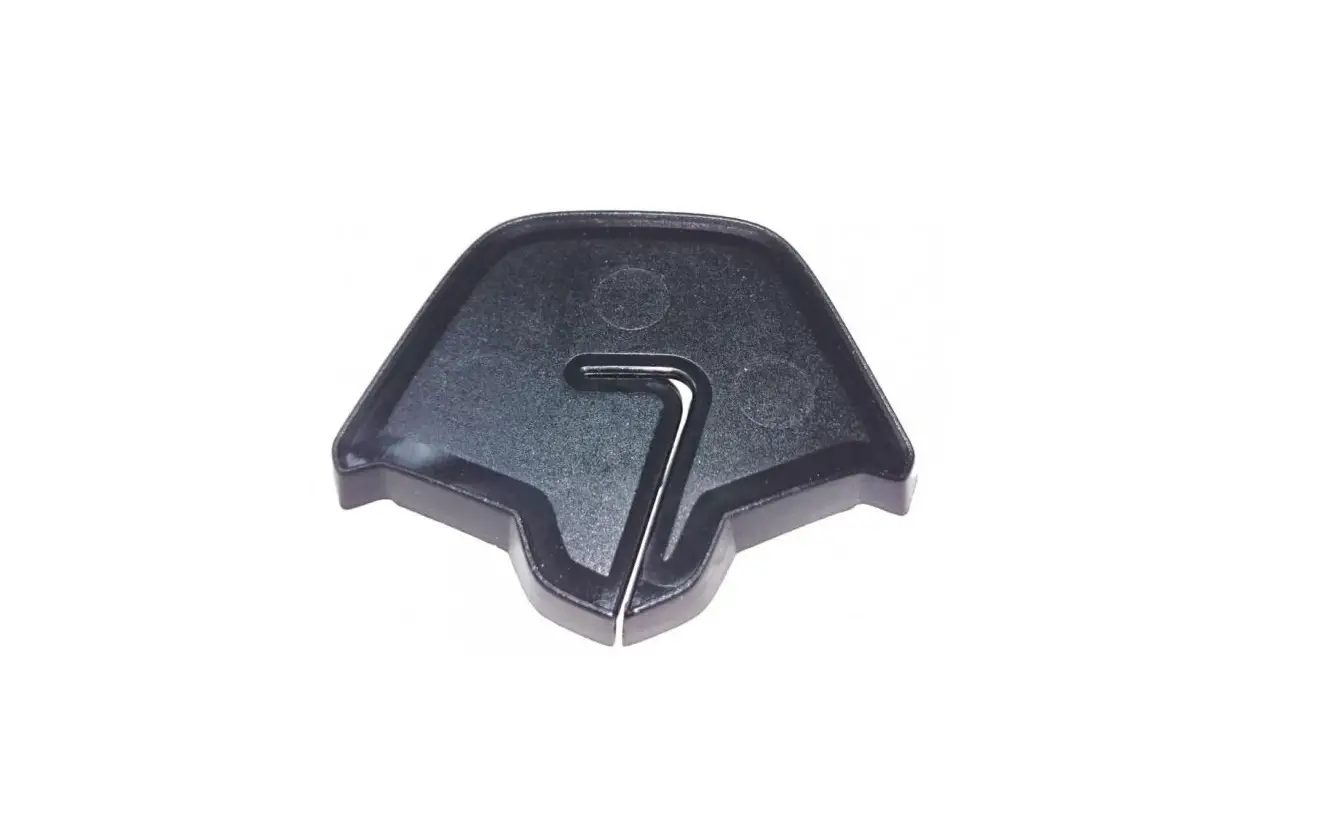
 SPCOM00000025
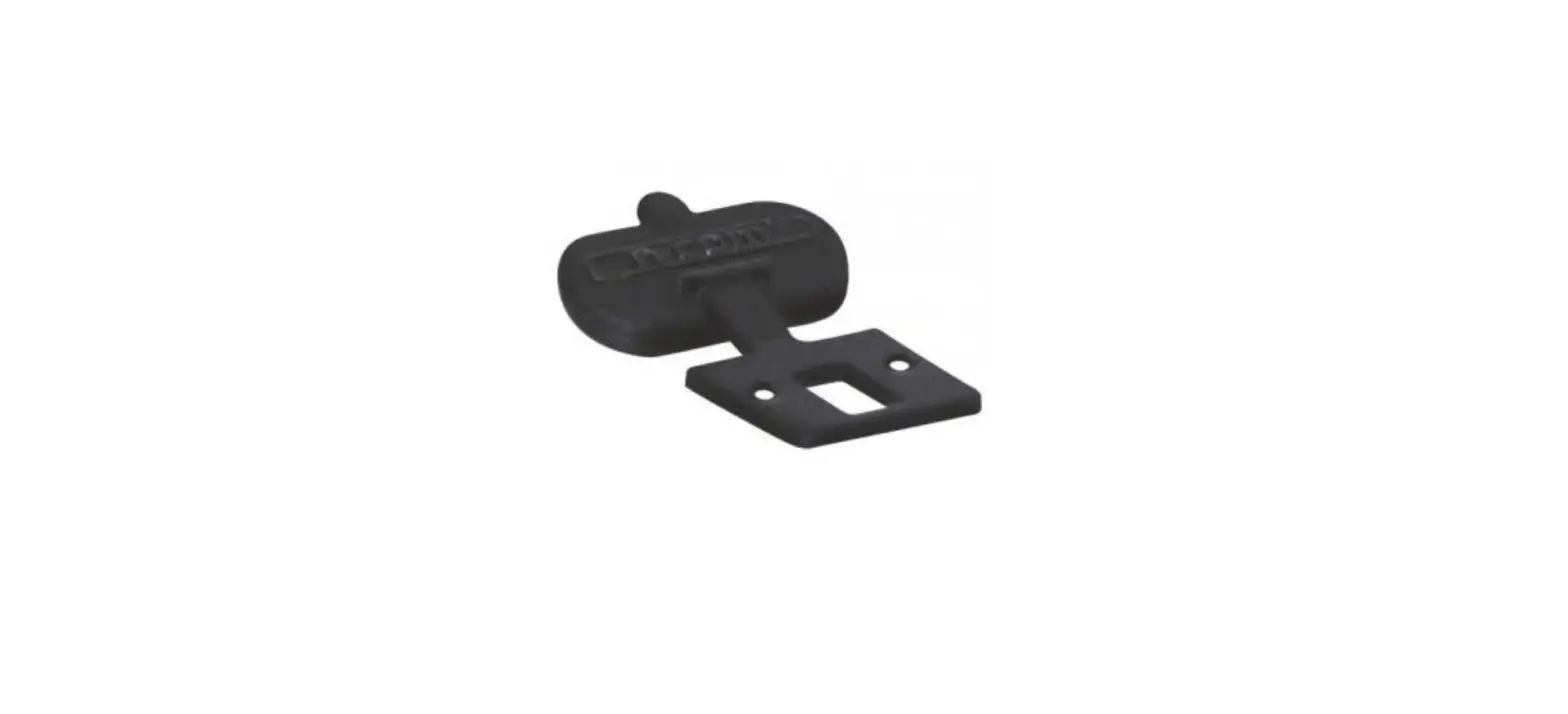
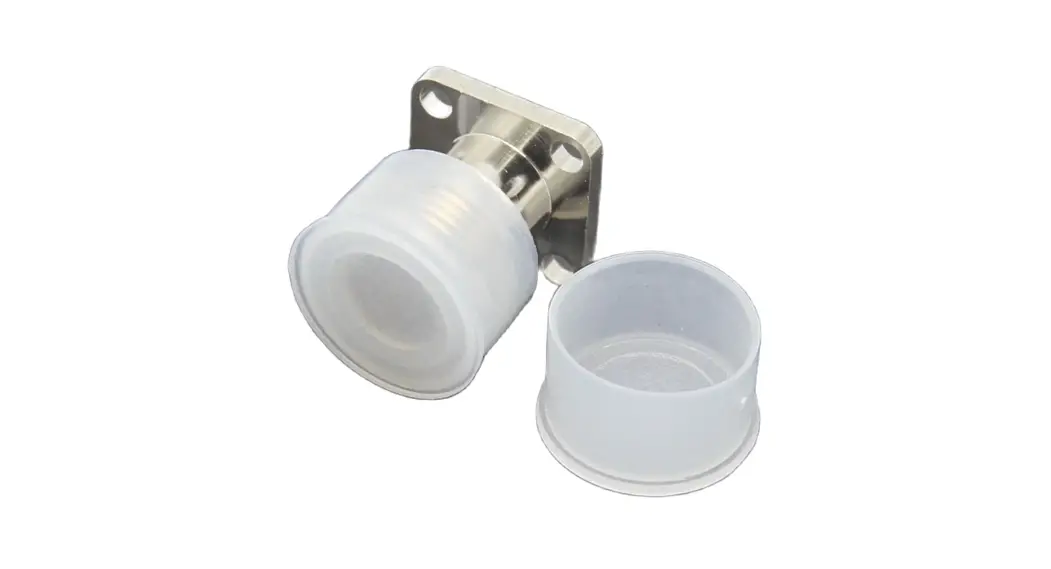
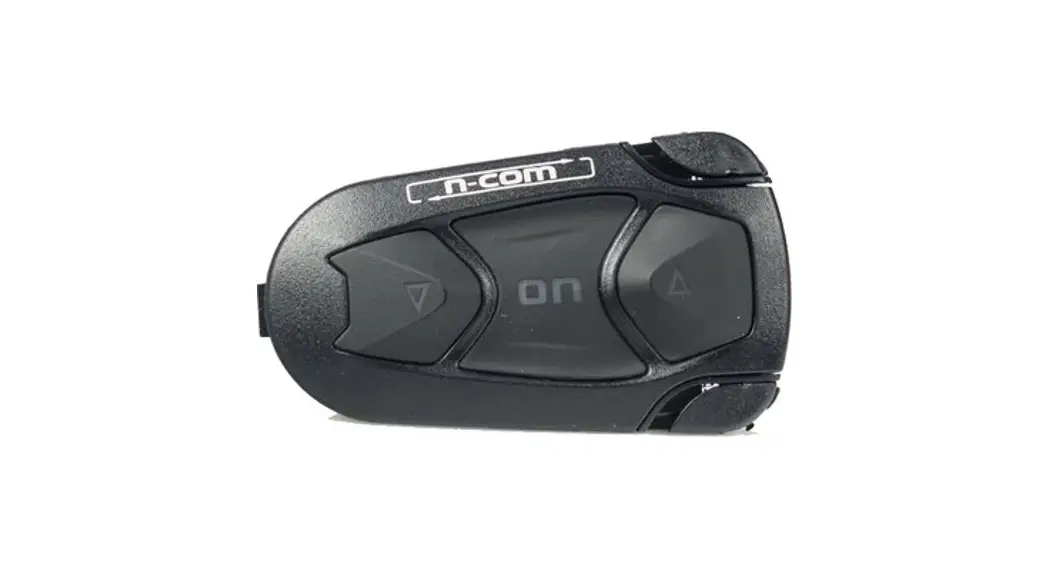
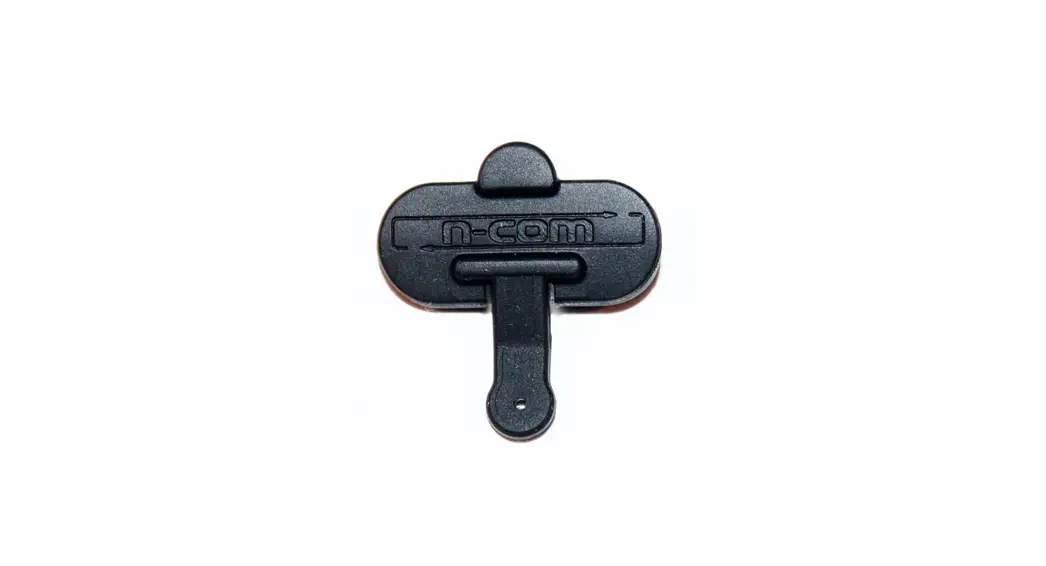
SPCOM00000025 Connector Cover
INSTRUCTIONS FOR REPLACING THE SPCOM00000025
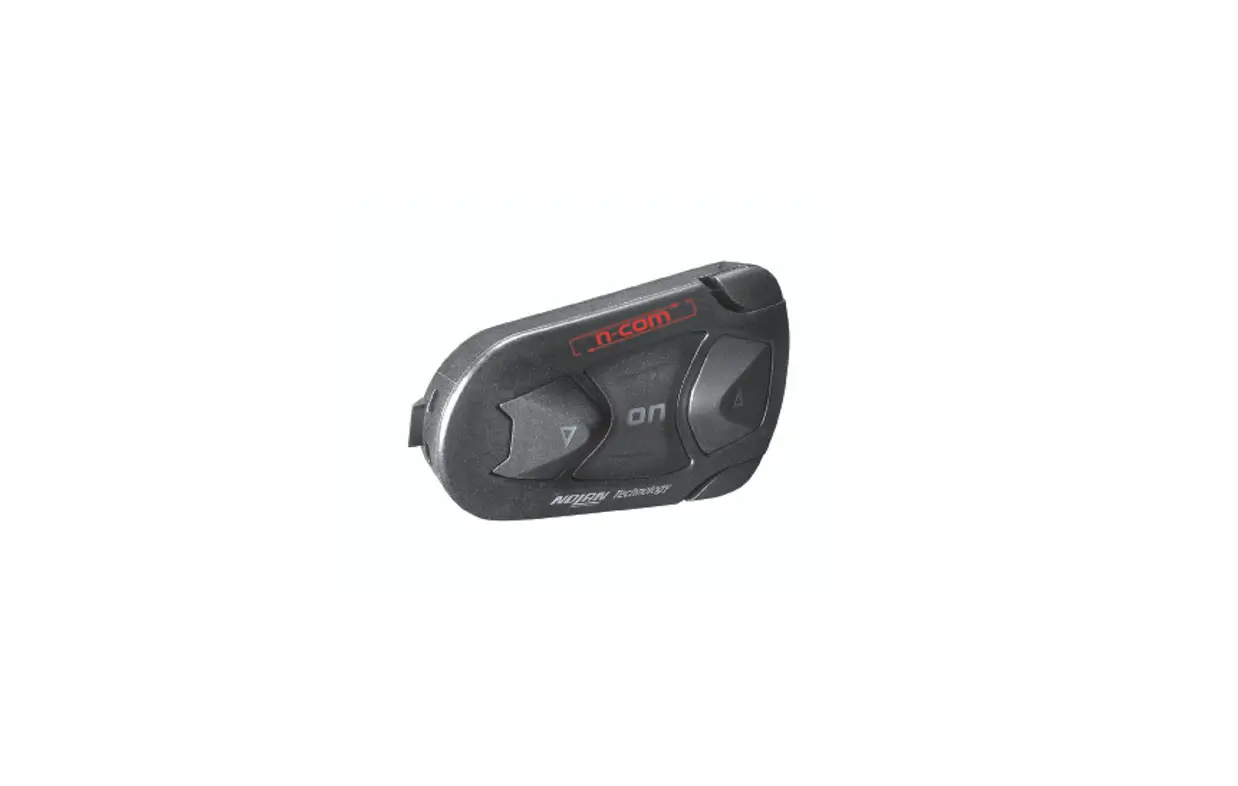
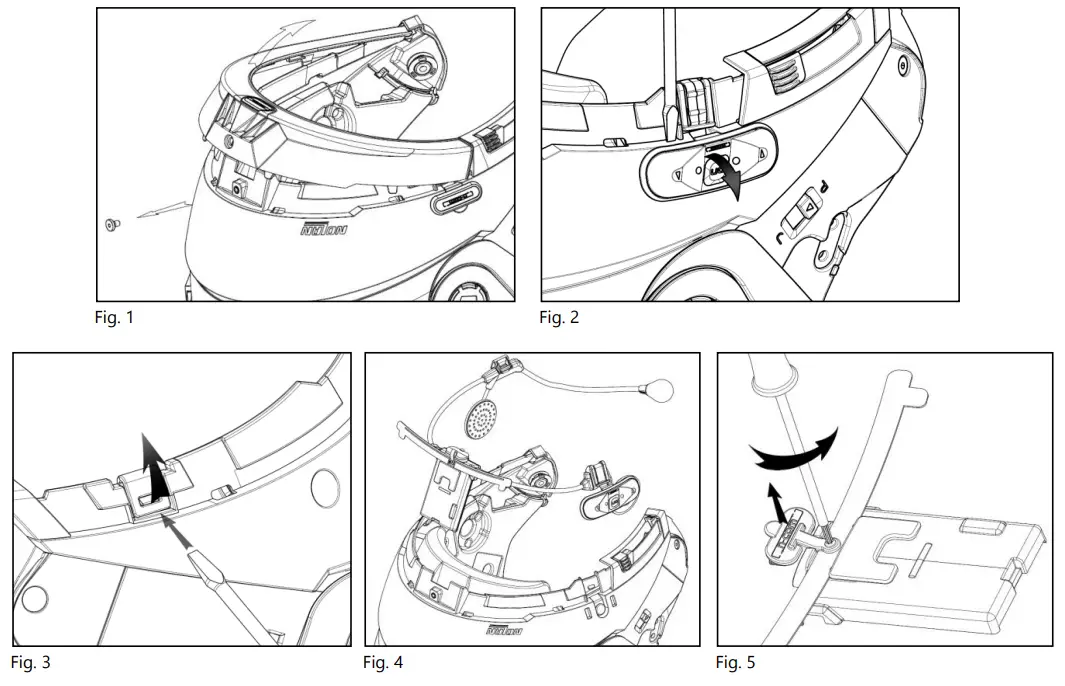
- Remove the N-Com system from the helmet (Fig. 1-4).
- Unscrew the screw and replace the connector cover (Fig. 5).
- Screw the fixing screw back in.
- Reposition the N-Com system inside the helmet (see instruction booklet).