 SP CONNECT MAN077 Phone Case
 SP CONNECT MAN077 Phone Case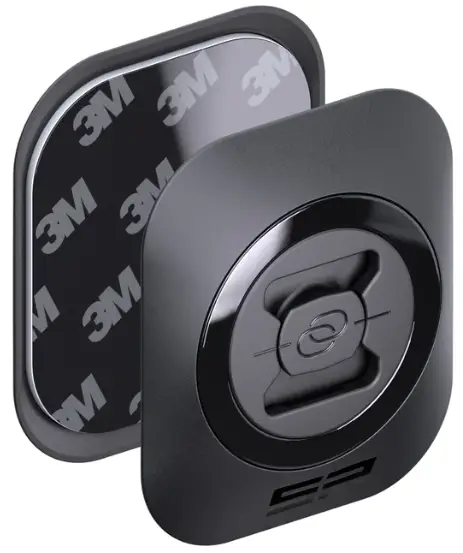
Mounting instructions
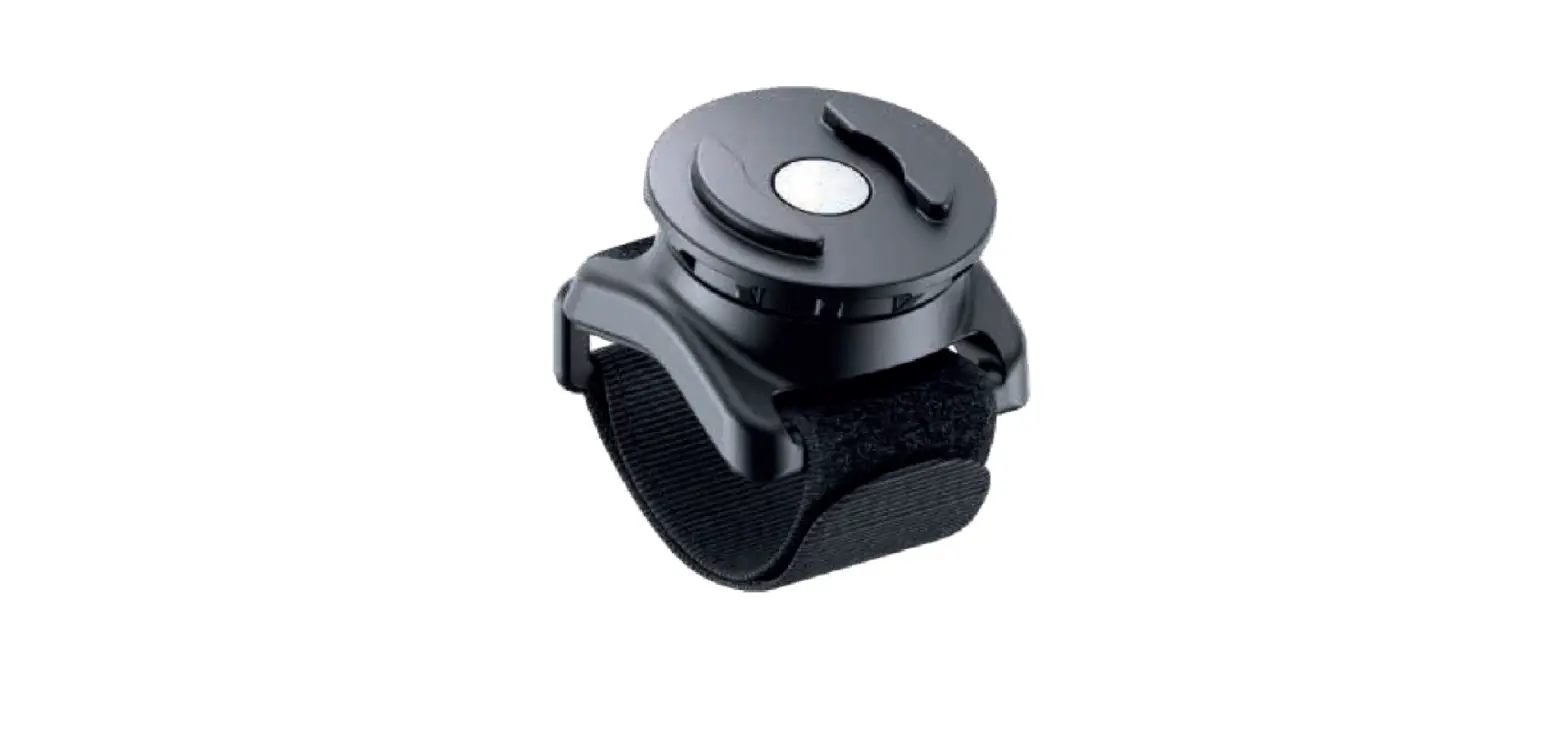
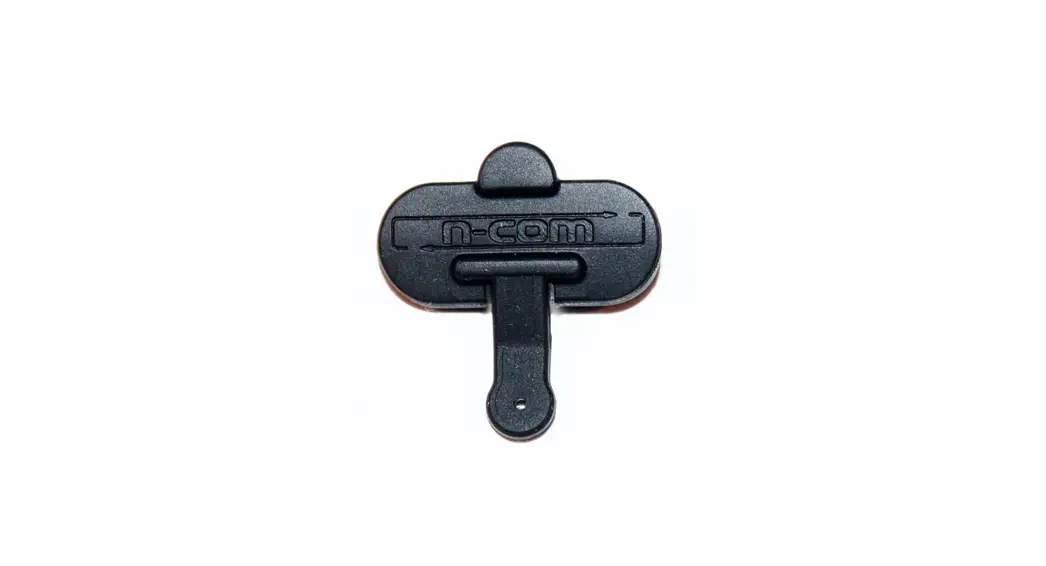
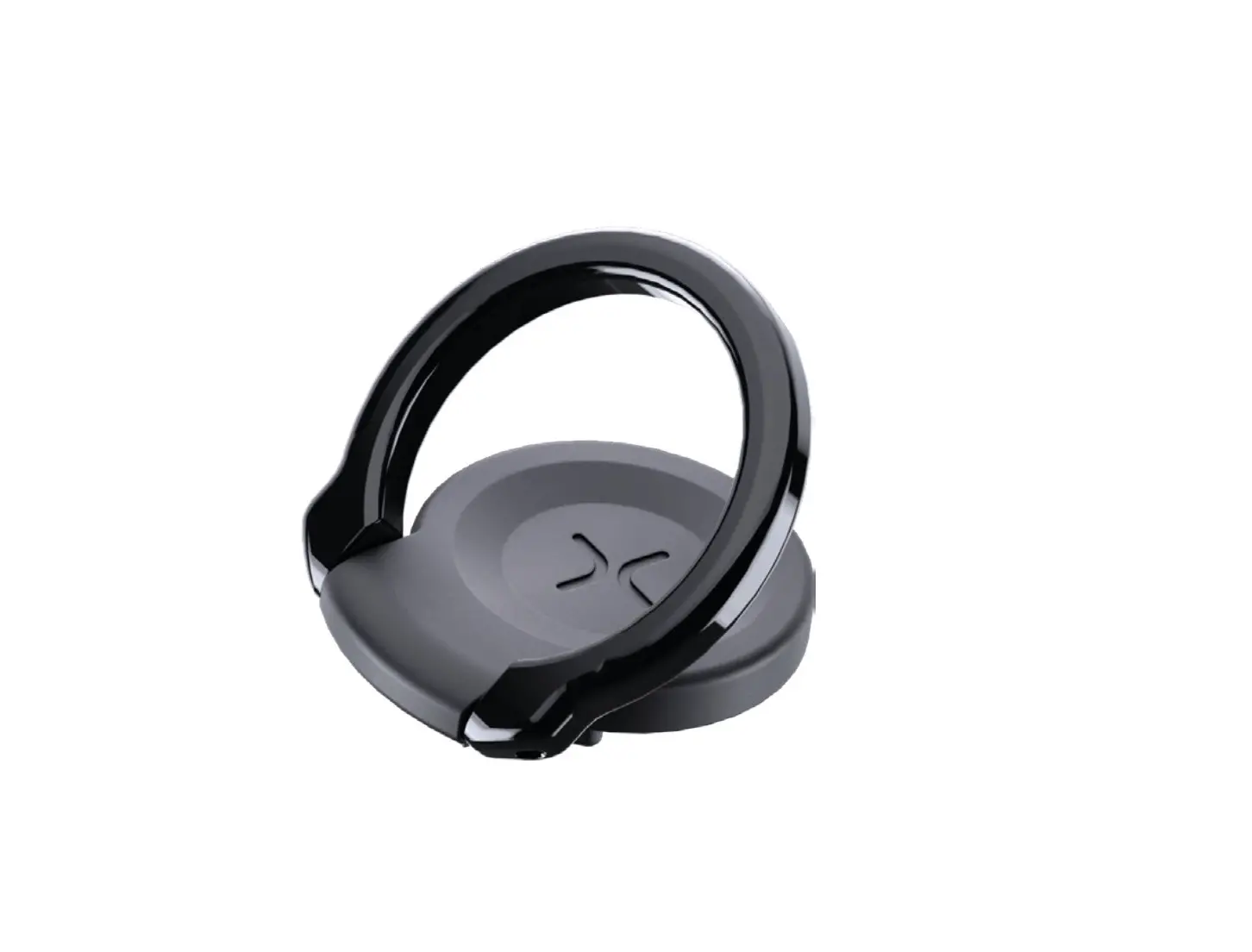
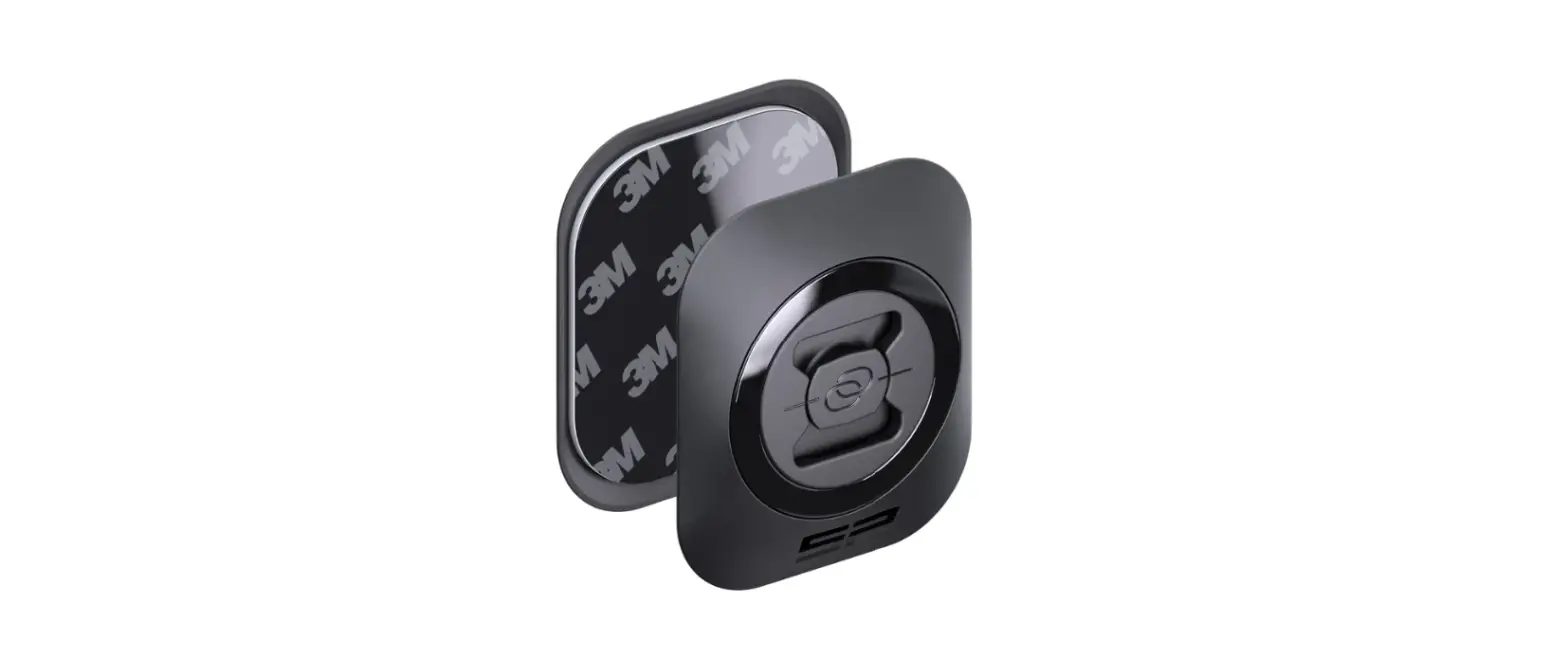
Insert Stand Tool and choose landscape or portrait mode by turning it to 90°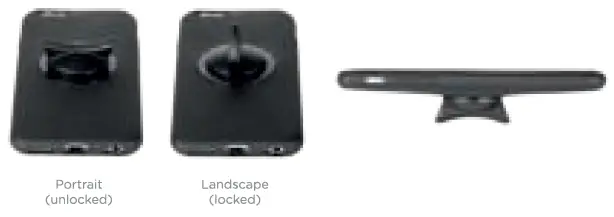
If connect interface is twisted, use Stand Tool to correct its position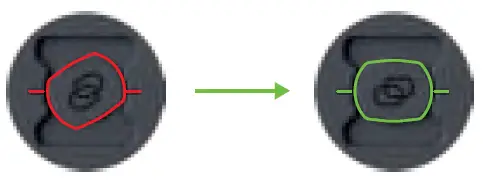
Assembling
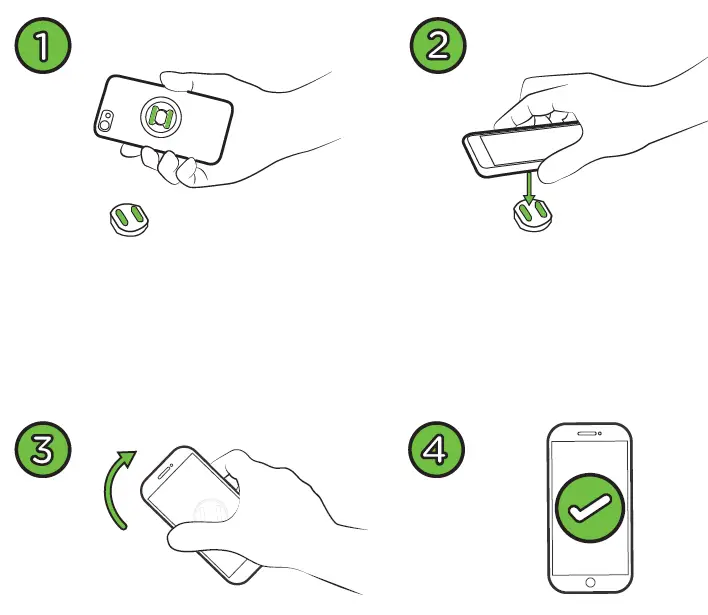
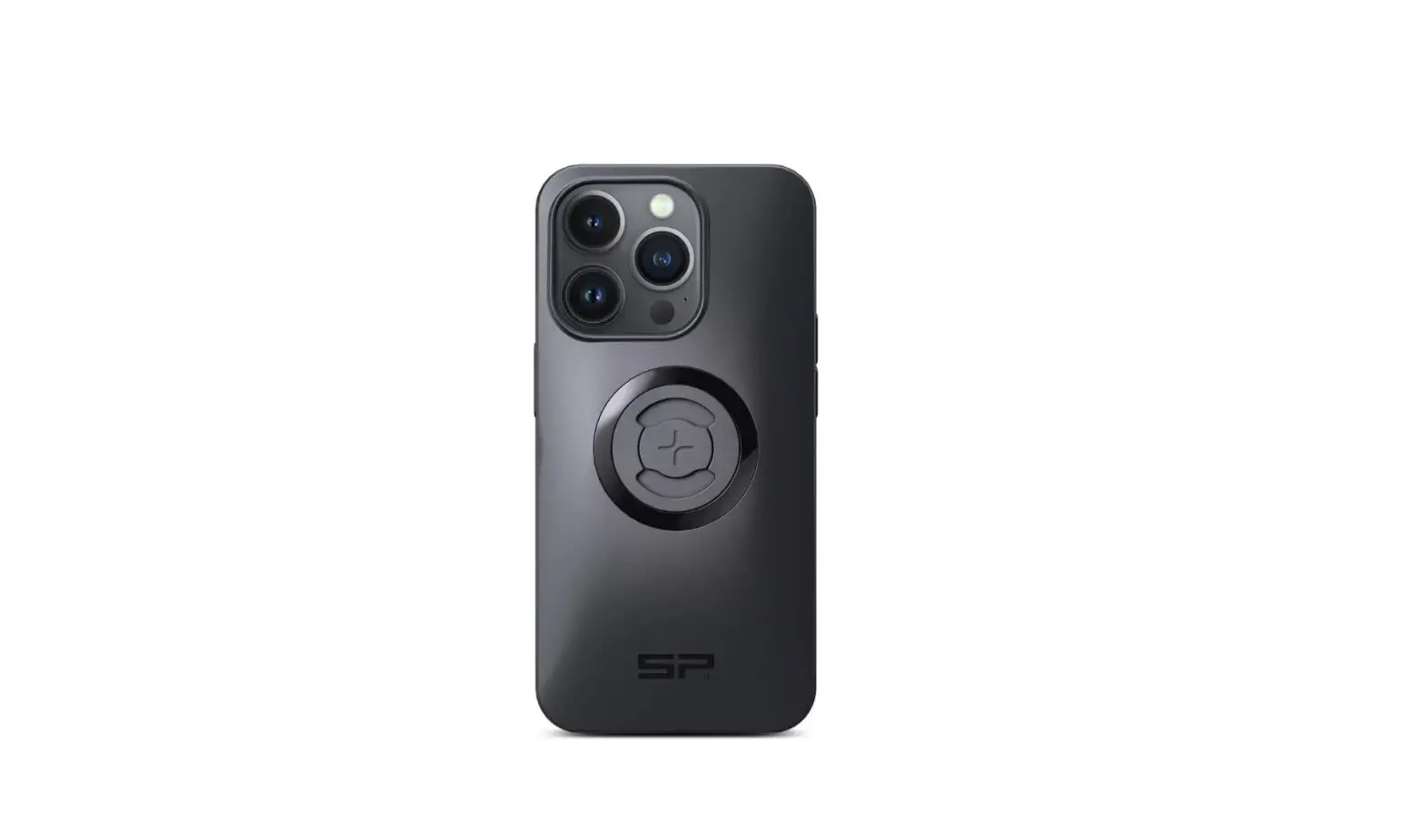
Insert Phone in the case
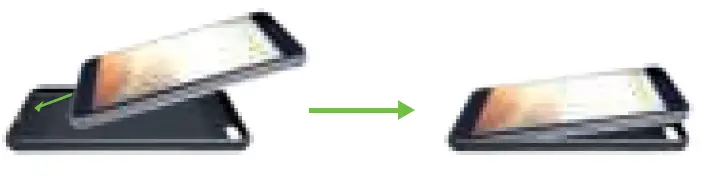
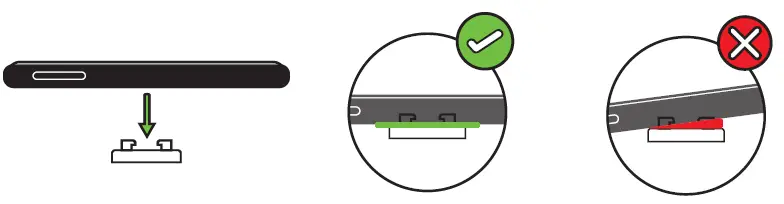
When placing the phone on the mount make sure phone sits flat on mount