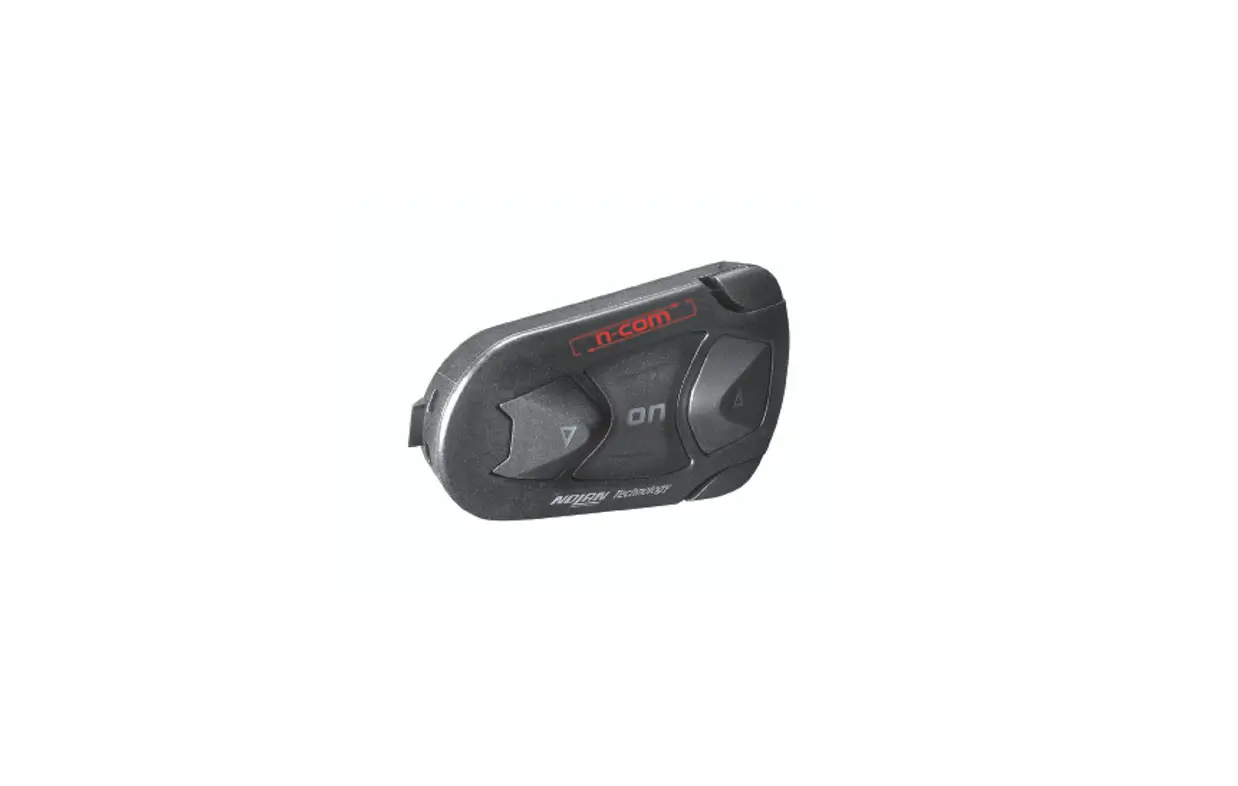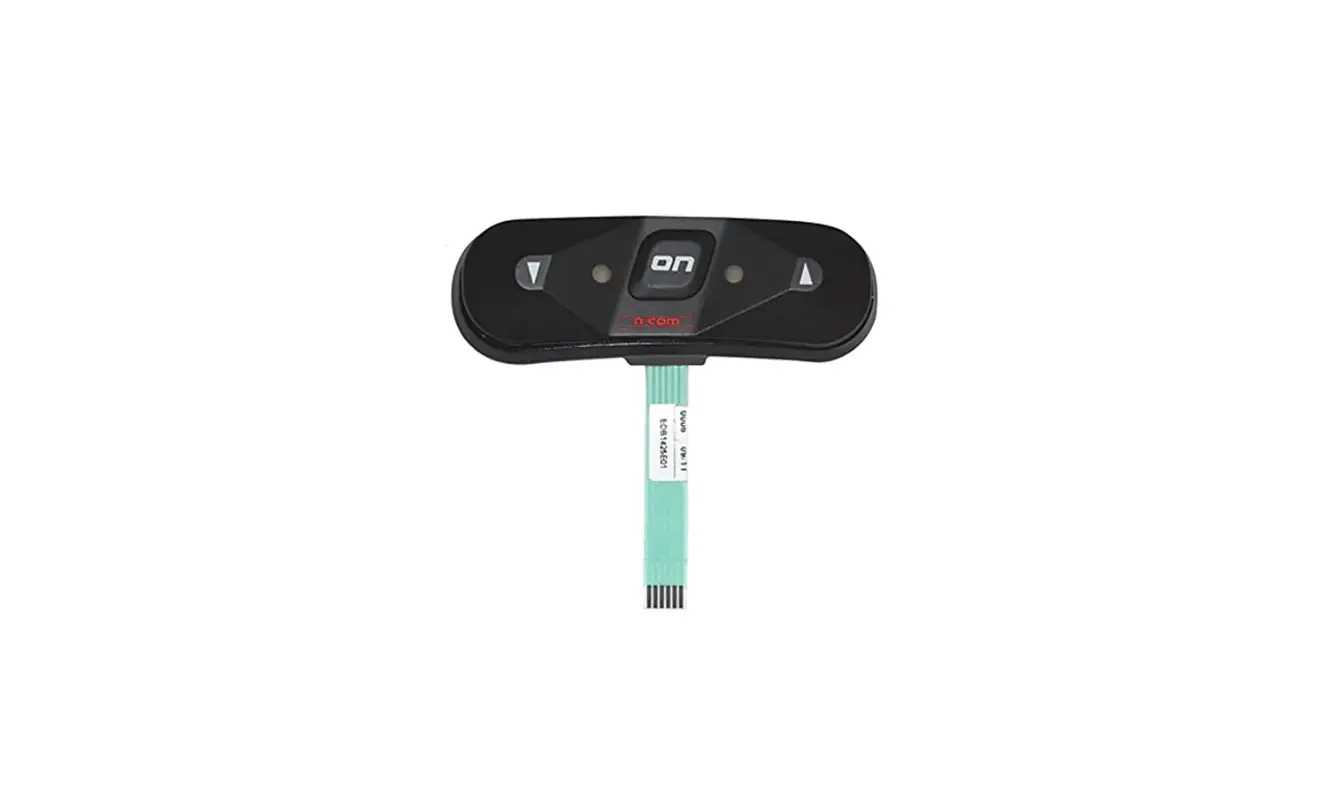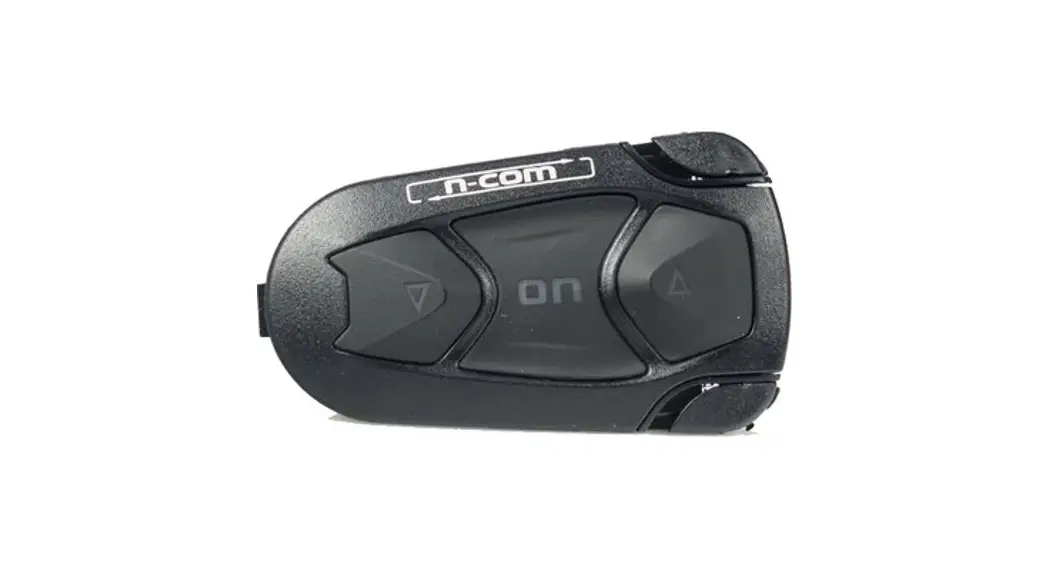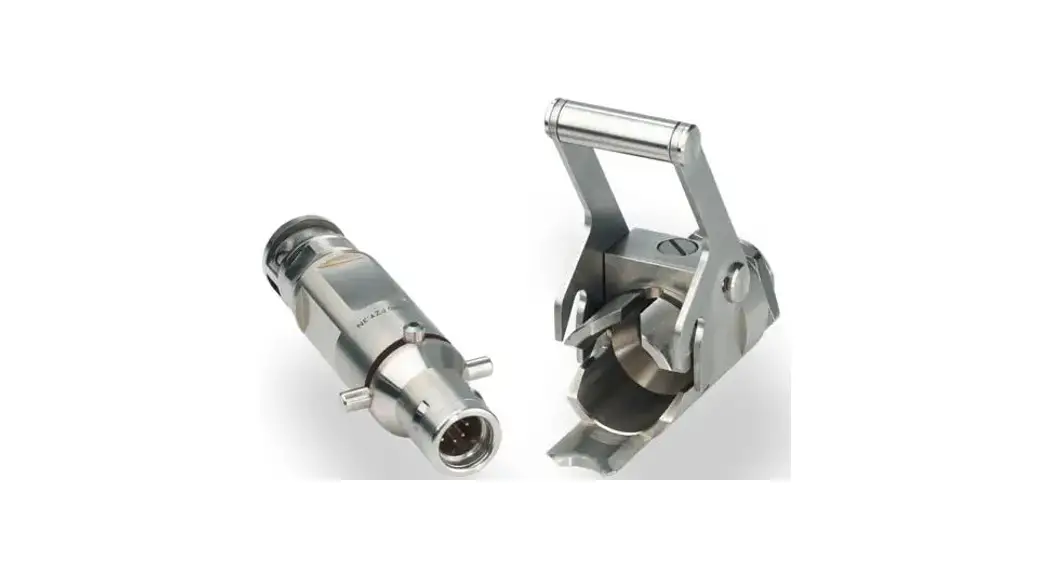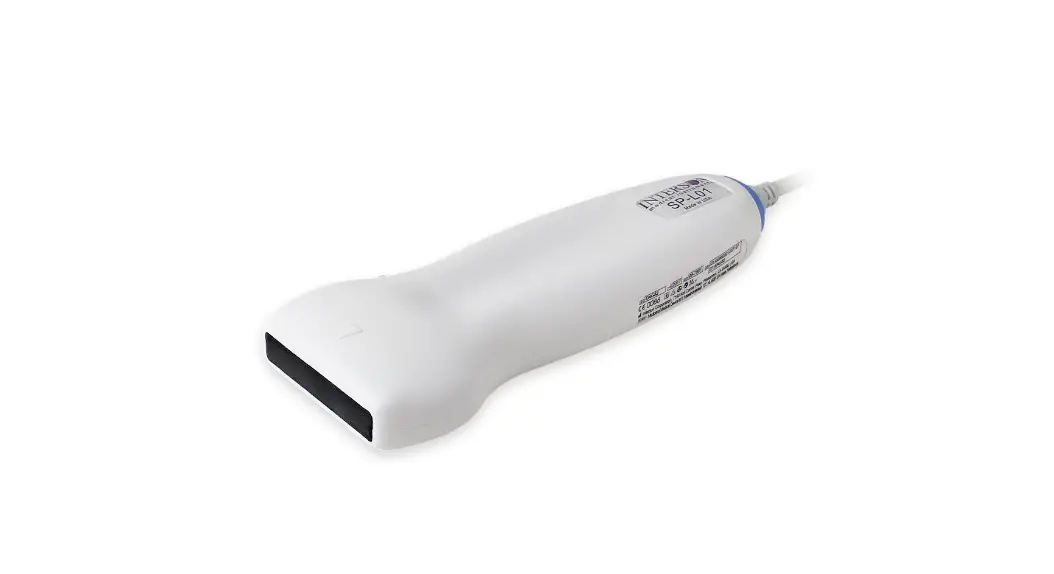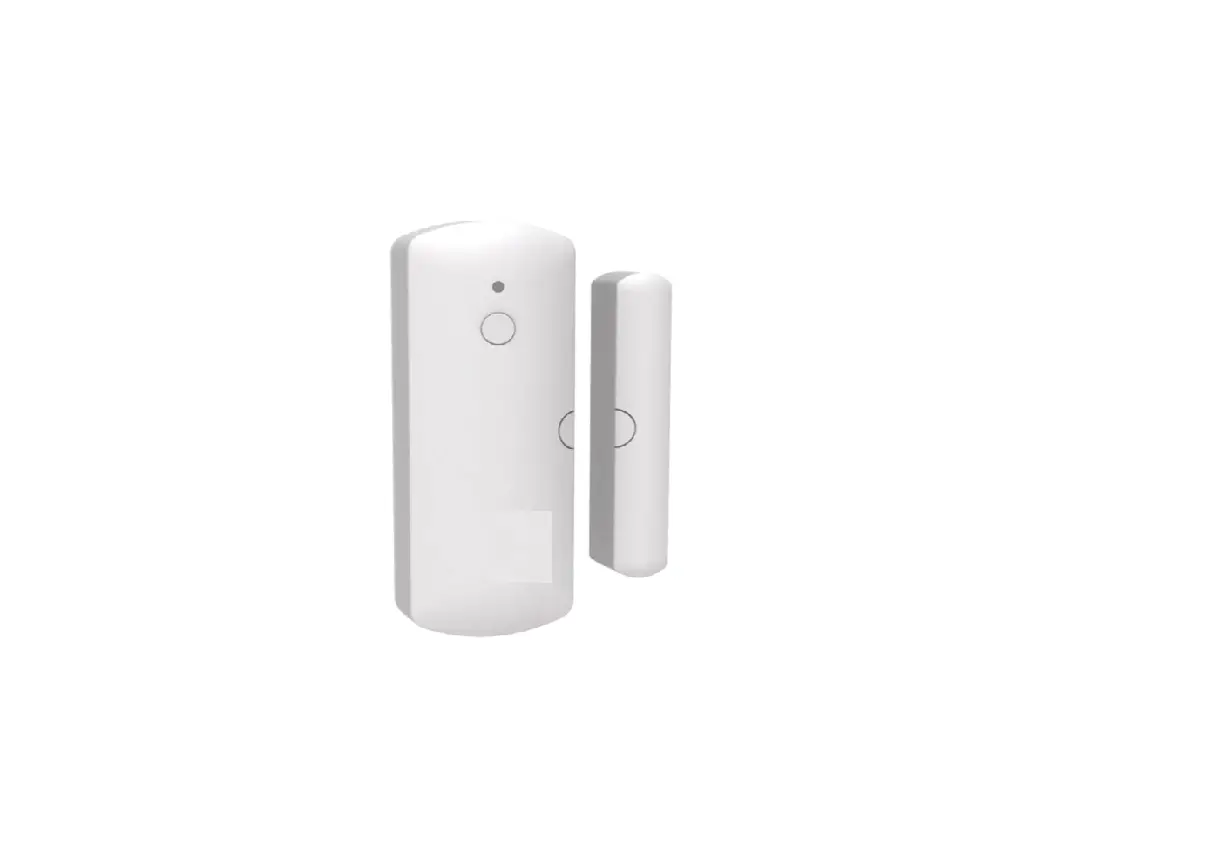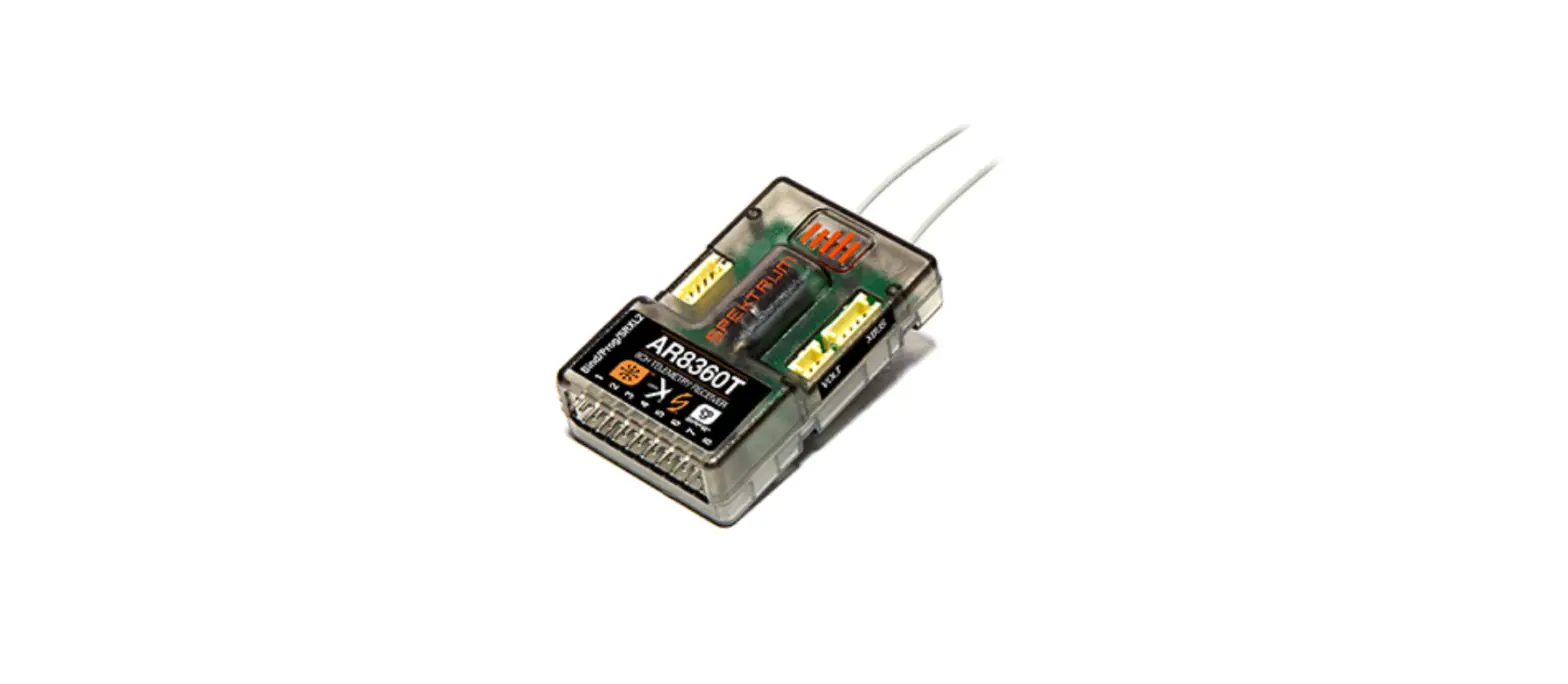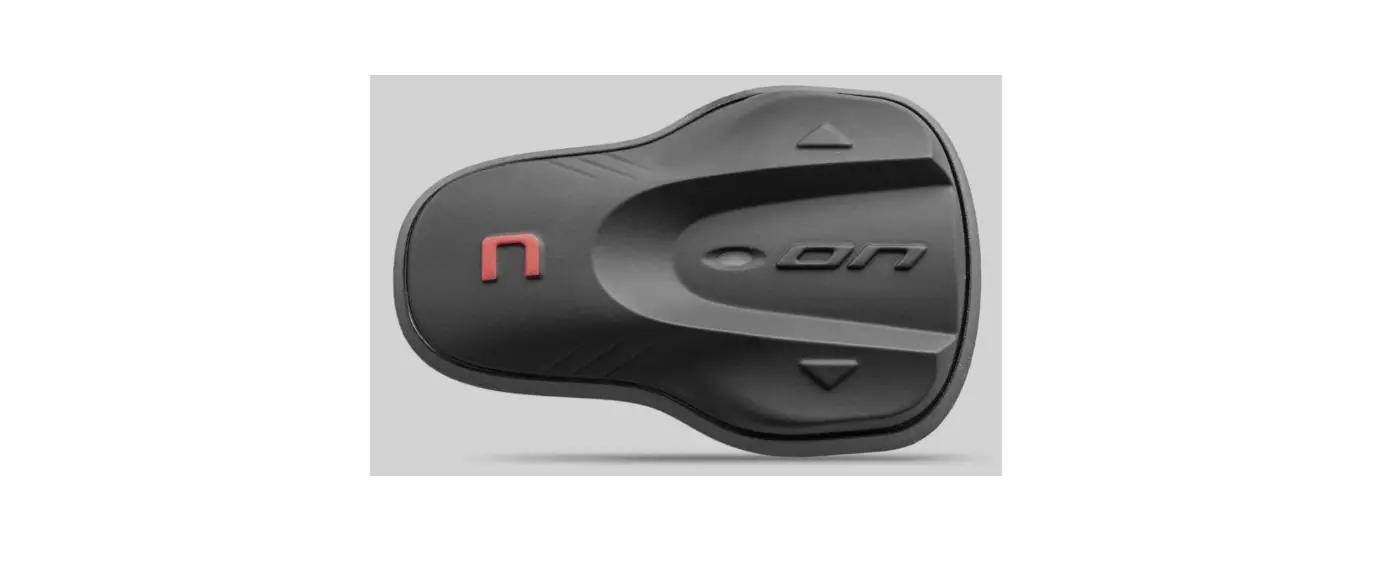

SPCOM00000044 N-Com System
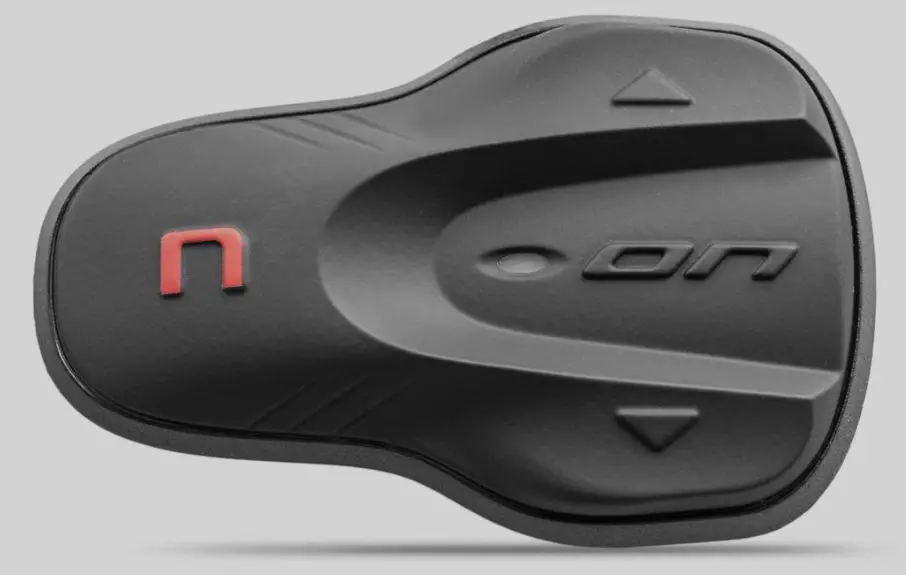
INSTRUCTIONS FOR REPLACING THE SPCOM00000044
- Remove the N-Com system from the helmet (see instruction booklet).
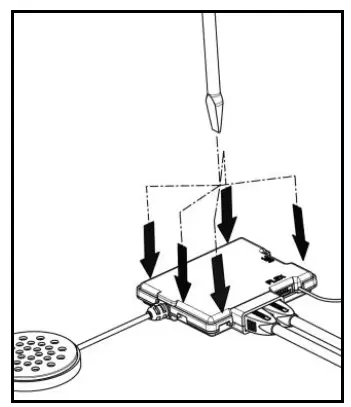
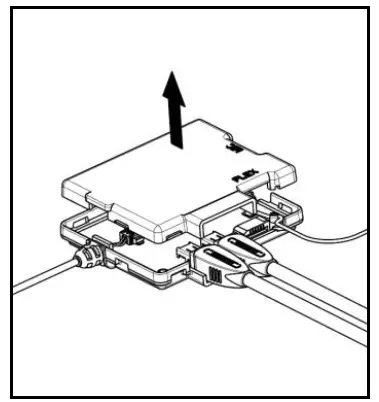
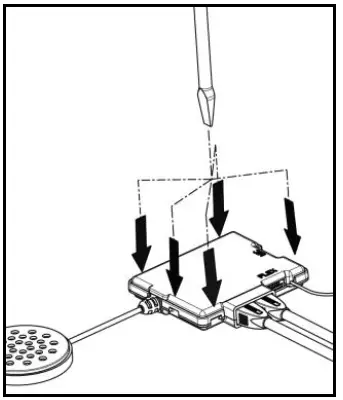
- Open the e-box (Fig. 1-2).


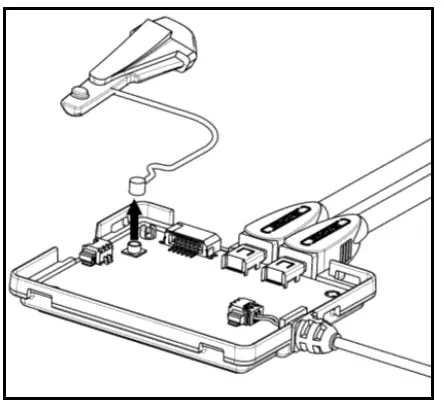
- Disconnect the antenna connector (Fig. 3).

- Place the new antenna inside the plastic box (e-box).
- Connect the new antenna.
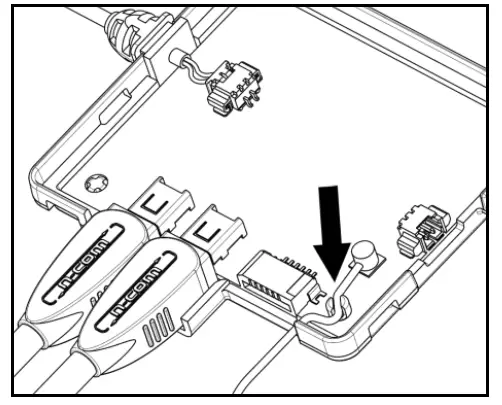
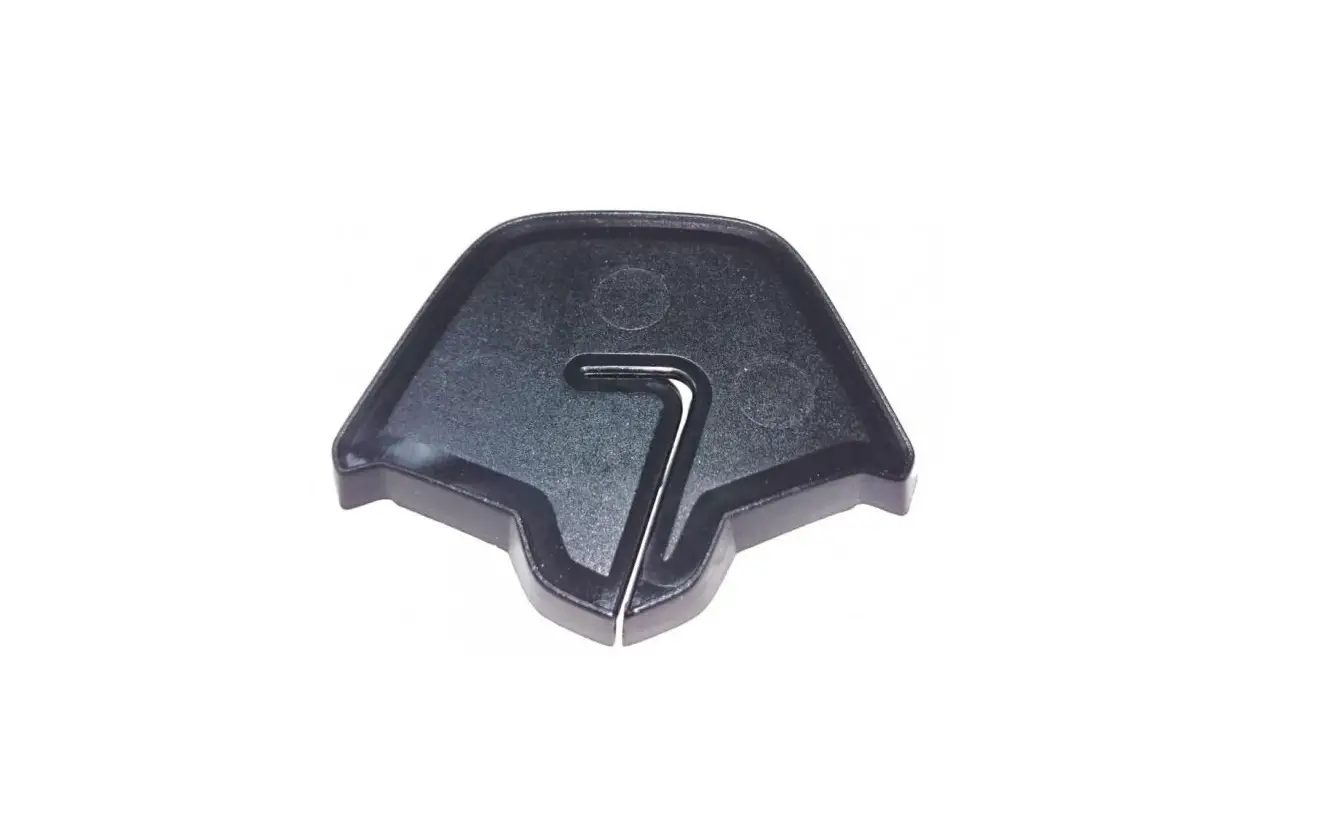
- Only for BX4 – Position the cable in the special fixing hook (Fig. 4).

- Close the e-box (Fig. 5).

- Make sure that all fixing points are properly secured.
- Reposition the N-Com system inside the helmet (see instruction booklet).