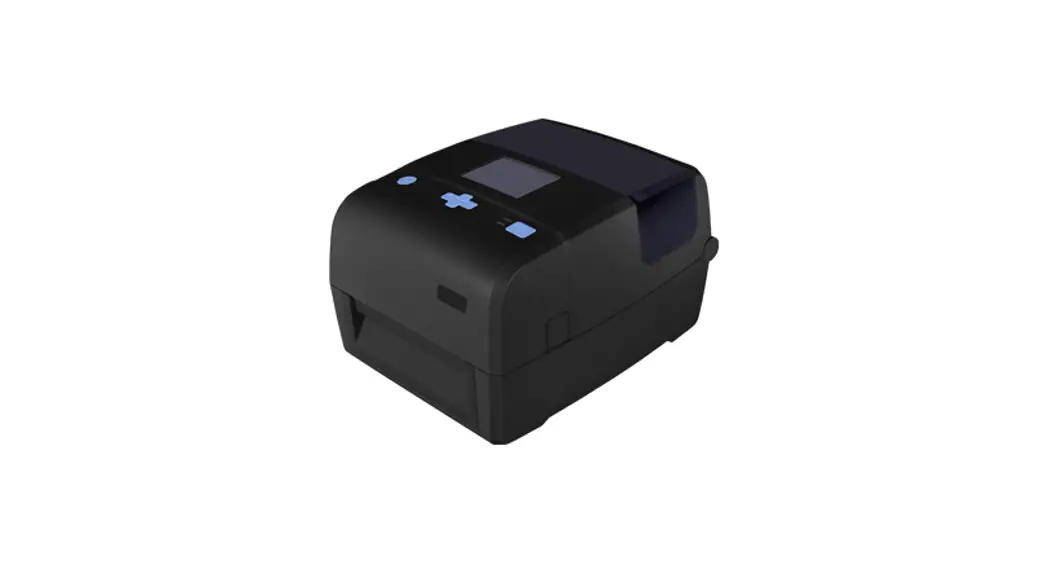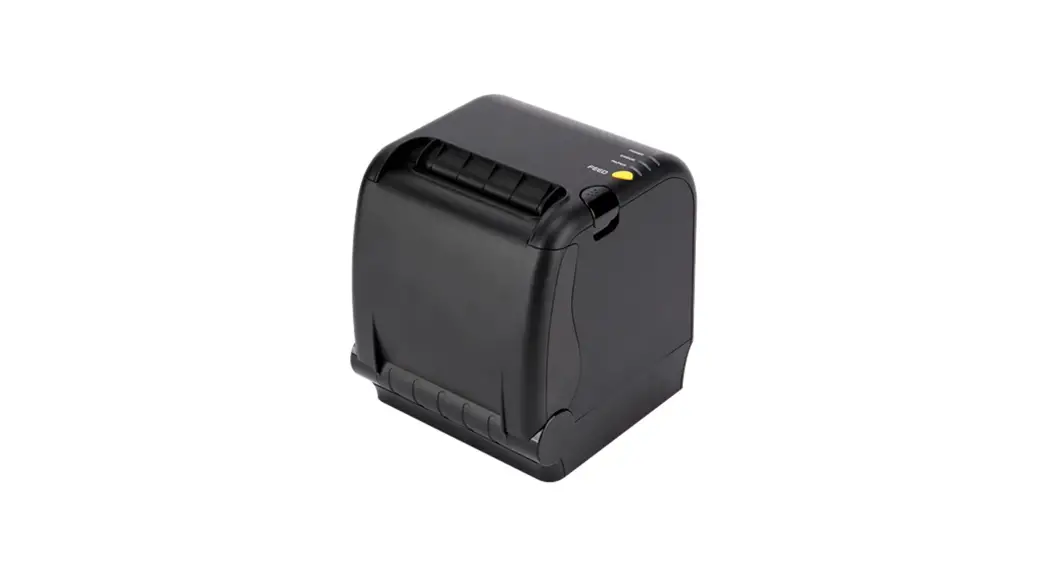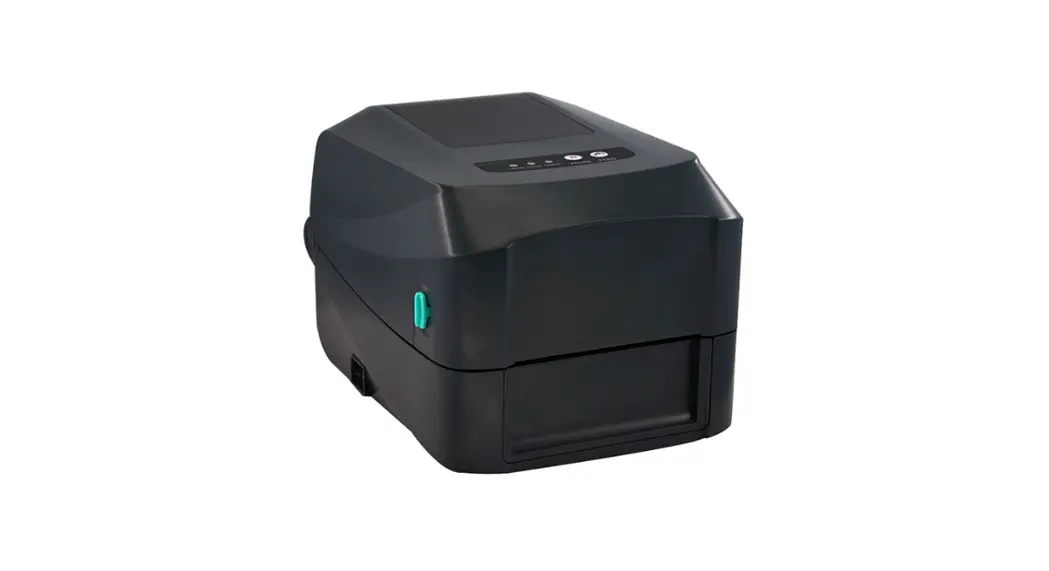

Gainscha Surpass Series Thermal Transfer Barcode Printer Instruction Manual

Gainscha Surpass Series Thermal Transfer Barcode Printer Instruction Manual

Gainscha logoFor Thermal Transfer Barcode Printer
Surpass Series
Installation ManualGainscha Surpass Series Thermal Transfer Barcode Printer -
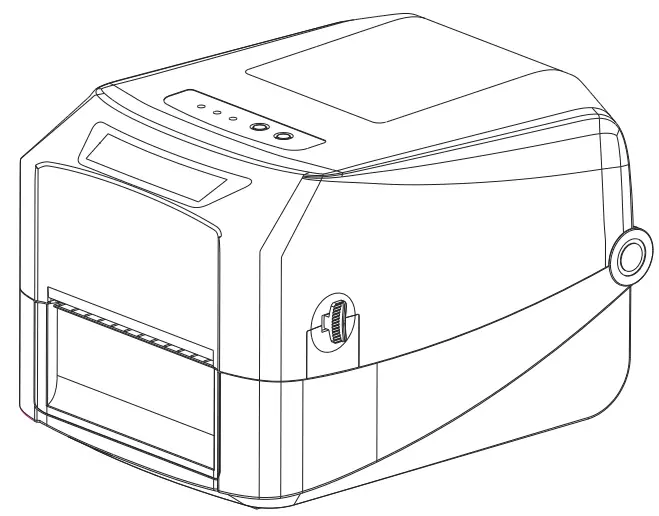
Surpass Series Thermal Transfer Barcode Printer

Please read this user guide before printer operation and keep this guide for reference.
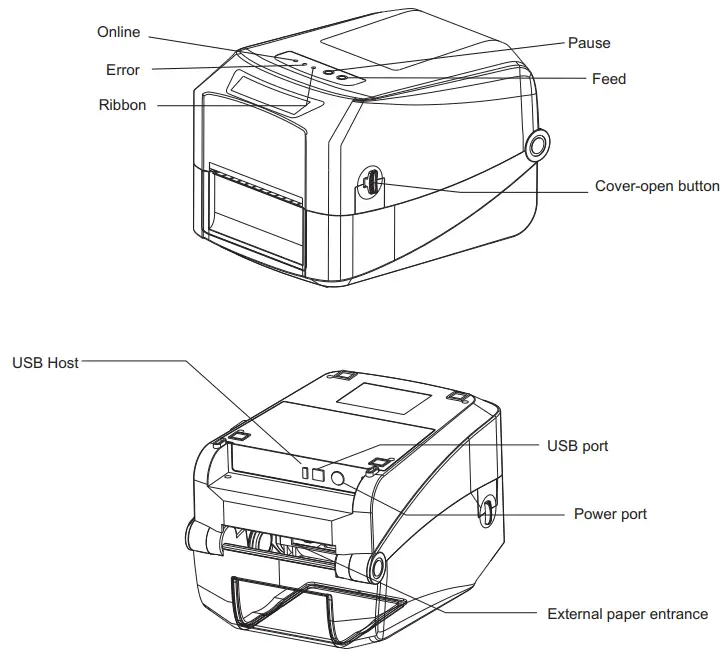
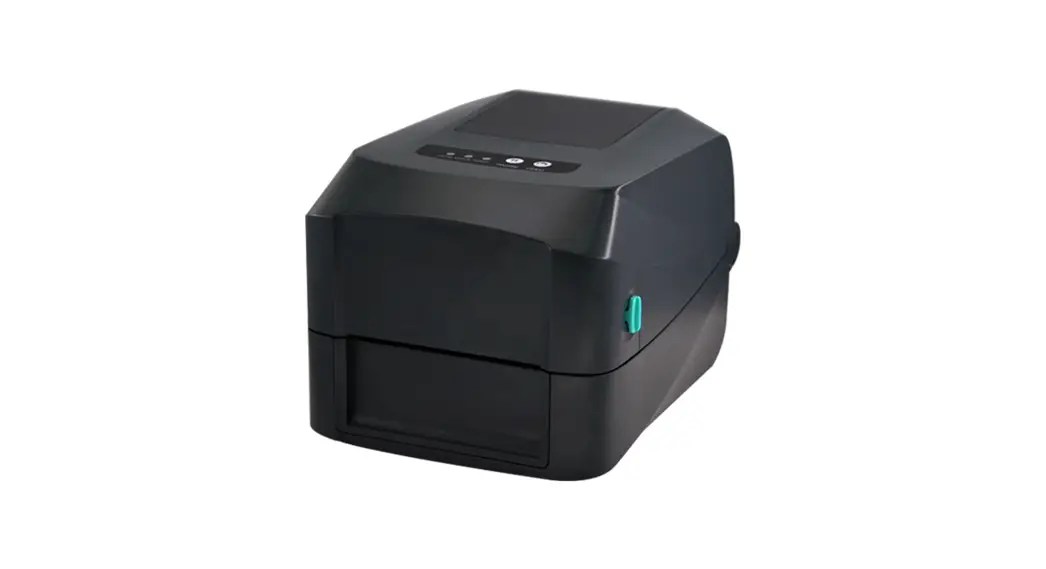
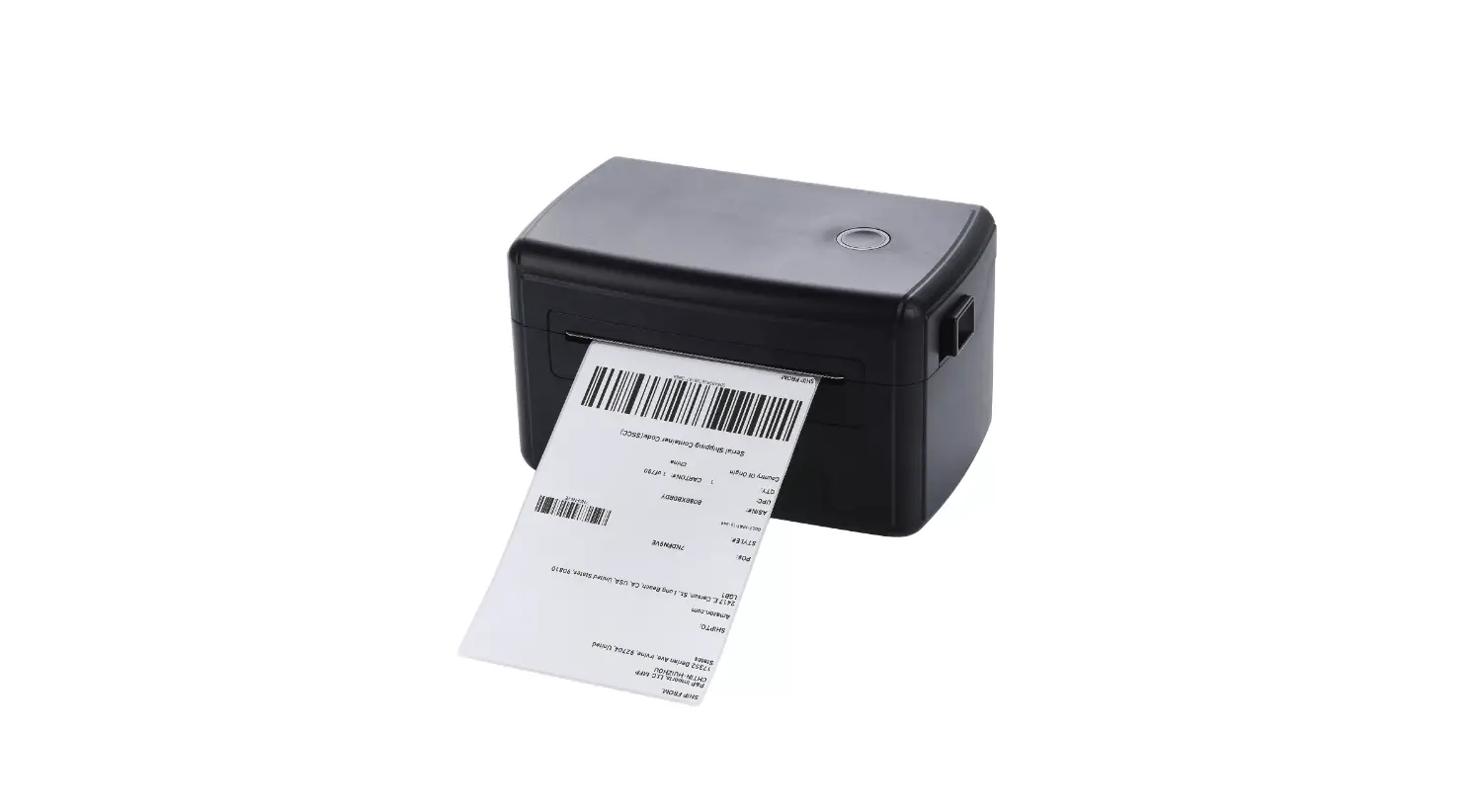
Gainscha Surpass Series Thermal Transfer Barcode Printer - fig 1

Note: The interface of printer showed in picture may have some differences from the model your purchased. As for the actual interface, please refer to the product specifications
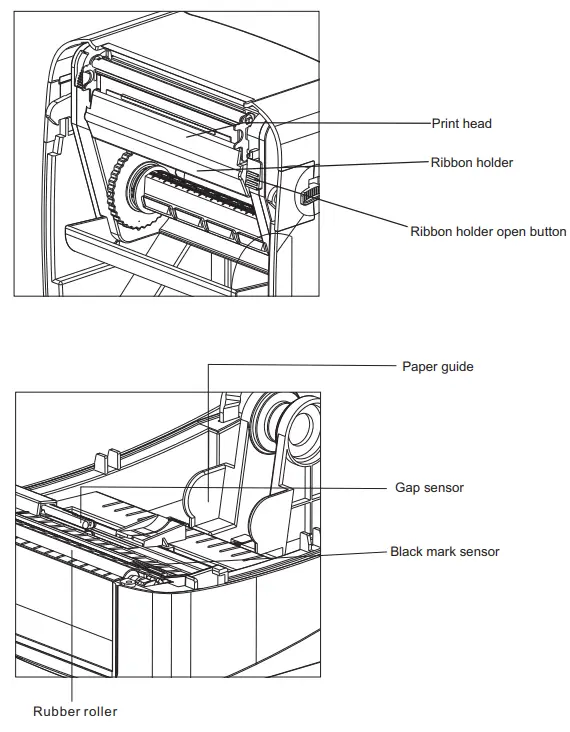
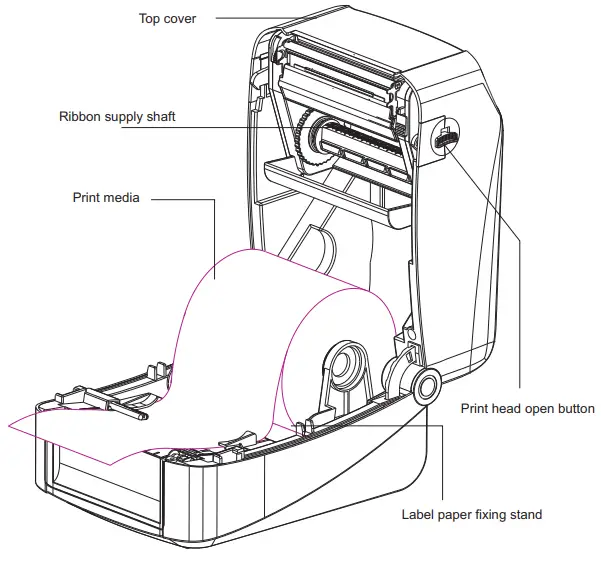
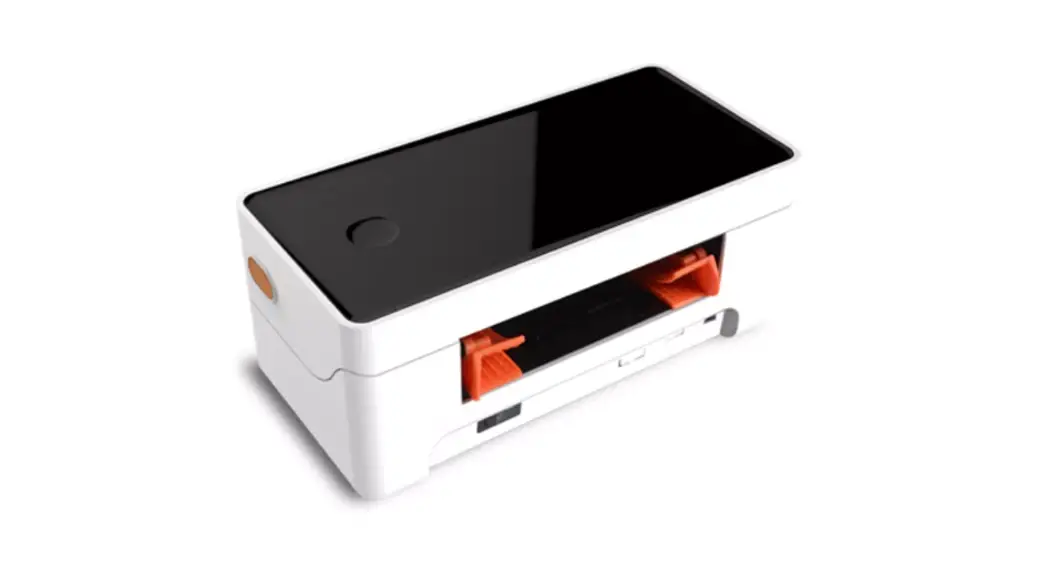
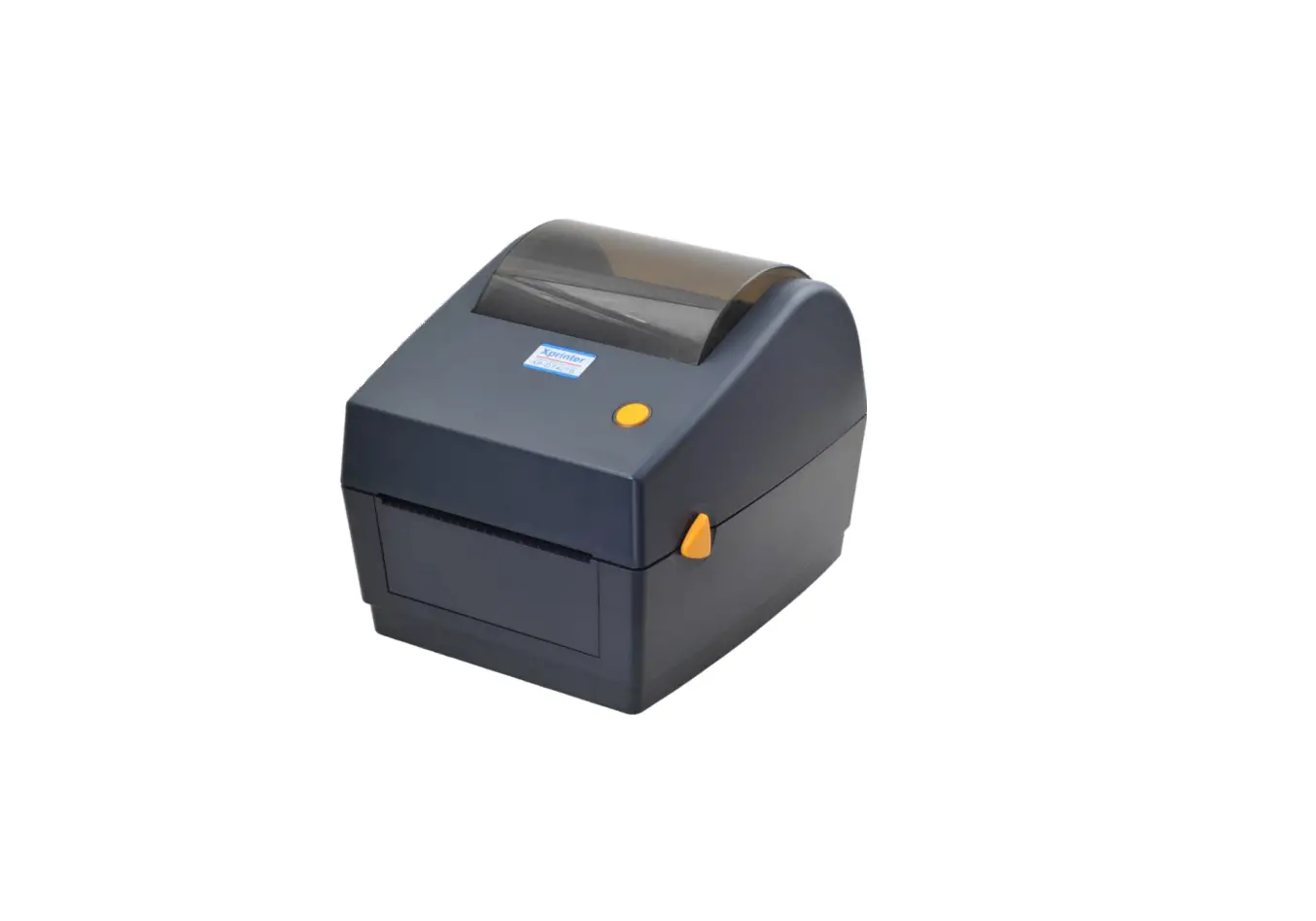
Gainscha Surpass Series Thermal Transfer Barcode Printer - fig 2Gainscha Surpass Series Thermal Transfer Barcode Printer - fig 3
*The printer specification, accessory, spare parts and program are subject to change without prior notice.
* If you need more information about the product, please refer to the User’s Manual in CD.

Print media loading

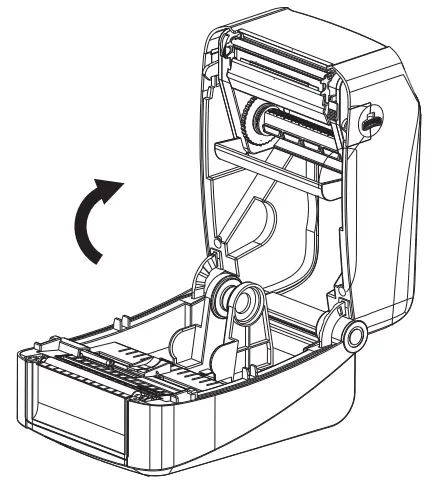
  1. Press two buttons on printer two sides to lift and open the cover.Gainscha Surpass Series Thermal Transfer Barcode Printer - Print media loading
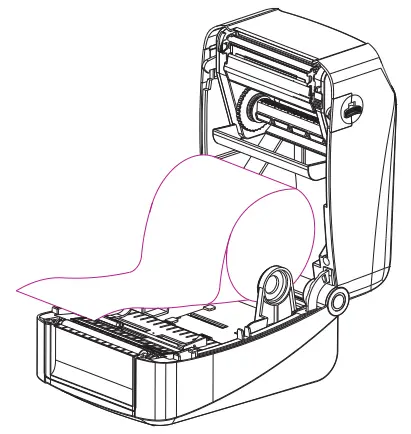
  2. Load print media into the printer; adjust the paper guide to be same width of print media.Gainscha Surpass Series Thermal Transfer Barcode Printer - Load print media
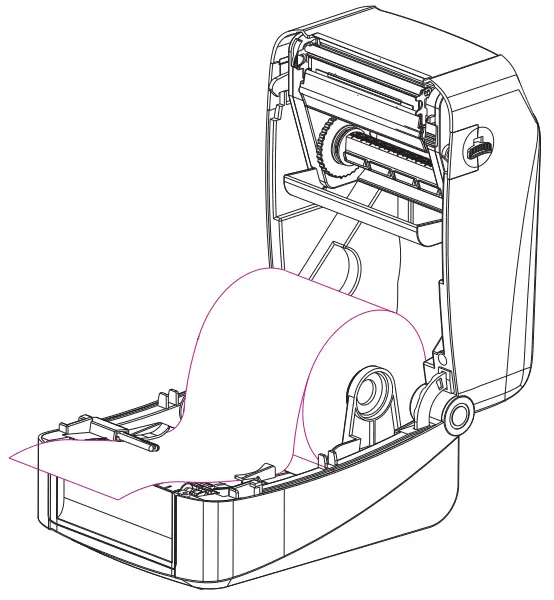
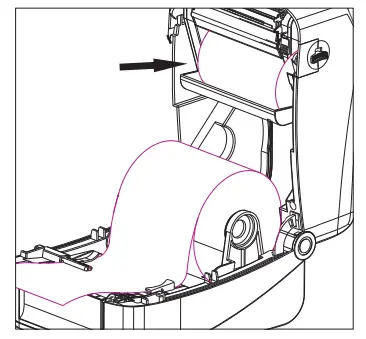
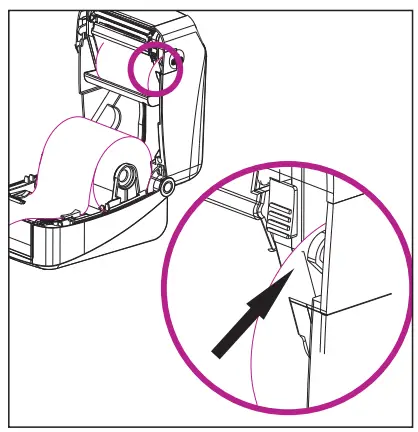
  3. Pull out the print media till it pass gap sensor and cutter (cutter is optional), complete media loading.Gainscha Surpass Series Thermal Transfer Barcode Printer - sensor and cutter

Ribbon loading

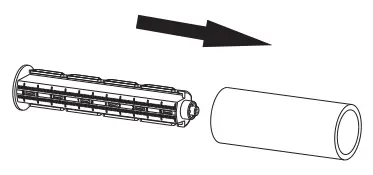
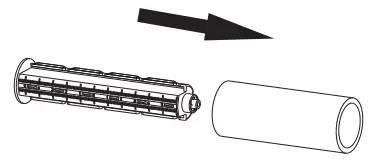
  1. Insert blue ribbon roller into new ribbon.Gainscha Surpass Series Thermal Transfer Barcode Printer - ribbon roller
  2. Load ribbon left side first and then right side, fix it well.Gainscha Surpass Series Thermal Transfer Barcode Printer - left side first
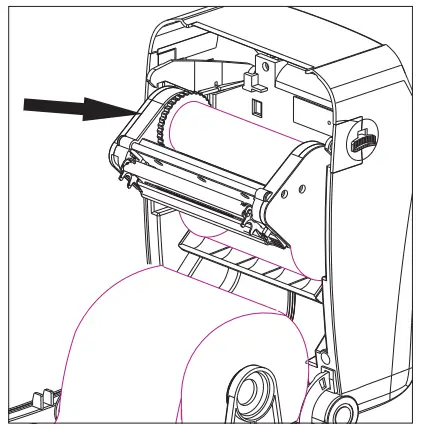
  3. Press the button to open ribbon holder unit as per pictureGainscha Surpass Series Thermal Transfer Barcode Printer - open ribbon
  4. Insert blue ribbon roller into the empty roll for ribbon collecting after printedGainscha Surpass Series Thermal Transfer Barcode Printer - ribbon roller 1
  5. Load the empty roll left side first, then right side.Gainscha Surpass Series Thermal Transfer Barcode Printer - empty roll left side
  6. Pull out ribbon and stick into the empty roll. Make sure ribbon is flat and smooth when touch print head.Gainscha Surpass Series Thermal Transfer Barcode Printer - Make sure ribbon
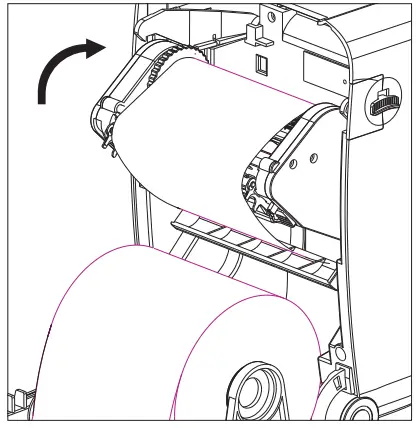
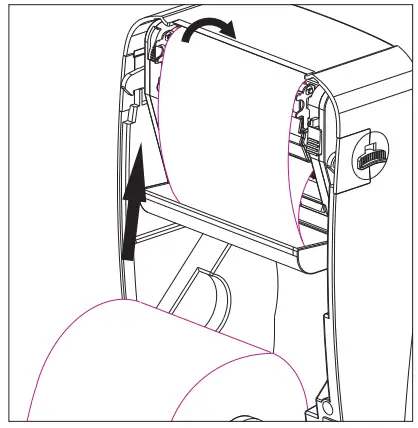
  7. Put ribbon holder back to its position as picture showing.Gainscha Surpass Series Thermal Transfer Barcode Printer - picture showing
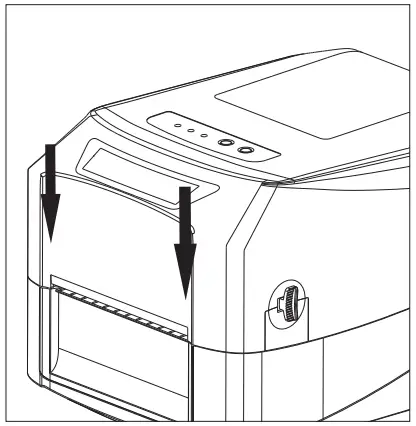
  8. Carefully close top cover.Gainscha Surpass Series Thermal Transfer Barcode Printer - close top cove

Ribbon and print media loading diagram
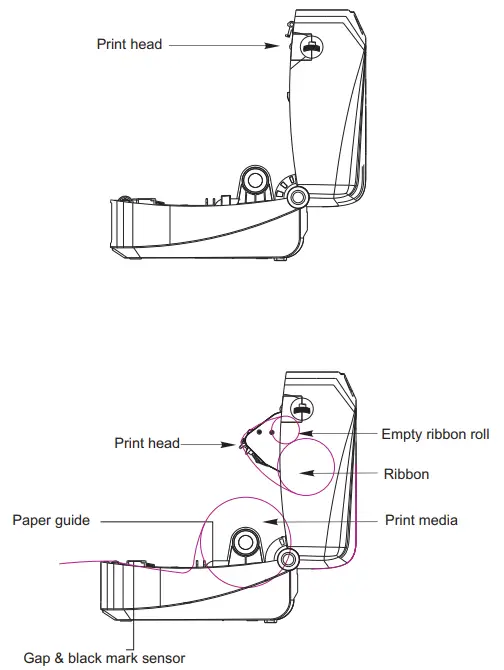
Gainscha Surpass Series Thermal Transfer Barcode Printer - loading diagramGainscha Surpass Series Thermal Transfer Barcode Printer - qr

Documents / Resouces

Download manual
Here you can download full pdf version of manual, it may contain additional safety instructions, warranty information, FCC rules, etc.


Related Manuals