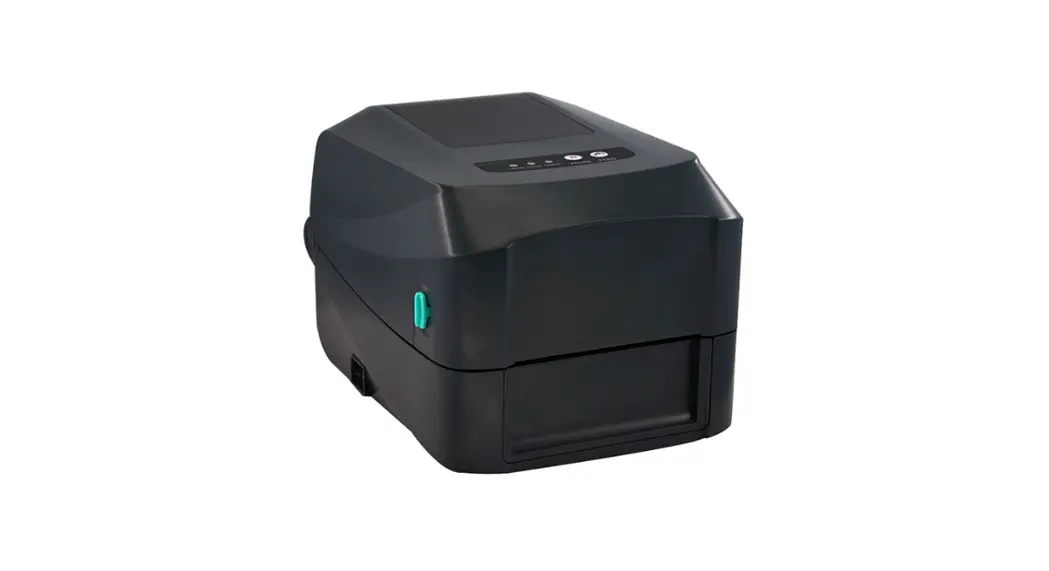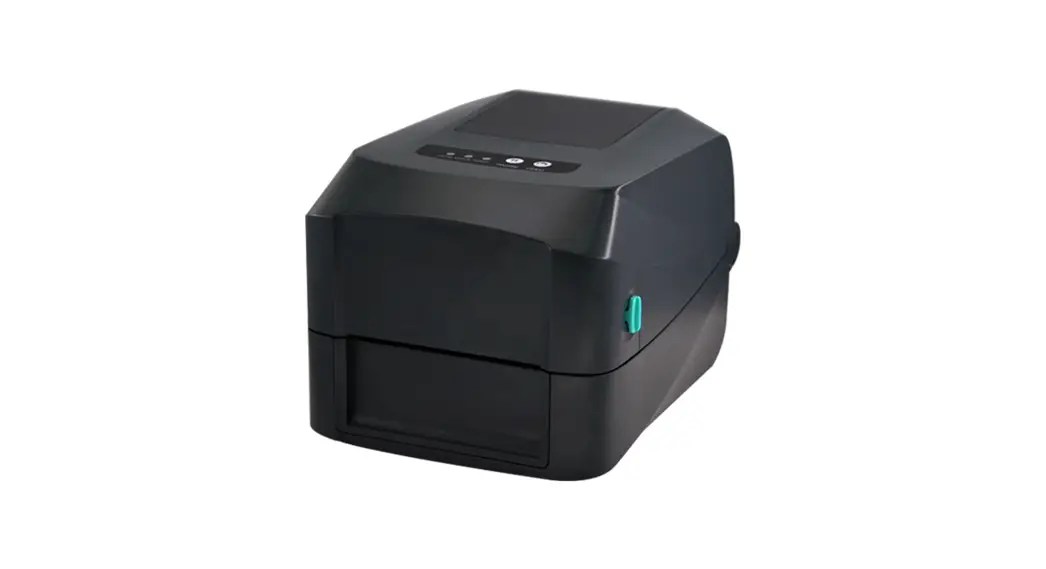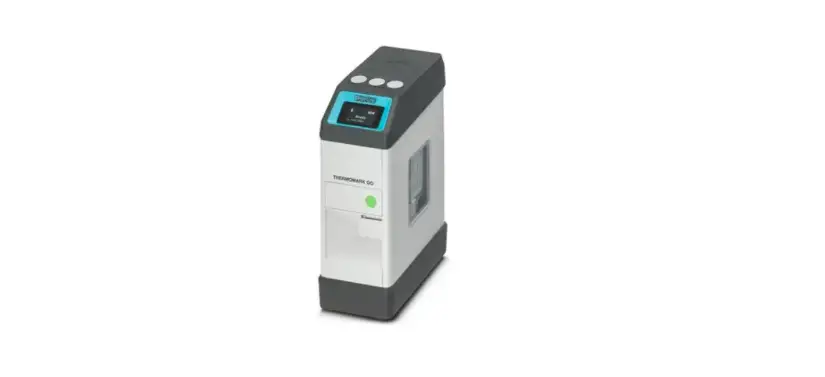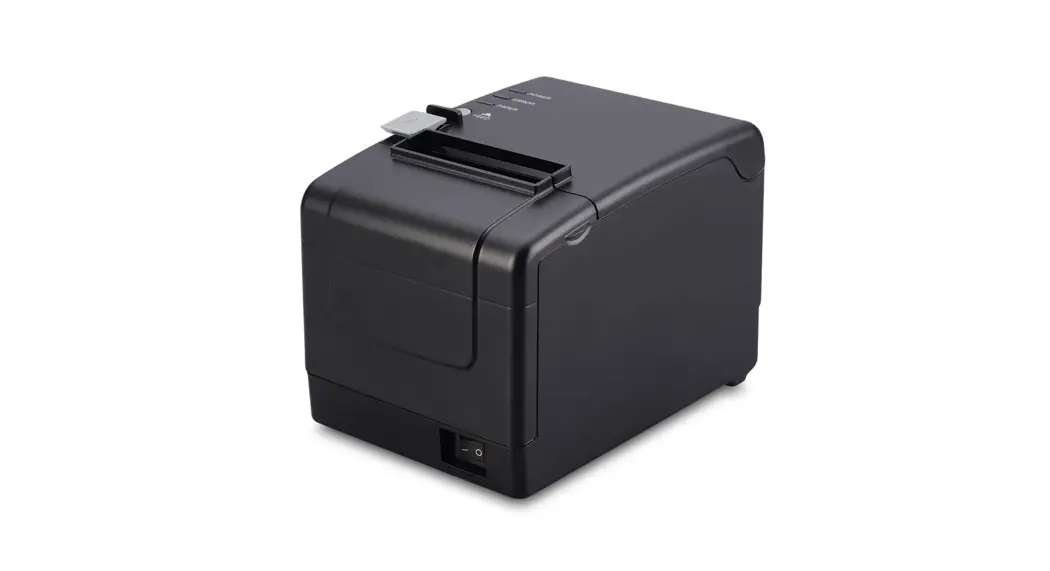
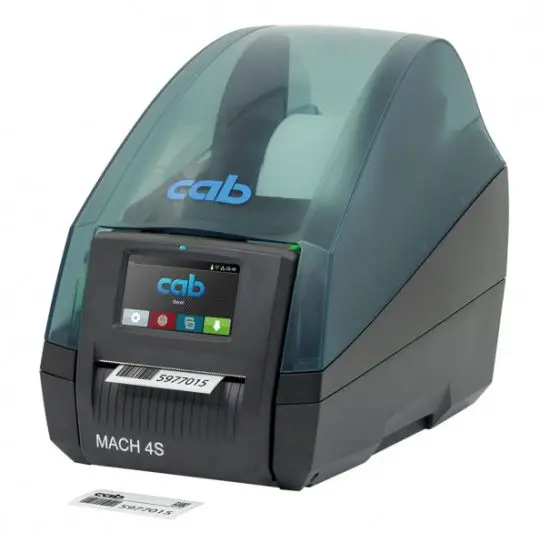
 MACH 4S Thermal Transfer Printer
Instruction Manual
Total: €1,750.00
Unit: Printer
| • The best selection | • Centre guidance |
| • High-quality finish | • Robust |
| • Ultra-competitive prices | |
With this CAB MACH 4S thermal transfer printer, print your own high-end technical labels in reels, singly or sequentially. This printer is ideal for the inventory, reference, and identification at the will of any type of property using text, variable sequence numbers or barcodes and logos.
The CAB MACH 4S thermal transfer printer for printing high-quality labels
Give yourself the freedom to print your own labels according to your needs with a logo, text, variable numbering, and/or barcode with the MACH 4S thermal transfer printer.
Available in 203, 300 or 600 dpi, you can print high-quality labels on paper, card, textile, synthetic, acrylate and tyvek or on our pre-printed labels. Depending on the model, the maximum printing width can range from 104 mm to 108.4 mm. Practical for small inventories. This MACH label printer is ideal for the healthcare sector, or for retailers to identify their products. Indispensable for administrators of schools or libraries, for inventory and management of equipment loans.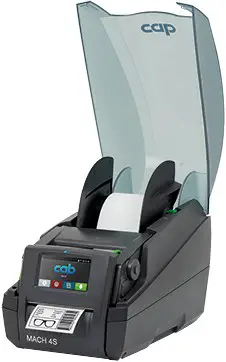
A simple and convenient thermal transfer printer:
- The lid with a large inspection window makes it possible to constantly check the condition of the rolls.
- Roll holder for quick setup.
- The automatic centering allows for the installation of rolls of different widths.
- Easy changing and cleaning of label printing rolls.
- Unwinder – rewinder of the transfer ribbon with a mechanical guide allows for easy installation.
- Quick change of label printing heads, and automatic recognition of the type of head.
- Detection cell for paper adjustment to identify the start and end of the roll.
- J-Script programming is easily integrated.
- Presence of different interfaces:
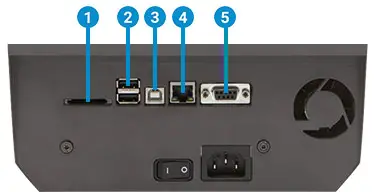
- SD memory card
- 2x master USB (barcode reader, USB key, USB Wi-Fi key, USB Bluetooth adaptor
- USB 2.0 Hi-Speed slave (PC connection)
- 10/100 BASE-T Ethernet cable connection
- RS232C 1.200 at 230.400 bauds/8 bits
Intuitive use
Easier to use thanks to a color touch screen that replaces the old black and white LCD screen with the keyboard of the MACH4 printer.
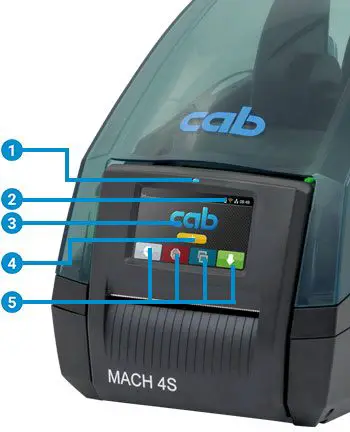
- Power on
- Status line: data flow, ribbon pre-alarm, USB/SD memory card connected, Bluetooth, clock, etc.
- Status messages: pause, ready, number of labels printed, pre-separation position
- Peripherals: cutter, printing mode
- Operation
 Menu Repetition of the last label Pause/restart printing Advance the label Cancel printing
 Menu
Menu Repetition of the last label
 Pause/restart printing
  Advance the label
  Cancel printing
The thermal transfer label is created on your PC using the Cab label Lite labeling software (supplied with the printer), transferred to the printer using the USB cable, then printed in the required quantity.
The variable data can come from an external file or a barcode reader.
This professional thermal transfer printer is delivered with its power cable, user manual, drivers (Windows 2000/2003/XP/Vista/MacOSX/Linux), the Cab label Lite software and service manual on Cdrom.
SBE advises you: How best to choose your label printer?
Different models of the MACH4S printer
The MACH4S printer is available in three models
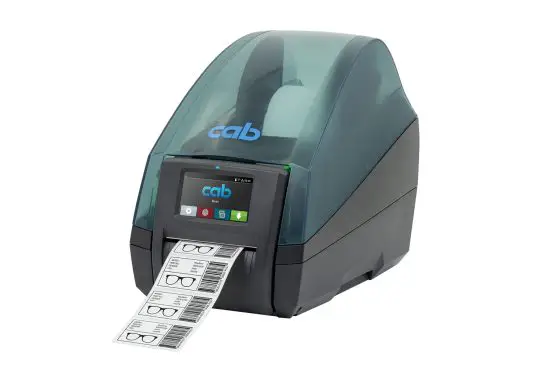 | Basic model: Label printing on all materials in rolls or fanfold |
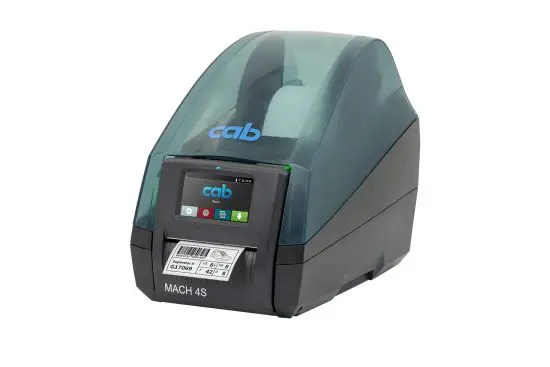 | P or MP model: The labels can be separated. The custom label is detached from the support by the pre-separation cutting edge. |
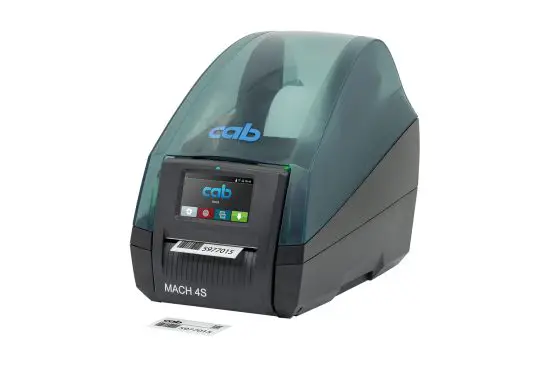 | Model C: Presence of a cutter (blade installed at the label exit)by which the labels can be pre-cut from a height of 12 mm. The result will be a pile of printed labels. |
OPTIONS AND ACCESSORIES
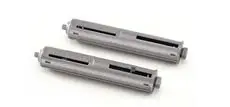 | Transfer ribbon holder: this accessory allows ribbons to be prepared in advance on additional holders for a quicker change of ribbon. |
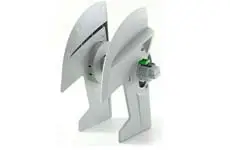 | Label winder: the label winder allows for a quicker change of continuous label material by preparing rolls in advance on an additional winder. |
 | ER4 external rewinder: this automatic electric rewinder allows for the production of a clean roll of labels after printing. The maximum diameter of the roll is 210 mm, while that of the mandrel is between 40 and 76 mm. |
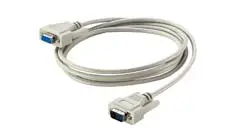 | RS232C cable: 3 meters long |
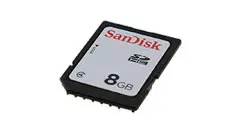 | Memory card: label templates designed using the Cab label S3 software can be saved on a memory card or a USB key. This backup memory can be connected to the printer which can then operate on its own, without being connected to the host system.+ |
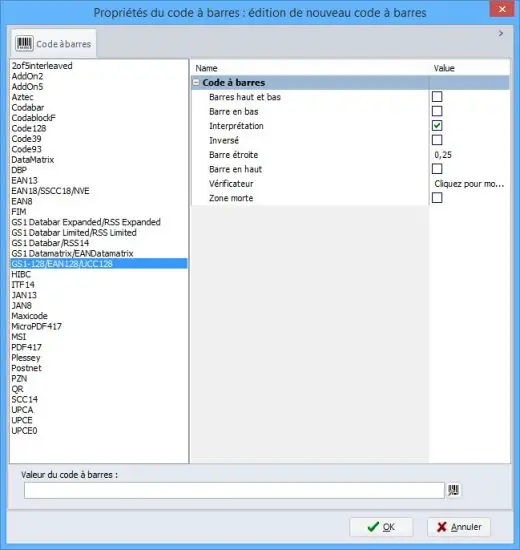
List of barcodes available for the Cab label S3 Lite and Cab label S3 Pro versions.
| MACH 4.3S | MACH 4.3S MACH 4S | MACH 4S | |
| Consumables guidance | Centered | ||
| Resolution | 203 | 300300 | 600 |
| Printing speed up to (mm/s) | 250 | 250250 | 150 |
| Pinting width up to (mm/s) | 104 | 108.4 105.7 | 105,7 |
| Material – centered | |||
| Printing area | |||
| Labels | |||
| 6-116 mm | |||
| Label width | |||
| Roller, coil : outer diameter | iusgu’a 205 mm | ||
| Mandrel Diameter | 38,1 -100 mm | ||
| Transfer Ribbon | |||
| Roller Diameter | 72 mm | ||
| Mandrel Diameter (mm) | 25,4 | ||
| 360 | |||
| Length (m) | |||
| Printer Dimensions/Weight | |||
| WxHxD(mm) | 317x240x435 | ||
| Weight (kg) | 6 |
To understand how best to choose your label printer, read our article on the 4 questions to ask yourself before buying a printer.
| Unit | Printer |
| Conditioning | individually |
| Guarantee | 1 year |
| Catalog code | F1063 |
| Weight | 6 |
| Print speed | Up to 250 mm / s |
| Printing width | Up to 108.4 mm |
| Resolution | From 203 dpi to 600 dpi |
| Printing area | Focused on matter |
| Max. roll diameter | 205 mm |
| Diameter of the ribbon mandrel | 25,4 mm |
| Diameter of the roll core | 38,1 to 100 mm |
| Outside width of the ribbon | 25 – 114 mm |
| outside width of the roll | 5 – 116 mm |
Printer model MACH 4.3S: basic model Ref. IMP-TT-M43S-203
| Quantités | Prix € HT 203dpi | Prix € HT 300dpi |
| 1 | 1,750 € | 1,881 € |
| Quantités | Prix € HT 203dpi | Prix € HT 300dpi |
| 1 | 1,829 € | 1,960 € |
Printer model MACH 4.3S: model C Ref. IMP-TT-M43-203C
| Quantités | Prix € HT 203dpi | Prix € HT 300dpi |
| 1 | 2,223 € | 2,355 € |
Printer model MACH 4S: basic model Ref. IMP-TT-M4S-300
| Quantités | Prix € HT 300dpi | Prix € HT 600dpi |
| 1 | 1,881 € | 2,171 € |
Printer model MACH 4S: model P Ref. IMP-TT-M4S-300P
| Quantités | Prix € HT 300dpi | Prix € HT 600dpi |
| 1 | 1,908 € | 2,250 € |
Printer model MACH 4S: model C Ref. IMP-TT-M4S-300C
| Quantités | Prix € HT 300dpi | Prix € HT 600dpi |
| 1 | 2,302 € | 2,644 € |
 TCPDF
TCPDF Etiquette polypropylène vierge en rouleaux TTh - SBE Direct