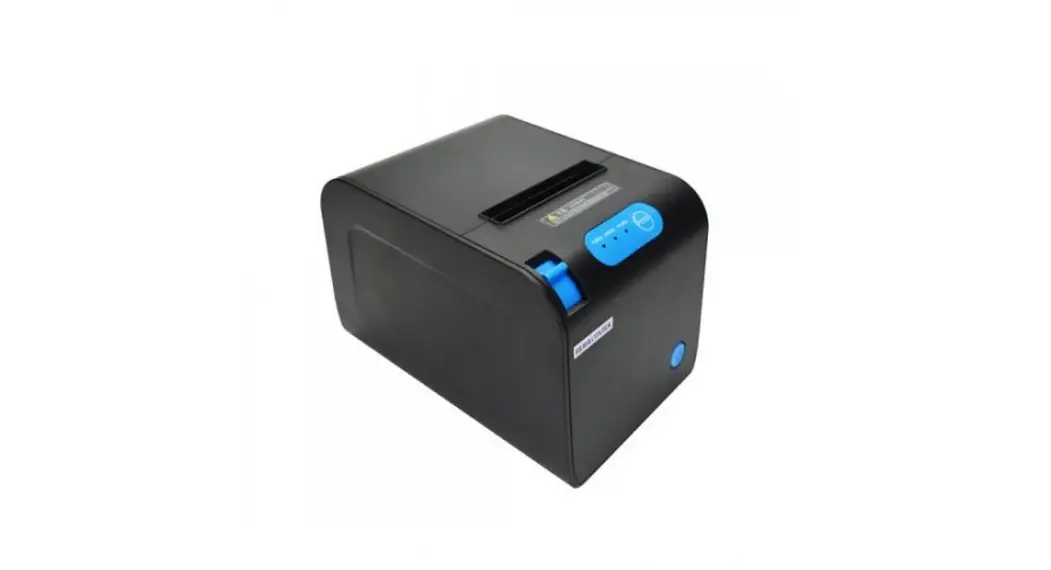
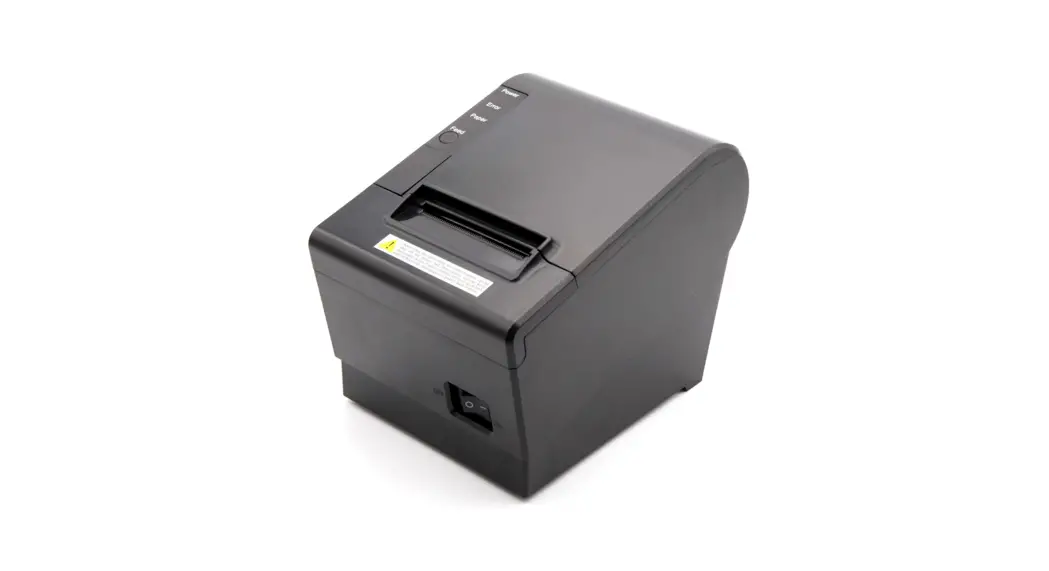
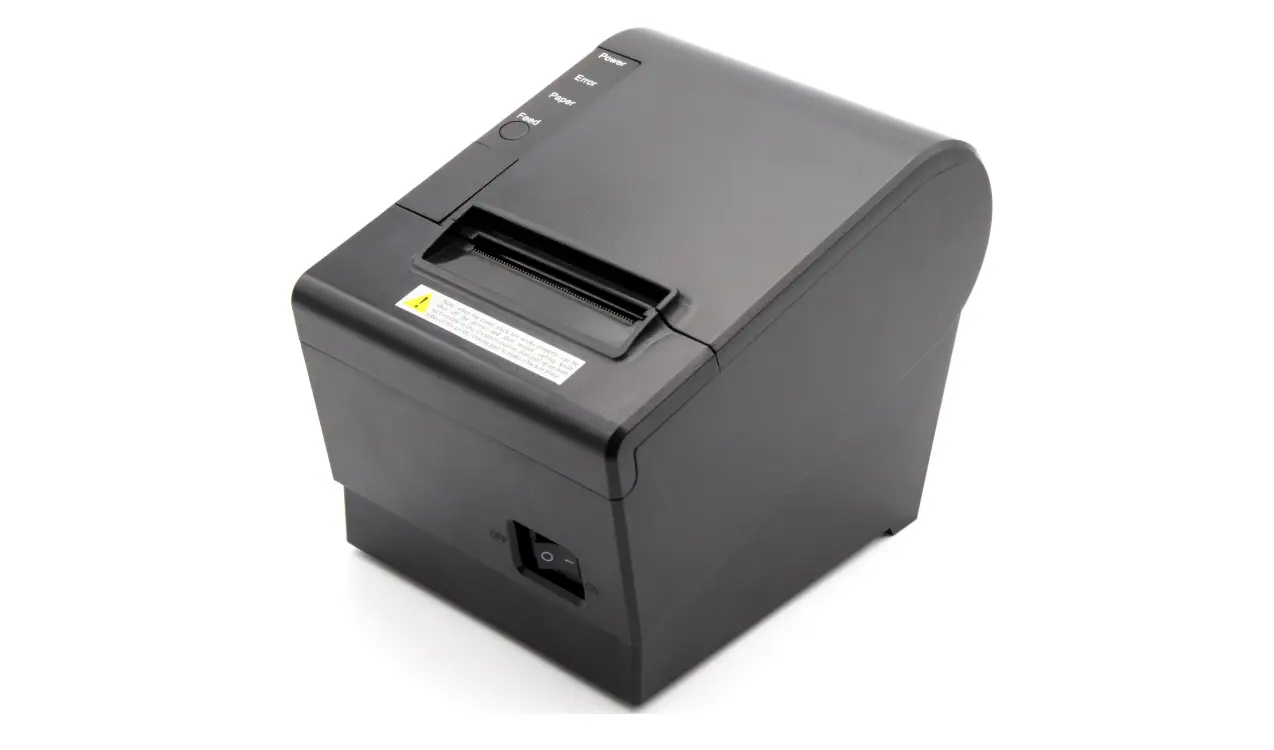
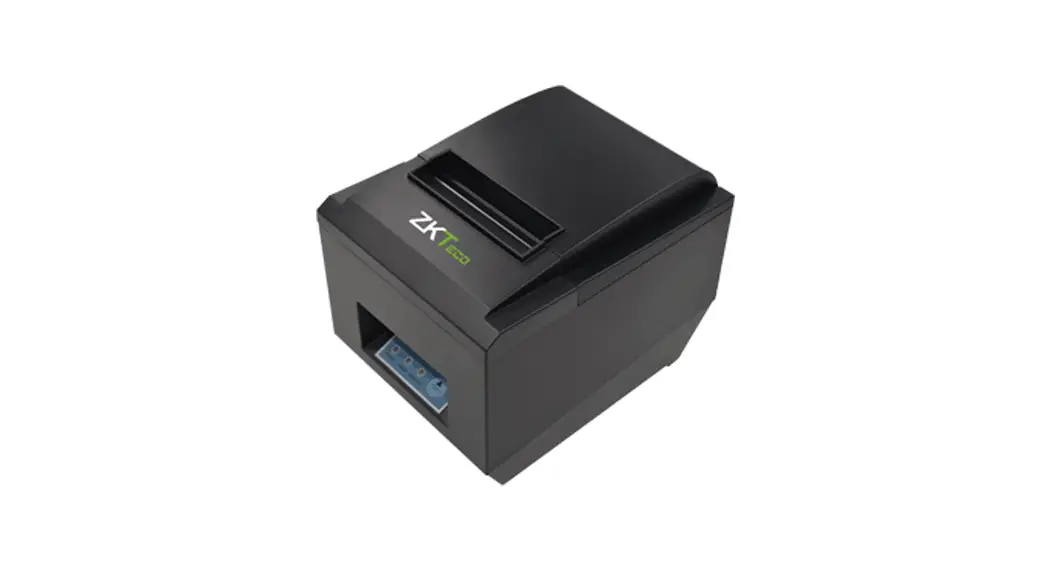
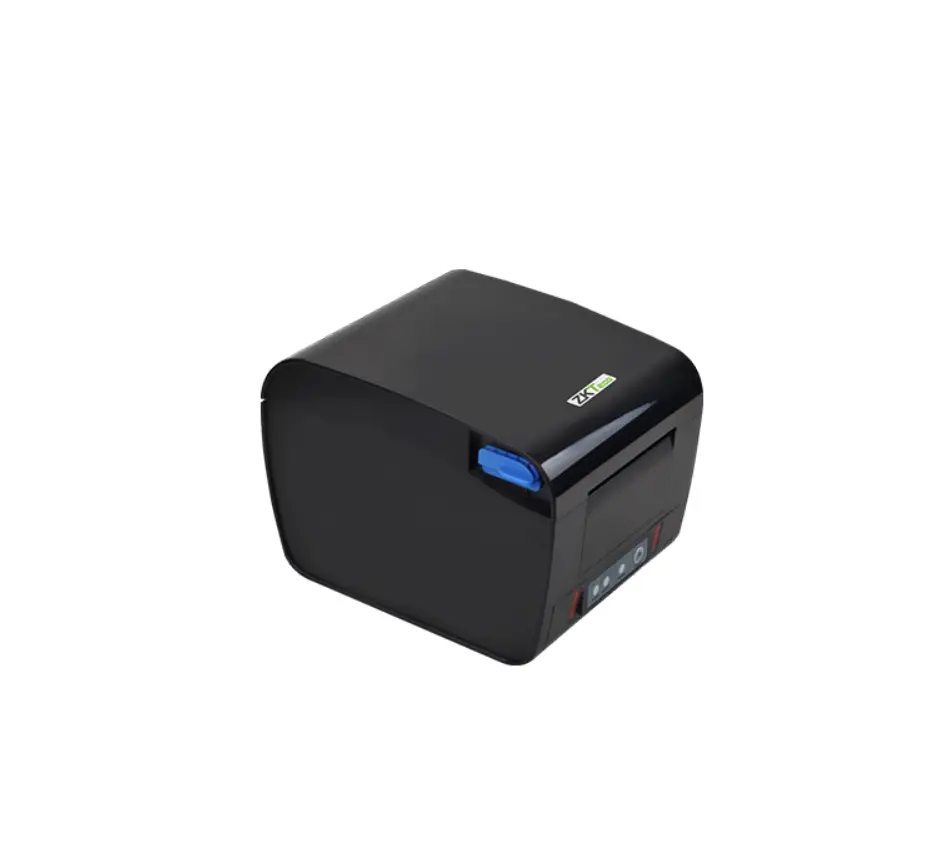
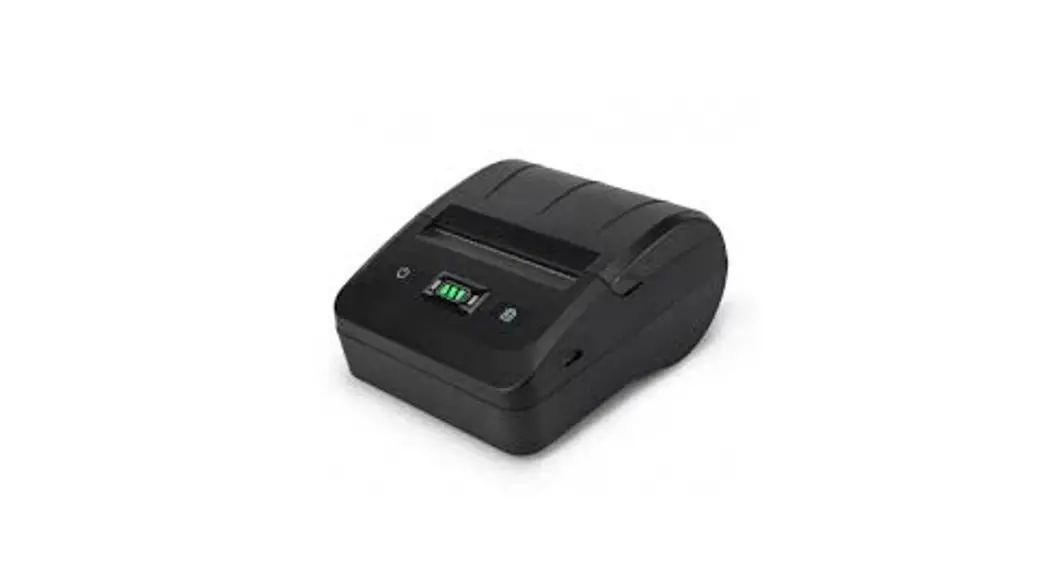
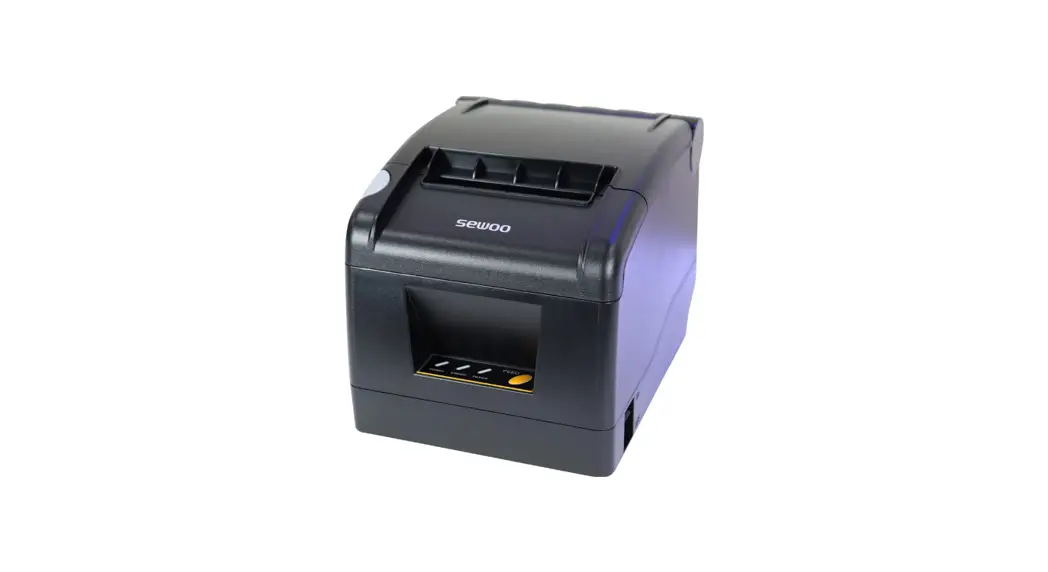
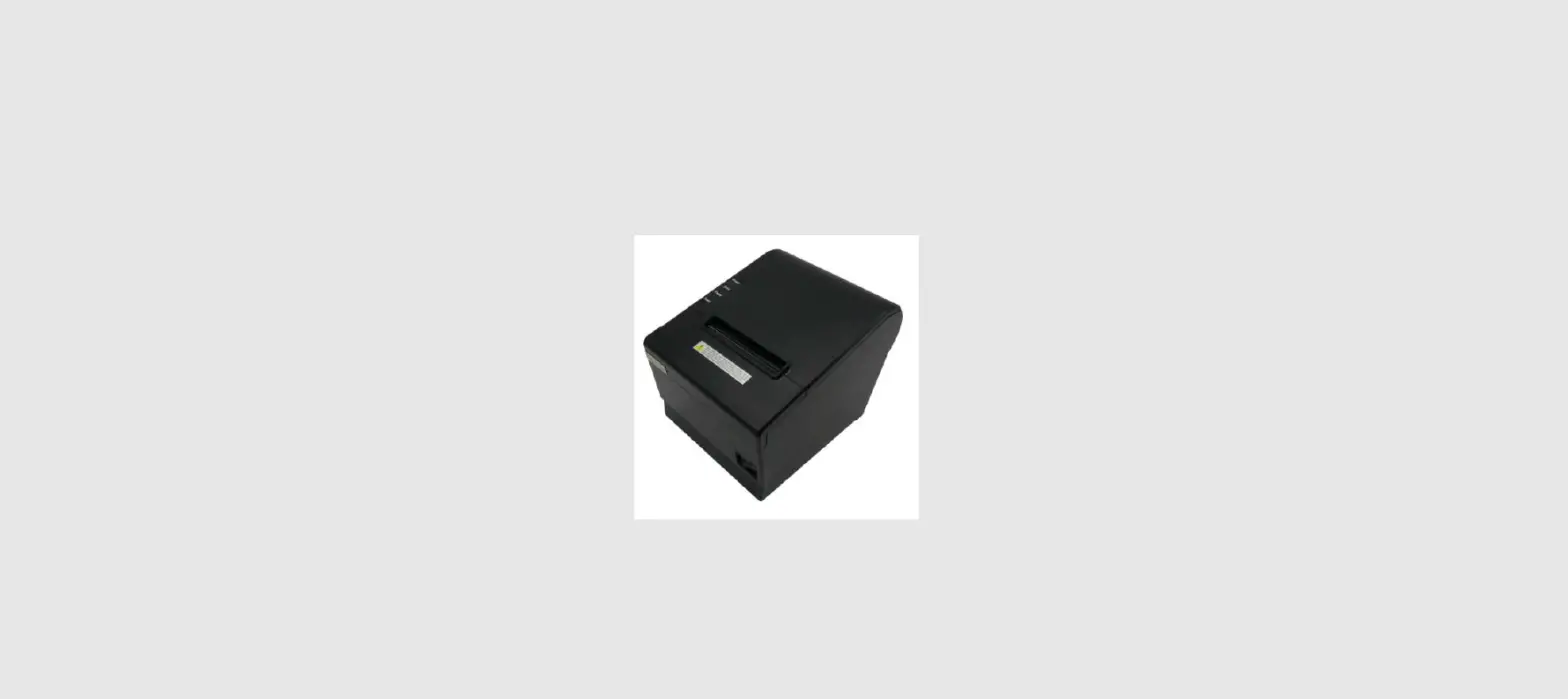
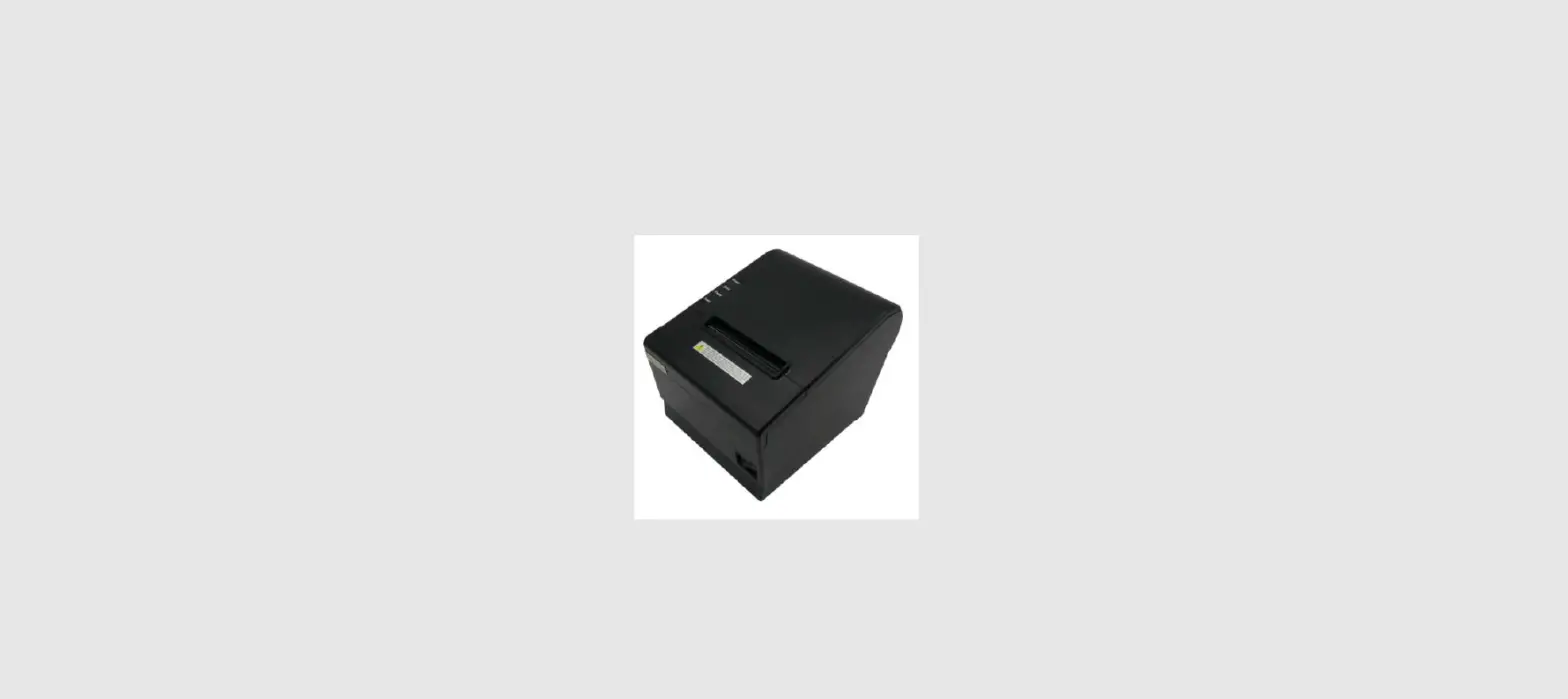
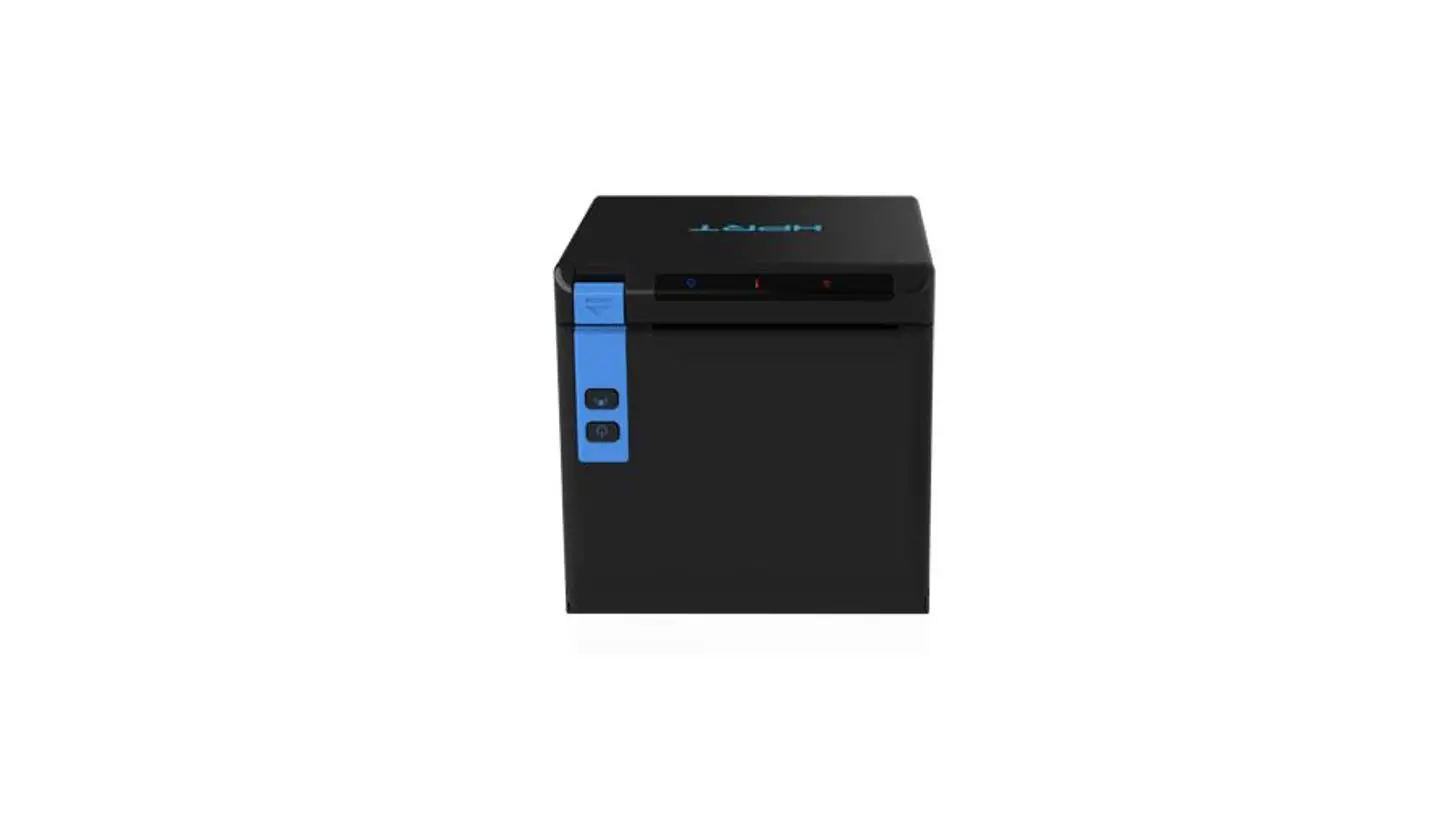
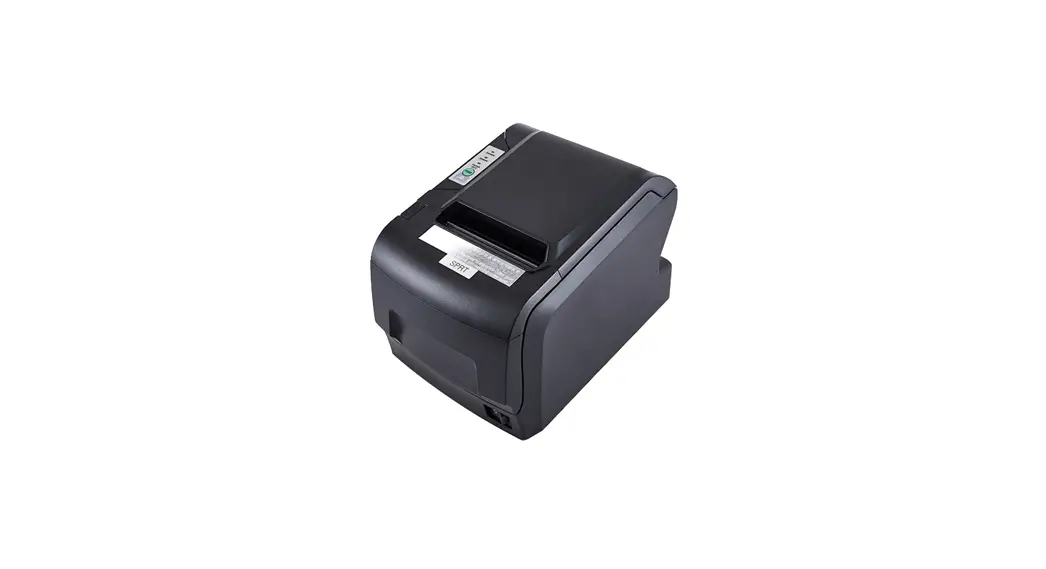
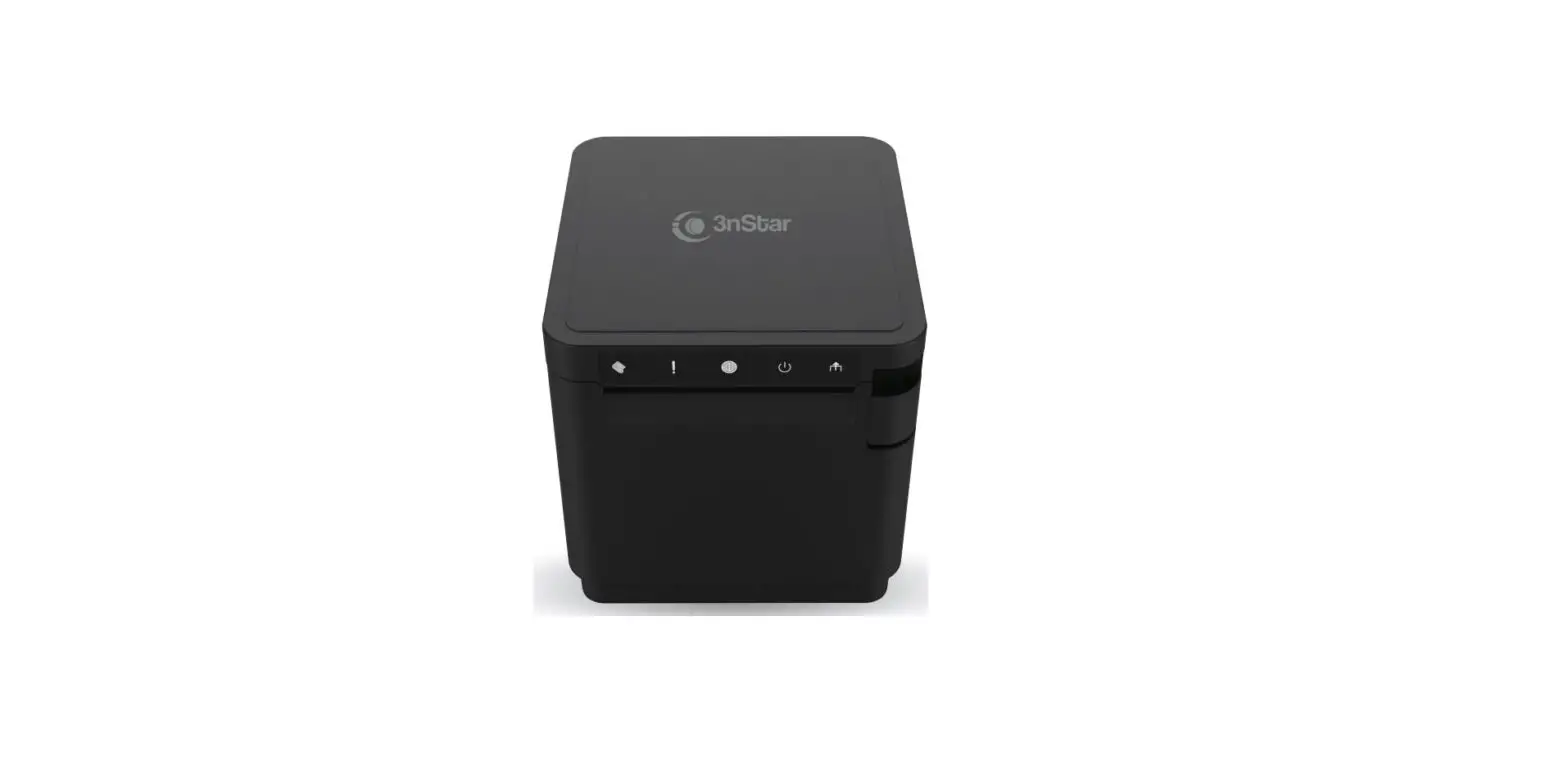
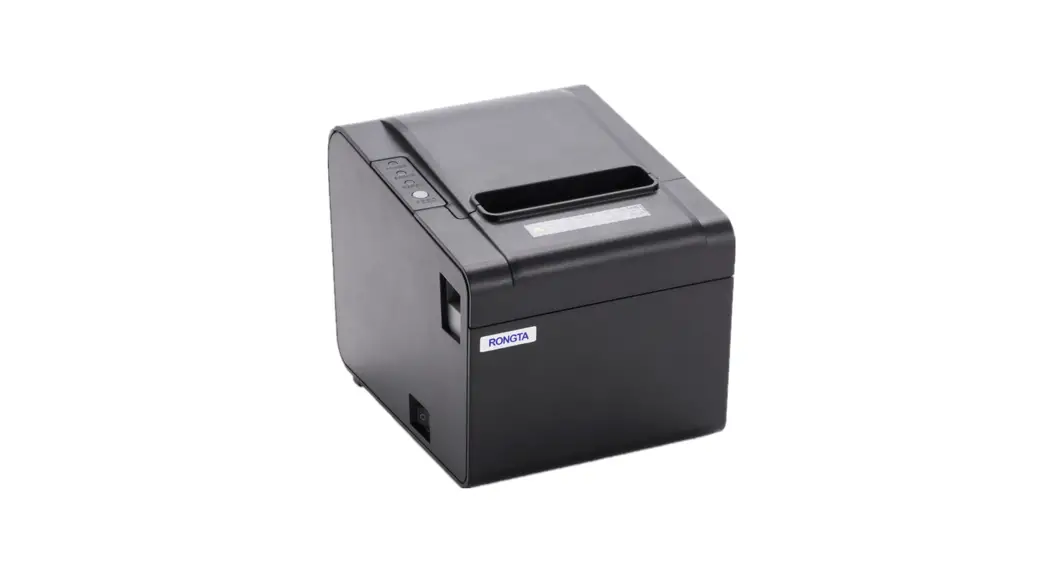
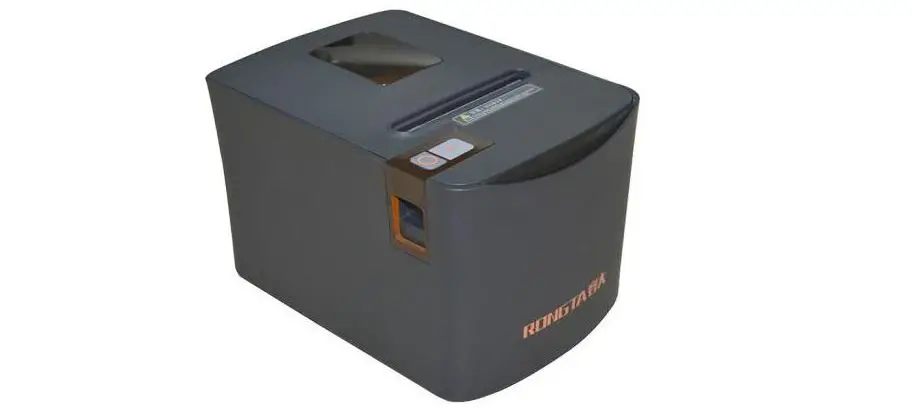
Q833L Thermal Receipt Printer
Product Information
The YILU-Q833L Thermal Receipt Printer is an economic model with
multiple interfaces. It is wall mount capable and compatible with
OPOS driver. The printer features an intelligent cutter control
system and is compatible with Microsoft POS for .NET v1.14. It
supports easy drop-in paper loading and cutter auto calibration
function. The flexibility interface includes USB, LAN, USB+Serial,
USB+WIFI, USB+Bluetooth, and more. The energy control system
prevents the print head from overheating.
The printer has a resolution of 203 DPI and uses direct thermal
printing method. It has a maximum print speed of 200 mm/s and a
maximum print width of 72 mm. The media thickness supported ranges
from 0.06 mm to 0.08 mm, and the media width can be up to 80 mm.
The line space can be adjusted accordingly.
The printer supports various fonts, graphics, and symbologies.
It can print 1D and 2D barcodes, as well as extended characters. It
also supports QR Code and PDF417. The printer can emulate different
character sets and languages.
For graphics, the printer supports monochromatic BMP image files
that can be downloaded to flash memory. It also features an auto
cutter with a life of 1.5 million cuts. The physical dimensions of
the printer are 180 mm (D) x 145 mm (W) x 130 mm (H), and it weighs
0.87 kg. The print head has a life of 150 km.
The printer supports black mark location detection and has sound
and light alarm functionalities. It has various input and output
interfaces, including USB, LAN, USB+LAN, USB+Serial, USB+Bluetooth
(optional: WiFi), and USB+Serial+LAN.
The printer can operate with AC 100~240V, 2A, 50~60Hz or DC 24V,
2.5A power supply. It can withstand storage and operating
environments with temperatures ranging from -10°C to 60°C and
humidity ranging from 10% to 90% (non-condensing).
It is compatible with various operating systems including
Windows 9X, Windows 2000, Windows 2003, Windows XP, Windows 7,
Windows 8, Windows 10, Linux, iOS, and others.
Product Usage Instructions
- Connect the printer to a power source using either AC 100~240V
or DC 24V power supply. - Choose the desired interface (USB, LAN, USB+Serial,
USB+Bluetooth, etc.) and connect it to the corresponding port on
your device. - Ensure that the paper roll is loaded correctly in the printer’s
easy drop-in paper loading mechanism. - Power on the printer and wait for it to initialize.
- Install the necessary printer drivers on your operating system.
If using Windows, you can download and install the OPOS driver or
Microsoft POS for .NET v1.14 driver. - Configure the printer settings according to your requirements.
This may include selecting the desired print resolution, character
size, barcode symbologies, and language emulation. - Test the printer by sending a sample print job. Verify that the
print quality and alignment are satisfactory. - If using the auto cutter feature, ensure that it is properly
calibrated and functioning correctly. - Monitor the printer’s print head temperature to prevent
overheating using the energy control system. - Follow proper maintenance procedures to prolong the life of the
print head and cutter.
Note: For more detailed instructions on printer setup,
configuration, and troubleshooting, please refer to the user manual
provided with the printer.
Q833L
Thermal Receipt Printer
YILU-Q833L is an economic model with multiple interfaces, wall mount capable, compatible with OPOS driver, intelligent cutter control system, compatible withMicrosoft POS for .NET v1.14
Wall mount available with easy drop-in paper loading
Support cutter auto calibration function
Flexibility interface include USB, Lan, USB+Serial, USB+WIFI, USB+Bluetooth
etc.
Energy control system to prevent print head fromoverheating
180 mm
145mm 130mm
Q833L
Thermal Receipt Printer
QR CODE
VARIOUS INTERFACE
EASY LOAD
COMPACT DESIGN
HIGH SPEED
Printing Features Resolution Printing method Print speed Max.print width Media Media thickness Media width Line space Performance Features Input buffer
NV Flash Interface Fonts/Graphics/Symbologies Character sizes
1D barcode 2D barcode Extended character
Emulation Graphics Cutter Auto cutter Cutter life Physical Features Dimension Weight Print head life Black mark location Sound and light alarm Input Output Operation Storage environment Software Operating system
203 DPI
Direct Thermal
200 mm / s
260 mm/s(USB+Serial+Lan)
72 mm
0.06 ~ 0.08 mm 79±0.5 mm / 80 mm 3.75mm(changeable using commands)
USBUSB+SerialUSB+Bluetooth/WIFI128Kbytes
LanUSB+LanUSB+Serial+Lan256Kbytes
256 Kbyte USB / LAN / USB+LAN / USB+Serial / USB+Buletooth(Optional:Wifi) / USB+Serial+Lan
ANK, Font A1.5×3.0mm(12×24 dots) Font B1.1×2.1mm(9×17 dotsChinese, traditional Chinese:3.0×3.0mm(24×24 dots
UPC-A / UPC-E / JAN13(EAN13) / JAN8EAN8) / CODE39 / ITF / CODABAR / CODE93 / CODE128 QR CODEPDF417 PC 4 3 7 ( Std. E u rope )(K ata kan a )PC 8 5 0Mu lt il in g u a l ) PC 8 6 0 ( Por tu gal ) PC863(Canadian)PC865Nordic)(West Europe)(Greek)(Hebrew) (East Europe)(Iran)(WPC1252)PC866(Cyrillic#2)PC852(Latin2) (PC858) (IranII)(Latvian)(Arabic)(PT1511251)
ESC/POS Monochromatic BMP image files can be download to FLASH
Partial 1.5 million cuts
180(D) x 145(W) x130(H)mm 0.87 kg 150 km Support No support AC 100~240V, 2A, 50~60Hz DC 24V, 2.5A 0~4510~80%RH, no condensing -10~6010%~90%RH
Win 9X / Win 2000 /Win 2003 /Win XP /Win 7 /Win 8 /Win 10/Linux
iOS Windows Linux