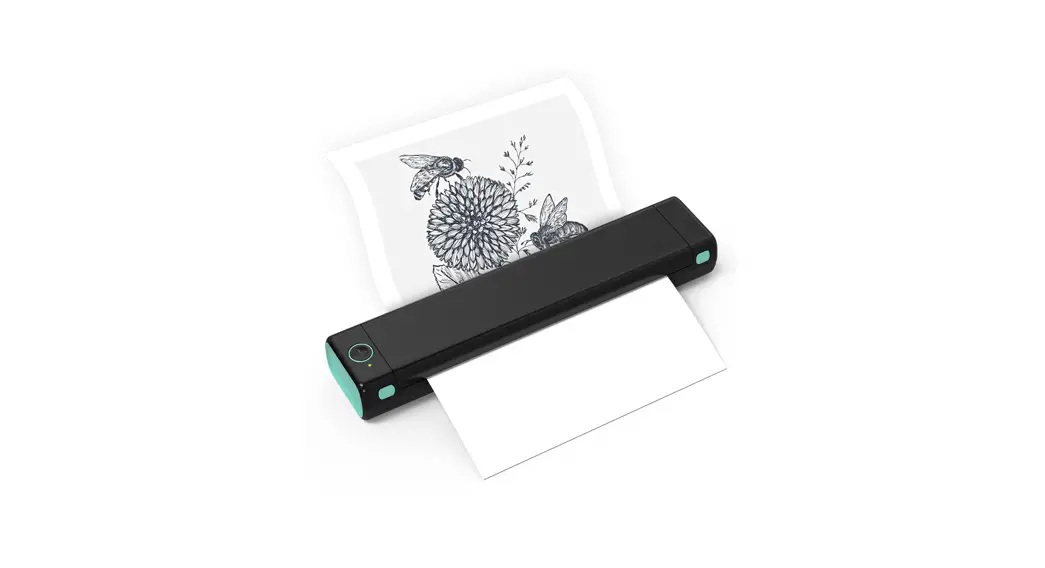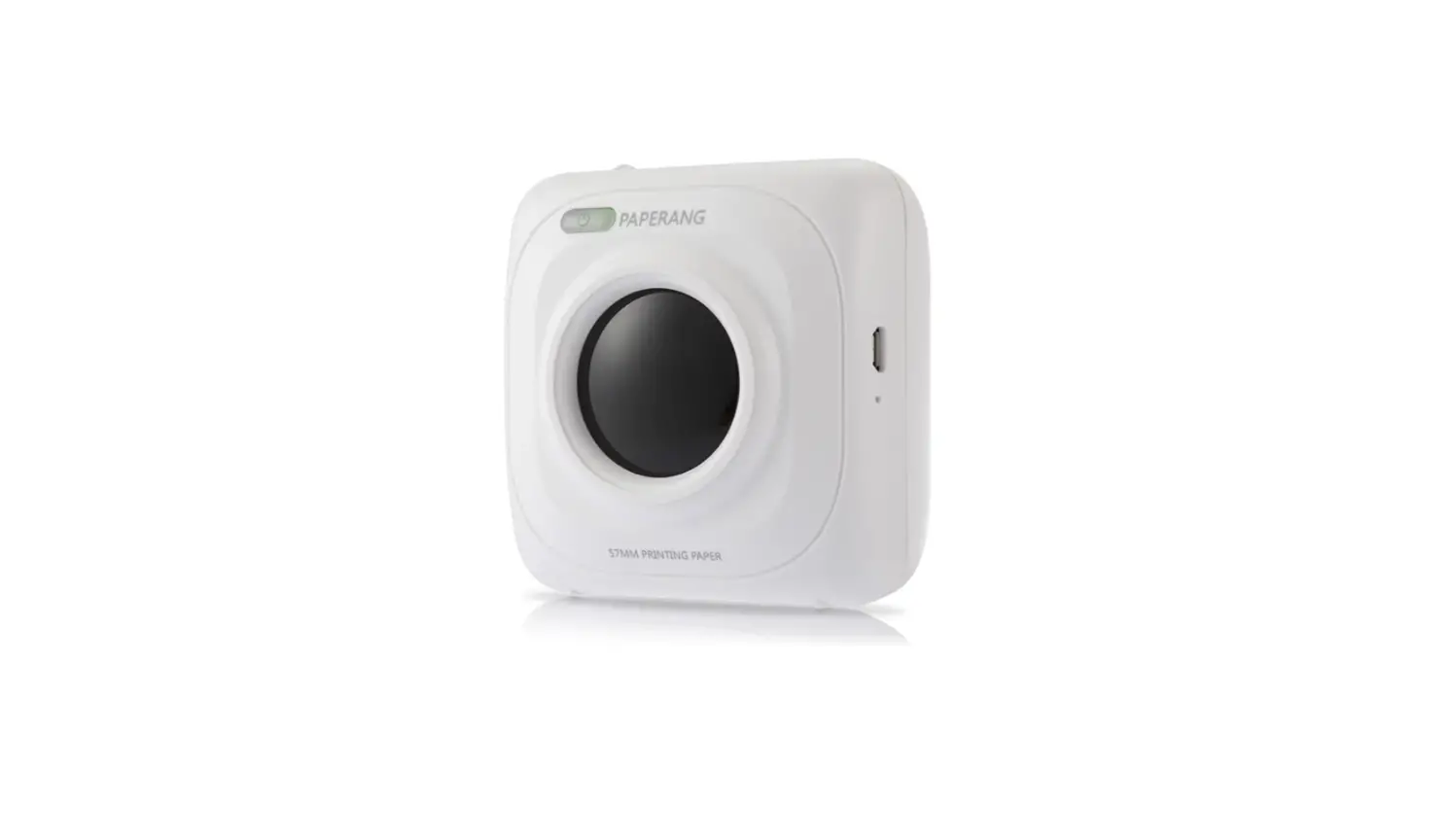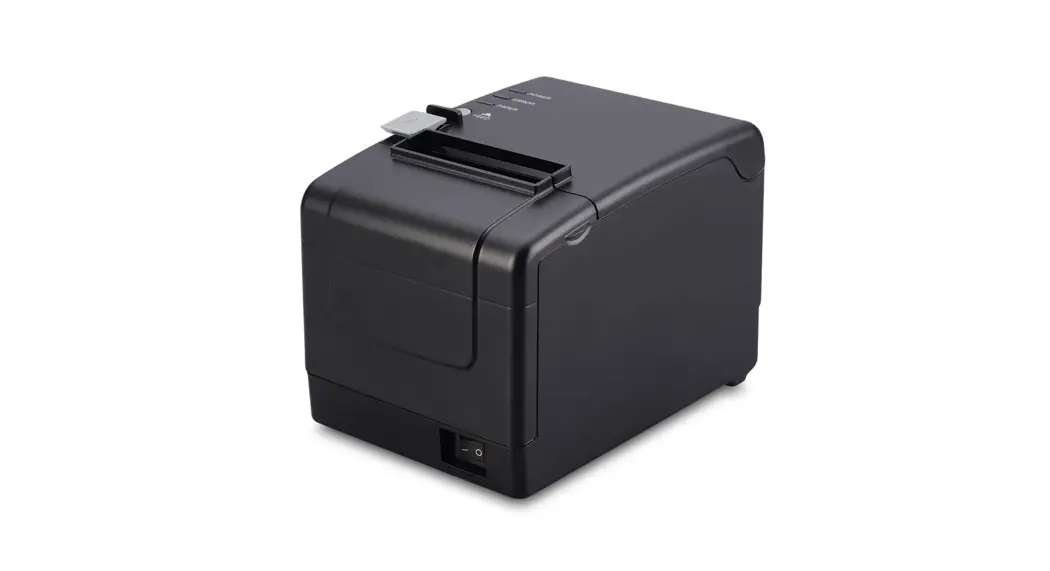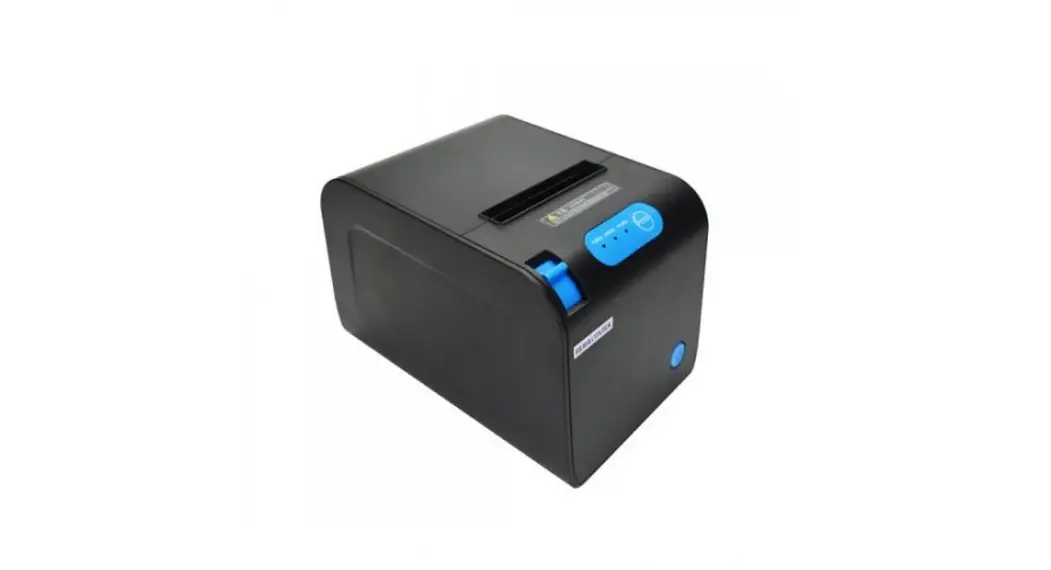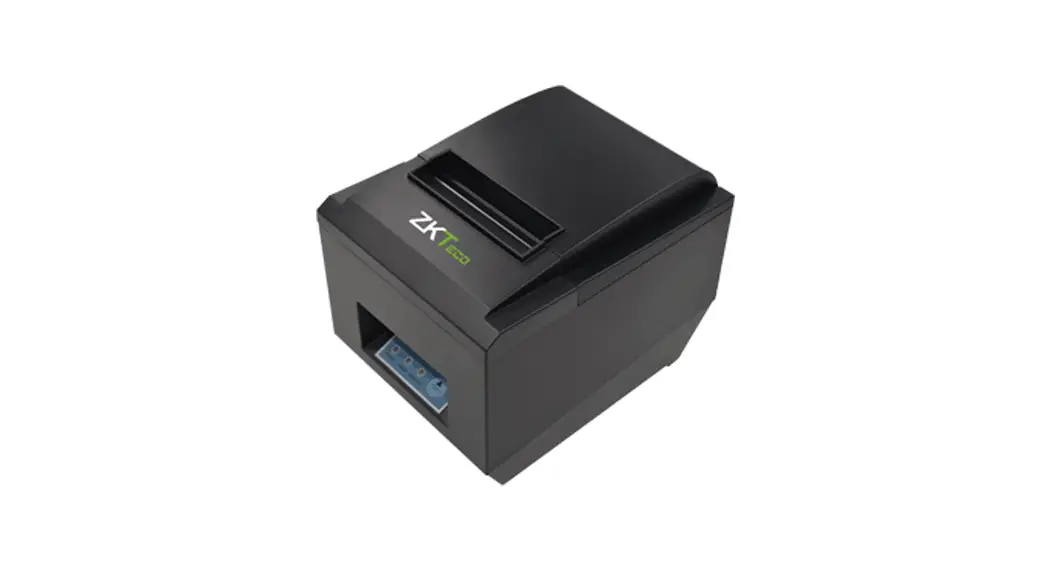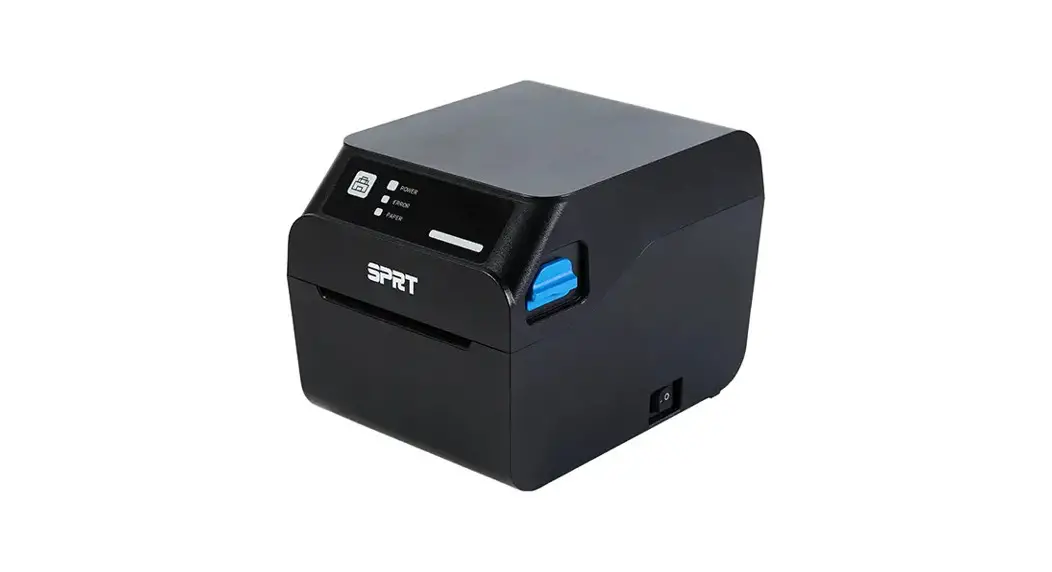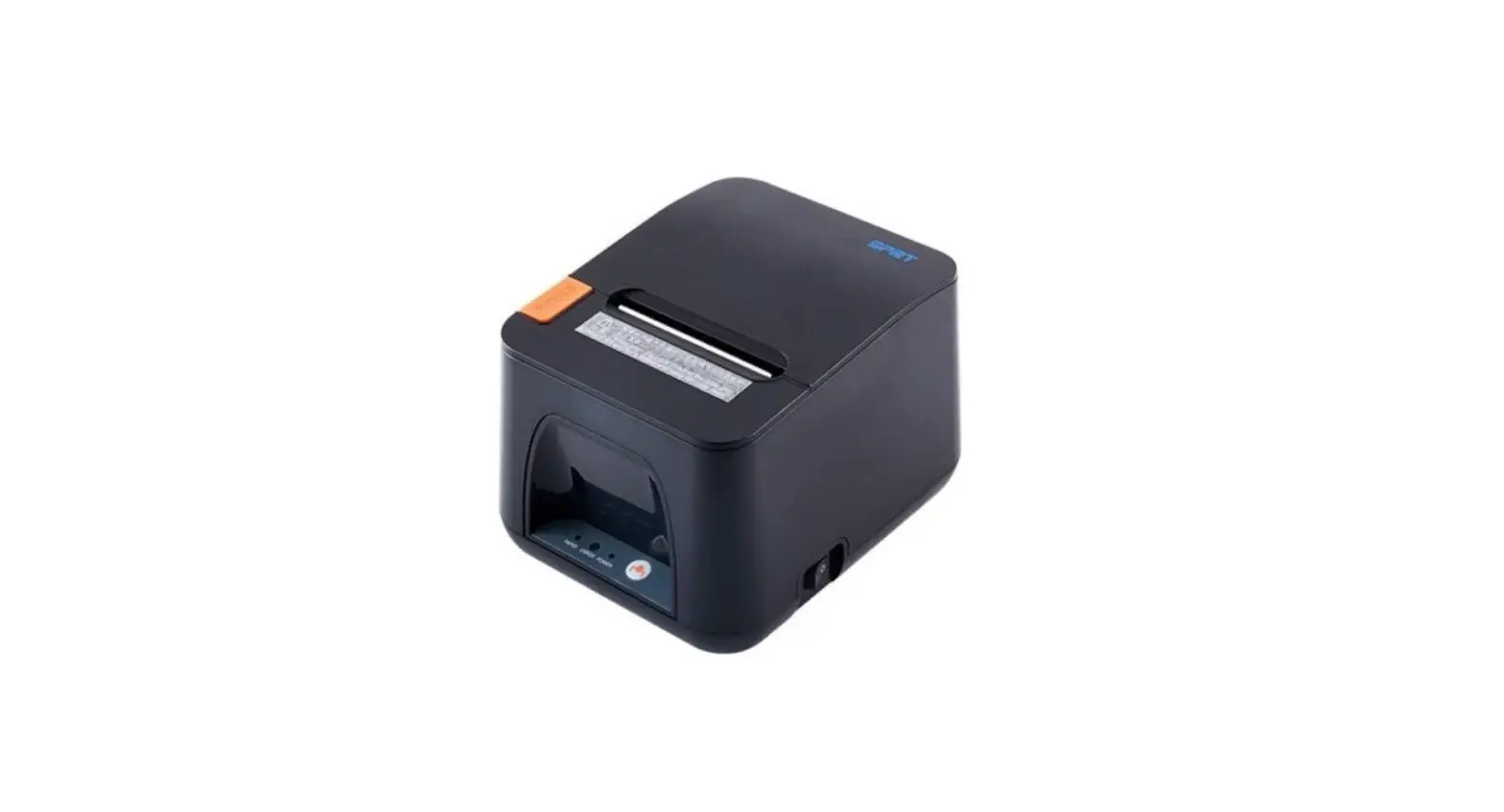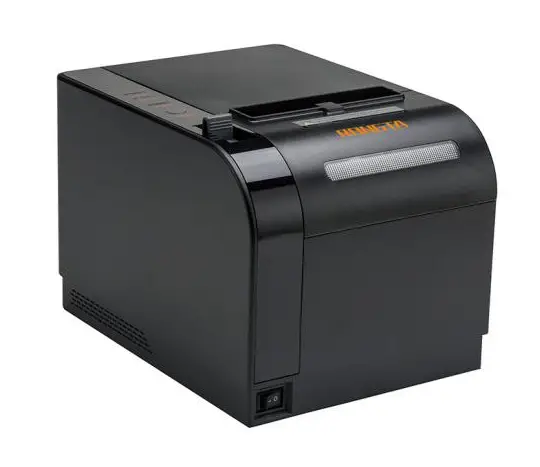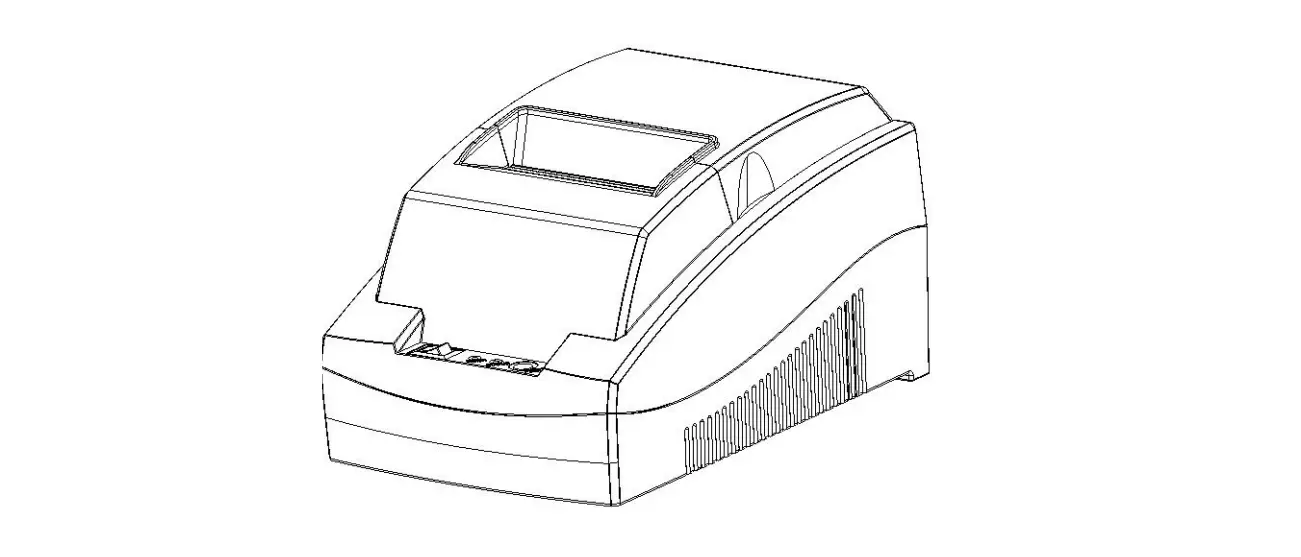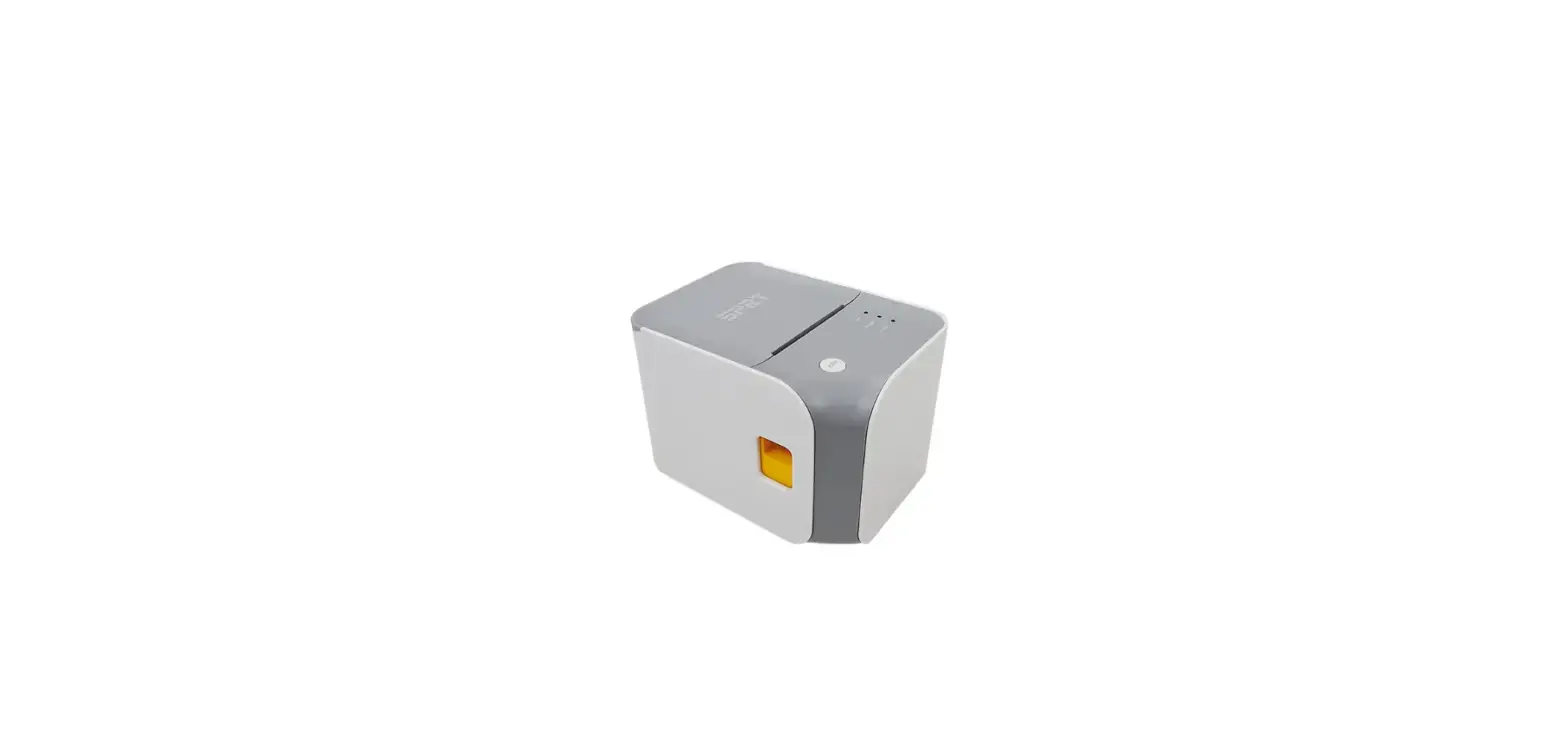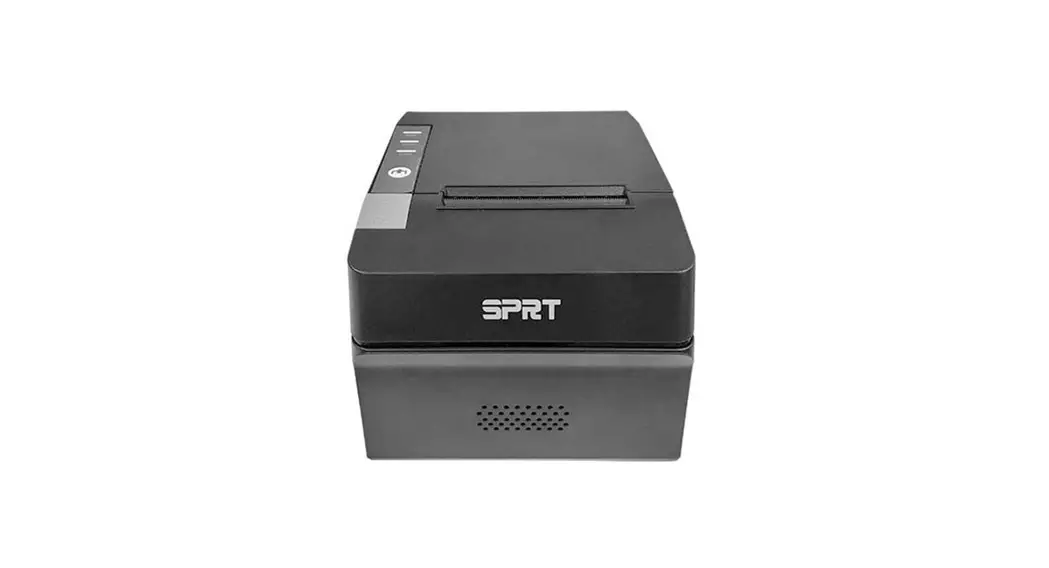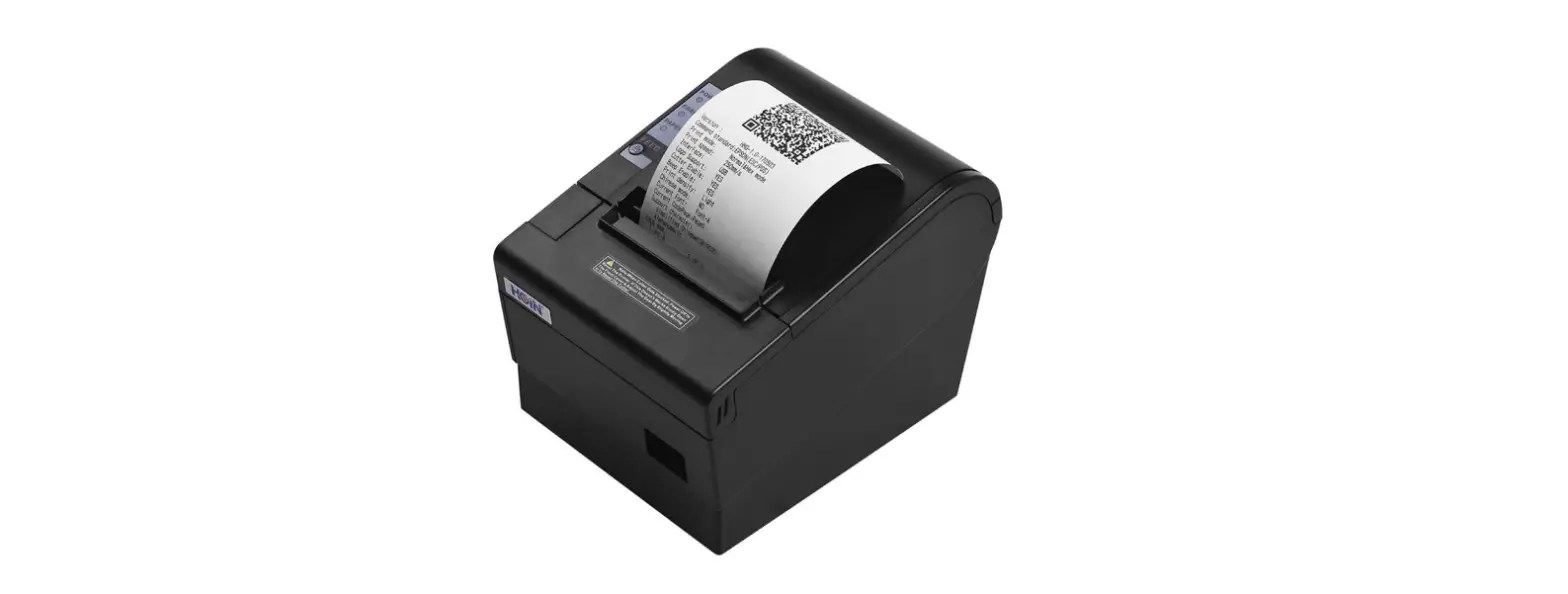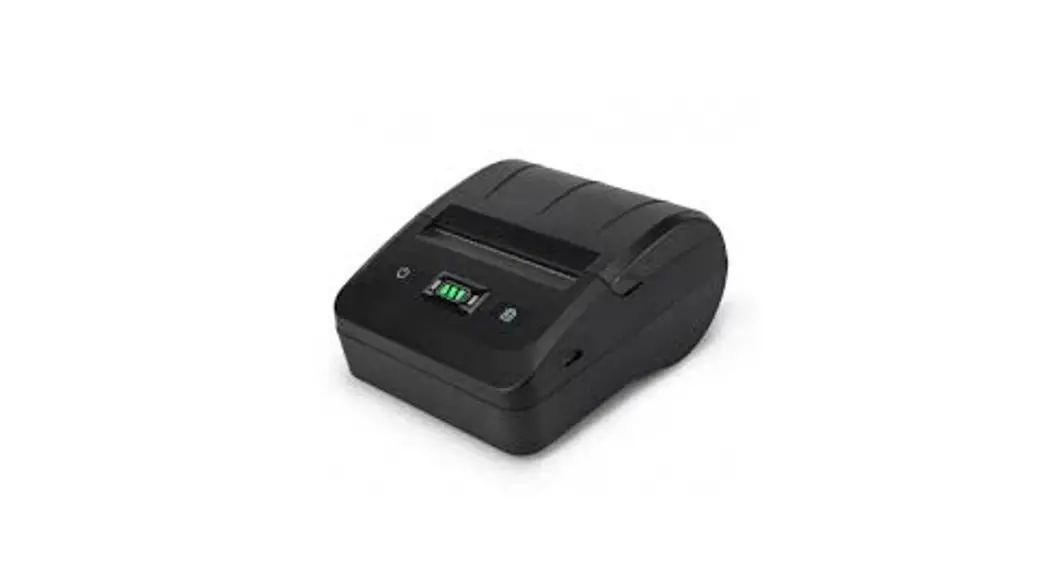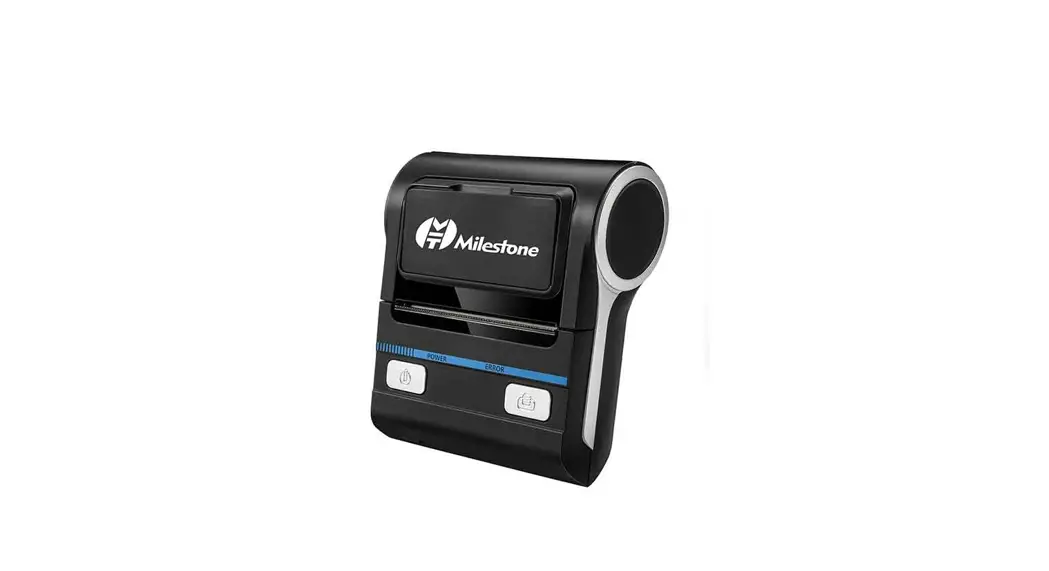
 MHT-P8008 Thermal Printer
Reading manual to use it better
User Manual
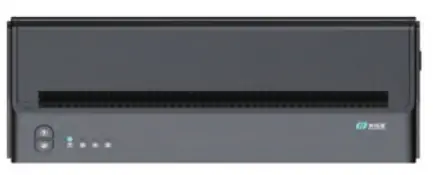
Accessory instruction
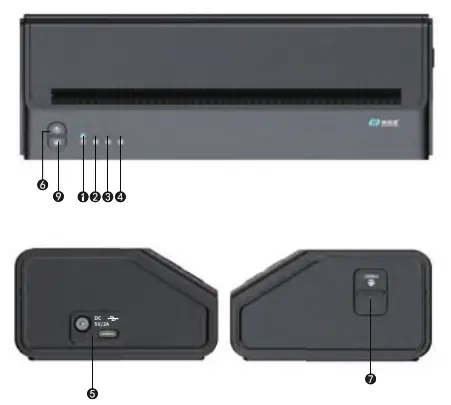
- Power light
- Error light
- Charging light
- Bluetooth light
- Type-C/Data transmission
- Turn on/off button
- Open paper depot button
- Go out paper button
| Instruction light/button situation instruction | Situation |
| Power fight | Green light is on all time when turn on |
| Charging light | Red light is on when charging |
| Error light | Red light is on when cover is not close rightly |
| Go out paper button | Paper will be going out when pressing it |
Install paper function
Install paper function
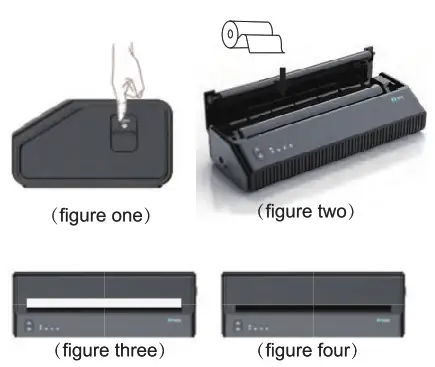
- Pressing button to open cover (figure one)
- Installing paper (figure two)
- Pull out part paper,close the cover,to make sure sides of cover both close rightly, As shown in figure three (figure three)
- Rip off left paper,As shown in figure four
Software Download
 Search TattooPrinter Google store
https://www.mhtclouding.com/tattooprint/download.html
Driver download
 https://www.mhtclouding.com/mht/service_en.html#driver
Device date
| Effective printing width | 210mm |
| Resolution | 203dpi |
| Weight | 1350g |
| Size | 267mm*95mm*51 mm |
| Battery capacity | 1500mAh |
| Connecting way | Bluetoth+USB |
| Input | 5V= 2A |
| paper size | paper size:A4 |
Common problem
| Problem | Reason | Method |
| Don’t have date when printing | The paper is loaded backwards | Correct the paper orientation |
| Blurred printing | The printer is not clean for a long time, and the consumables are bad | Clean the printer and replace standard consumables |
| The printer keeps making sounds | The cover is not tight or the paper is not installed correctly | Close the lid or put the paper correctly |
| The printer automatically urns off / prints intermittently | Battery exhausted | Charging soon |
Notes on charging and printing head
Notes on charging and printing head
- 1t is recommended not to print in high humidity and dusty areas.
- The print head is too hot after printing, please do not touch it directly.
- When changing the printing paper, do not touch the print head.
- To prevent static electricity from damaging the print head, please do not touch the print head.
Note when charging
- Do not vigorously plug in or unplug the charging cable.
- Please disconnect the plug in time after charging.
- Please use the original power cord for charging, otherwise the printer may overheat, catch fire and burn.
- Do not charge in high temperature environment.
FCC WARNING
This device complies with pan 15 of the FCC Rides. Operaton is suttect to he following two con:felons:
- This device may not cause harmful interference, and
- this device must accept any rite defence received, incluang aerie rence hat may cause undesired operalon.
Note: This equipment has been tested and found to comply with the limas for a Class B dgaal device, pursuant to part 15 of the FCC Rides. These Inds are desogned to ixoude reasonable ixotechcc against harmful interference in a residental instalatien. This equipment generates, uses and can radiate redo frequency energy and, rf not installed and used in accordance wrh he instructions, may cause hamtul rnederence b ratio communscations. However, here is no guarantee that interference vall not max an a parlialar instailatton. If this equipment does cause hartnii interference b radio or teleNesion reception, which can be determined by timing he equipment off and on, the user rs encouraged to try to correct the interference by one a more of he Sloven; measures:
- Reorient or relocate he recerang ante ma.
- Increase the separation between fie equipment aid receiver.
- Correct the equpment it an outlet on a arca different tom that to vihich he receiver ts comected.
- Consult the dealer or an experienced radio/TV technician for help.
Note: The Grantee is not responsible for any changes or mocklcatons not expressly approved by the party responstee for cent:thence. such medications could void the user’s authonly to operate the equipment.
The deuce has been evaluated to meet general RF exposure requirement This equipment carp hes vath FCC’s RF radiation exposure limes set forth for an uncontrolled environment. This deuce and its antenna(s) must not be co-located or conjunction vain arty other antenna a transrntter.
Milestone Intelligent Electronics(Guangzhou)Co.,Ltd. http://weixin.qq.com/r/XUMwKIPEp97YrcdL9xZP
4009-658-020