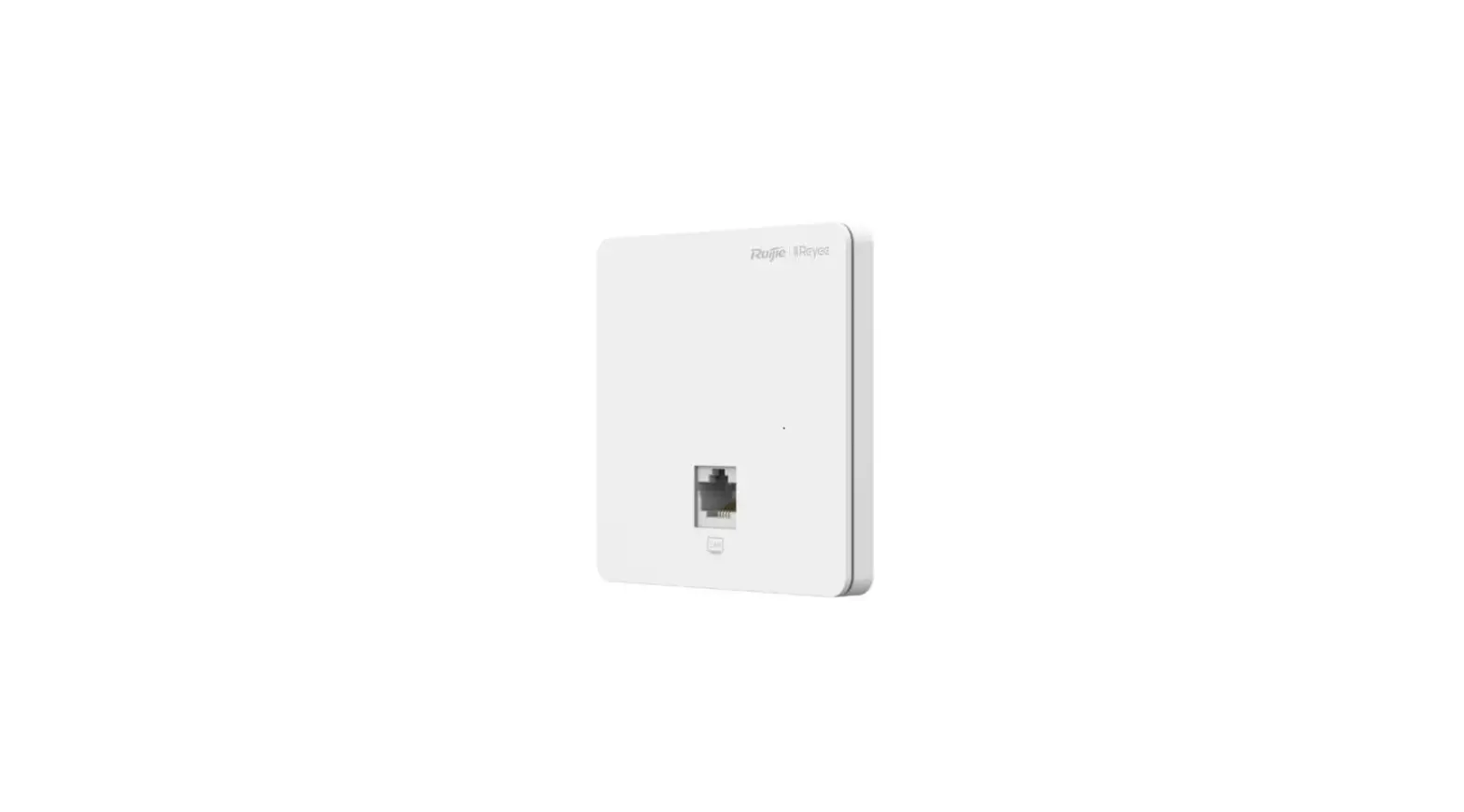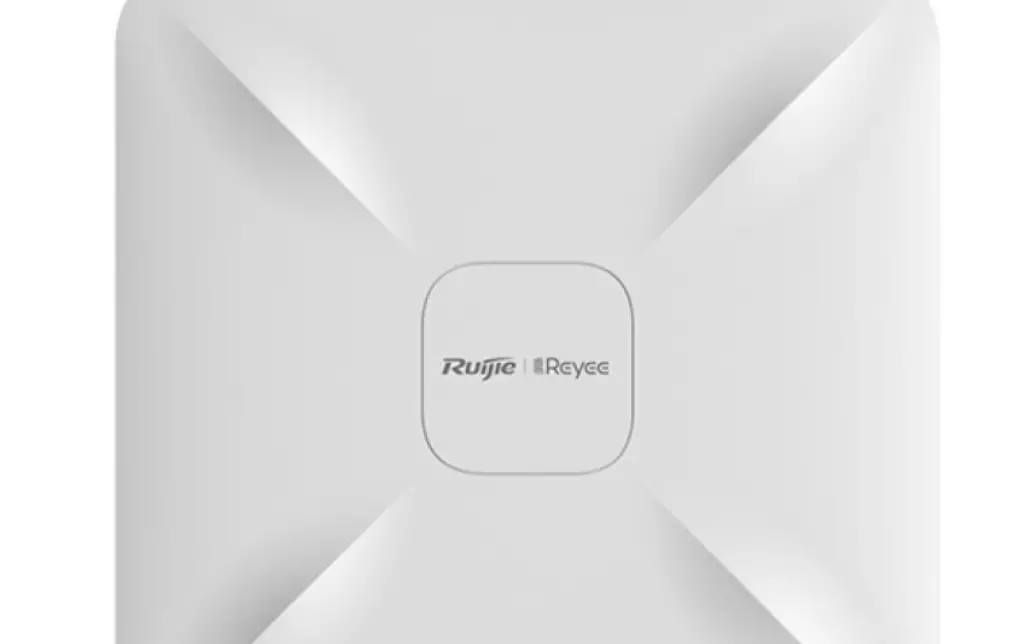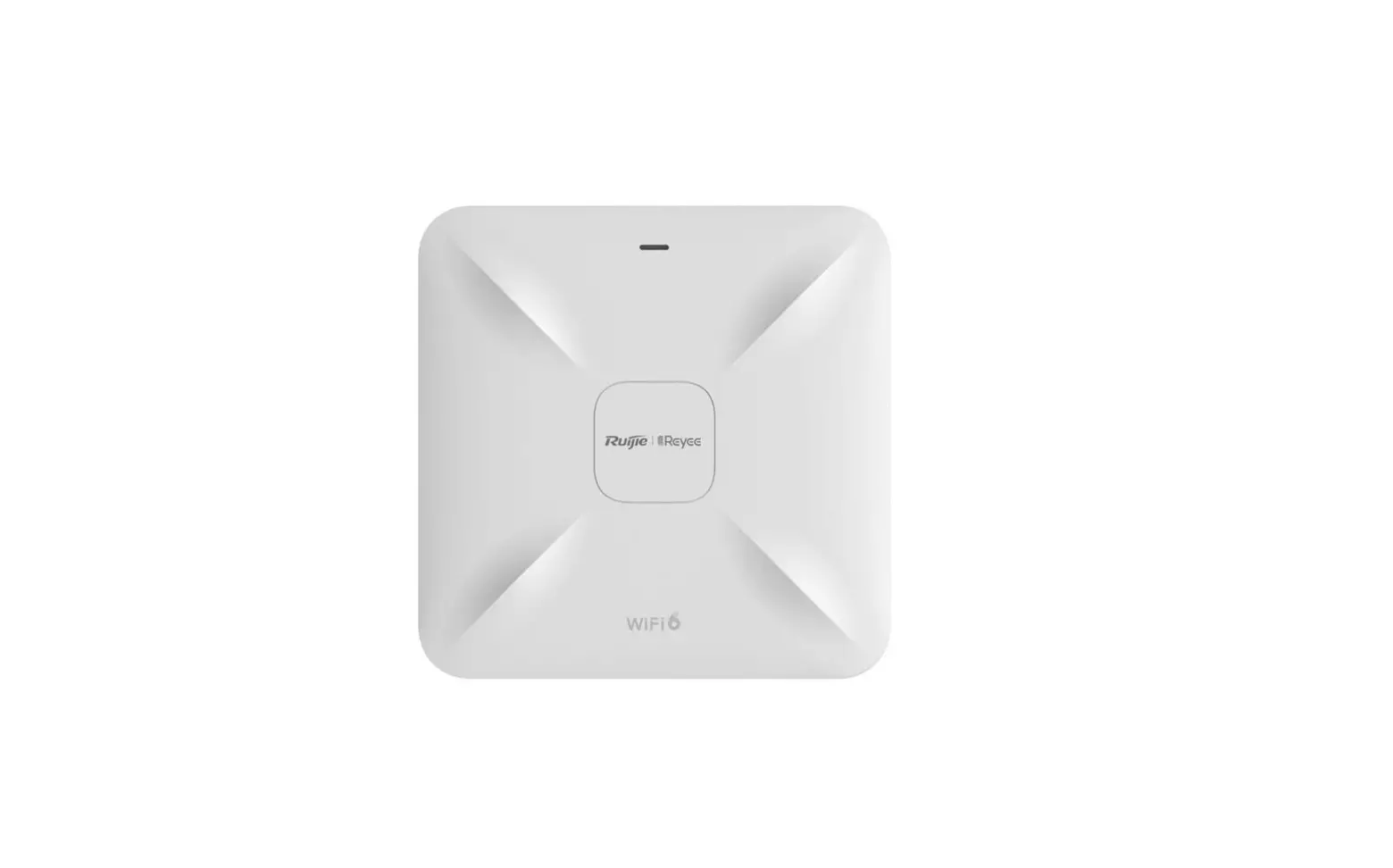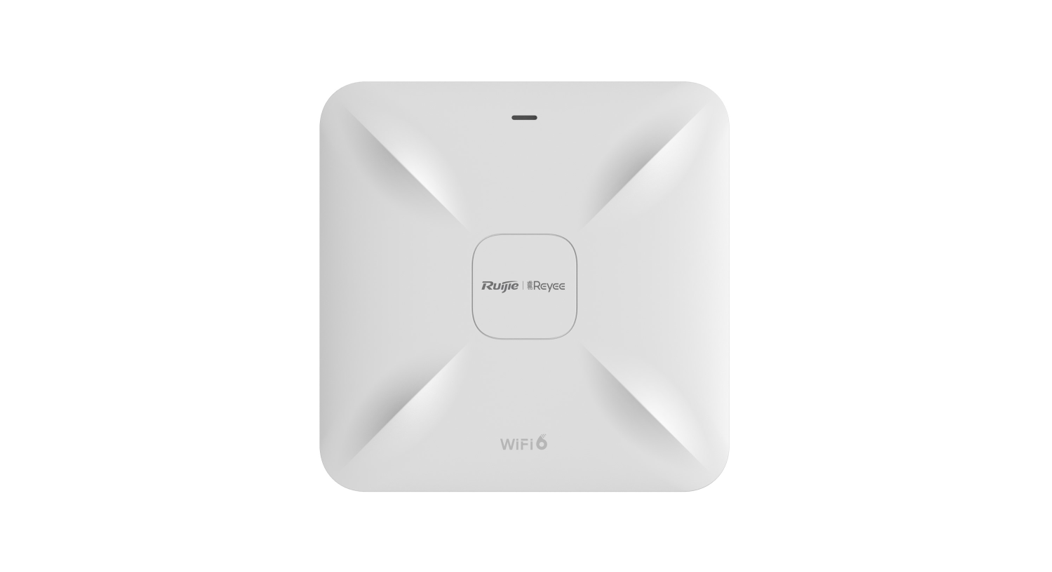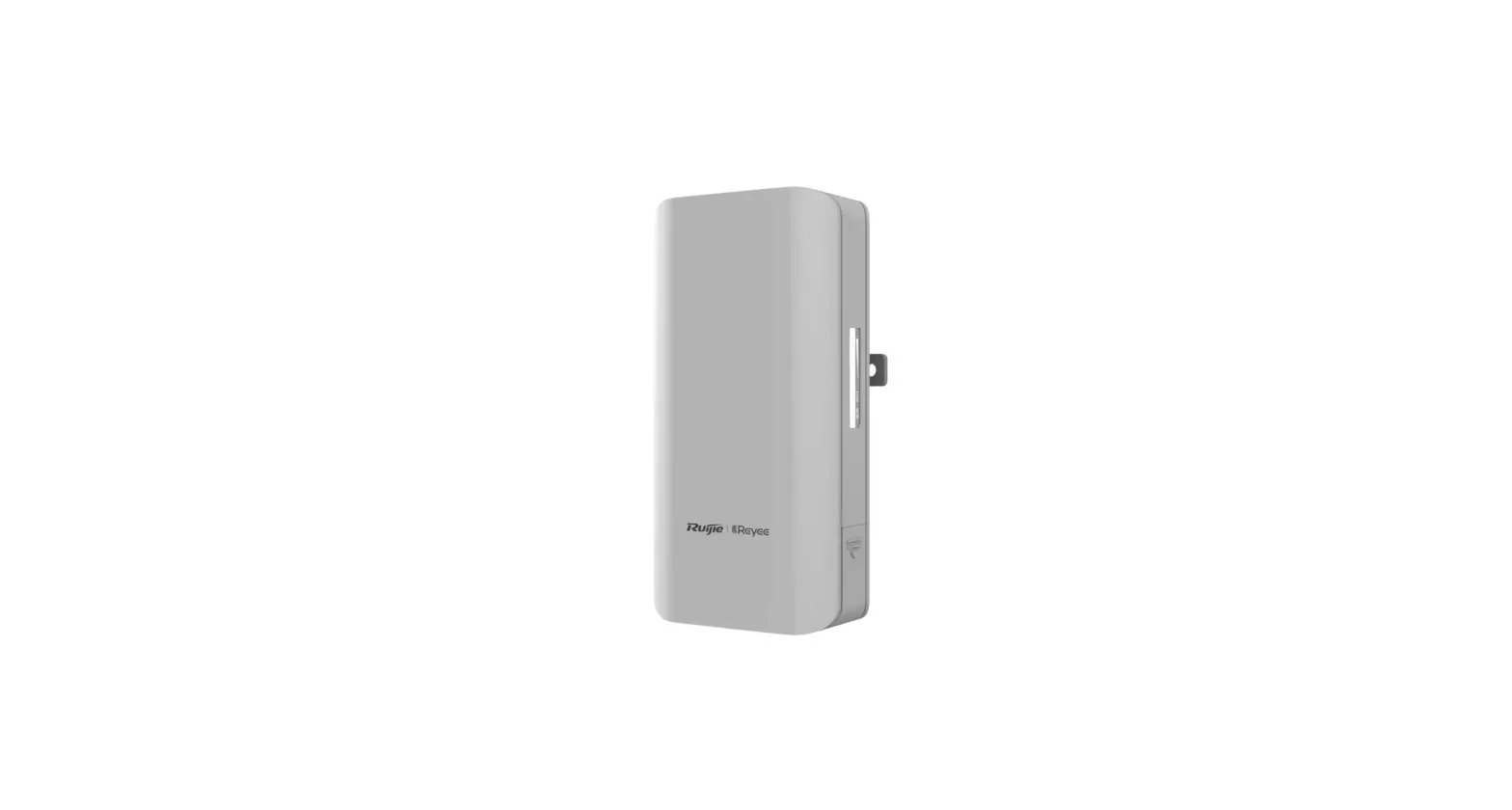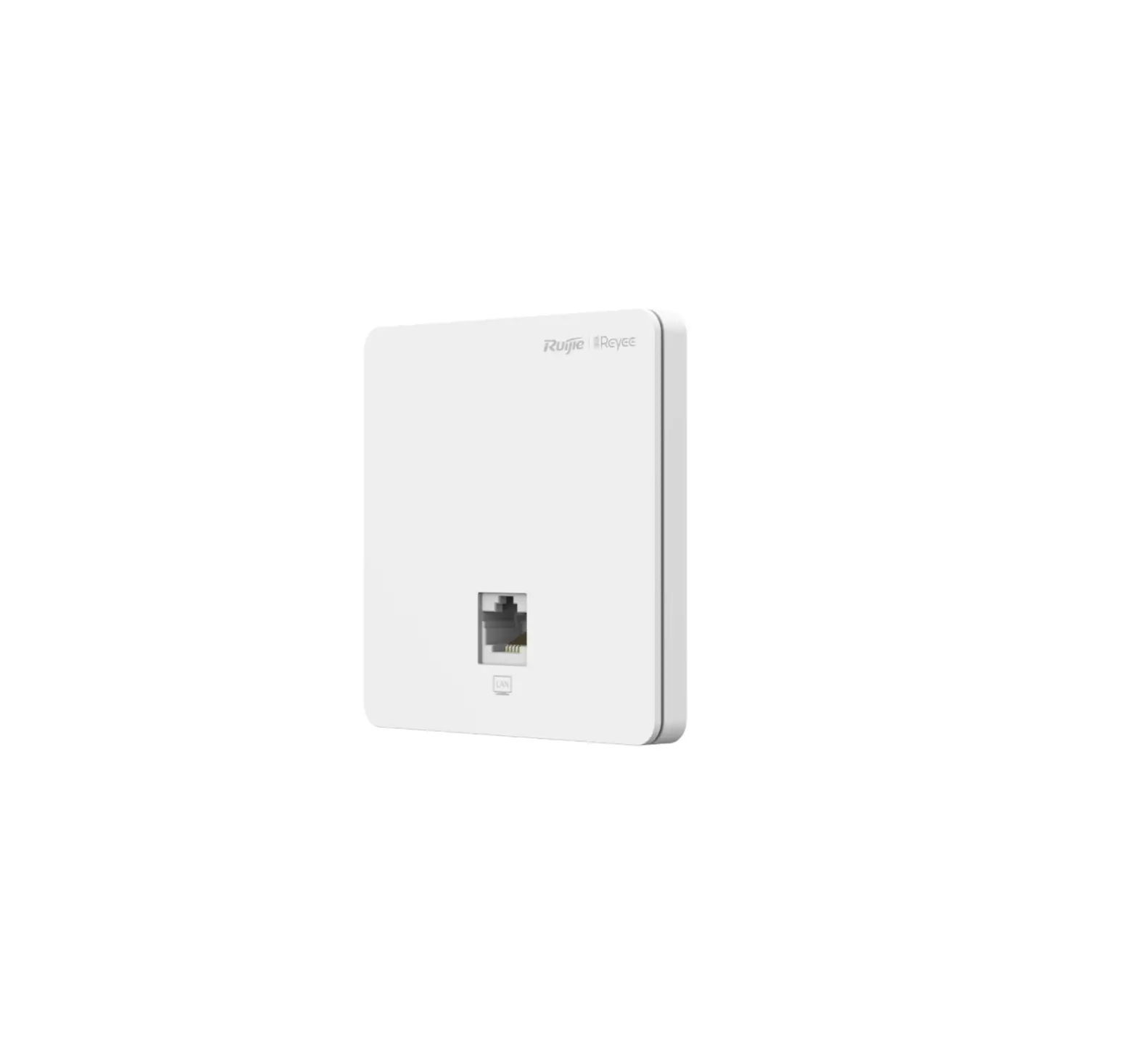
Ruijie Networks RAP1200 1267Mbps Wall Mounted Access
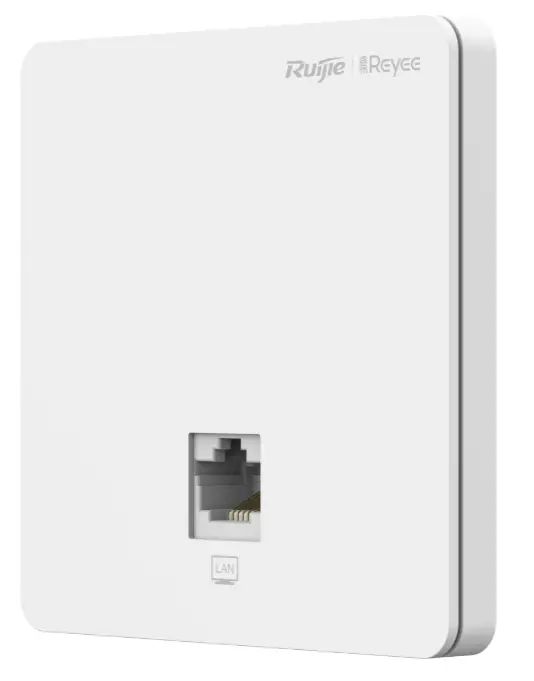
Packing List
| Item | Name | Quantity | Unit |
| 1 | RG-RAP12.oO(F)Host | 1 | Set |
| 2 | This Quick Installation Guide | 1 | Copy |
| 3 | Warranty card | 1 | Copy |
| 4 | Mounting Screw | 2 | Piece |
Appearance and Interface
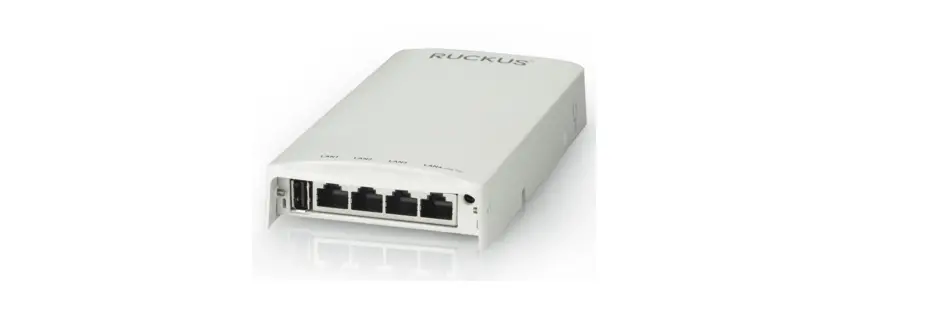
Top View
Note:
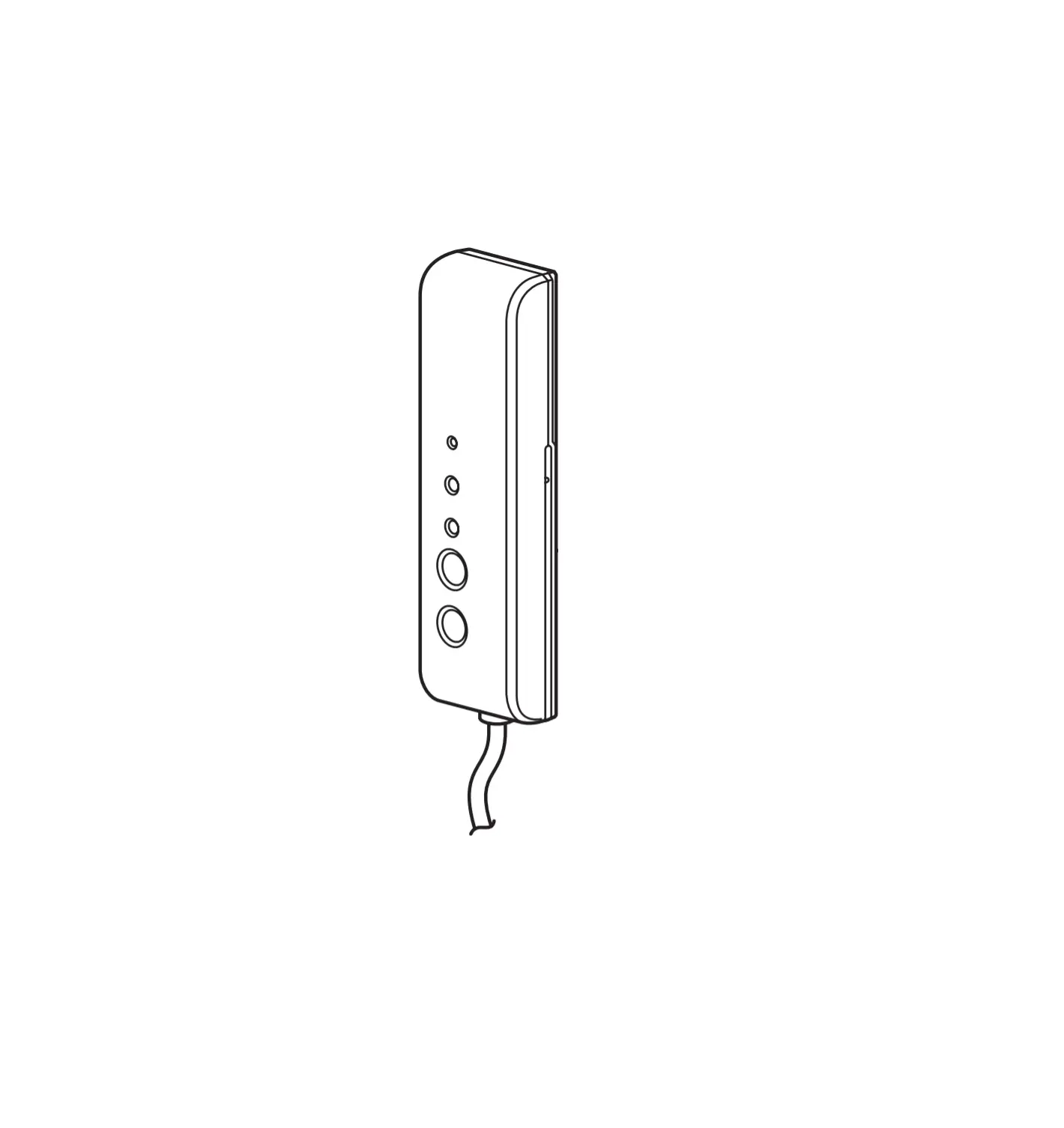
- System LED indicator
- LAN port
- Reset button

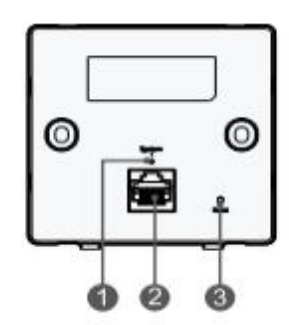
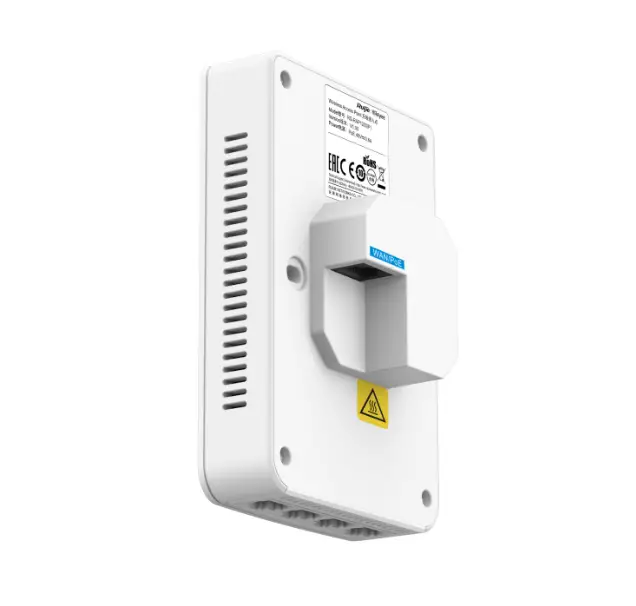
Rear View
Note:
- WAN/PoE Port

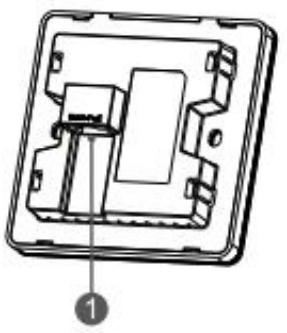
When powering 1he AP through PoE, connect one end of 1he E1hemet cable to the WAN/PoE port and the other end to a PoE- capable device.
| LED Indicator and Button | Frequency | Description |
| LED Indicator | Solid blue | Normal operation. |
| Off | The AP not receiving power. | |
| Blinking(0.5Hz) | Normal operation, but the AP is not connected to Ruijie Cloud. | |
| Fast blinking(10Hz) | Possible cases:
| |
| Reset Button | Press for less than 2 seconds | Restart the device. |
| Press for more than 5 seconds | Restore the factory settings. |
Product Installation
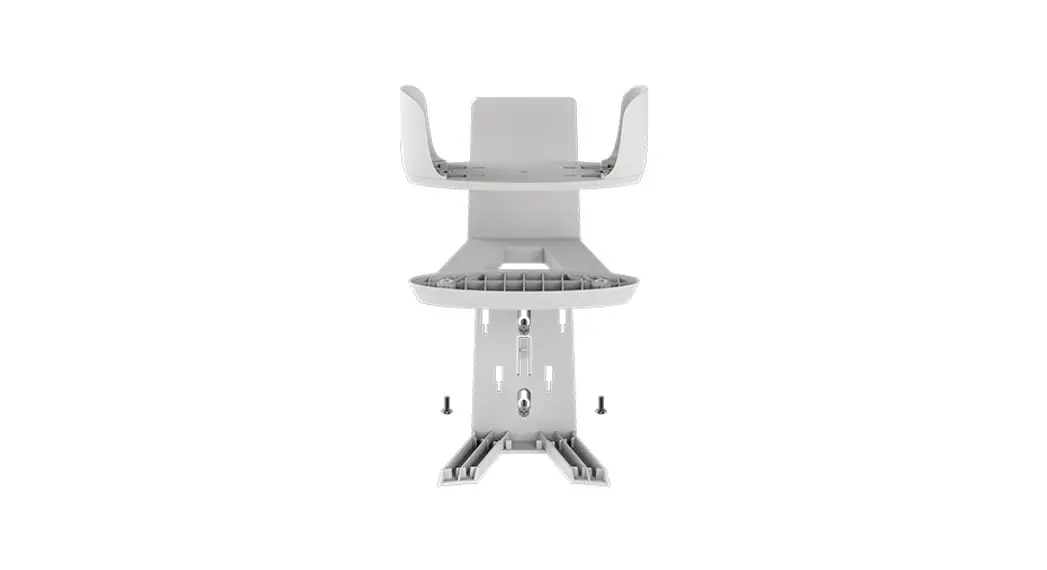
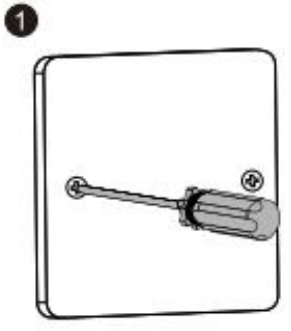
- Loosen screws on the 86-type faceplate that is mounted on the wall.

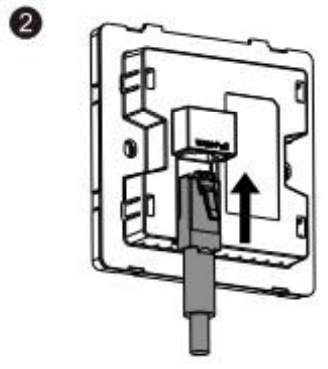
- Connect the Ethernet cable to the WAN/PoE port.

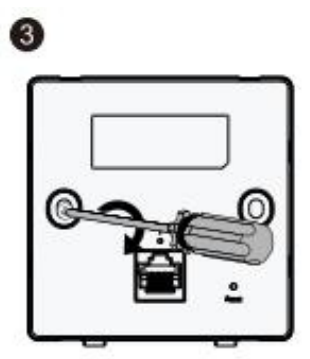
- Align screw holes on both sides of the device over those on the faceplate. And then tighten screws with a screwdriver.

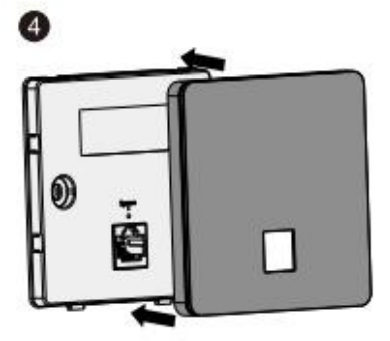
- Install the plate cover in the way as shown in the figure.

Network Configuration
Method 1 (Recommended)
Scan the QR-code on the manual or device to download Ruijie Cloud App, and configure the network according to App.
Method 2
Connect to the SSID (@Ruijie-mxxxx when there are multiple devices and @Ruijie-sxxxx when there is only one device), or connect the cable with LAN port, and visit http://10.44. 77 .253 (default password: admin). It is recommended to configure the IP address as 10.44.77.250.
Note:
This equipment is restricted to indoor operation in 5.15-5.25GHz for Hong Kong.