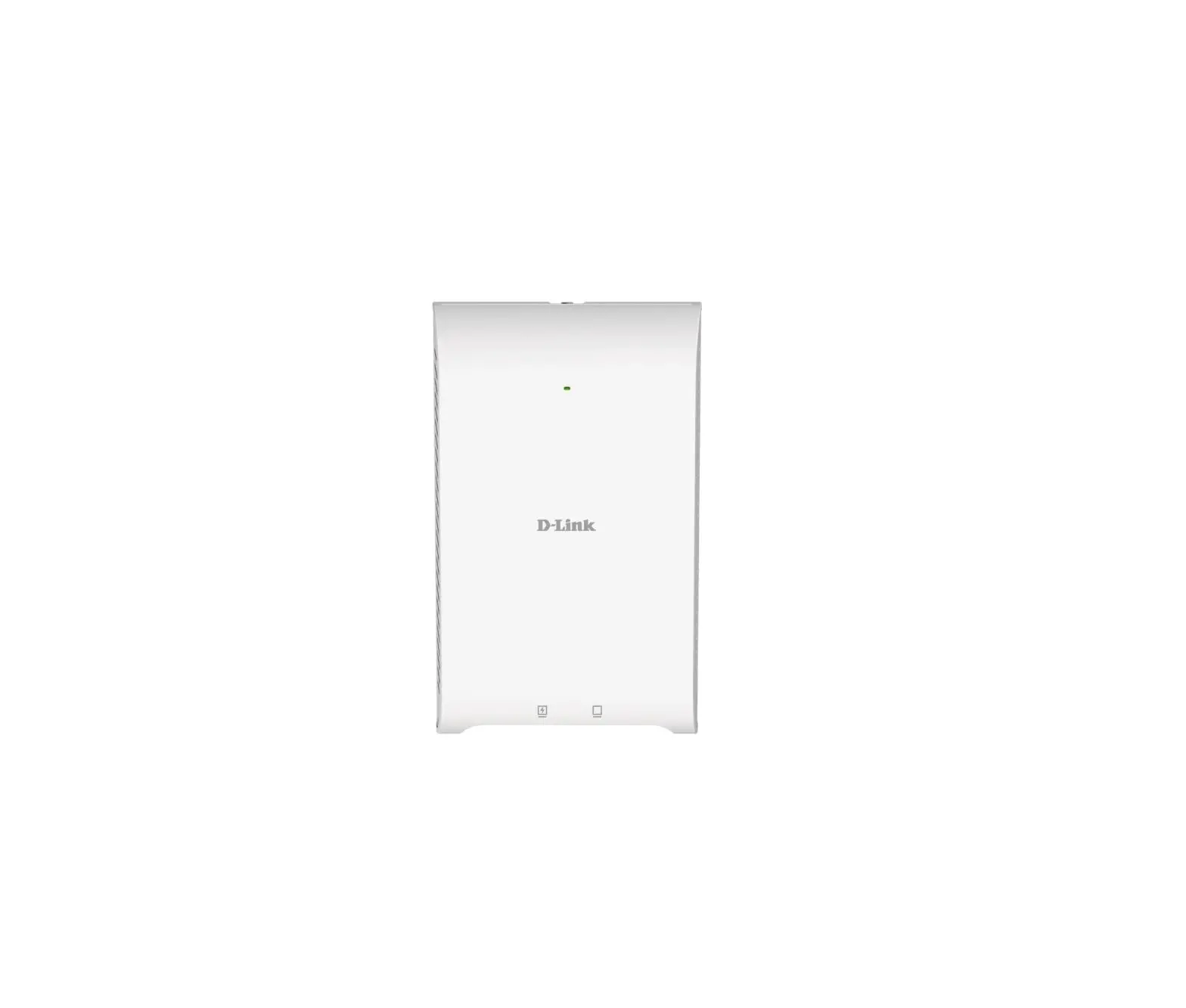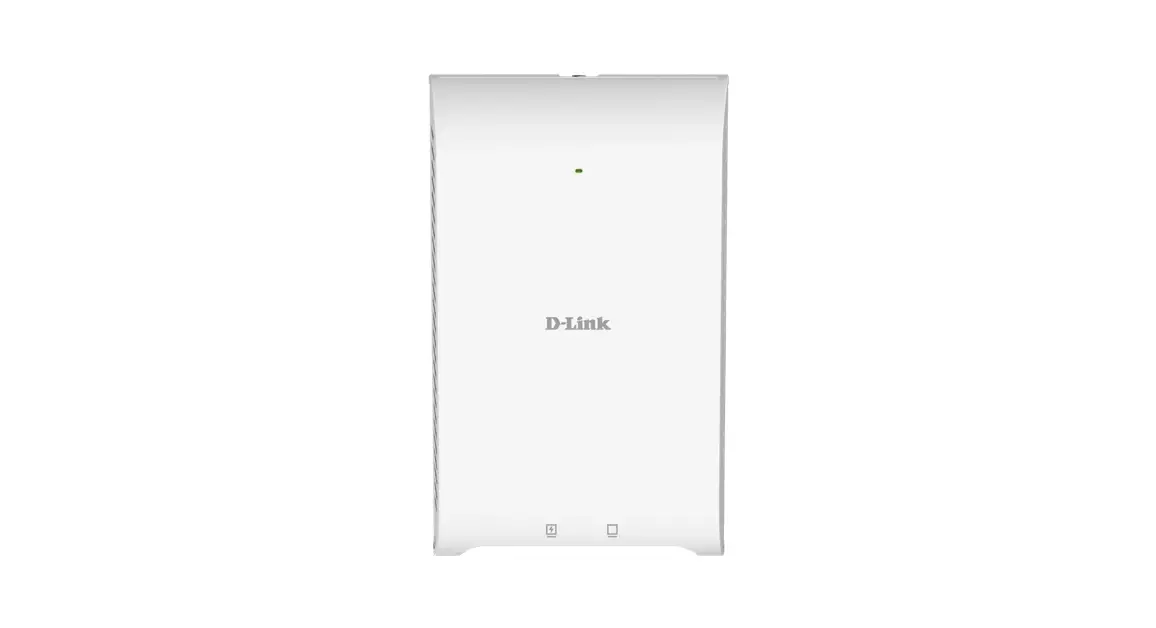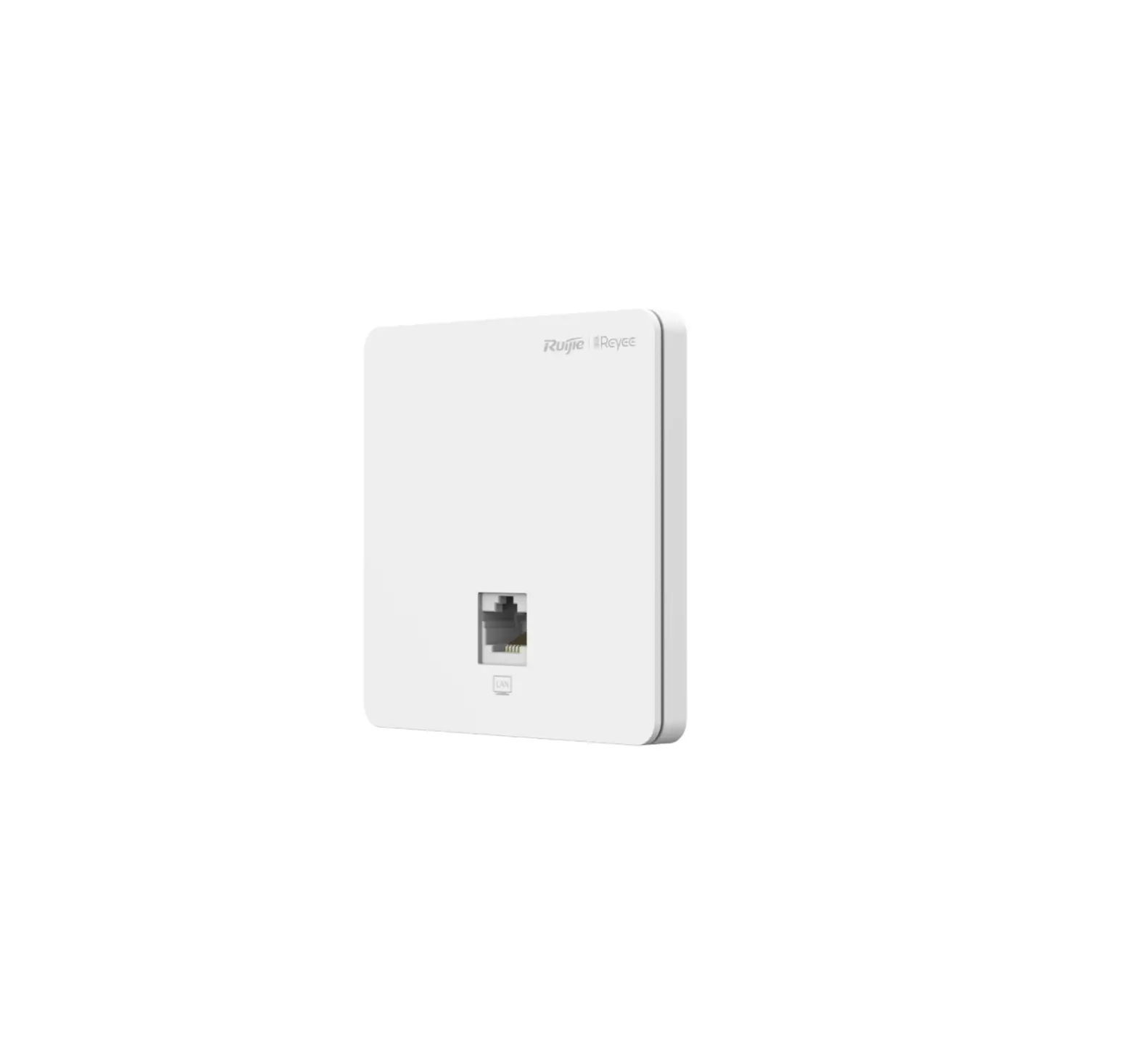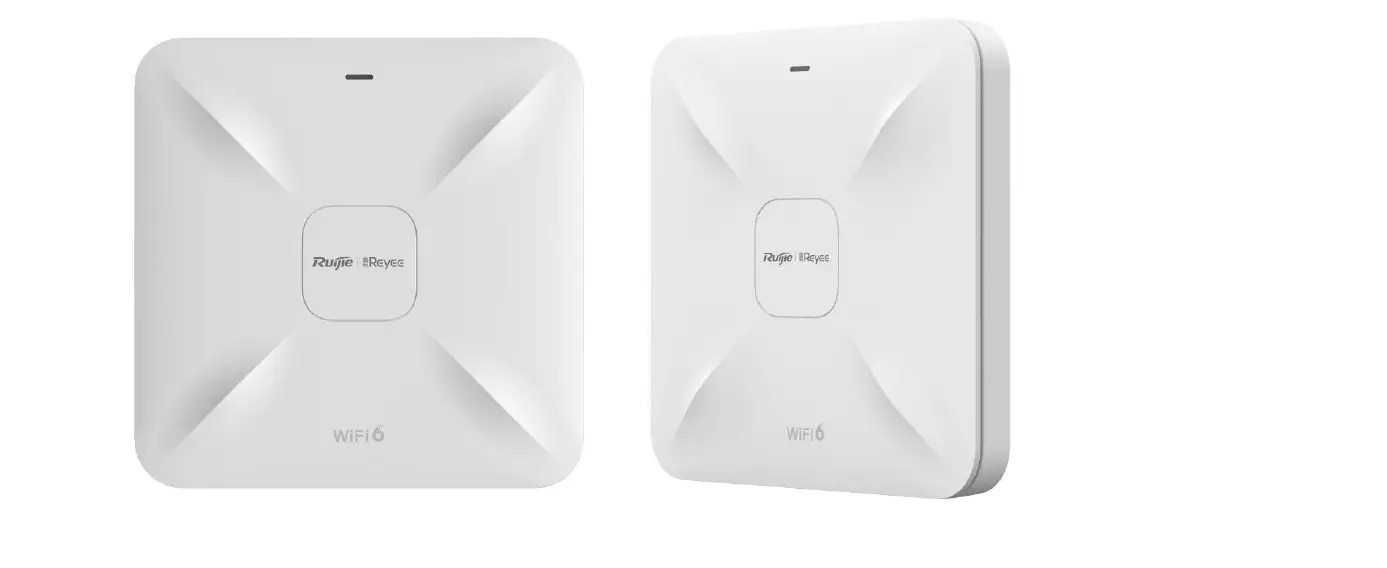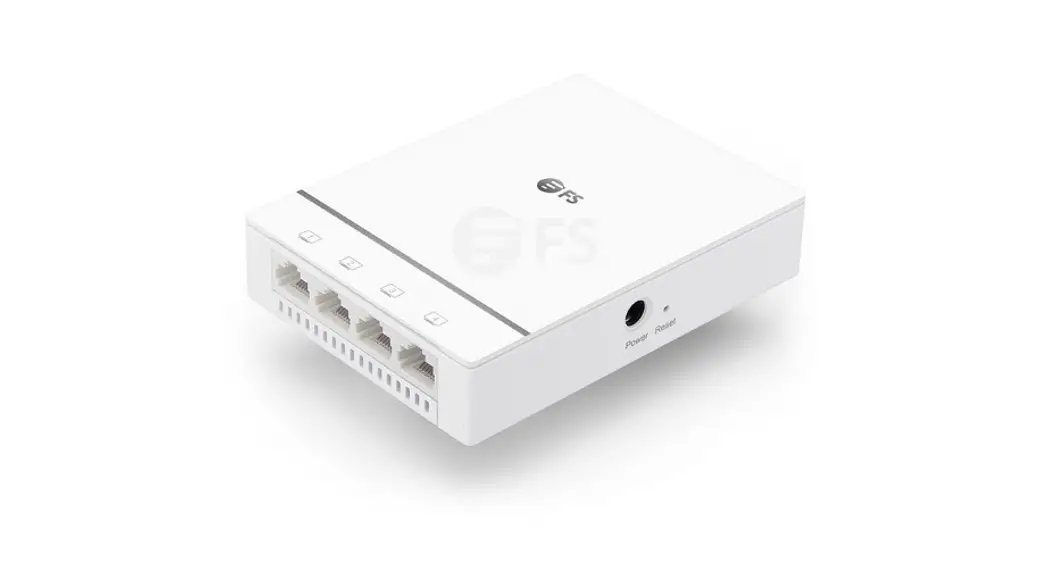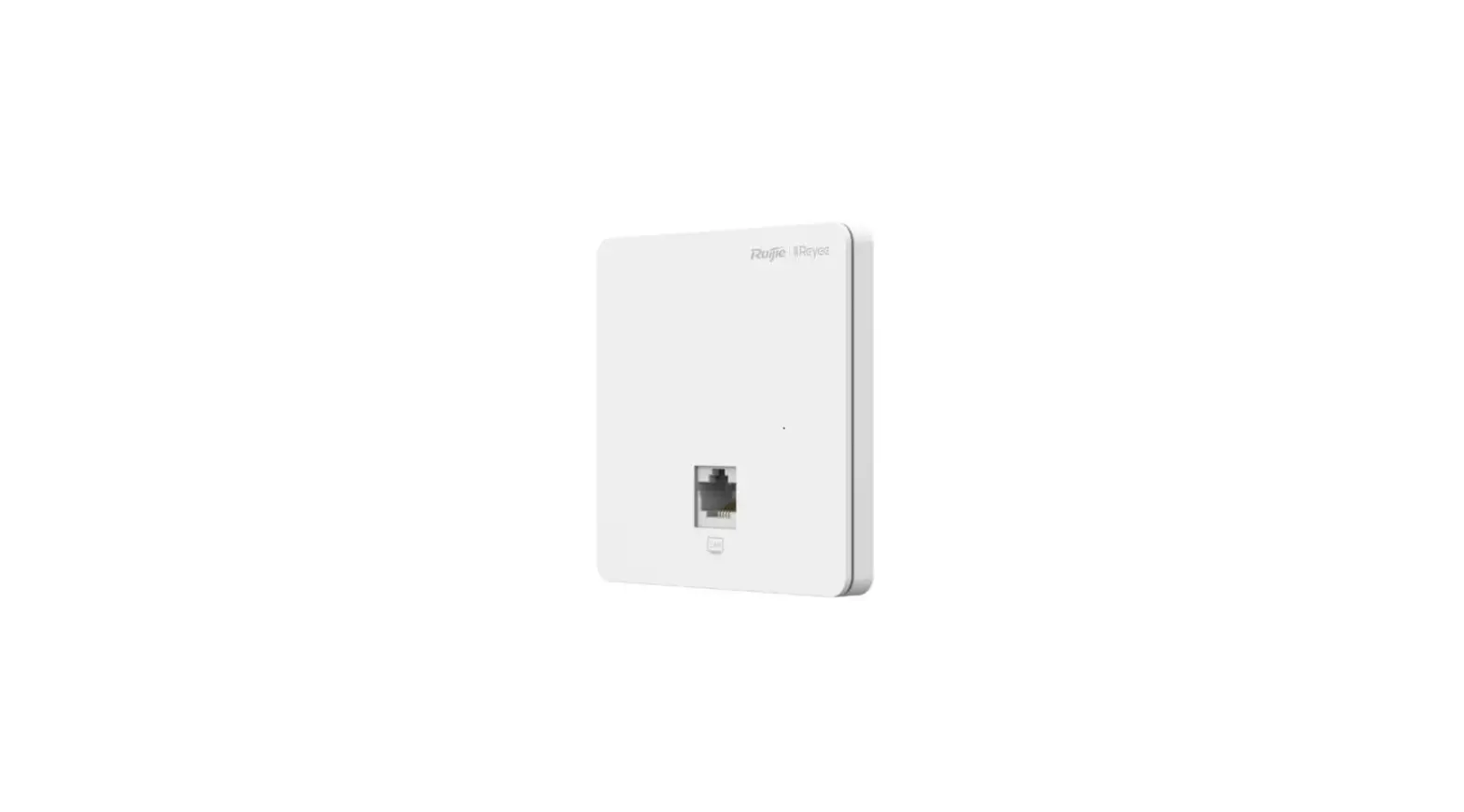

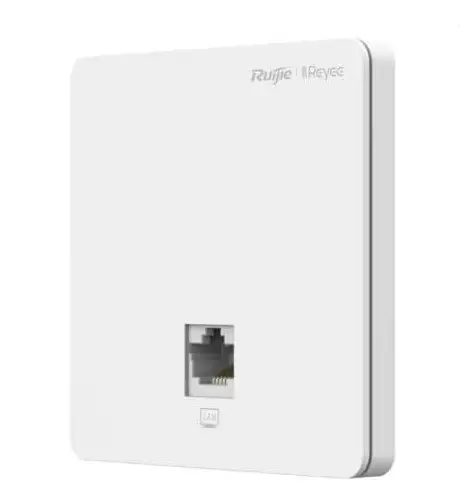
REYEE RG-RAP1200 Dual Band Wall Plate Access Point
Packing List
| Item | Name | Quantity | Unit |
| 1 | RG-RAP1200(P)Host | 1 | Set |
| 2 | This Quick Installation Guide | 1 | Copy |
| 3 | Warranty card | 1 | Copy |
| 4 | Mounting Screw | 2 | Piece |
Appearance and Interface
Top View 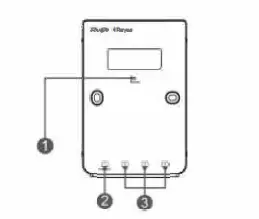
Note:
- Reset button
- LAN/PoE-Out port Rear View
- LAN ports
Rear View
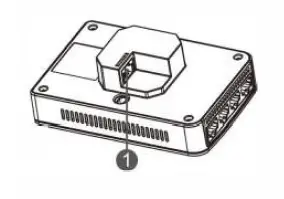
Note:
- WAN/PoE Port
Note:
- When powering the AP through PoE, connect one end of the Ethernet cable to the WAN/PoE port and the other end to a
PoE-capable device. - With IEEE 802.3at PoE+ input, the PoE-OUT port supports up to 15.4W output power to the external terminals complying with IEEE 802.3af.
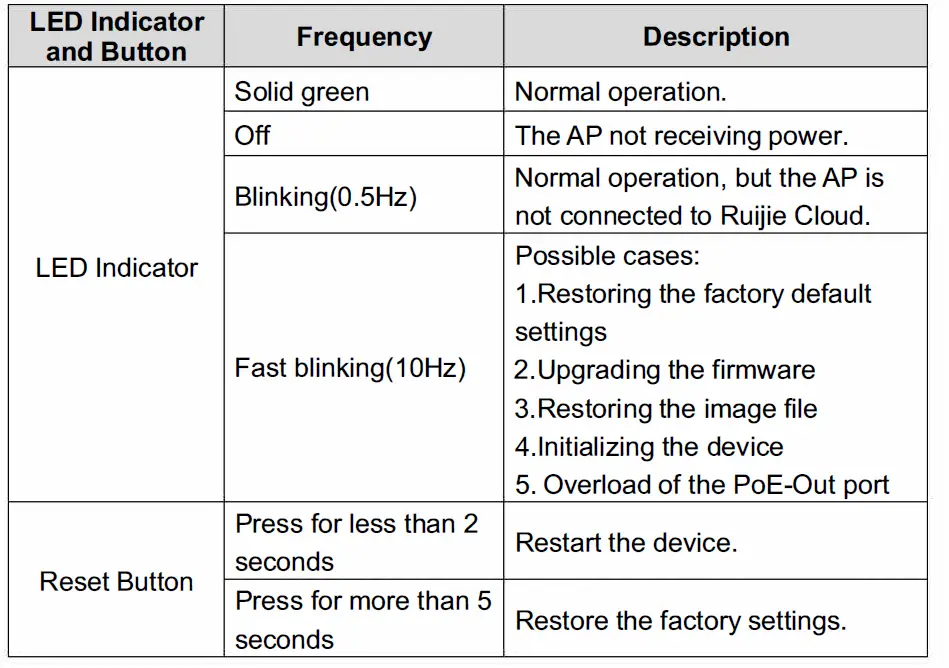
LED Indicator and Button 
Product Installation
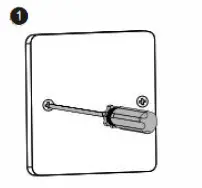
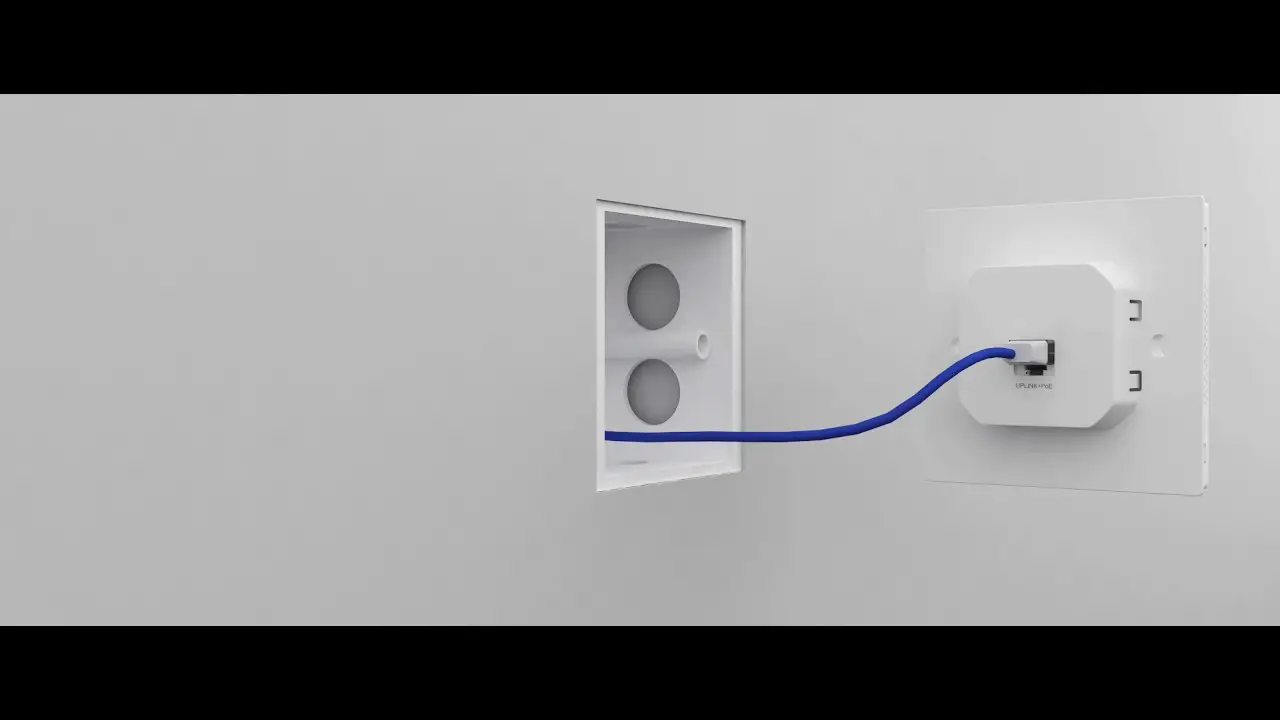
Loosen screws on the 86-type faceplate that is mounted on the wall.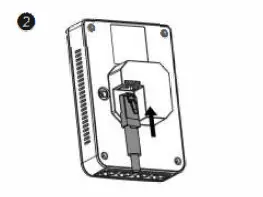
Connect the Ethernet cable to the WAN/PoE port.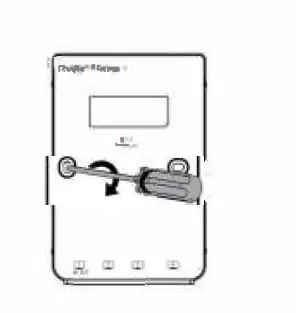
Align screw holes on both sides of the device over those on the faceplate. And then tighten screws with a screwdriver.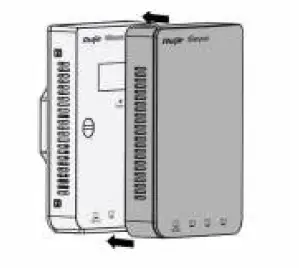
lnstall the plate cover in the way as shown in the figure.
Note:
You need to buy the mounting bracket, if you mount the AP on a single-gang wall junction box compliant with US standards.
Network Configuration
Method 1 (Recommended) Scan the QR-code on the manual or device to download Ruijie Cloud App. Follow the guide on App to set up and configure the network. 
Method 2
Connect to the device SSID (@Ruijie-mxxxx when there are multiple devices and @Ruijie-sxxxx default when there is only one device), or connect the cable with LAN port and visit http:/110.44.77.253
(default password:admin). It is recommend to configure the IP address of PC as 10.44.77.250.
Note:
This equipment is restricted to indoor operation in 5.15-5.25GHz for Hong Kong.