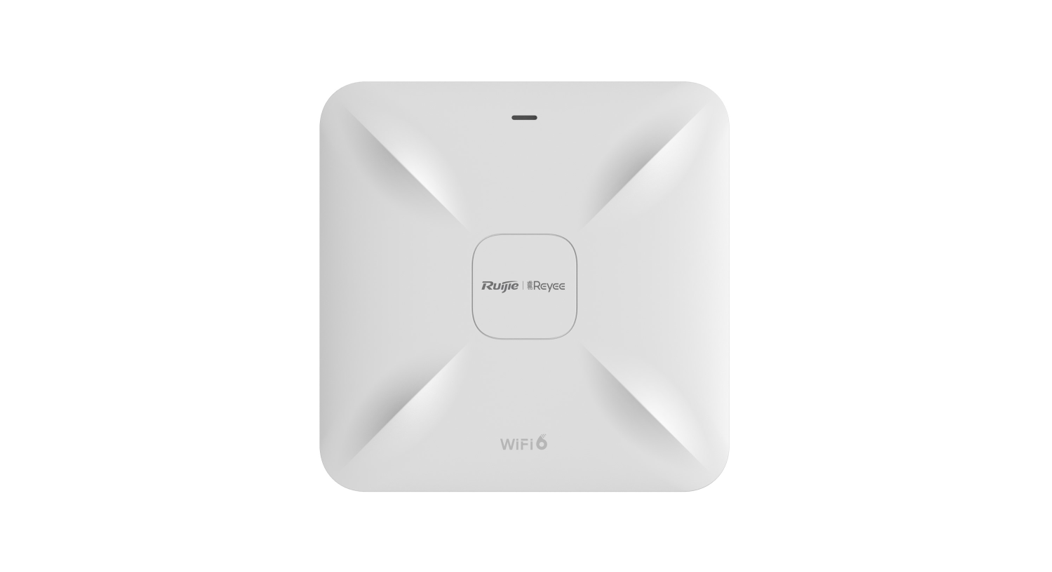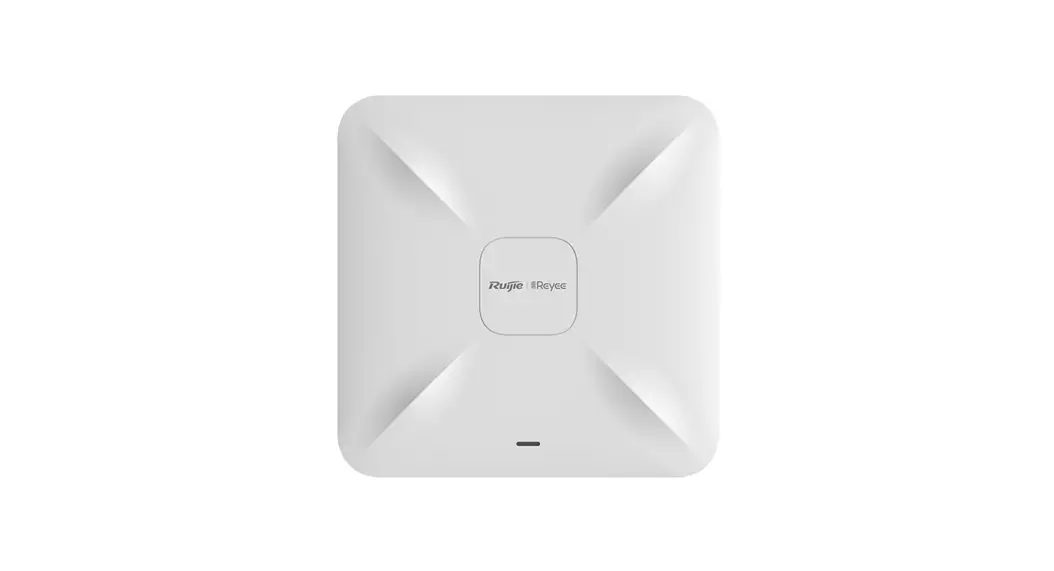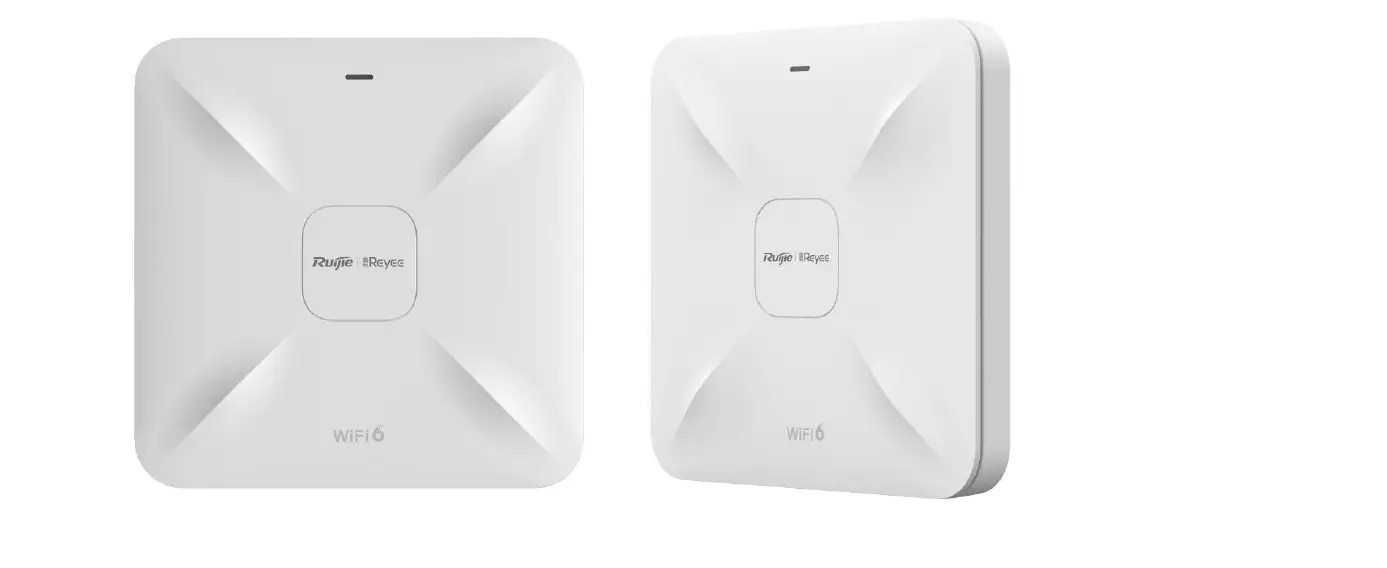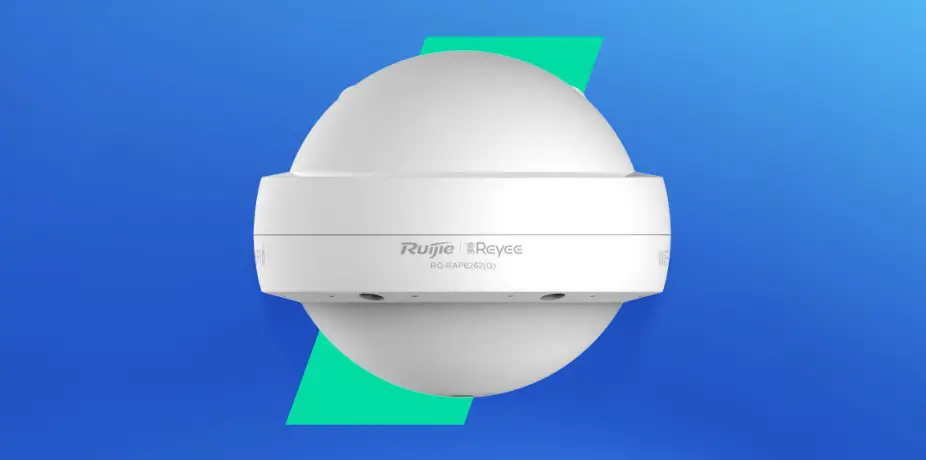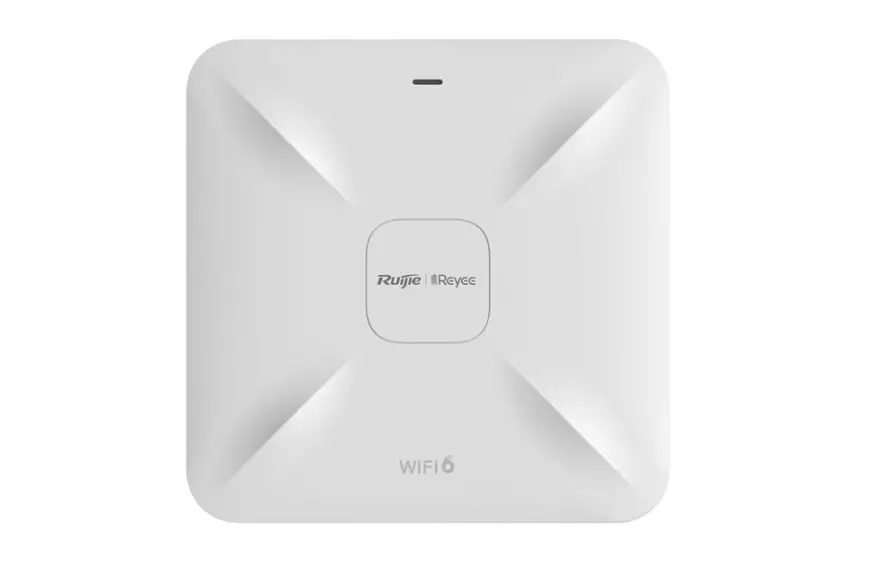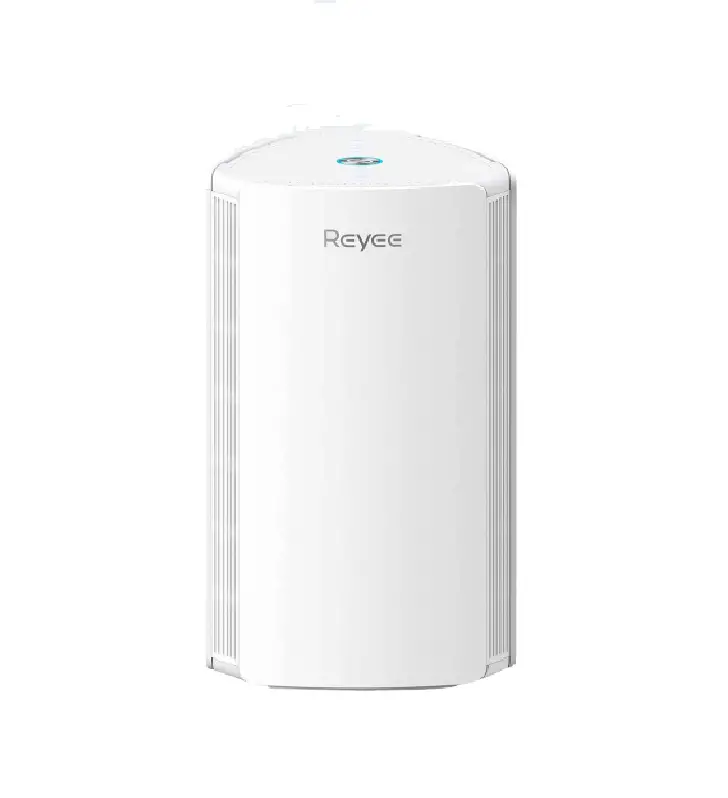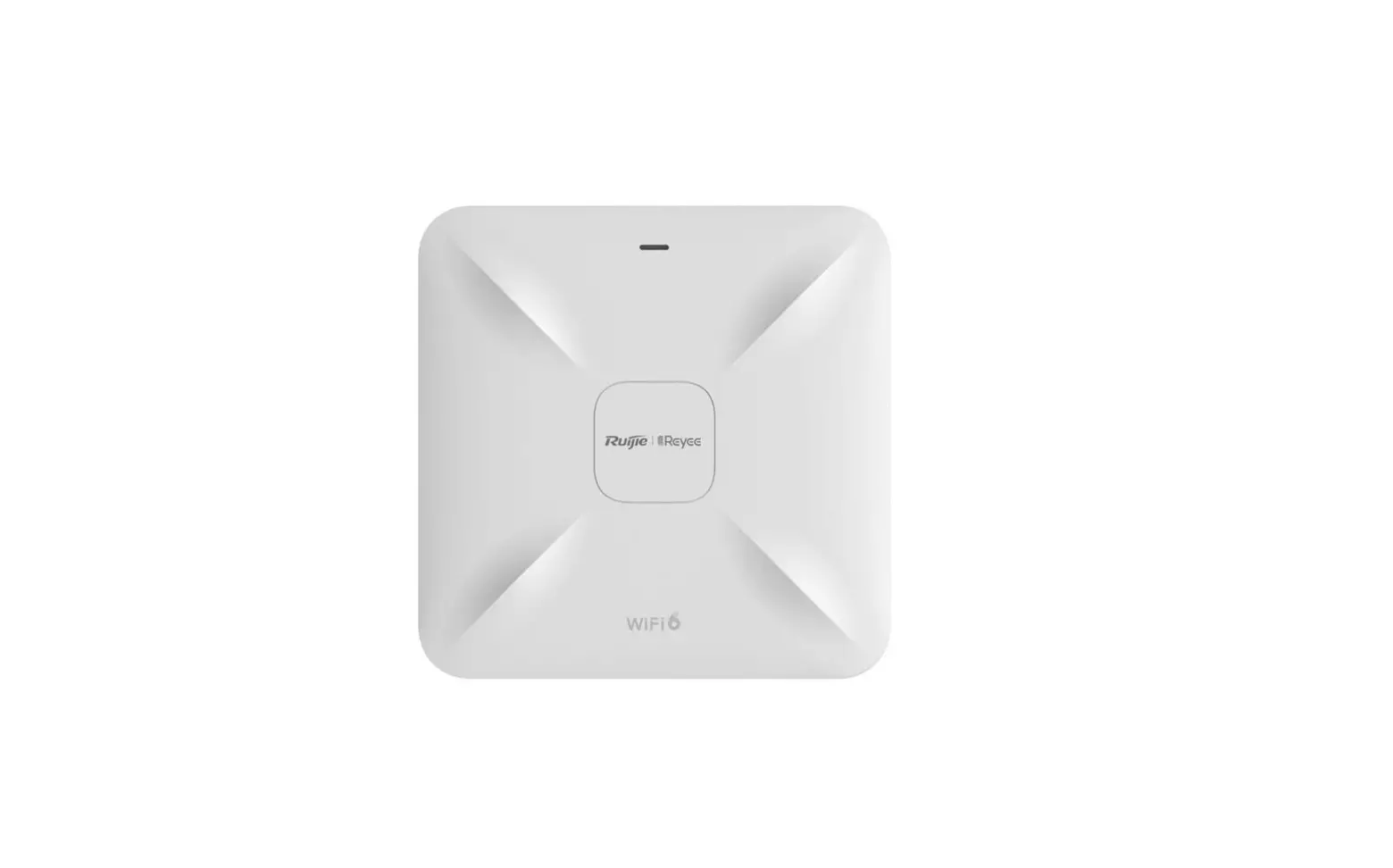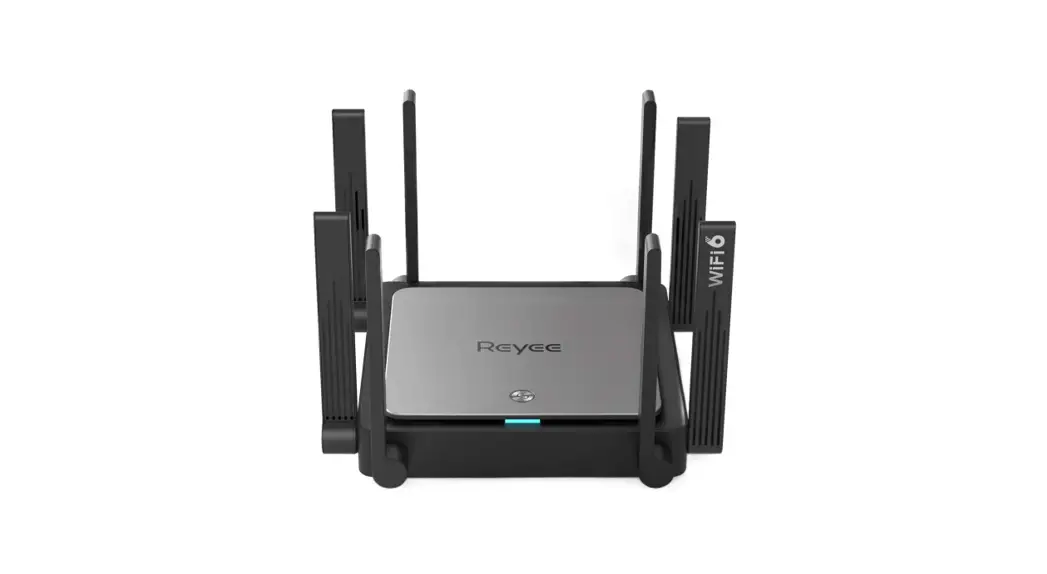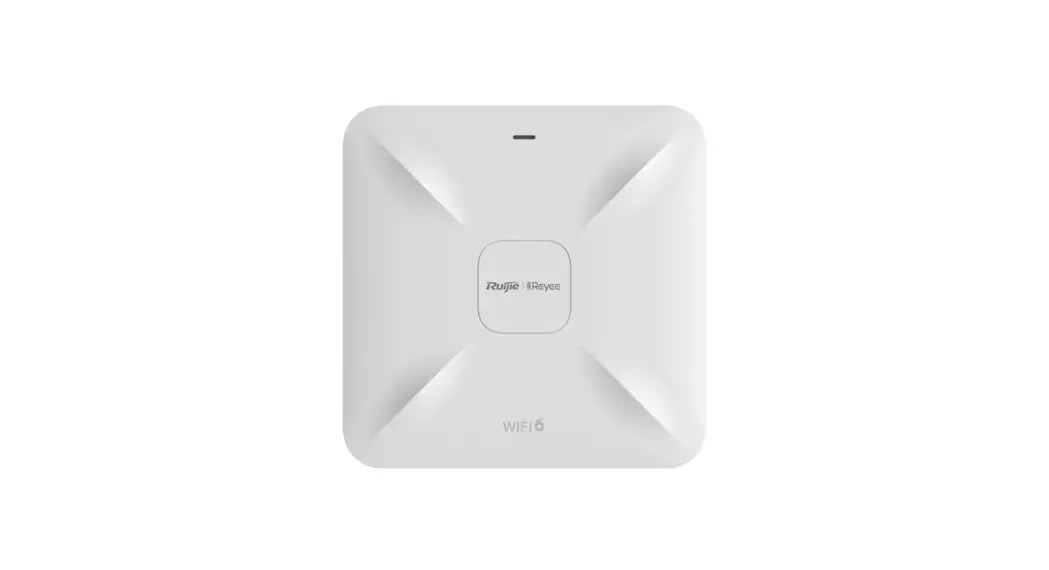
 RG-RAP2260(G) Wi-Fi 6 AX1800 Ceiling Access Point
User Guide
Packing List
| Item | Name | Quantity | Unit |
| 1 | RG-RAP2260(G)Host | 1 | Set |
| 2 | Mounting Bracket | 1 | Piece |
| 3 | Phillips Pan Head Screw | 2 | Piece |
| 4 | Expansion Anchor | 2 | Piece |
| 5 | This Quick Installation Guide | 1 | Copy |
| 6 | Warranty Card | 1 | Copy |
Appearance and Interface
Top View
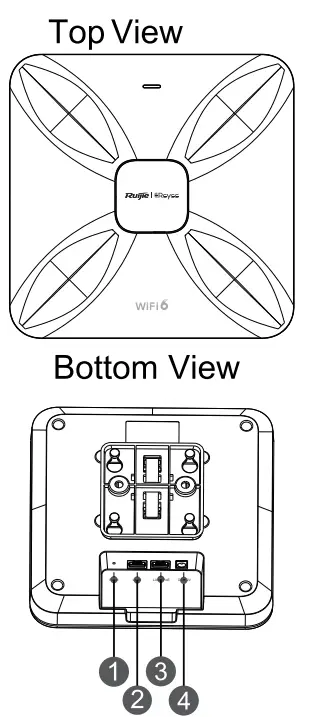
Note:
- Reset button
- LAN2 port
- LAN1/PoE port
- DC-12V power port
- When powering the AP through PoE, connect one end of the Ethernet cable to LAN1/PoE port and the other end to a PoE-capable device.
- When powering the AP via local power supply, connect the DC-12V/1.5A power adapter to the power port.
| LED Indicator and Button | Frequency | Description |
| LED Indicator | Solid green | Normal operation |
| Off | The AP not receiving power. | |
| Blinking(0.5Hz) | Normal operation, but the AP is not connected to Ruijie Cloud. | |
| Fast blinking(10Hz) | Possible cases: 1.Restoring the factory default settings 2.Upgrading the firmware 3.Restoring the image file 4. Initializing the device | |
| Reset Button | Press for less than 2 seconds | Restart the device |
| Press for more than 5 seconds | Restore the factory default settings |
Product Installatation
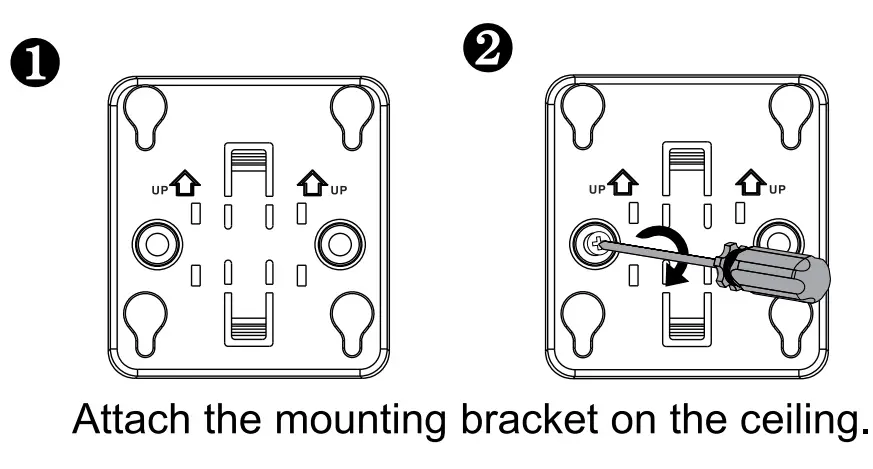
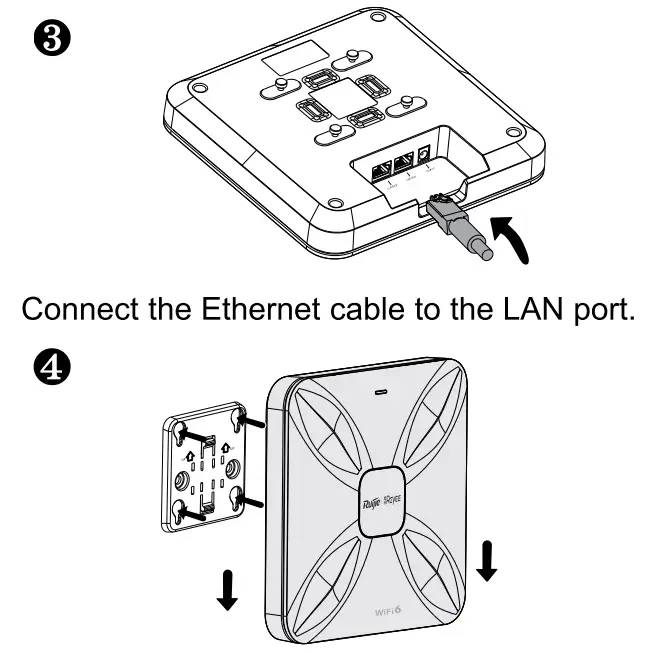
Align the square feet on the rear of the AP over the mounting holes on the bracket. Slide the AP into the holes until it clicks into place.
Network Configuration
Method 1 (Recommended) Scan the QR-code on the manual or device to download the Ruijie Cloud App, and configure the network according to guide on App.

Method 2 Connect to the SSID (@Ruijie-mxxxx when there are multiple devices and @Ruijie-sxxxx when there is only one device), or connect the cable with LAN port, and visit http://10.44.77.253 (default password: admin). It is recommended to configure the IP address as 10.44.77.250.
Note:
This equipment is restricted to indoor operation in 5.15-5.25GHz for Hong Kong.