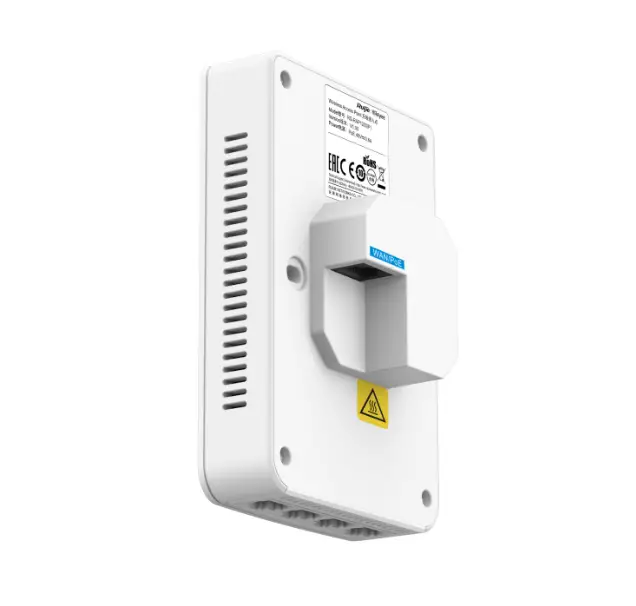
Ruijie Rg-rap1200 Mounting Bracket Instruction Manual

Ruijie Rg-rap1200 Mounting Bracket Instruction Manual

Ruijie RG-RAP1200 Mounting Bracket Instruction Manual
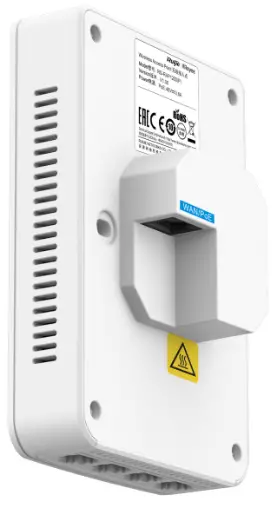
Ruijie RG-RAP1200 Mounting Bracket

Mounting Bracket Quick Installation Guide

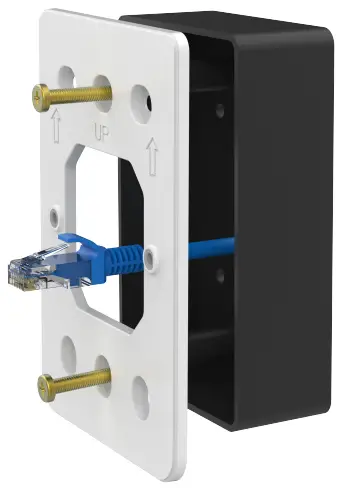
  1. Use screws to attach the mounting bracket to a US-style wall outlet box.
    Mounting Instruction
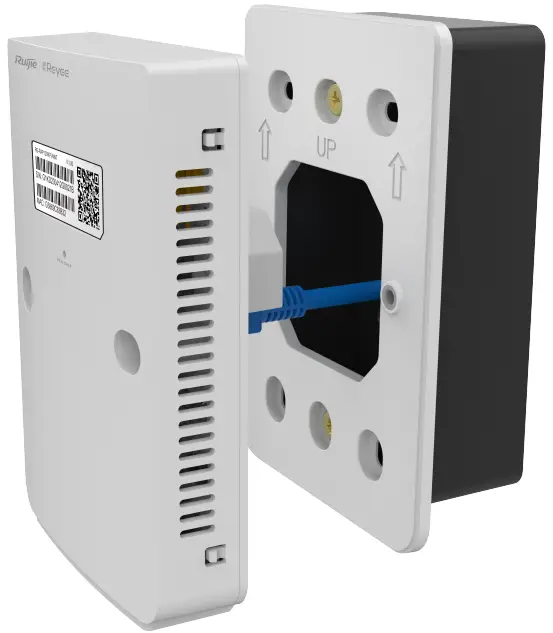
  2. Plug the cable into the PoE port of the AP.
    Mounting Instruction
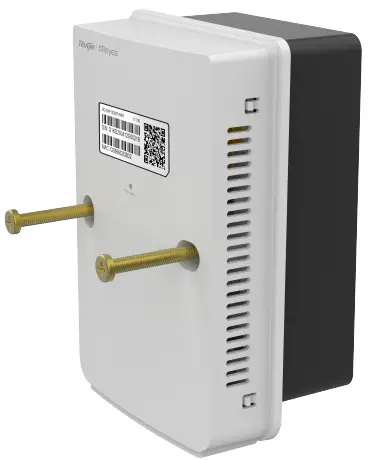
  3. Attach the AP onto the mounting bracket with screws.
    Mounting Instruction
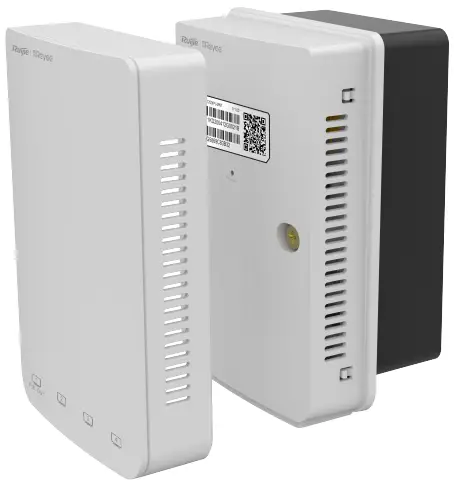
  4. Install the top Cover
    Mounting Instruction

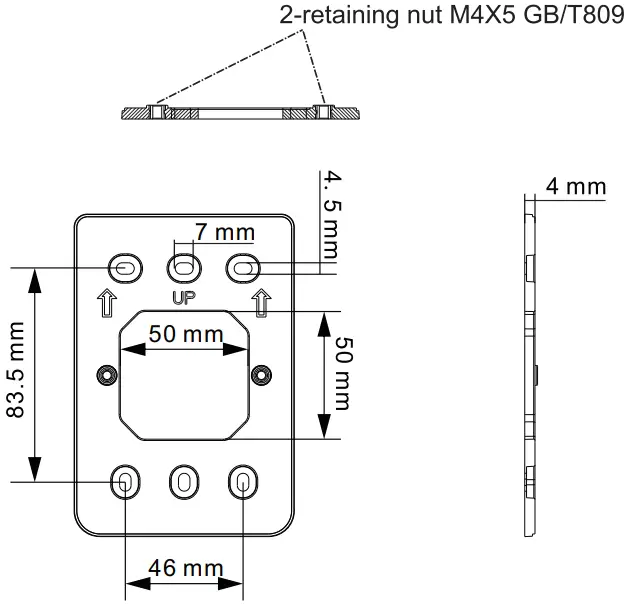
Remarks: please see the back page for the dimensions of the mounting bracket.

Dimensions of the mounting bracket
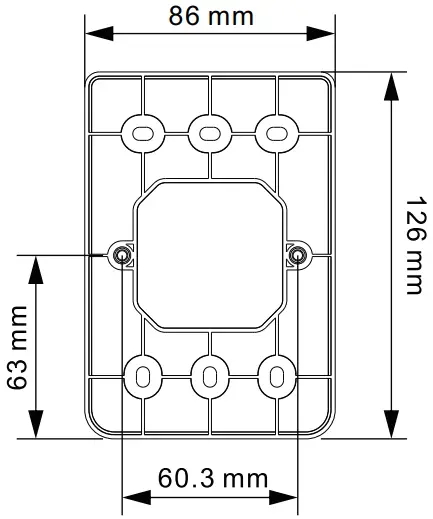
Dimensions

Dimensions

Logo.png

Documents / Resouces

Download manual
Here you can download full pdf version of manual, it may contain additional safety instructions, warranty information, FCC rules, etc.


Related Manuals