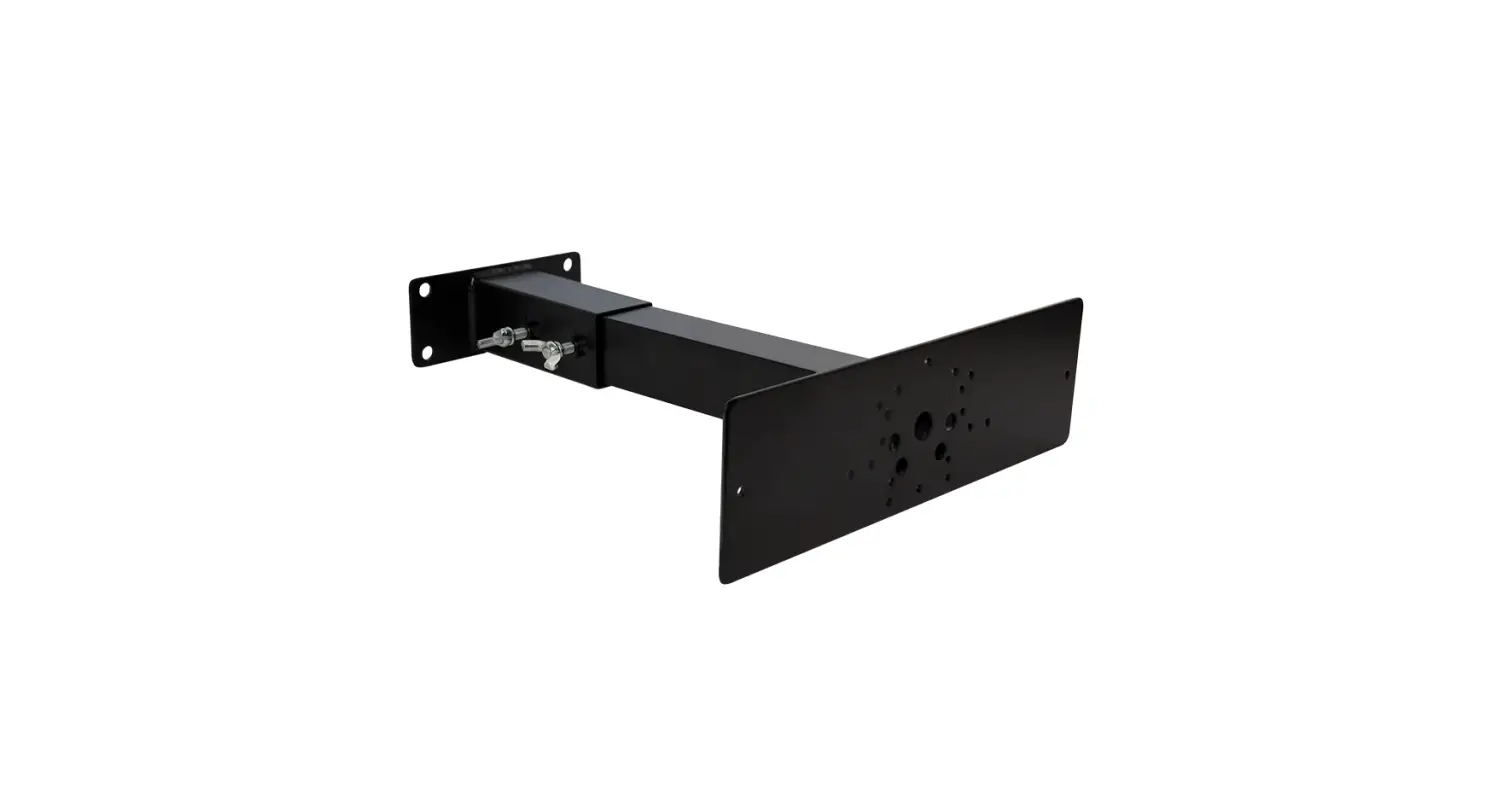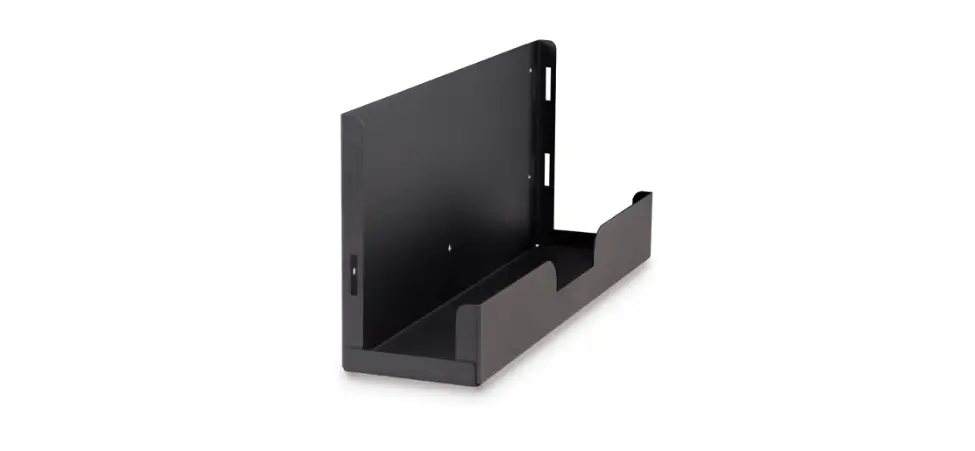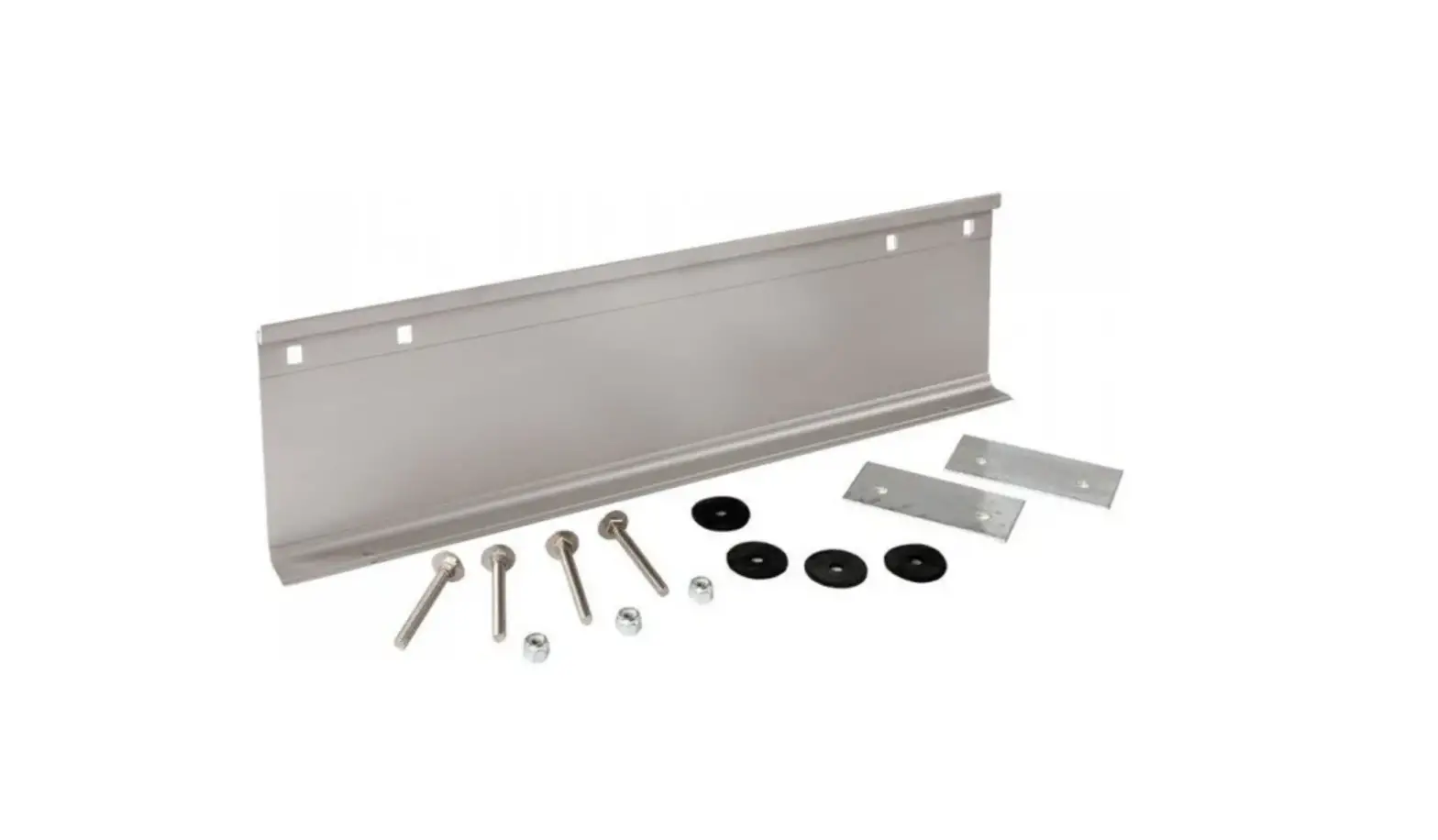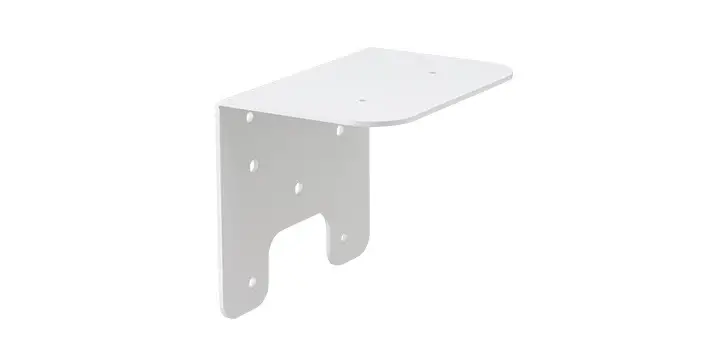
 US11221102B2 Column Mounting Bracket
Instruction Manual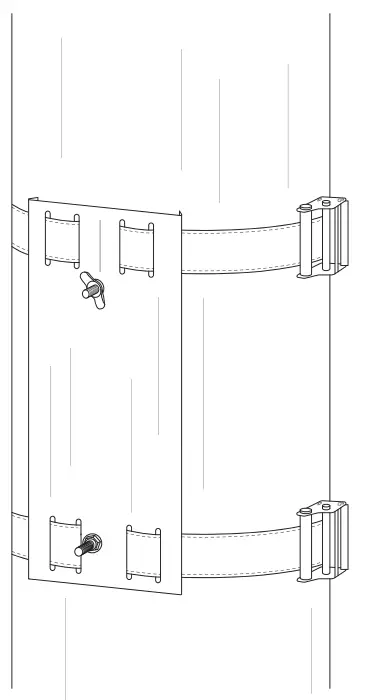 US PATENT NO. US11221102B2
Column Mounting Bracket
INSTALLATION MANUAL
STEP 1
OVERVIEW
STEP 01
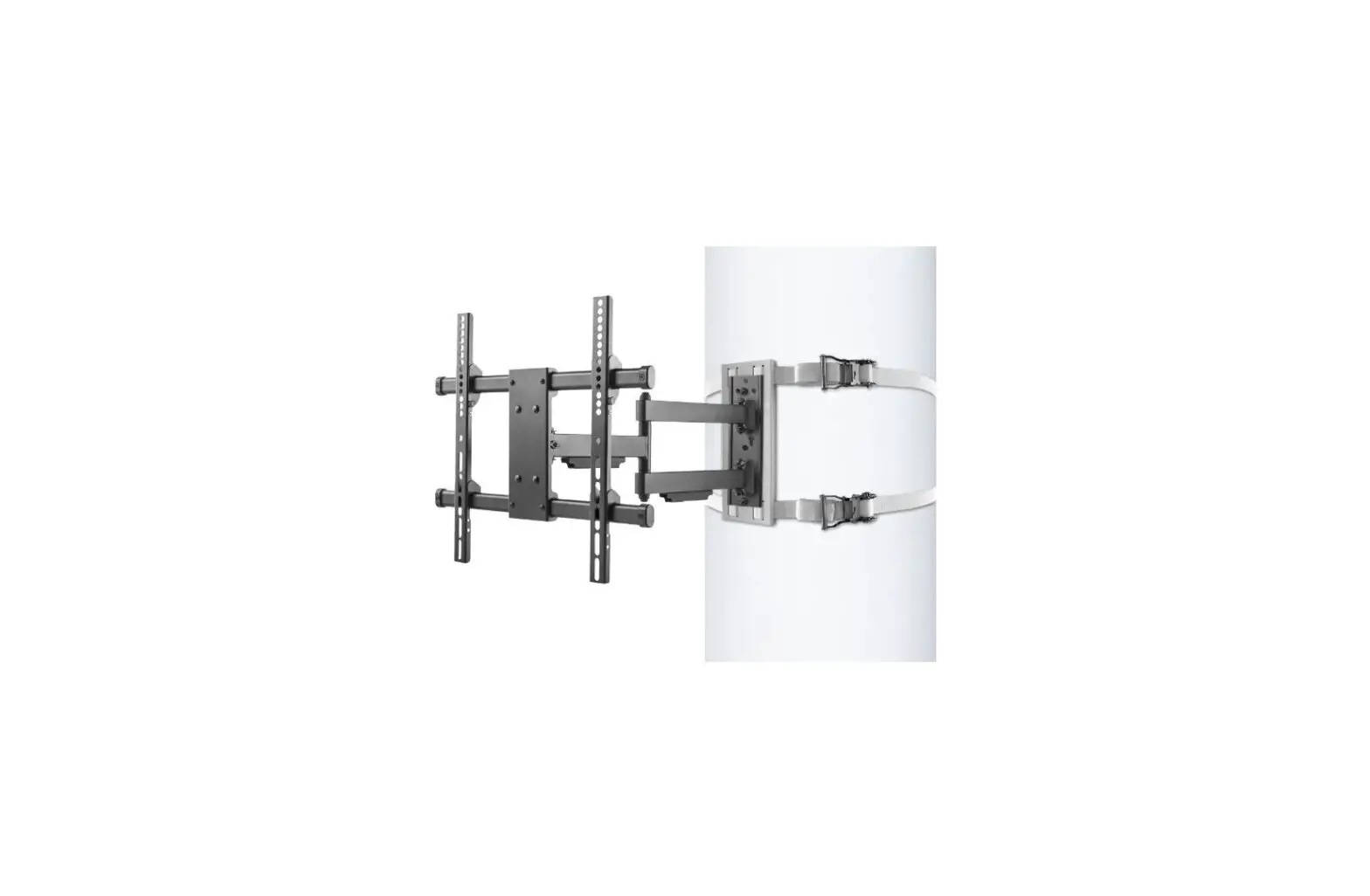
TWO PEOPLE ARE REQUIRED TO MOUNT THIS BRACKET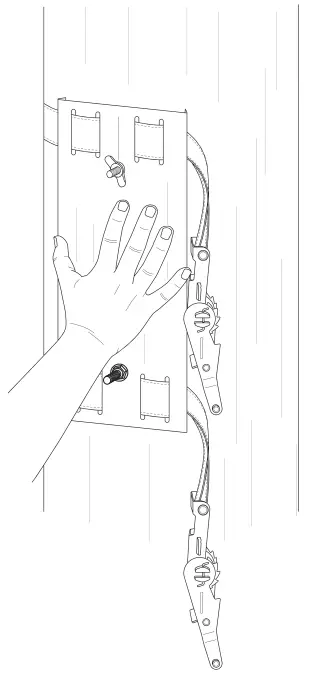 Hold column mounting bracket to the column where you would like to mount the TV.
STEP 02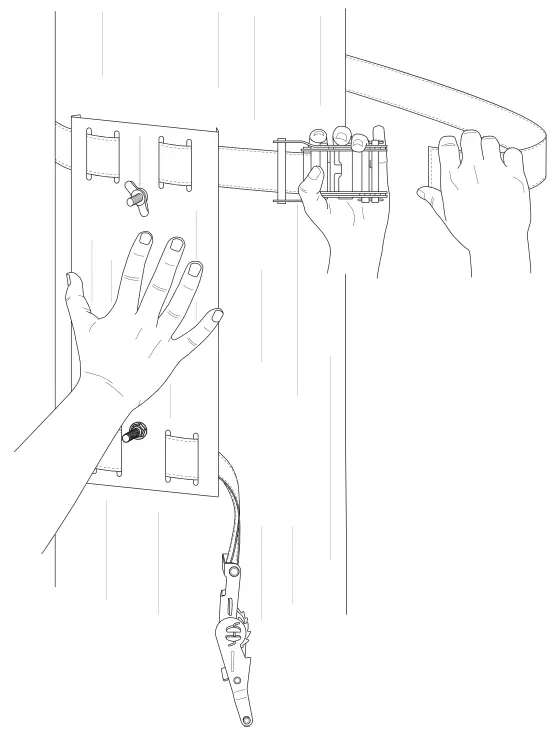 Ask a second person to wrap the strap around the column.
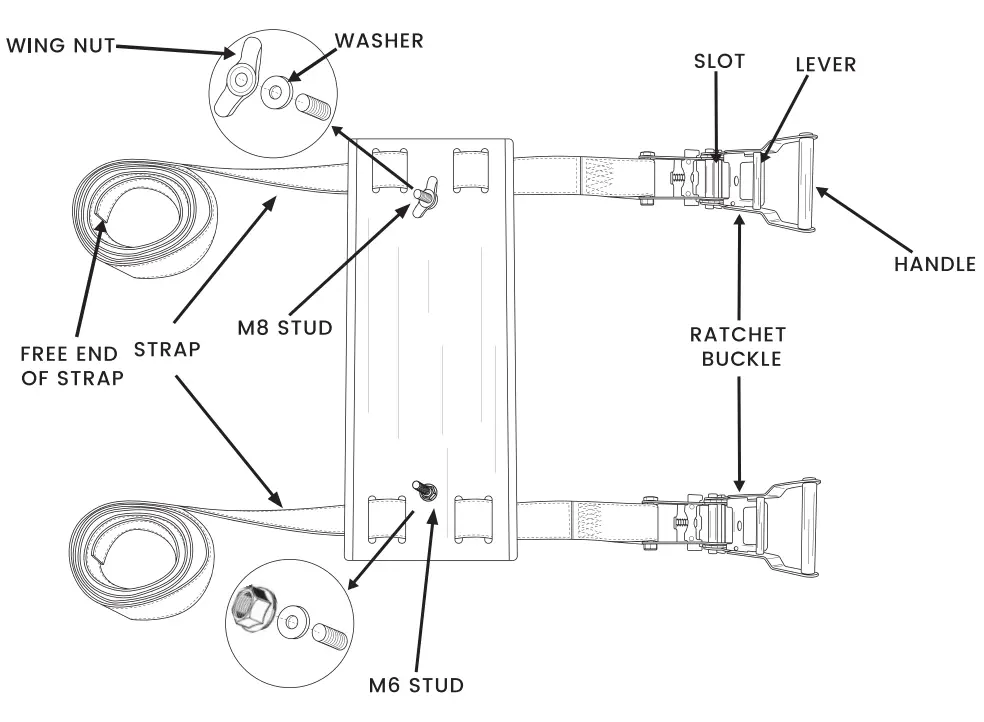
TEP 03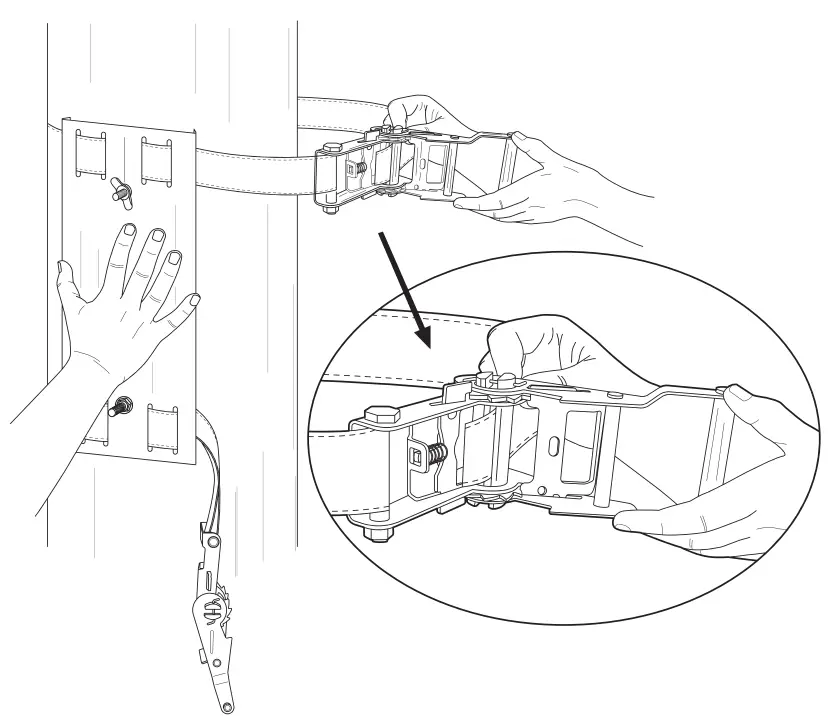 Person #2 should insert free end of strap into the slot of the ratchet buckle.
STEP 04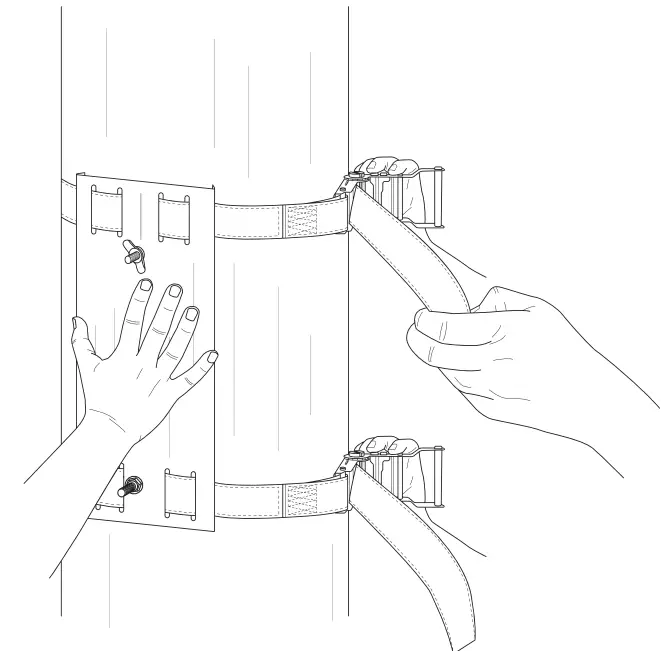 40. Bring the ratchet buckle snug to the column and pull the strop tight.
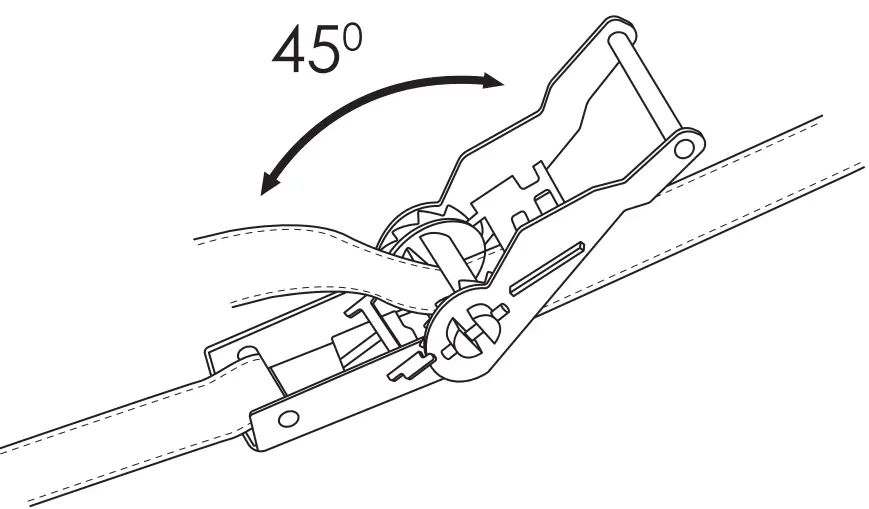 4b. Crank the handle to tighten the shop until it feels taut and secure.
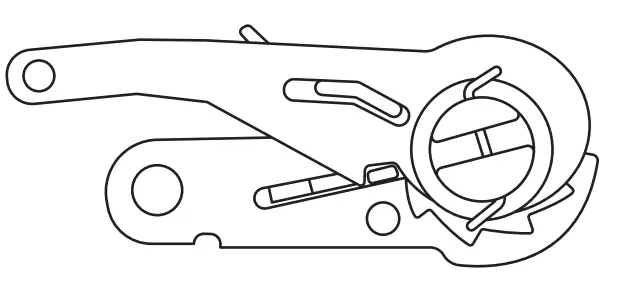 4c. Close the buckle to lock it.
4d. Repeat steps a. b and c for the bottom strap.
STEP 05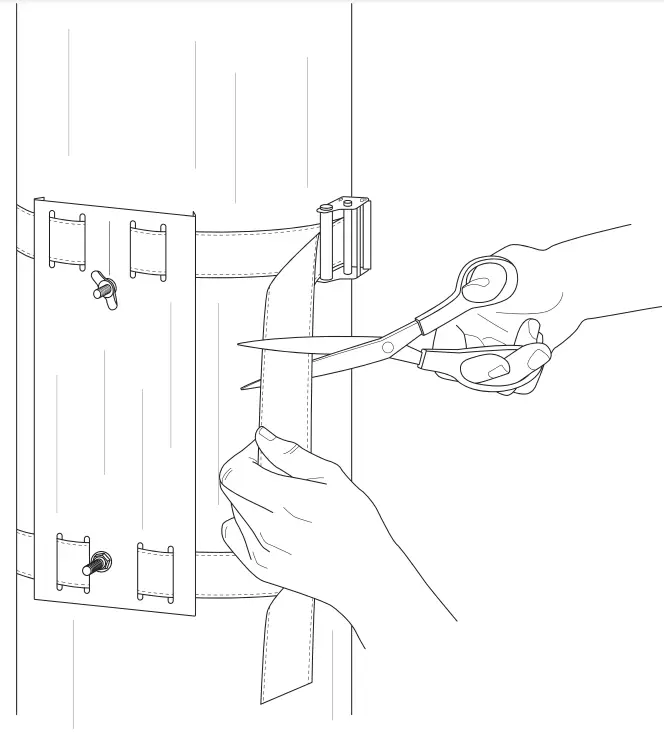 Cut extra strap or fold and tuck away.
Congratulations! – You have finished step 1.
Next Up : Step 2.
Step 2 – Open box labeled step 2 and follow manual provided.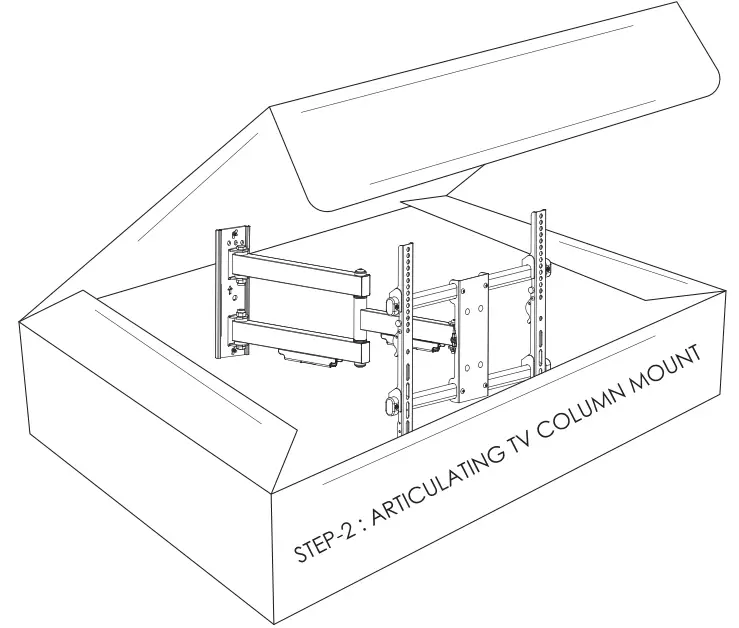
TO MAKE ADJUSTMENTS AFTER INSTALLATION
IV too high? Too low? Not centered? No problem!
HOW TO ADJUST THE POSITION OF THE COLUMN MOUNTING BRACKET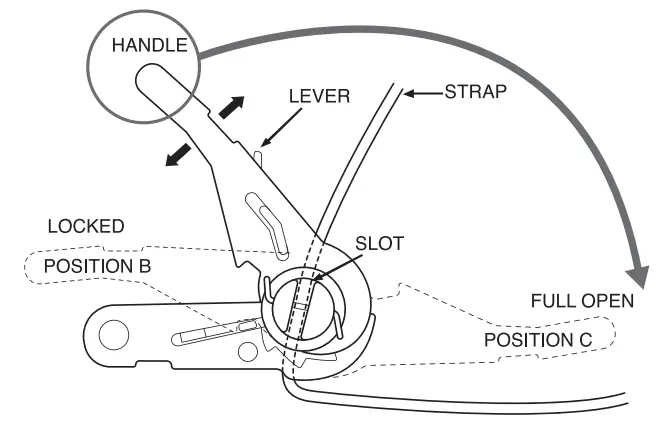
 CAUTION:
Oo not adjust the column mounting bracket while the TV is mounted
a. To release the strop pull, and hold the lever towards the handle, then rotate the handle all the way to position C. b. Move your column mounting bracket to the new desired position and tighten.
Need Help ?
Contact our pros: 617457-5499
 [email protected]
 condernounts.com