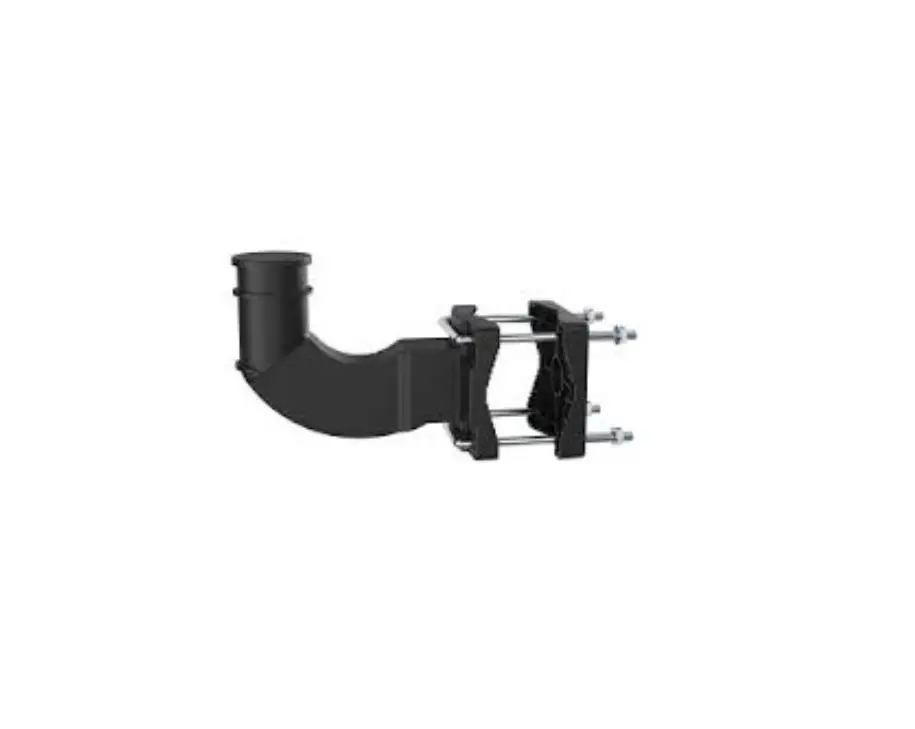
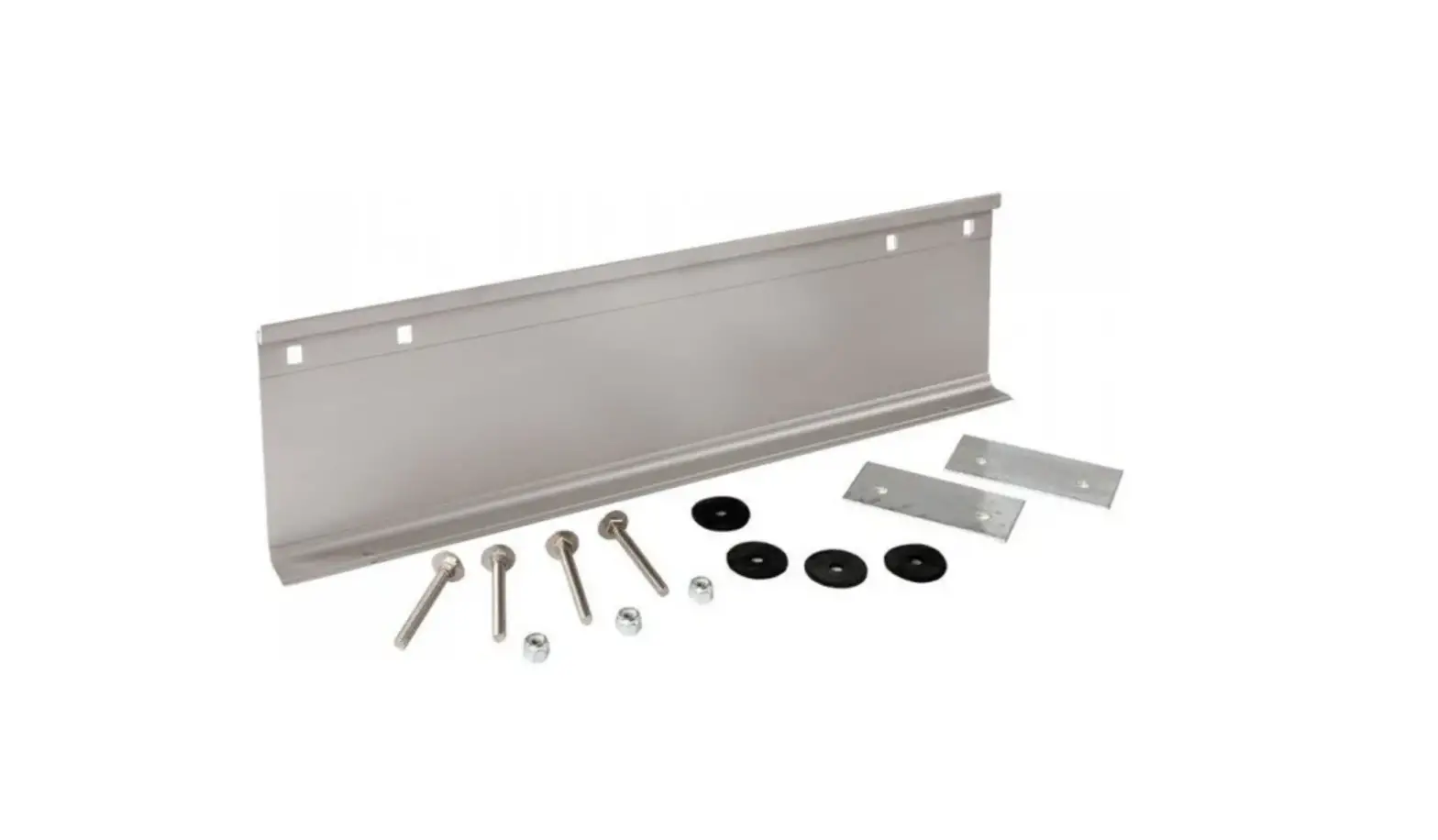
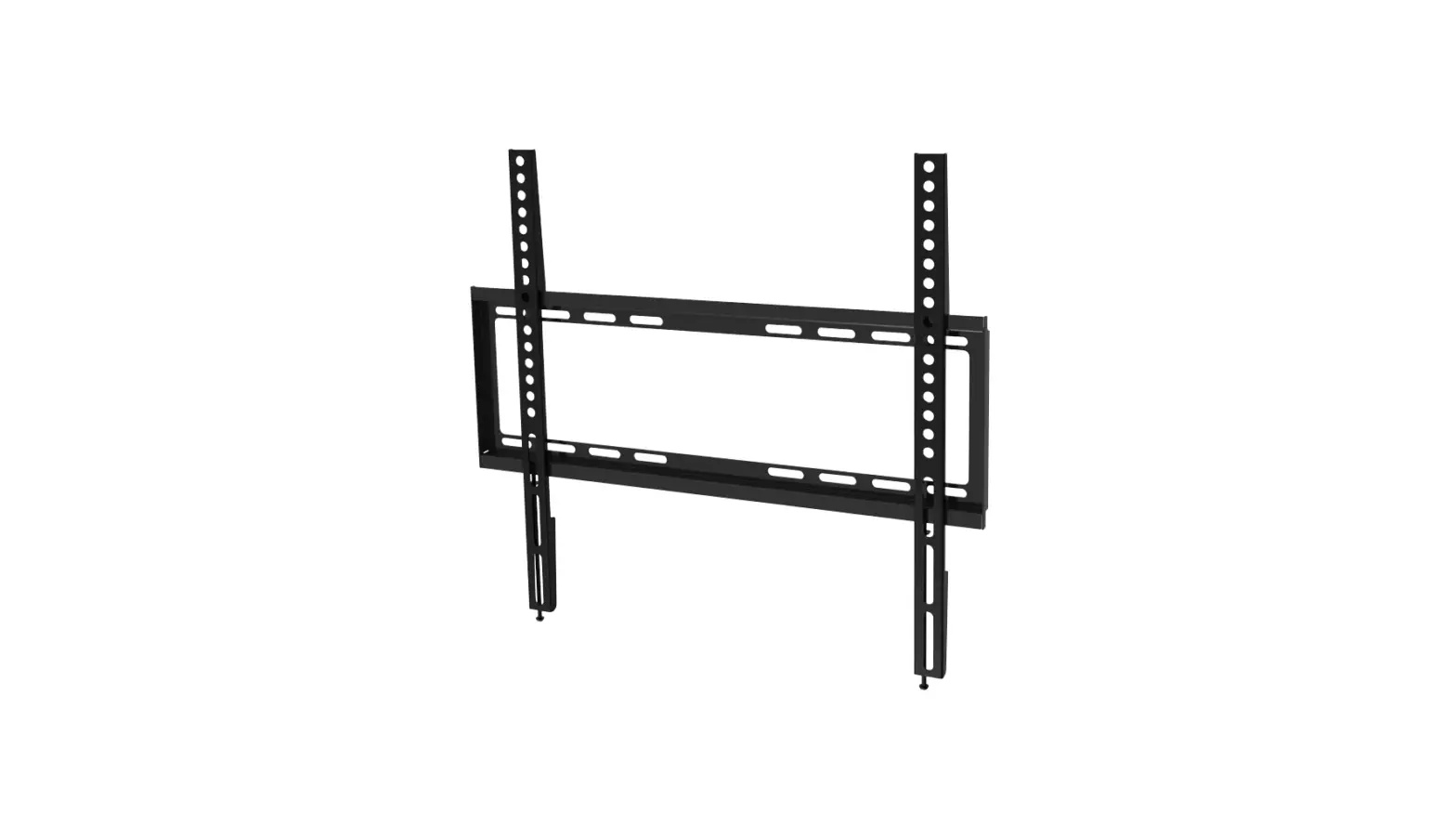
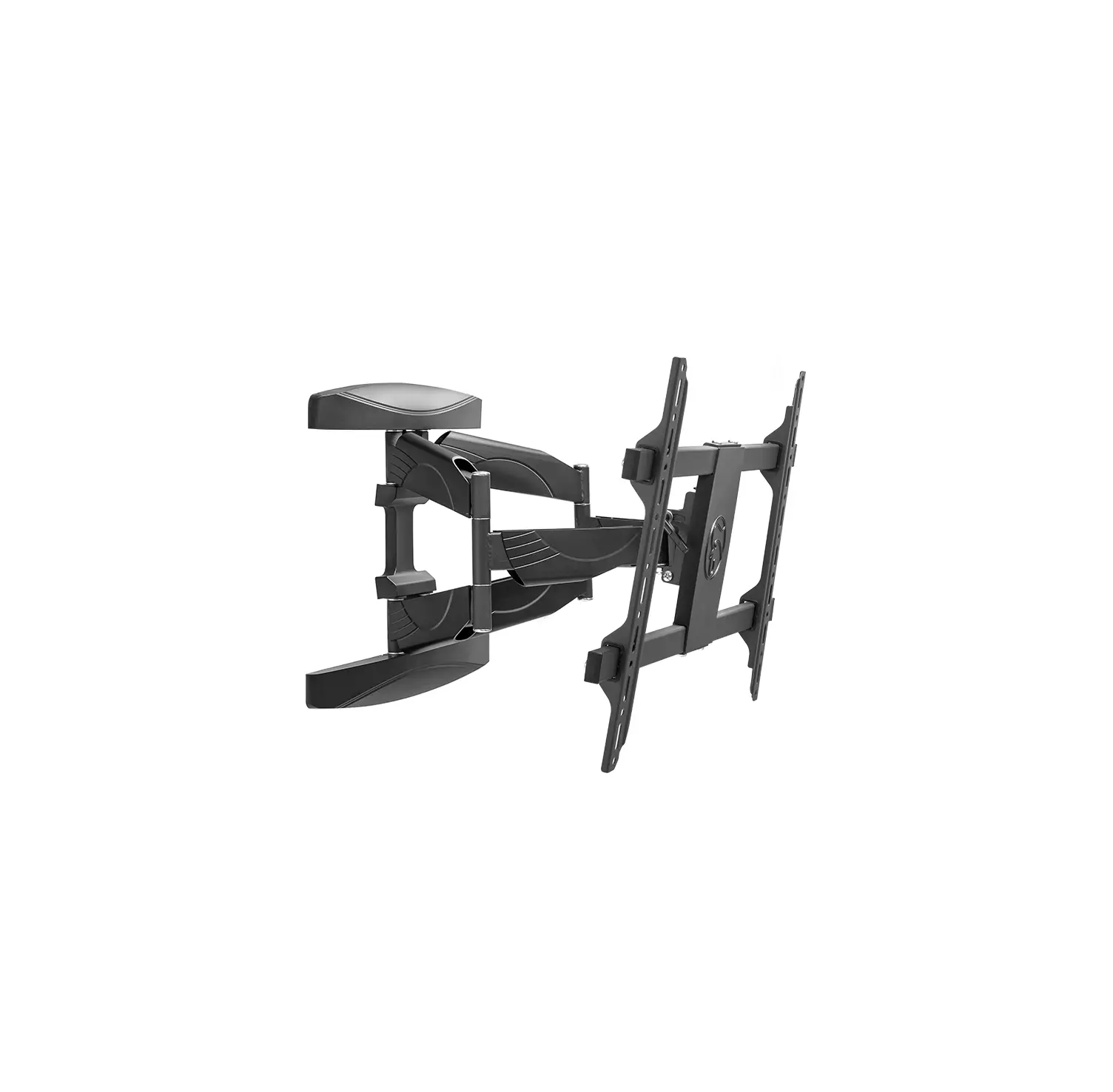
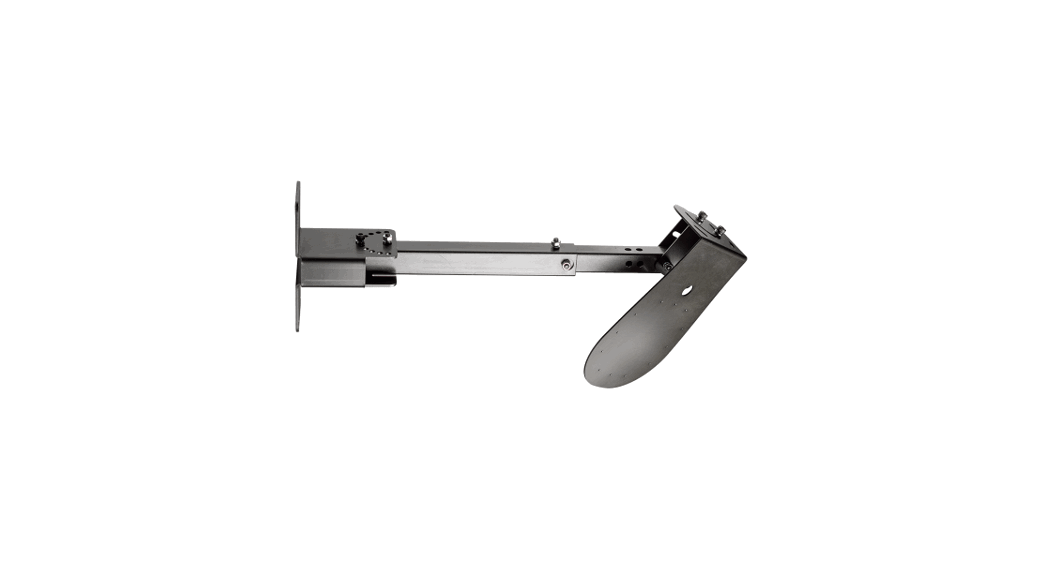
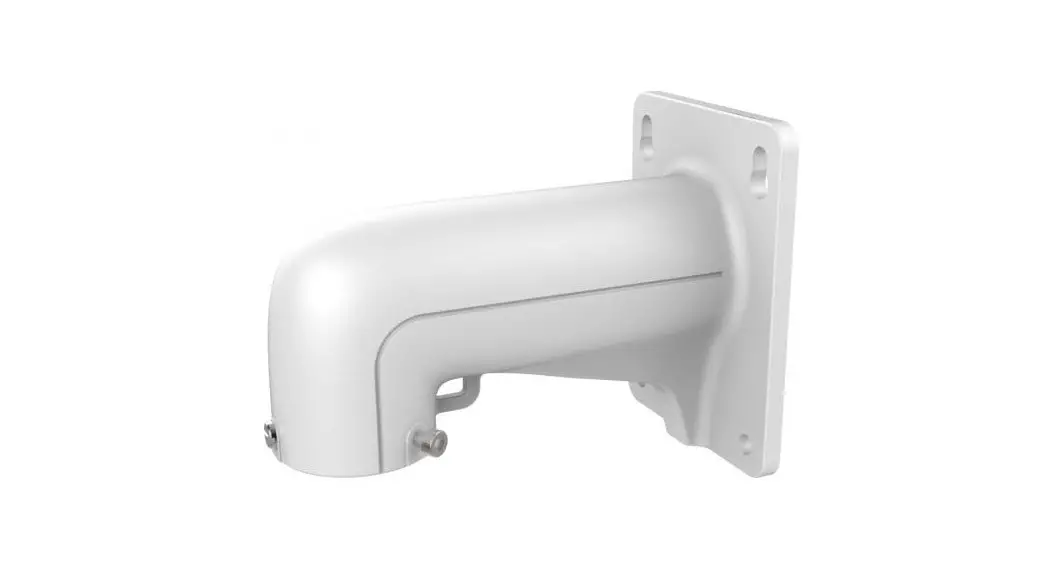
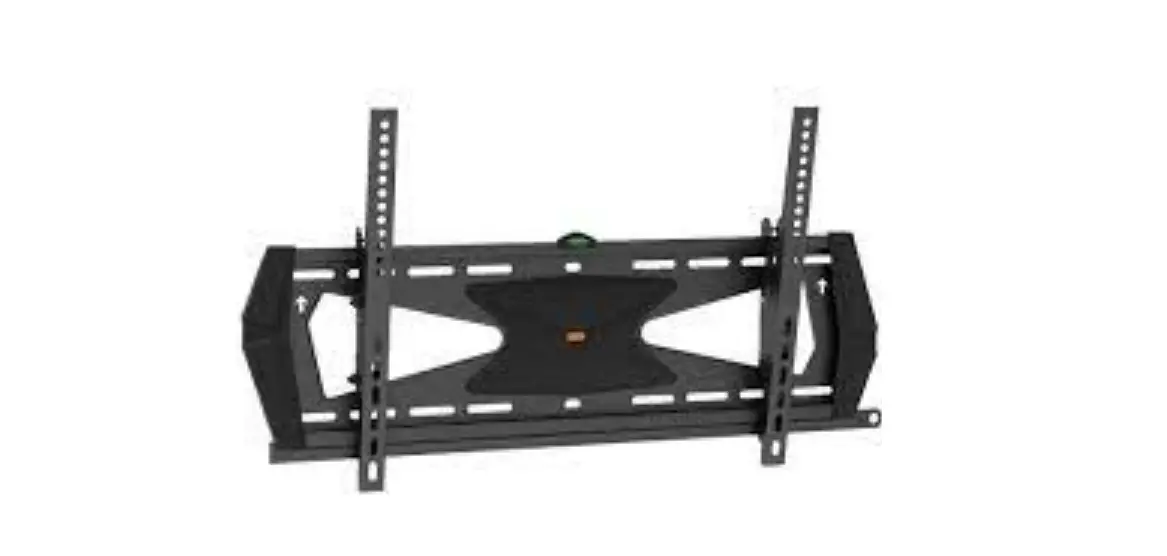
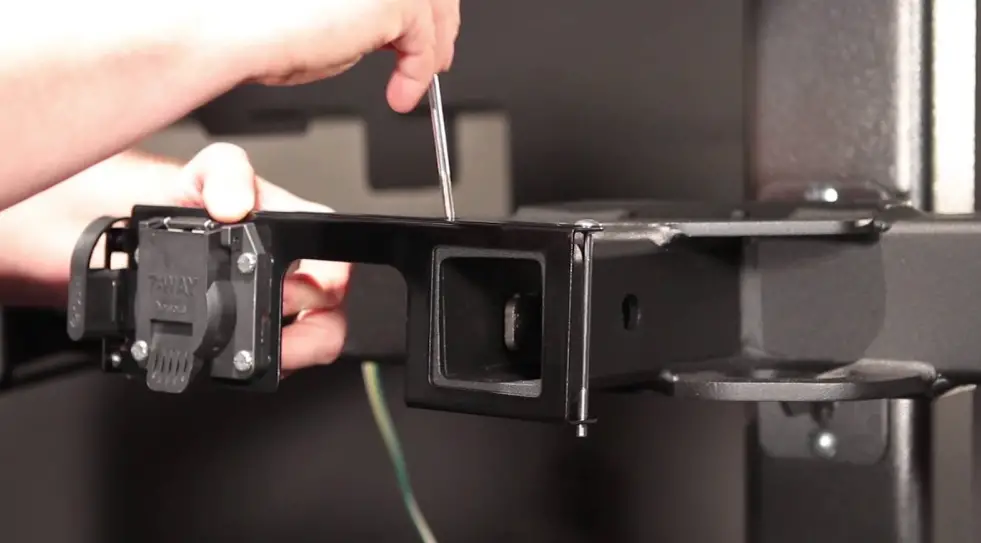
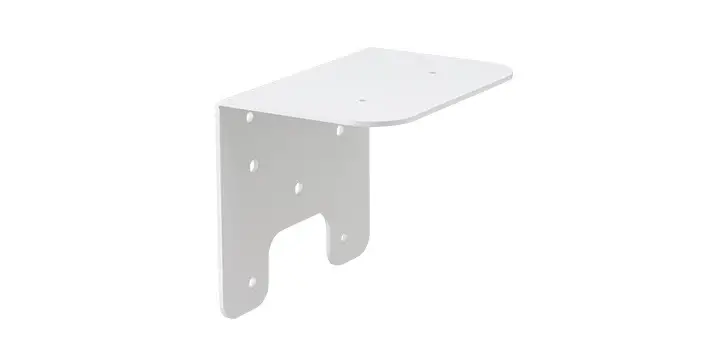
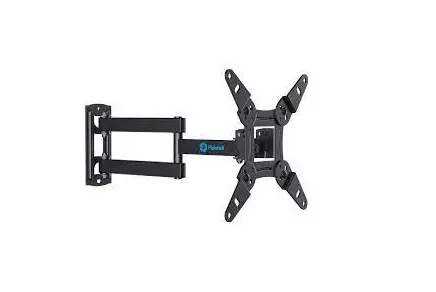
8018 Universal Mounting Bracket
Product Information
| Model | 8018 |
|---|---|
| Material | Aluminum |
| Dimension (WxWxD) | 4.53″ x 4.53″ x 3.92″ |
| Weight | 0.5 kg (1.10 lbs) |
| Loading Wall | 10 kg (22.05 lbs) |
| Colour | White |
| Operating Temperature | 0%-90% RH |
| Humidity Applicable Model | Universal |
Product Usage Instructions
- Ensure that the surface where you plan to mount the bracket is
clean and dry. - Take the Universal Mounting Bracket out of the packaging.
- Position the bracket against the desired wall or surface.
- Mark the areas where you will need to drill holes for the
bracket. - Using an appropriate drill bit, carefully drill the holes at
the marked positions. - Insert suitable wall plugs into the drilled holes.
- Align the bracket holes with the wall plugs and screw in the
provided screws. - Tighten the screws securely, ensuring that the bracket is
firmly attached to the wall or surface. - Verify that the bracket is level and straight.
- Now you can load your desired object onto the bracket, ensuring
it does not exceed the loading capacity of 10 kg (22.05 lbs).
Translated from Spanish to English – www.onlinedoctranslator.com
USER MANUAL
UNIVERSAL MOUNTING BRACKET|8018
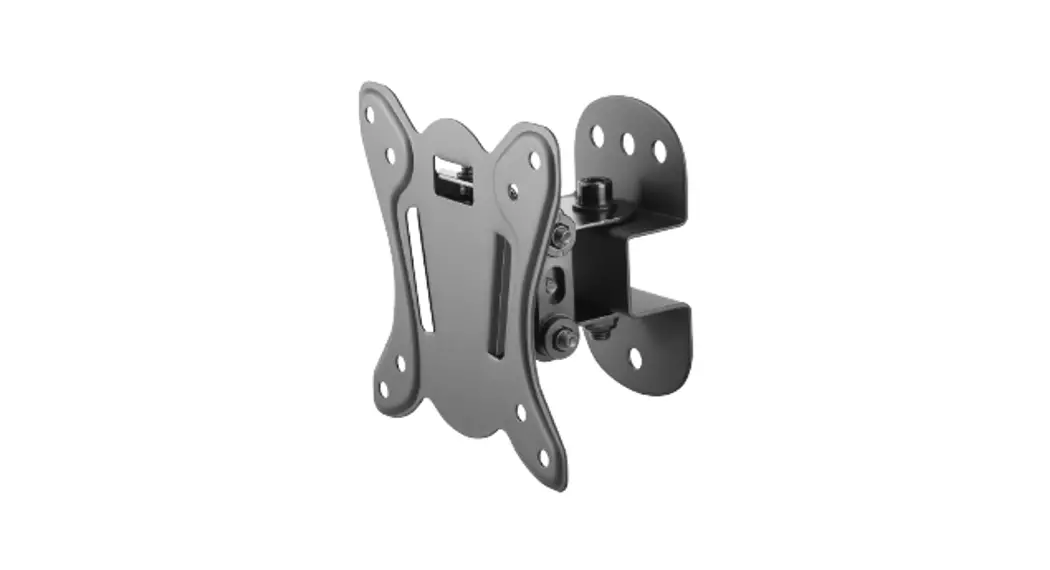
· aesthetic design. · Casing support. · Support three-axis rotation for housing installation.
MODEL
MATERIAL
DIMENSION (WxWxD)
WEIGHT
LOADING WALL
COLOUR
OPERATING TEMPERATURE
HUMIDITY APPLICABLE MODEL
8018
GENERAL
ALUMINUM
4.53″x 4.53″x 3.92″ 0.5KG (1.10LBS) 10KG (22.05LBS) WHITE
-40°C~+65°C (-40°F~+149°F)
0%-90% (RH) UNIVERSAL
 Free Online Translator - Preserves your document's layout (PDF, Word, Excel, PowerPoint, OpenOffice, text)