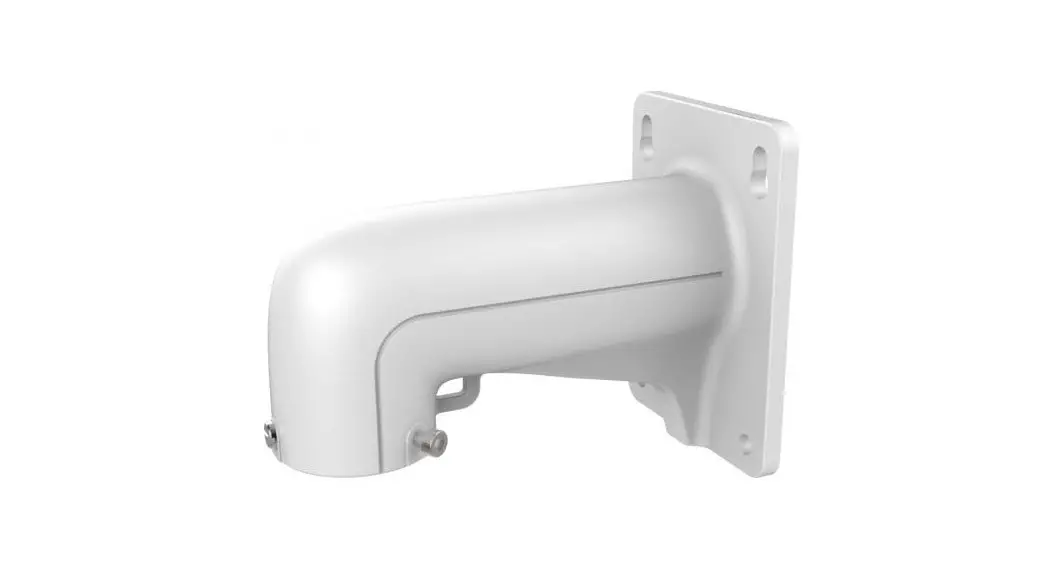
 Short Arm Wall Mount Bracket
Instruction Manual
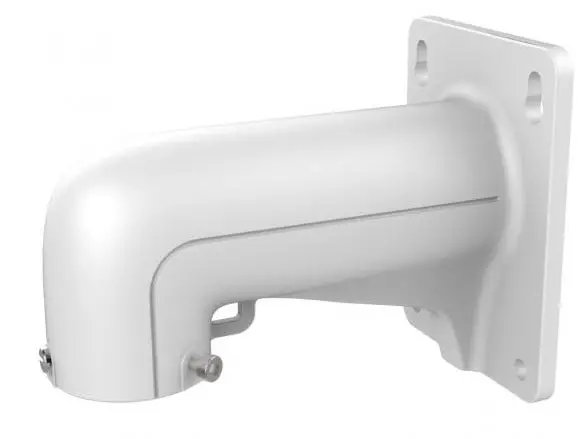
Short Arm Wall Mount Bracket
DS-1618ZJ
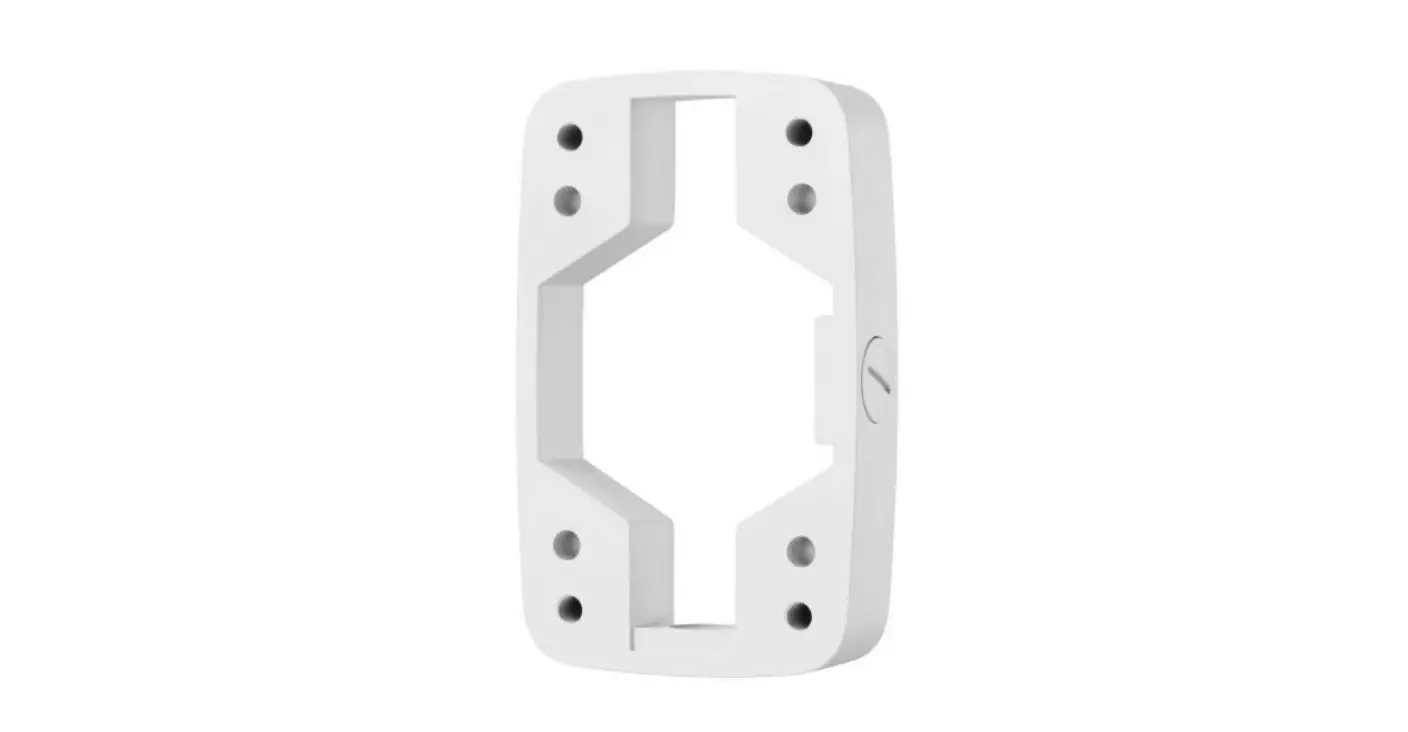
Short Arm Wall Mount Bracket.
Features
- Aluminum alloy material with surface spray treatment
- Exquisite and small design
- Design of safety rope for more convenient installation
Dimension:
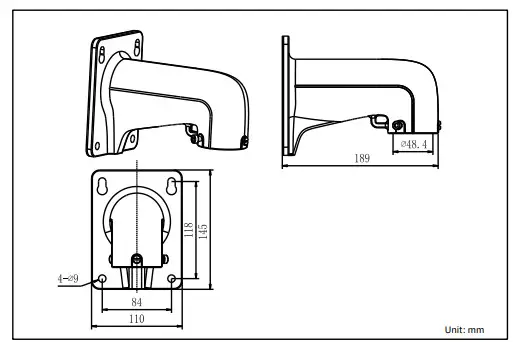
Order Model: DS-1618ZJ
Parameter:
| Model | DS-1618ZJ |
| Parameter | Short Arm Wall Mount Bracket |
| Appearance | Hikvision White |
| Range of Application | For speed dome wall mount |
| Material | Aluminum Alloy |
| Dimension | 110×145×189mm |
| Weight | 550g |
Notice:
- The bracket should be installed on plat wall
- Load capacity of pole should be more than 3 times theweight of camera and bracket
- Load capacity of clamp is 30KG
Installation Step
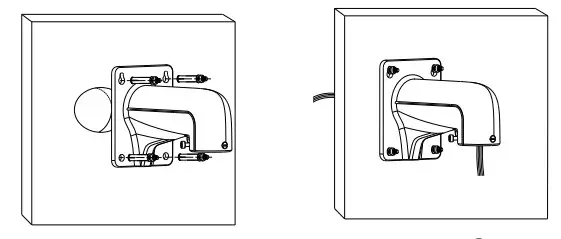 | |
| ① Choose appropriate wall for bracket installation | ② Thread the cable |
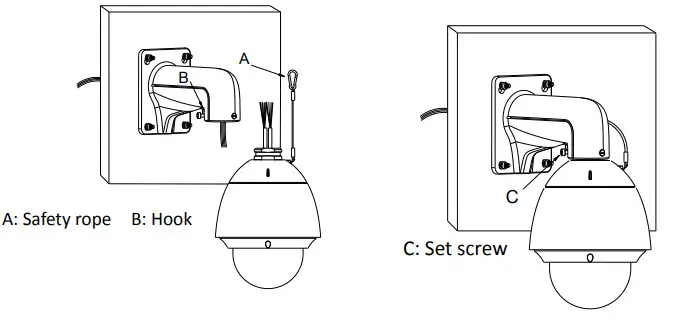 | |
| ③ Tie the safety rope to hook and thread the cable | ④ Install the speed dome and screw up the set screw;installation complete |
Note: The actual bracket may vary from the picture above.