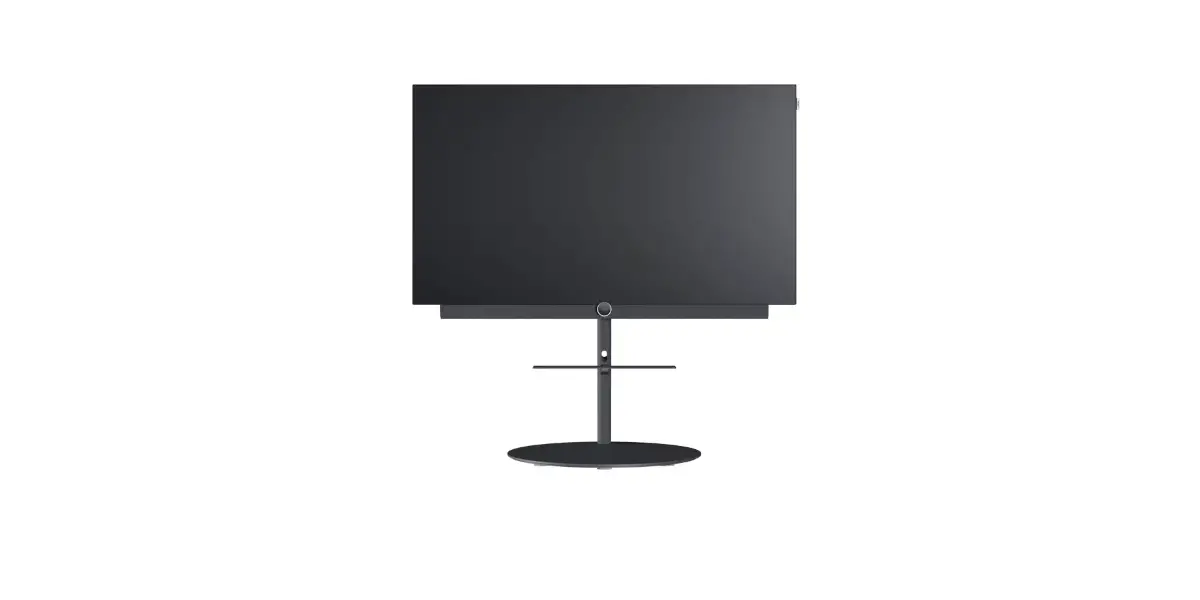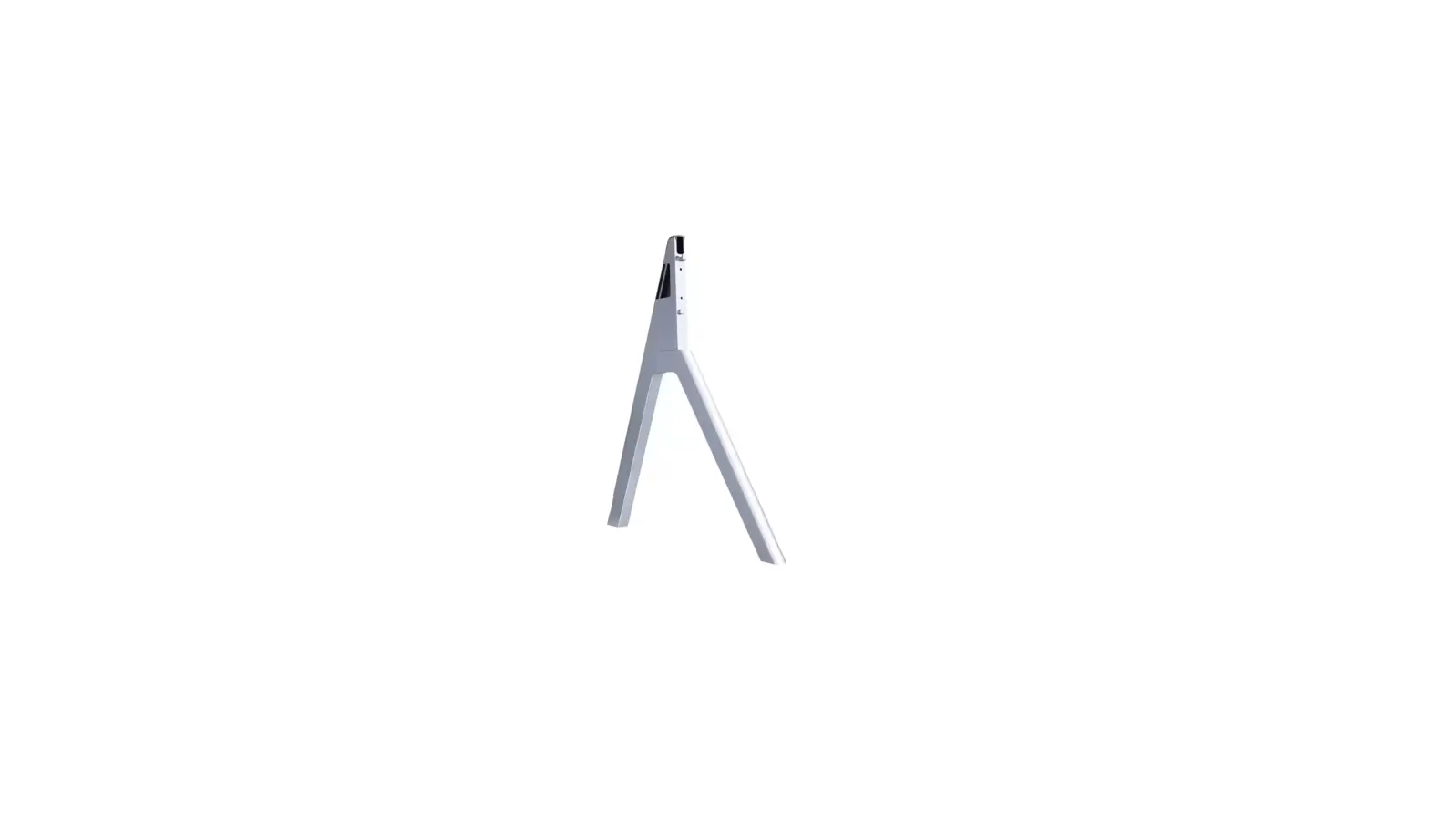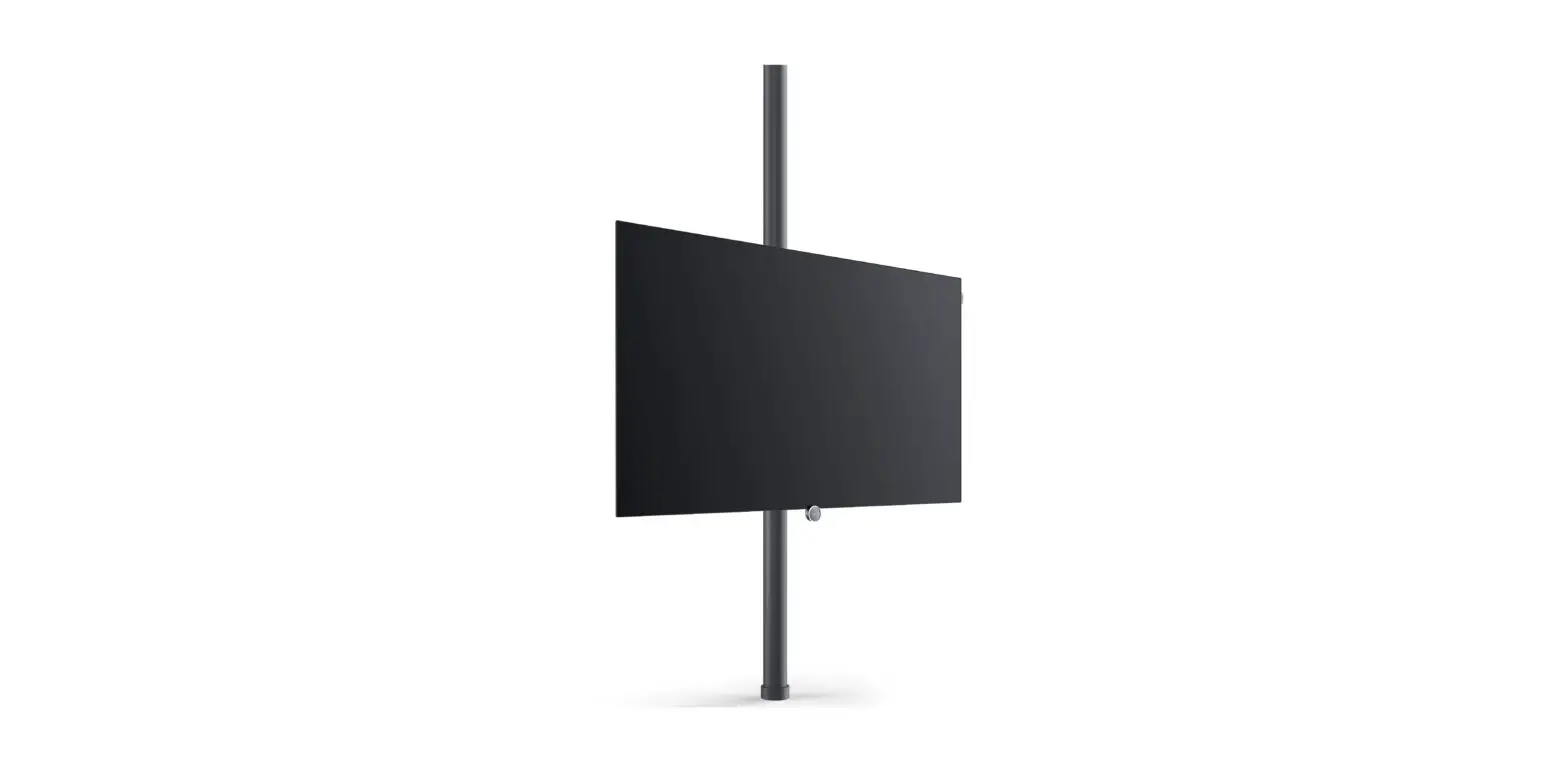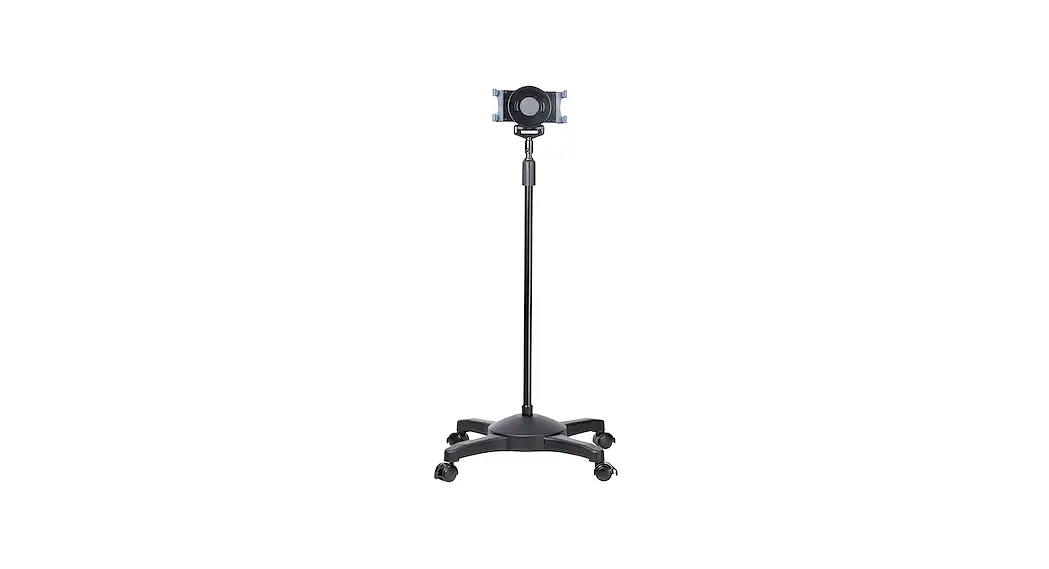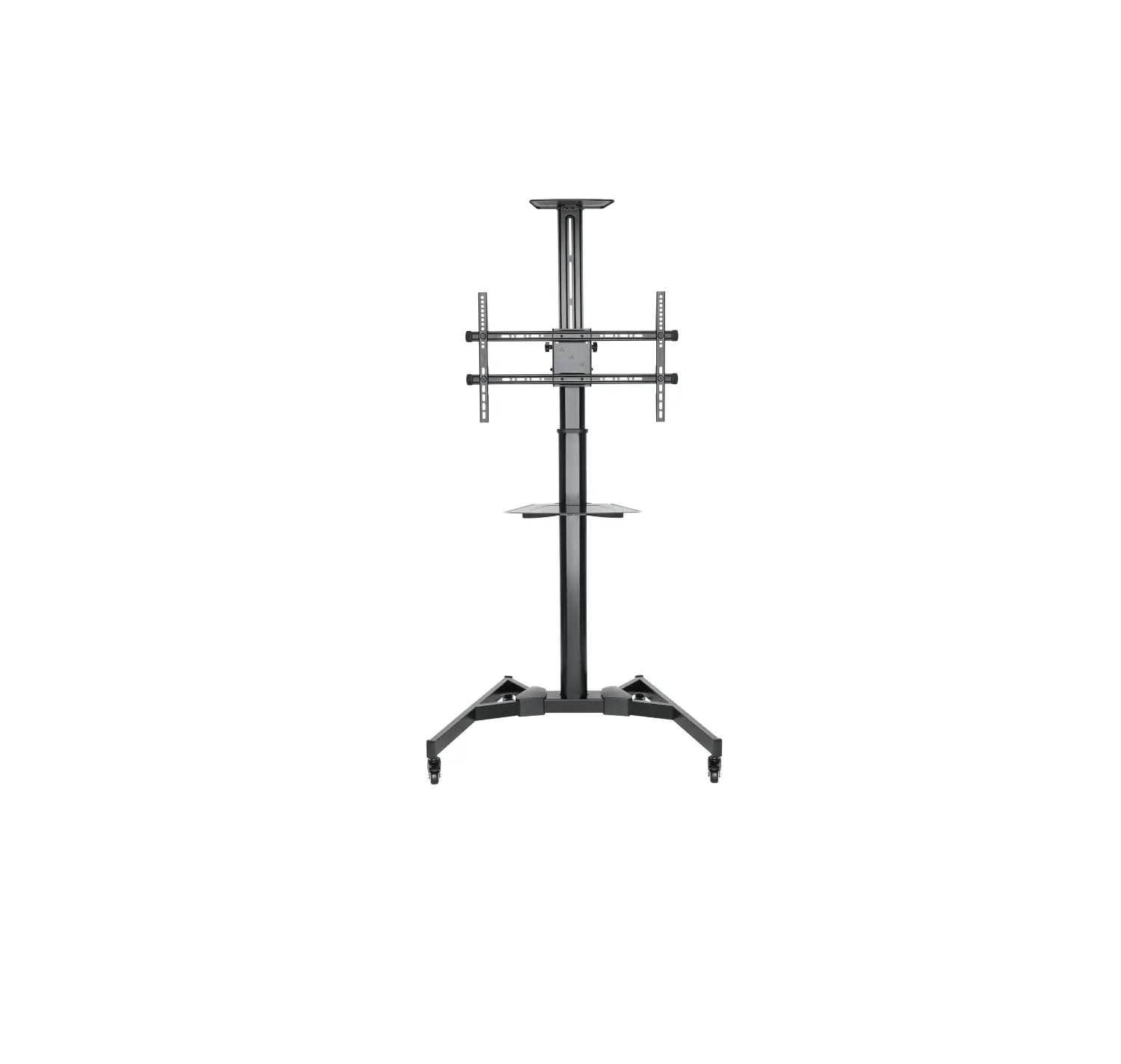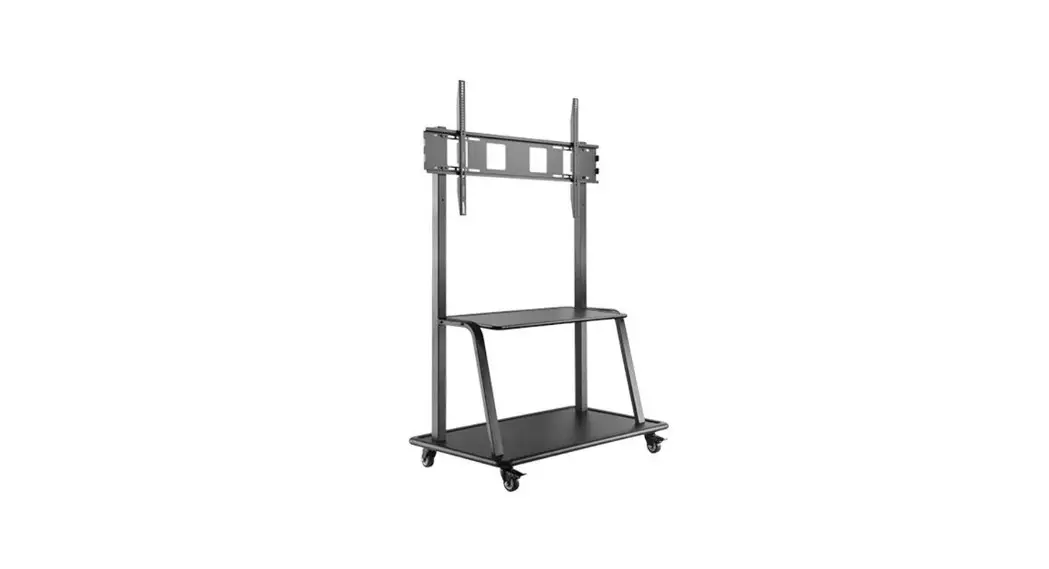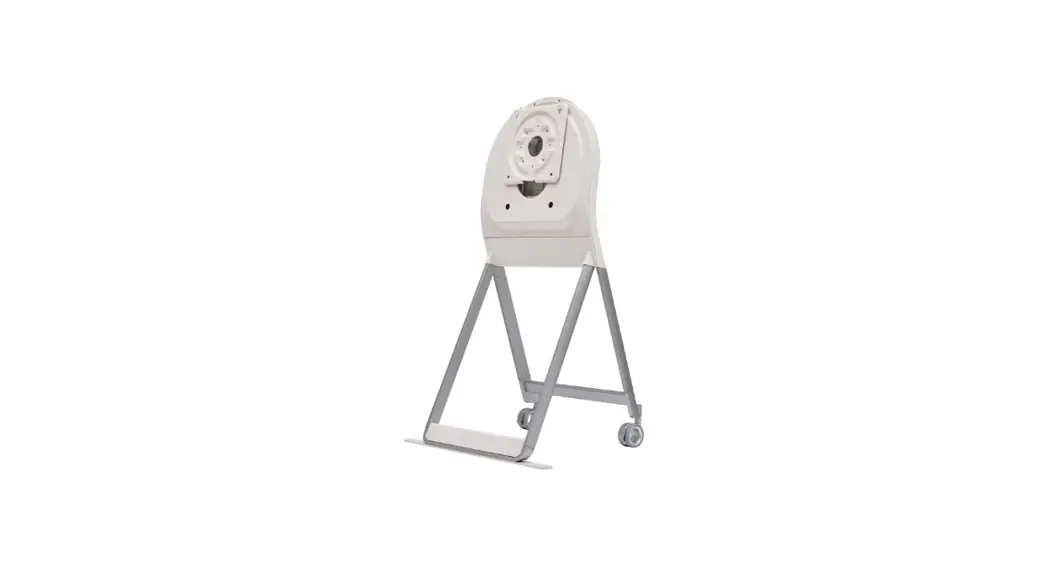
 ST-43HF Movable Floor Stand For One
Instruction Manual
ST-43HF Movable Floor Stand For One
Floor Stand
Please read this manual carefully before operating your set and retain it for future reference.
ST-43HF
Product Specifications
| Model Name | ST-43HF |
| Width x Depth x Height (mm) (Max.) | 662 x 610 x 1129 |
| Weight (kg) | 17. |
| Model Name | ST-43HF |
| Width x Depth x Height (inches) (Max.) | 26.0 x 24.0 x 44.4 |
| Weight (lbs) | 37. |
 CAUTION
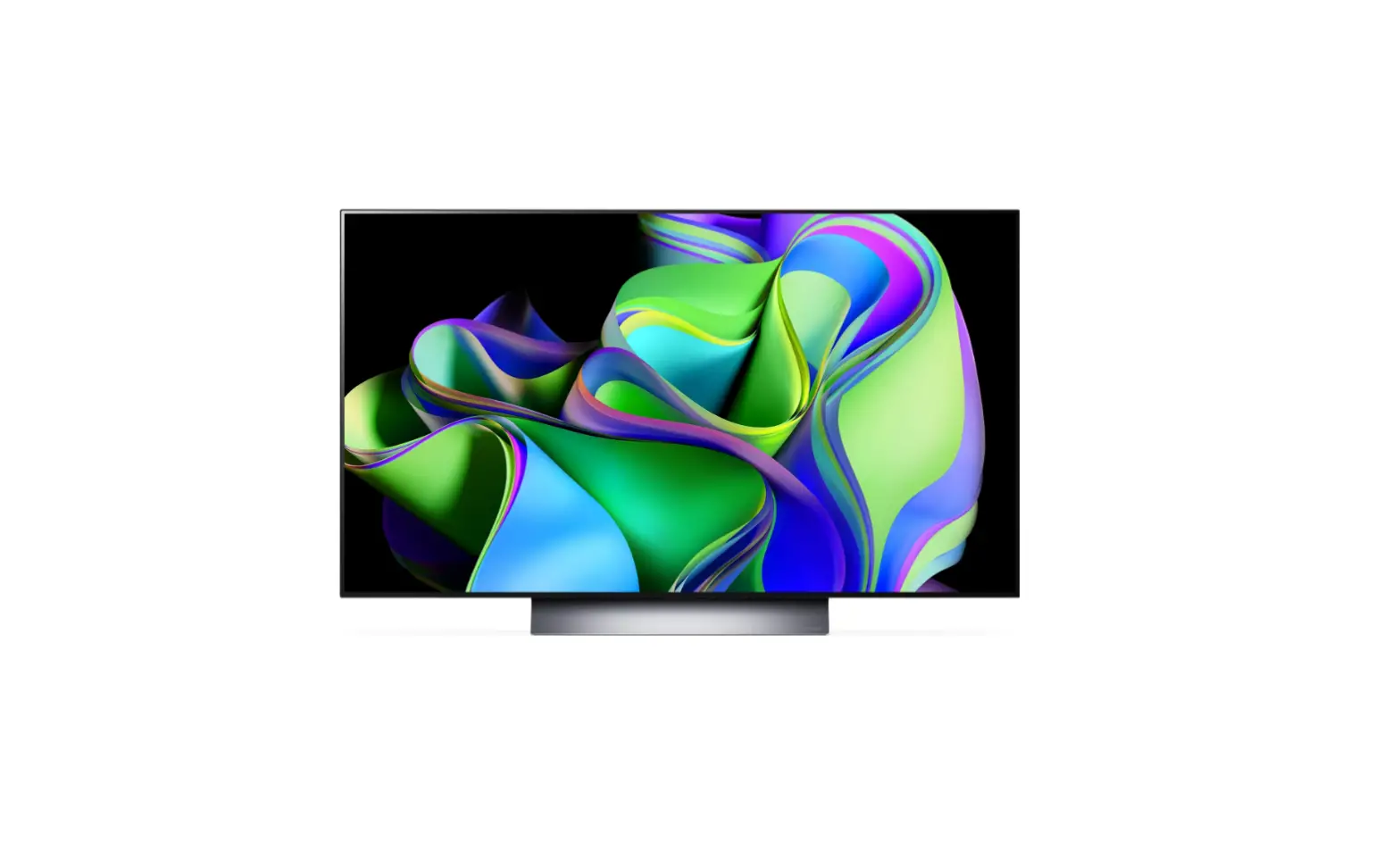
- This stand (model name: ST-43HF) is designed exclusively for monitors manufactured by LG Electronics Inc. For compatible monitors series, please refer to the below table.
- Using it with other equipment may render it unstable and cause injury.
Precautions before Installation
- The floor stand does not include a multi-socket adaptor. Purchase and use a multi-socket adaptor of an appropriate length to supply power to the monitor and connect devices to the floor stand. (The length of the power cord exposed to the outside of the floor stand is approximately 1.0 m (3.2 feets).)
- The maximum weight that can be placed on the rear bracket of the floor stand is 15 kg (33.0 lbs).
- If the wireless router is placed on the rear bracket of the floor stand, the remote control may not work properly due to frequency interference caused by the wireless antenna inside the monitor and the wireless router being located close to each other.
- If the set-top box is placed on the rear bracket of the floor stand, the remote control receiver on the set-top box may be blocked, making it difficult to receive the remote control signal.
Models Compatible with the Floor Stand
Compatible Model Released in 2021
| Inches | Series |
| 43 | HT3WJ |
How to Prevent TV from Falling
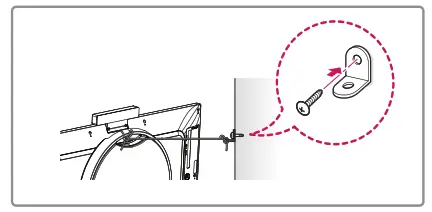
- If necessary, secure the brackets on the back of the product and the wall, as shown in the figure. Secure the product brackets and wall brackets at the same height.
- Verify that the product brackets and wall brackets are firmly fastened.
- Using a strong cord, tie and connect the product brackets to the wall brackets. When moving a product installed in this way, please untie the cord first.
- Make sure to level the monitor when installing it.
- It is safe to install the product according to the installation method to prevent the damage to the product or personal injury even if the product is pulled forward.
- Install the monitor close to the wall so that it does not fall backwards, even when pushed.
- The brackets, screws, and cords must be purchased separately as they are not provided with the product.
Adjusting the Floor Stand Height
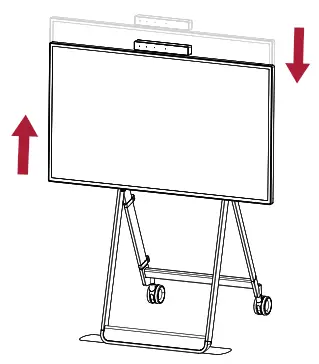
- The height of the monitor can be adjusted, as shown in the figure.
Adjusting the Floor Stand Screen Orientation
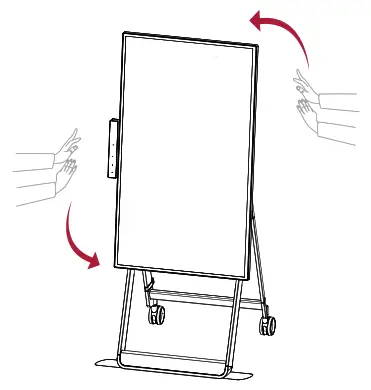
- The screen orientation can be adjusted, as shown in the figure.
 www.lg.com
Copyright © 2021 LG Electronics Inc. All Rights Reserved.
Printed in Korea
 LG Electronics & Home Appliances | Shop Now | LG USA