
Philips Hue 571240 Wal Switch Module User
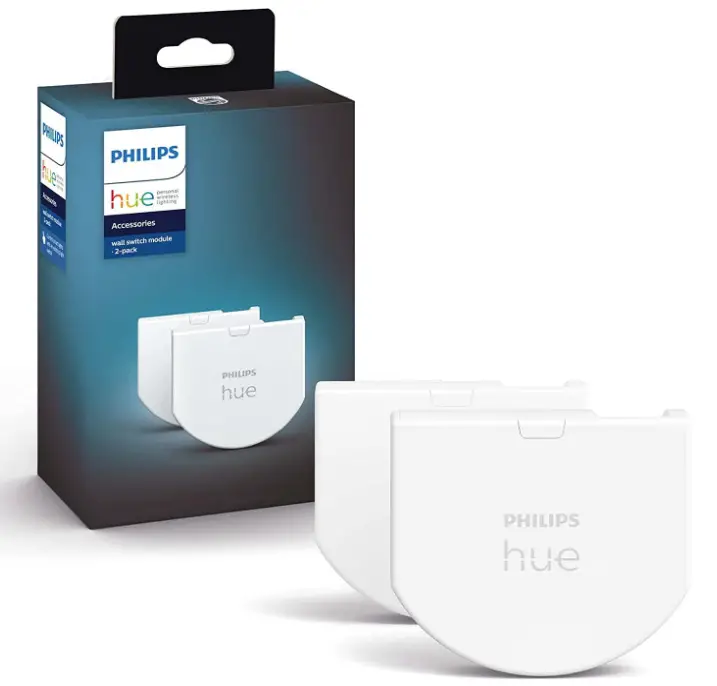
Specification
- BRAND: Philips Hue
- MATERIAL: Plastic
- ITEM DIMENSIONS LXWXH:5 x 0.4 x 1.7 inches
- MOUNTING TYPE: Wall Mount
- INTERNATIONAL PROTECTION RATING: IP20
- CONTROL METHOD: App
- CONNECTIVITY PROTOCOL: ZigBee
- COLOR: White
- POWER SOURCE: Battery Powered
Introduction
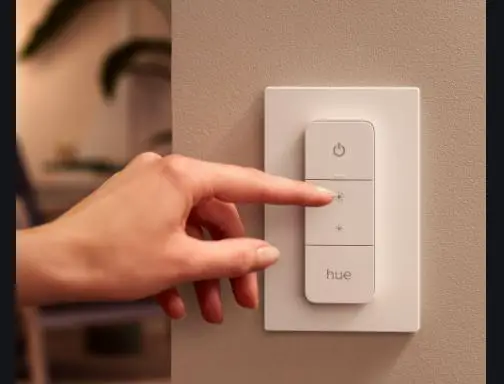
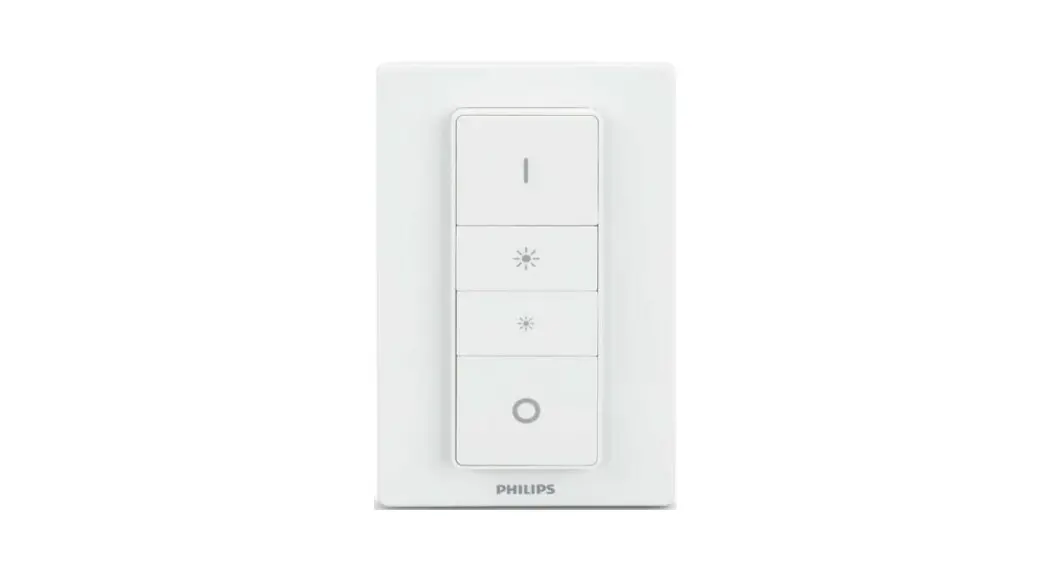
The Philips Hue wall switch module will ensure that your Philips Hue lights are always within reach. Even when the wall switch is turned off, the wall switch module keeps your Hue smart lights on and accessible. Regardless matter whether the wall switch is on or off, you can control your Hue lights with your voice or an app. The wall switch allows visitors and children to utilize the lights without blocking their access. Now that the wall switch is already installed, visitors and family members can use it to turn on or off Hue lights without having to download an app or risking mistakenly making your Hue lights inaccessible.
Utilizing the wall switch module, you may turn on or off the lights and select one of your three preferred Hue sceneries. Not having your app on hand? By turning the wall switch to alternate between your three preferred light scenarios, you may create the ideal mood. Simply launch the Hue app and add the wall switch module to your three most preferred scenes.
WHAT’S IN THE BOX
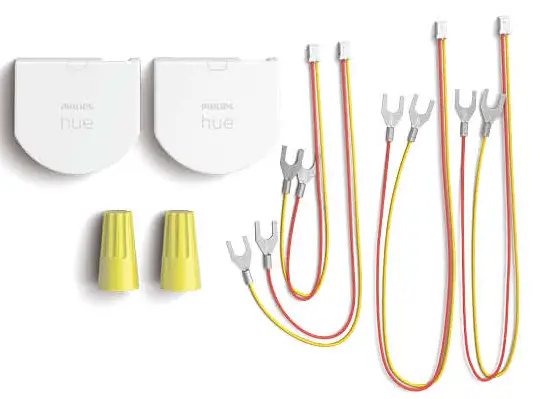
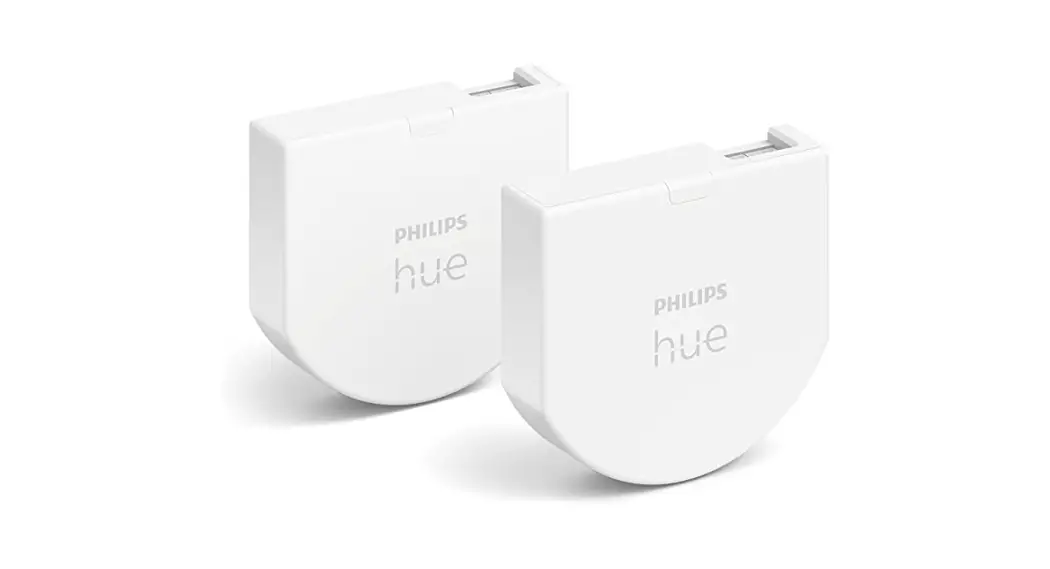
- 2 Philips Hue wall switch modules
- 4 cables
- 2 wire connectors
HOW TO INSTALL
- Power off circuit breaker before installation and remove the decorative plate from the wall
- Remove the switch and disconnect the hot wires (you need to leave ground on) from the switch
- Insert the wires from the wall into the wire nut
- Connect the double end of the wire to port 1 of the switch module
- Connect the orange wire to the top of the wall switch and the yellow wire to the bottom of the wall switch
- Place the module into the installation box and reassemble the switch
- Power on the circuit breaker and set up the switch module in the Hue app
HOW TO SETUP
- Get the Hue app open.
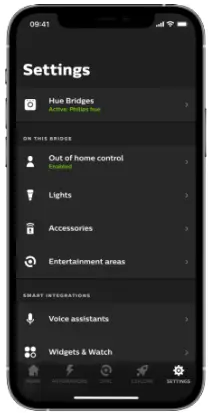
- Select the Accessories option under the Settings menu.

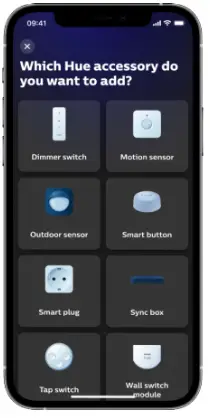
- Tap Add accessory.

- After selecting the Hue wall switch module, follow the on-screen directions.
- You can choose which Room or Zone the wall switch module controls as well as what the switch performs after the Hue app has located the wall switch module.
FAQs
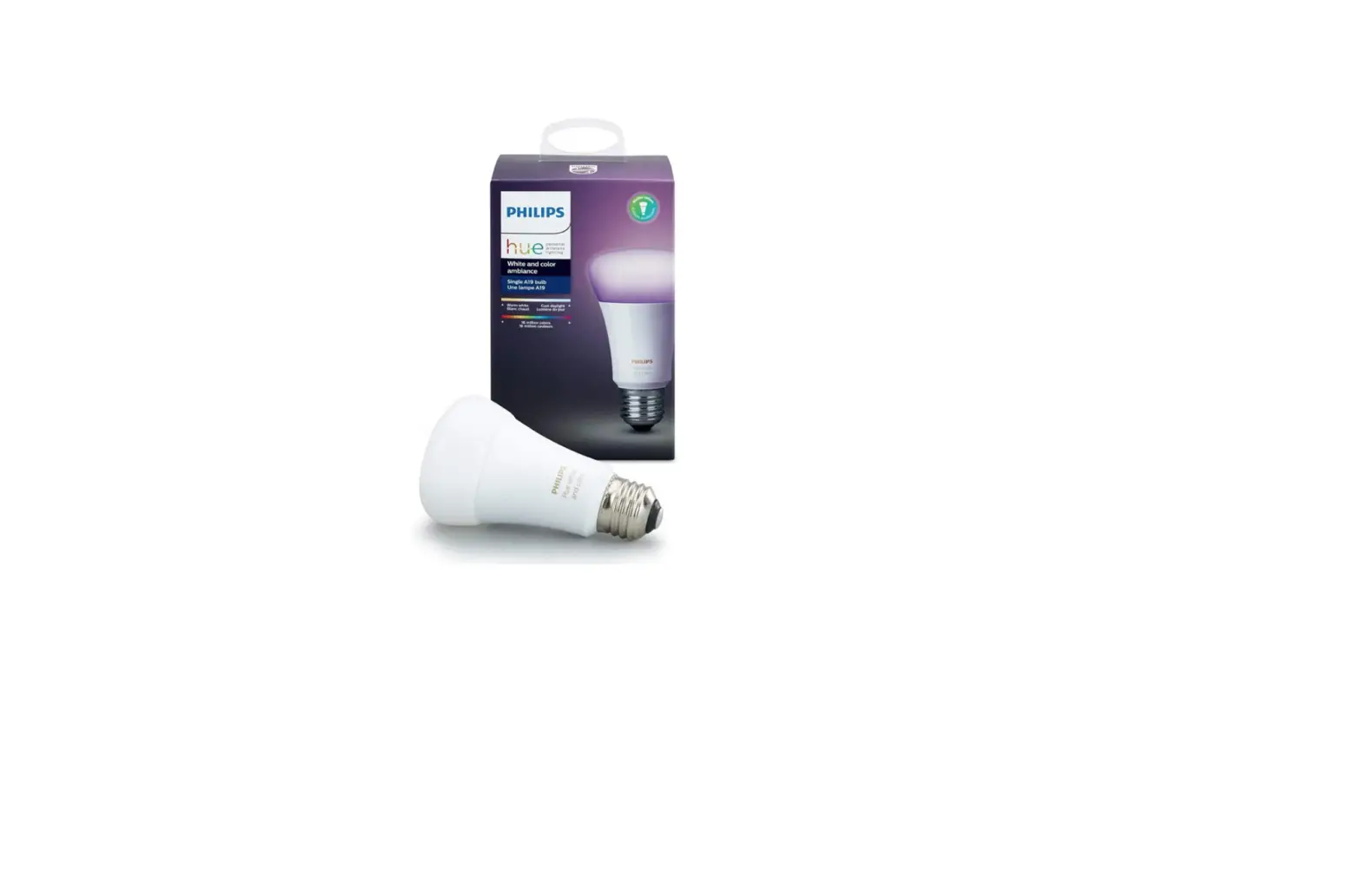
No, this will only work with hue bulbs. After install, the lights will be powered on constantly and the module can only control Hue bulbs.
I’d suggest getting the Philips Hue Dimmer instead. I had to swap to a regular rocker switch to make the in-wall module work correctly.
This connects just to the switch, no neutral required.
It just syncs with Phillips lights, it works like any other smart switch for hue, it just replaces an extra switch by incorporating the existing one. So, the short answer is no.
This is battery powered.
No, this only keeps some power going to light so it can work with alexia, google, etc.
Wiring the module puts constant power to the light bulb. The module links to the Hue light bulb (Bluetooth?). So, no. You have to use Hue light bulbs with the module. The module will not control a regular bulb.
They want you to spend $40 to convert your old light switch into a remote switch, when all you have to do is twist the wires together and spend less than $20 on one of their peal and stick remote switches.
These will not control a fan, they only work on hue lights.
You can control it through the app until you get a new battery.
2 years, because I use a lot, as far I know they last up to 3 years.
Yes, since the battery is inside the outlet; however, this is not frequent or complicated to do.
I have not wired a setup 3 way but I don’t see why it wouldn’t work. You are essentially disconnecting the power from the switch and making it hot to the bulb. The smart switch, then controlled by the conventional switch, sends a ZigBee signal to the smart bulb. The smart bulb can be controlled by any number of things, phone app, switch, sensor, etc.
No. To disconnect your existing wiring: unscrew the wire nut, pull the wires apart, and then reinstall the wire nut on the lead coming out of your wall (look at the third picture). Installing the new switch pushes those wires to the back of the junction box, essentially abandoning them but not altering anything. Your existing wall switch then connects only to the Hue switch and they run off the Hue’s battery.