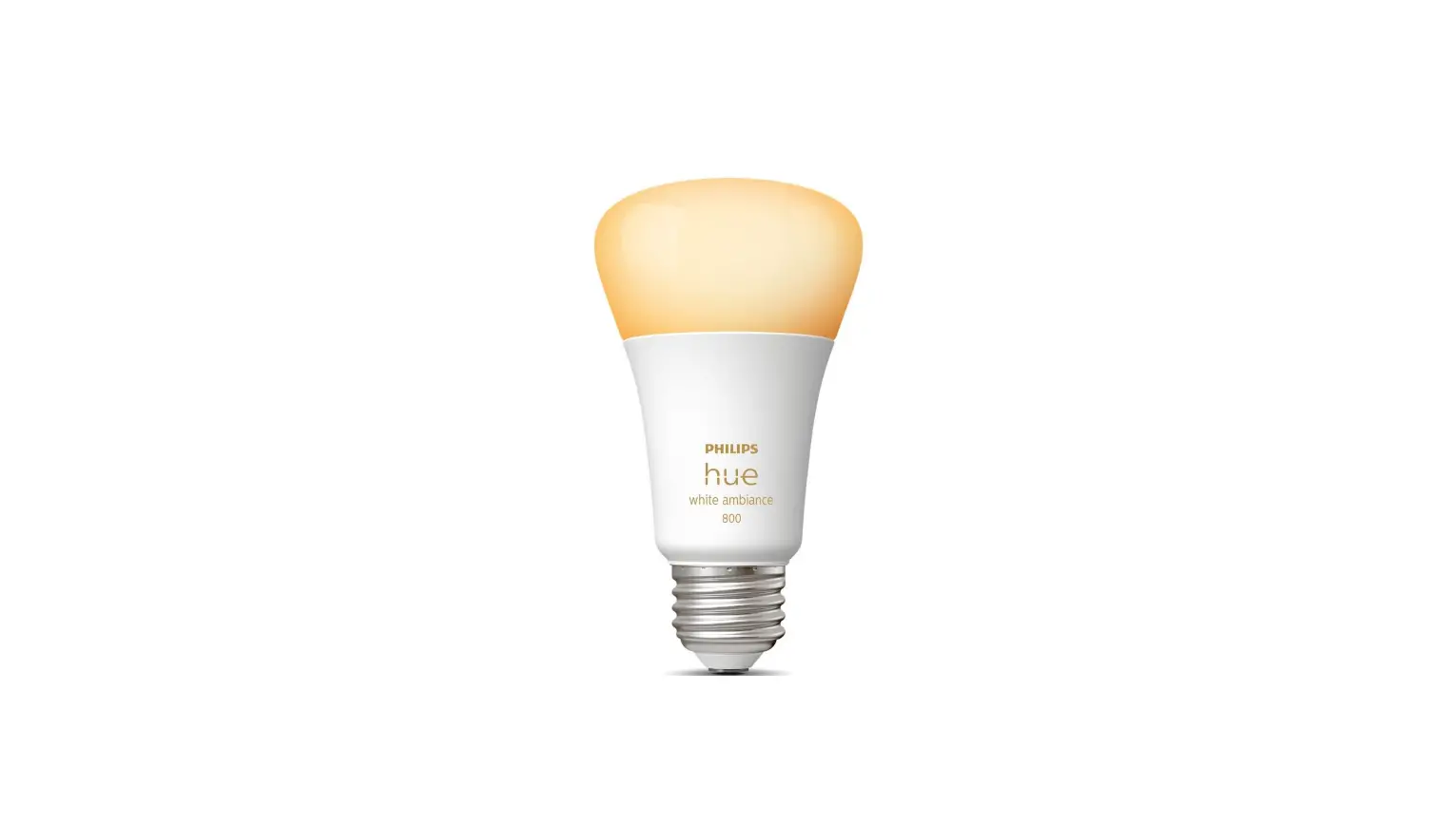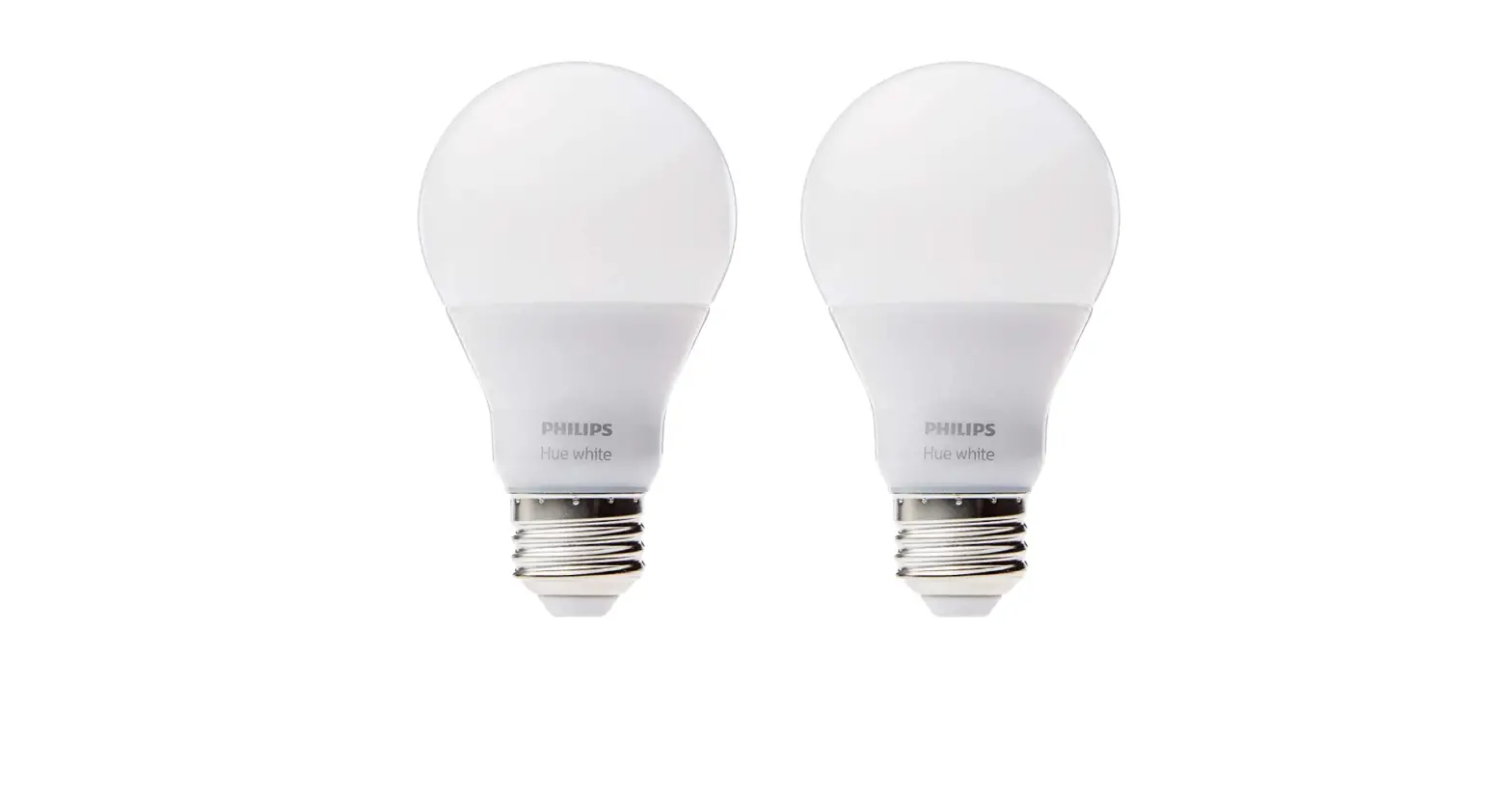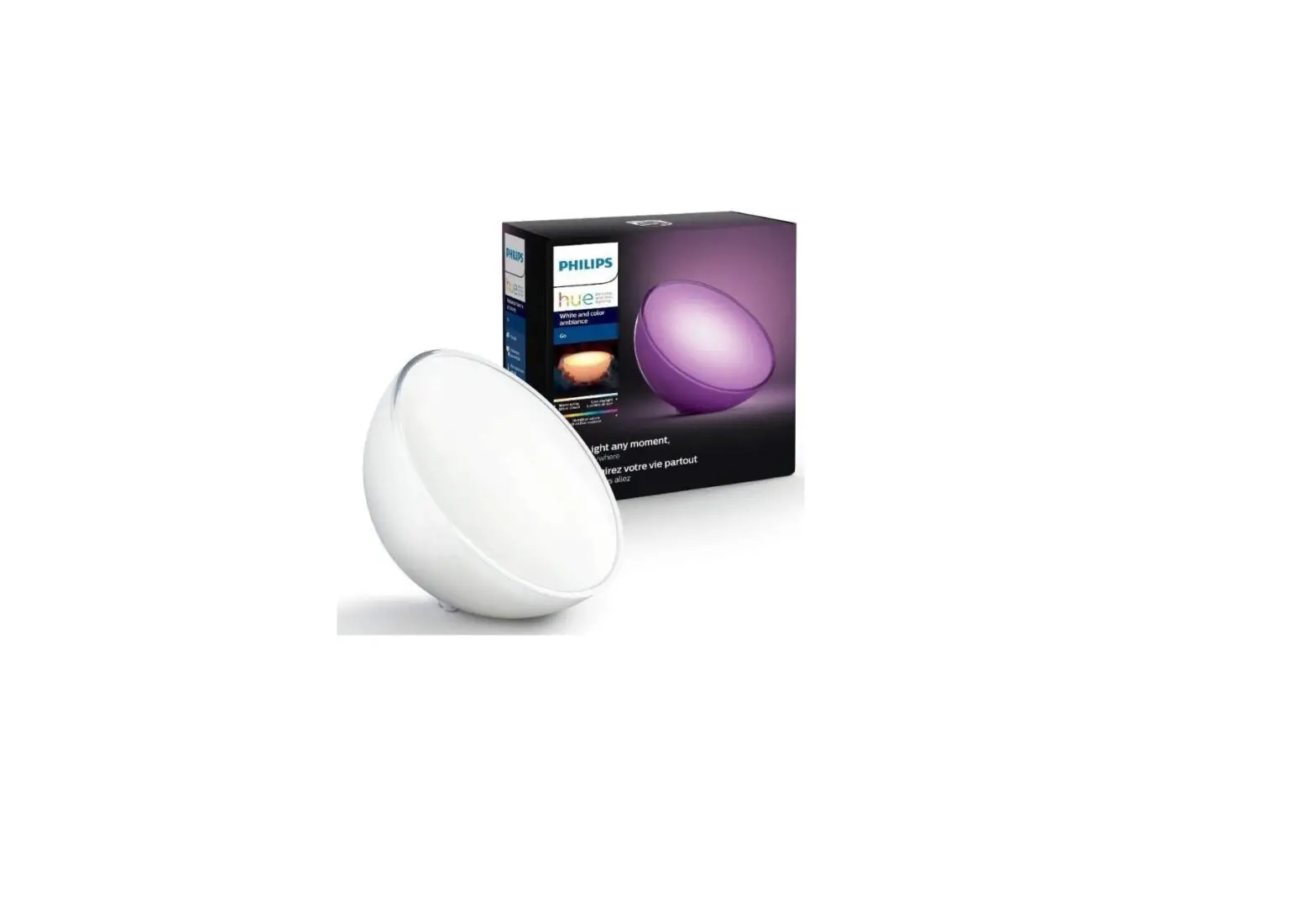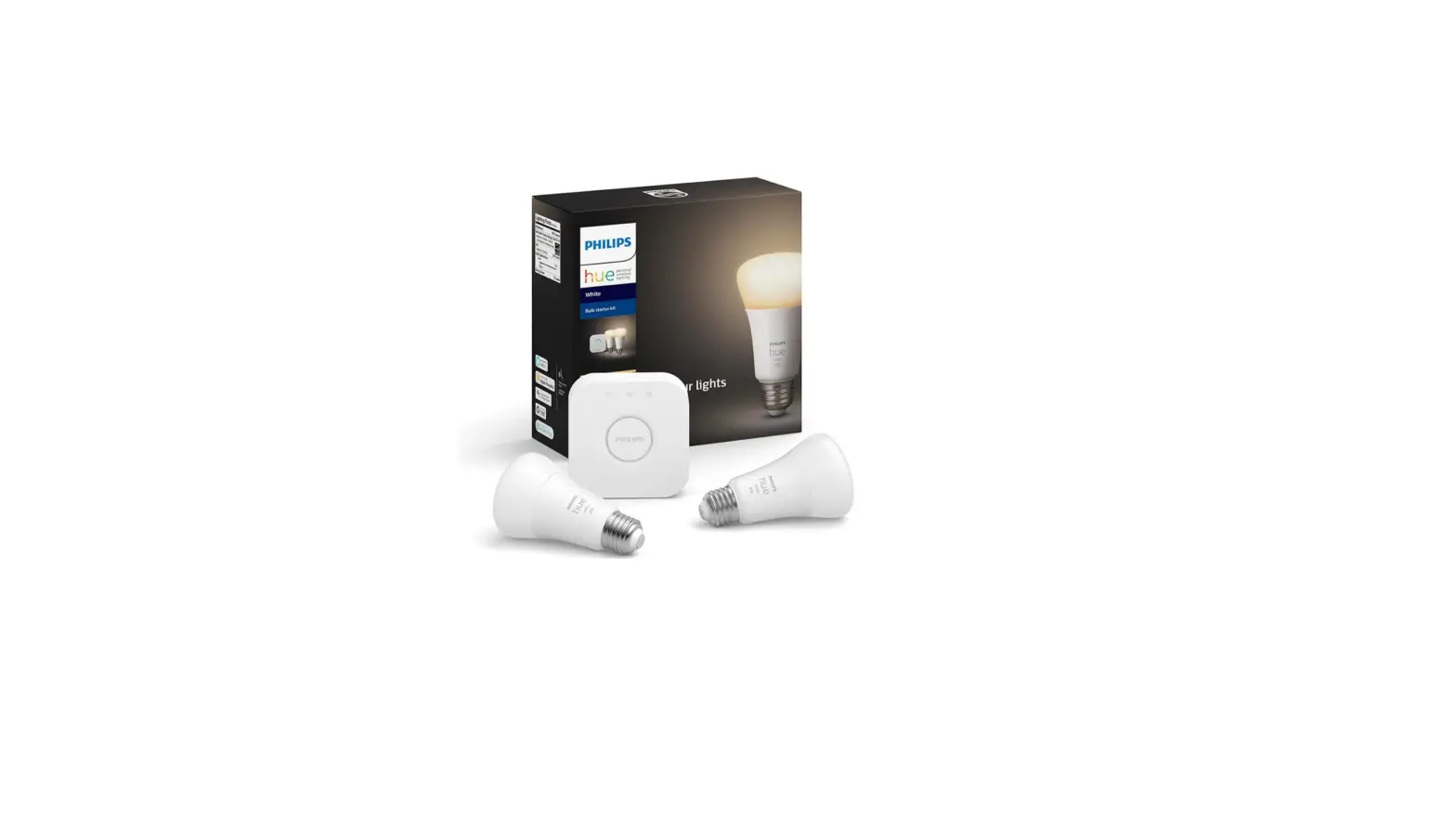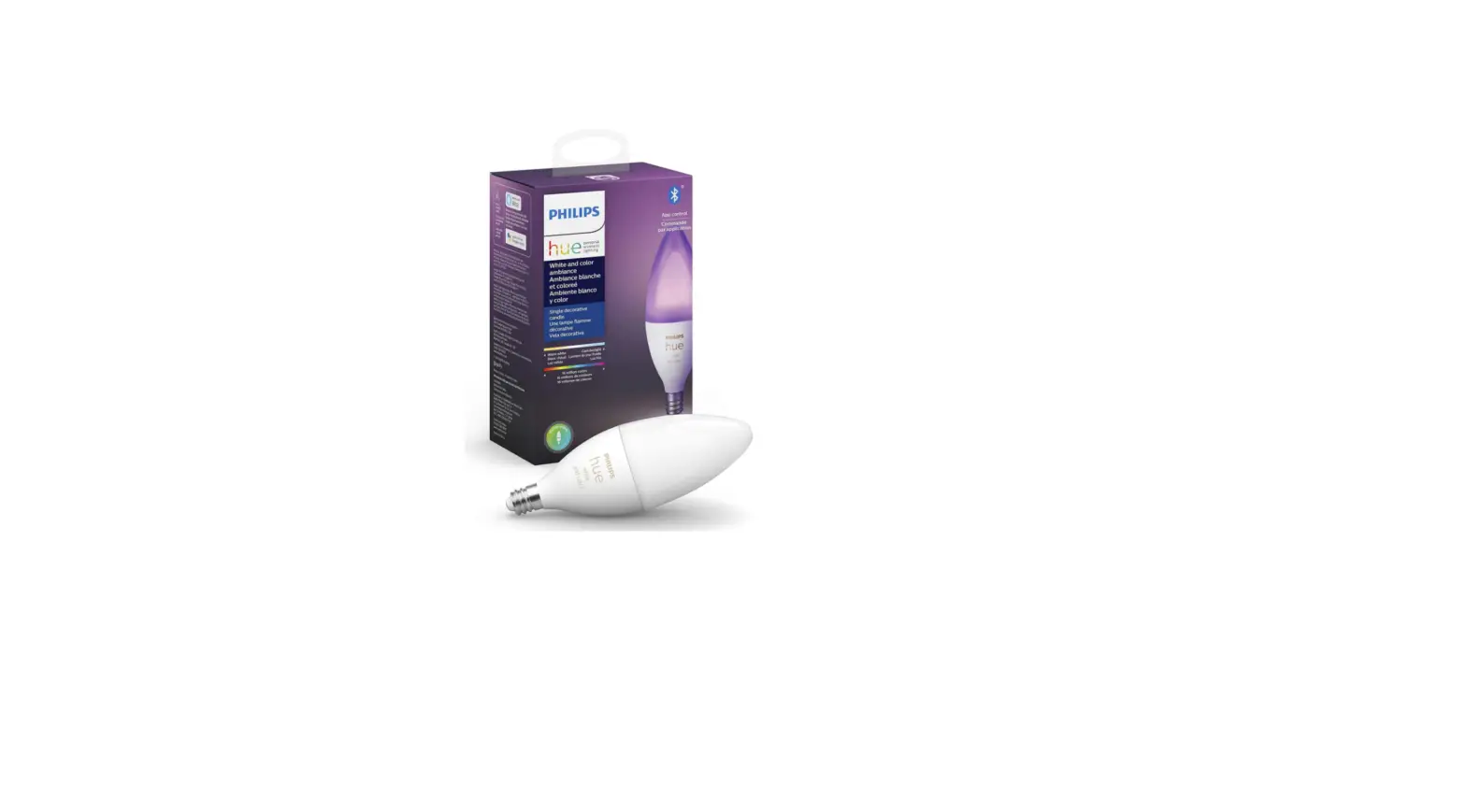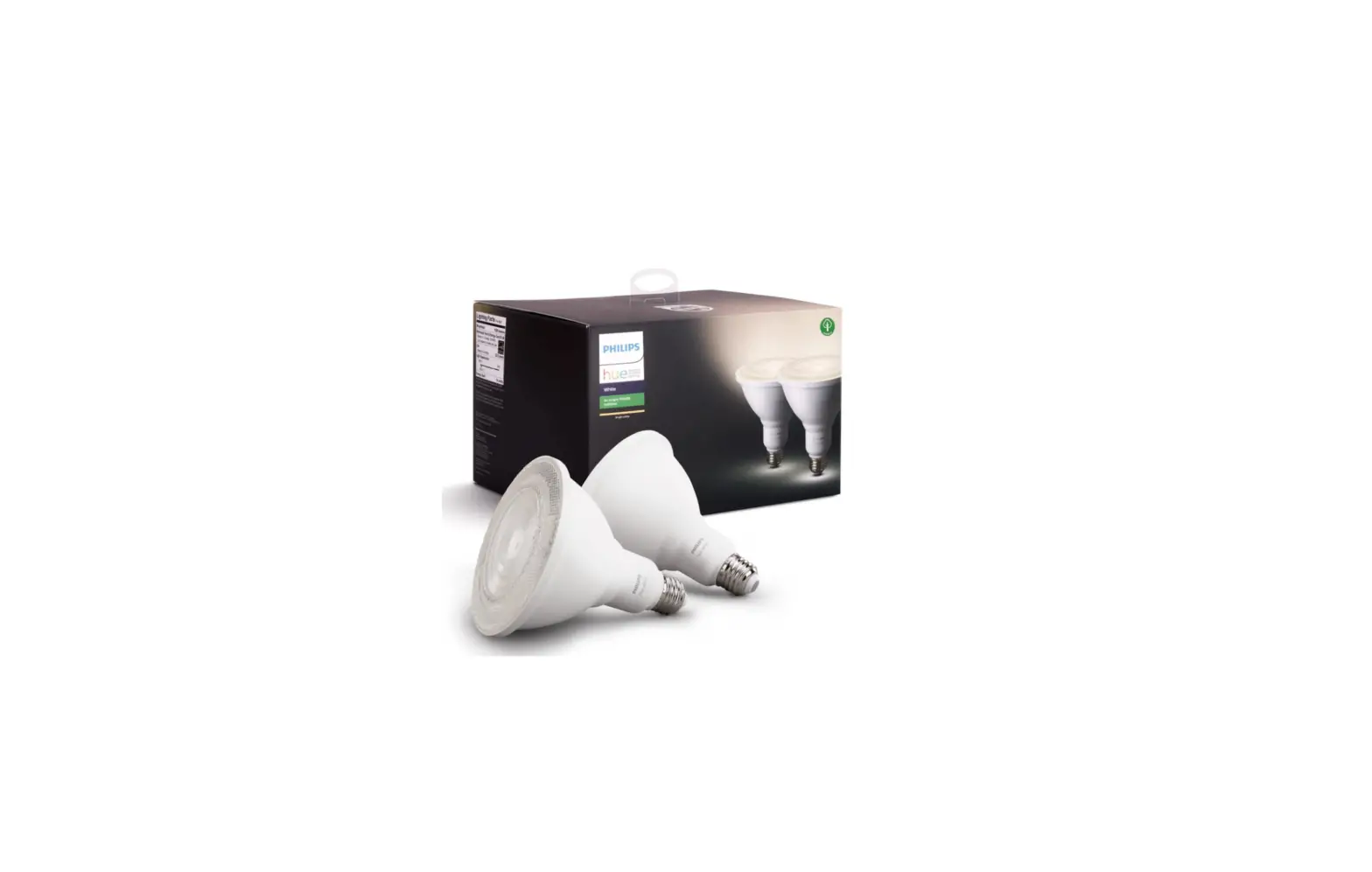
Philips Hue 476820 Smart Bulb
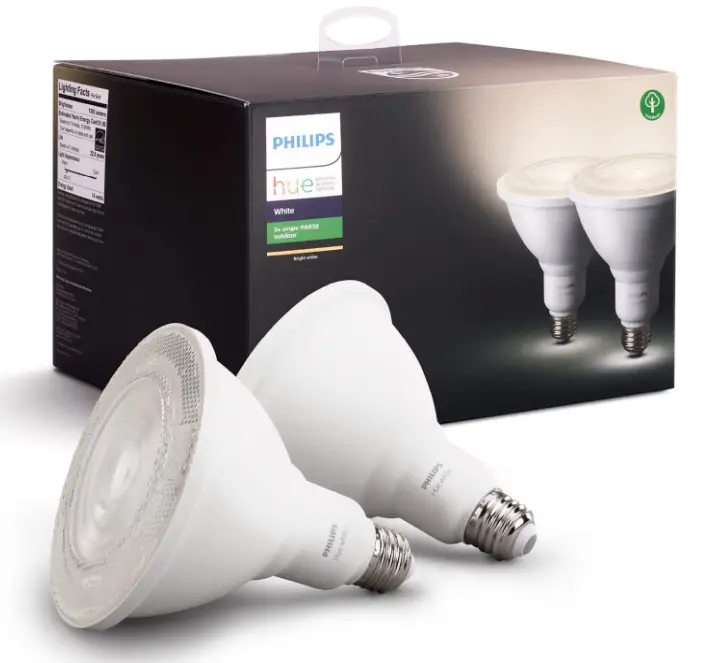
Specification
- BRAND: Philips Hue
- LIGHT TYPE: LED
- SPECIAL FEATURE: Never opened
- WATTAGE: 13 watts
- BULB SHAPE SIZE: PAR38
- LIGHT COLOR: Warm White
- VOLTAGE: 120 Volts
- COLOR TEMPERATURE: 3000 Kelvin
- LUMINOUS FLUX: 1300 Lumen
- MATERIAL: Synthetic Polymer (PMMA)
- CONNECTIVITY TECHNOLOGY: Infrared
- INDOOR/OUTDOOR USAGE: Outdoor
Introduction
Philips Hue outdoor lighting allows you to automate your lights for convenient control and comfort. Enhance your outside space with a strong, remote-controllable Philips Hue White Par38 outdoor floodlight. This light is bright from twilight to dawn. Your existing Par38 fittings must be screwed into it. Automate the lighting in your home to welcome you back. Hue Bridge is not incorporated.
HOW TO CONNECT TO BRIDGE
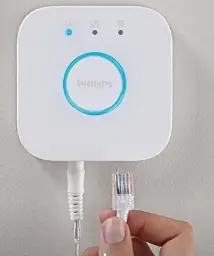
- Make sure you have a Philips Hue Bridge installed

- Install the light following the installation manual

- Find your new light using the Philips Hue App
- Start discovering all the features
HOW TO CONNECT TO WIFI
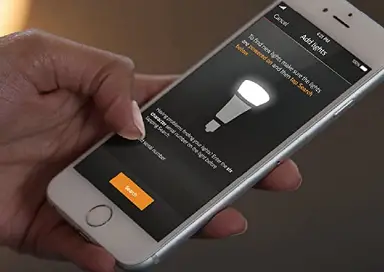
The addition (+) icon is located in the top right corner of the screen under Settings > Lights. 4. Your lights will be immediately located by the Hue Bluetooth app. The lights will eventually show up on the Home tab.
HOW TO RESET A PHILIPS HUE BULB
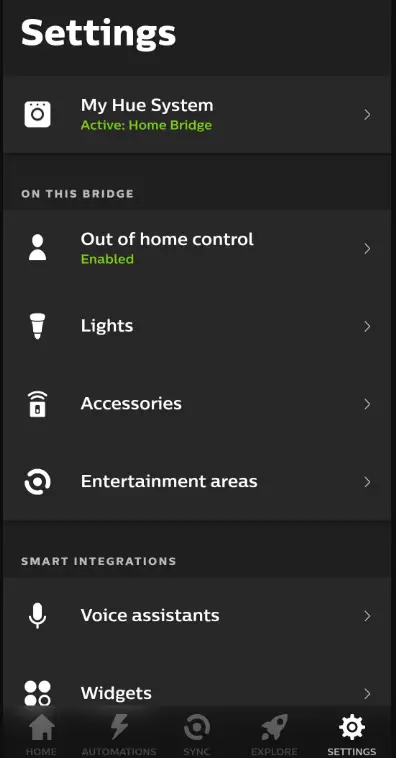
- Launch the Philips Hue app on your smartphone.
- At the bottom of the screen, select the Settings tab.

- Navigate to the Lights menu.
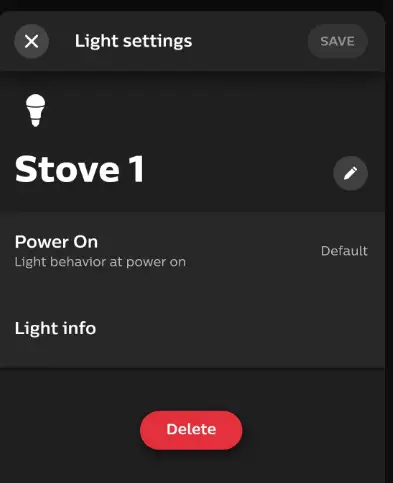
- Choose the lightbulb you wish to turn off.

- At the bottom of the page, click Delete, then click Delete light to confirm. The light is now unpaired and ready to be inserted again in any location.
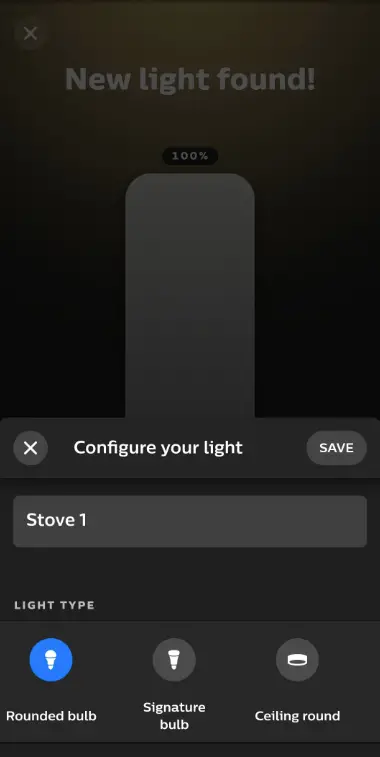
- The “+” button is located in the top-right corner.
- To locate the recently removed bulb, choose Search. This process could take some time. If the app cannot locate the bulb, you may need to have the serial number printed on the bulb’s side and enter it manually.
- Once located, give the lightbulb a name and an icon. Click Done.

- Select Done after dragging the new light’s icon to the desired location in the room.
HOW TO RESET PHILIPS HUE BULB WITHOUT A BRIDGE
- Five times, turn the bulb’s power source on and off. This action ought to put it back into pairing mode.
- Get the Bluetooth app for Hue.
- Observe the pairing procedure.
- You might need to purchase a Hue Dimmer Switch if turning the bulb off doesn’t put it in pairing mode. By placing the switch close to a light with it, you can reset it.
- I and O buttons should be pressed and held simultaneously for 10 seconds.
- To show that the dimmer switch has been reset, both the LED and the bulb should flash. Starting at step 6 above, you can now continue to add the bulb to your system.
FAQs
I’m not an expert but my understanding is that you need the Hue bridge to control the lights. I have an iPhone and Apple Watch and use both to control my lights but that is done thru the Hue bridge.
Yes. I was able to use a 20-year-old fixture on my back porch with it. This light worked out great. I love that you can program it to turn on and off through the Hue app.
I have my nest cameras turn on my lights using the IFTTT app.
Yes, in order to control you need the hub.
If you have a built-in hub you are good.
It is dimmable.
Yes, you will need the Hue bridge, especially if you want to control your lights via your Google Assistant. Only with the Amazon Echo Plus or Echo Show 2nd gen. the Hue bridge is not required, but it will limit you in functionality, so we would always recommend to use the Hue bridge.
there is no hue indoor PAR38. This is the only Hue PAR38.
Yes. You can use the Philips Hue app to manually turn on/off the lights. I have quite a few IoT devices and have to say that the Philips Hue Bridge/app is about as reliable as they come. By the way, you can tell Siri and Alexa to turn them on as well as both works well with Hue.
The PAR38 IS 950 lumens; Color 2700 Kelvin and 13.5 Watt (90-Watt equivalent).
A bulb’s light output is measured in “lumens”. A standard Philips Hue indoor bulb generates just over 800 lumens. The Philips Hue flood bulbs output 1300 lumens which is on the high end of what an outdoor bulb should produce.
They are not, the Hue PAR38 are only available in the US, so they are only 110 V compatible.
You could, but it defeats the purpose of smart lighting, because you won’t be able to control your light when there is no motion. We’d recommend to have a look at the Hue (Outdoor) motion sensor as well, which will also give you more options configuration-wise in the Hue app.
No, I do not receive motion alerts on Alexa from this product. My lights are set to come on at dusk and go off at dawn.
It could, but it defeats the purpose of smart lighting, because you won’t be able to control your light when there is no motion. We’d recommend to have a look at the Hue (Outdoor) motion sensor as well, which will also give you more options configuration wise in the Hue app.