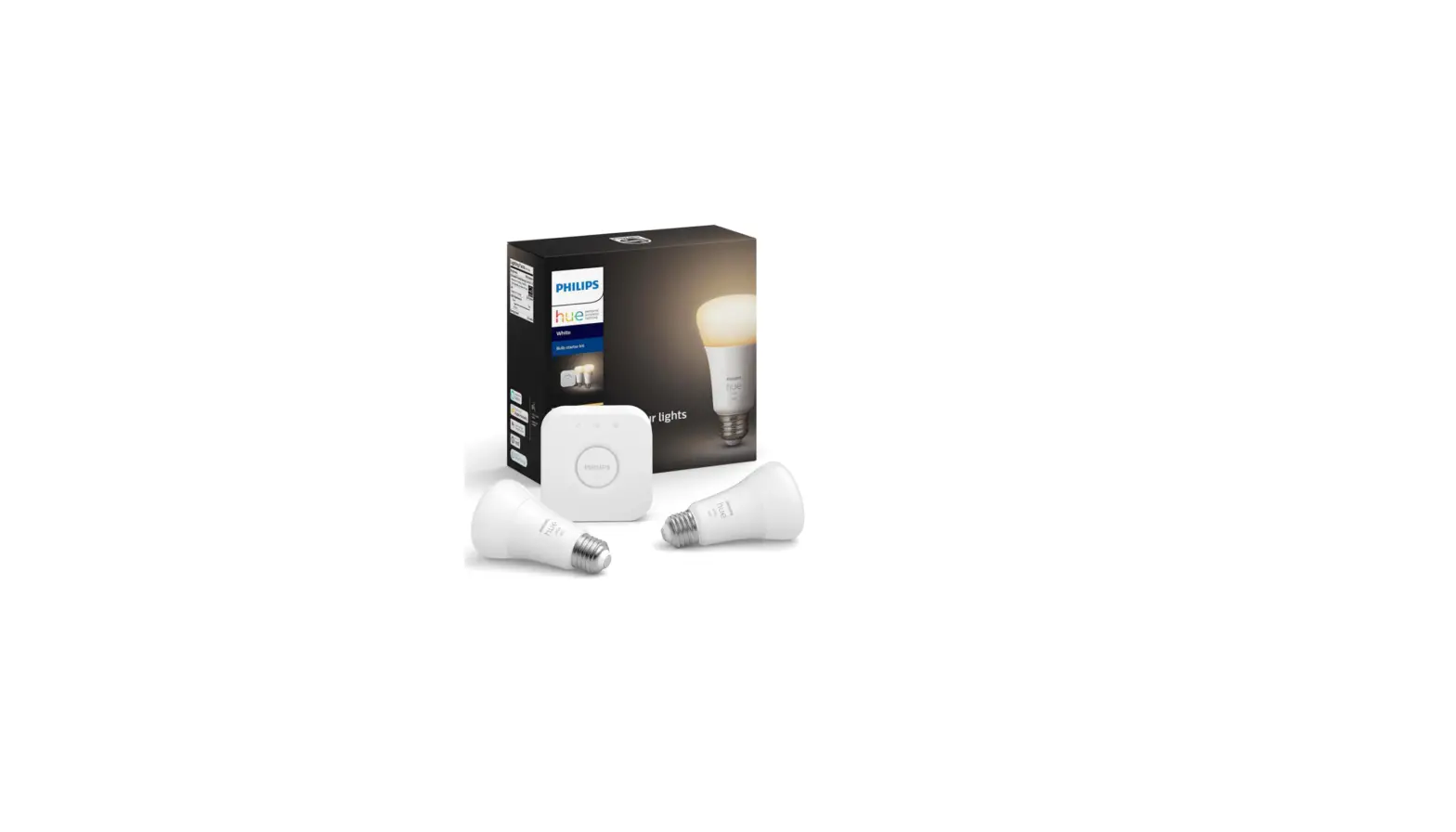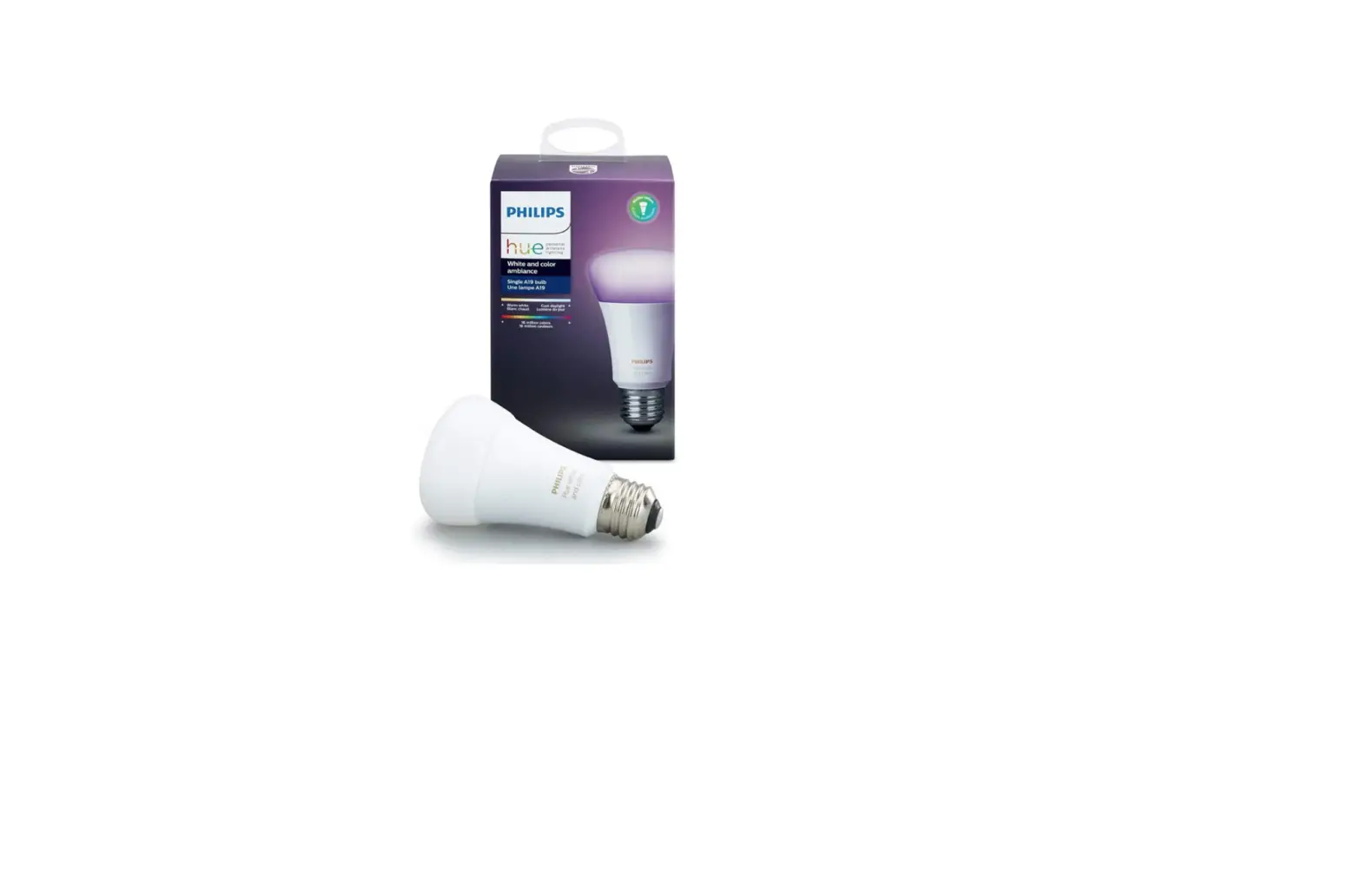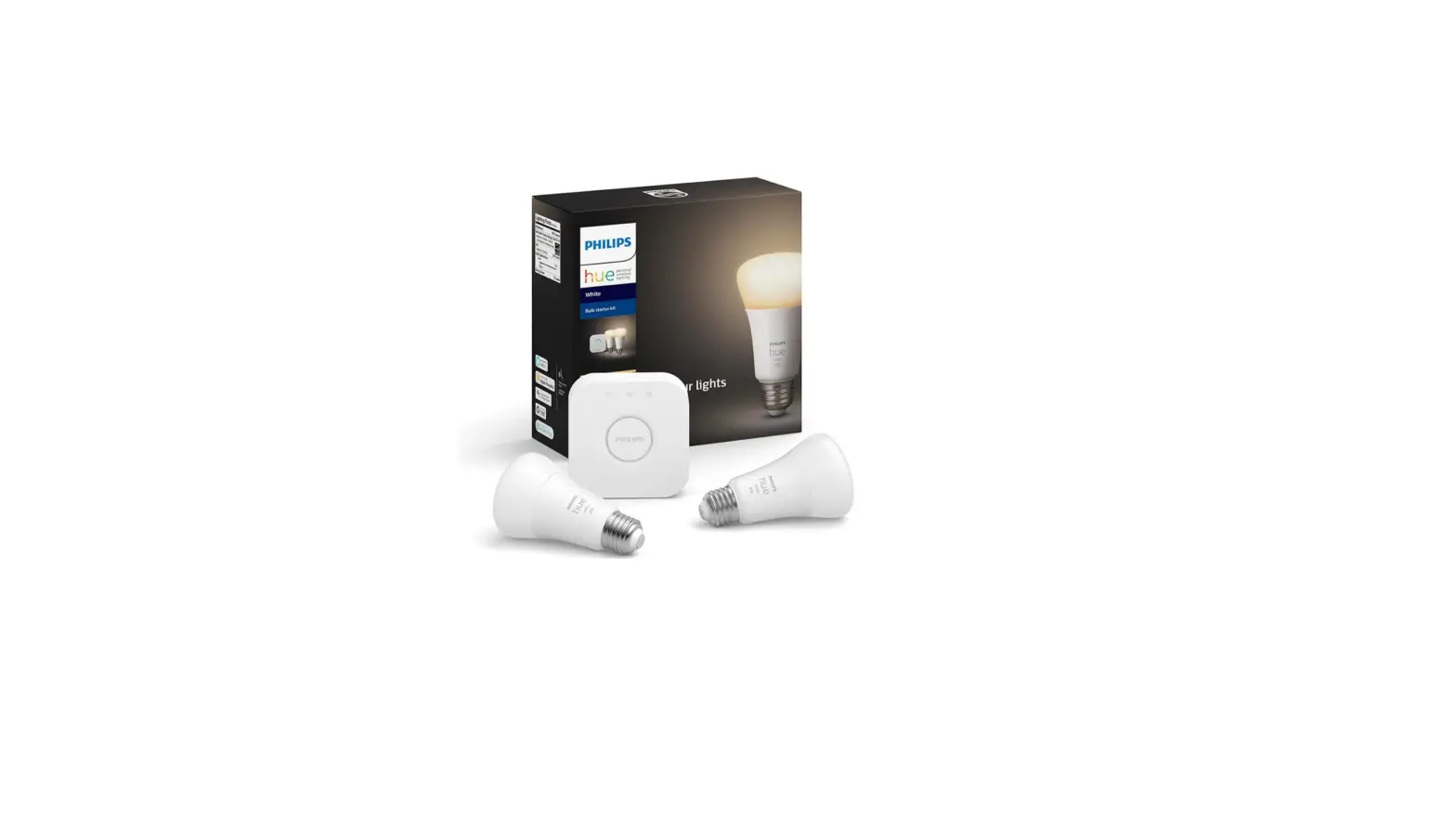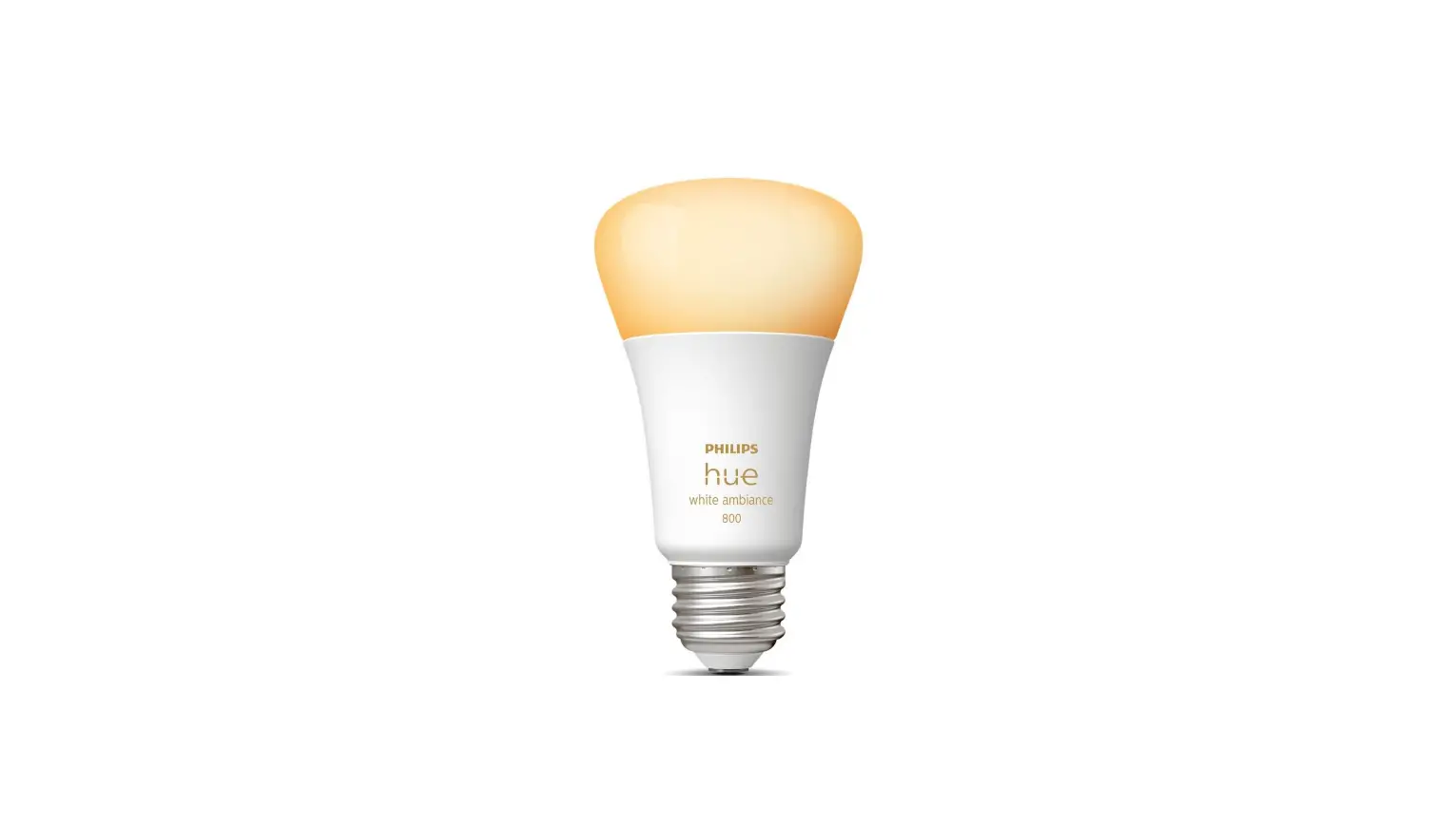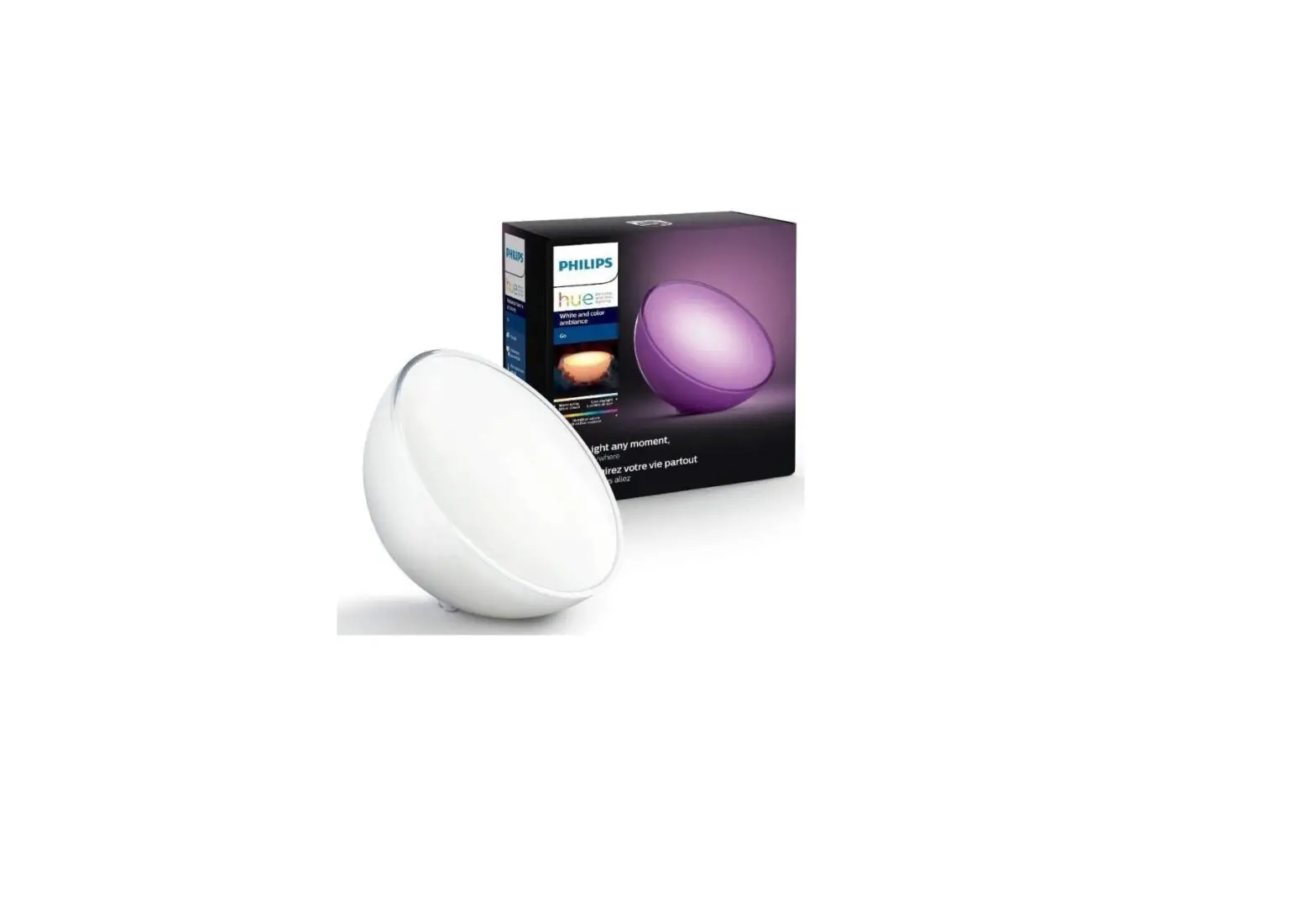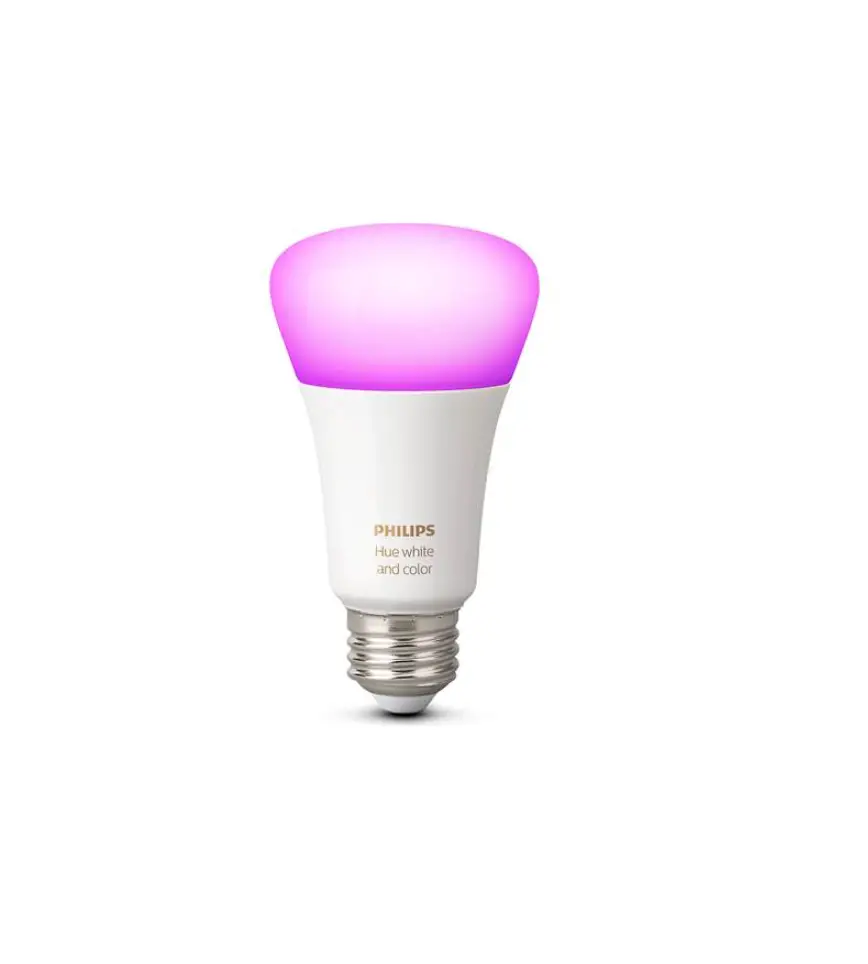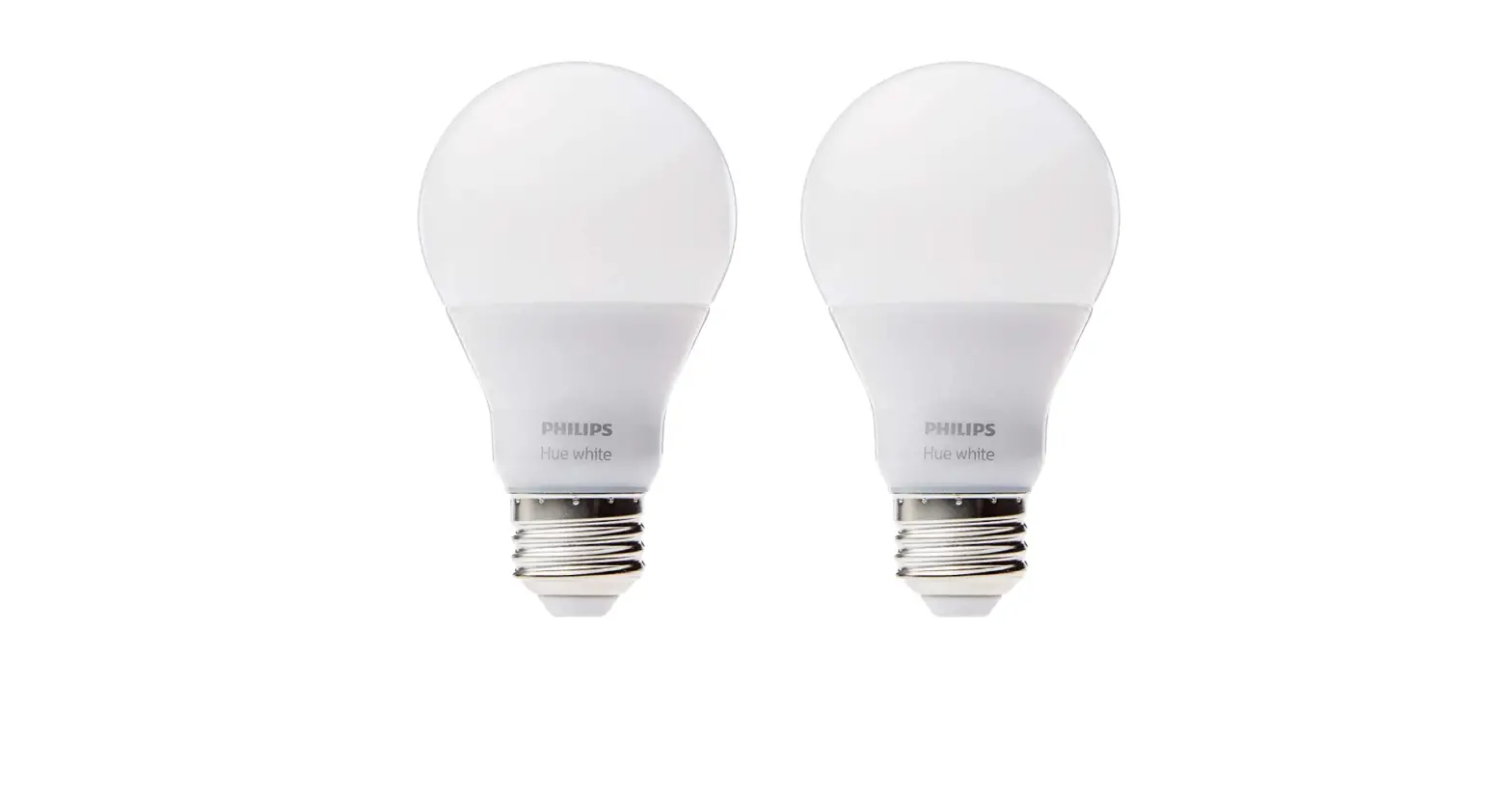

Philips 453100 Hue White LED Smart Bulb
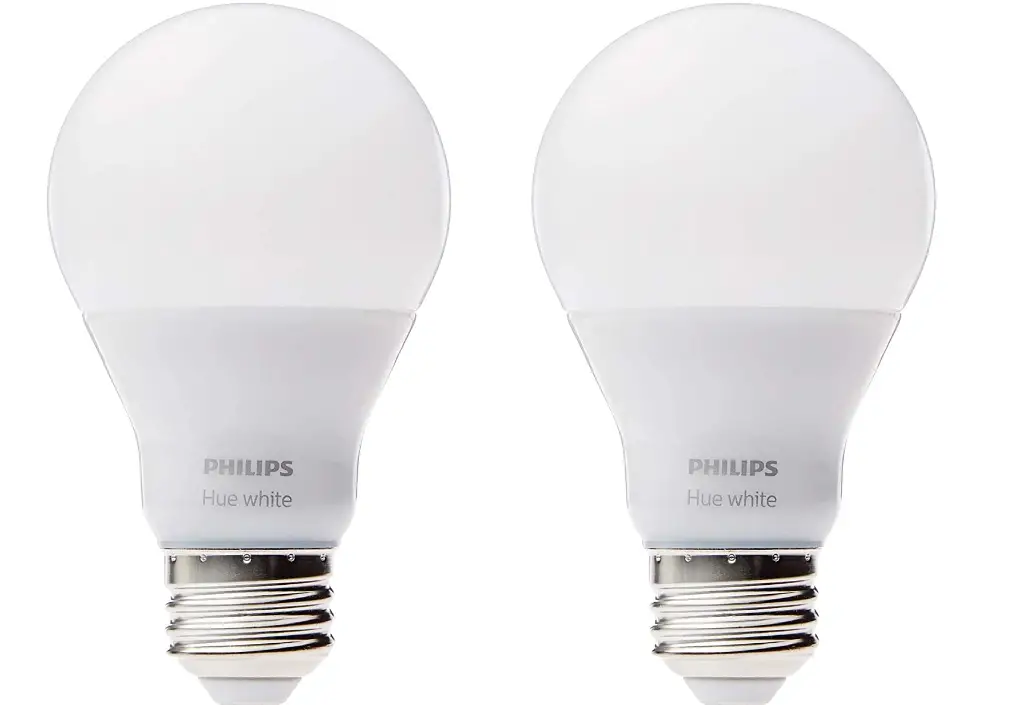
To connect your new Hue white bulb, select the installation instruction (A or B) that is applicable to you.
For more information on installation and use, please visit www.meethue.com
 If you have a Hue bridge
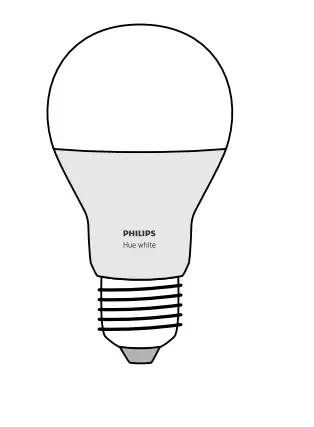 If you have a Hue bridge
- Power your Hue white and turn on your wall light switch.
- Start the Hue app and follow the instructions.
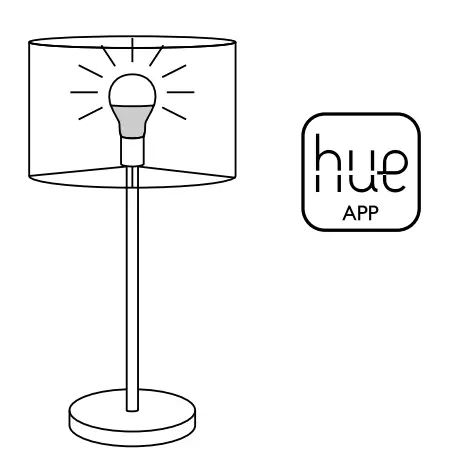
If you have a Hue wireless dimming kit
- Power your Hue white and turn on your wall light switch.
- Hold the Hue dimmer switch close to the light, press and hold the “ON” button for 10 seconds.
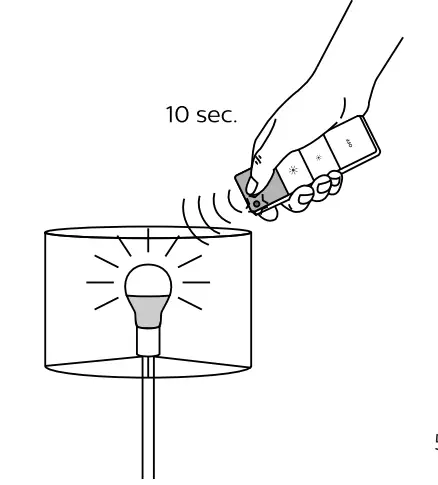
Release the “ON” button after the light has flashed 3 times.
Please go to www.meethue.com to learn more about Hue and how to use it.
FCC ID Hue white A19 lamp: O3M9290002761X
This device complies with Part 15 of the FCC Rules and with RSS- 210 of Industry Canada. Operation is subject to the following two cCnditions: (1) this device may not cause harmful interference, and (2) this device must accept any interference received, including interference that may cause undesired operation.
IC Certification
Hue white A19 lamp LED lamp: Company number 10469A,
UPN: 2761x
- This Class B digital apparatus complies with Canadian ICES-O03
- This digital apparatus does not exceed the class B limits for radio-noise emissions from digital apparatus as set out in the Radio Interference Regulations of the Canadian Department of Communications.
NOTICE
Changes or modifications made to this device not expressly approved by Philips Lighting North America Corporation (Philips”) may void the U.S. FCC and Canadian authorization to operate this device.
The advanced interface module complies with FCC radiation exposure limits set forth for an uncontrolled environment. This device should be installed and operated with a minimum distance of 20 centimeters between the radiator and your body.
The manufacturer is not responsible for any radio or TV interference caused by unauthorized modifications to this equipment. Such modifications could void the user’s authority to operate the equipment.
This device has been tested and found to comply with the limits for a Class B digital device pursuant to Part 15 of the FCC rules. These limits are designed to provide reasonable protection against harmful interference in a residential installation. This device generates, uses, and can radiate radio frequency energy and, if not installed and used in accordance with the instructions may cause harmful interference to radio communications. However, there is no guarantee that interference will not occur in a particular installation. If this device does cause harmful interference to radio or television reception, which can be determined by turning the device off and on, the user is encouraged to try to correct the interference by one or more of the following measures:
- Reorient or relocate the receiving antenna
- Increase the separation between the device and receiver
- Connect the device into an outlet on a circuit different from that to which the receiver is connected
- Consult the dealer or an experienced radio/television technician for help
WARNINGS AND CAUTIONS
- The bulb is suitable for use in open luminaries (fixtures).
- The bulb is not suitable for totally enclosed fixtures.
- The bulb is not intended for use with emergency exit fixtures emergency lights.
- The bulb is not compatible with photo controls, occupancy sensors, or timing devices unless specifically designed for Hue
- The bulb is not suitable for use with legacy dimmers.
- Risk of electric shock – Do not use device where directly exposed to water.
- Before replacing, turn off power and let the bulb cool to avoid electrical shock or burn.
- The device is for indoor use only.
- Do not use the device in wet locations, e.g. bathrooms or outdoors.\
OPERATING INSTRUCTIONS
- This device is not a toy designed to be played with by children.
- Do not place the device on hot surfaces.
- For safety reasons, do not open device, which will also void the warranty.
- Use the bulb only in a socket rated for this bulb
LIMITED WARRANTY
Philips warrants that this device will be free from defects in material and workmanship and will operate for 2 years based on up to 3 hours average usage per day/7 days per week, when used as directed. If this device does not conform to the warranty, Philips will send you, at its election, a replacement device or refund your original purchase price upon receipt of the returned device, register receipt and proof of purchase. Please call our toll- free number 1-800-555-0050, write to Philips (address indicated on the packaging) or send an email at the website www.philips.com to find out how to return the device. This limited warranty does not cover devices subject to accident, neglect, abuse, misuse or acts of
God. REPLACEMENT OR REFUND IS YOUR SOLE REMEDY. EXCEPT TO THE EXTENT PROHIBITED BY APPLICABLE LAW, ANY IMPLIED WARRANTIES ARE LIMITED IN DURATION TO THE DURATION OF THIS WARRANTY. LIABILITY FOR INCIDENTAL OR CONSEQUENTIAL DAMAGES IS HEREBY EXPRESSLY EXCLUDED
Some states and provinces do not allow exclusion of incidental or consequential damages, so the above limitation or exclusion may not apply to you. This warranty gives you specific legal rights, and you may also have other rights which vary from state to state and province to province.
CLEANING AND MAINTENANCE
- Do not clean the device when it is on and connected to the power supply.
- To avoid scratching the device, clean only with a soft dry cloth.
- Do not use cleaning agents to clean the device.
- Manage in accordance with disposal laws in your area.
Wireless Specification
- Wireless RF mode frequency band: 2400~ 2483.5 MHz
- Wireless communications protocol: IEEE 802.15.4
- Operating channels: channels 11 26
Environmental specification
- Temperature (operation): -10..45’C
- Temperature (Storage): -25-60 °C
- Relative humidity: 5-95% non condensinge
- Standby power: <0.5W per lamp
Frequently Asked Questions
To reset the Hue Bridge, press the reset button on the back of the bridge for 10 seconds. The LED will flash orange and then go out when it has been reset.
To update your Hue Bridge, make sure you have an active internet connection, and then open the Hue app. Go to Settings > Bridge Information and click on “Check for Updates”. If there is an update available, click “Update” and follow the instructions on the screen.
To update your lights, make sure you have an active internet connection, and then open the Hue app. Go to Settings > Light Update and select “Update now”. If there is an update available, select “Update” and follow the instructions on the screen.
Yes, the light automatically turns on when the power goes out and comes back on. This feature irritates me. According to earlier information, you connect your lights with the Echo Plus. The Smart Home Hub Zigbee that comes with Echo Plus only works partially with Philips Hue. You must purchase an additional hub from Phillips if you want more features and programming, such as having the lights turn on automatically when the power comes back on (The brains of the Philips Hue smart lighting system, the Hue Bridge). Instead of utilizing the Alexa app, you can program the bulbs using the Phillips Hue Bridge’s native app. The Phillips Hue Bridge serves a variety of other purposes, but at an added cost. As a result, I have not yet bought it.
The lights I purchased were warm white (2700k) and lacked temperature or color-changing capabilities. You could just change the brightness and turn things on and off.
I don’t need a second Hue Bridge because my Echo Show can operate a Philips Hue A19 bulb I have. Any device that complies with the Zigbee standard can be directly managed by Echo Show (and possibly other Amazon devices).
Some of my Hue bulbs have been in use for eleven years and are still in excellent condition. More than I’ve replaced them, I’ve moved them.
Yes, using Philips Hue lamps requires the use of a hub. The hub and Google Home are in sync.
To remotely turn these on and off and dim them, you would need the bridge. Despite this, they will still work normally in the absence of the bridge. A wall switch, for instance, can be turned on and off without a bridge.
You still require the hue bridge, in my opinion. Although you need the hub, I assume it would function with echo as it would with Google.
The hub does really recognise the bulbs. The Philips Hue app is where you really give the bulbs and other components names. Alexa just knows the names.