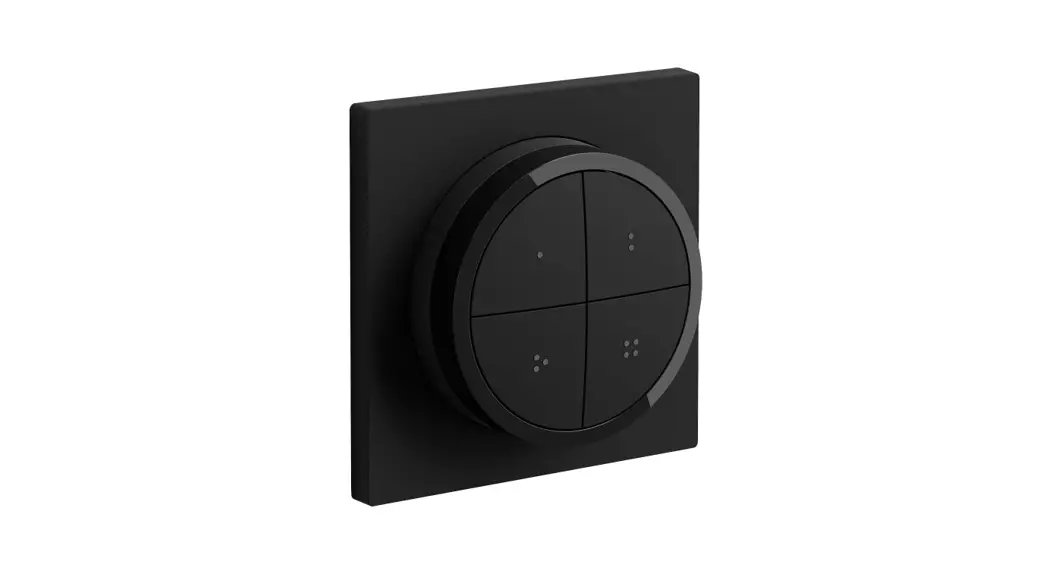
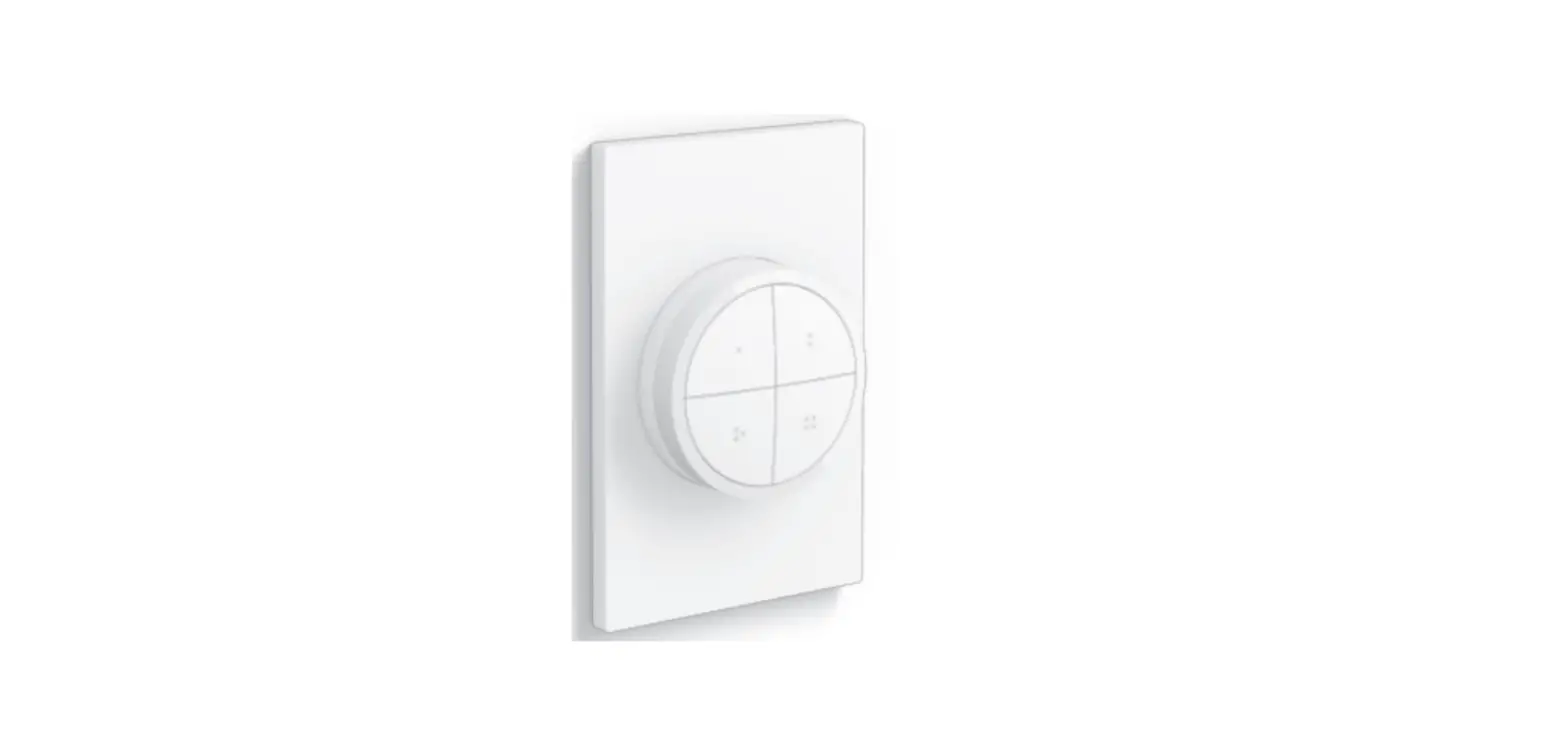
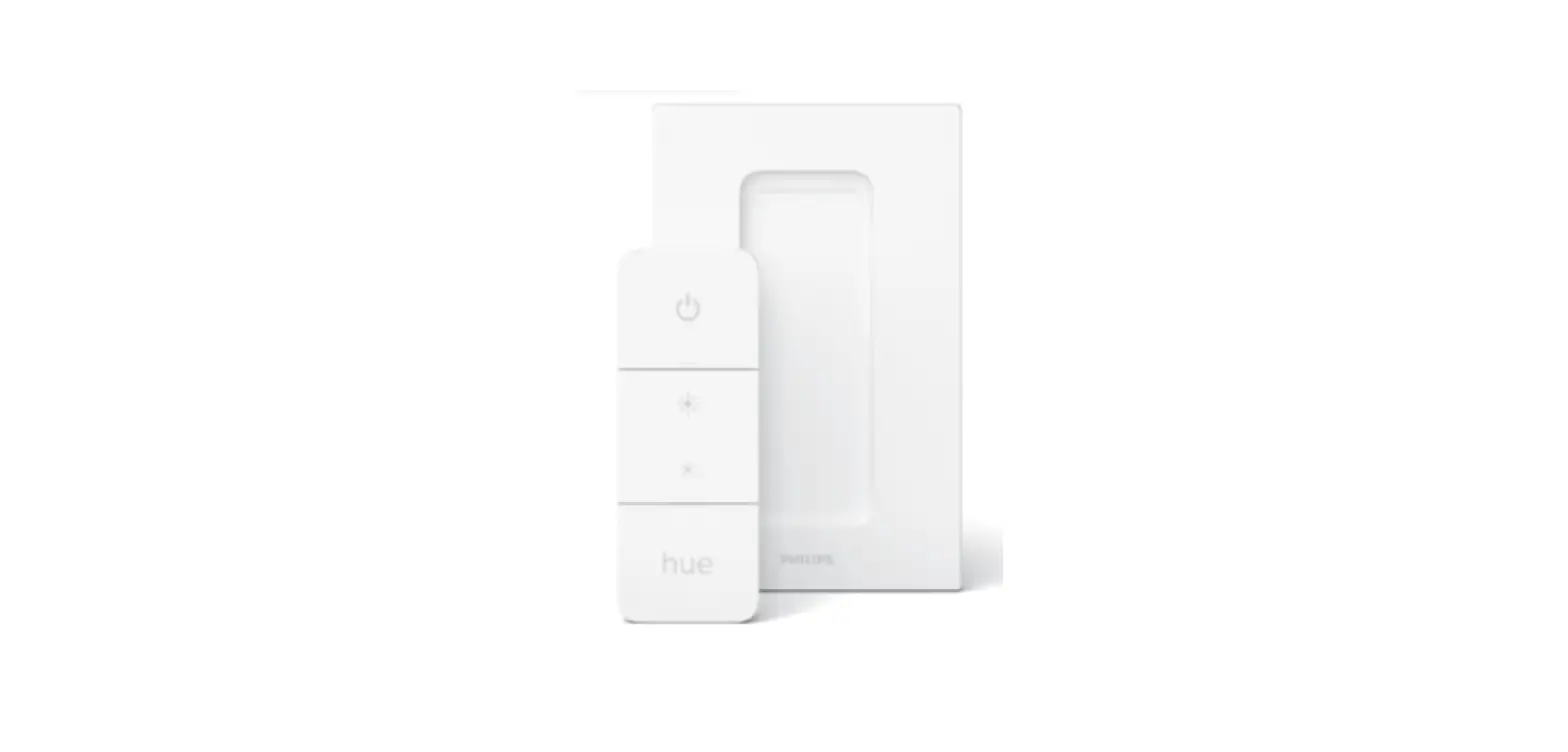
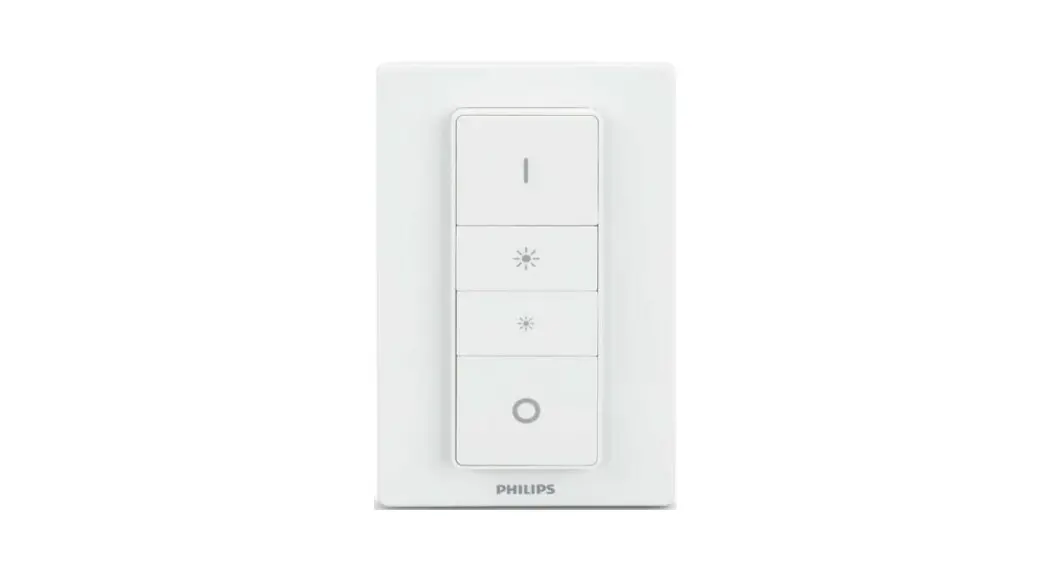
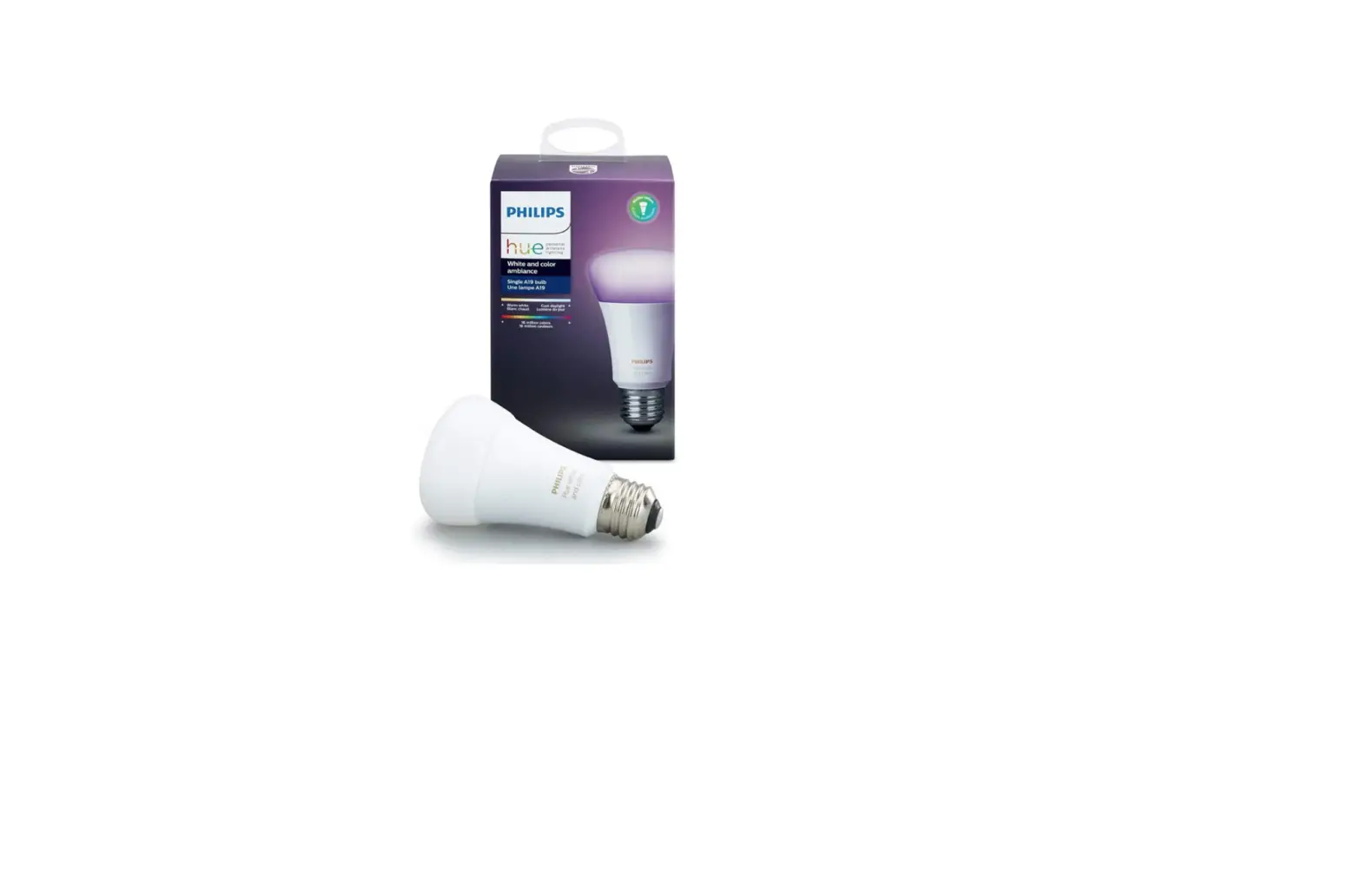
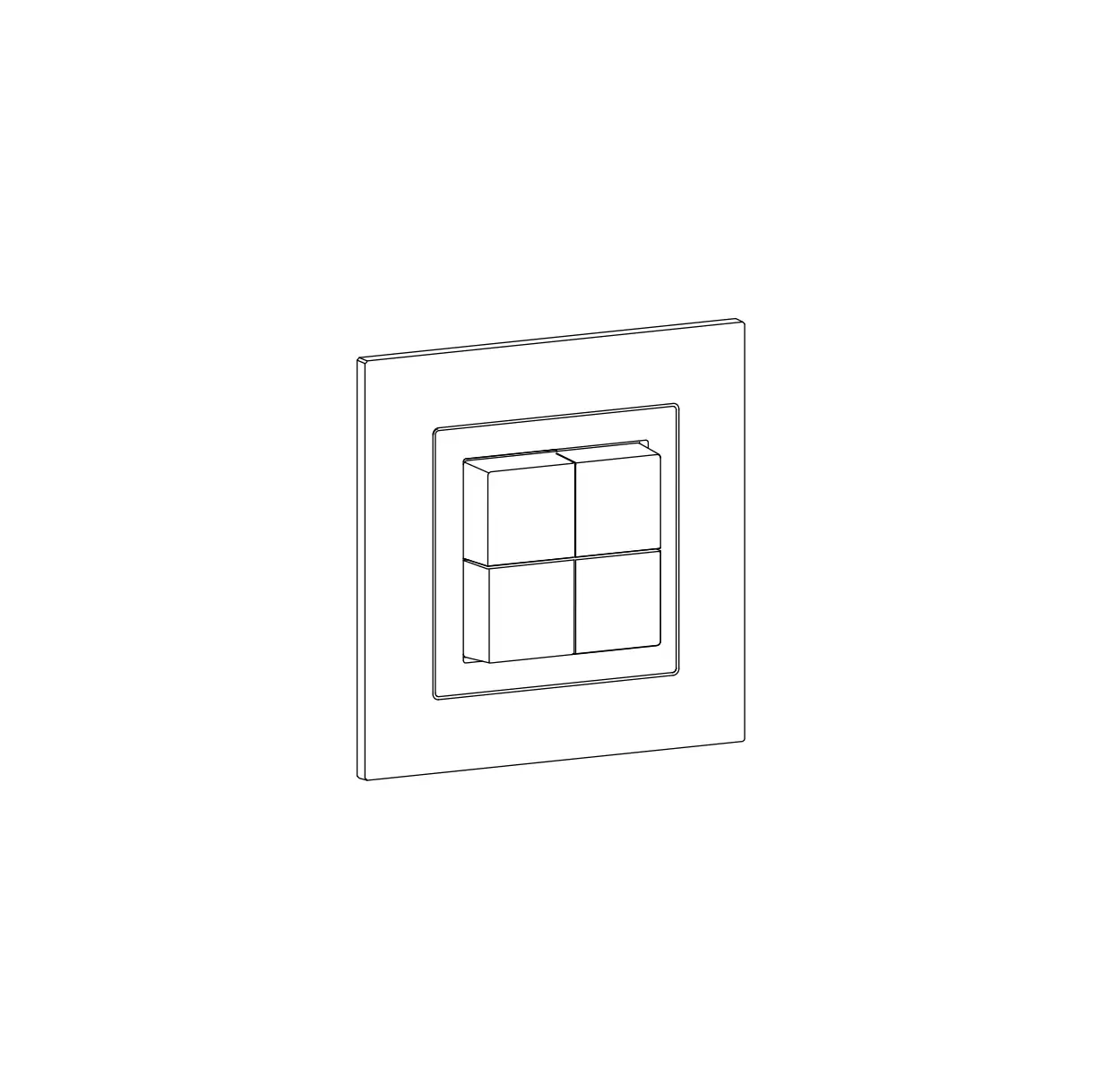
929003500101 Hue Tap Dial Switch
Product Information:
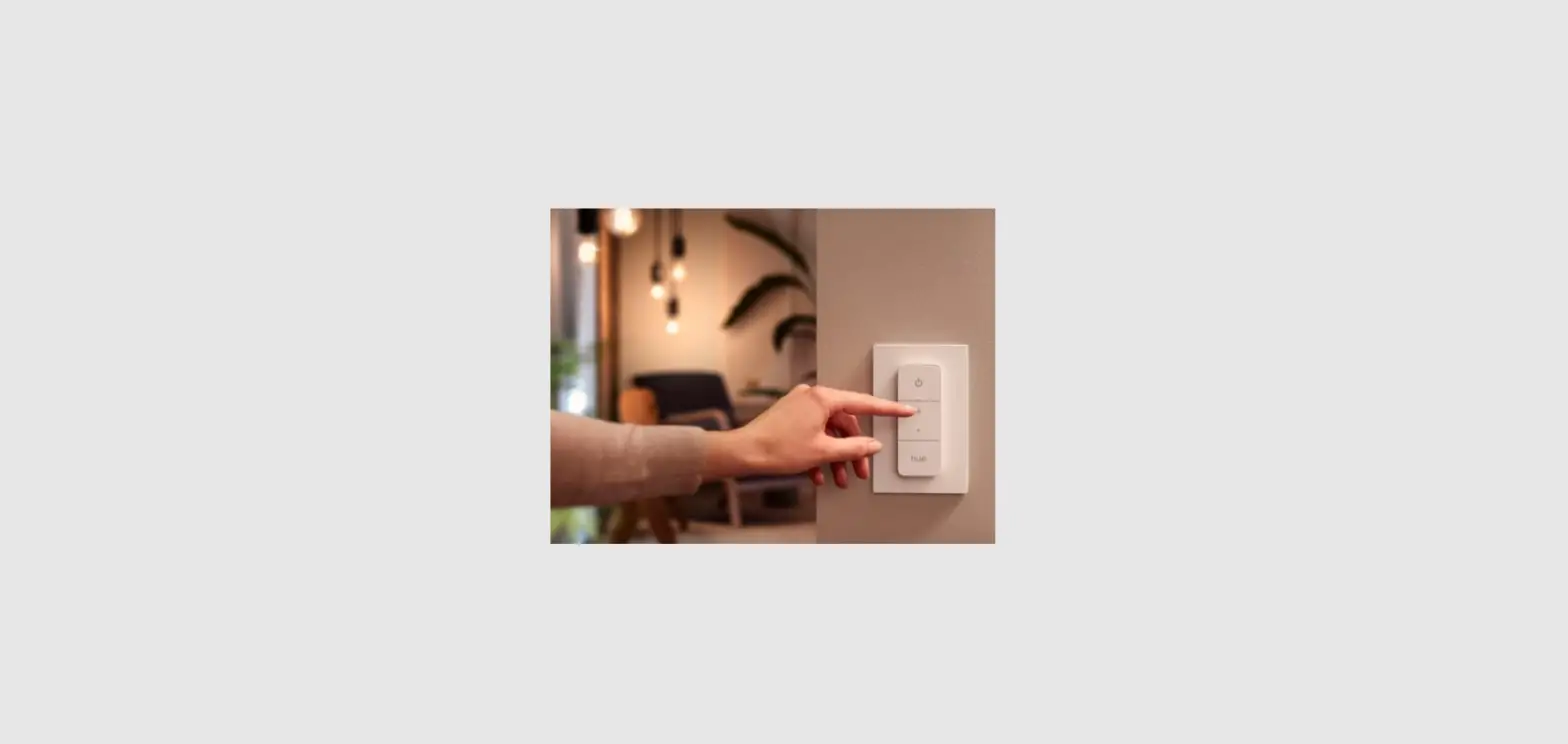
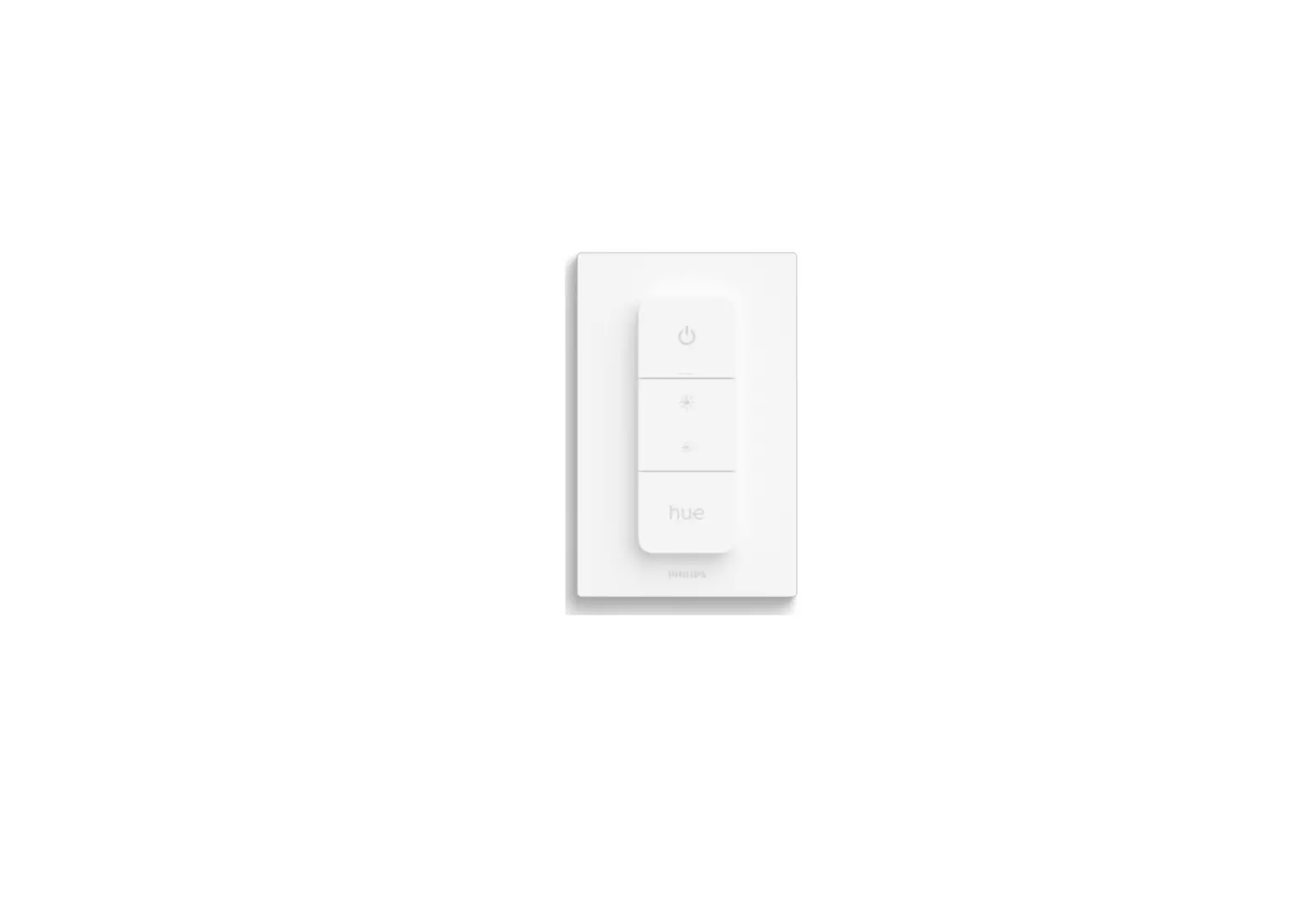
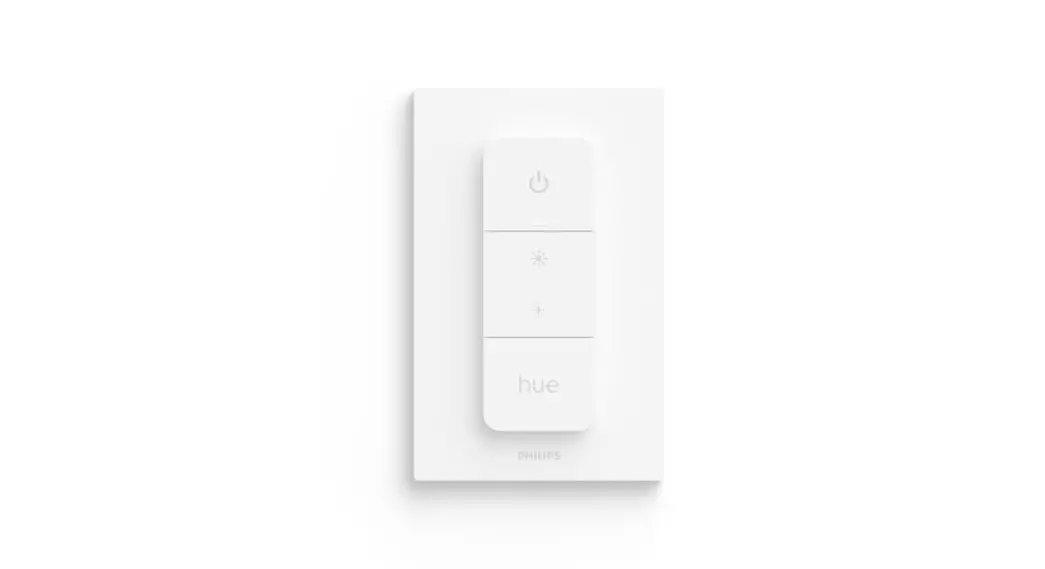
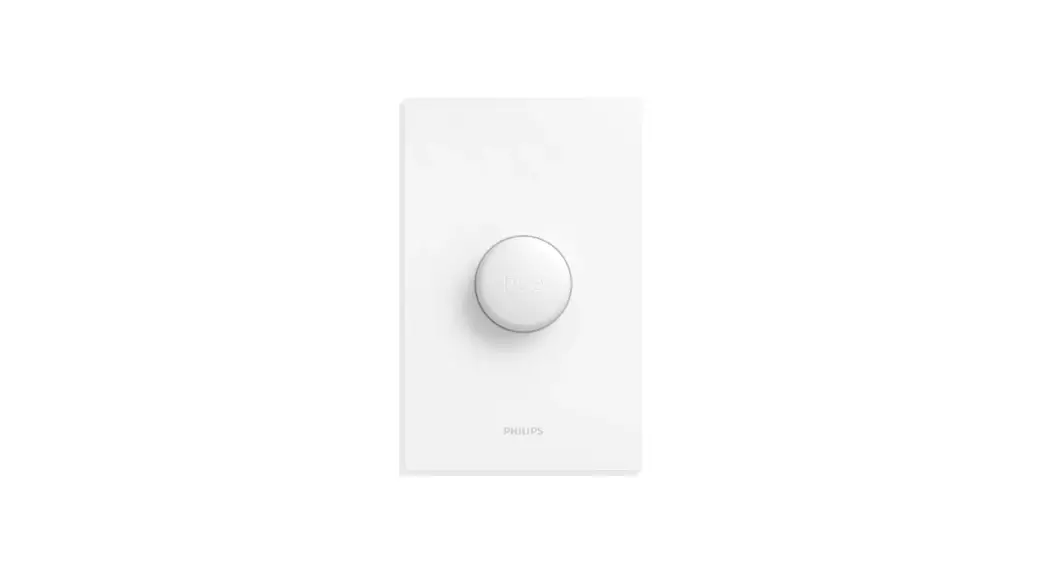
The Philips Hue Tap dial switch is a rotary switch that allows
you to control your Philips Hue smart lights. It can be mounted on
a wall plate and comes with a user manual for reference. The switch
has a setup button and can be used to turn lights on and off, as
well as dim them up or down. The switch is manufactured by Signify
North America Corporation and has a maximum range of 2m/6.56ft.
Product Usage:
- To turn your Philips Hue lights on or off, tap the dial
switch. - The switch can be mounted on a wall plate using the provided
hardware. Refer to www.philips-hue.com/connectproduct for more
information. - To dim your lights up or down, turn the dial switch in the
desired direction. - Press and hold the setup button for three seconds to activate
the setup mode. - When in setup mode, hold the switch within 10cm/3.9in of the
Hue Bridge and press the setup button again to connect the switch
to your Hue system. - To turn all lights on or off at once, press and hold the switch
for three seconds. - To dim all lights up or down at once, turn the dial switch in
the desired direction and hold it until the desired brightness is
reached. - To reset the switch, press and hold the setup button for 10
seconds until the LED light flashes four times. - If you have any questions or comments about the product,
contact Signify North America Corporation at 1-800-555-0050 or
visit www.philips-hue.com for more information.
A
Tap dial switch
1
Philips Hue Tap dial switch Interrupteur rotatif Philips Hue Tap Interruptor selector Philips Hue Tap
2a
Wall Plate Plaque murale Placa de pared
www.philips-hue.com/connectproduct
2b
User manual Notice d’emploi Manual de usuario
Setup button Bouton de configuration Botón configuración
2a > 3
3
3s
!
LED blink Voyant à DEL parpadeo LED
2b > 4
!
>9
turn press
dim up/down gradateur atenuar
Short press: scene selection/lights on appuyer brièvement: sélection de scènes/ allume vos lampes Pulsación corta: selección de escenas/ enciende las luce Long press: lights off appuyer longuement: éteindre vos lampes Pulsación larga: apagar las luce
4
3s
Setup button Bouton de configuration Botón configuración
5
Press setup button Appuyez le bouton de configuration
Presione configuración
6
3s 10cm
3.9″/po.
7
!
>9
9a
!
2
3x
turn
dim up/down
gradateur
atenuar
press
Short press: scene selection/lights on appuyer brièvement: sélection de scènes/ allume vos lampes
Pulsación corta:
selección de escenas/
8
enciende las luce Long press:
9b
3
lights off
appuyer longuement: éteindre vos lampes
Pulsación larga: apagar las luce
Mounting materials not included. Matériel de montage non inclus.
3
1
Signify North America Corporation 400 Crossing Blvd, Suite 600 Bridgewater, NJ 08807, USA
Signify Canada Ltd./Signify Canada Ltée. 281 Hillmount Road,
!
Markham, ON, Canada L6C 2S3
Questions or Comments /Questions ou commentaires :
1-800-555-0050
9c
4
Importado y/o distribuido en México por: Signify Mexico S.A. De C.V. Av. La Palma No. 6, La Herradura, Huixquilucan, Edo de México, C.P. 52784, México RFC PME-620620-E84 ©2022 Signify Holding All rights reserved
www.philips-hue.com 3222 639 09851
Last update: 02/2022
!
5
< 10
Max. 2m / 6.56ft
?
www.philips-hue.com
 Smart lighting | Philips Hue US