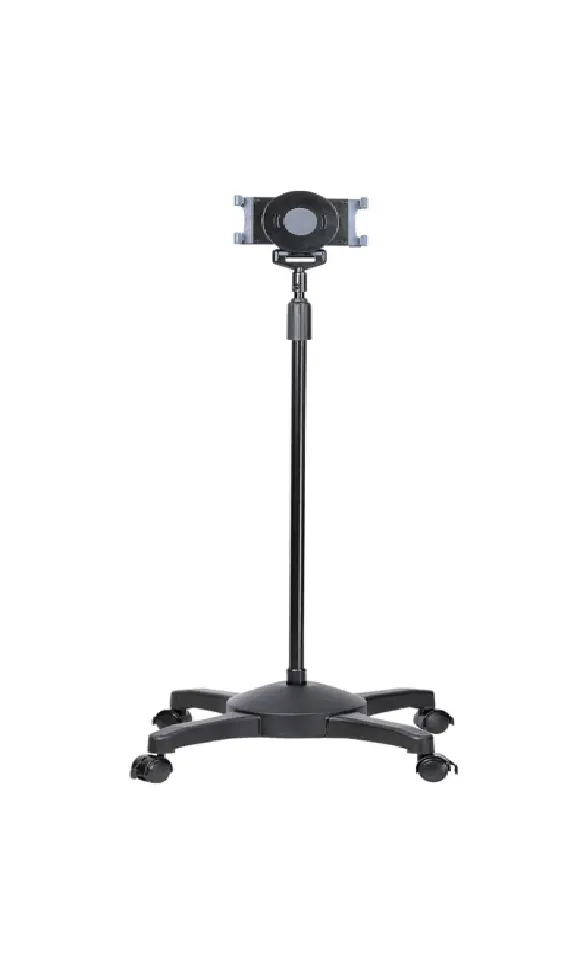
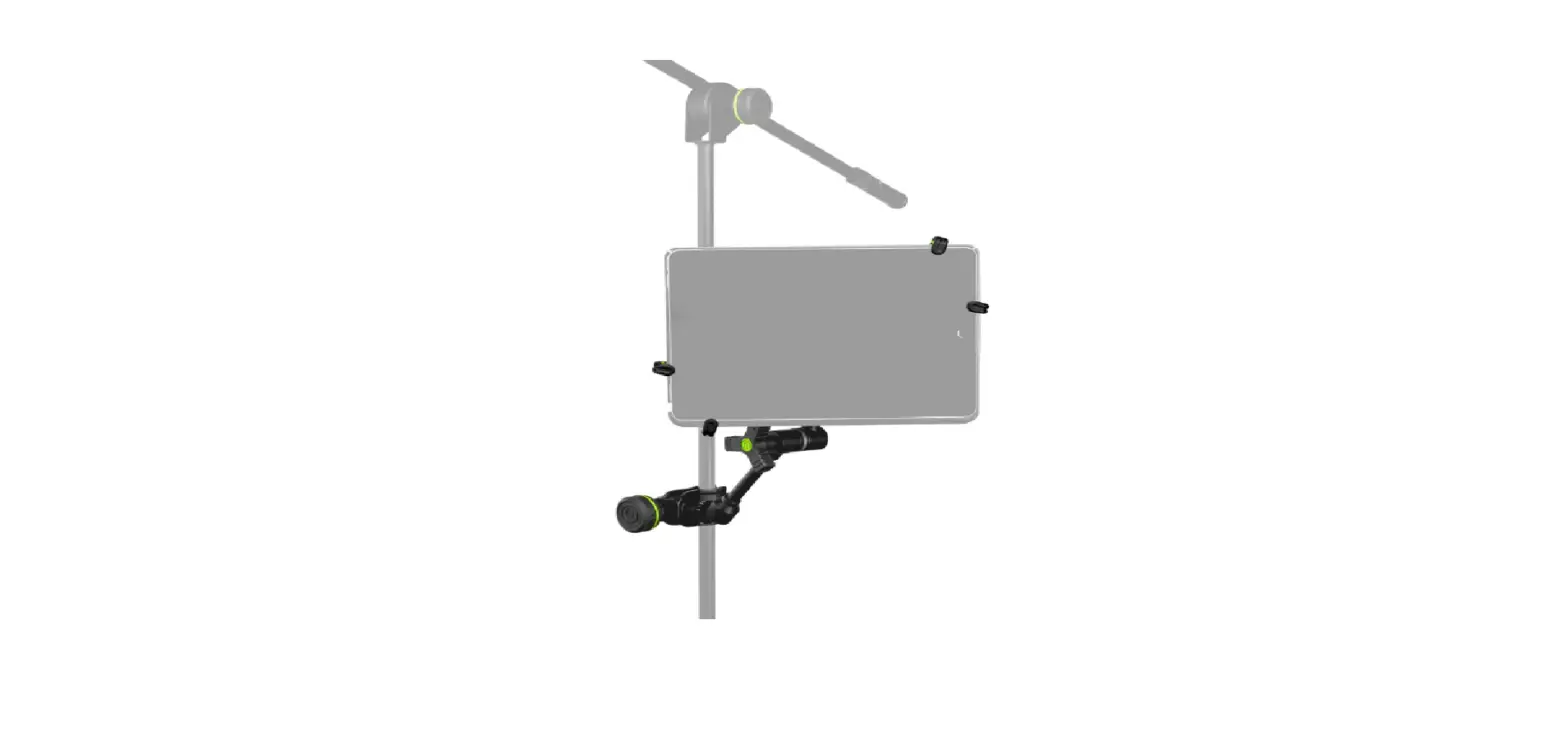
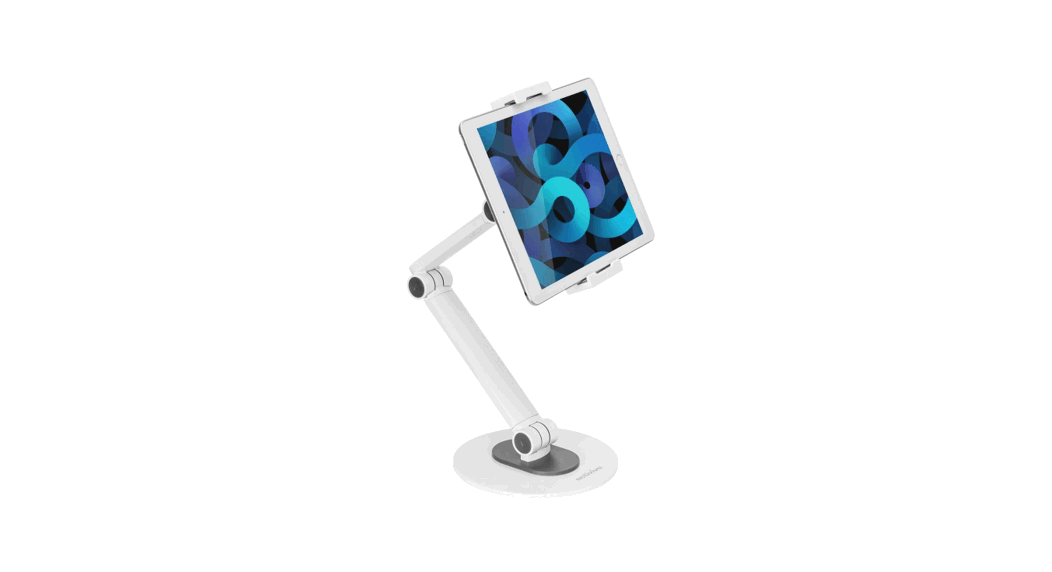
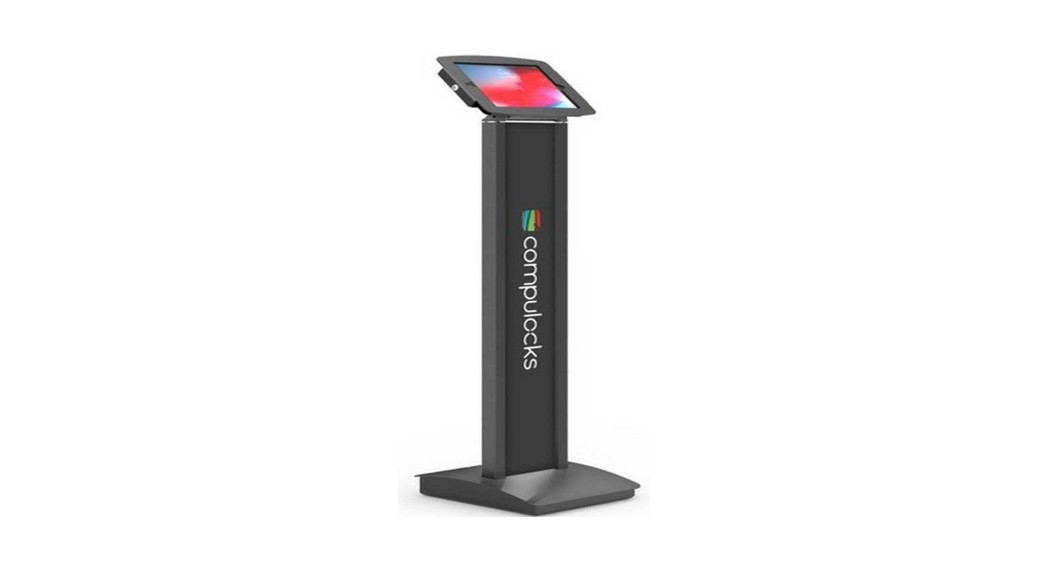
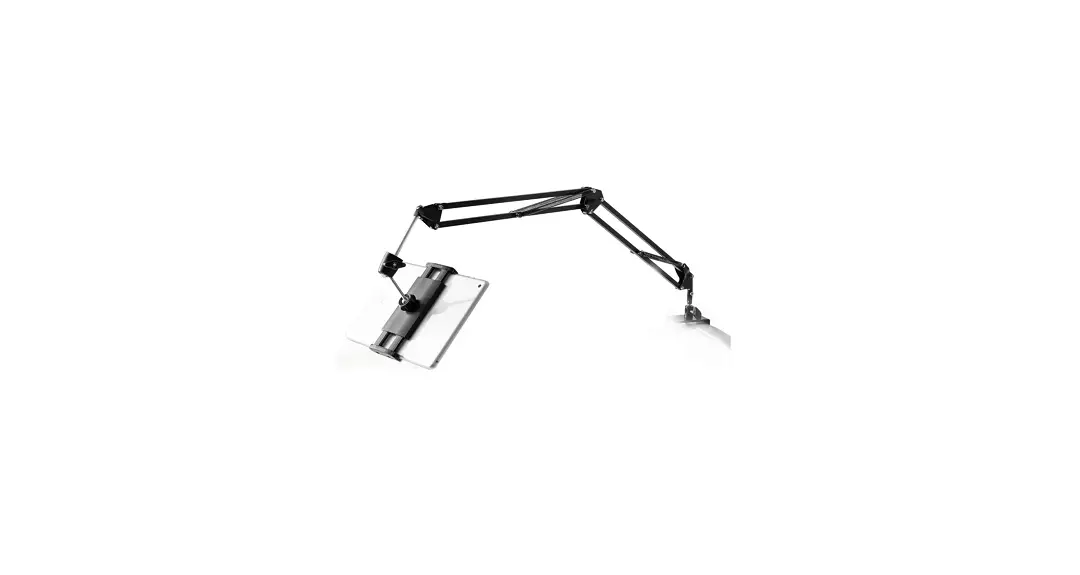
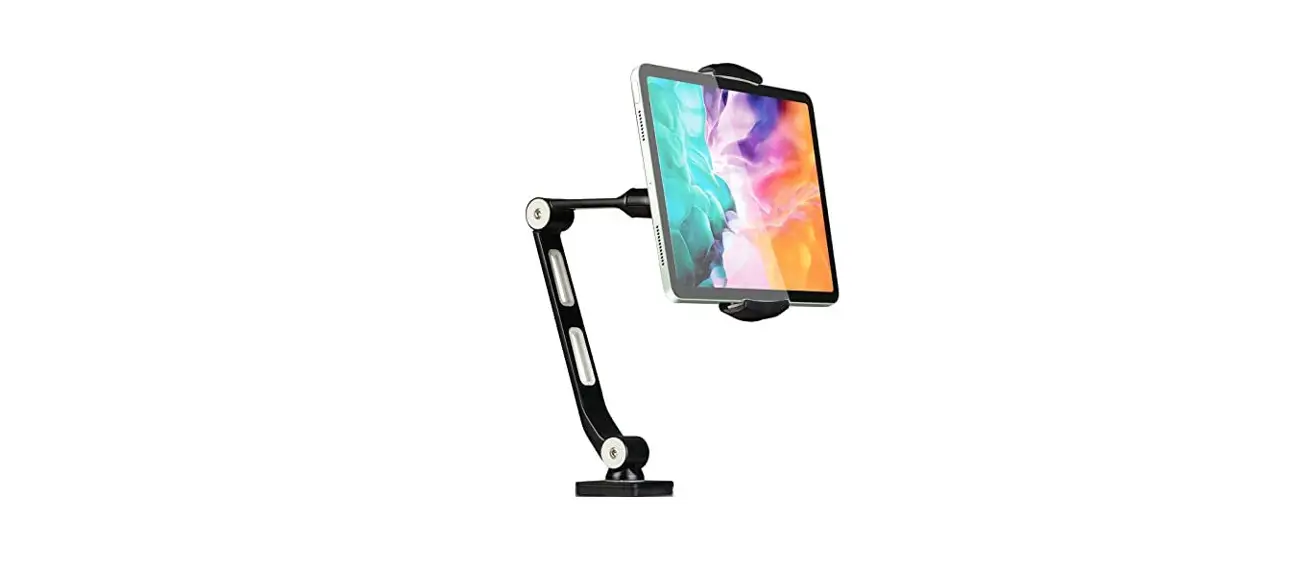
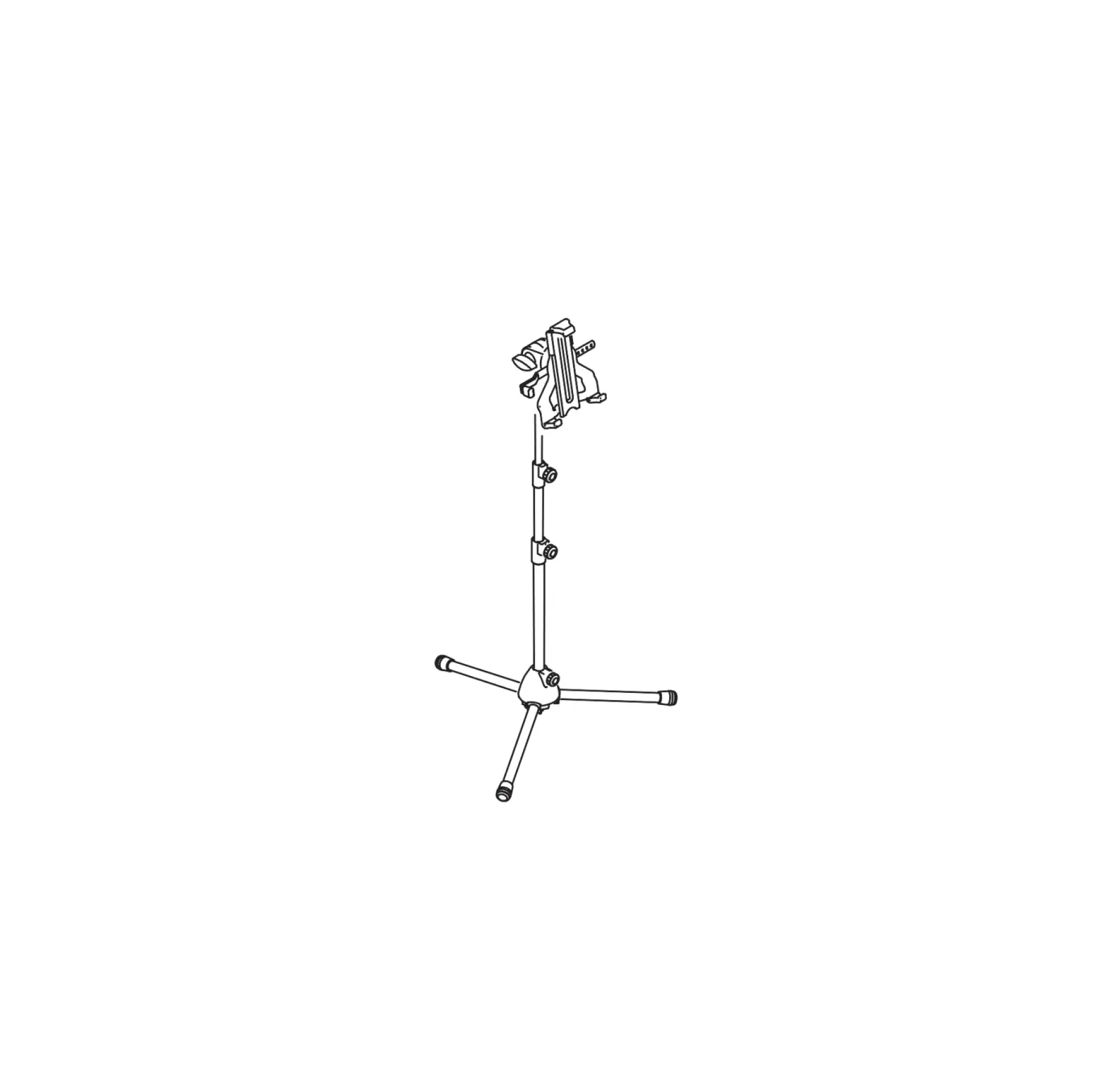
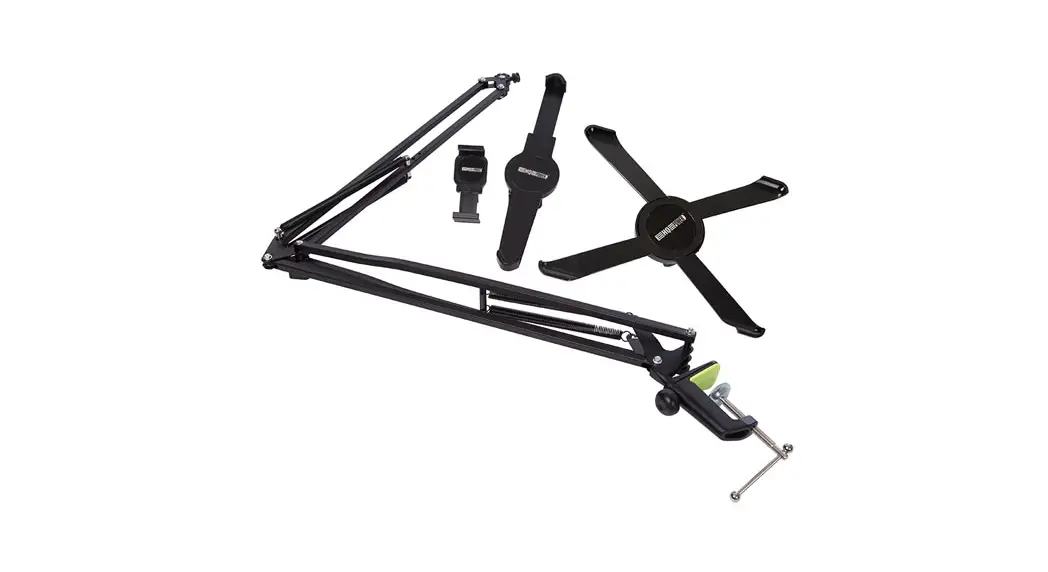
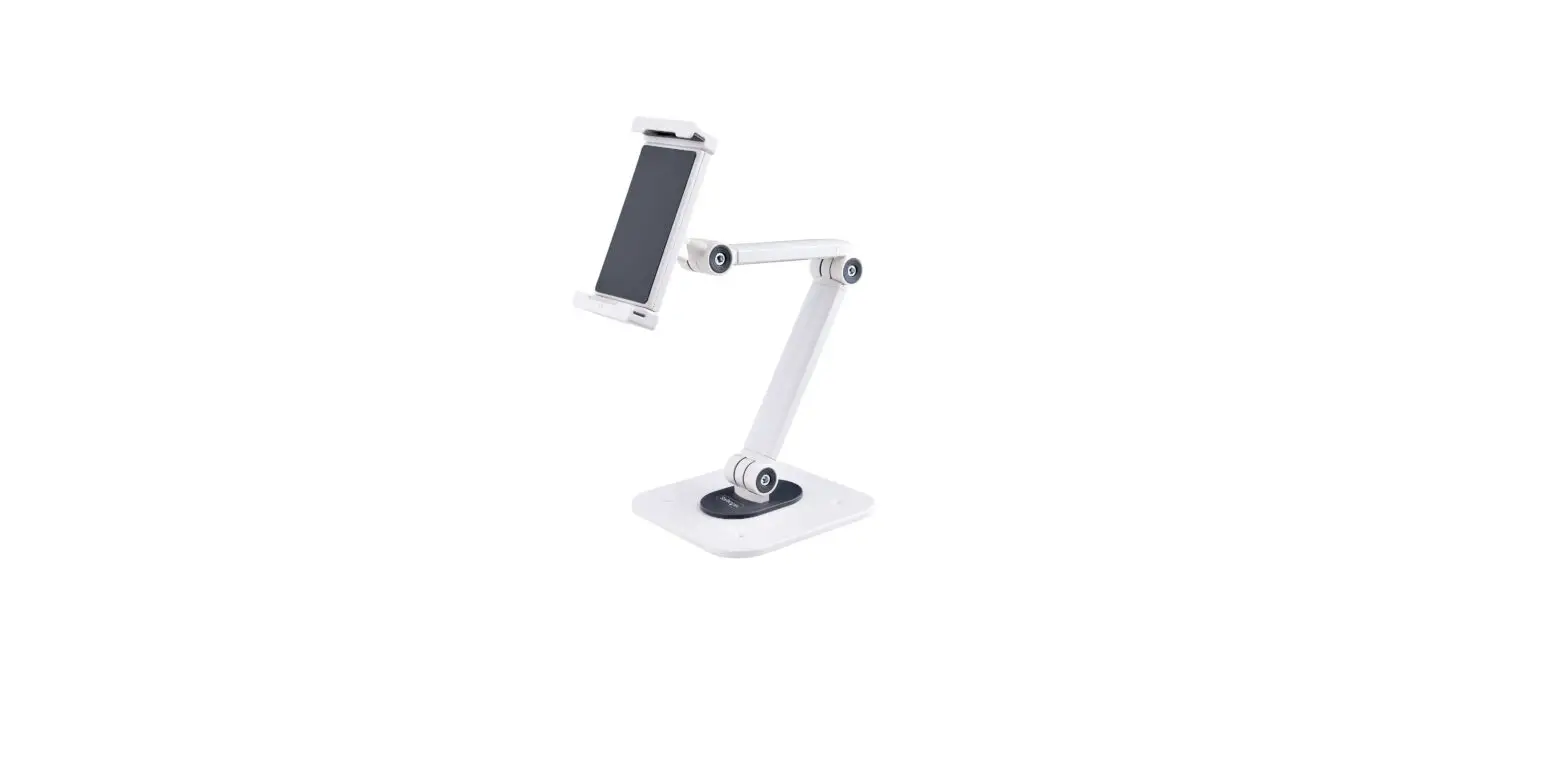
ARM-0513 Floor Stand for Tablets
Product Information
| Model | Brand | Dimensions (mm) | Components | Screws |
|---|---|---|---|---|
| ARM-0513 | A NORDIC BRAND | 75x106x30 | A(x1), B(x2), C(x1), D(x1), E(x1) | M6x16 (x10), 4mm (x1) |
Product Usage Instructions
- Start by unpacking all the components and screws.
- Identify the parts A, B, C, D, and E as indicated in the user
manual. - Using the provided M6x16 screws, attach component A to the
designated area using the pre-drilled holes.Attach components B and D to the designated areas using the
provided M6x16 screws.Attach component C to the designated area
using the provided M6x16 screws. - Secure component E to the designated area using the provided
4mm screw. - Once all components are securely attached, ensure that they are
aligned properly. - Verify that the dimensions of the assembled product match the
specified dimensions.
OFFICE
ARM-0513
A NORDIC BRAND
DAN Brugermanual DEU Benutzerhandbuchl ENG User manual EST Kasutusjuhend FIN Käyttöopas FRA Manuel d’utilisation HUN Felhasználói kézikönyv
LAV Lietosanas pamcba LIT Naudojimo instrukcija NLD Gebruiksaanwijzing NOR Brukermanual POL Instrukcja obslugi SPA Manual del usuario SWE Användarmanual
DistIT Services AB, Glasfibergatan 8, 125 45 Älvsjö, Sweden
75mm
106mm 75mm
30mm
210mm
409mm 6mm
1053mm 1081mm
75mm 110mm
300mm
A(x1)
B(x2)
C(x1)
D(x1)
E(x1)
M6x16 (x10) F
4mm (x1) G
A NORDIC BRAND
1
2
3
4a
4b
5
A NORDIC BRAND
6
7
8