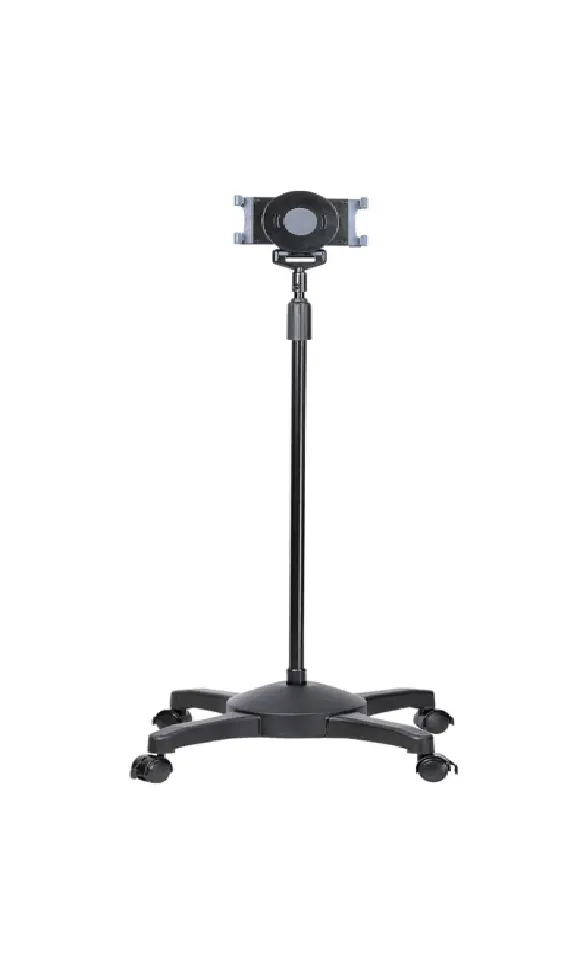
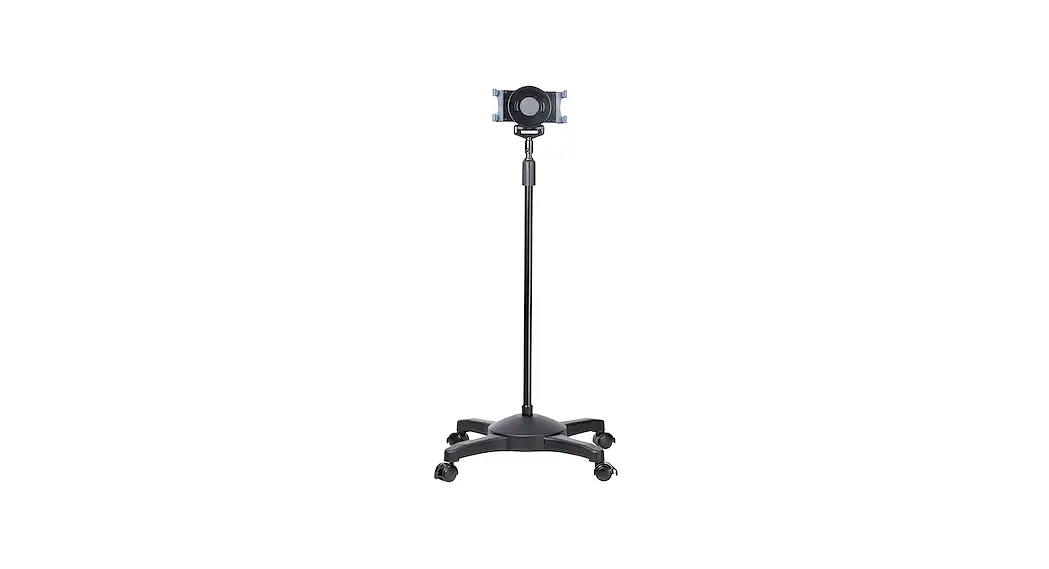
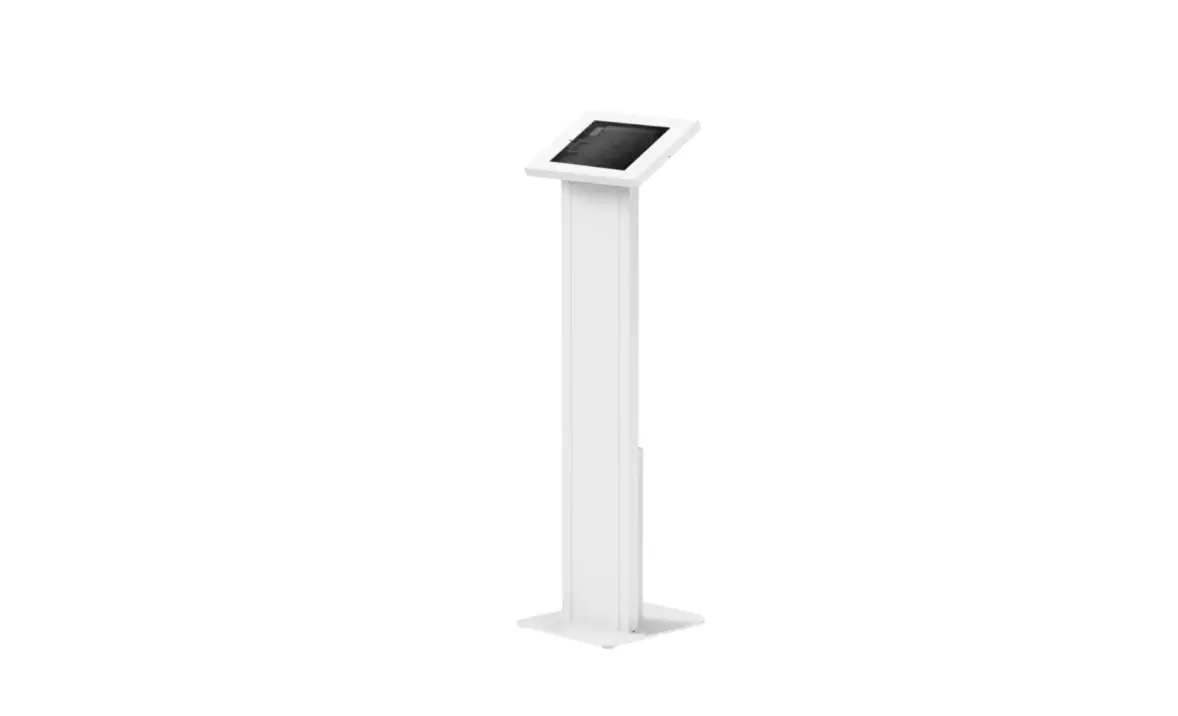
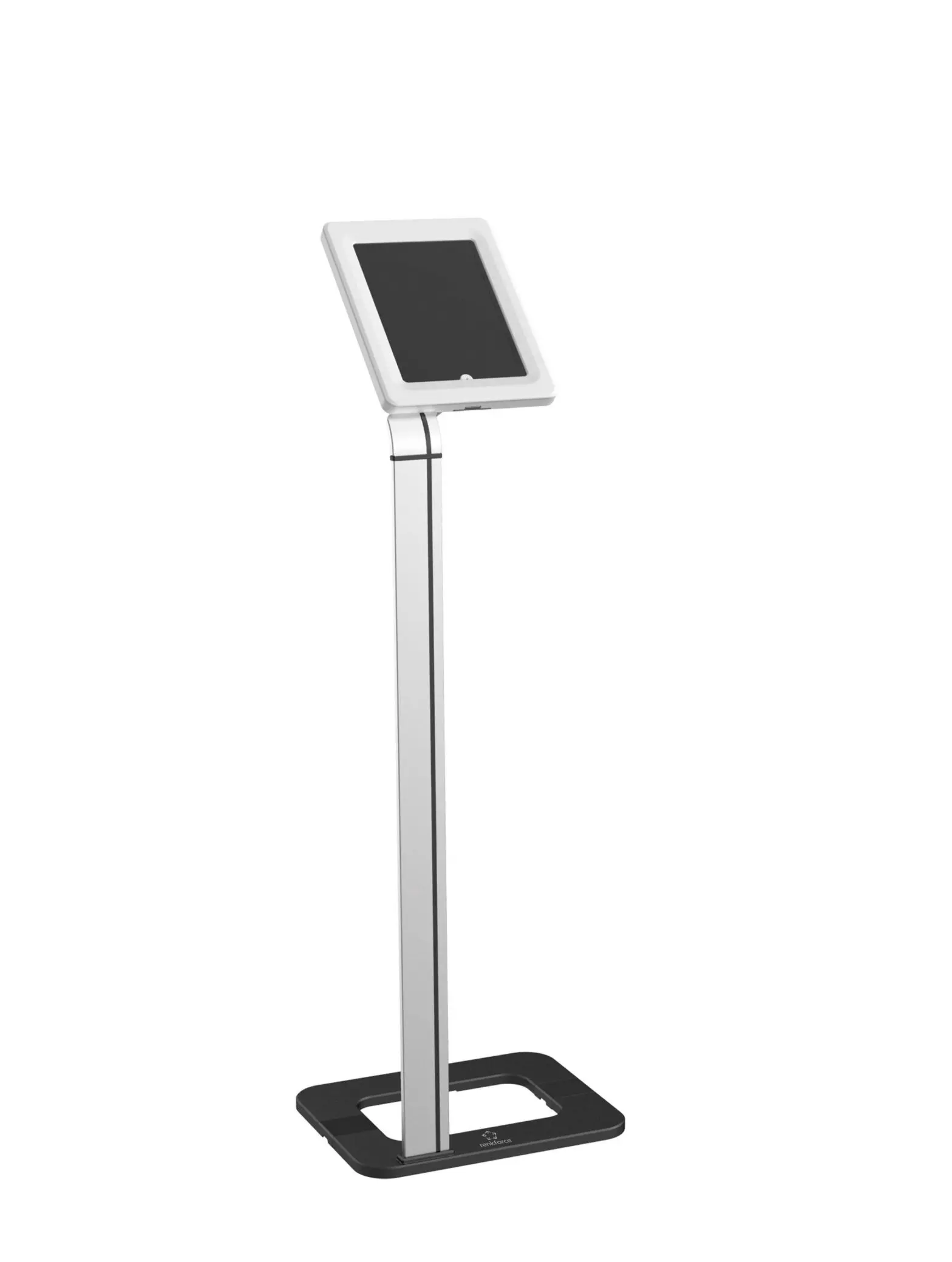
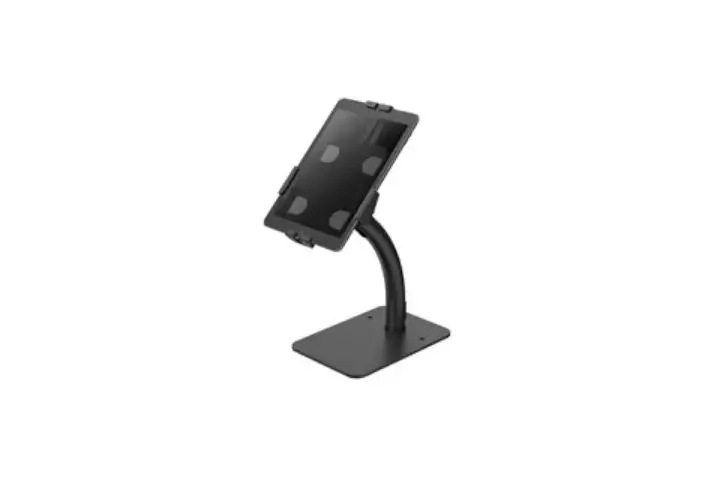
43286577 Tablet and Smartphone Floor Stand
Product Information:
- Product Name: Tablet and Smartphone Floor Stand
- Keycode: 43286577
- Manufacturer: Kmart
Product Usage Instructions:
- Unpack the device and check if all parts are there and
undamaged. If any parts are missing or damaged, return the product
to Kmart for replacement. - Danger of suffocation! Keep all packaging materials away from
children. - Remove all protective foils and packaging materials before
using the device. - Safety Instructions:
- Please read the instruction manual before using this device and
follow all safety instructions to avoid damage caused by improper
use. - Keep the instruction manual for future reference. If you give
this device to a third party, make sure to hand over the
instruction manual as well. - Do not immerse the device in water or other liquids.
- Do not use the device in wet conditions.
- Do not use the tripod in windy conditions or on an uneven
surface. - Do not use the device if it is damaged.
- This device is not a toy. Children should be supervised to
ensure they do not play with the device.
- Unscrew the nut to unfold the tripod and place it on a flat
surface. Then, tighten the screw again. - Install the telescopic rod to the desired length and tighten
the screw. - Repeat steps 2 and 3.
- Unscrew the screw nut behind the holder.
- Put the nut into the ball joint and aim the rotation ball axis
into the hole. - Push the axis into the nut and secure the nut.
- Repeat steps 2 and 3.
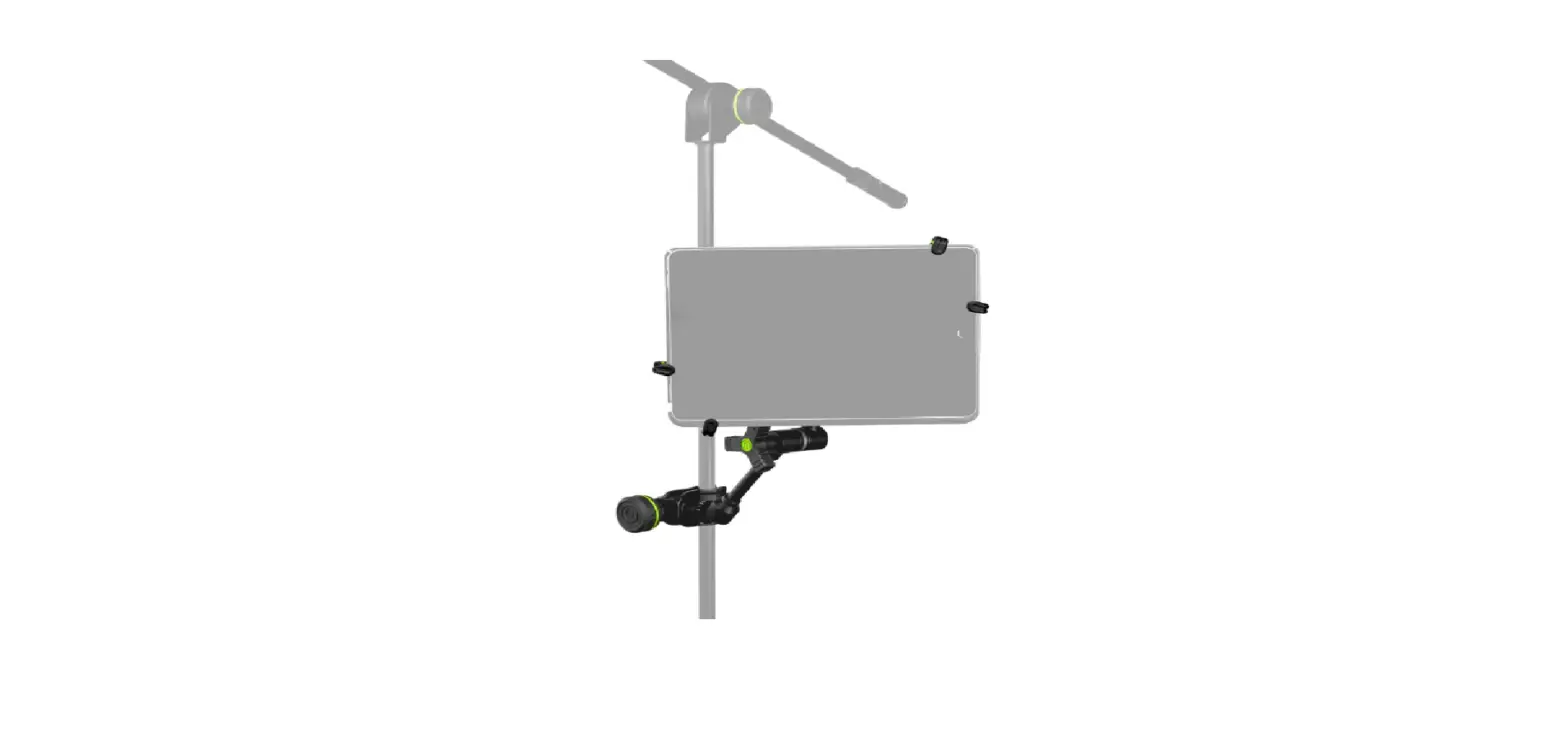
- The assembly is now completed. Mount the tablet or smartphone
on the floor stand using the appropriate mount assembly method. For
smartphones, use the same method as for tablets.
Tablet and Smartphone
Floor Stand
Keycode43286577
Instruction Manual
1. Unpack the device and check if all parts are there and undamaged. Should this not be the case, return the product to Kmart for replacement.
2. Danger of suffocation! Keep all packaging materials away from children.
3. Remove all protective foils and packaging material prior to use.
Safety Instructions: Please read the instruction manual before using this device and follow all the safety instructions to avoid damage caused by improper use.
Keep the instruction manual for future reference. Should this device be given to a third party, then this instruction manual must also be handed over.
Do not immerse the device in water or in other liquids. Do not use the device in wet conditions. Do not use the tripod in windy conditions or on an uneven surface. Do not use the device if it is damaged. This device is not a toy. Children should be supervised to ensure
they do not play with the device.
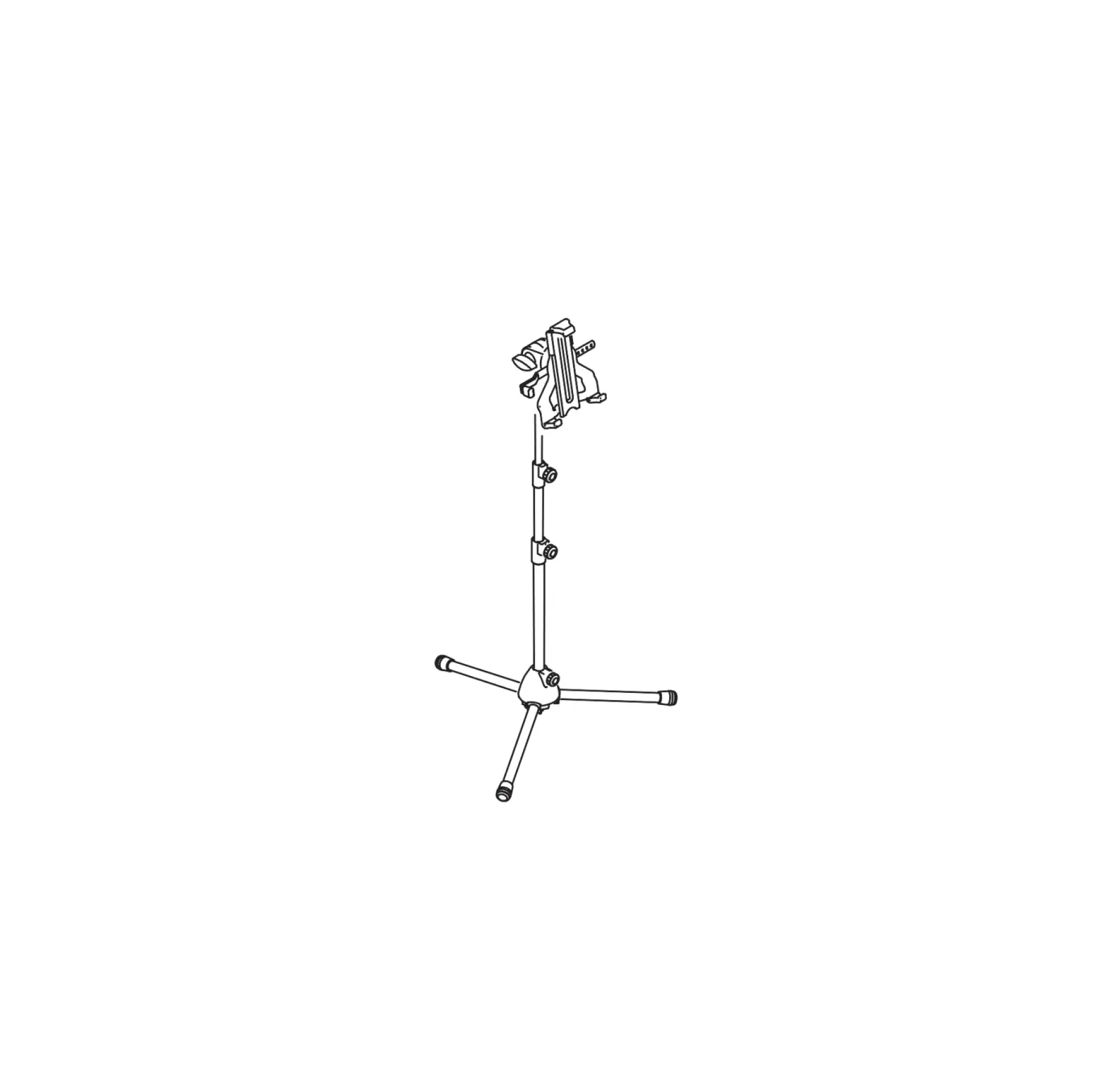
Parts:
32 1
Assembly and Use:
2 3
3
01
02
Unscrew to nut to unfold the tripod to place it on a flat surface, tighten the screw again.
Install the telescopic rod to the desired length, tighten the screw.
1 2
03
Same as Step 2.
3
04
Same as Step 2.
05
Unscrew the screw nut behind the holder.
06
Put the nut into the ball joint, aimed the rotation ball axis into the hole.
07
Push the axis into the nut and secure the nut.
08
09
Assembly completed. Mount the The additional smartphone
device on the floor stand, ready mount assembly method is
to use.
same as tablet mount.