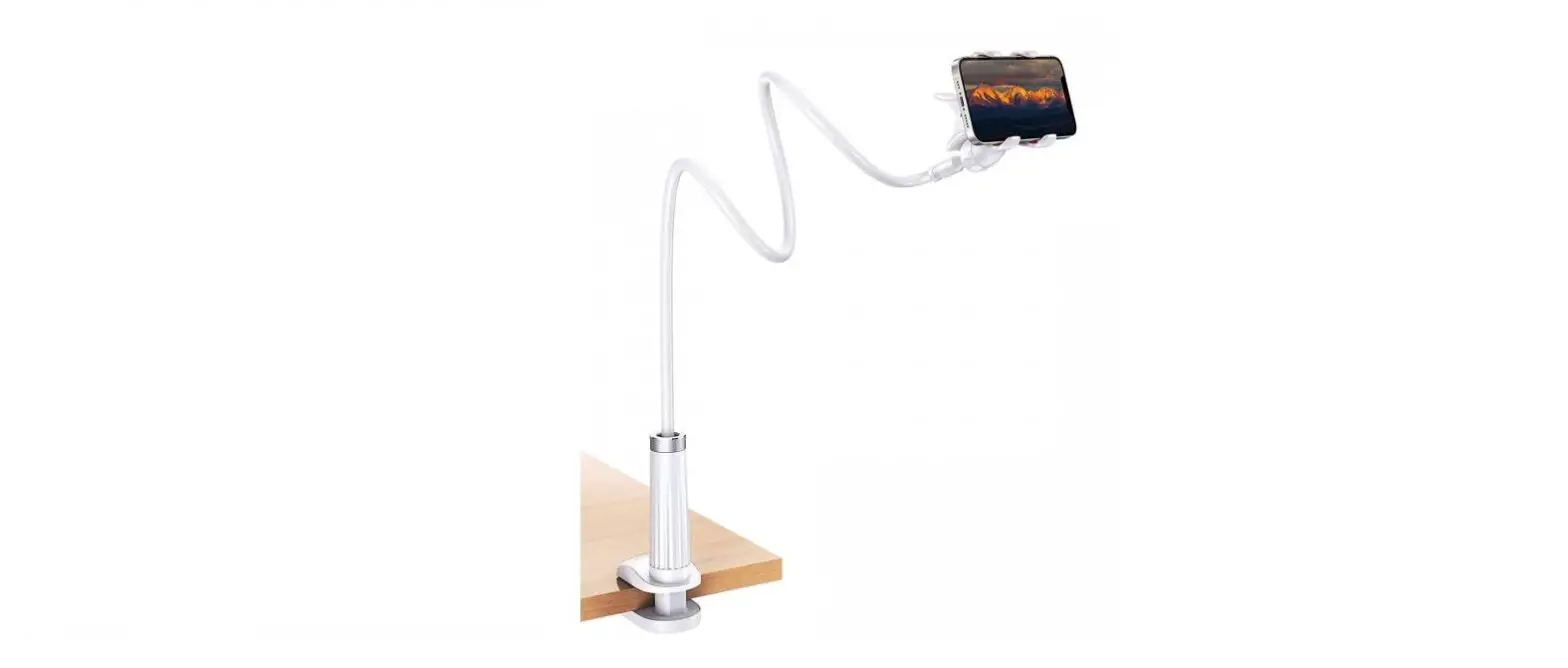
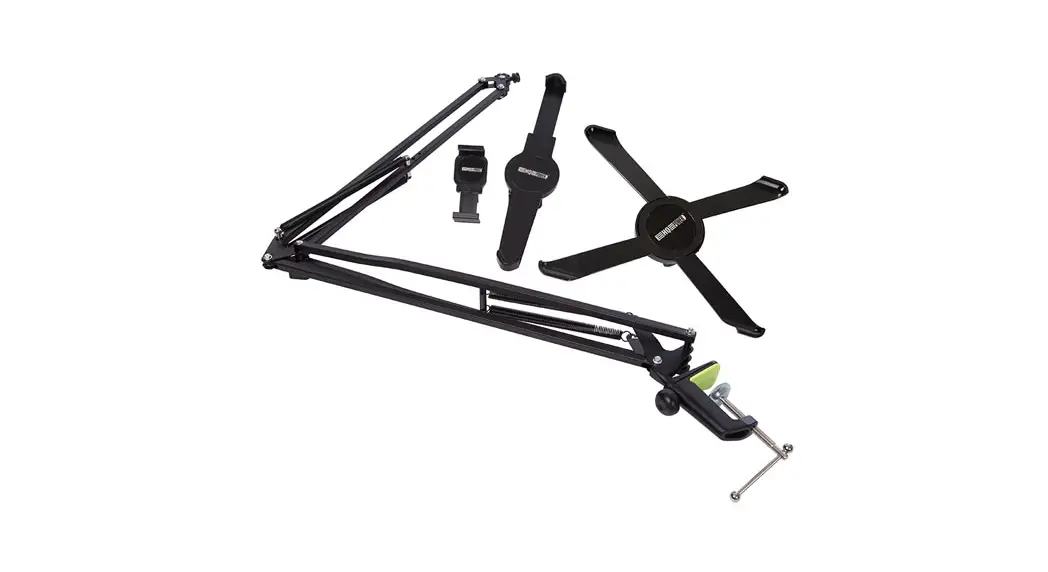
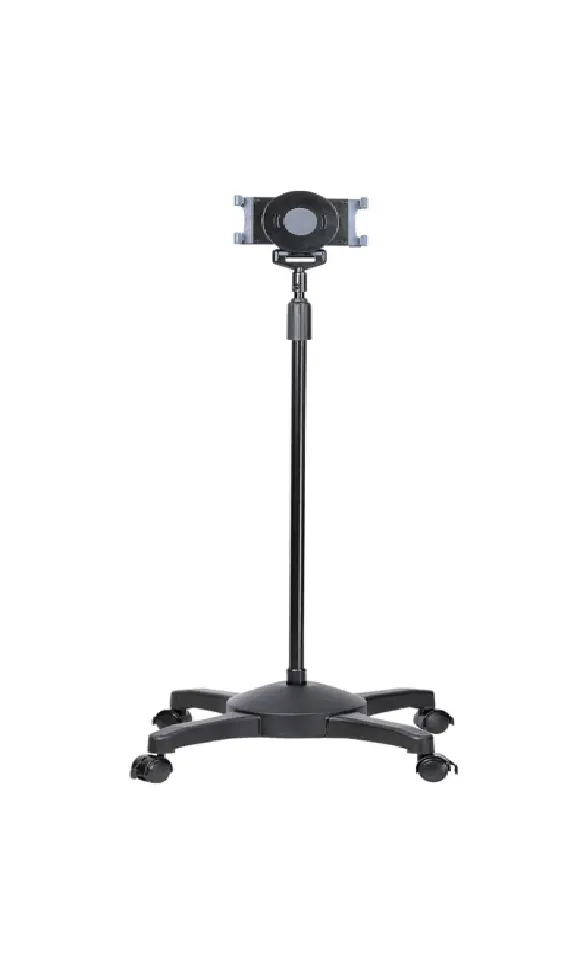
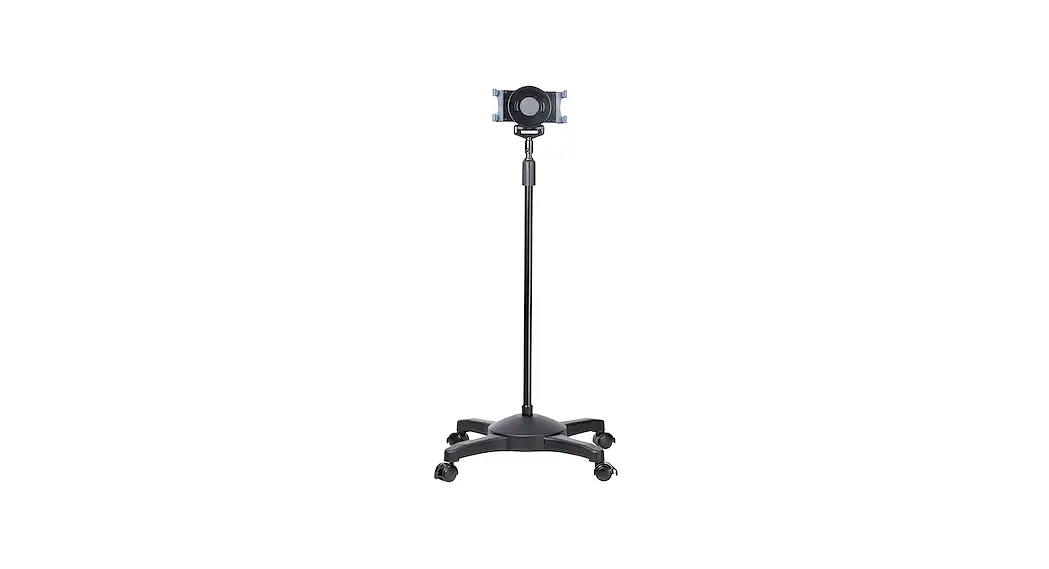
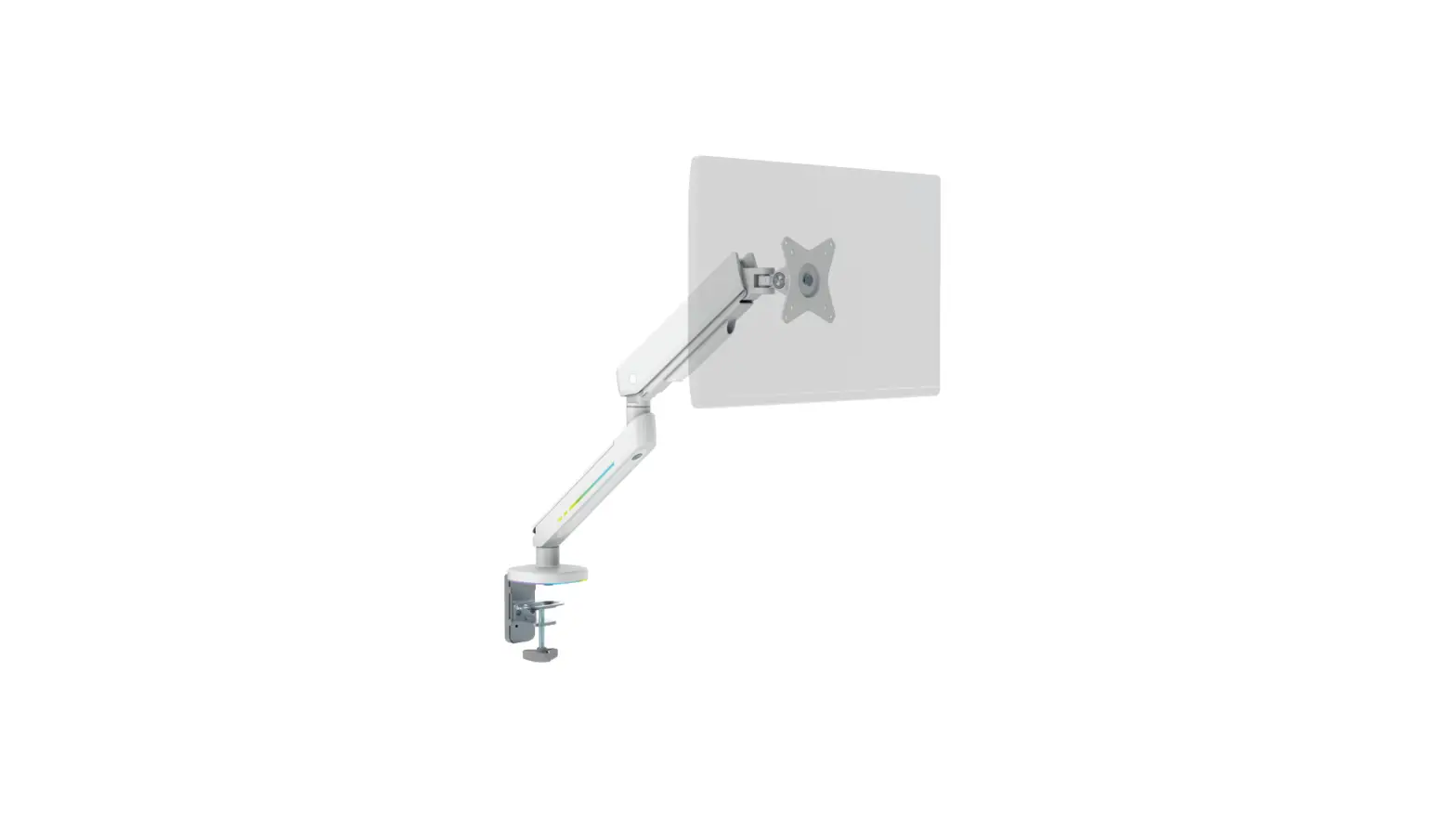
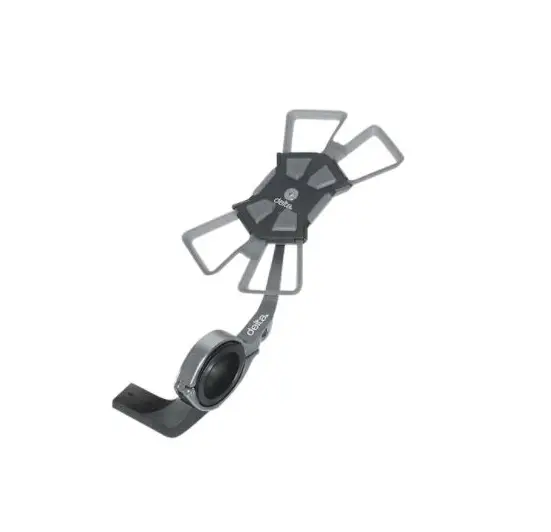
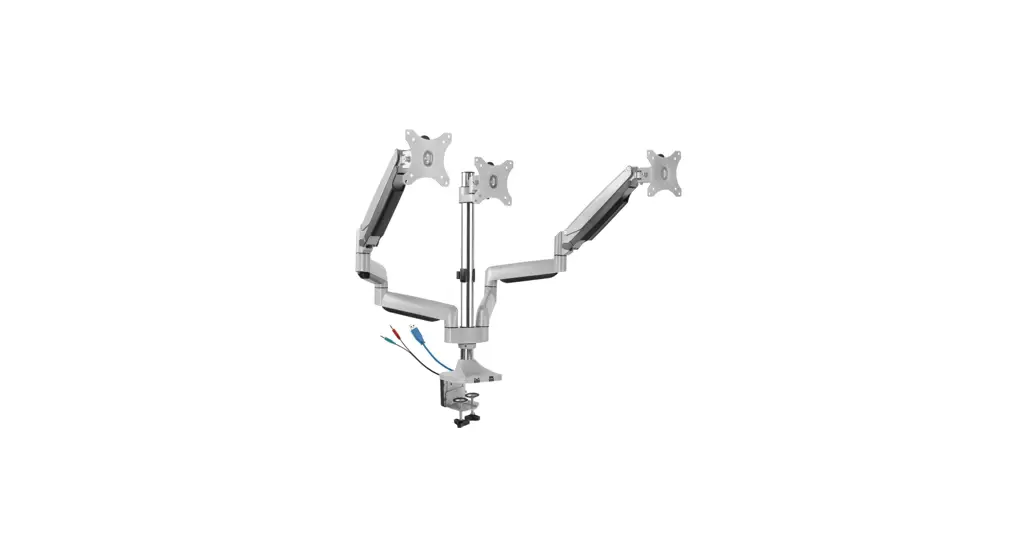
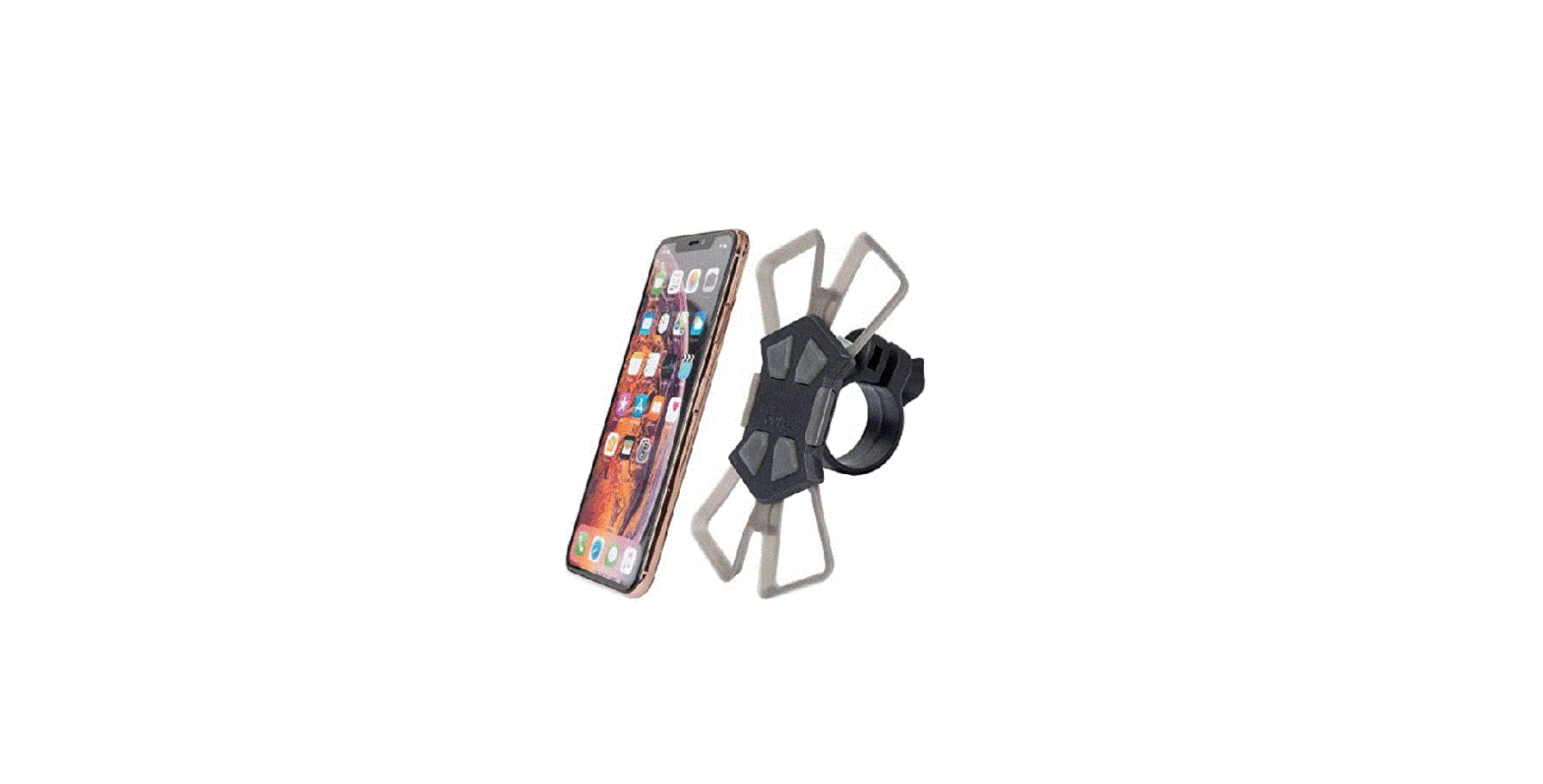
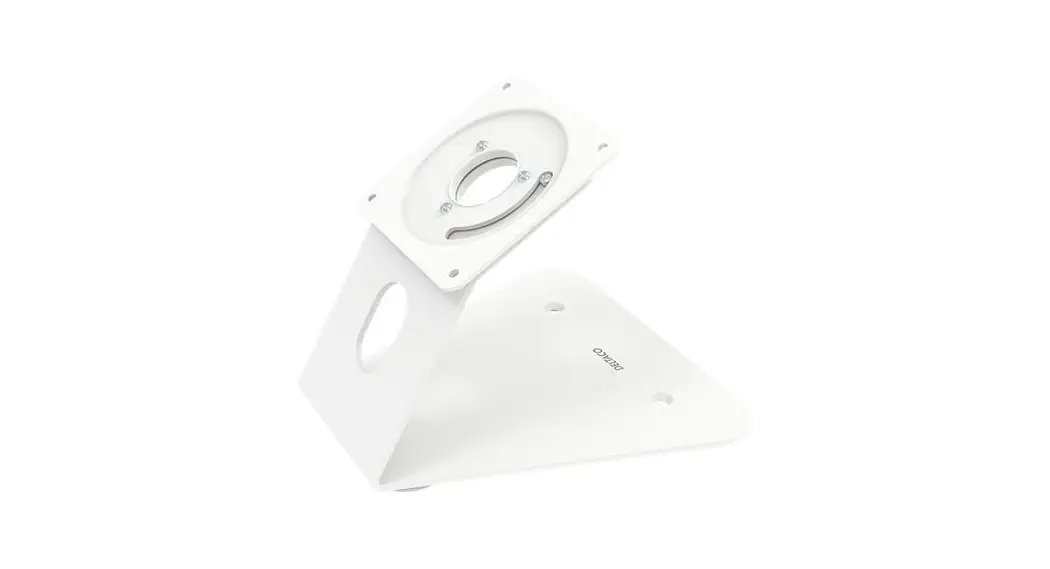
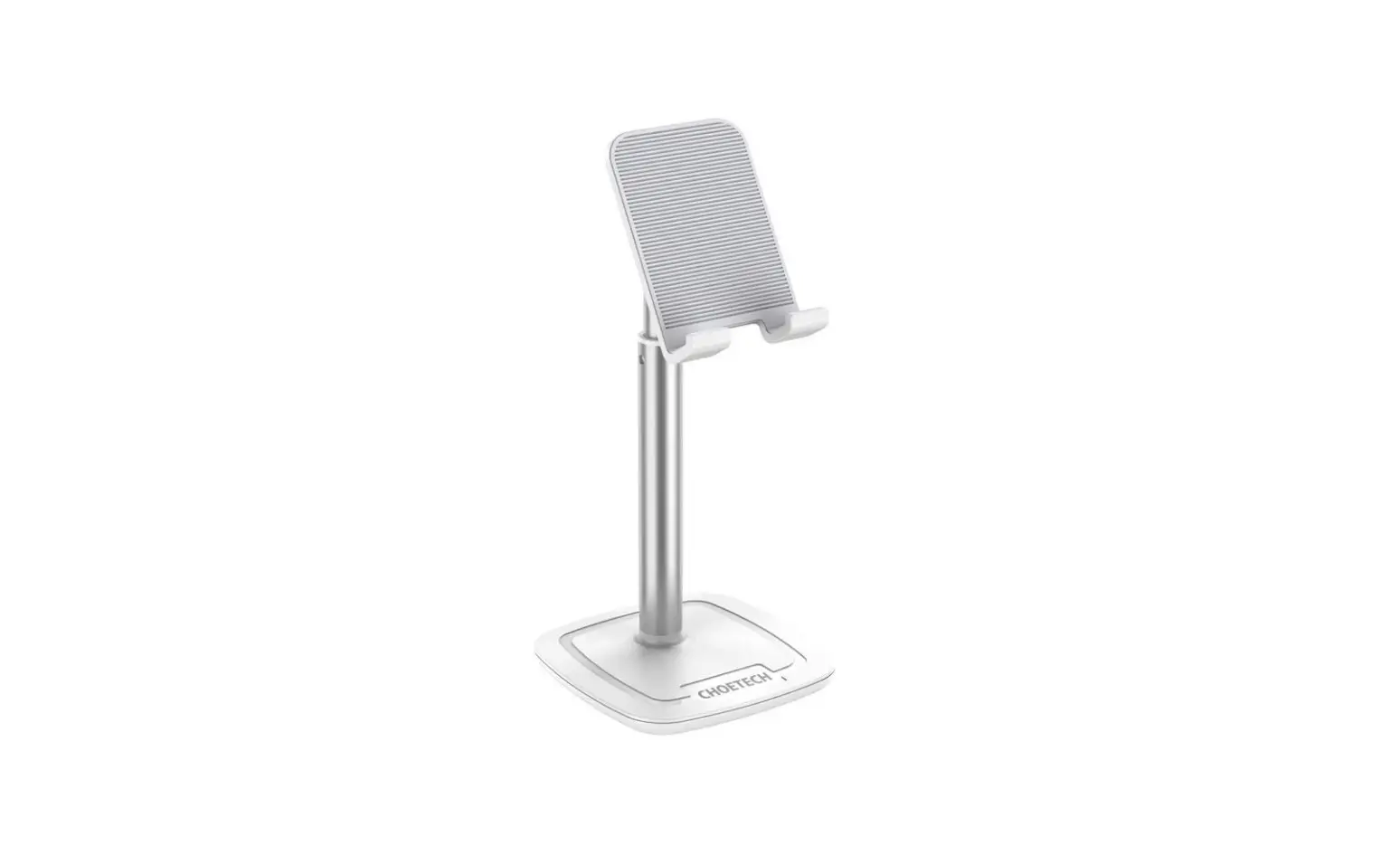
ARM-430 Desktop Stand for Mobile Phone
Product Information:
The ARM-430 is a device stand designed for use with tablets and
smartphones. It can be used to hold your device at a comfortable
viewing angle while you use it.
Features:
- Compatible with tablets and smartphones
- Adjustable angle for comfortable viewing
- Removable rubber to accommodate devices with or without a
case - Stable base to prevent tipping over
Product Usage Instructions:
Follow the instructions below to use the ARM-430 device
stand:
- Choose the appropriate slot for your device: “For tablet” or
“For smartphone”. - If your device is locked, unlock it before placing it on the
stand. - Adjust the angle of the stand to your liking.
- If your tablet has a case, use slot number 7. If it does not
have a case, use slot number 5. - If your device has a case, remove the rubber piece from the
slot before placing it on the stand. If it does not have a case,
leave the rubber piece in place. - Place your device on the stand, making sure it is securely in
place.
Note: The ARM-430 device stand has a stable base to prevent
tipping over. However, to ensure maximum stability, place the stand
on a flat surface and do not overload it with heavy devices or
objects.
ARM-430
ENG User manual SWE Användarmanual FIN Käyttöopas DAN Brugermanual NOR Brukermanual LIT Naudojimo instrukcija
LAV Lietosanas pamcba EST Kasutusjuhend DEU Benutzerhandbuch FRA Manuel d’utilisation POL Instrukcja obslugi NLD Gebruiksaanwijzing
A NORDIC BRAND
1.
2.
3.
4.
5.
6.
7.
DAN
1. Til tablet 2. Til smartphone 3. Lås op 4. Juster vinkel 5. Tablet uden cover 6. Fjern gummien 7. Tablet med cover
DEU
1. Für Tablet 2. Für Smartphone 3. Öffnen 4. Winkel einstellen 5. Tablet ohne Etui 6. Gummi entfernen 7. Tablet mit Etui
ENG 1. For tablet 2. For smartphone 3. Unlock 4. Adjust angle 5. Tablet without case 6. Remove the rubber 7. Tablet with case
EST 1. Tahvelarvutile 2. Nutitelefonile 3. Avage 4. Reguleerige nurka 5. Tahvelarvuti ilma ümbriseta 6. Eemaldage kumm 7. Tahvelarvuti koos ümbrisega
2 1. Plansetiniam kompiuteriui
2. Ismaniajam telefonui
1. Plansetdatoram 2. Viedtlrunim 3. Atblot 4. Noregult lei 5. Plansetdators bez apvalka 6. Noemt gumiju 7. Plansetdators ar apvalku
A NORDIC BRAND
FIN 1. Tabletti 2. Älypuhelin 3. Lukituksen purkaminen 4. Kulman säätäminen 5. Tabletti ilman koteloa 6. Kumiosan irrottaminen 7. Tabletti kotelon kanssa
FRA 1. Pour tablette 2. Pour smartphone 3. Déverrouiller 4. Ajuster l’angle 5. Tablette sans étui 6. Enlever le caoutchouc 7. Tablette avec étui
LIT
1. Plansetiniam kompiuteriui 2. Ismaniajam telefonui 3. Atrakinti 4. Nustatyti kamp 5. Plansetinis kompiuteris be dklo 6. Pasalinkite gumin dal 7. Plansetinis kompiuteris su dklu
NLD 1. Voor tablet 2. Voor smartphone 3. Ontgrendelen 4. Stel de hoek in 5. Tablet zonder hoes 6. Verwijder het rubber 7. Tablet met hoes
HUN 1. Tablettákhoz 2. Okostelefonhoz 3 Kinyit 4. Állítsa be a szöget 5. Tabletta tok nélkül 6. Távolítsa el a gumit 7. Tabletta tokkal
NOR 1. For nettbrett 2. For smarttelefon 3. Lås opp 4. Juster vinkel 5. Nettbrett med deksel 6. Fjern gummien 7. Nettbrett med deksel
SPA 1. Para tableta 2. Para smartphone 3. Abrir 4. Ajustar el ángulo 5. Tableta sin funda 6. Retirar el plástico 7. Tableta con funda
SWE 1. För surfplatta 2. För smartphone 3. Lås upp 4. Justera vinkeln 5. Surfplatta utan fodral 6. Ta bort gummit 7. Surfplatta med fodral
LAV 1. Plansetdatoram 2. Viedtlrunim 3. Atblot 4. Noregult lei 5. Plansetdators bez apvalka 6. Noemt gumiju 7. Plansetdators ar apvalku
POL 1. Do tabletu 2. Do smartfona 3. Odblokuj 4. Dopasuj kt 5. Tablet bez etui 6. Usu gumk 7. Tablet z etui
3
DistIT Services AB, Glasfibergatan 8, 125 45 Älvsjö, Sweden