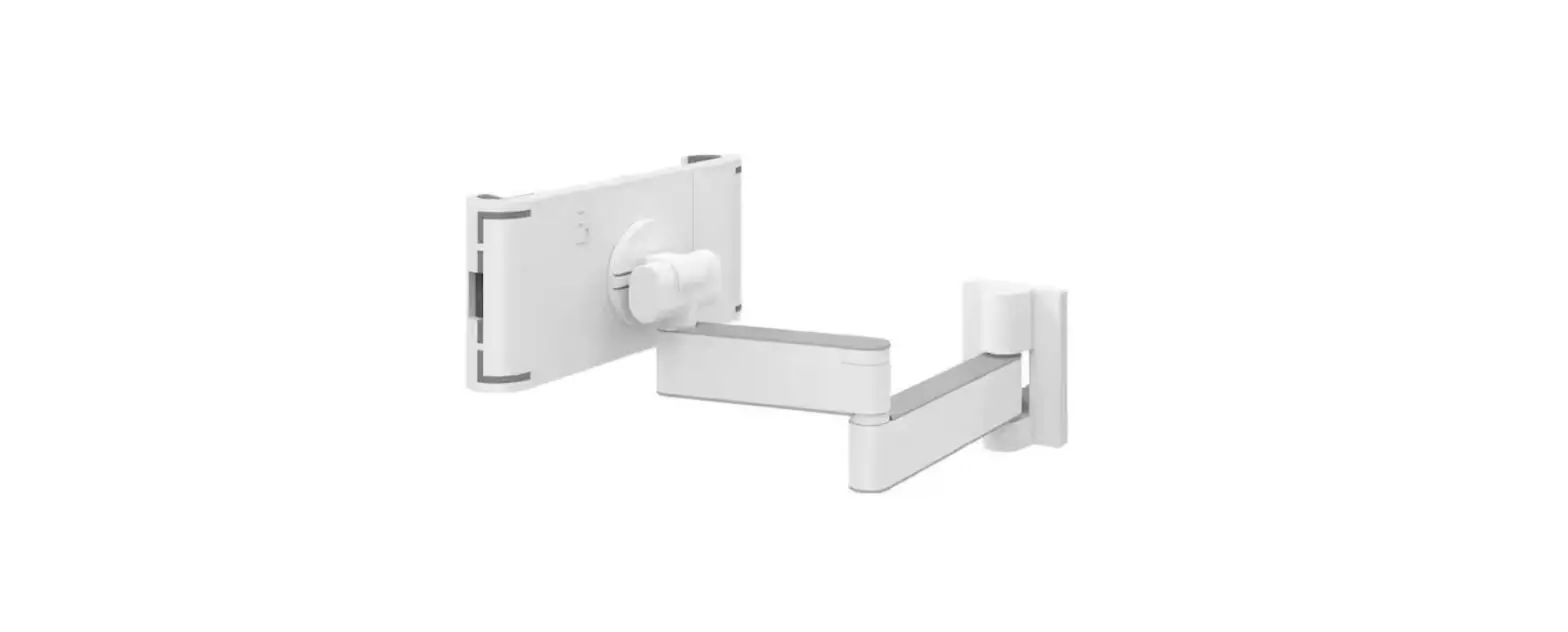
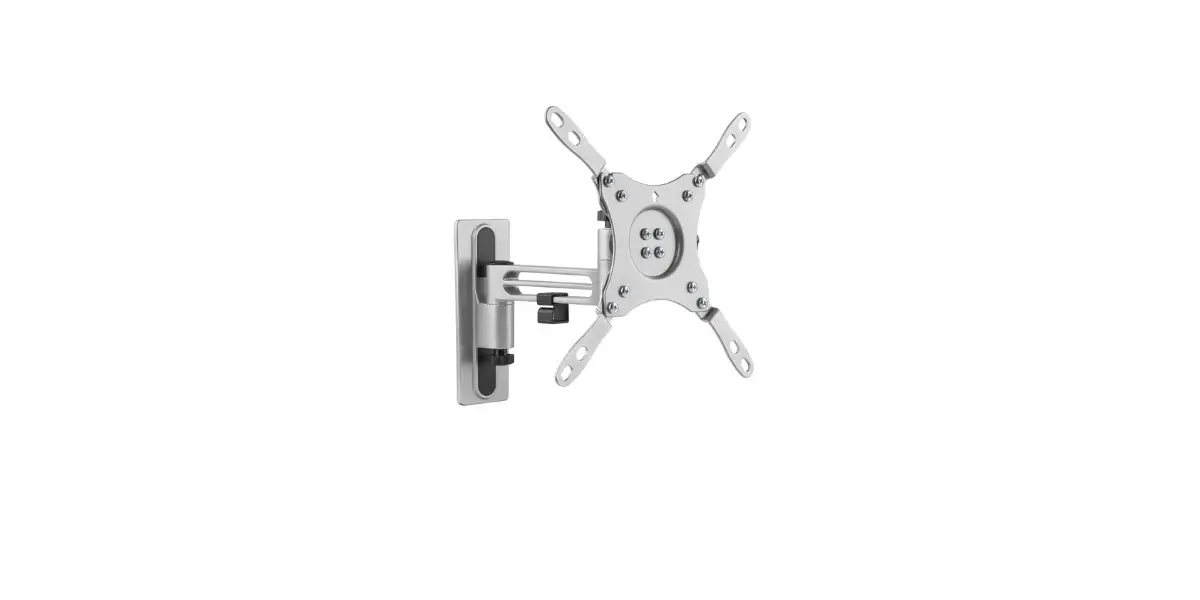
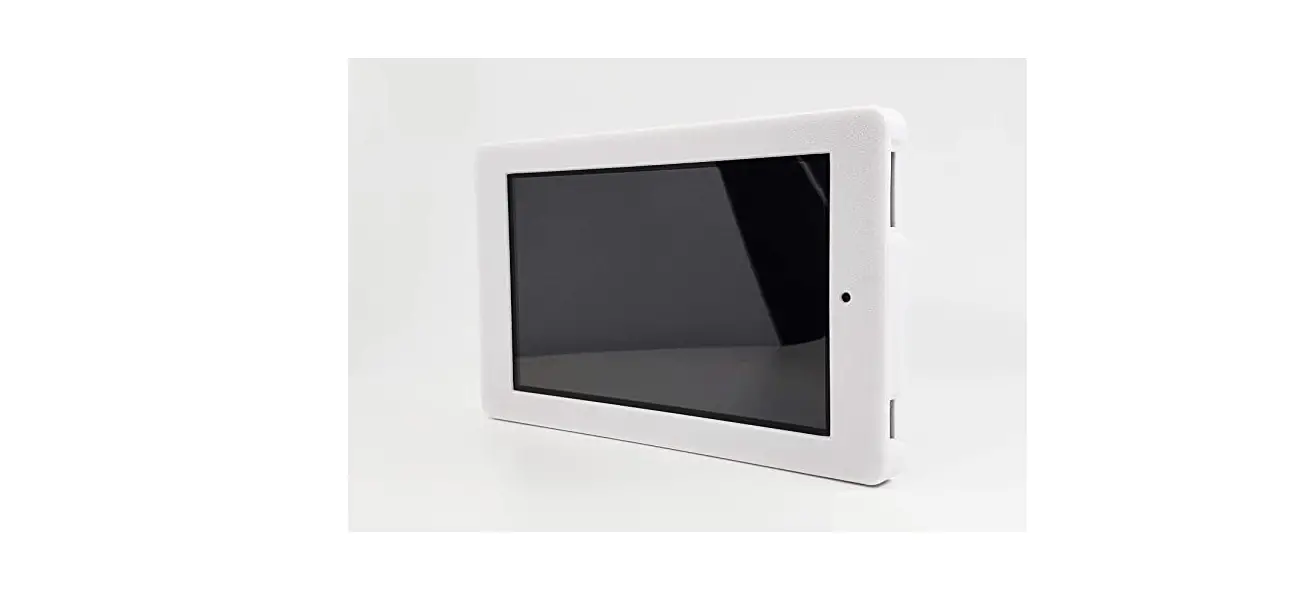
ARM-433 Wall Mount for Tablets
Product Information
Product Name: ARM-433 Wall Mount for Tablet
Brand: A Nordic Brand
Languages Available: Estonian, German, French, Polish, Dutch
Product Usage Instructions
Step 1: Choose a suitable location to mount the ARM-433 Wall
Mount for Tablet.
Step 2: Ensure that the surface where the mount will be attached
is clean and dry.
Step 3: Remove the protective film from the adhesive pad on the
back of the mount.
Step 4: Press the mount firmly onto the surface and hold for at
least 30 seconds to ensure a strong bond.
Step 5: Once the mount is securely attached, insert your tablet
into the holder and adjust the angle as desired.
Step 6: Use your tablet as needed while it is securely mounted
on the ARM-433 Wall Mount.
Step 7: To remove the mount, gently pull it away from the
surface using a twisting motion to release the adhesive.
ARM-433
ENG User manual SWE Användarmanual FIN Käyttöopas DAN Brugermanual NOR Brukermanual LIT Naudojimo instrukcija
LAV Lietosanas pamcba EST Kasutusjuhend DEU Benutzerhandbuch FRA Manuel d’utilisation POL Instrukcja obslugi NLD Gebruiksaanwijzing
Falra szerelhet tablettartó
Uchwyt cienny do tabletu
A NORDIC BRAND
2
A NORDIC BRAND
3
DistIT Services AB, Glasfibergatan 8, 125 45 Älvsjö, Sweden