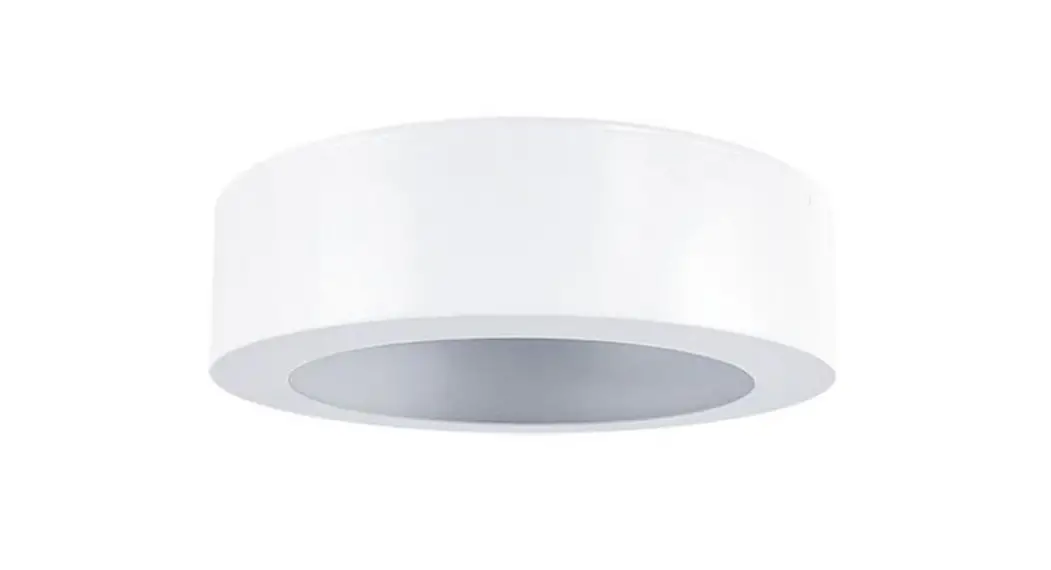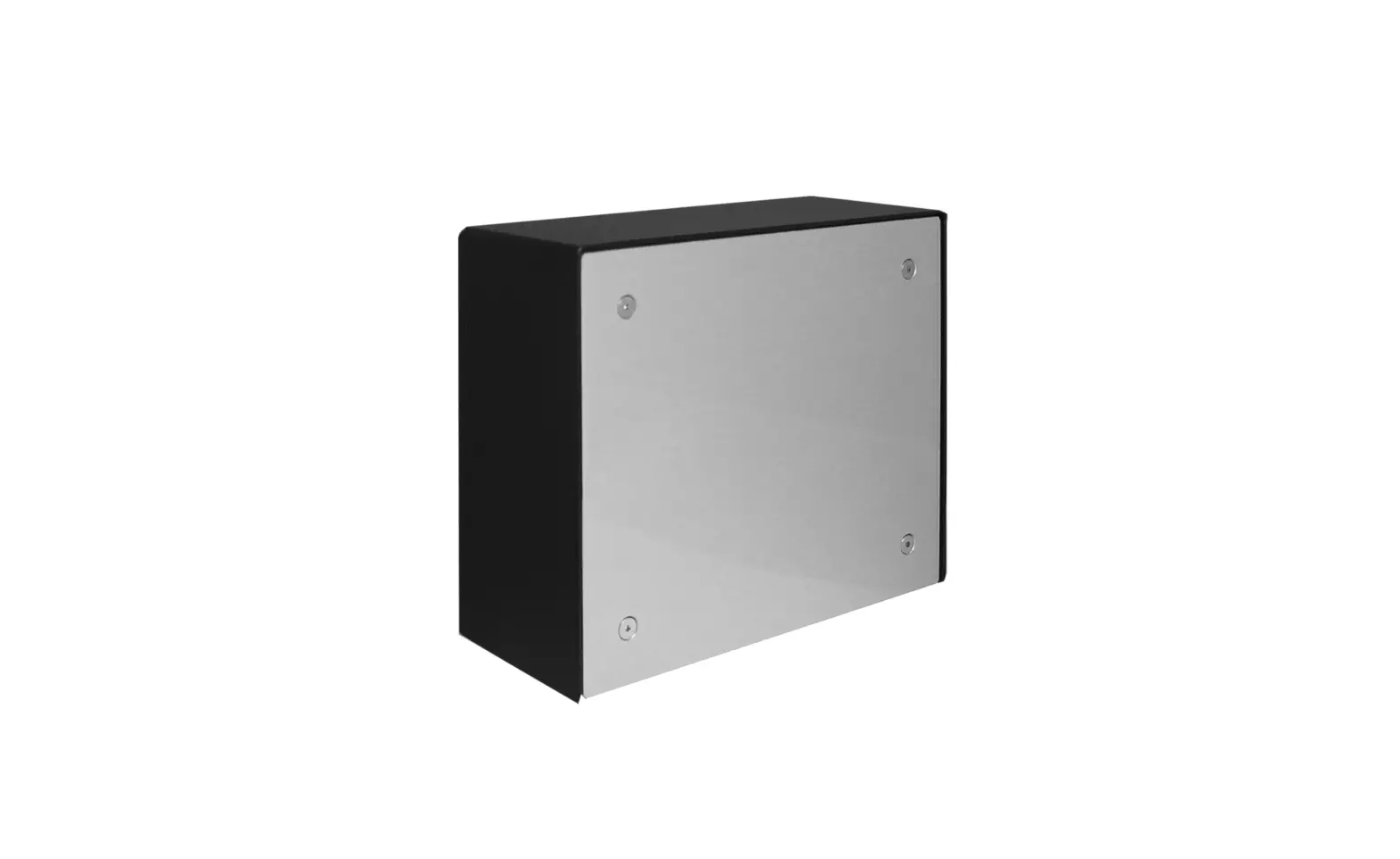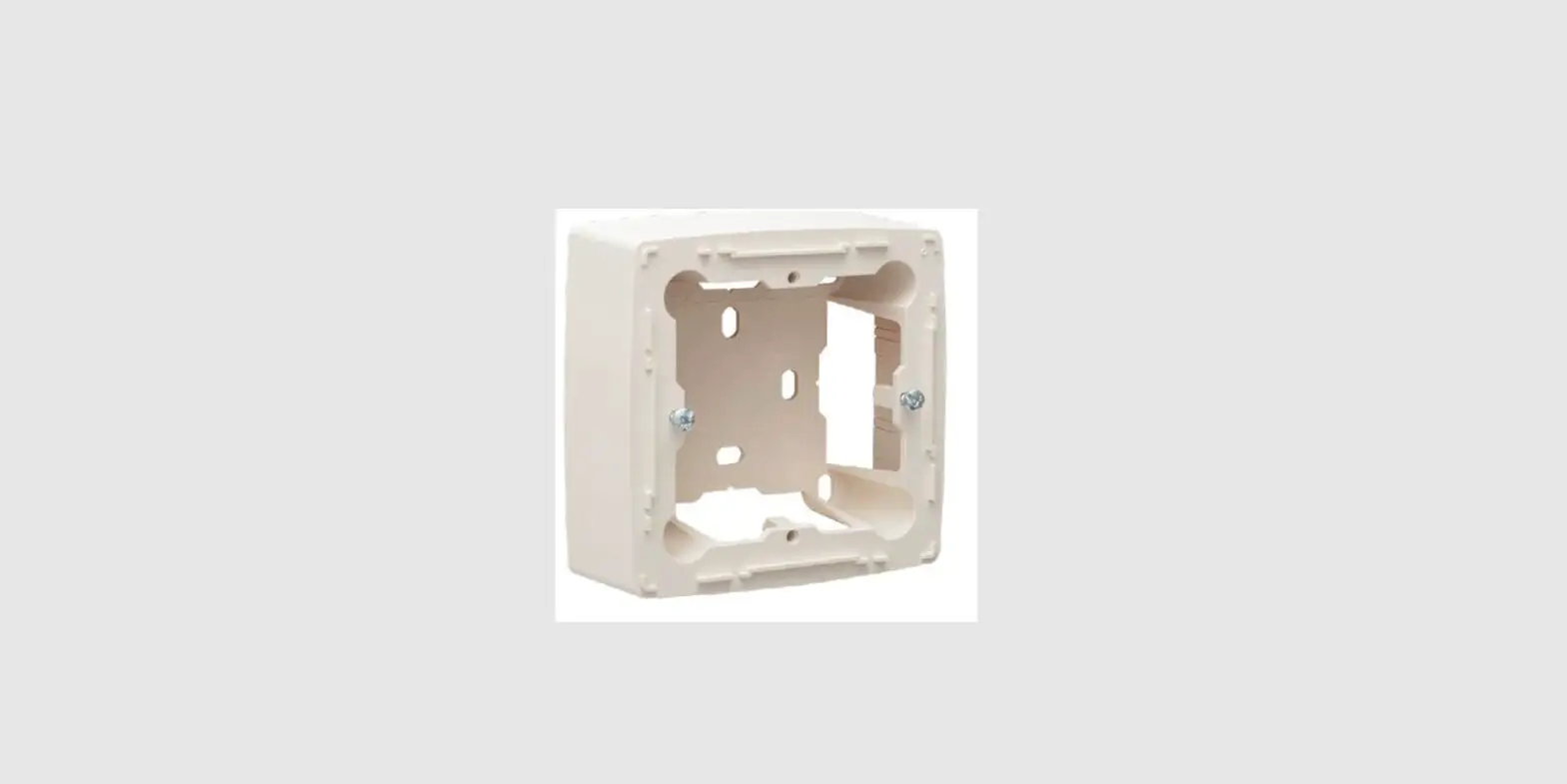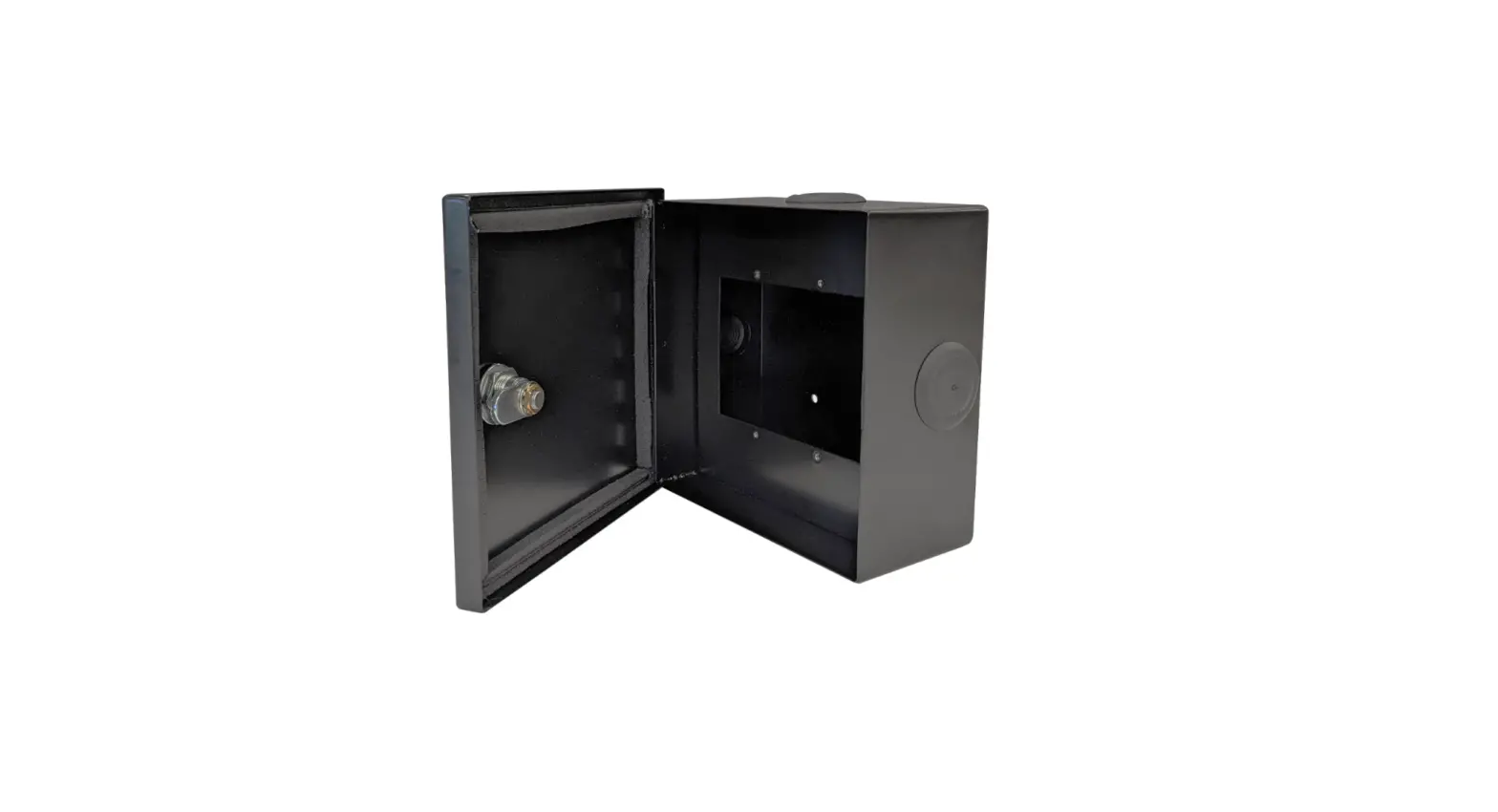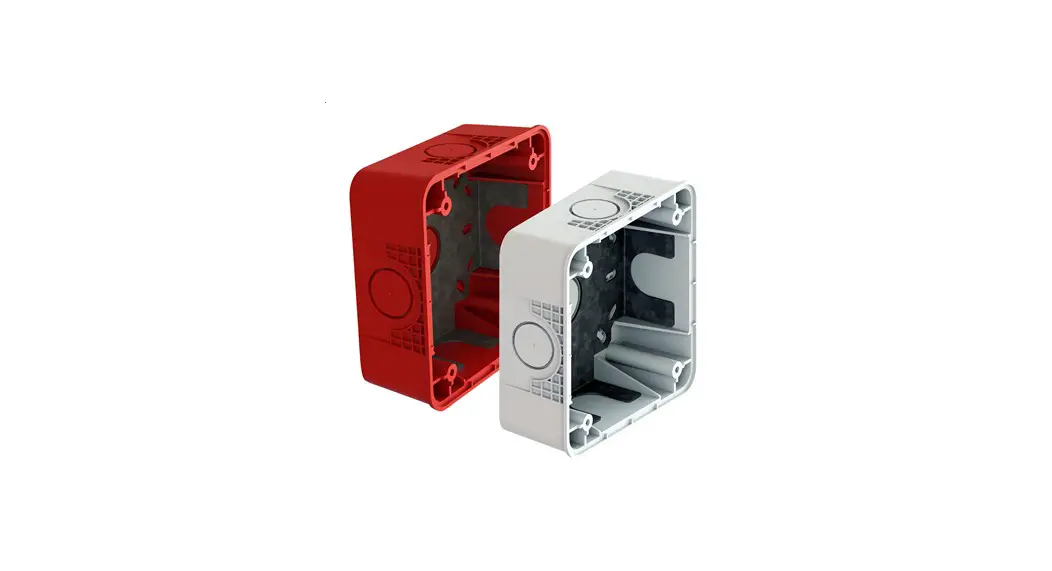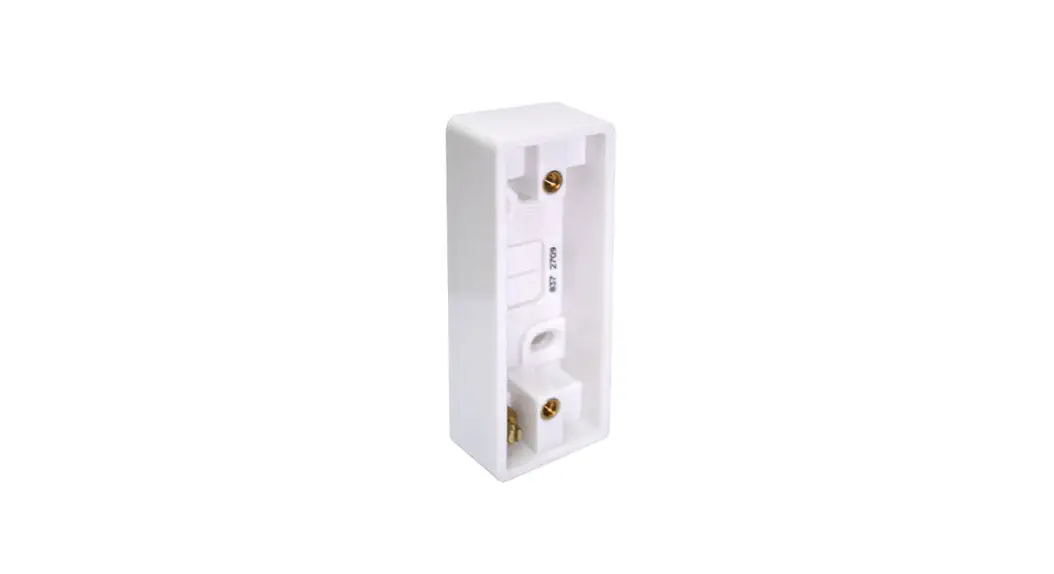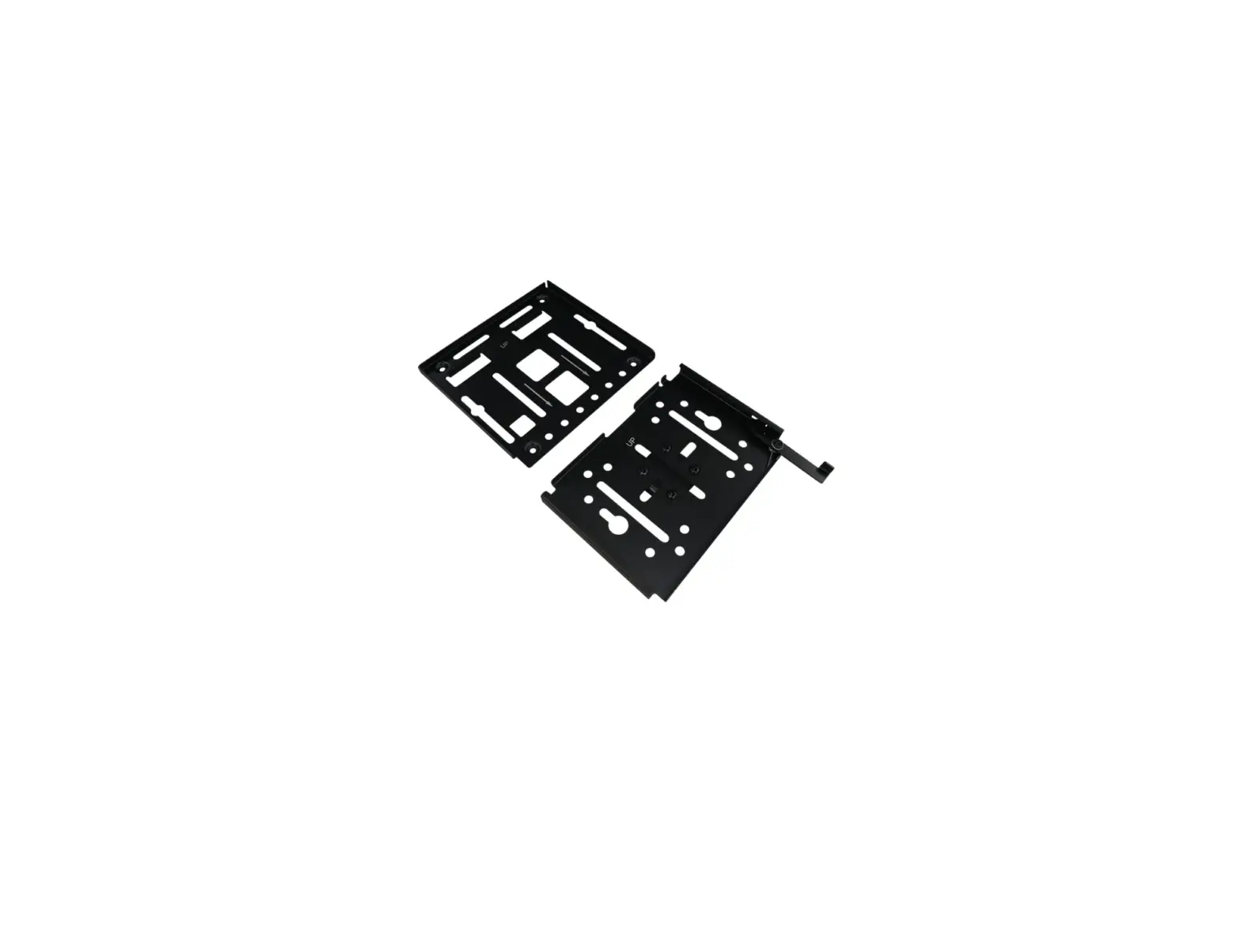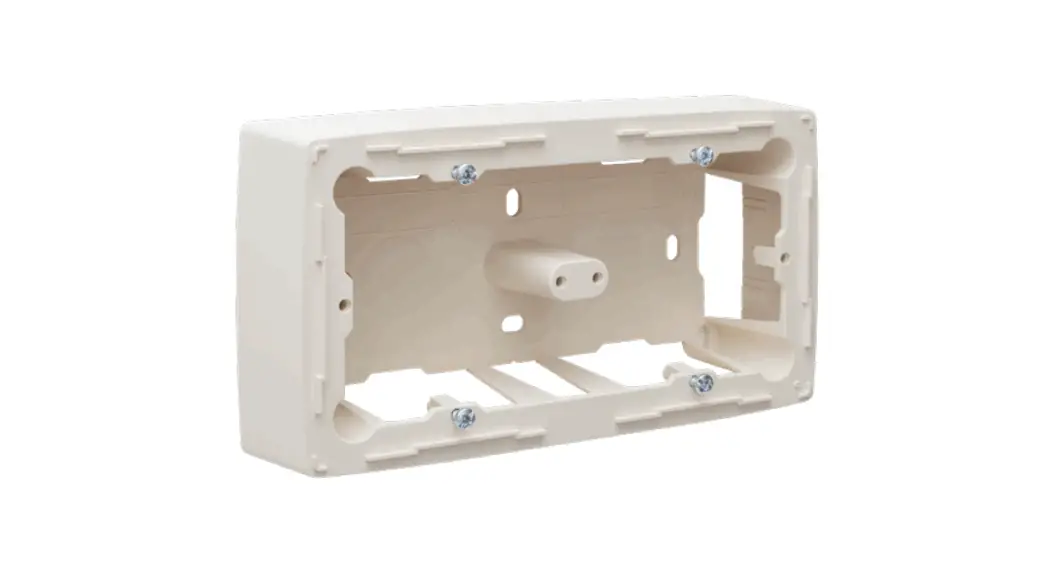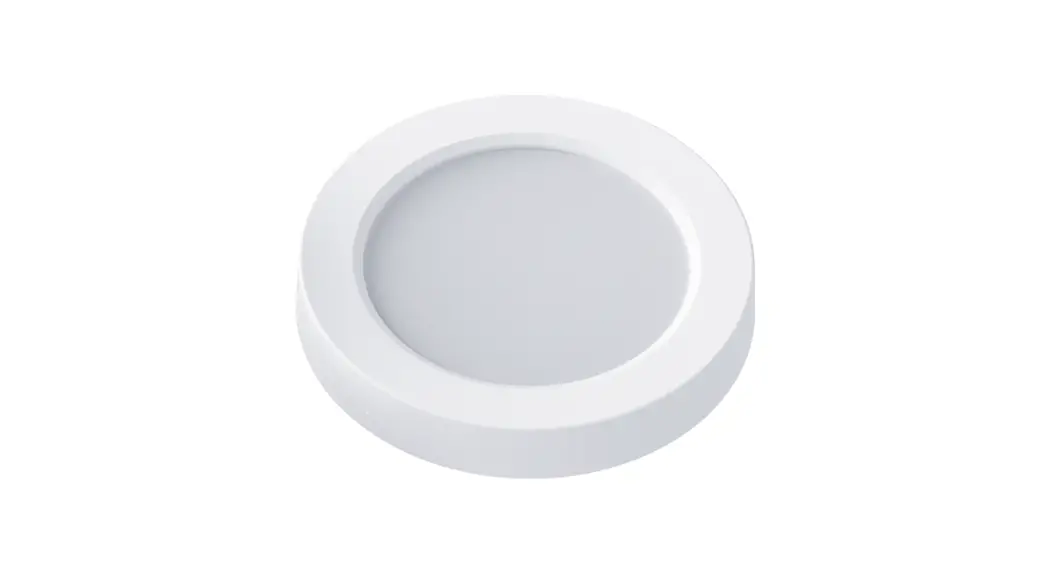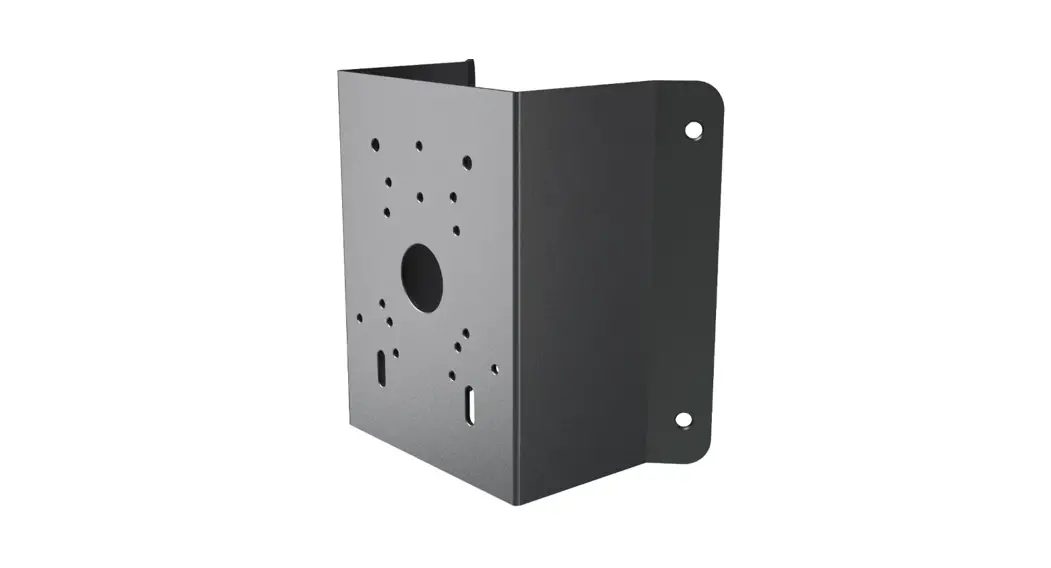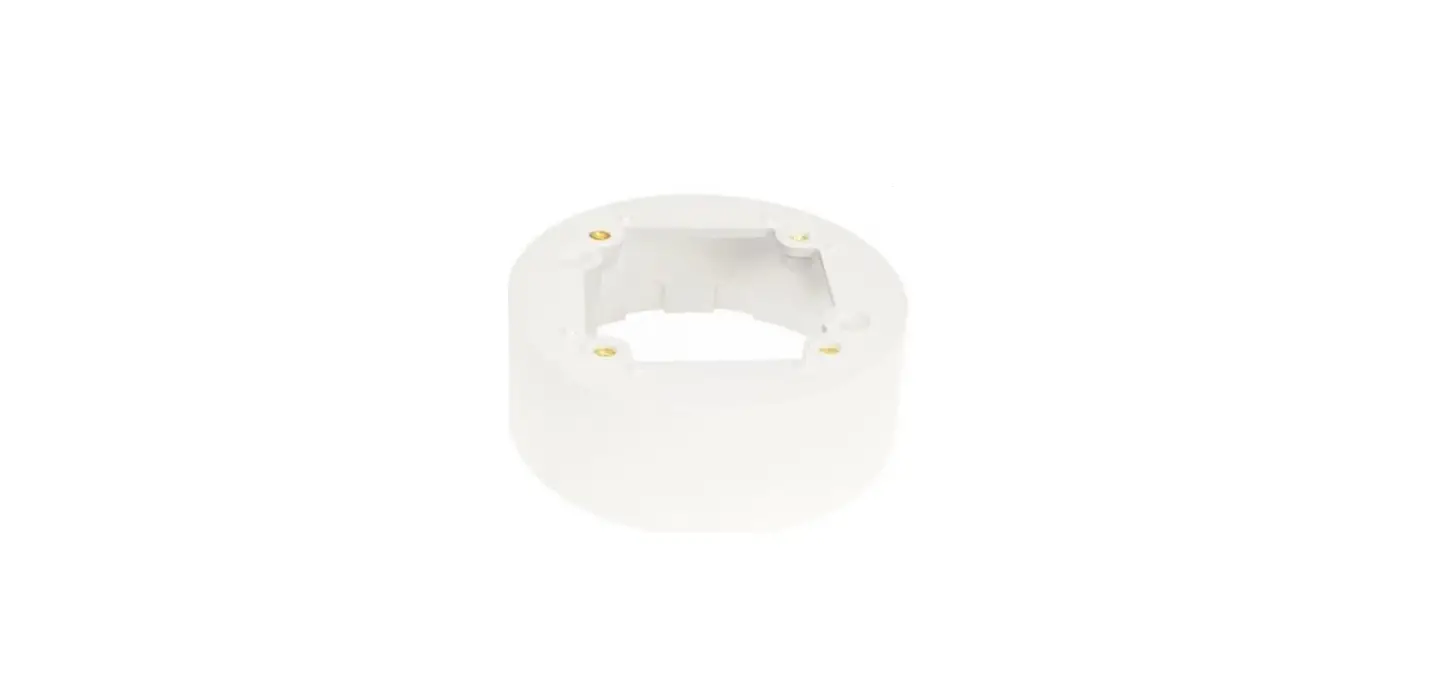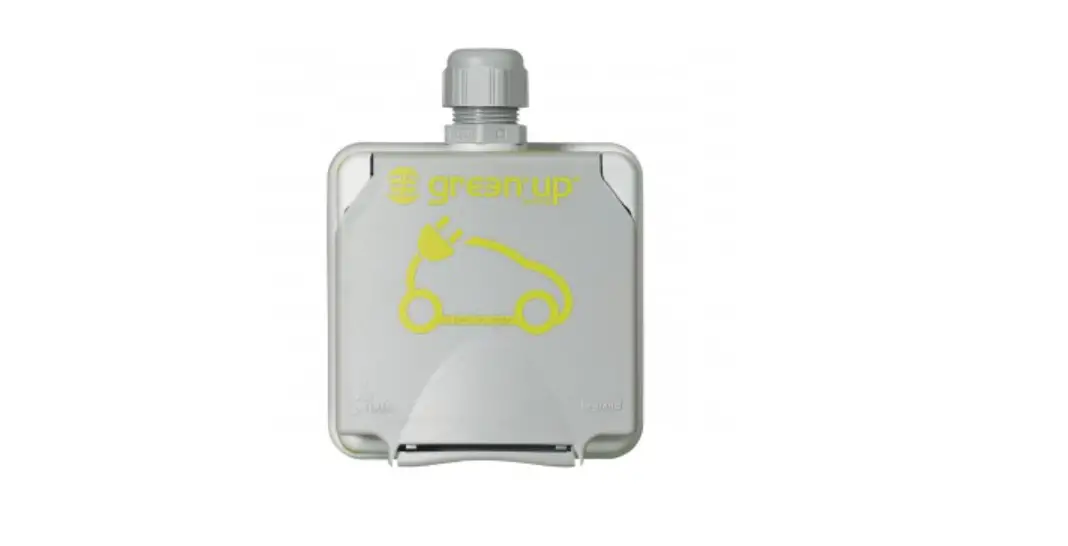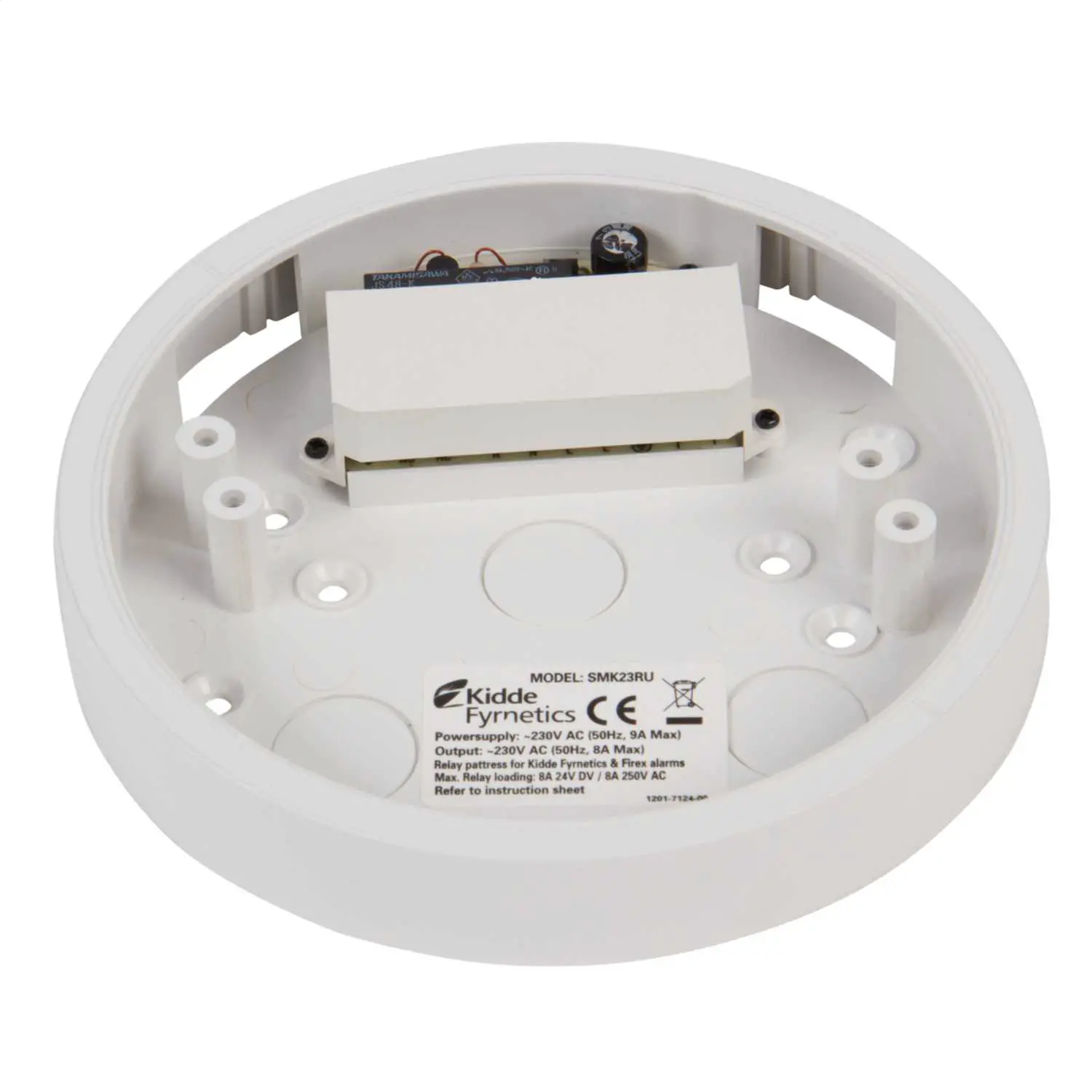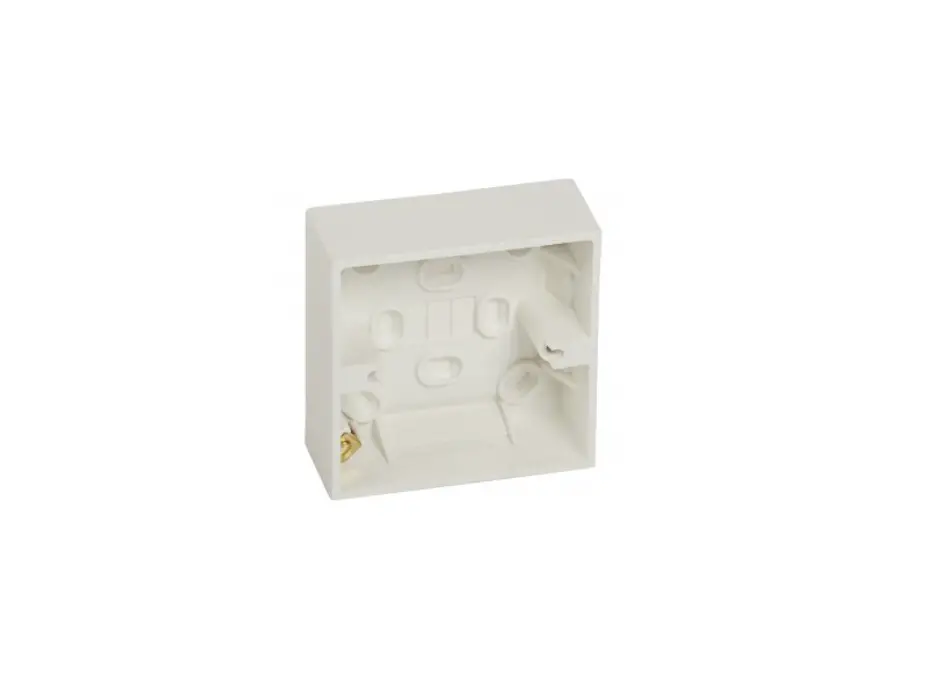
NODON BPS-1-1-00 Surface Mounting Box User Guide

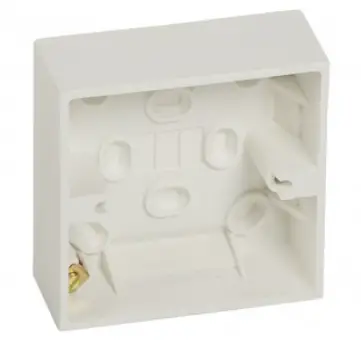
INSTALACIÓN
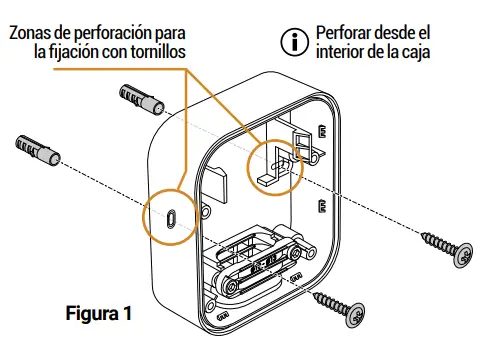
Cut the power supply. 2Fix the Surface Mounting Box to the wall (use fixings – not
included – suitable for the bracket) – see figure 1. 3Connect the module according to its type* with the cable
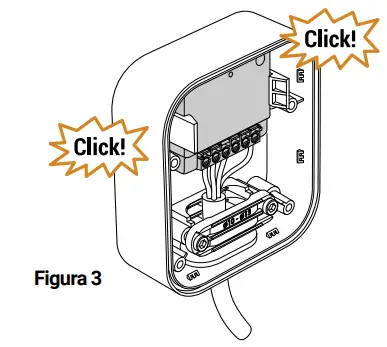
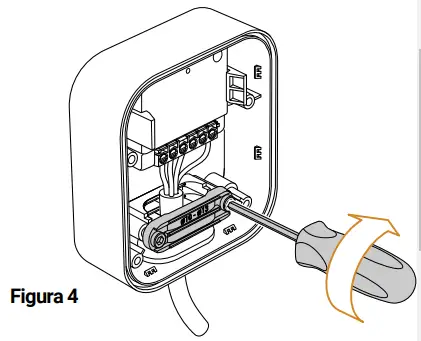
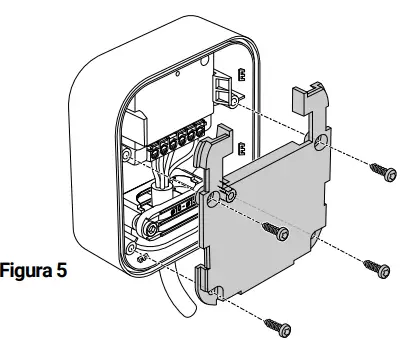
supplied – see figure 2. 4Clip the module into the Surface Mounting Box – see figure 3. 5Tighten the cable grommet – see figure 4. 6Refit the intermediate plate and screw it in place with the 4
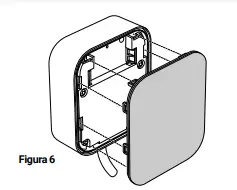
screws provided – see figure 5. 7 Refit the waterproof cover – see figure 6. 8 Turn the power supply back ON. *find all the installation diagrams on the “Support” section on
nodon.fr/en/technical-support/
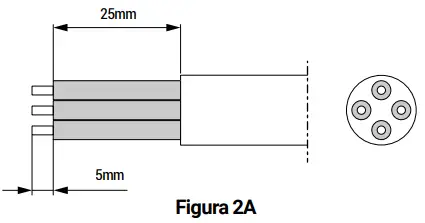
**cable supplied – information Strip the cable as follows:
Cable compatible with most uses.
USO Y EMPAREJAMIENTO
Consulte el manual del módulo utilizado.
Disponible en el sitio web nodon.fr/es/ soporte/

Read More About This Manual & Download PDF
References
 Fabricant domotique OBL - OEM - ODM pour la Maison Connectée
-
Smarte Wohnungen & Häuser - OEM ODM OBL Lösungen für IoT Produkte
-
technische Unterstützung für NodOn | technische Dokumentationen, Lernprogramme, Anwendungsbeispiele
-
technische Unterstützung für NodOn | technische Dokumentationen, Lernprogramme, Anwendungsbeispiele
-
Smart Home & Building - OEM ODM OBL solutions for IoT products
-
Smart Home & Building - OEM ODM OBL solutions for IoT products
-
Technical Support NodOn | Product documentation, tutorial, use cases
-
Fabricante domótico OBL - OEM - ODM para el Hogar Conectado
-
Soporte técnico NodOn | Documentación del producto, tutorial, caso de uso
-
Support technique NodOn | Documentation produit, tutoriel, cas d'usage
-
Support technique NodOn | Documentation produit, tutoriel, cas d'usage
-
technische Unterstützung für NodOn | technische Dokumentationen, Lernprogramme, Anwendungsbeispiele
-
Technical Support NodOn | Product documentation, tutorial, use cases
-
Soporte técnico NodOn | Documentación del producto, tutorial, caso de uso
-
Soporte técnico NodOn | Documentación del producto, tutorial, caso de uso
-
Support technique NodOn | Documentation produit, tutoriel, cas d'usage
 Fabricant domotique OBL - OEM - ODM pour la Maison Connectée