 INSTALLATION INSTRUCTIONS
Model FS-RD-SB/-R
SURFACE BOX
(For indoor use only in dry environment)
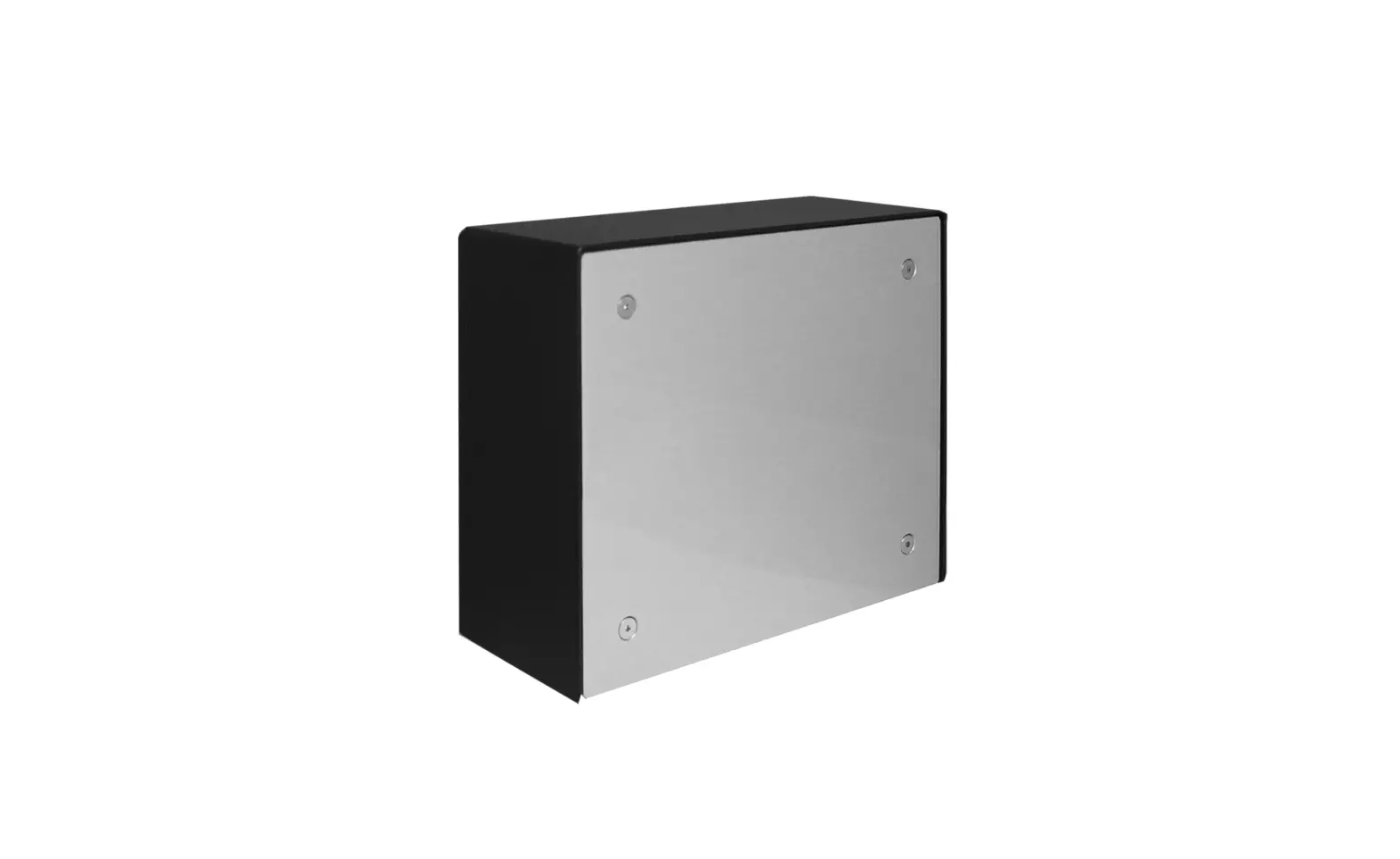
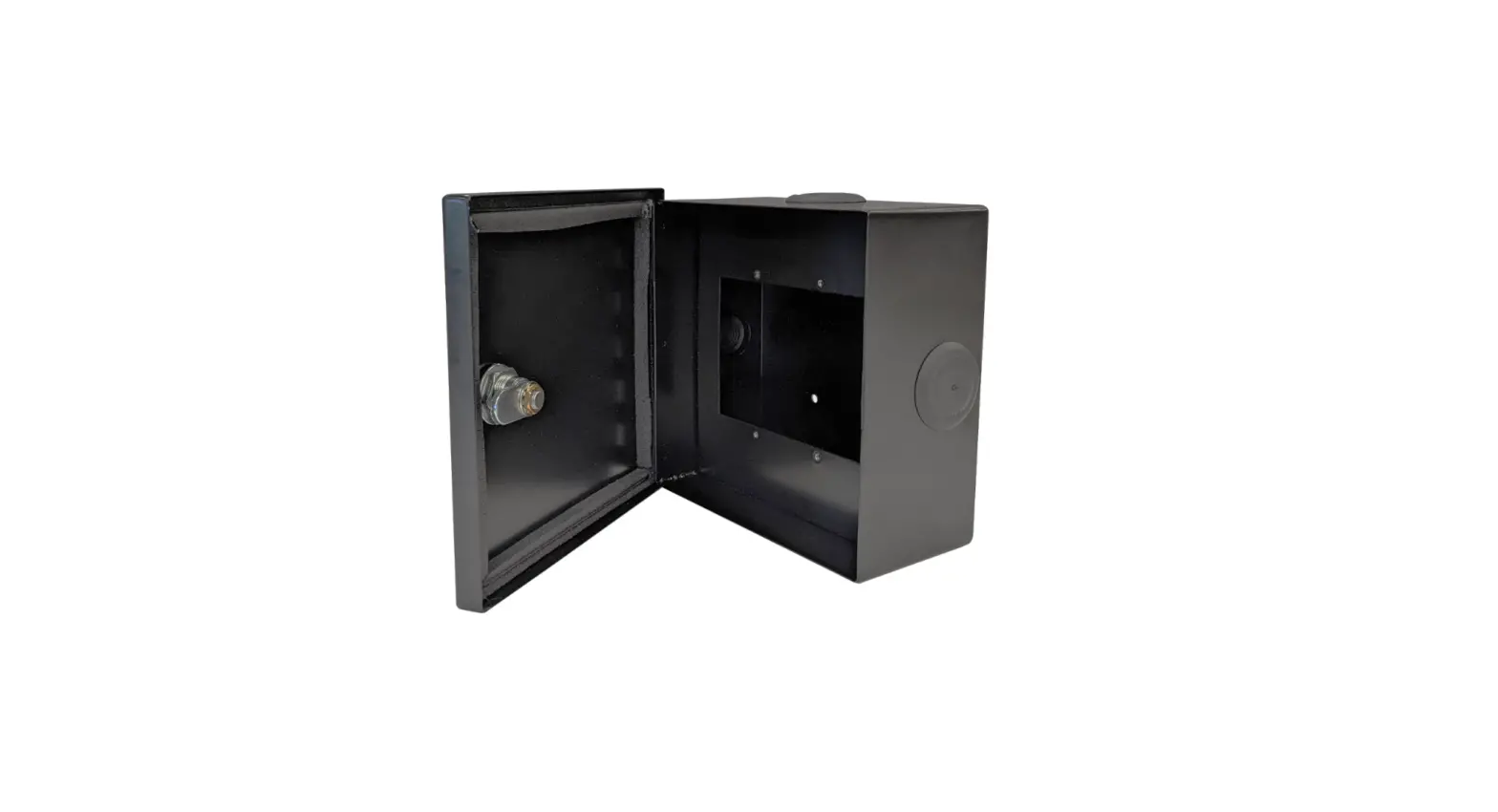
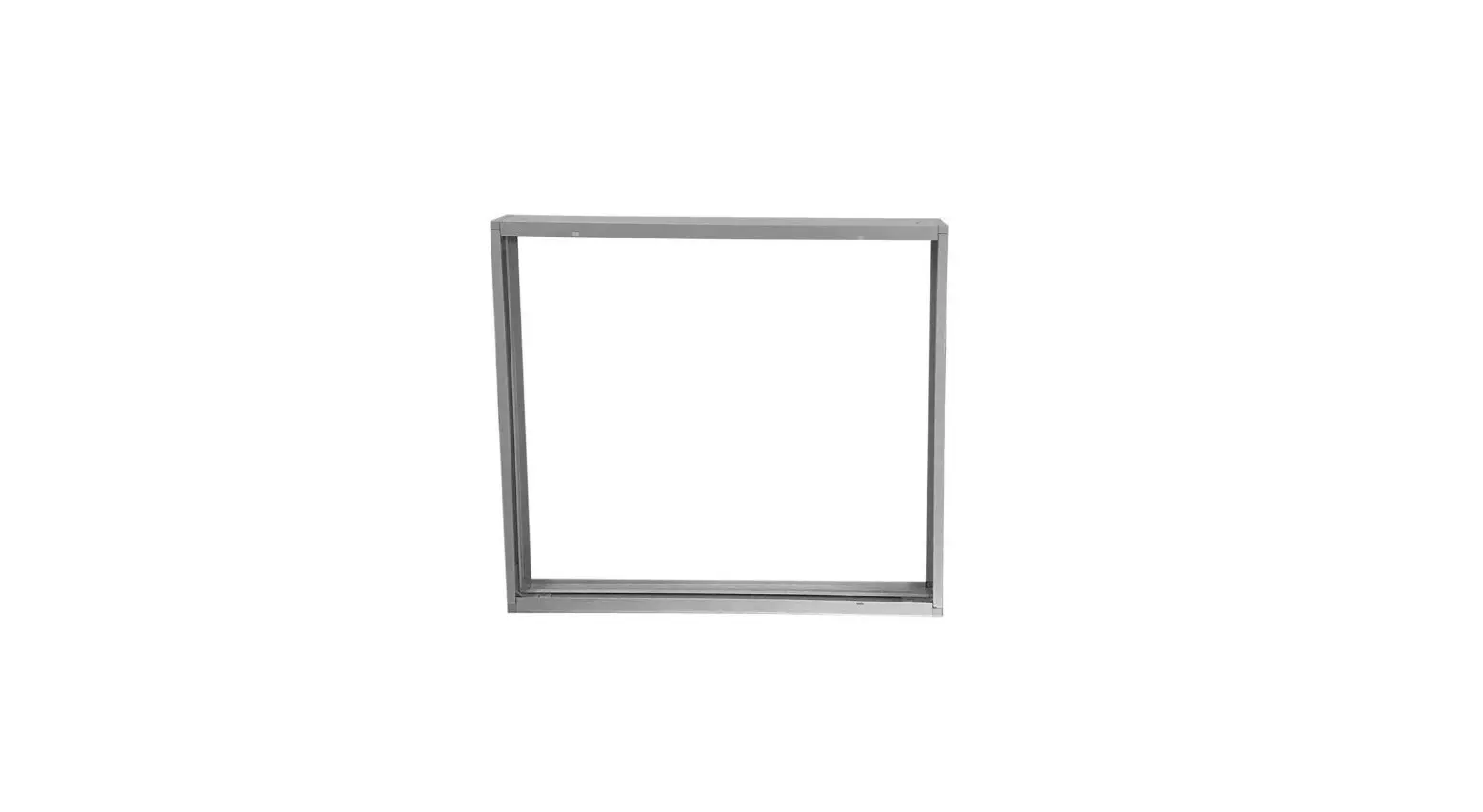
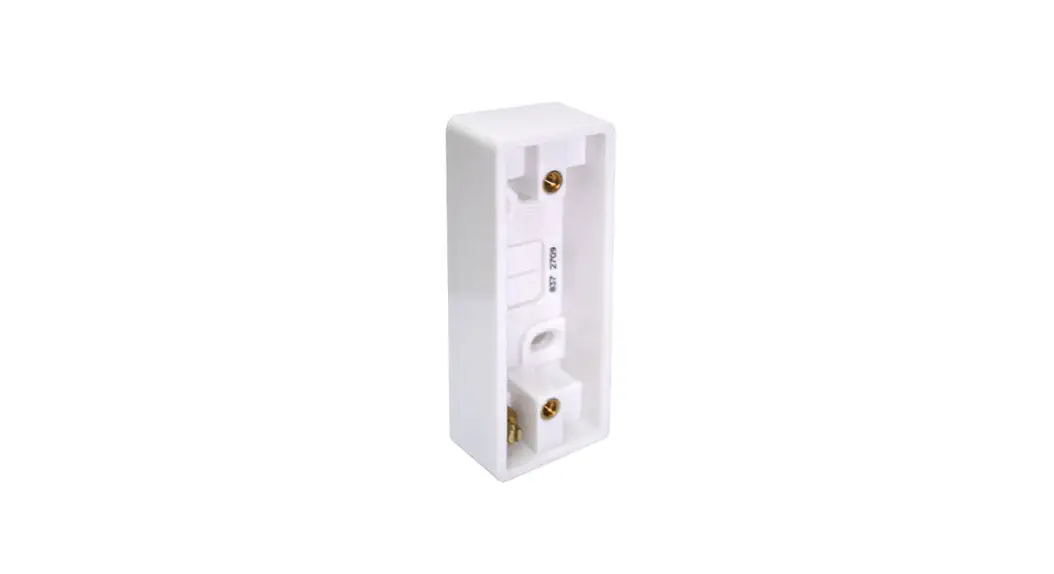
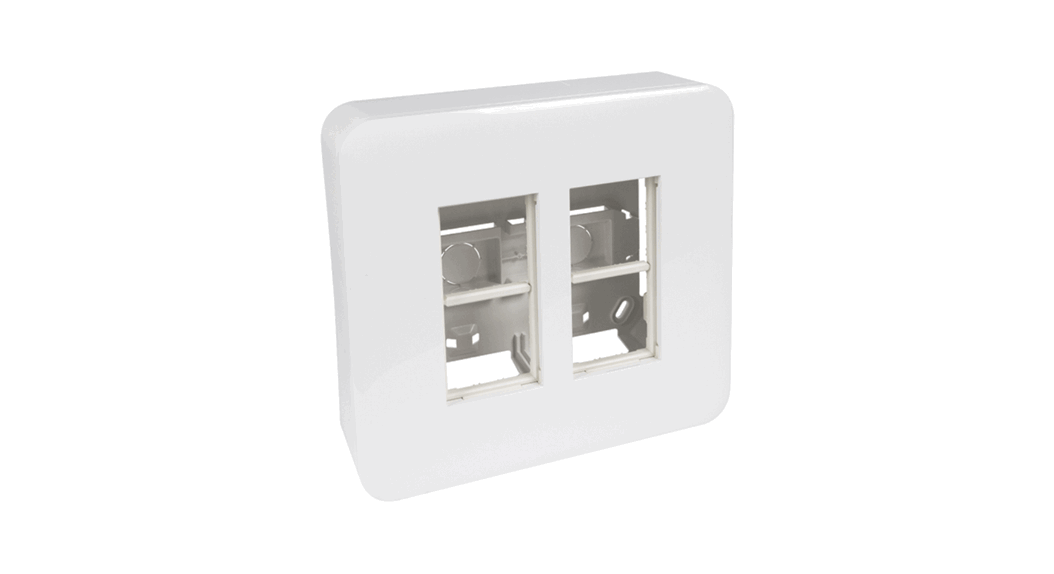
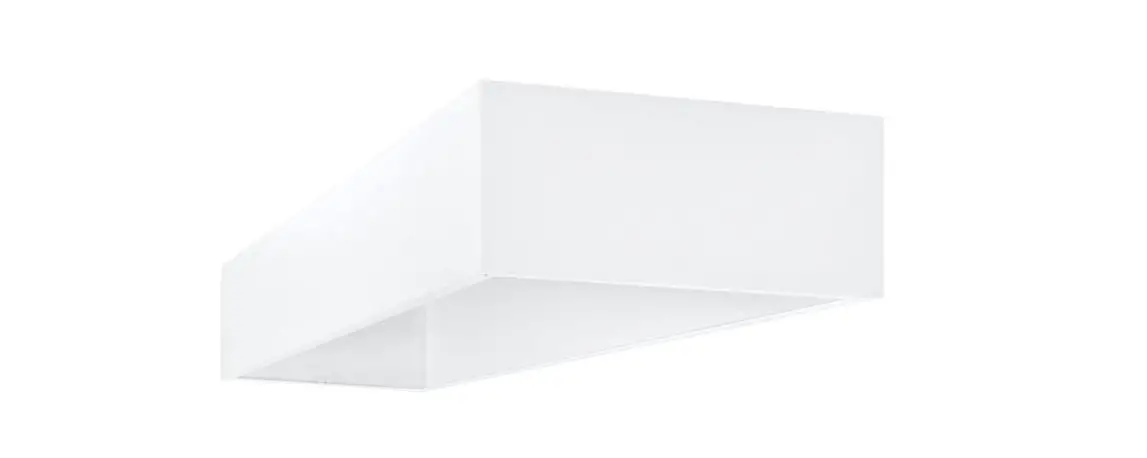
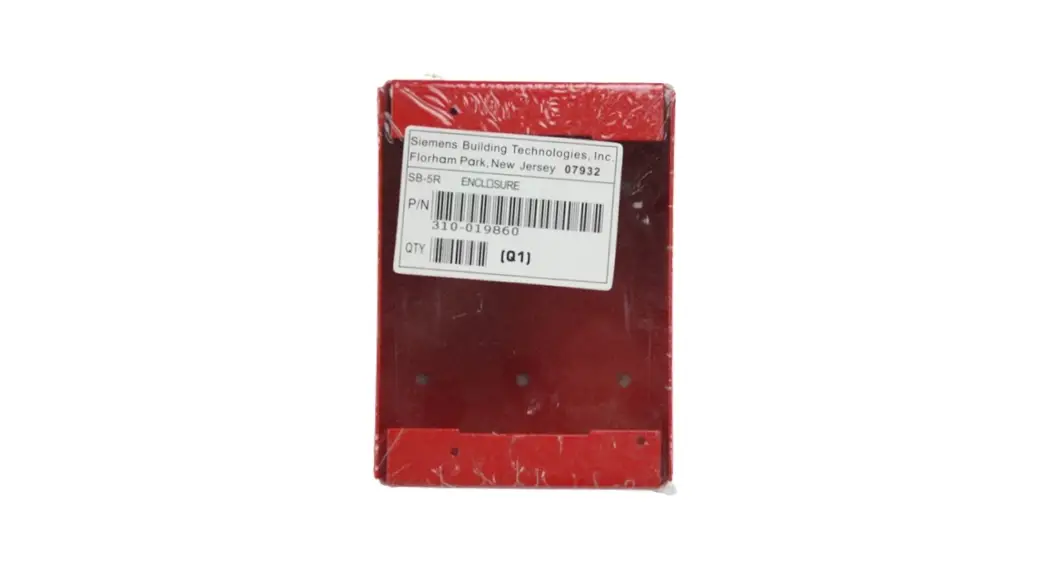
FS-RD-SB/-R Surface Mounting Box
The FS-RD-SB/-R surface box is primarily used for surface mounting remote annunciator units (such as FS-RD-2, etc.). The FS-RD-SB is black and the FS-RD-SB-R is red.
PARTS SUPPLIED
1 FS-RD-SB/-R Surface box
1 Installation Instruction
FS-RD-SB/-R
DIMENSIONS 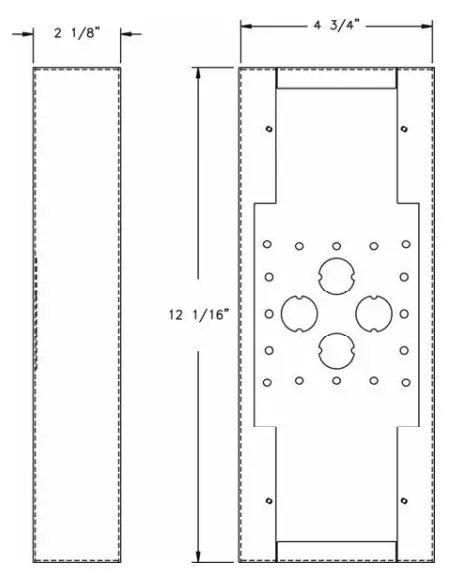
Step 1.) Installation is to be done by qualified personnel who have thoroughly read and understood this instruction sheet.
Step 2.) Disconnect BATTERY and AC prior to working on equipment.
Step 3.) Use proper screw size (not supplied) to secure surface box to a clean, dry, shock-free and vibration-free surface. Consider the following when mounting the box:
- Mounting height for visual and manual access consideration.
- Weight and size of the unit that will use the surface box.
- Local mounting codes.
Step 4.) Follow the installation instructions of the unit that will use the FS-RD-SB/-R surface box.
Caution: When installing the FS-RD-SB/-R surface box, route field wiring away from sharp projections, corners and internal components of the unit installed.
Siemens Industry, Inc.
Building Technologies Division
Florham Park, NJ
P/N 315-099639-2
firealarmresources.com
 Home - Fire Alarm Resources - Free fire alarm PDF manuals, documents, installation instructions, and technical specifications