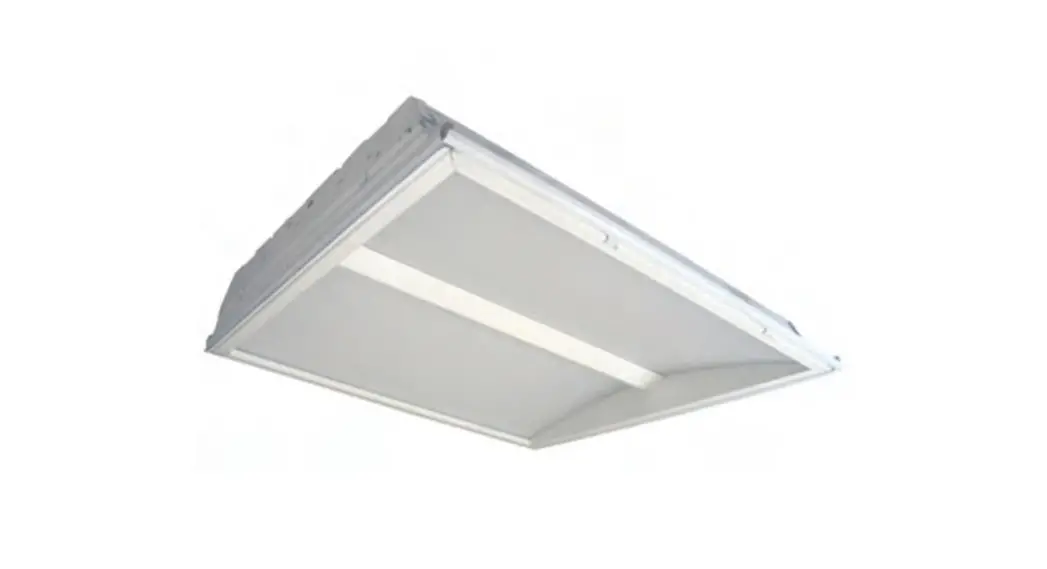

Troffer Surface Mount Kit
INSTALLATION INSTRUCTIONS
SK14 SK22 SK24
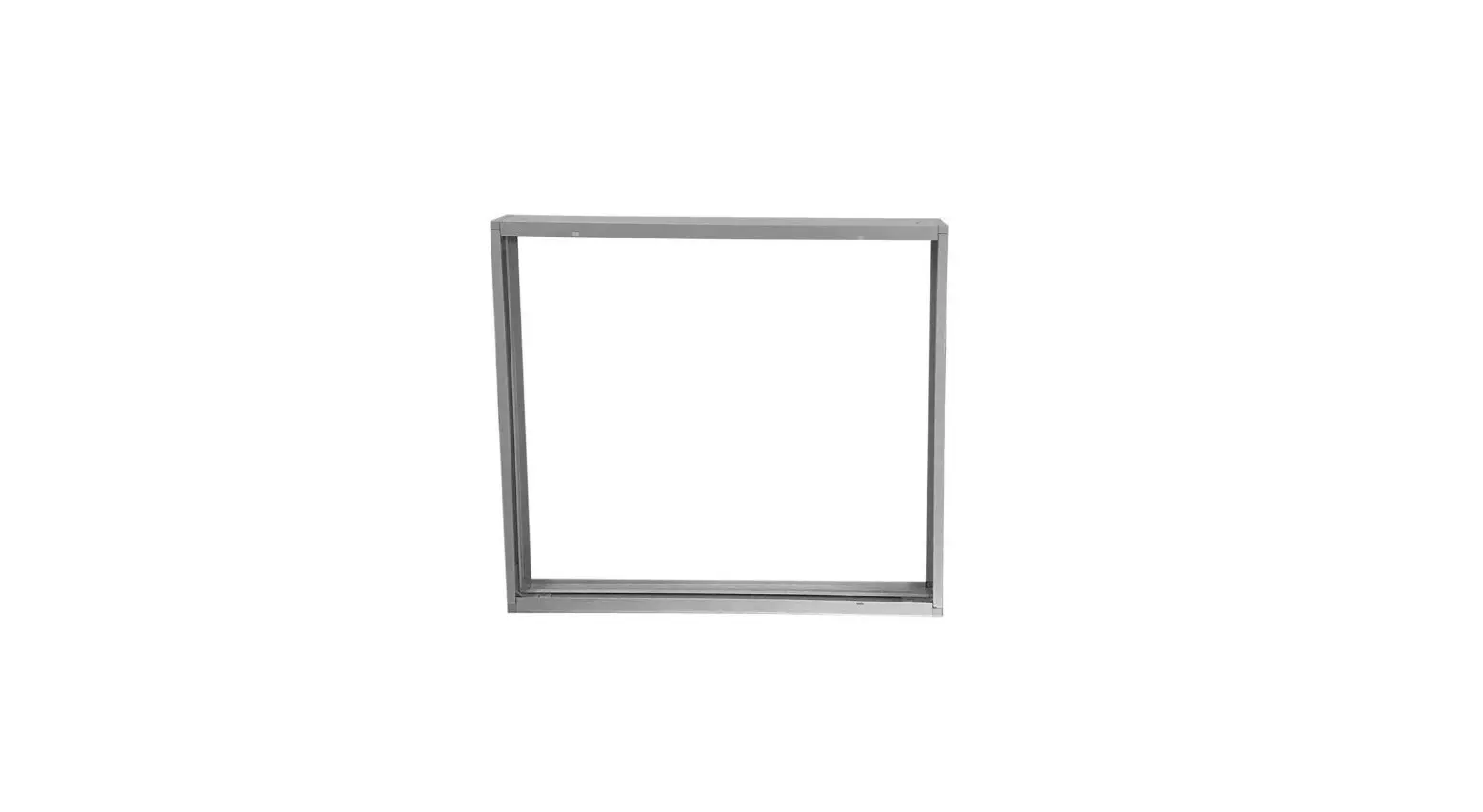
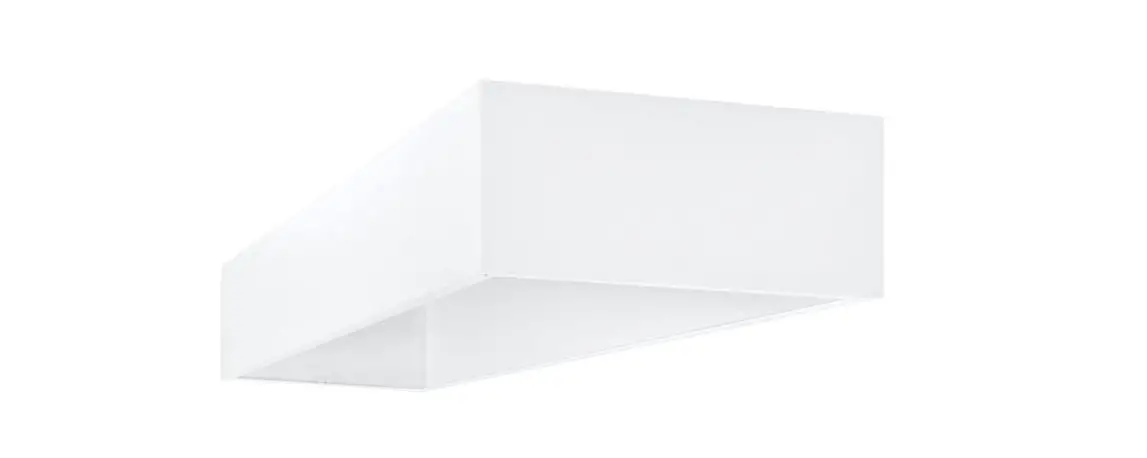
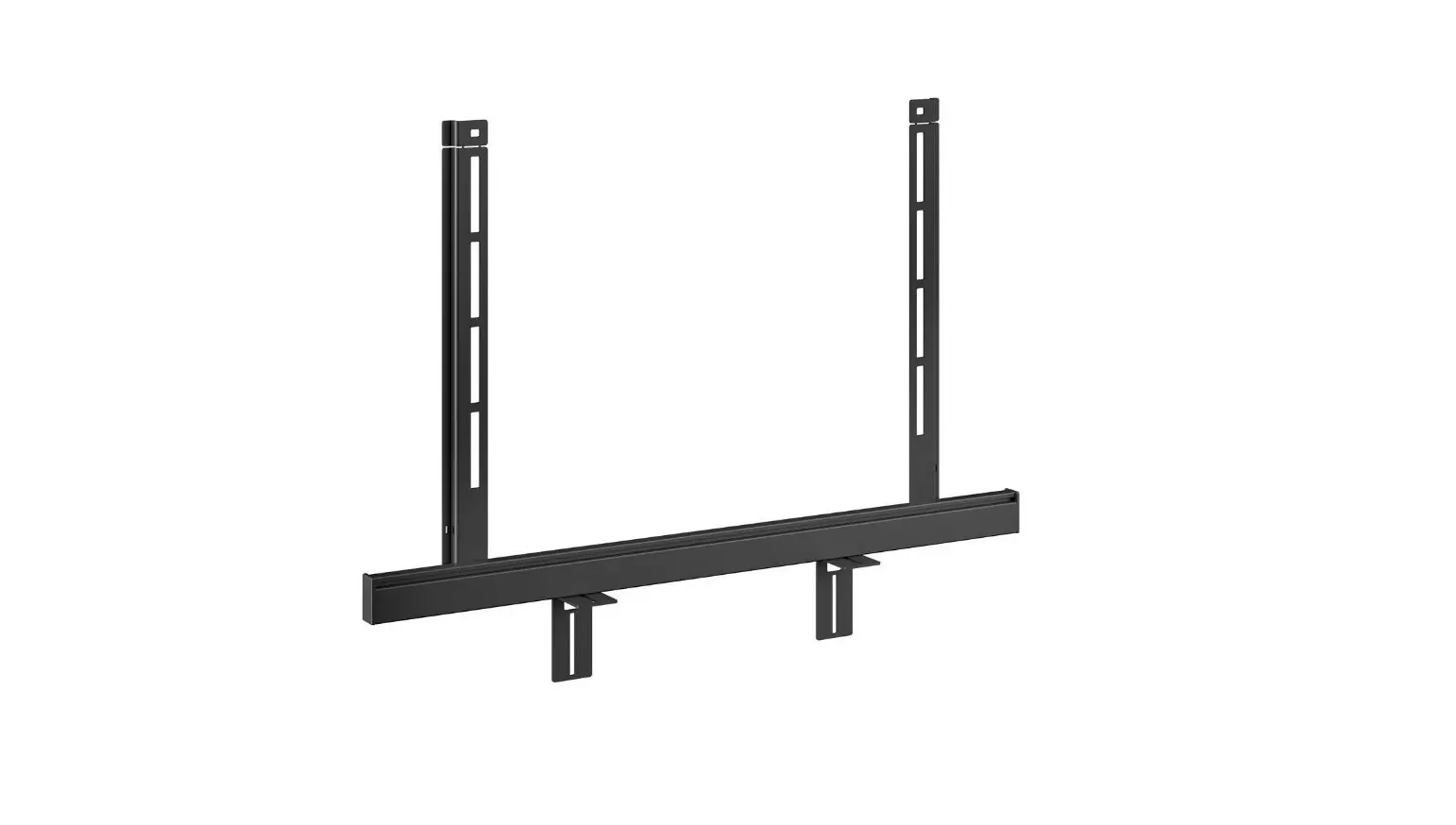
SK14 Troffer Surface Mount Kit
 CAUTION
All work must be done by a certified electrician.
These instructions do not claim to cover all the details or variations in the equipment, procedure, or process described, nor to provide directions for meeting every possible contingency during installation. Always use common sense before proceeding with any work.
What’s In The Box
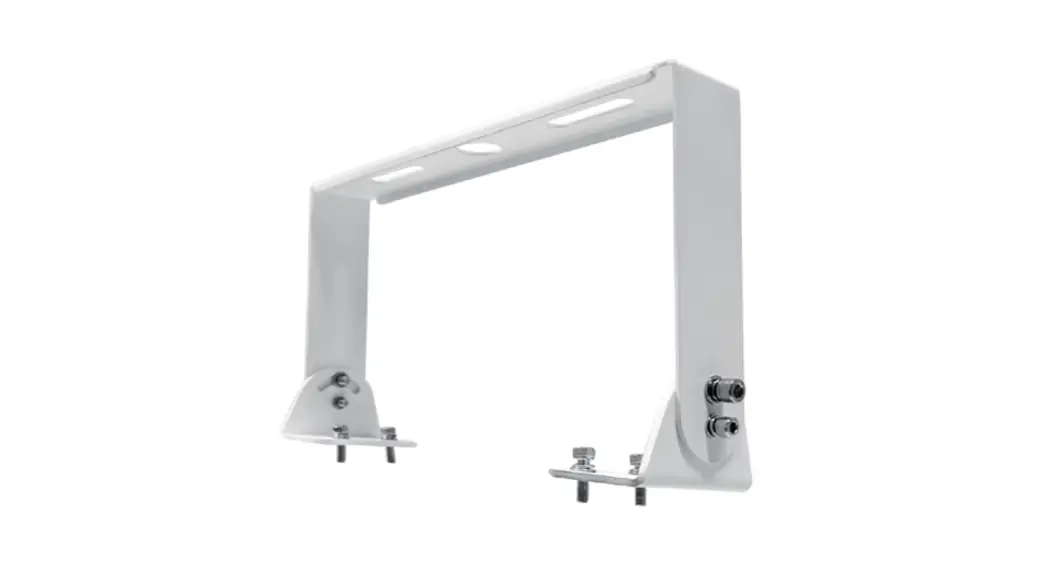
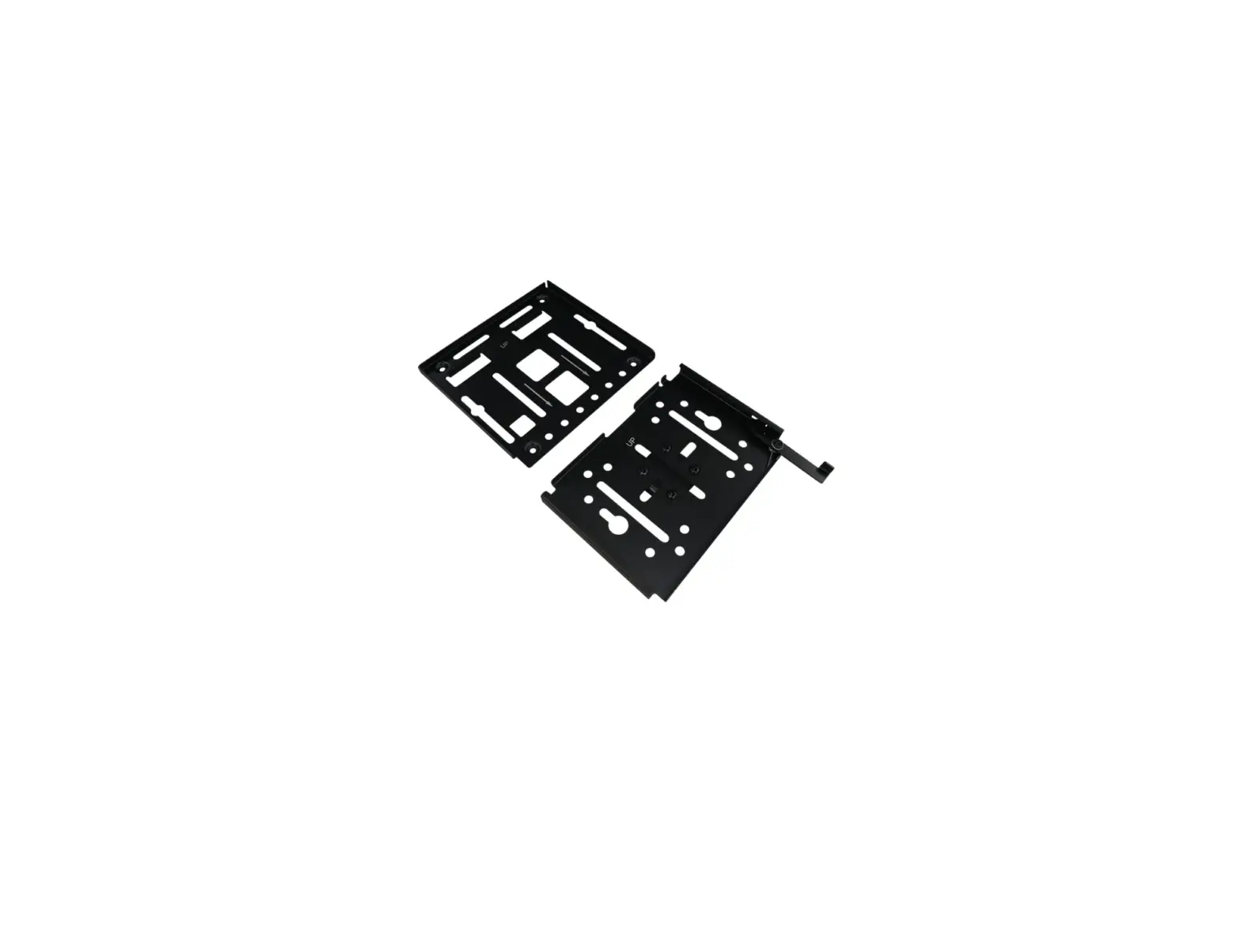
One (1) Troffer Surface Mount Kit
 Tools Needed
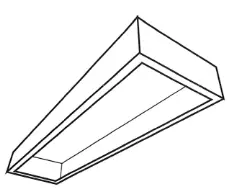 Tools Needed
This troffer surface mount kit requires very few tools for installation. A power drill will be needed to install the fixture to the ceiling and remove side panels. 
Installing Troffer Surface Mount Kit
- Mounting Troffer Surface Mount Kit: Mount fixture housing using the four (4) mounting slots. (mounting hardware not included) Power.
 Run power using the 2 provided access plates
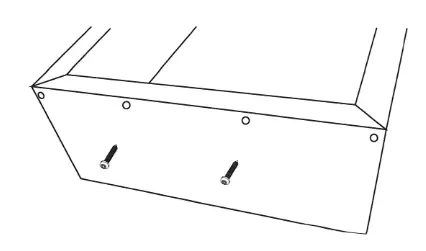
 - Remove End Plates: Remove both end plates by removing (2) screws on each side.

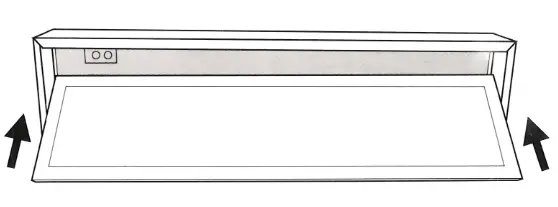
- Insert fixture: Insert fixture by sliding one side of the troffer in first followed by the other side.

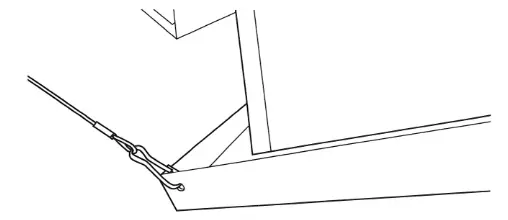
- Secure Troffer to Surface Mount: Attach seismic wire to fixture on (2) corners of the troffer using the pre-drilled holes.

- Power Fixture: Refer to troffer installation instructions and make appropriate connections to the power fixture.
- Replace endcaps: Replace both end plates by using (2) screws on each side.
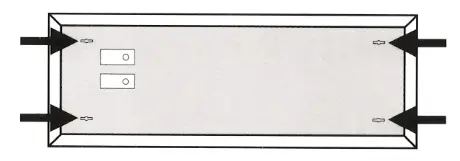 Run power using the 2 provided access plates