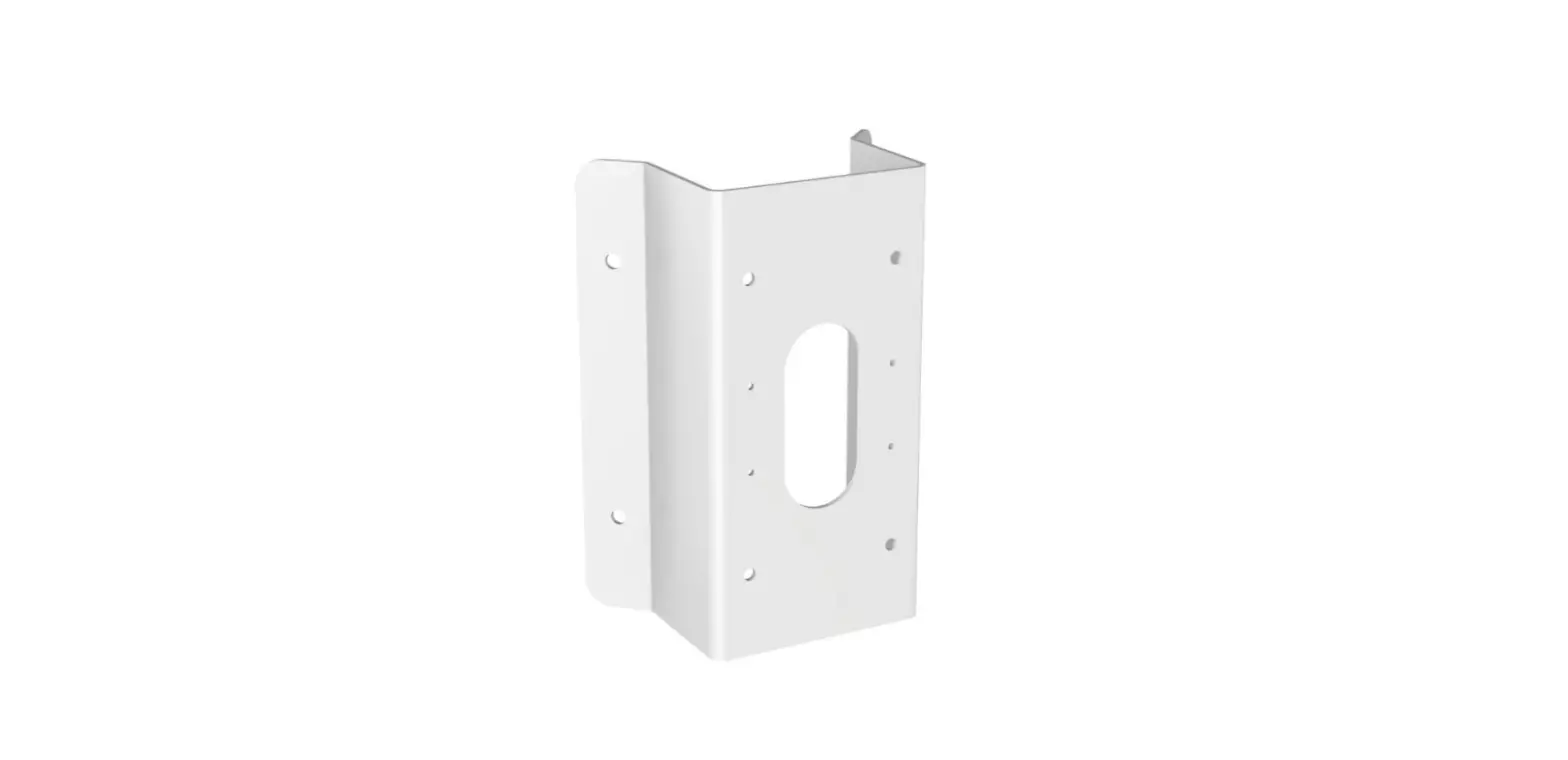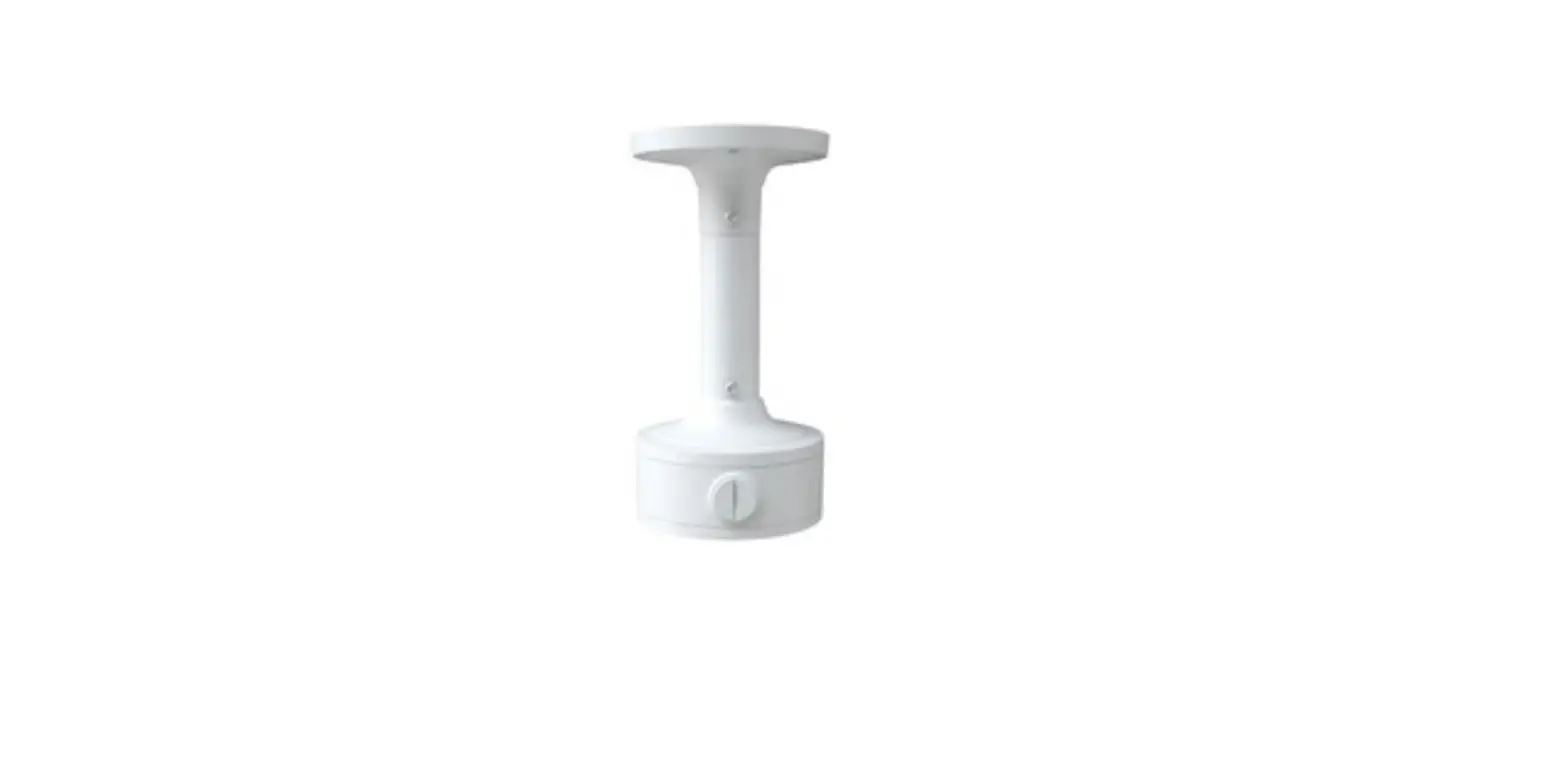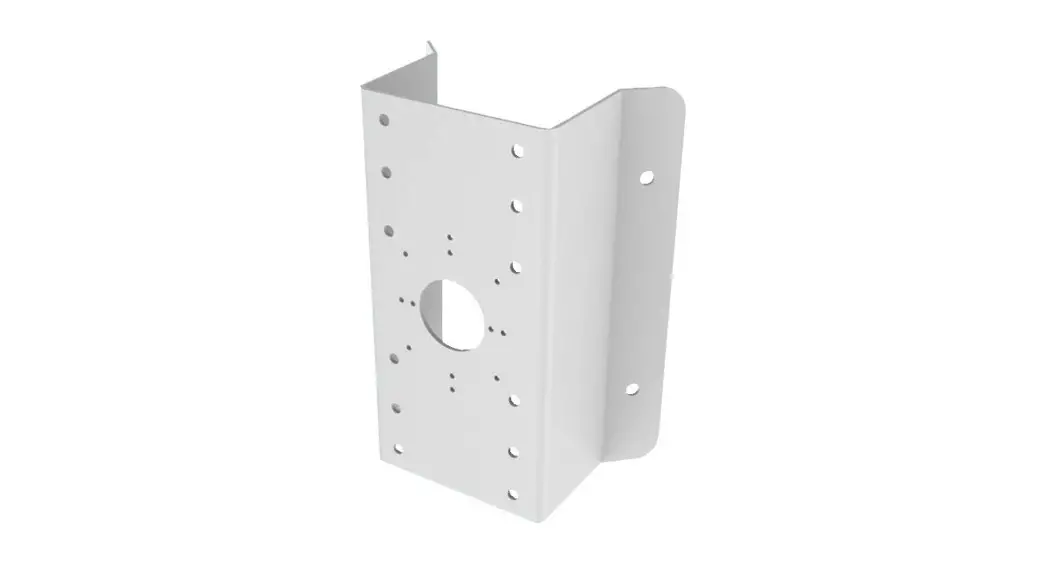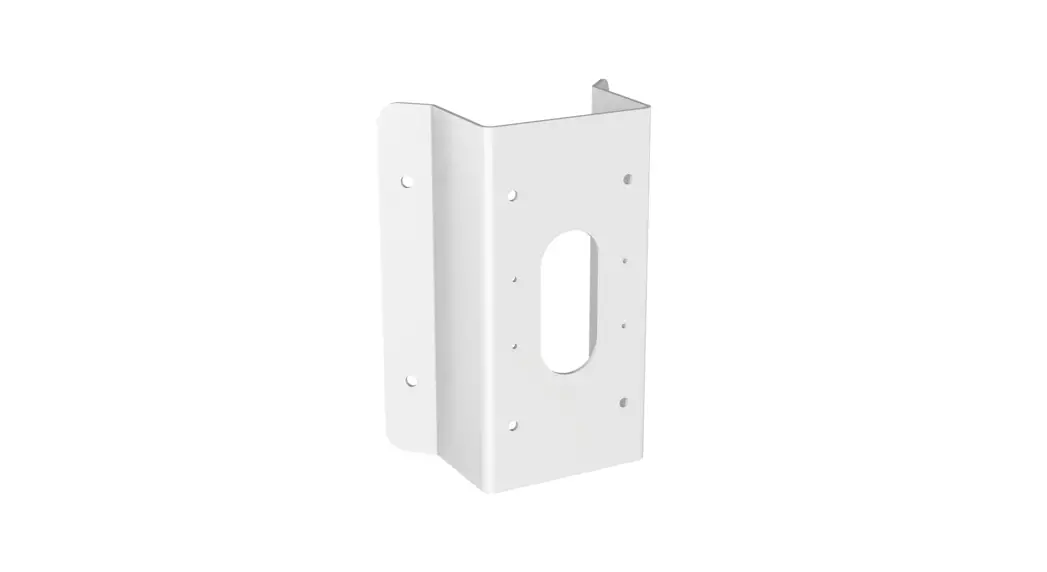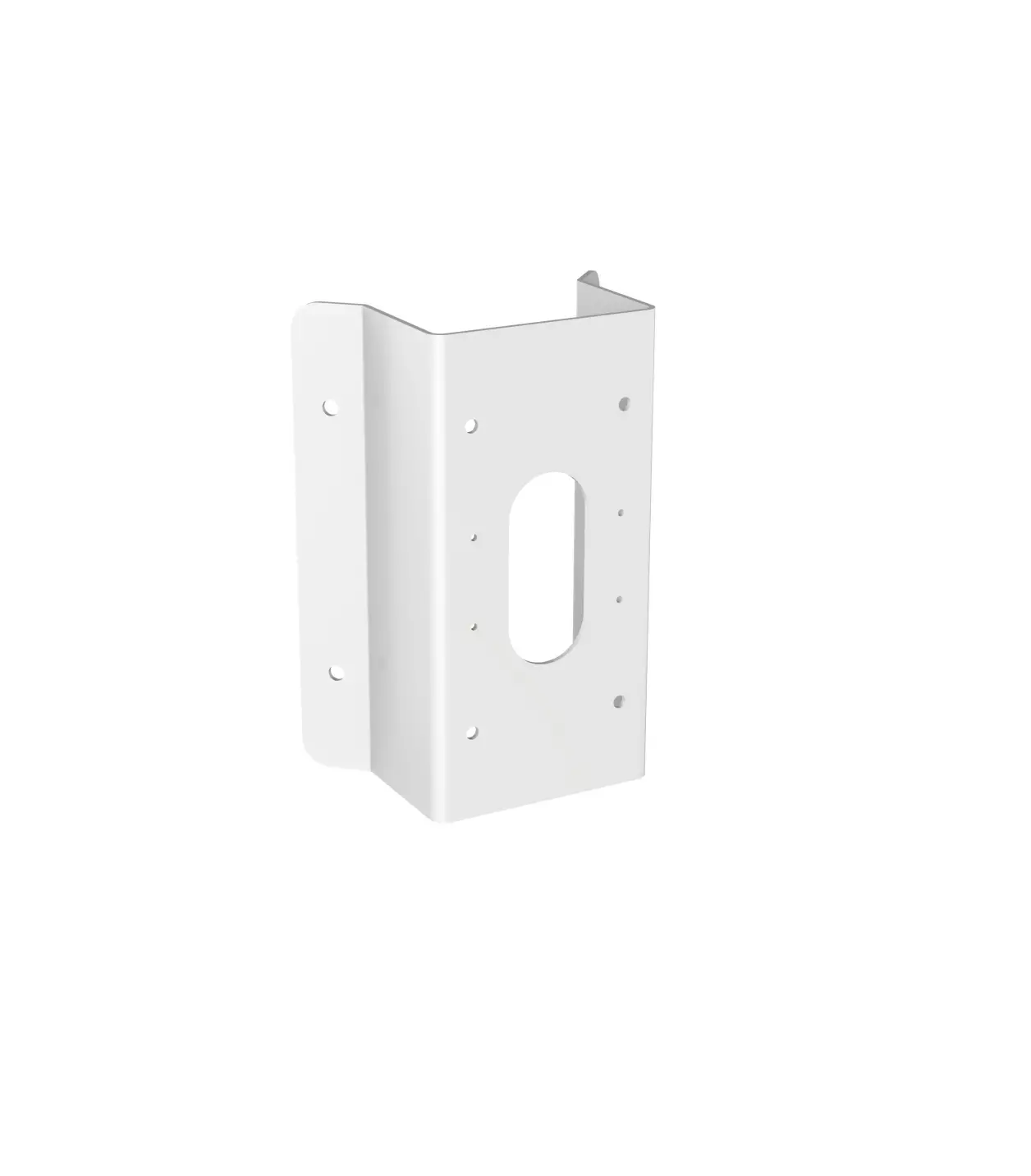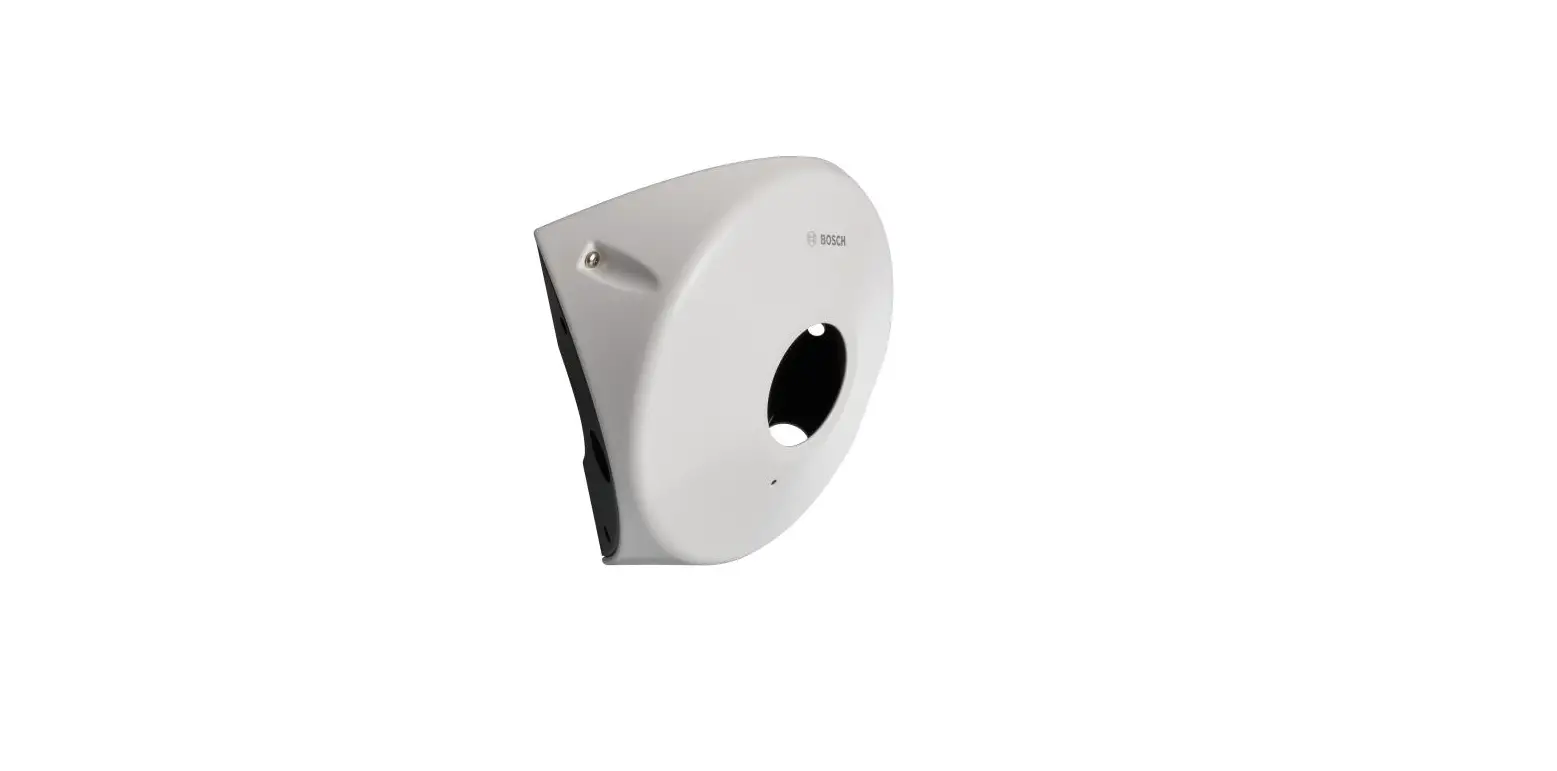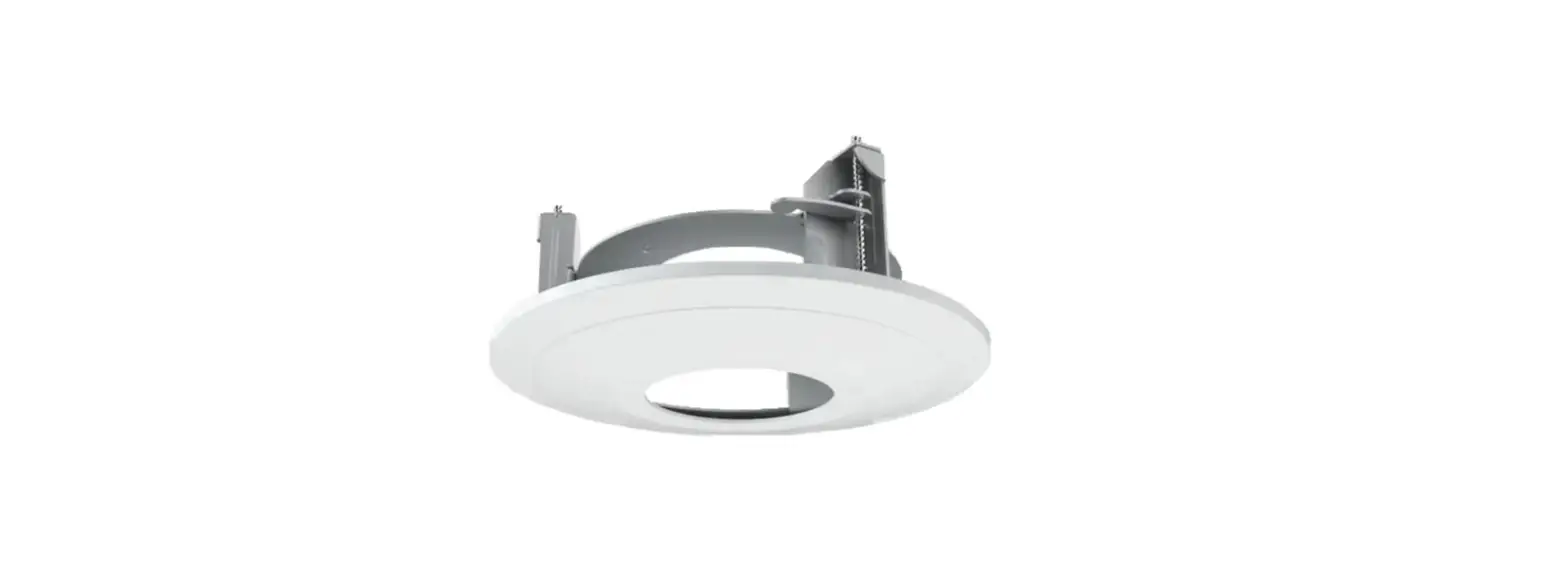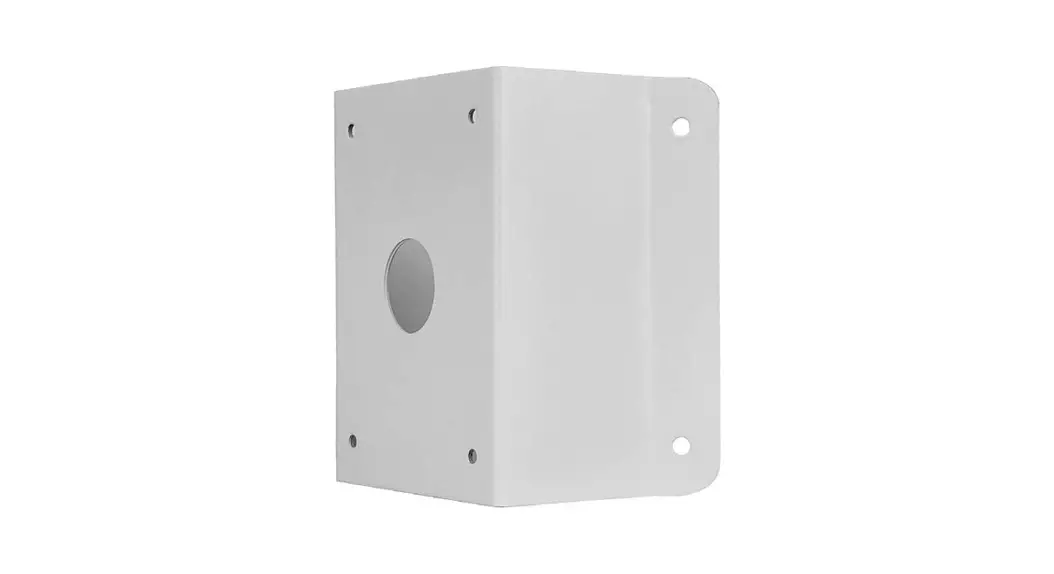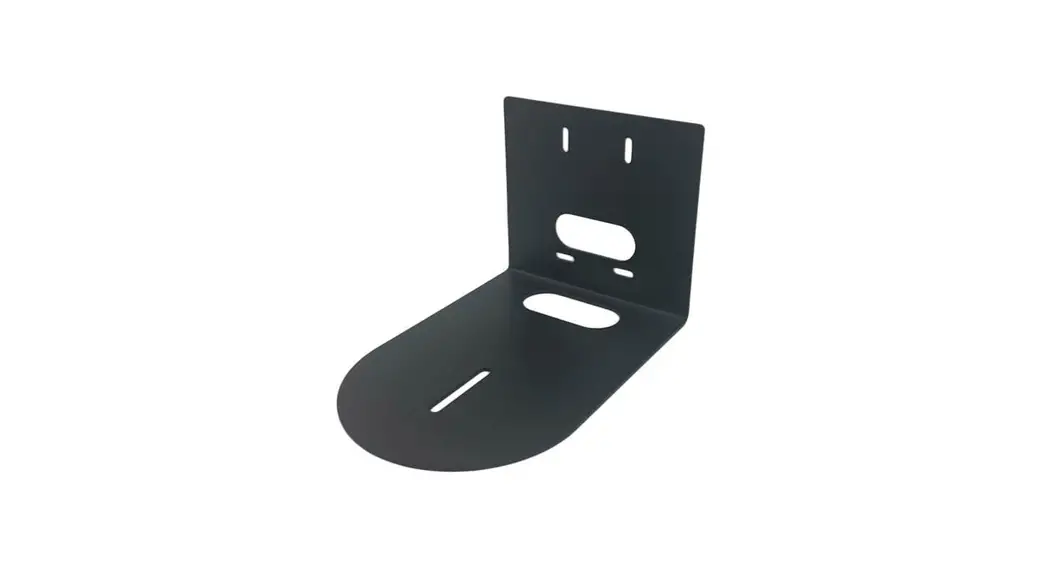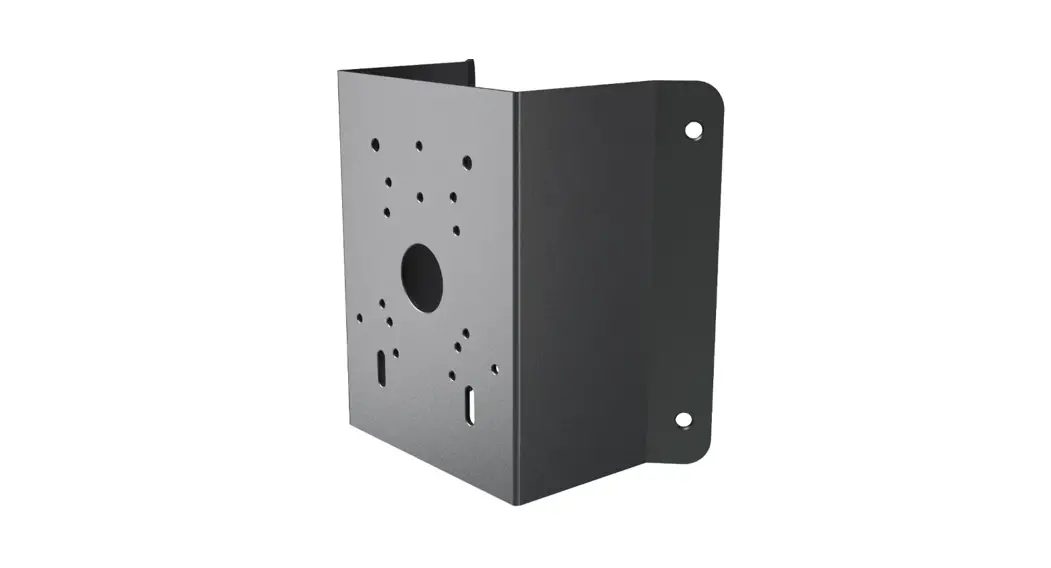
 CMT1G Corner Mount
User Guide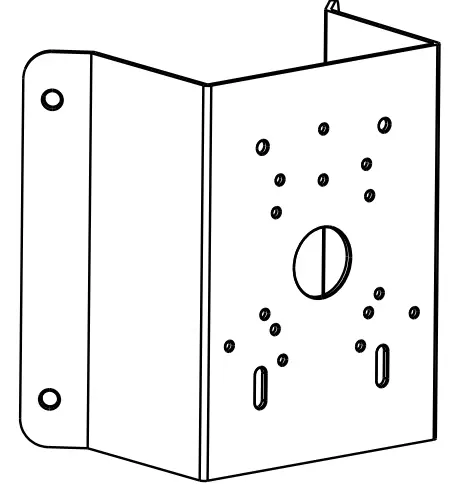 Corner Mount
Quick Start Guide
Thank you for purchasing our product. All examples and pictures used in the manual are only for reference purpose. Please take the real object as the standard.
Installation
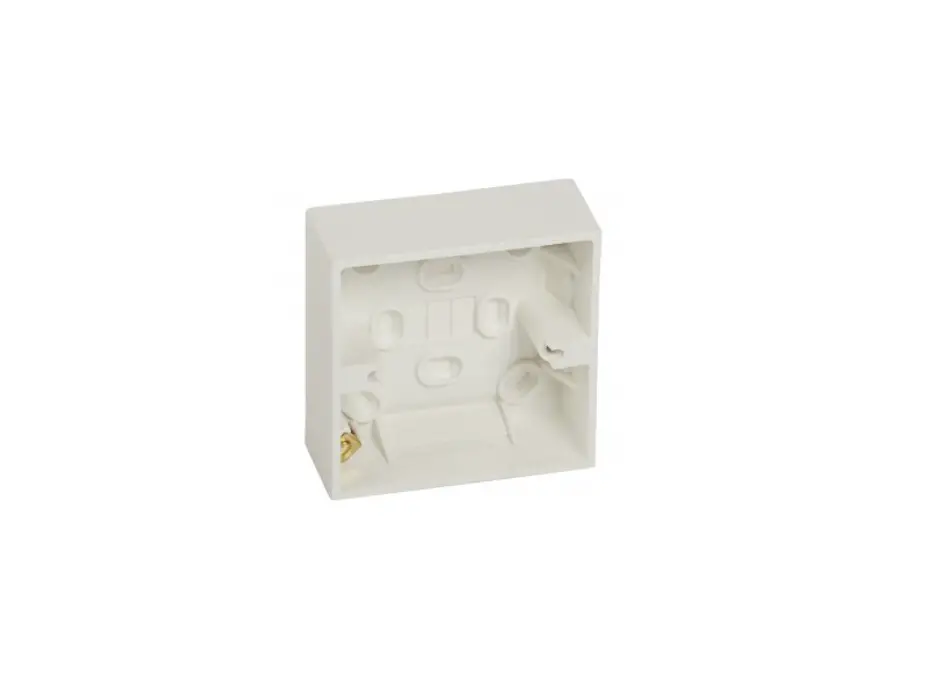
Corner mounting examples of the bracket and junction box.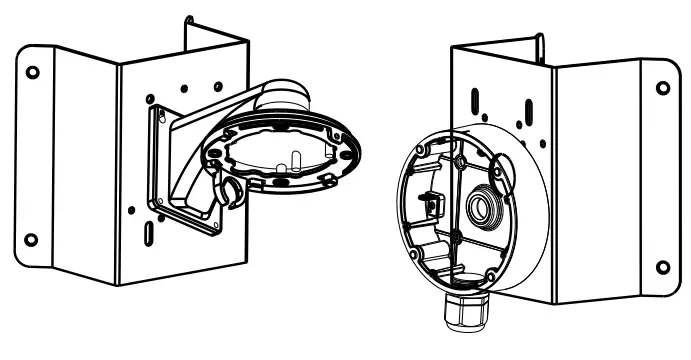 Here we only take some models for example to introduce their corner mounting with the junction box and other bracket. Please take the quick start guide of the relevant cameras for more details of camera installation.
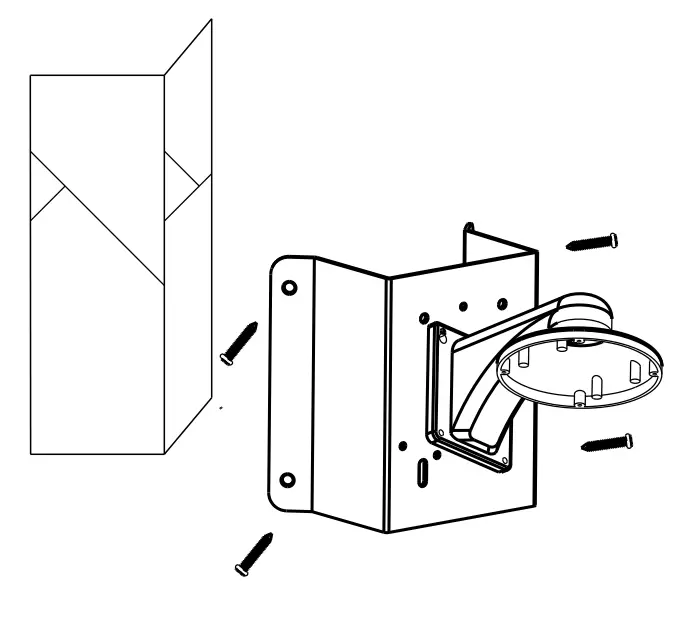
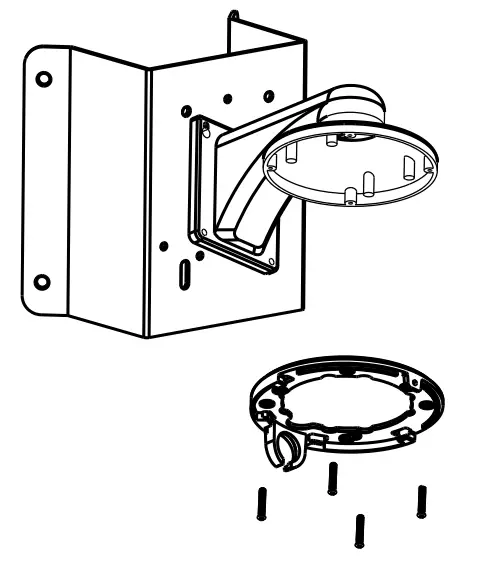
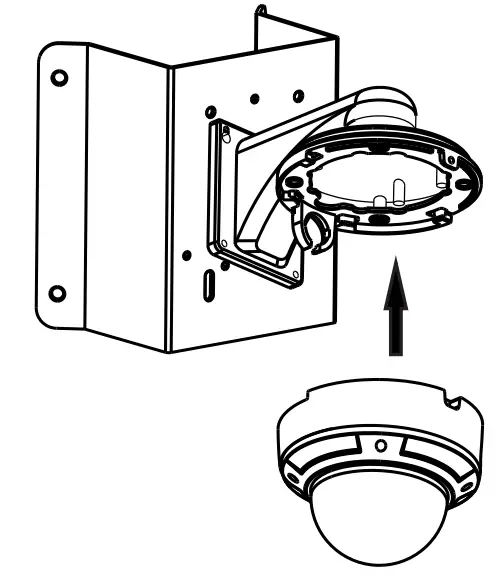
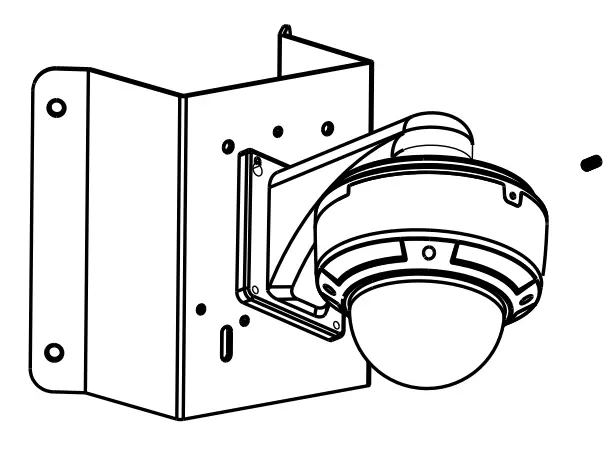
Corner Mounting of Dome Camera with Wall Mount
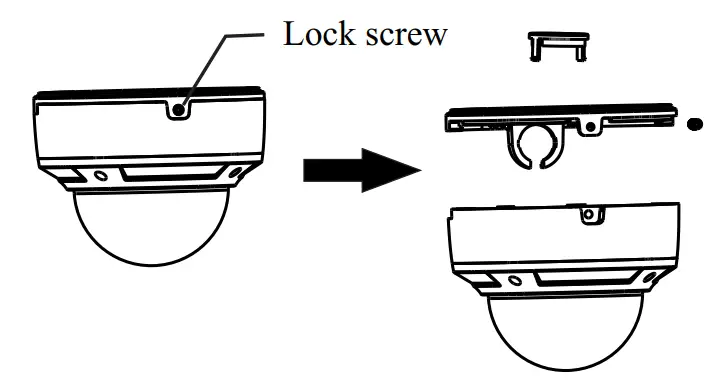
- Loosen the lock screw to remove the mounting base.

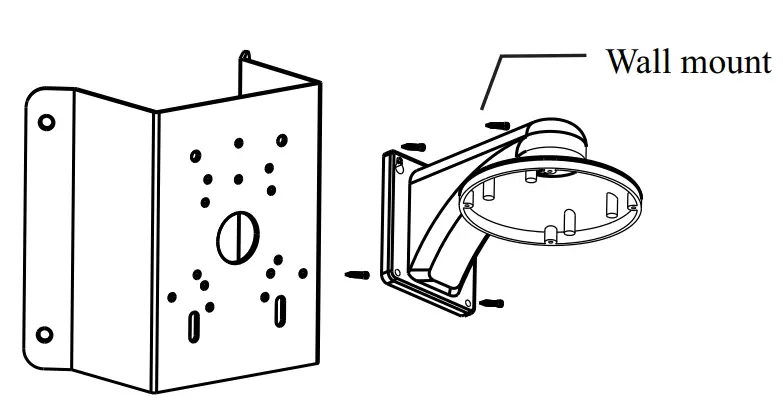
- Fix the wall mount to the corner mount with the nuts and bolts.

- Install the corner mount to the corner.

- Srew the mounting base of the dome camera to the wall mount with screws.

- Mount the camera to the mountingbase.

- Fix the camera with lock screw.

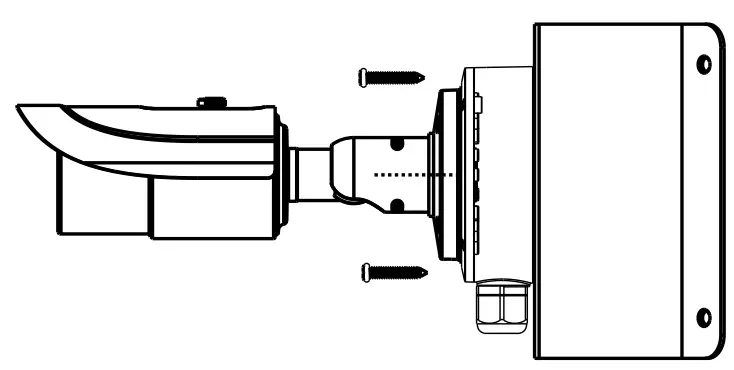
Corner Mounting of Bullet Camera with Junction Box
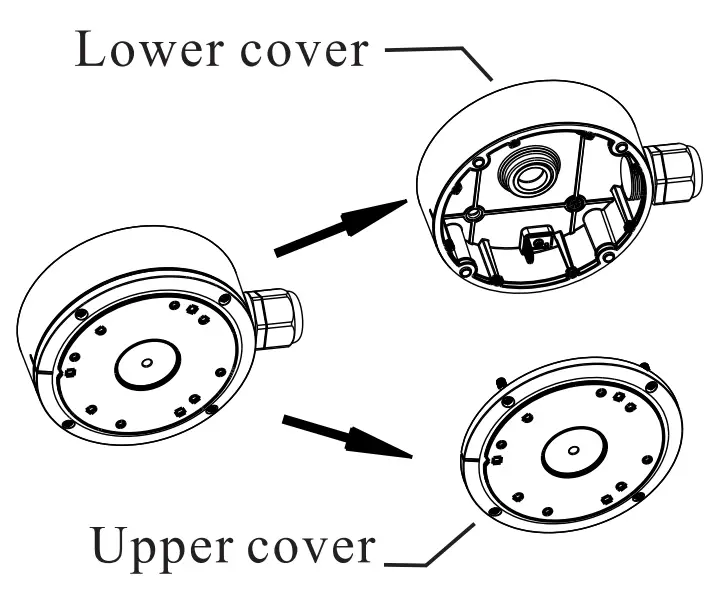
- Open the covers of the junction box.

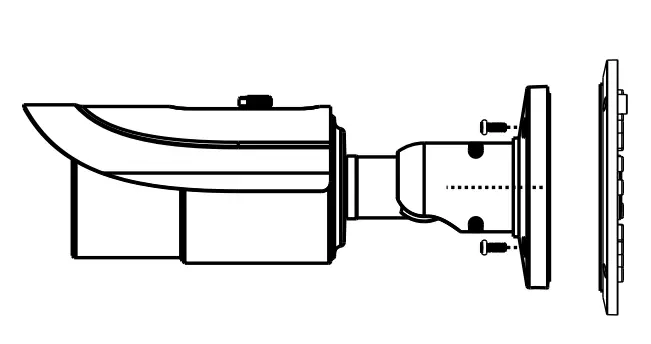
- Screw the camera to the upper cover of the junction box.

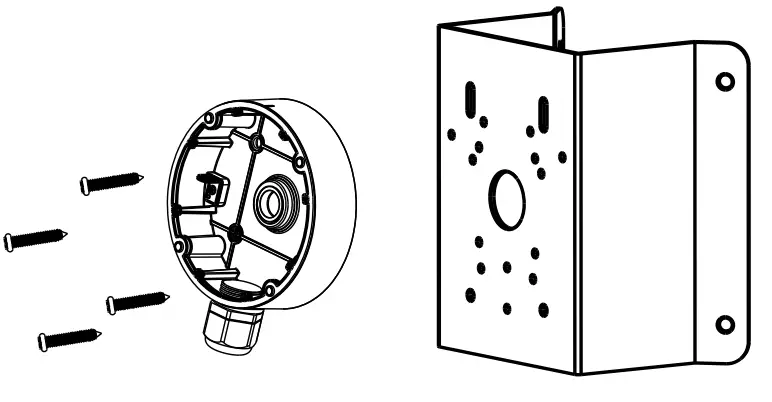
- Fix the lower cover of the junction box to the corner mount with the nuts and bolts.

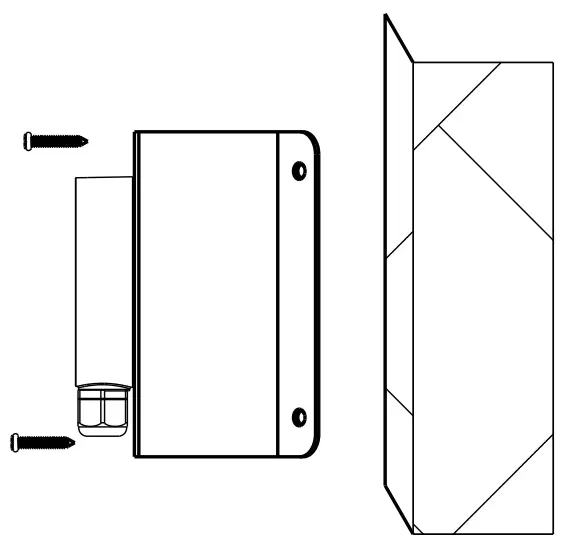
- Install the corner mount to the corner.

- Tighten the covers of the junction box with screws.

450043000725 A0