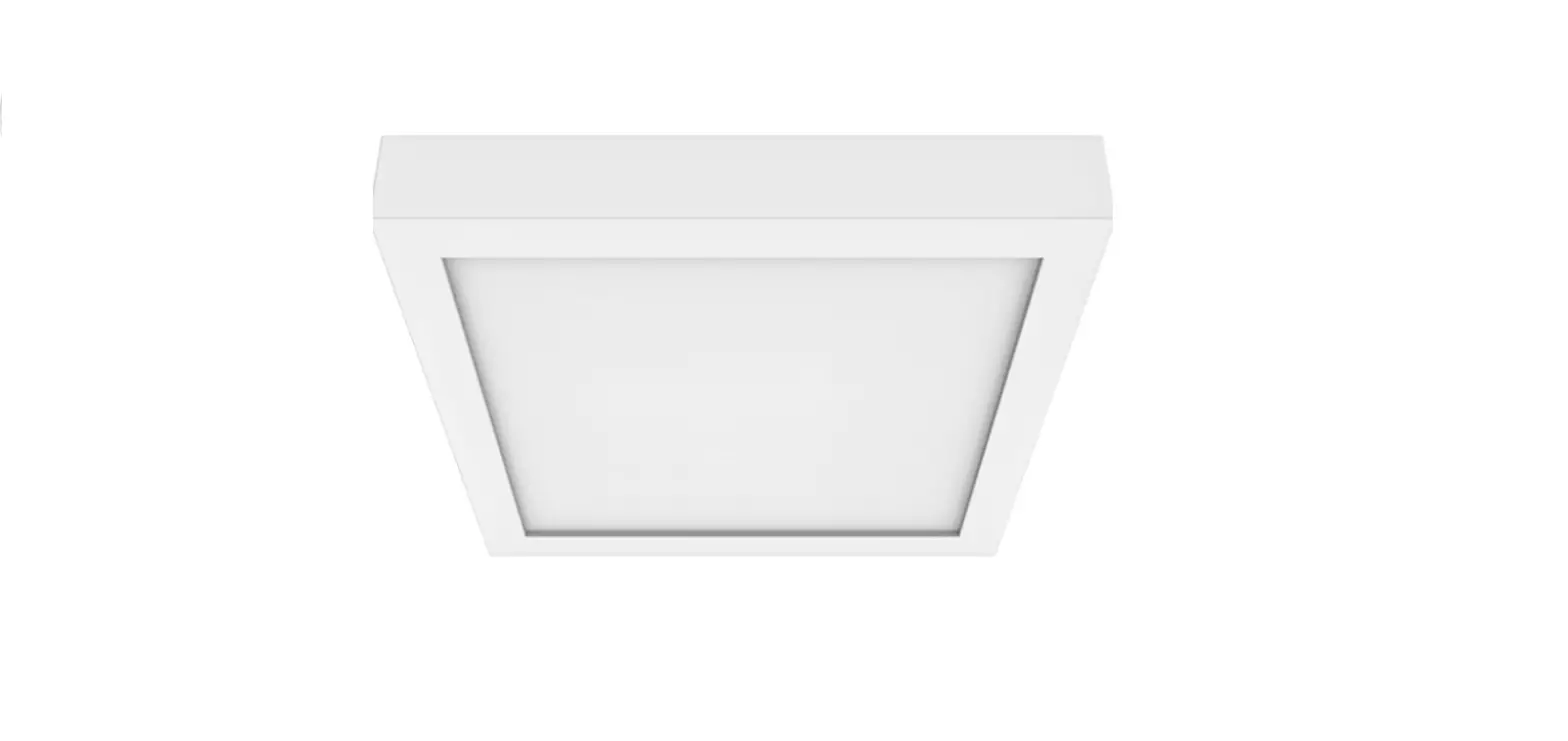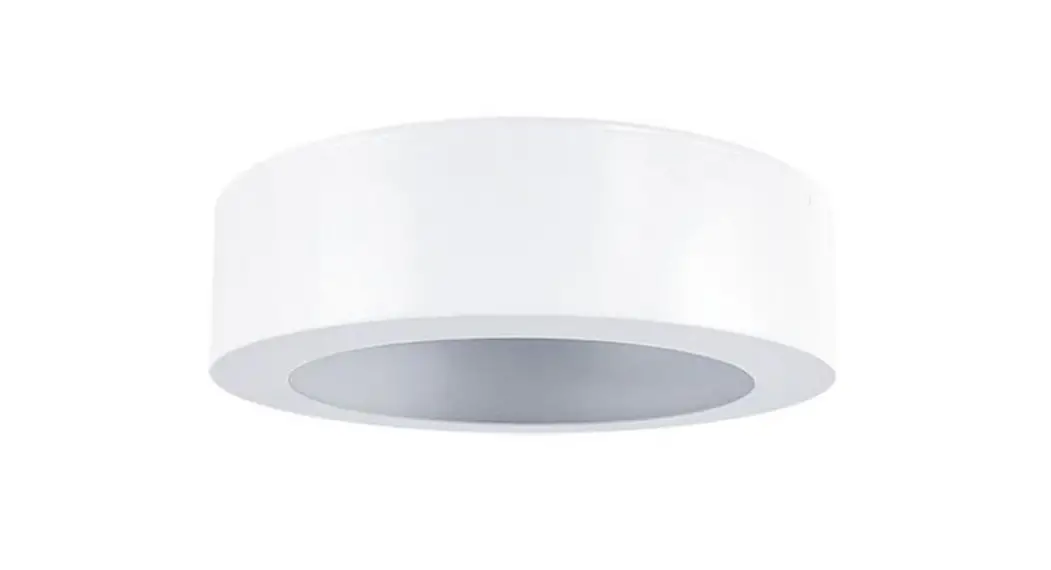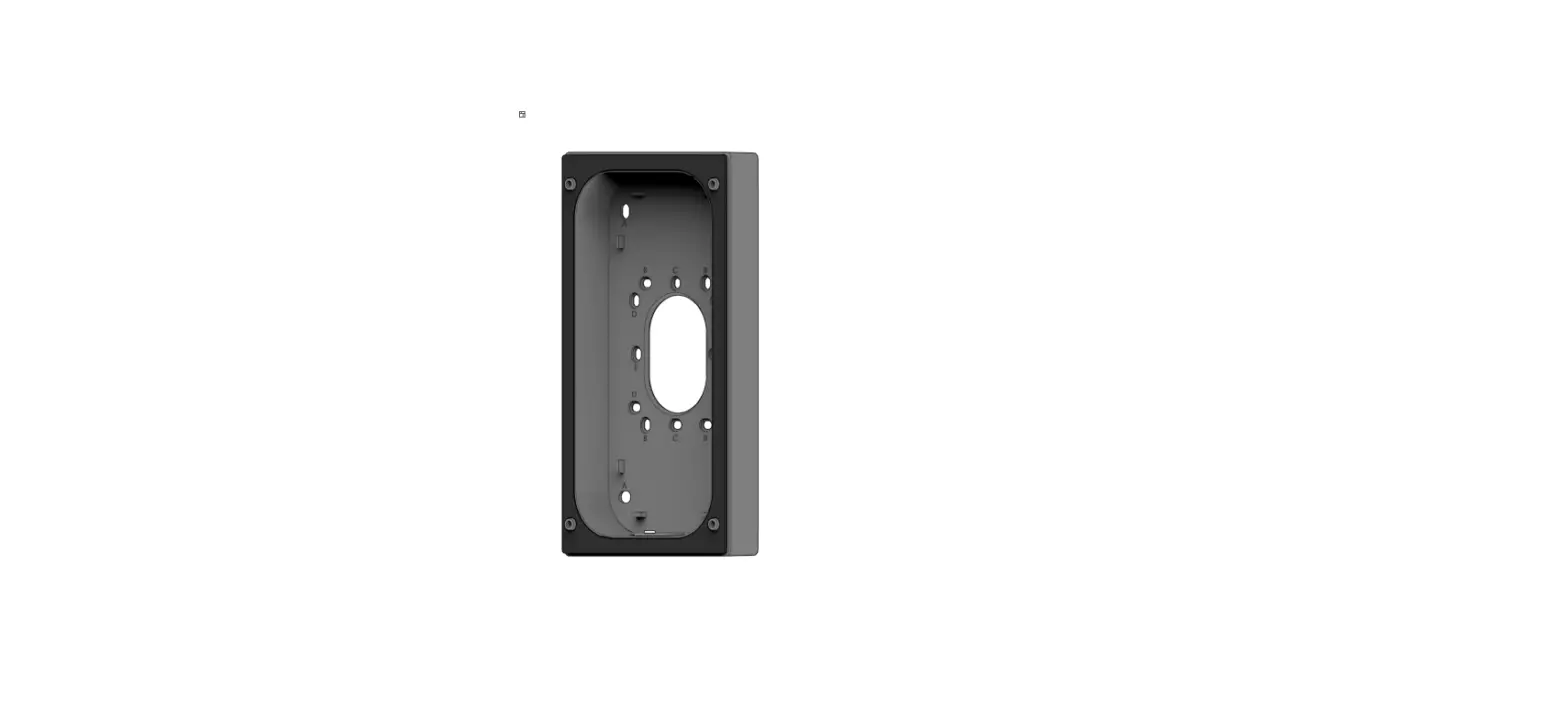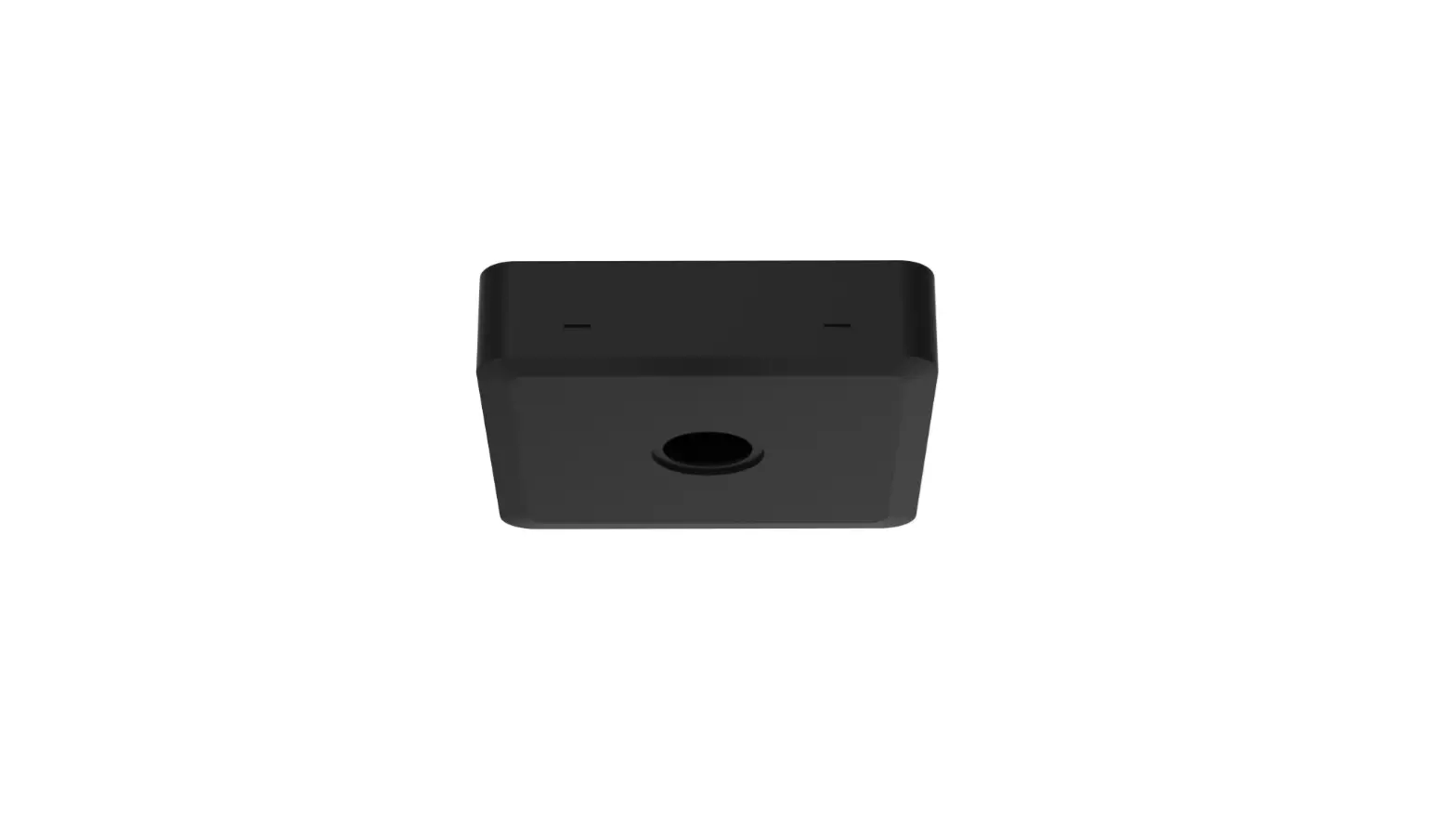
POWER-LITE ENM-SMB-B Surface Mount BOX Installation Guide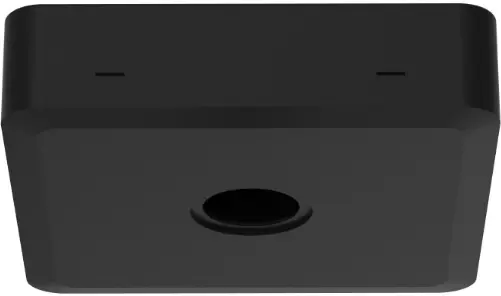
Installations
- Step 1
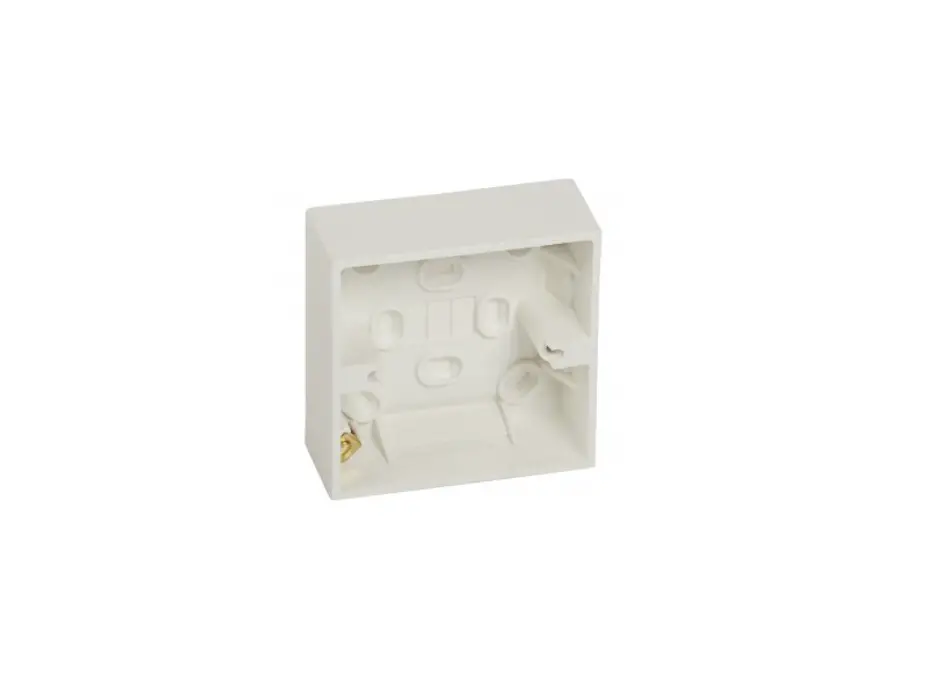
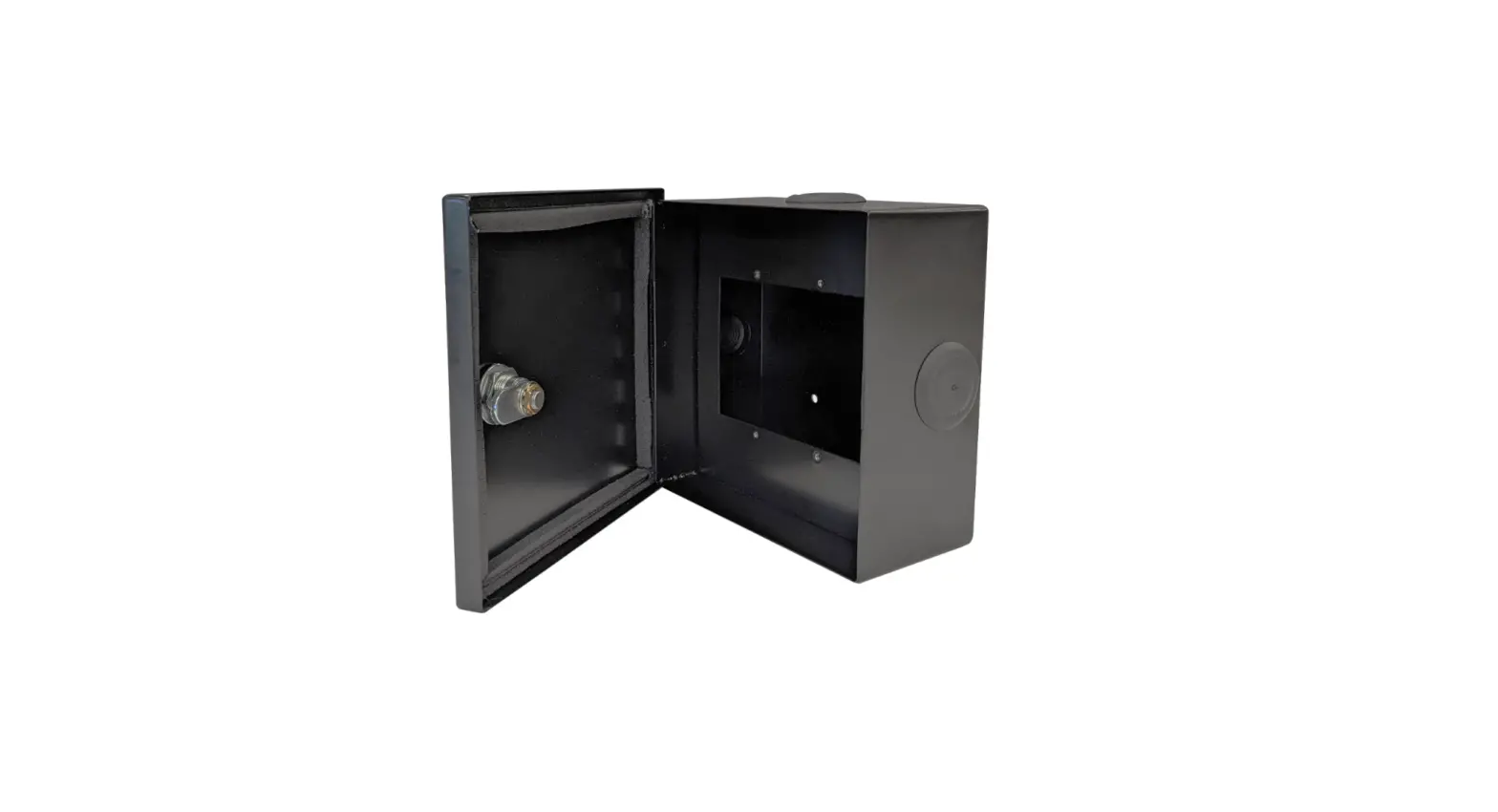
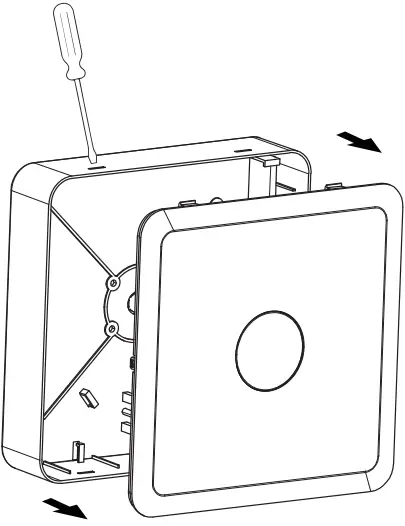
Unlock the cover of the surface mount box with a flat screwdriver.
- Step 2
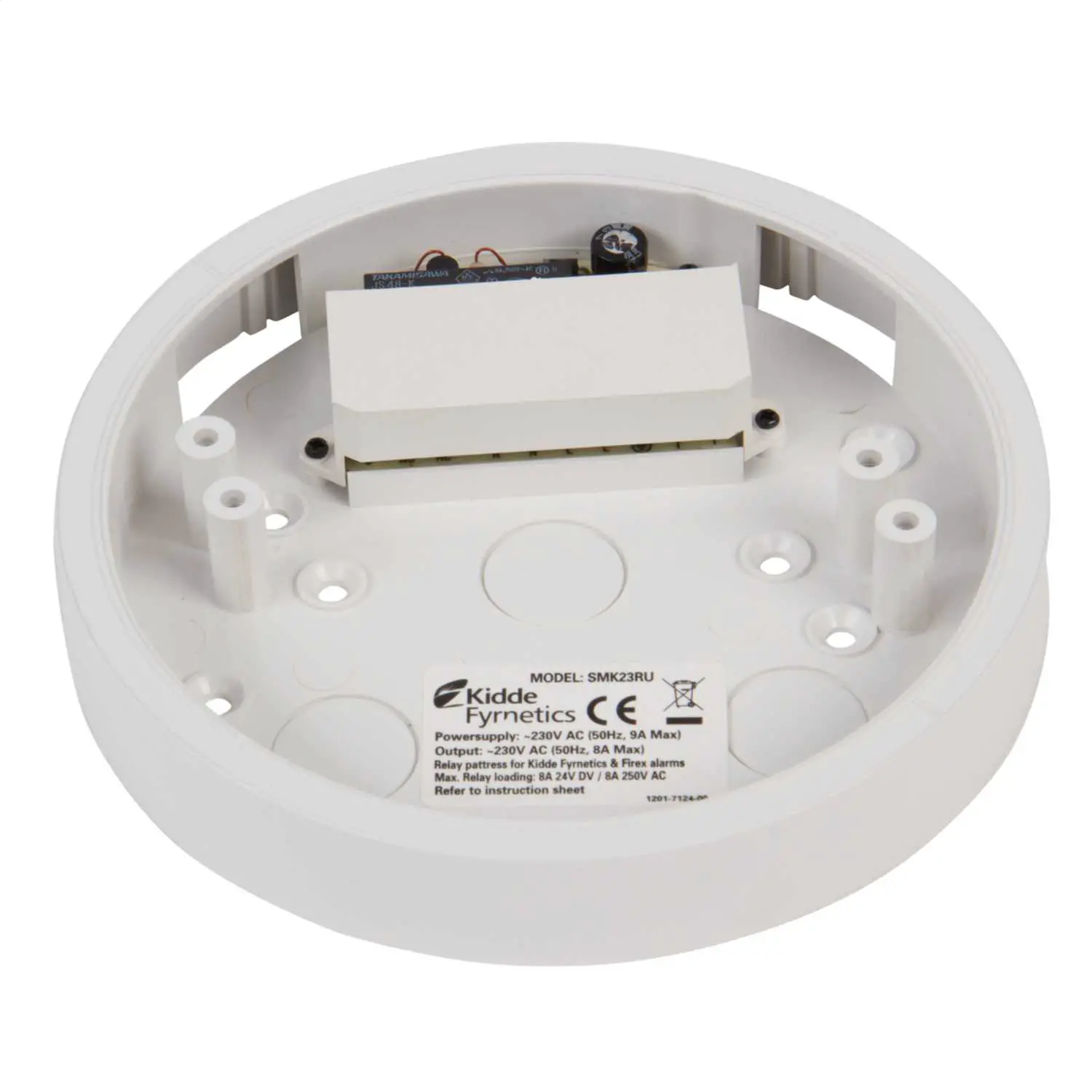
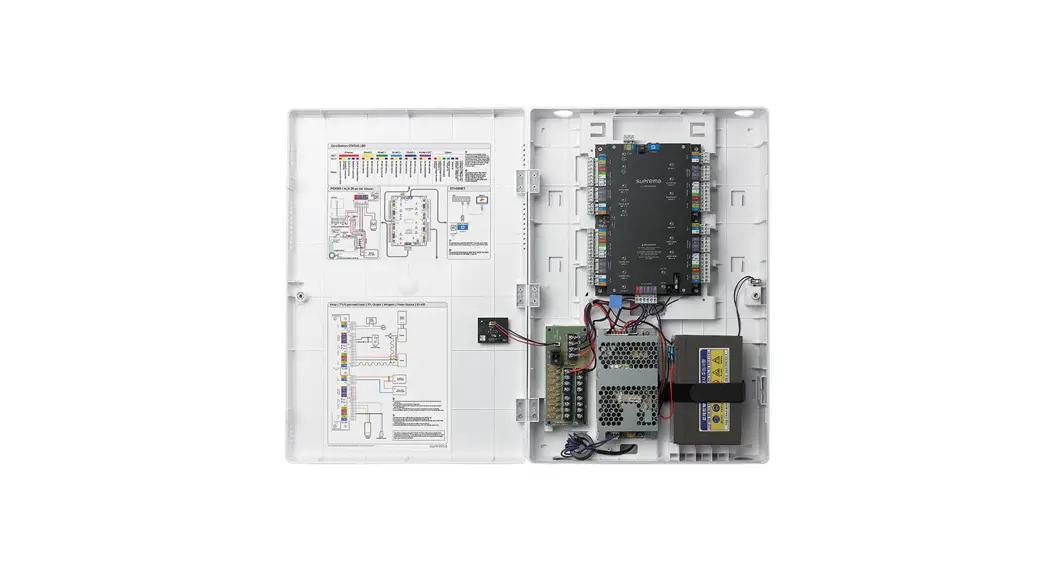
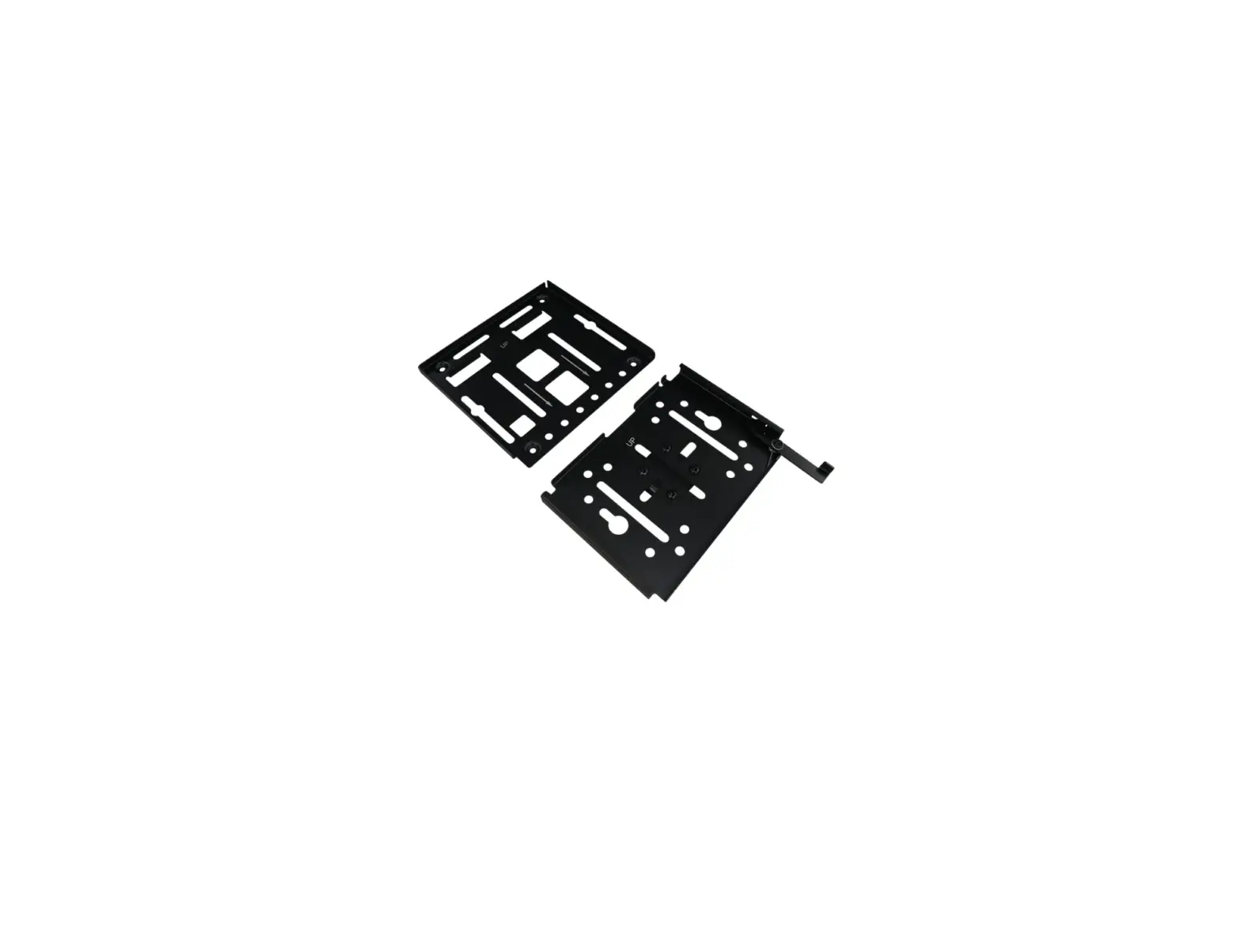
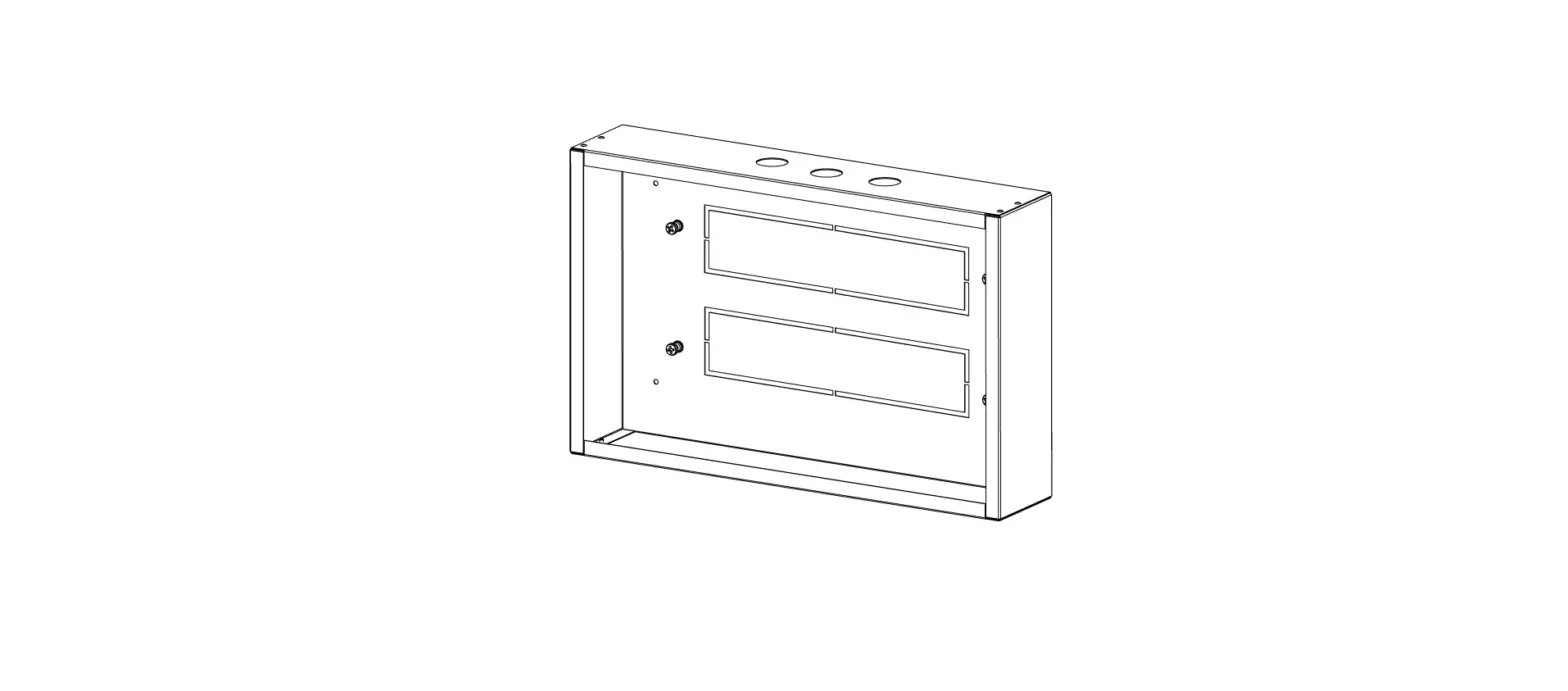
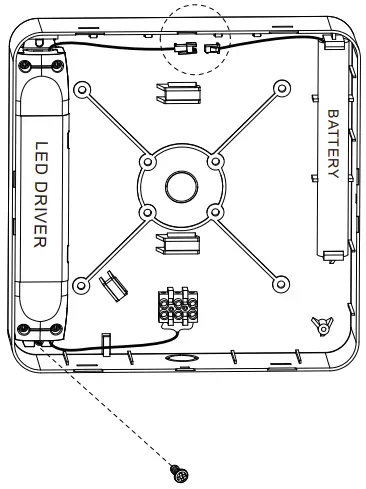
Fix LED driver, battery and PA terminal onto the base. Have battery connected to the driver, draw wires from the driver and connect them to the terminal.
- Step 3
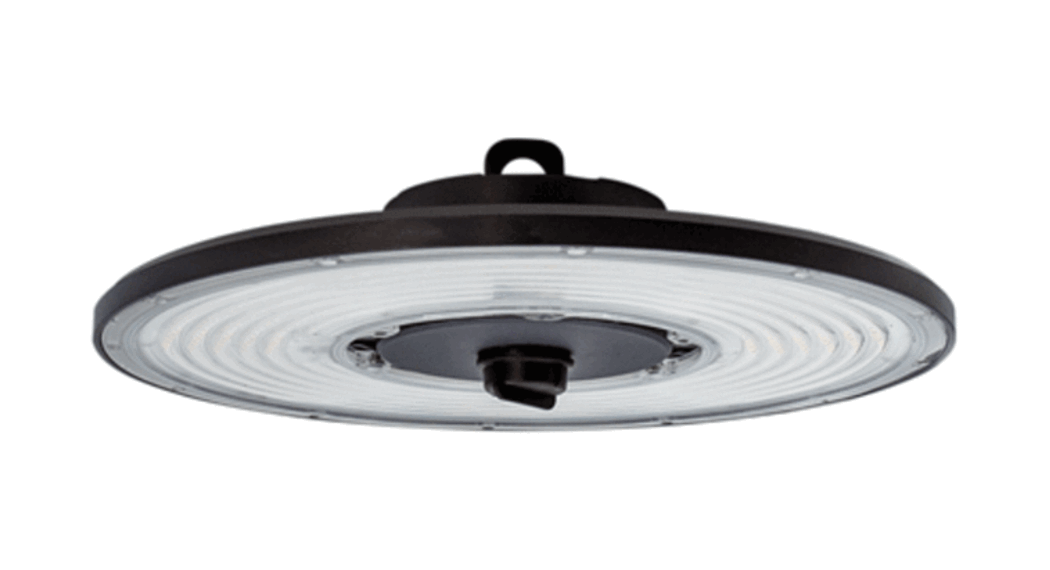
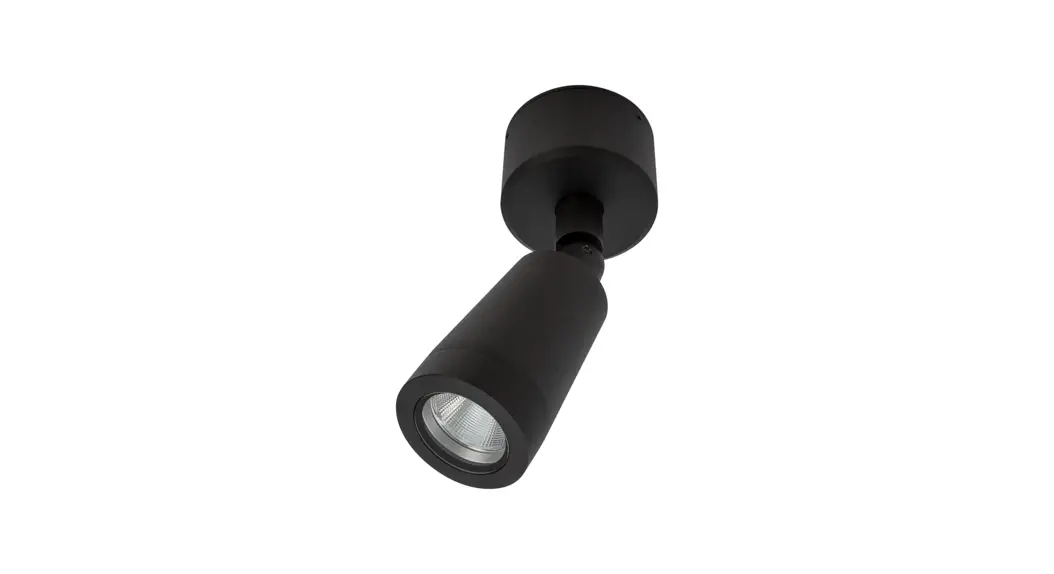
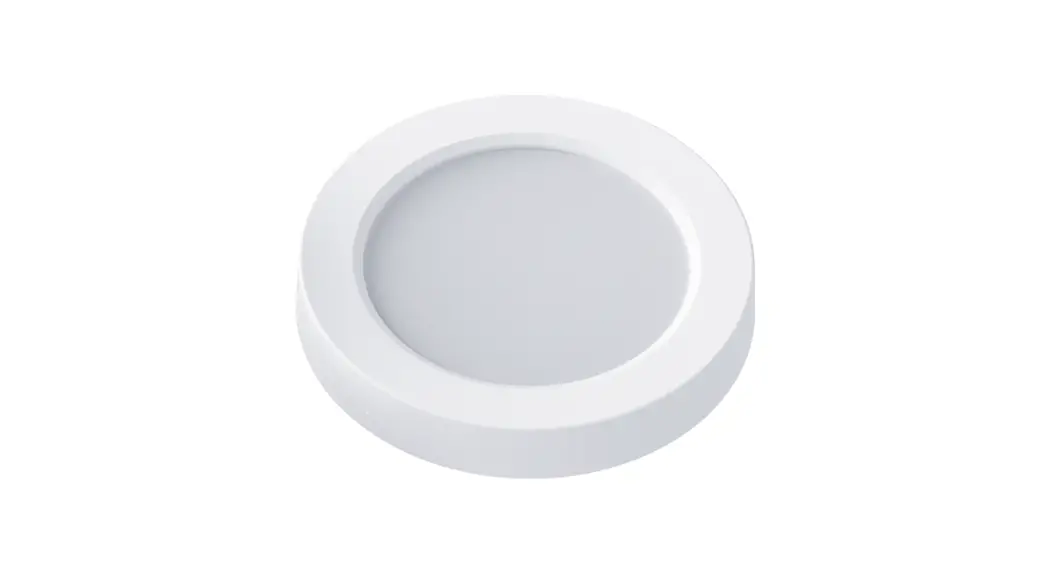
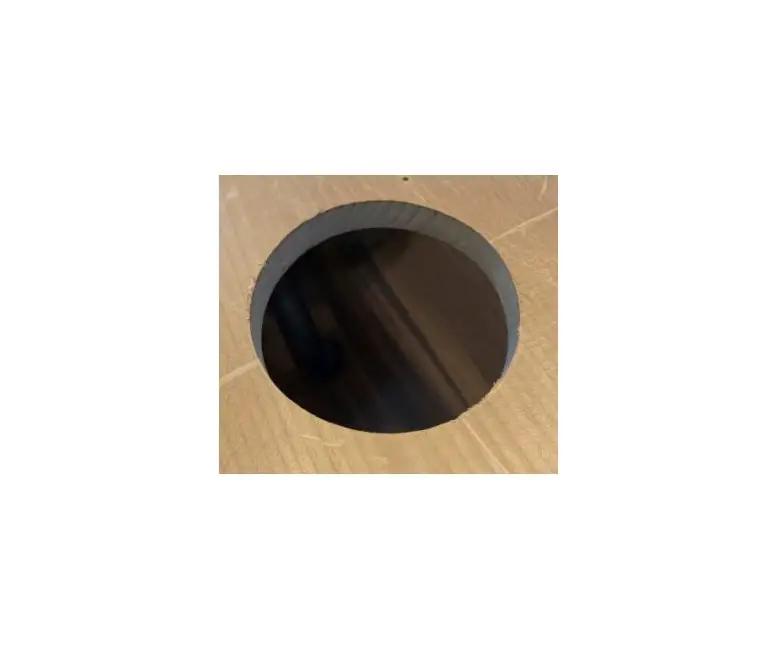
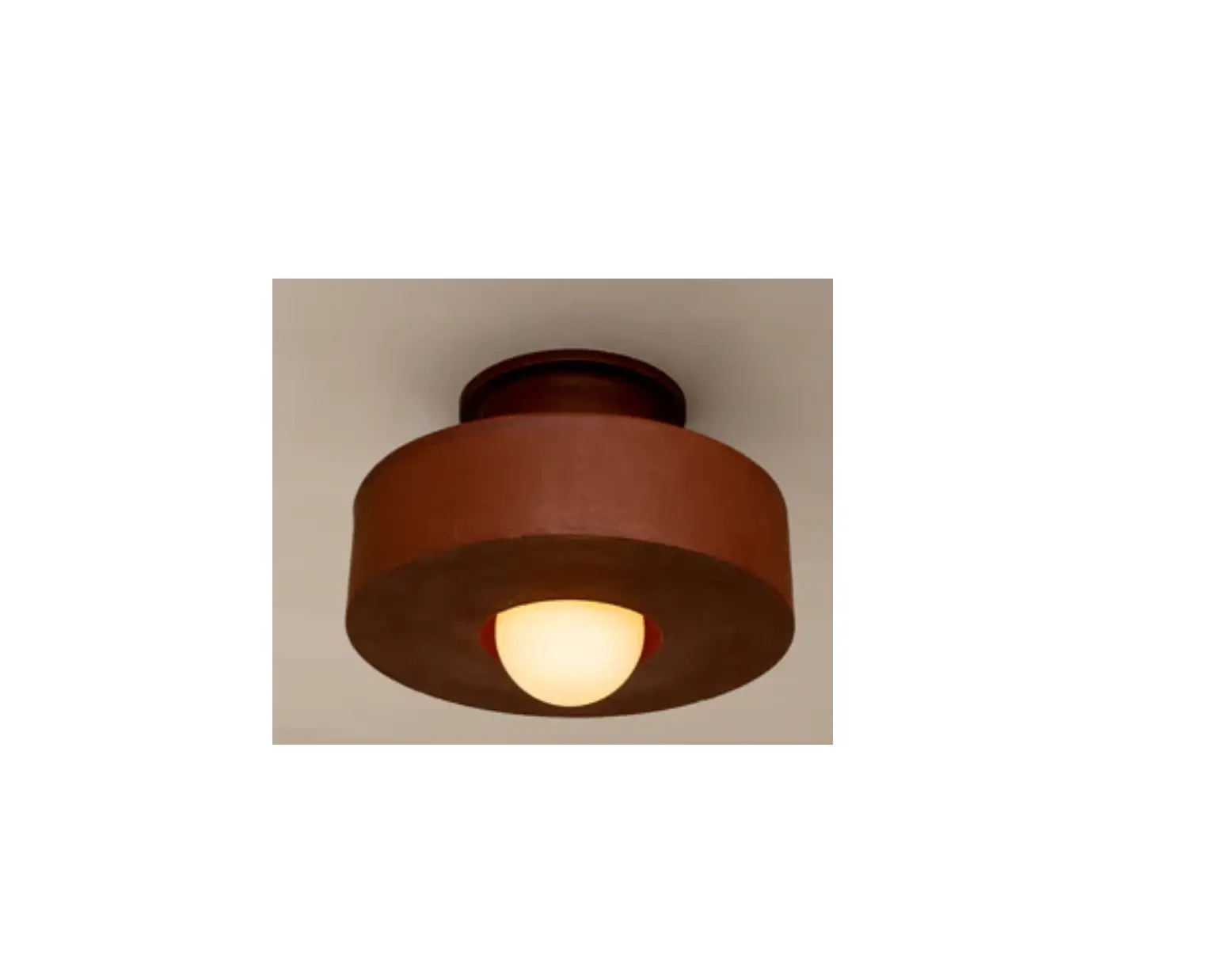
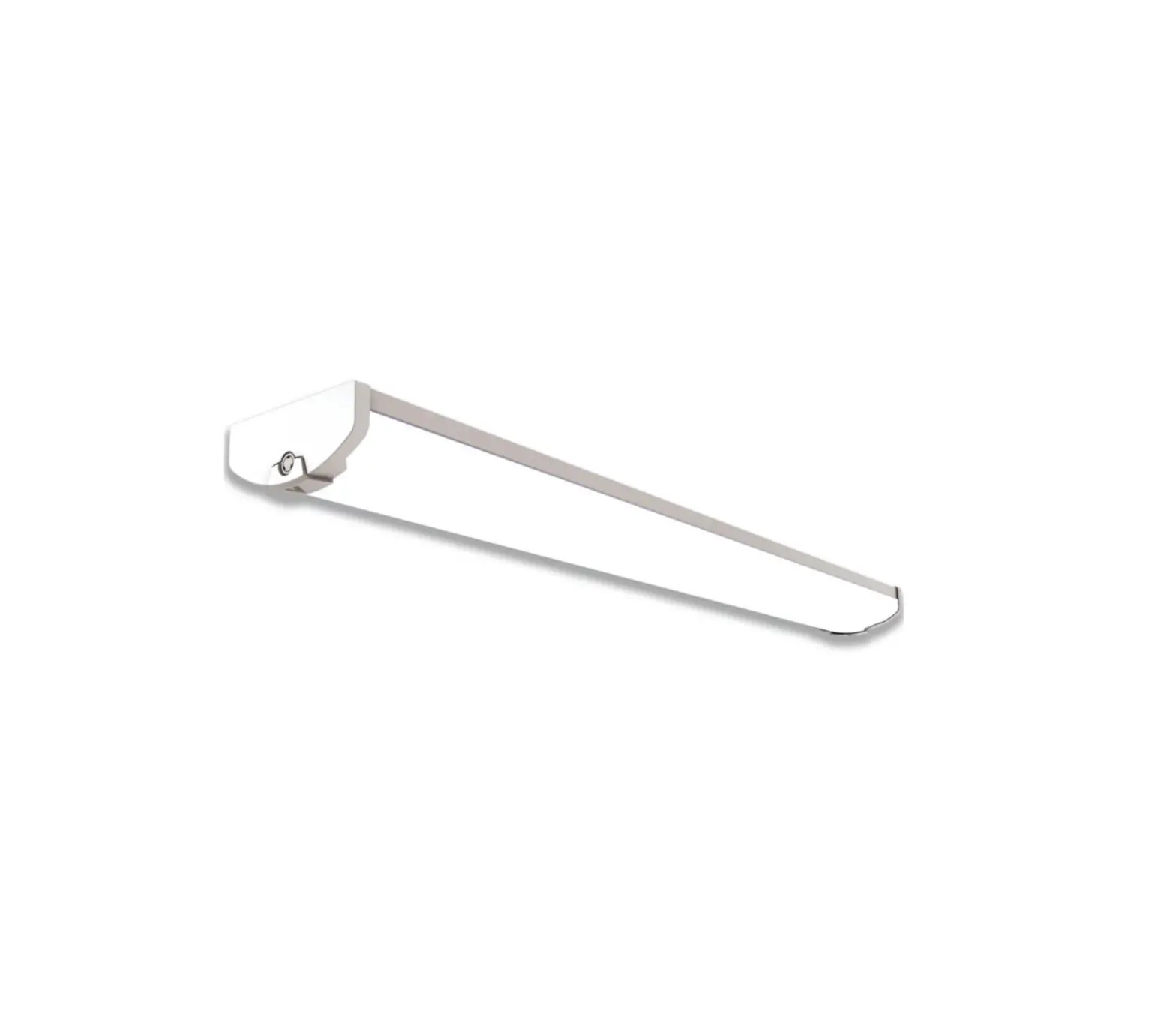
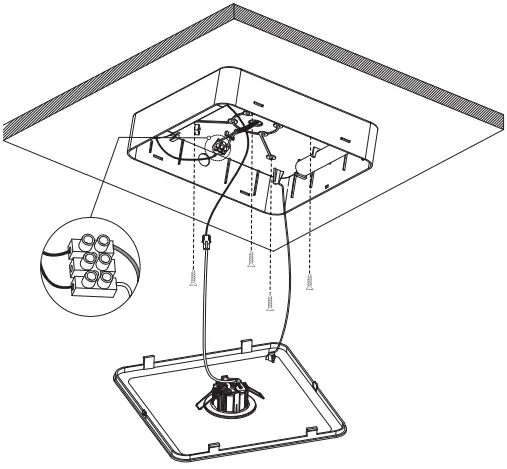
Knock out the mains power cable entry hole, and fix the base onto ceiling with 4 screws. Connect the cable into terminal, have lamp head fixed onto cover, and safety rope connected, Connect the lamp head cable with driver.
- Step 4
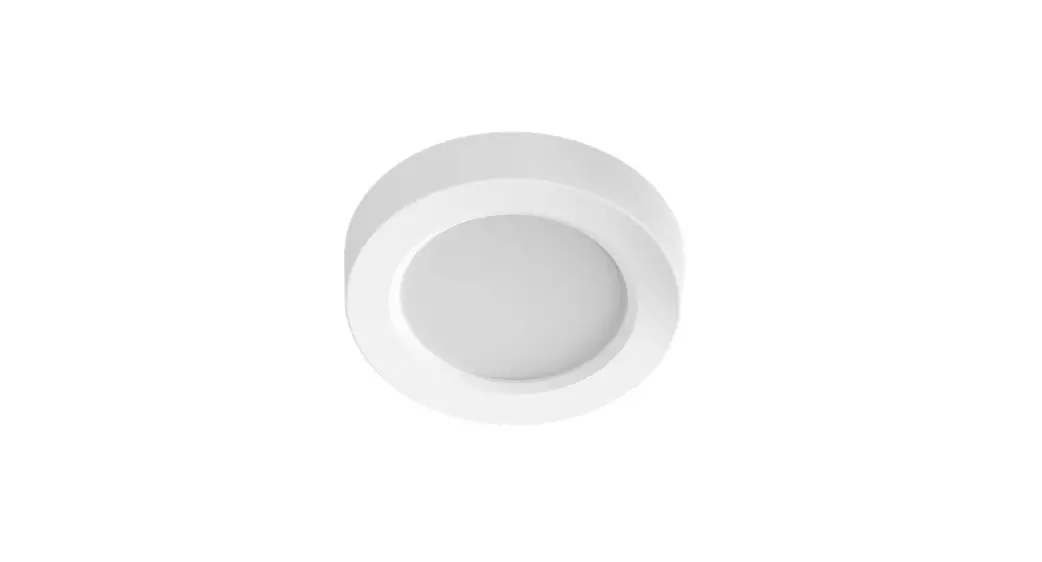
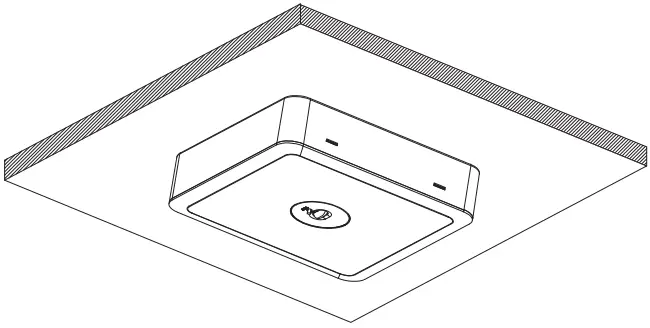
Click the cover on the base, and finish installation.
 1800 909 306
 nedlandsgroup.com.au
 [email protected]