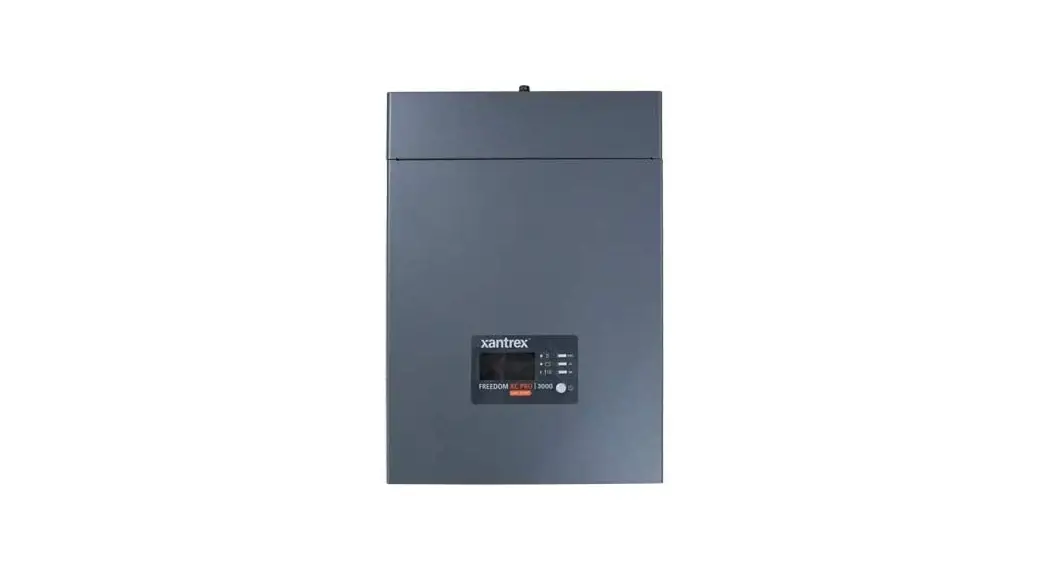

Communications Firmware for
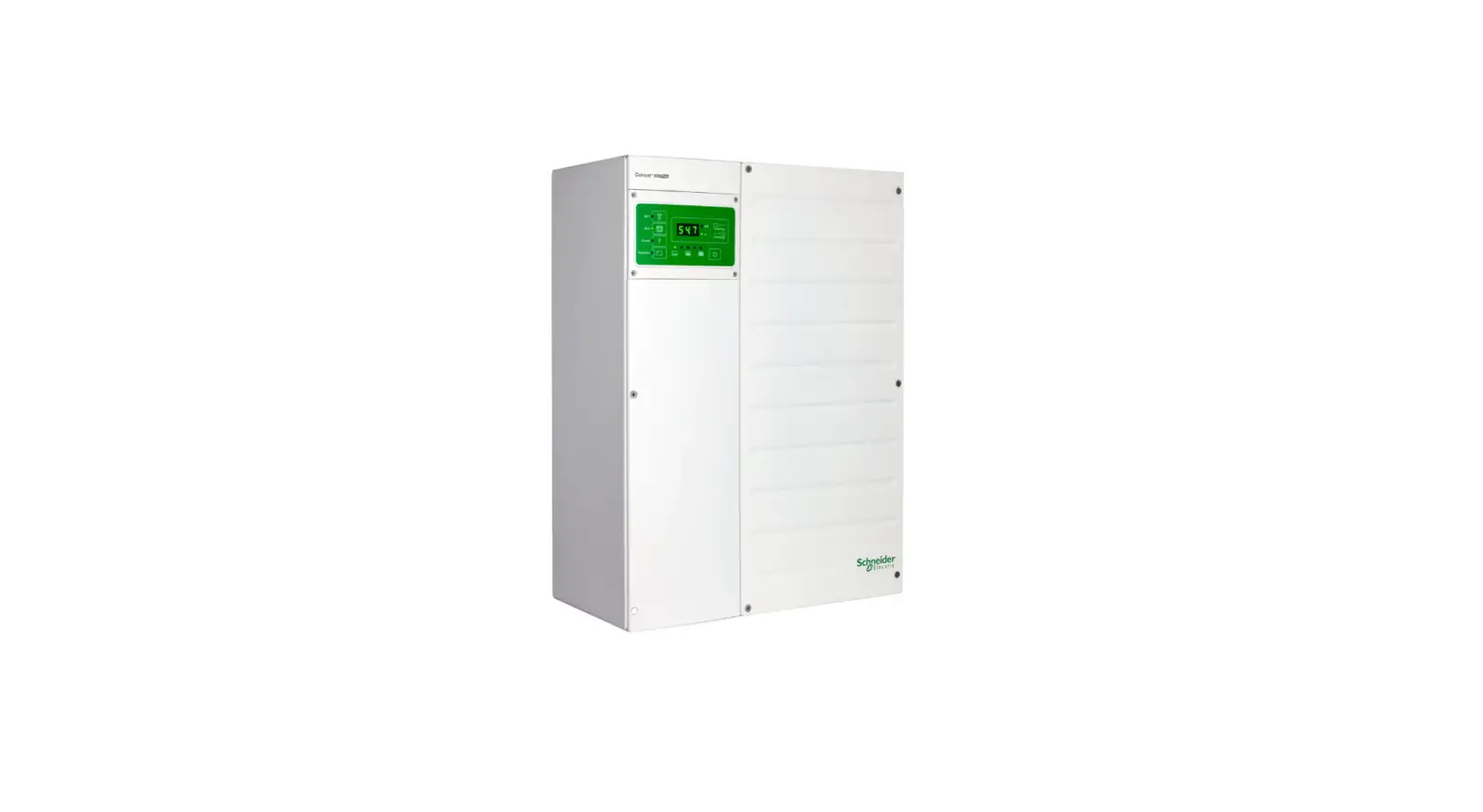
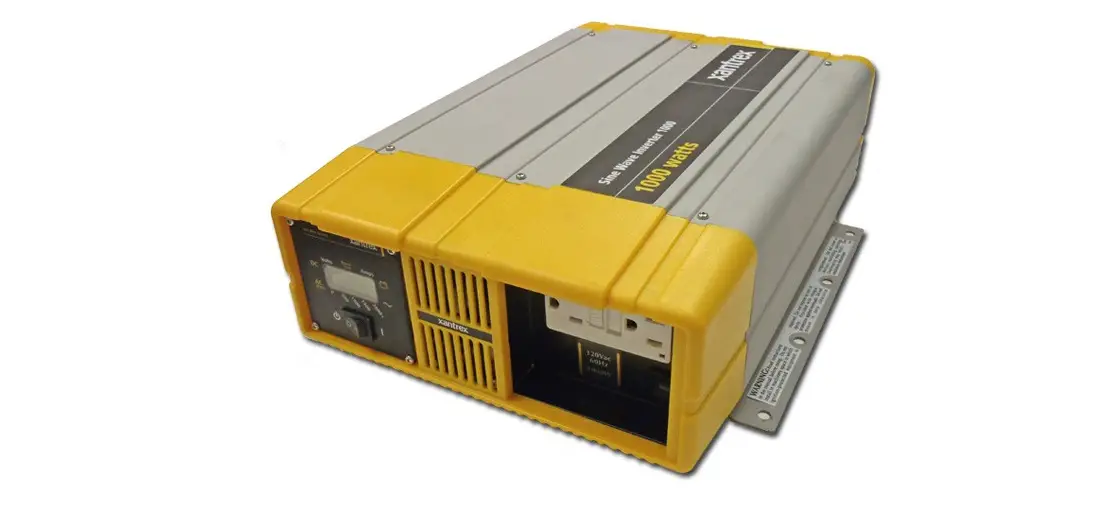
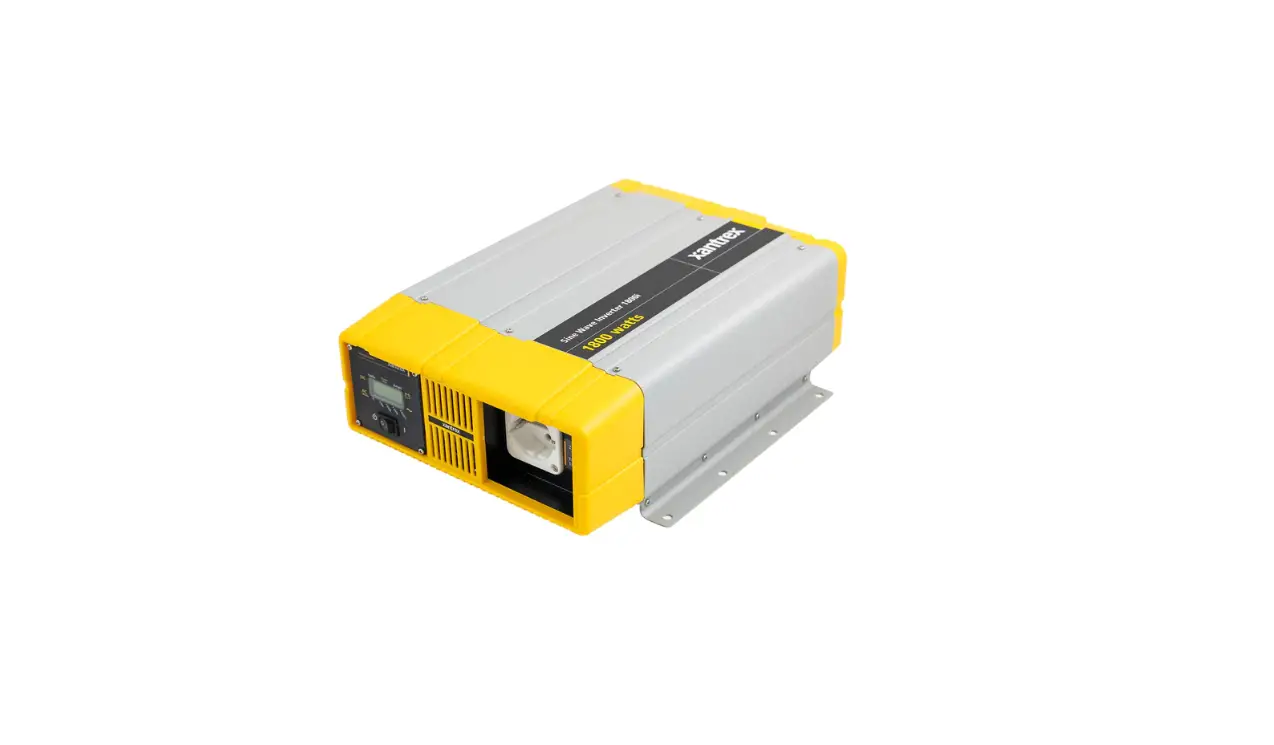
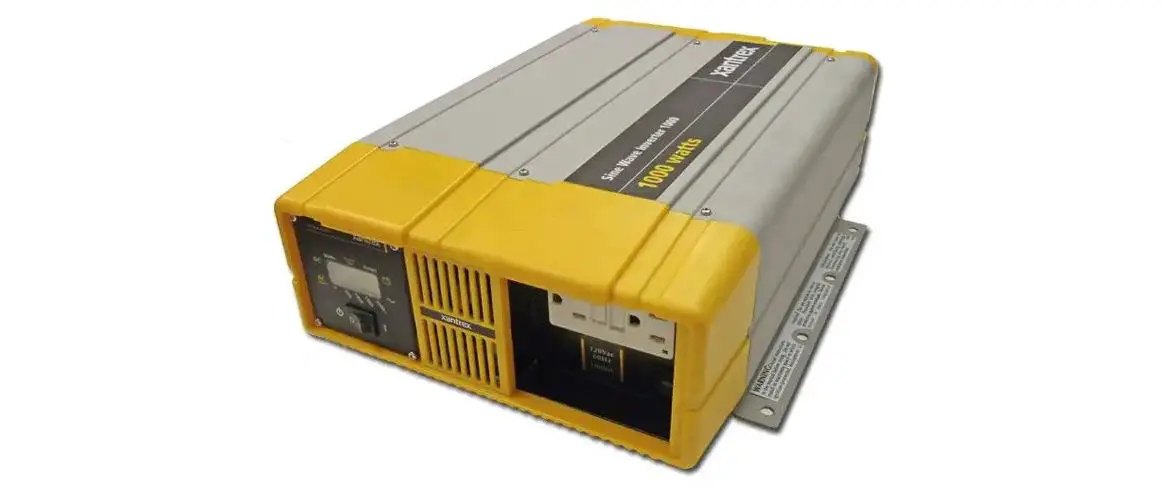
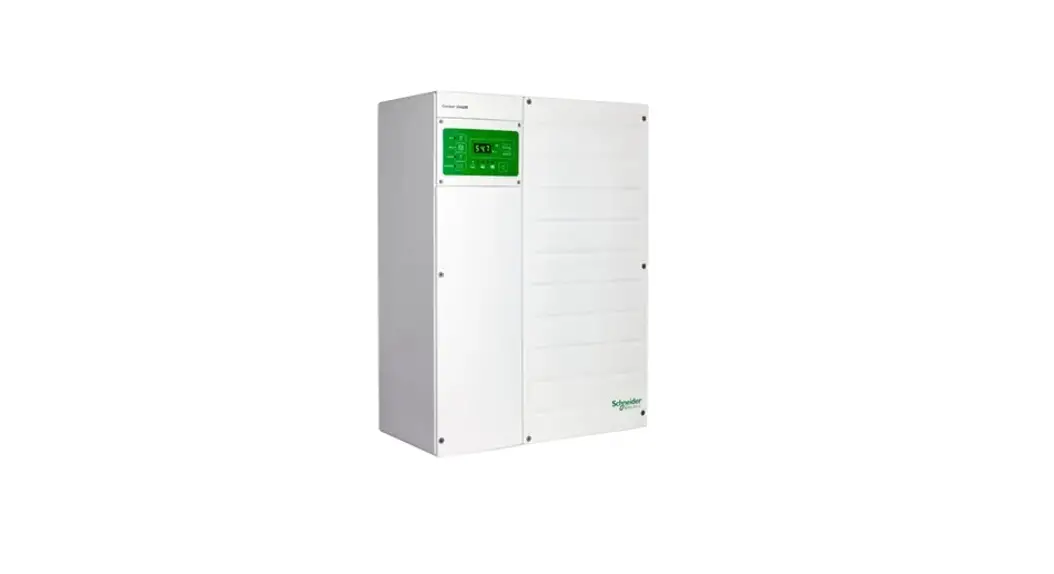
FREEDOM XC PRO Inverter/Charger
818-2010 and 818-3010
WHAT YOU NEED:
Download the latest firmware version from www.xantrex.com
Computer | Internet Connection | USB Drive | Access to FREEDOM XC PRO inverter/charger
STEP 1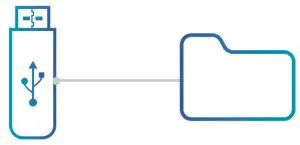
USB must have a capacity between 1GB to 256GB
On a USB stick, create a folder titled exactly:
FreedomX_Firmware
STEP 2
Place both FREEDOM X firmware files fxcc.enc and fxcc_manifest.cbor onto the USB stick inside the FreedomX_Firmware folder.
STEP 3
Safely eject the USB from the PC.
STEP 4
Turn off all AC loads and turn off the vehicle engine. Ensure that the inverter/charger remains powered on.
STEP 5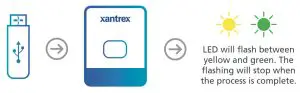
Insert the USB into the inverter/charger unit. Upon inserting the USB stick, the FREEDOM XC inverter/charger LED should flash showing that the USB
is recognized and the firmware is being downloaded.
STEP 6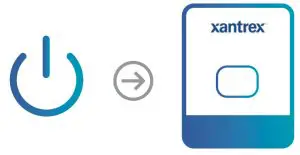
After the LED has stopped flashing, power cycle the inverter/charger (turn the inverter/charger off and on).
You should see that the LED has begun flashing again indicating that it is upgrading the FREEDOM X firmware.
STEP 7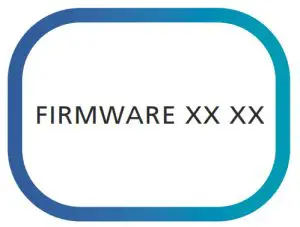
After the LED has stopped flashing, use the inverter’s local display to view FREEDOM X firmware screen (U3) which should show the new firmware version 01 06 (Press the ‘scroll button’ on the inverter/charger).
Copyright © 2020 Xantrex LLC. All Rights Reserved. All trademarks are owned by Xantrex LLC.